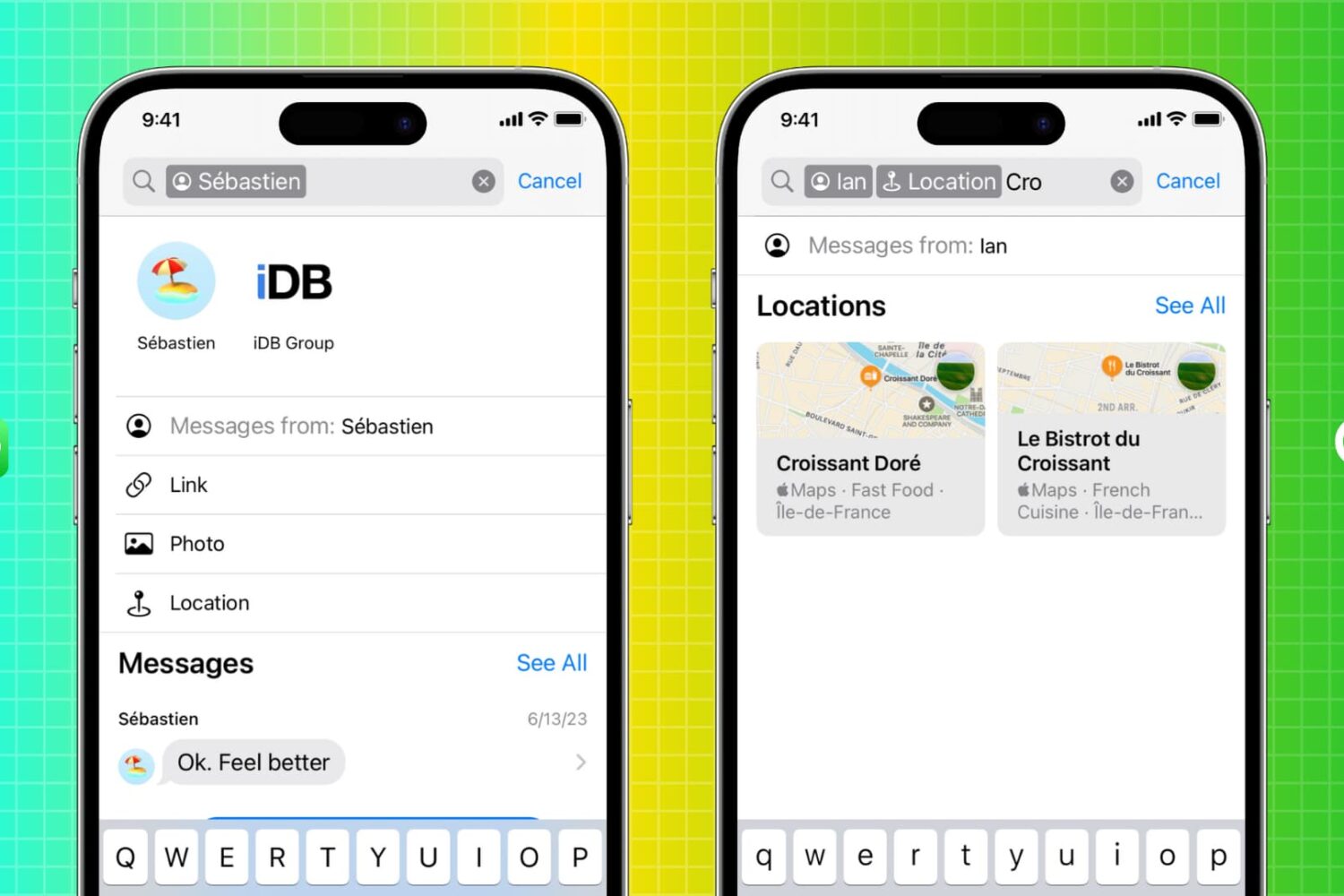
iOS 17, iPadOS 17 and macOS Sonoma permit the Siri digital assistant to speak and understand two languages at the same time.
iOS 17 brings support for bilingual Siri queries starting with these Indic languages

Stay up-to-date on the latest Mac news, and tutorials. Get expert tips and tricks to optimize your Mac’s performance and learn about the latest Apple products and software updates. Discover the best Mac apps and accessories to enhance your user experience.
iOS 17, iPadOS 17 and macOS Sonoma permit the Siri digital assistant to speak and understand two languages at the same time.
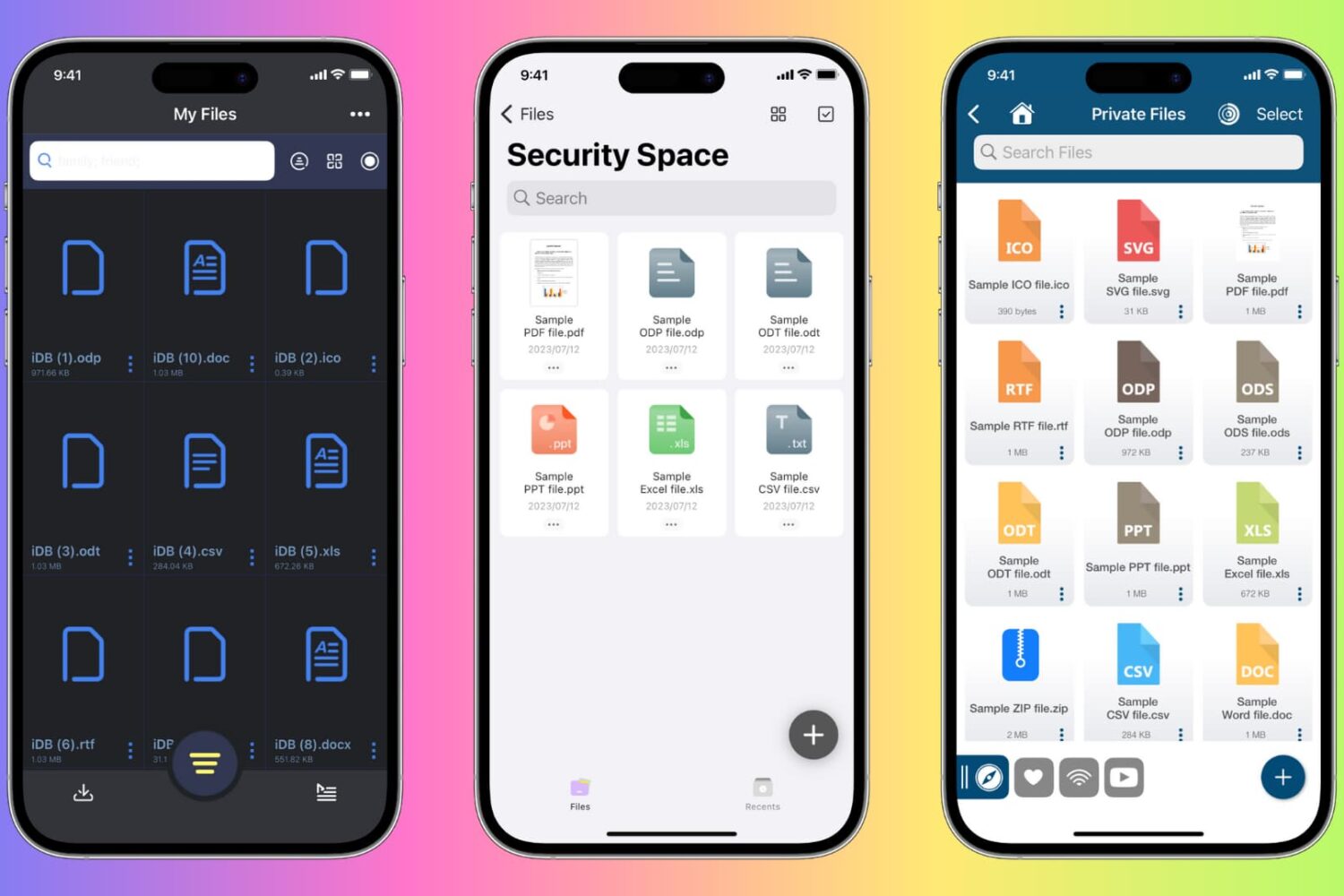
Learn how to protect private documents on your iPhone, iPad, or Mac from prying eyes by locking them with Face ID, Touch ID, or device passcode.

Apple has temporarily pulled the latest Rapid Security Response update due to a bug preventing some websites from working correctly in Safari.
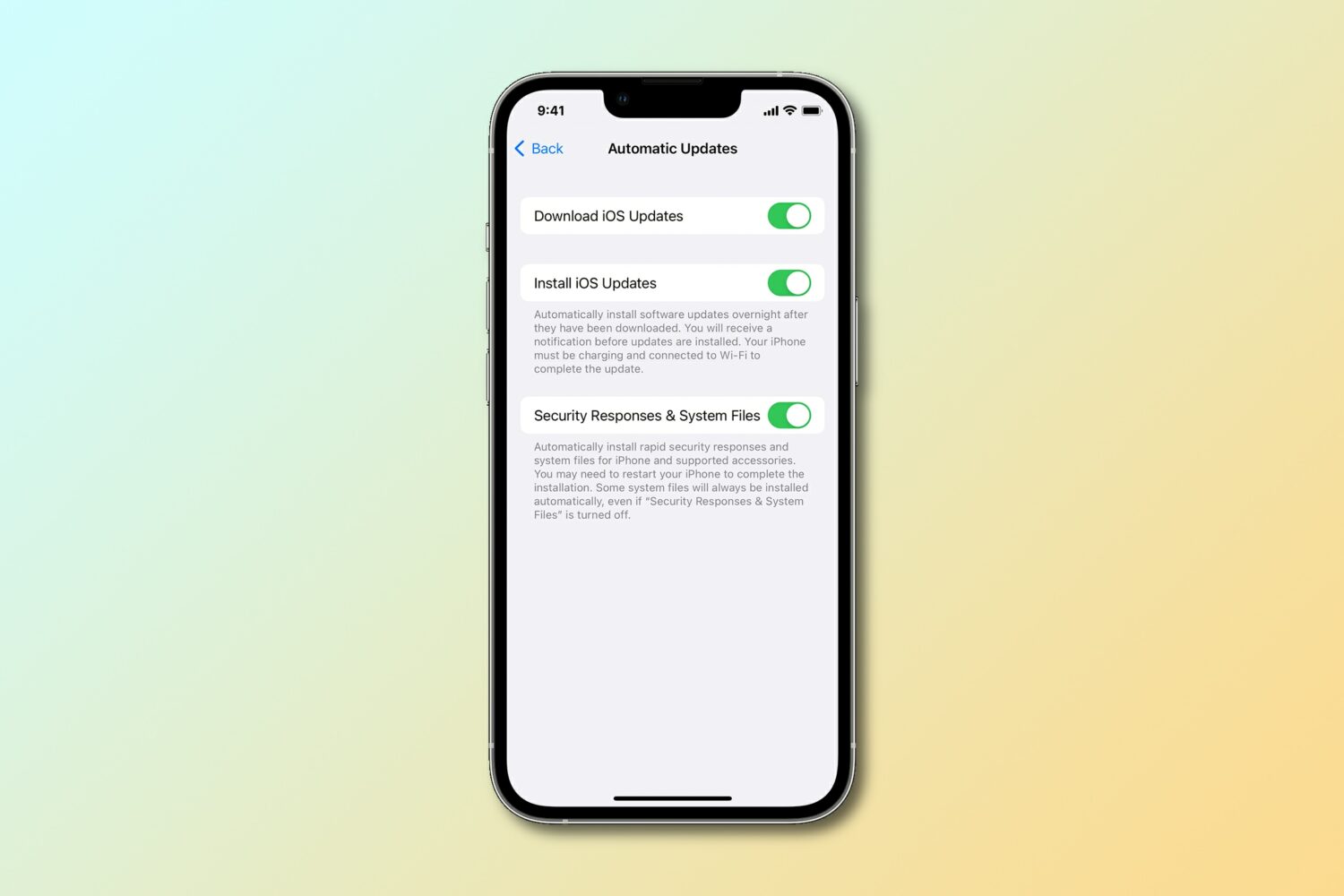
Apple has released a new Rapid Security Response update for the iPhone, iPad and Mac to fix an actively exploited vulnerability discovered in its WebKit engine.
Learn how to turn any website in Safari into a proper web app that you can open on your Mac straight from the Dock or Launchpad.
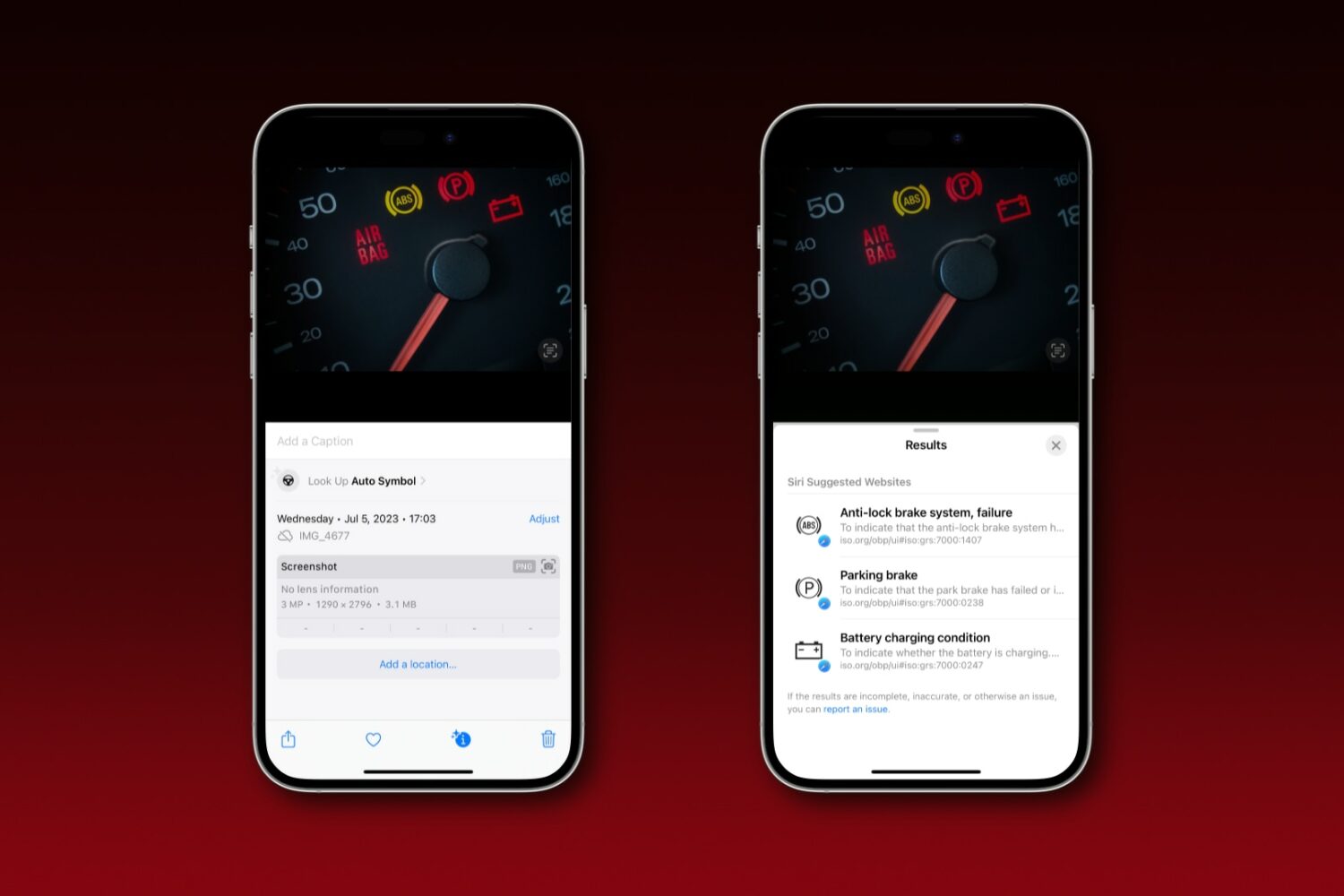
iOS 17's Visual Look Up feature can identify those confusing warning lights on car dashboards to help you tell what's wrong with your vehicle.
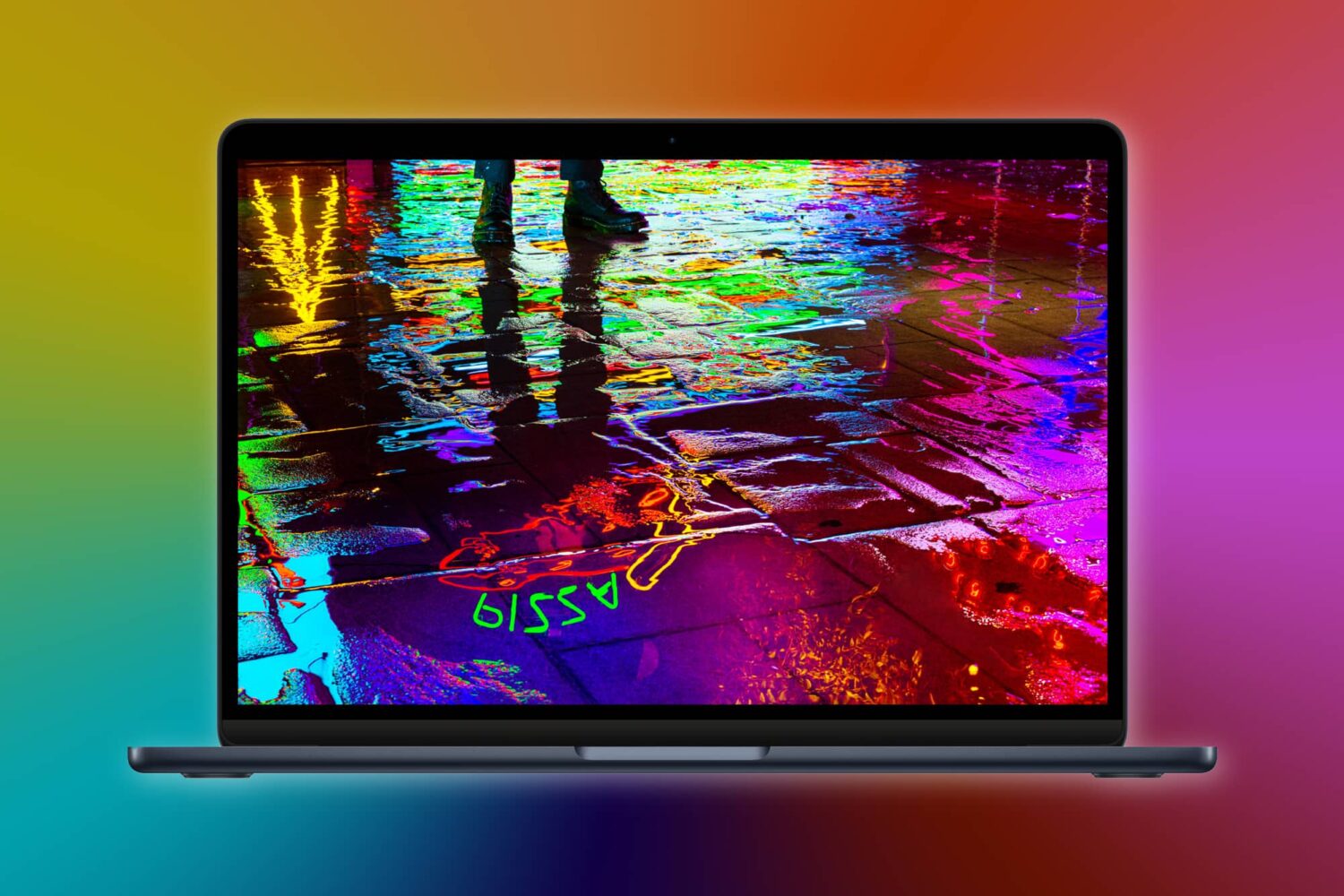
Apple may have quietly released a firmware update to enable software support for the latest Bluetooth 5.3 standard on its 13-inch M2 MacBook Air laptop from 2022.
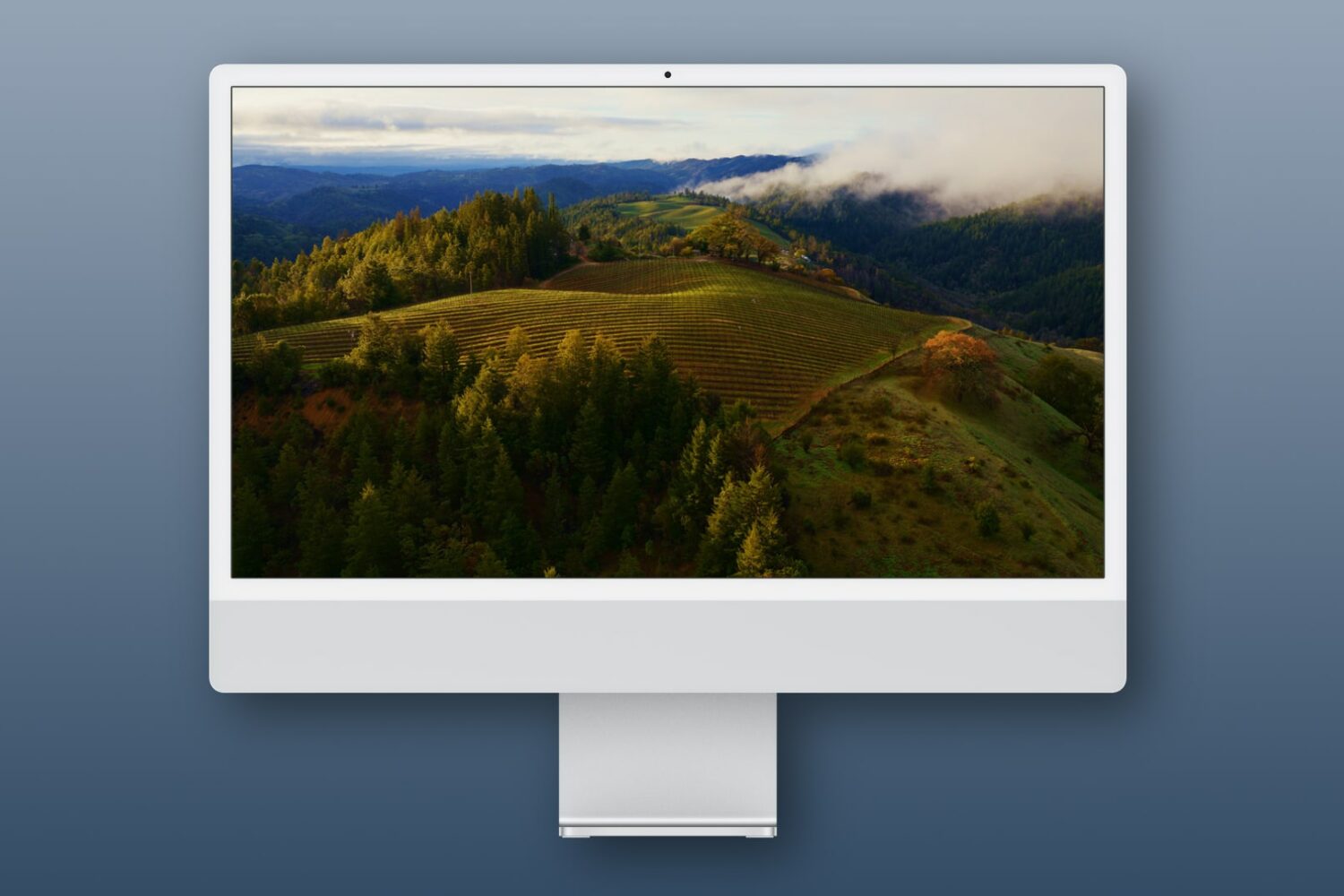
Learn how to use Apple's breathtaking Aerial screen savers and moving wallpapers on your Mac's Lock Screen and desktop in macOS Sonoma.
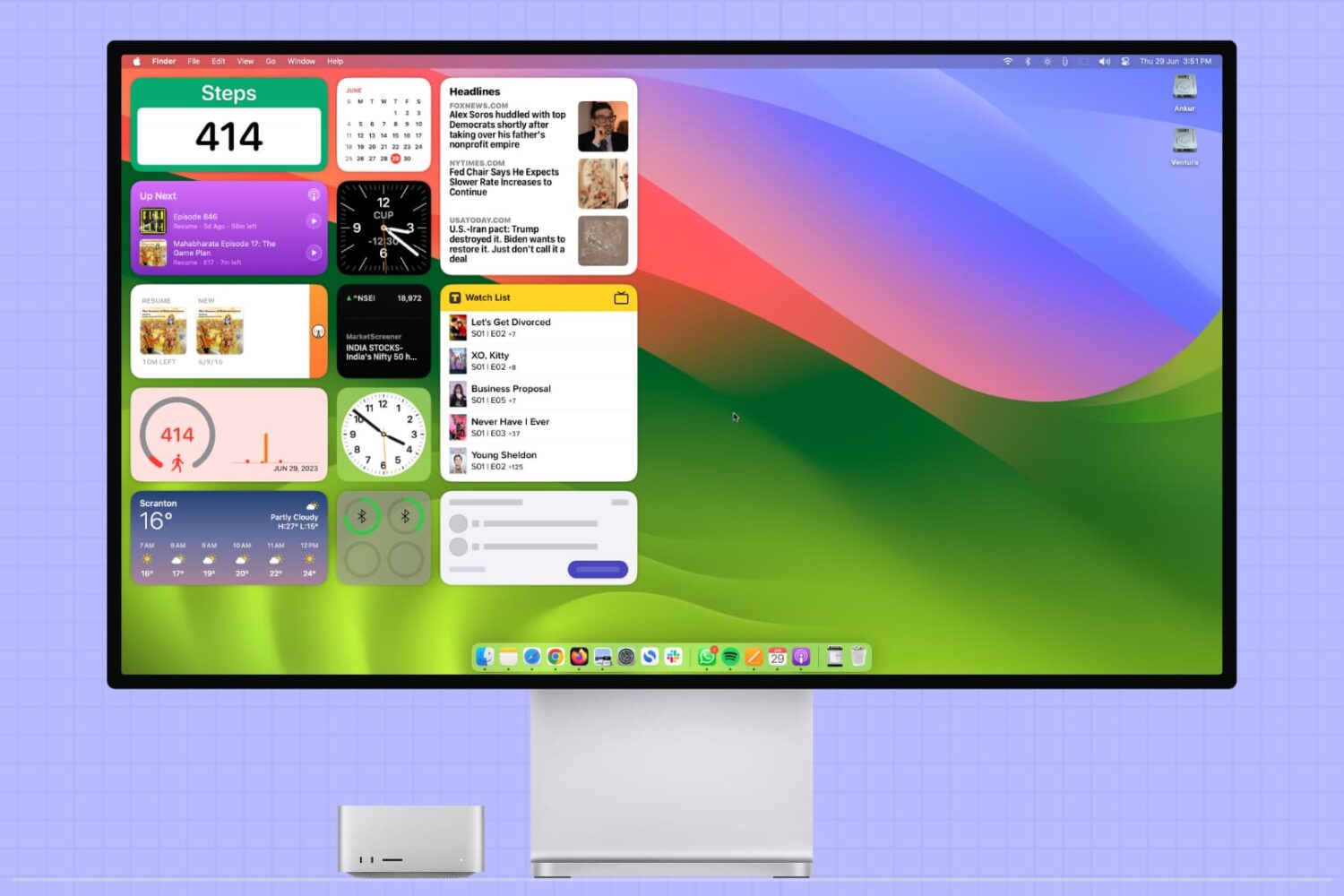
This tutorial covers how to add, use, and manage app widgets on your Mac’s desktop, including adding widgets from your iPhone apps to your Mac.
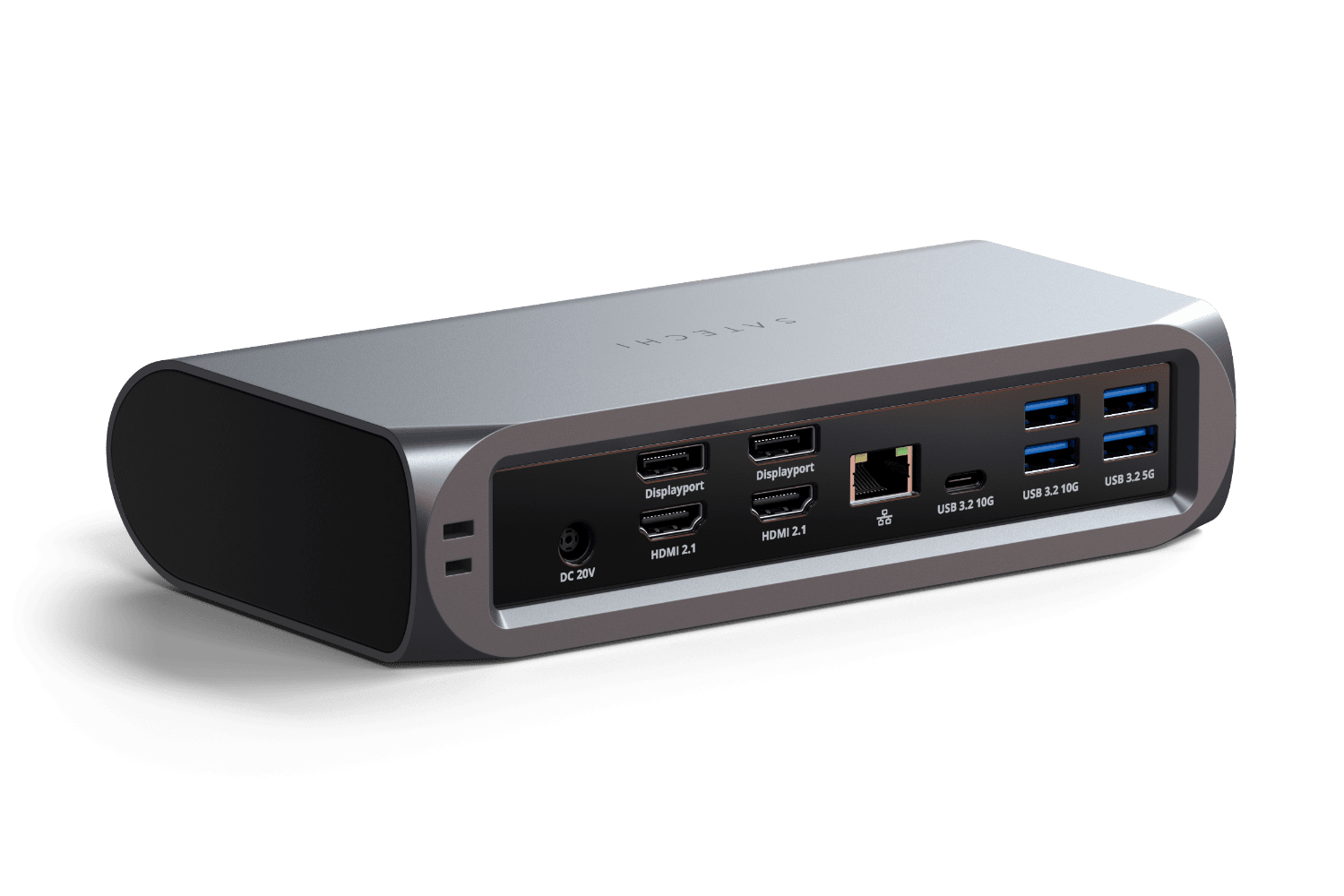
Satechi is a brand that I often look to whenever I’m in need of hubs or adapters for my Mac or iPad Pro, and the reason is kind of obvious. Satechi understands Apple’s design language; they use similar materials in the construction of their accessories as Apple does in their computers and tablets, so everything looks great together.
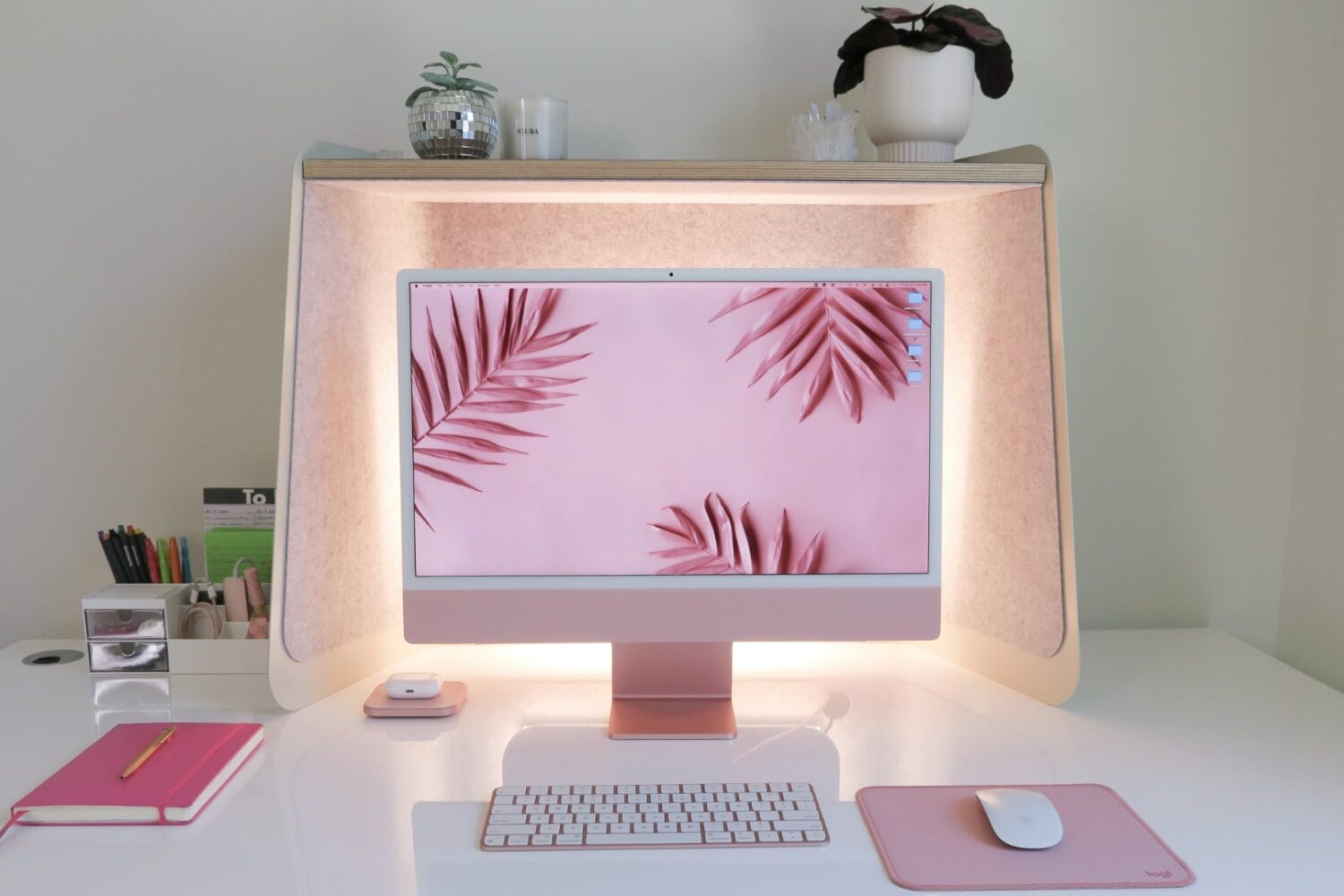
Apple has reportedly kicked off early development work on a new desktop computer—a bigger iMac with a screen measuring “over 30 inches” diagonally.