Mac

Stay up-to-date on the latest Mac news, and tutorials. Get expert tips and tricks to optimize your Mac’s performance and learn about the latest Apple products and software updates. Discover the best Mac apps and accessories to enhance your user experience.

How to create a partition on your Time Machine external hard drive

Time Machine is extremely easy to use, and its flexibility makes it a great solution for keeping your Mac backed up safely. But with external drives being as large as they are, you may wish to use some of the space on your Time Machine drive for basic file storage.

There are many ways to go about this, but one of the best ways is to simply create a separate partition on your external drive. By doing this, you have a dedicated partition for file storage, and a dedicated partition for your Time Machine backups.

Although it's possible to store files on your Time Machine partition, in my opinion, it's a better practice to keep them separated. In this fourth entry into our Time Machine tutorial series, I'll show you how simple it is to create a second partition on your Time Machine external drive.

Deep Dreamer for Mac lets anyone soup up photos using Google’s amazing Deepdream engine

Right after Google announced its fascinating research into neural networks and highly advanced image processing with so-called “deep dream“ code, developer Realmac Software immediately set out to make an app out of it.

The Internet giant did open-source the code, but you must have the technical chops in order  to make use of it because setting up a server to process images for yourself isn't really a trivial endeavor for average people.

Launching today as a public beta, Deep Dreamer for Mac simplifies the process of processing your own photos with Google's deep dream algorithm, and the results are both fantastic and eerily disturbing.

Star Wars: Knights of the Old Republic II – The Sith Lords hits the Mac

The sequel to arguably the best and most engaging Star Wars game has finally arrived on the Mac as Aspyr today announced immediate availability of a Mac port for Star Wars: Knights of the Old Republic II – The Sith Lords.

The game is available for just $6.99 in the Mac App Store, down from its regular $9.99 price point, or through Steam for Mac and Linux platforms.

KOTOR II challenges you to play as the last remaining Jedi Knight while using the power of the Force—for good or evil—to determine the fate of the galaxy. The game supports wide screen mode and native 5K resolution of the 27-inch iMac. It also packs in support for some of the most popular physical controllers around, throws in Game Center achievements for good measure and includes lots of other perks.

KGI predictions: Apple Watch Sport in yellow/rose gold, new iMacs & thinner iPad mini due this fall

Well-connected KGI Securities analyst Ming-Chi Kuo has issued a new report to clients ahead of Apple's June quarter earnings report, which is due this coming Tuesday.

The note, a copy of which was obtained by AppleInsider, provides several predictions regarding Apple's upcoming product refreshes.

For starters, Kuo is expecting new Apple Watch Sport variants in rose and yellow gold color options matching the upcoming 'iPhone 6s' and 'iPhone 6s Plus' colors. He also wrote that new iMac models with upgraded processors could arrive later this year, in addition to a thinner, lighter iPad mini and more.

You can jailbreak the iPod touch 6th generation right now

The iPod touch 6th generation can be jailbroken out of the box, because it comes with iOS 8.4, and the PP iOS 8.4 jailbreak tool for Mac works with the new iPods.

In fact, I just jailbroke my device no less than 5 minutes ago, and it worked without a hitch. If you guys have kept up with me, you know how much I absolutely loathed using my 5th-gen touch due to its pedestrian speed.

Seeing that the new iPod touch packs much more power than the device it replaces, I'd say this is a good candidate for a jailbroken device, or at the very least, it might become my go-to test device.

How to jailbreak iOS 8.4 on Mac with PP jailbreak [Video]

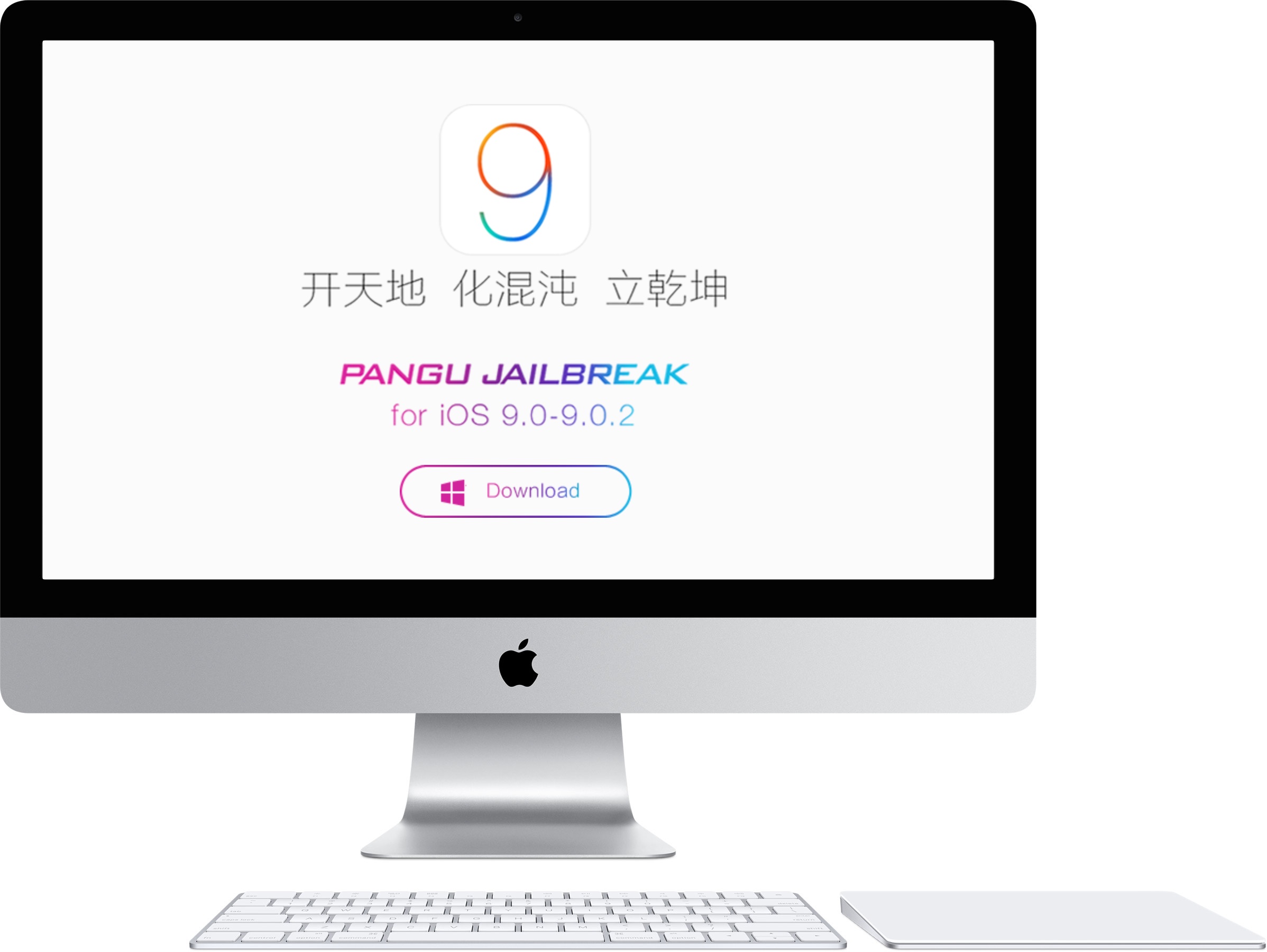
The PP untethered jailbreak for iOS 8.4 is out, and it has been confirmed to work. As we continue to wait on a possible TaiG jailbreak for Mac, the 25PP team is making it so that Mac users can jailbreak now.

Of course, you can always use the virtual machine method for jailbreaking iOS 8.4 using TaiG on Mac, but the PP jailbreak tool is as simple as simple gets for Mac users. Inside, we'll show you how to jailbreak your iPhone, iPad, or iPod touch running iOS 8.4 on Mac using PP jailbreak.

25PP releases a Mac version of the iOS 8.4 jailbreak

Finally, Mac users can join in on the fun. 25PP has released a Mac version of the iOS 8.4 jailbreak, allowing Mac users to jailbreak natively on their machines for the very first time.

I have personally confirmed that this tool works, so you should feel confident about using this to jailbreak your device if you're a Mac user who has been waiting.

Apple pushes iTunes 12.2.1 update fixing iTunes Match and Beats 1 issues

Apple on Monday issued a bug-fix update to iTunes for Mac and Windows. iTunes 12.2.1, available through the Software Update mechanism or standalone via iTunes.com/download, fixes a pair of issues with iTunes Match, Apple's $25 per year song identification service. In addition, it contains minor bug fixes and improvements for Beats 1, Apple's free of charge 24/7 global Internet radio broadcasting in more than a hundred countries.

5 new features coming to Photos 1.1 for Mac

When OS X El Capitan releases for public consumption in the fall, it will deliver, among other features, an update to the built-in Photos for Mac application.

As a matter of fact, El Capitan marks the first major feature-packed update to Apple's photo-management solution since Photos for Mac debuted as part of April's OS X Yosemite 10.10.3 software update.

As mentioned in the official El Capitan release notes distilled into human-readable form by Jason Snell of Six Colors, Photos 1.1 brings out about half a dozen new features that didn't make it into the initial release, on top of a bunch of bug fixes, security improvements and optimized performance.

How to view and restore specific files using Time Machine

Time Machine is very useful, because not only does it allow you to back up all of your user data, but it also allows you to selectively view and restore portions of that data, even down to individual files.

In this tutorial, the forth in our series about Time Machine, I'm going to show you to how to view and restore an individual file using a Time Machine backup.