Learn how to turn off suggestions for unsaved contacts on your iPhone, iPad, or Mac that Siri has found in Mail and other apps on your device.
How to disable suggested contacts on iPhone and Mac

Stay up-to-date on the latest Mac news, and tutorials. Get expert tips and tricks to optimize your Mac’s performance and learn about the latest Apple products and software updates. Discover the best Mac apps and accessories to enhance your user experience.
Learn how to turn off suggestions for unsaved contacts on your iPhone, iPad, or Mac that Siri has found in Mail and other apps on your device.
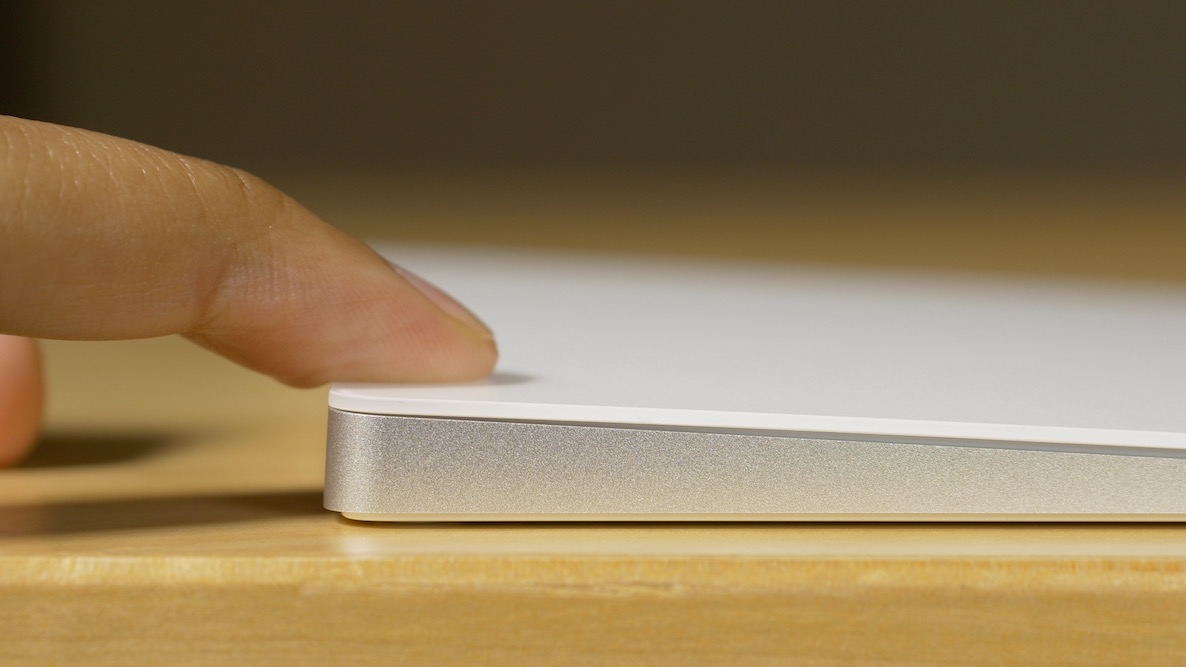
Apple just released its Force Touch-enabled Magic Trackpad 2, which joins the Force Touch trackpads already built into many of its MacBooks. The significance of the Magic Trackpad 2 sporting Force Touch, is that it essentially brings the feature to everyone without needing to go all out and purchase a brand new machine.
Force Touch is an interesting concept that's been a part of our vernacular for over a year with the unveiling of the Apple Watch. Since then, the pressure sensitive technology has made its way, in some way, shape, or form, to both MacBooks and the iPhone.
I've come to the conclusion that Force Touch is best implemented on the iPhone (as 3D Touch), but it's an interesting feature on the MacBook as well. Now that pretty much anyone can add the ability to Force Touch via a $129 Magic Trackpad 2 purchase, I figured it was time to showcase some of the things that you can do with the nifty pressure sensitive input method.
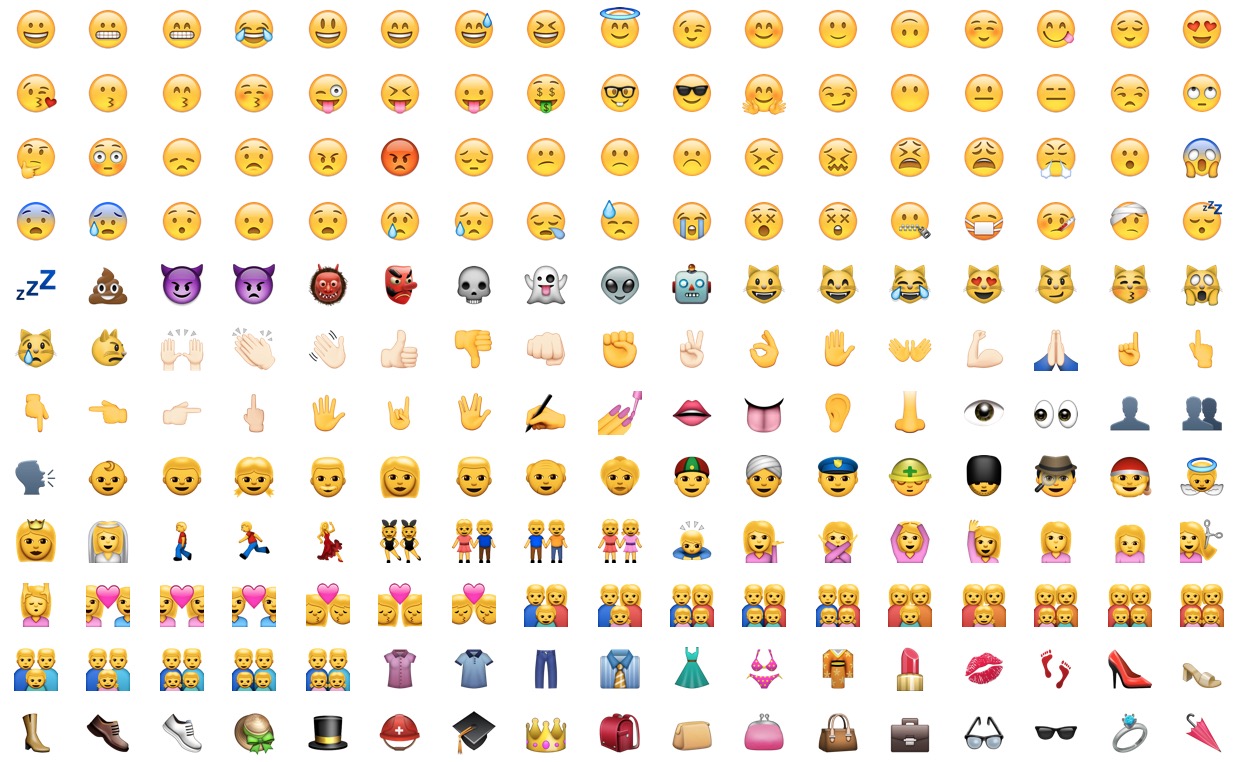
Learn how to discover the meaning of an emoji on your iPhone, iPad, and Mac instead of guessing what specific emoticons are meant to express.

In addition to releasing the iOS 9.1, OS X El Capitan 10.11.1 and watchOS 2.0.1 software updates, Apple today posted a minor update to iTunes for Mac and Windows. The new iTunes 12.3.1 doesn't introduce any new features and simply “improves overall stability and performance” of your Mac, according to release notes accompanying the download.
Although not apparently obvious, Apple's Reminders app on iPhone, iPod touch, iPad, Mac and iCloud.com lets you share to-dos and checklists with friends and family.
Sharing a reminder list with, say, your girlfriend (or wife) is particularly convenient as you’ll both be able to add, delete and check off items as completed, and all changes will instantly appearing on everyone's devices thanks to seamless iCloud syncing.
This isn't just great for grocery lists, shared to-dos and interactive lists among family members, but for business, too. For example, you could share a to-do list with team members to keep everyone apprised of what needs to be done on any particular day.
In this post, we're going to show how easy it is to create a list in Reminders and invite others to participate across iOS, macOS, and the web.
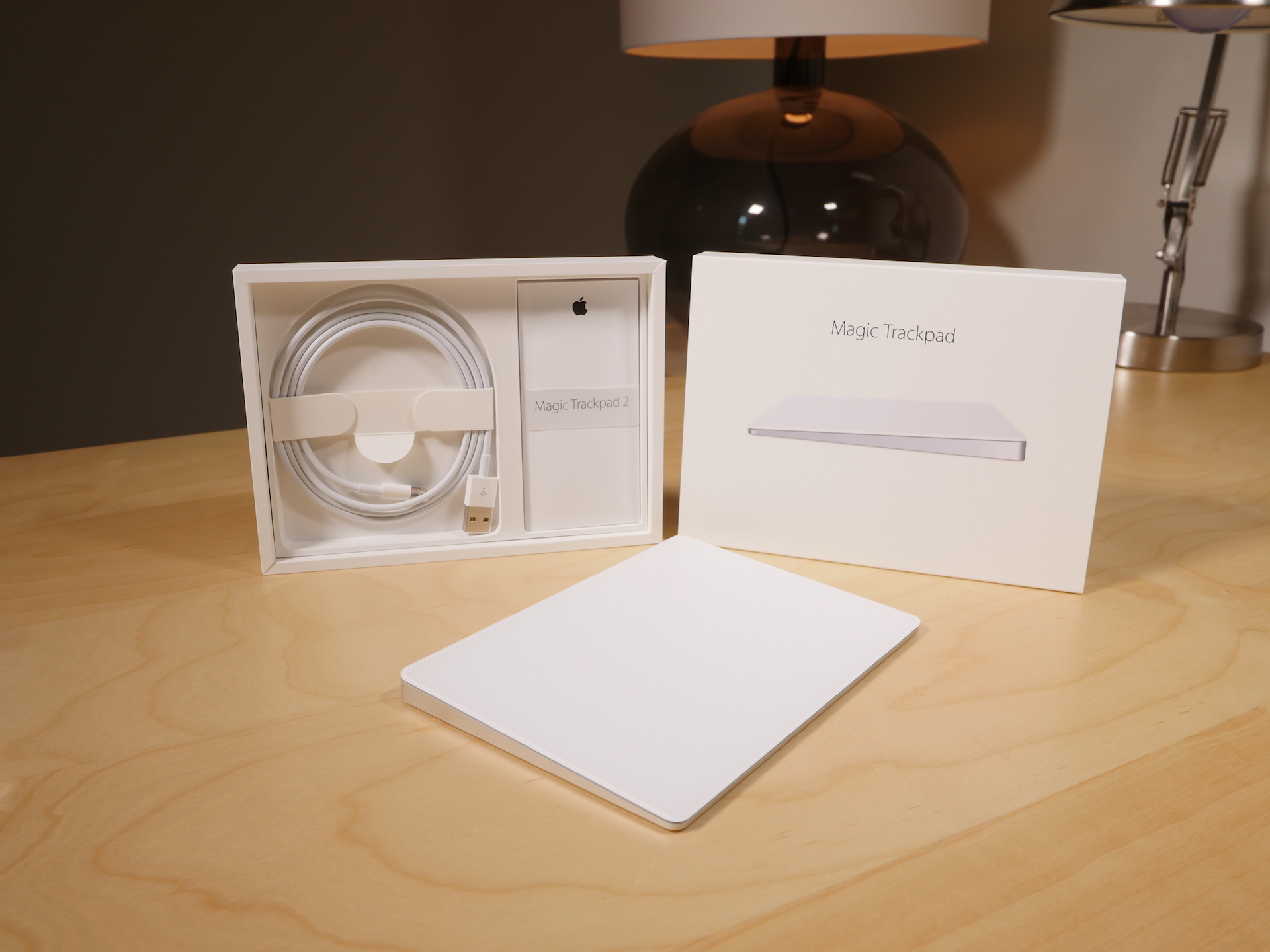
Of all of the new "Magic" devices in Apple's lineup, perhaps no device is more deserving of the moniker than the Magic Trackpad 2. It's the only device, out of the three new peripherals that Apple recently launched, that truly brings new functionality to the table.
While the Magic Mouse 2 and the Magic Keyboard are legitimate upgrades over the products they replace, the Magic Trackpad 2 is the most justifiable upgrade from a pure features standpoint, and Apple's pricing for it says as much.
At $129.00, this isn't exactly a knee-jerk purchase to be made on a whim. And if you already own the old Magic Trackpad, an impulse buy is lessened even more.
I've been testing out the new Magic Trackpad 2 for several days now, and it's taken me a while to put my thoughts down in writing. This device takes significantly more time to get to know than either the Magic Mouse 2 or the Magic Keyboard. That's because the Magic Trackpad offers the most diverse functionality of the trio.
With all of that said, is the Magic Trackpad 2 worth upgrading to if you already own the previous Magic Trackpad? Watch our video review, and read my full analysis for the details.

Just like the familiar Settings application on an iPhone, iPod touch and iPad, the macOS System Preferences is probably the most frequently used application on your Mac.
If you're new to the Mac, System Preferences—much like the Control Panel on Windows—is a one-stop shop for adjusting various settings on your computer. Various settings are categorized into logical sections and laid out as a grid of preference pane icons.
In this post, we're going to outline five different time-saving ways to jump quickly into any specific setting nested within System Preferences.

In addition to bringing Yellow Pages-powered business listings to Apple Maps customers in Canada, the Cupertino firm has apparently refreshed a Maps backend in the United States, adding transit directions for Boston and multiple Amtrak routes in the Northeastern United States.
The longest Amtrak route available runs from Chicago to New York. As first noted by MacRumors, other supported routes with transit directions include the Northeast Regional, Acela Express, Keystone, Lake Shore Limited, Pennsylvanian and Maple Leaf.
Apple and Yellow Pages have partnered to bring Apple Maps customers in Canada rich business data like address, phone numbers, URLs, category, hours of operations, photos, ratings, reviews and more.
“We are pleased to bring our YP.ca local business listings data to Apple Maps,” said Matthieu Houle, Vice-President, Digital Media of Yellow Pages, in a media release Monday. Apple's Maps acknowledgements page now lists Yellow Pages as a data provider in Canada.
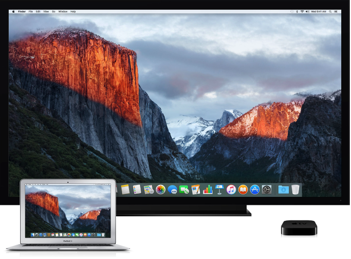
Like so many folks, I myself don't even bother reading through legal mumbo-jumbo in software license agreements and just click the 'Agree' button
A trained professional—lawyer and developer Robb Schecter—took it upon himself to read through Apple's end user license agreement for El Capitan to spell out any limitations in plain English so you don't have to.
You don't own El Capitan per se when you download a copy of the operating system from the Mac App Store: instead, you're actually borrowing it and Apple still owns it.
This shouldn't come as a surprise: that's how software has been distributed for decades. But, I doubt many people are aware of El Capitan's limitations pertaining to virtualization, business use and more.
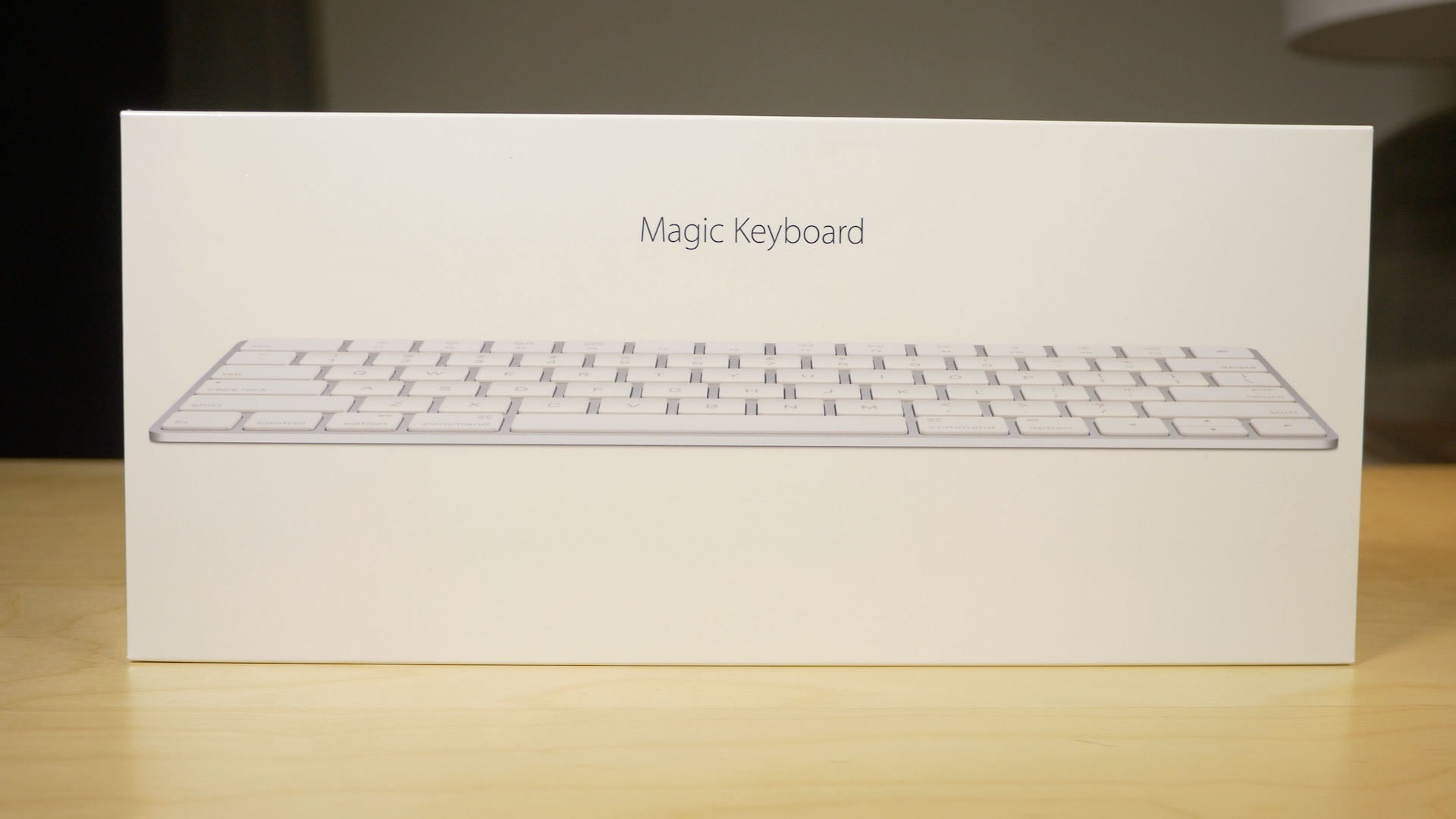
Along with my Magic Mouse 2, I decided to pick up a Magic Keyboard. The Magic Keyboard, for me, is probably the least compelling of the "Magic" devices that Apple just released. That's primarily because I'm a full time MacBook user, so I don't actually have a real hardline need for an external keyboard.
Yet, I'm nonetheless intrigued by the Magic Keyboard. I'm a sucker for the streamlined design, and the rechargeable batteries. Anytime you can get me away from having to replace or swap out batteries, you've pretty much won me over.
But does the Magic Keyboard do enough to truly justify the upgrade? Admittedly, it's a hard sell. Not only do you have to consider whether an upgrade is necessary, you then have to justify paying $30 more than the Wireless Keyboard that it replaces.
Is it worth it? Watch our video review and find out.
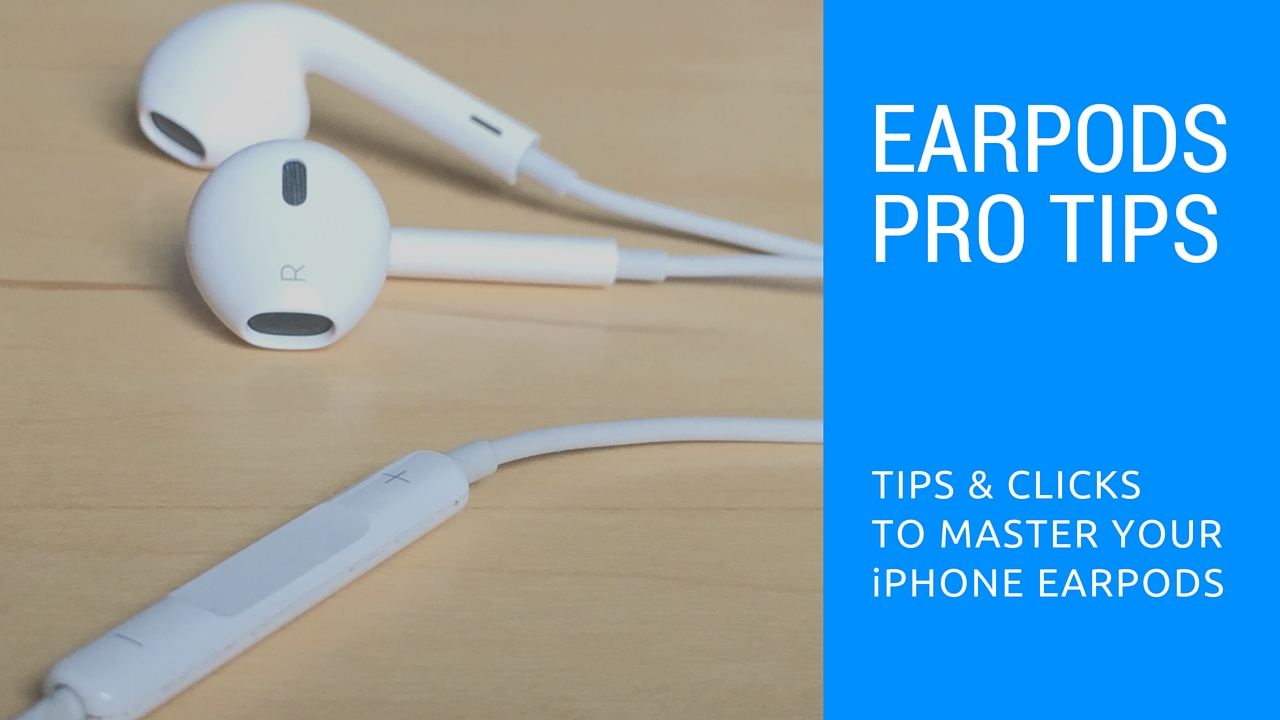
Those funky headphones that came with your iPhone—EarPods with Remote and Mic they're called—only have 3 buttons but boy do they perform a surprising number of functions beyond volume control. And with built-in mic, your EarPods can make and receive phone calls and control media playback.
Moreover, you can use them for recording voice memos, interacting with Siri hands-free, VoIP calling in apps like Skype and more, all with a pinch of the cord. Wait, I need this article to tell me how to plug my EarPods and listen to music?
We're not saying you're not familiar with your EarPods. But as with other things in life, there are always new tricks to be learned. This post will hopefully help you master your EarPods like a pro.
In this article, we'll tell you all the cool things your EarPods can do, from rich playback control and controlling Siri to switching calls on the fly, using VoiceOver and so forth. We'll also discuss EarPods compatibility, talk about keeping your headset in pristine condition and lay out sound advice for using your headset responsibly.