Mac

Stay up-to-date on the latest Mac news, and tutorials. Get expert tips and tricks to optimize your Mac’s performance and learn about the latest Apple products and software updates. Discover the best Mac apps and accessories to enhance your user experience.

How to customize keyboard shortcuts in Microsoft Word for Mac

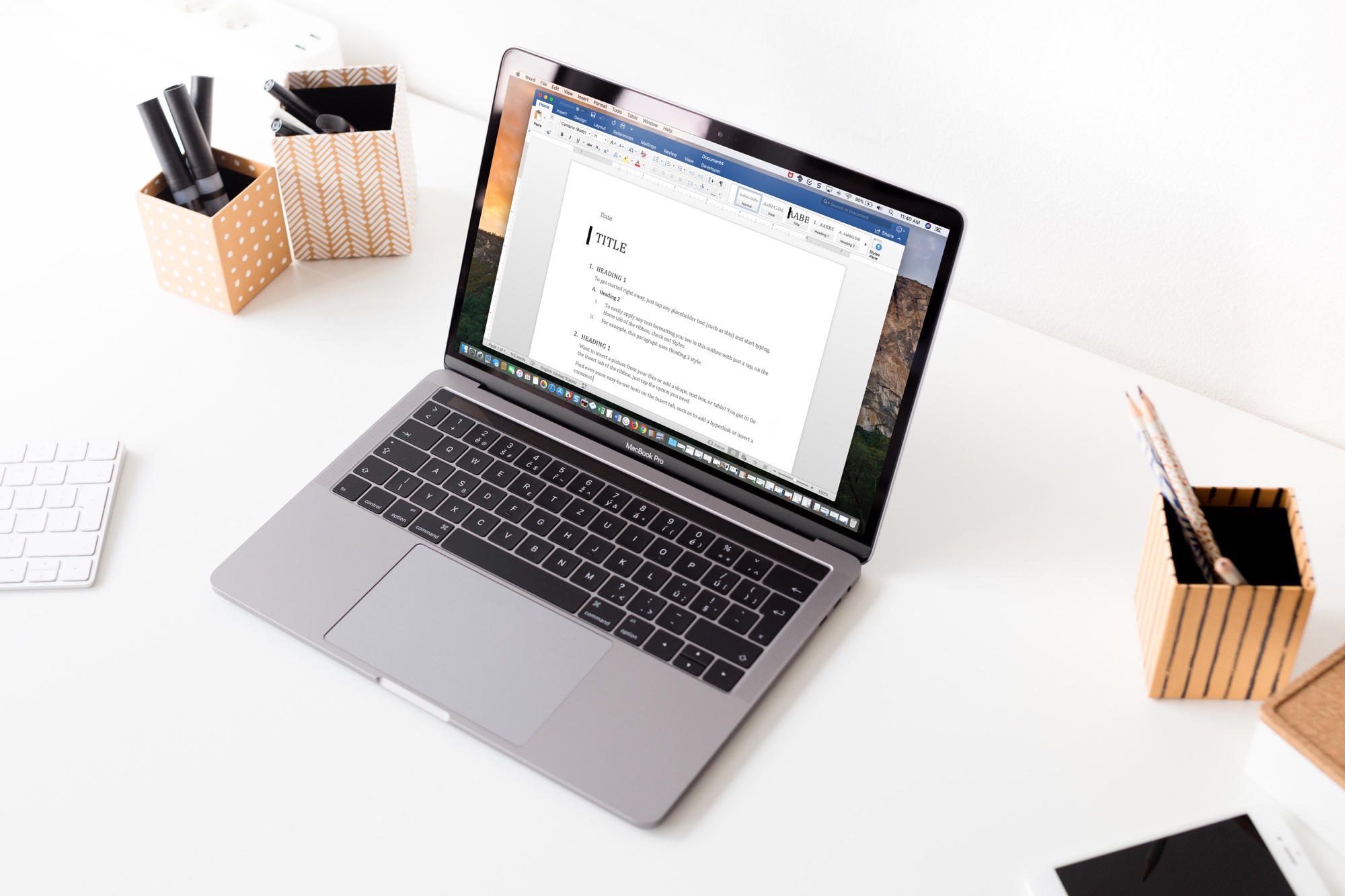
MS Word Keyboard Shortcuts Mac

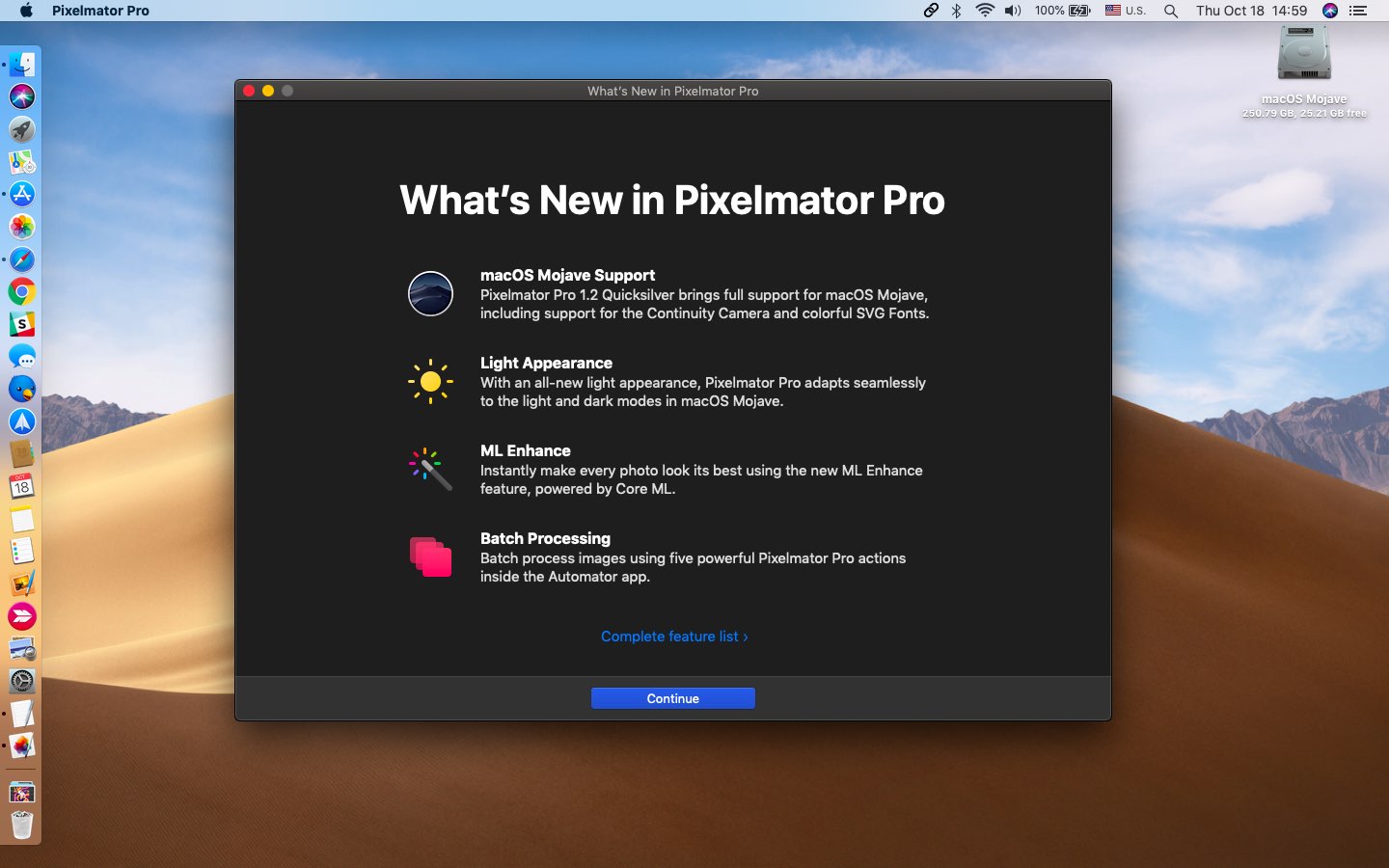
If you use Microsoft Word on your Mac, then you have more customization options than you probably realize. The settings can help make your experience more efficient and productive each time you use the application.

One of the settings that helps you move through your word-processing tasks faster is the keyboard shortcuts. Without lifting your fingers from the keyboard to grab your mouse or use your touchpad, you can accomplish a variety of tasks. And you can customize the shortcuts to suit what you use most and which keys are easiest to remember.

The best free focus timers for Mac to work, break, and concentrate

Focus Timers for Mac

When you’re hard at work on your Mac, sometimes you forget to take a break. Then there are other times when that’s all you can think about doing. In both cases, a handy focus timer can help.

Set the timer, focus on the job at hand, and take a short break when time is up. This helps you stay focused on what you need to do for a certain amount of time and take that necessary break without forgetting.

Check out these awesome free focus timers for Mac you can snag on the Mac App Store.

How to use Apple’s Voice Memos app on Mac

Voice Memos has existed on iPhone since the 2009 iPhone OS 3 software nine years ago. At its annual developer conference in June 2018, Apple announced it would make Voice Memos available for iPad and bring the app to macOS alongside a few other native iOS apps, like Stocks, Home and News.

How to configure your Spark email app Smart Inbox

Spark Smart Inbox Settings on iPhone

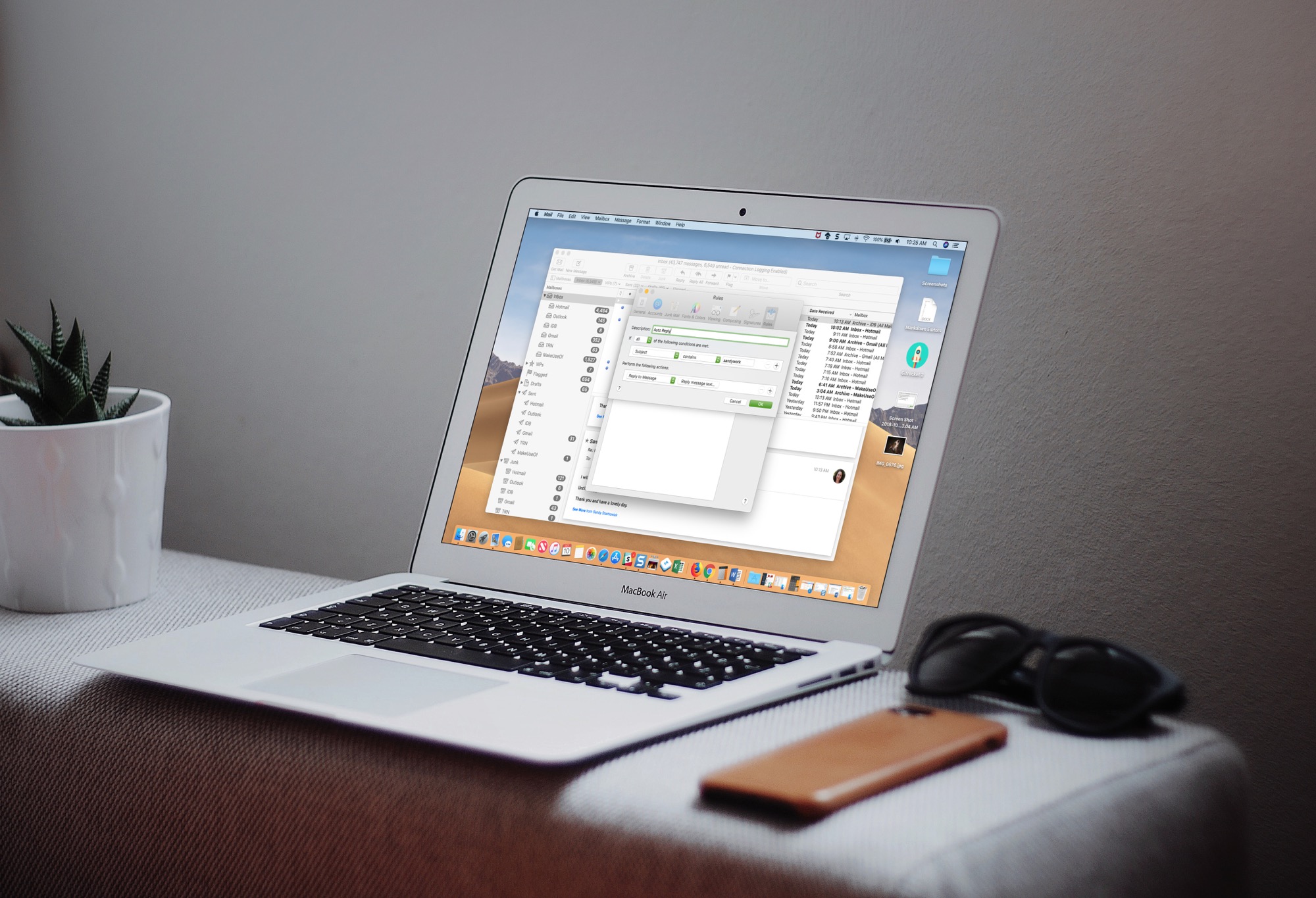
Spark is a great email solution if you want to move past your default Mail app on iPhone, iPad, or Mac. It offers a host of helpful features and one of them is the Smart Inbox.

The Smart Inbox is a spot in the app that gathers emails from your various accounts and categorizes them for you. This gives you a fast and easy way to zip through your inbox. The key is configuring it to work for you and here’s ways you can do that.

Researchers demonstrate new security risk with 2018 MacBook Pro

2018 MacBook Pro reviews

Security experts at this week's Black Hat conference in Las Vegas, Nevada have demonstrated a vulnerability with the 2018 MacBook Pro. The researchers found that would-be hackers could take control of the new laptop right as it makes its first Wi-Fi connection. In doing so, malware could be installed on the machine even before the user first saw the desktop. Luckily, Apple quickly sent out a fix when told about the problem.