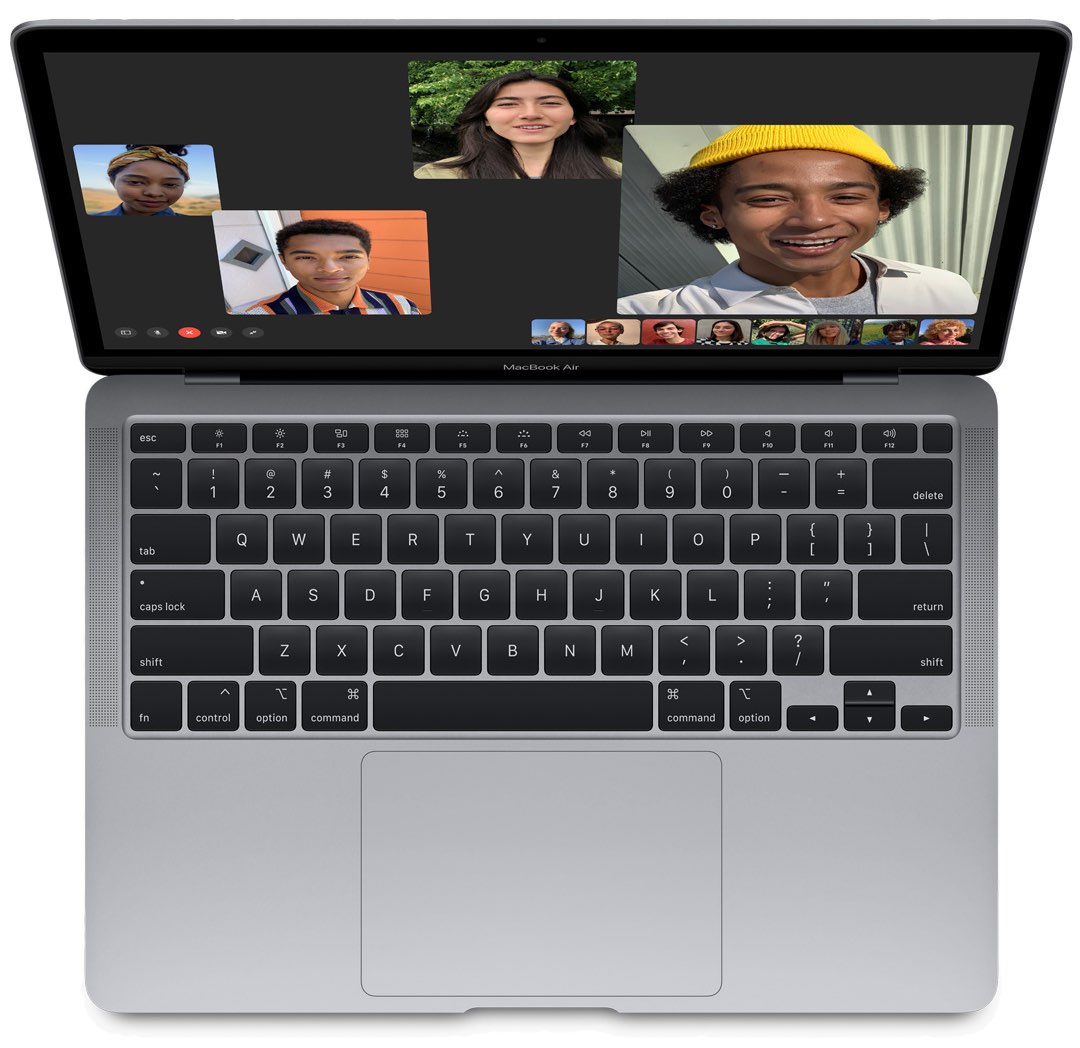
Learn how to set macOS to automatically turn off keyboard backlight on your Mac laptop after a certain period of inactivity, saving a little bit of power.
How to automatically turn off your MacBook backlit keyboard when inactive
Stay up-to-date on the latest Mac news, and tutorials. Get expert tips and tricks to optimize your Mac’s performance and learn about the latest Apple products and software updates. Discover the best Mac apps and accessories to enhance your user experience.
Learn how to set macOS to automatically turn off keyboard backlight on your Mac laptop after a certain period of inactivity, saving a little bit of power.
Want a quicker way to get things done in the Contacts app on your Mac? Here are several useful keyboard shortcuts for Contacts so you can move around faster.
Bloomberg is reporting that Apple will release first Mac models powered by in-hose designed chips featuring eight CPU cores next year. The chip is believed to be fabricated by the independent semiconductor maker TSMC on its five-nanometer process technology.
As suggested by a list of upcoming Apple products that the increasingly reliable Twitter leaker @L0vetodream has shared back in March, the rumored transition to ARM-based CPU technology for Mac computers could kick off with a revived twelve-inch MacBook notebook.
According to a reliable tipster, Apple will release its own wireless game controller for the iPhone, iPad, Apple TV and Mac devices later this year or next year.
Learn how to use the Mac Automator Calendar Alarms to speed up your regular tasks and have a more productive and smooth experience.
Learn how to easily check the remaining days before your deleted photos and videos are permanently removed from your iPhone, iPad, and Mac.
Some games are just easier or more fun to play with a controller. And if you happen to own a Nintendo Switch, you can use the Joy-Con controllers from it to play games on your Mac. You can take them out of the Switch, connect them to Mac, and then pop them into the Joy-Con Grip in just a few minutes.
This tutorial shows you how to connect your Joy-Con controllers to your Mac so the gaming can begin!
The Mac Pro is Apple's most powerful desktop computer to date, even at its base model. But it can also be customized in various ways, racking up the power and specs, while also forcing the price tag to climb, too.
Twelve South today introduced the ColorKit, a solid-color notebook wrap designed specifically for the 13-inch MacBook Pro. The accessory makes it possible to change your computer's default shade to one of the five available colors: Aqua, Coral, Black, Forest Green or Deep Rose.
With just a few adjustments, you can have your Mac announce alerts and speak text. Spoken alerts are super handy for grabbing your attention when you’re hard at work, and spoken text can help you spot errors or get pronunciations.
Learn how to use Picture-in-Picture in Firefox and Google Chrome for seamless video playback while you browse the web or use other apps on your computer.