Check out this list of fun Terminal commands for a quick and quirky way to entertain yourself when you are bored and want to tinker around on your Mac.
9 fun Mac Terminal commands to beat boredom

Stay up-to-date on the latest Mac news, and tutorials. Get expert tips and tricks to optimize your Mac’s performance and learn about the latest Apple products and software updates. Discover the best Mac apps and accessories to enhance your user experience.
Check out this list of fun Terminal commands for a quick and quirky way to entertain yourself when you are bored and want to tinker around on your Mac.
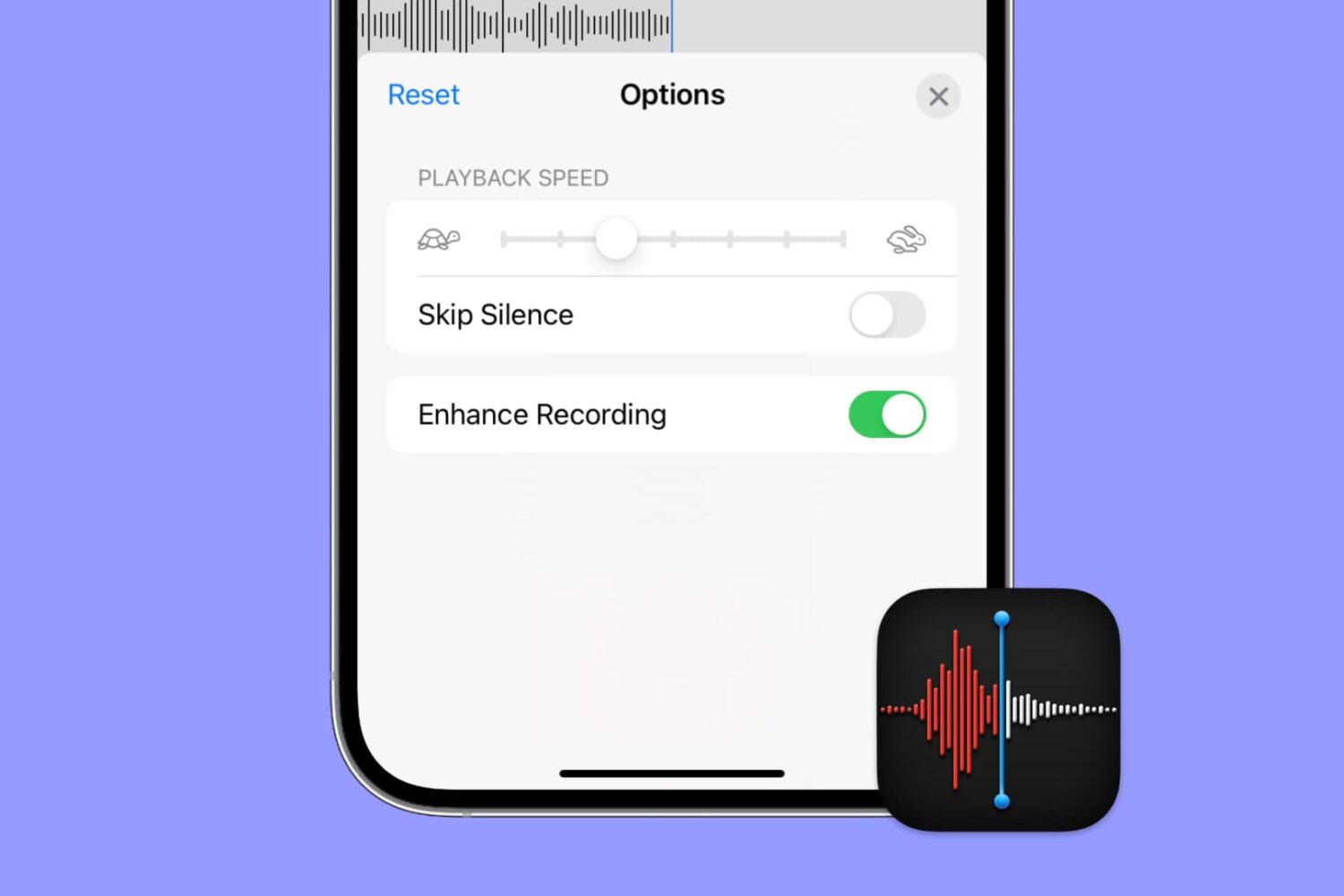
Apple's Voice Memos app has a feature designed to improve the sound quality of your recordings, including existing ones. Follow along with us as we show you how to use Voice Memos' Enhance Recording feature to reduce background noise and room reverberation of your voice notes.
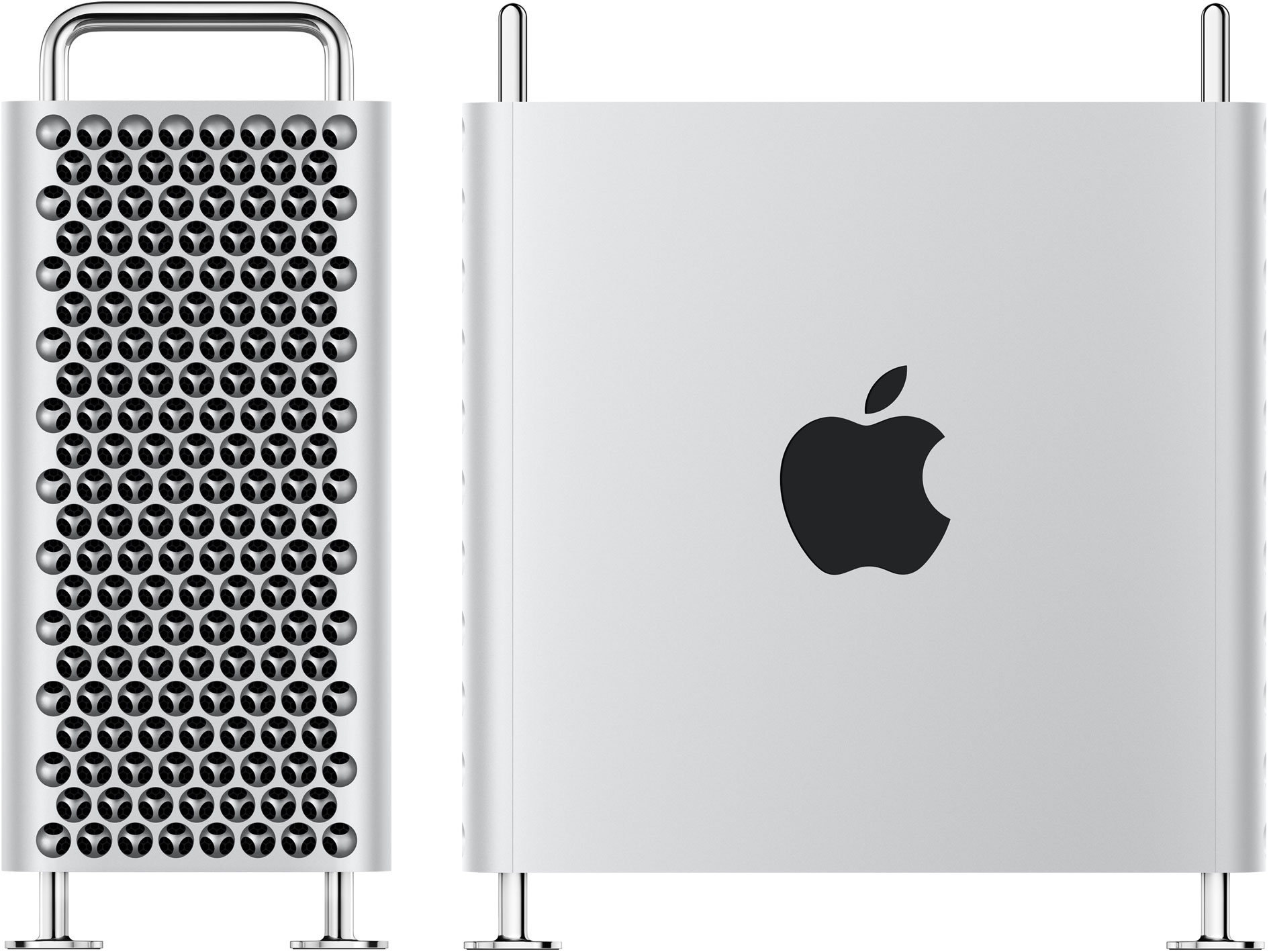
Apple continues to add options for the Mac Pro, it's most powerful desktop computer to date. This time around, it's a new graphics card.
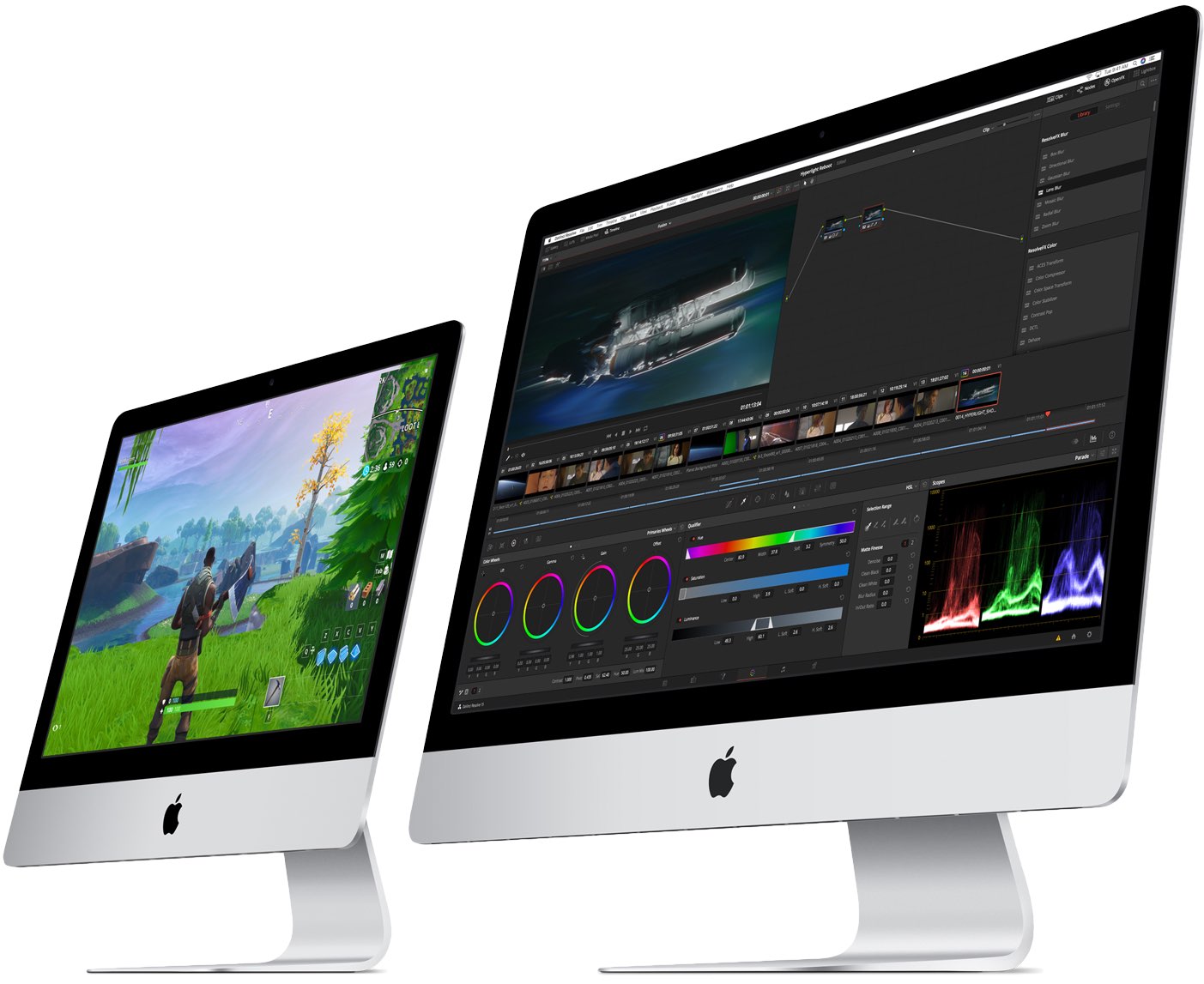
We know that there are still Intel-based Macs coming down the pipe, as Apple confirmed as much that we'd see them arrive before the end of 2020. And now we have a first glimpse of what's coming.
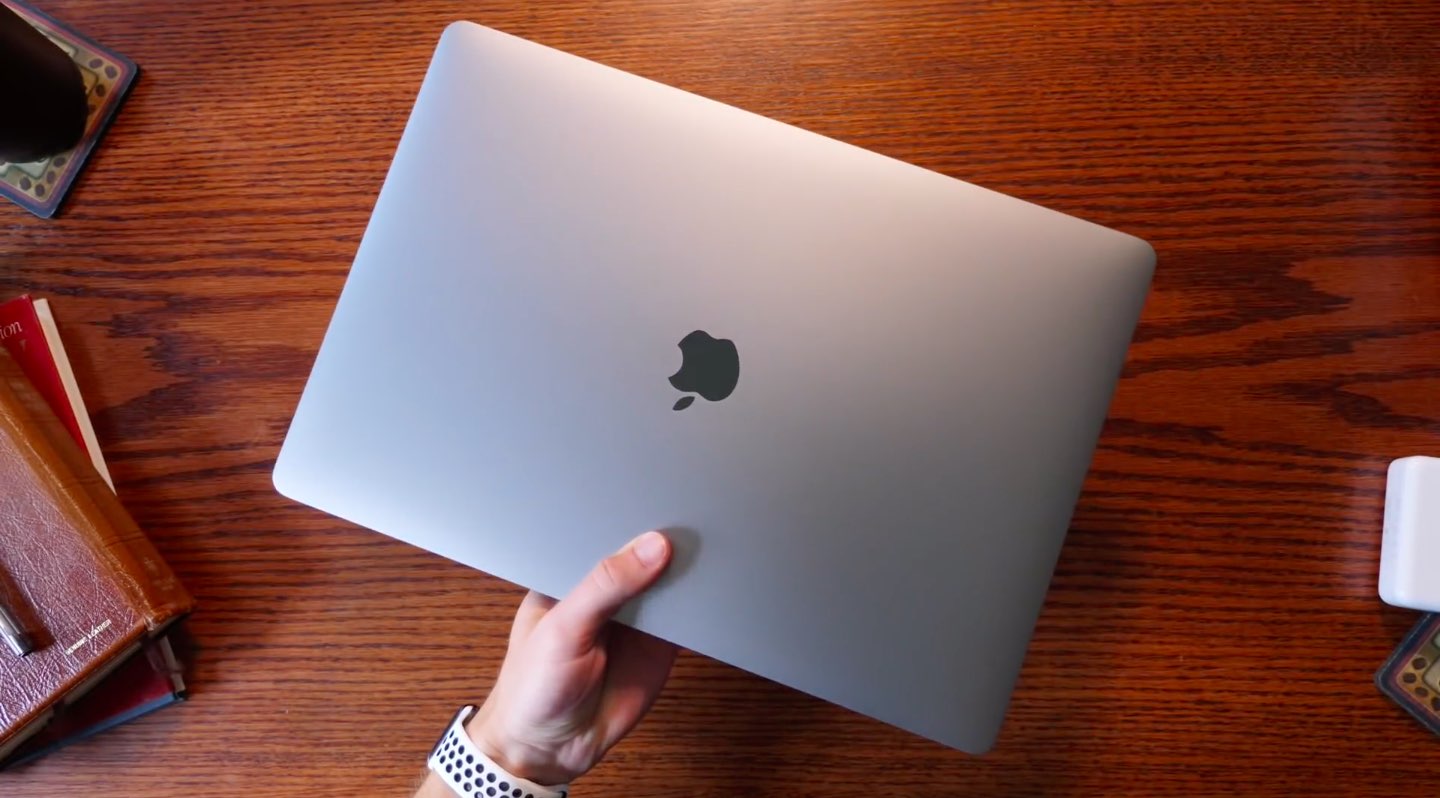
There is a new ransomware being distributed across the Mac ecosystem, and it's being spread through pirated Mac apps.
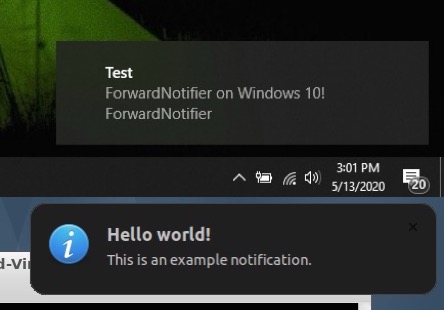
Many of us take for granted the the ability to send and receive text messages and phone calls across our iOS and macOS devices, but this level of continuity tends to be limited to certain applications. That said, wouldn’t it be nice if your Mac or PC could receive and display all the push notifications that naturally come to your iPhone?
If you answered yes to that question, then we think you’re going to love a newly released and free jailbreak tweak called ForwardNotifier by iOS developer Greg0109. This tweak sets up a communication line between your iOS handset and your Linux, Mac, or Windows PC so that notifications appear directly on your desktop.
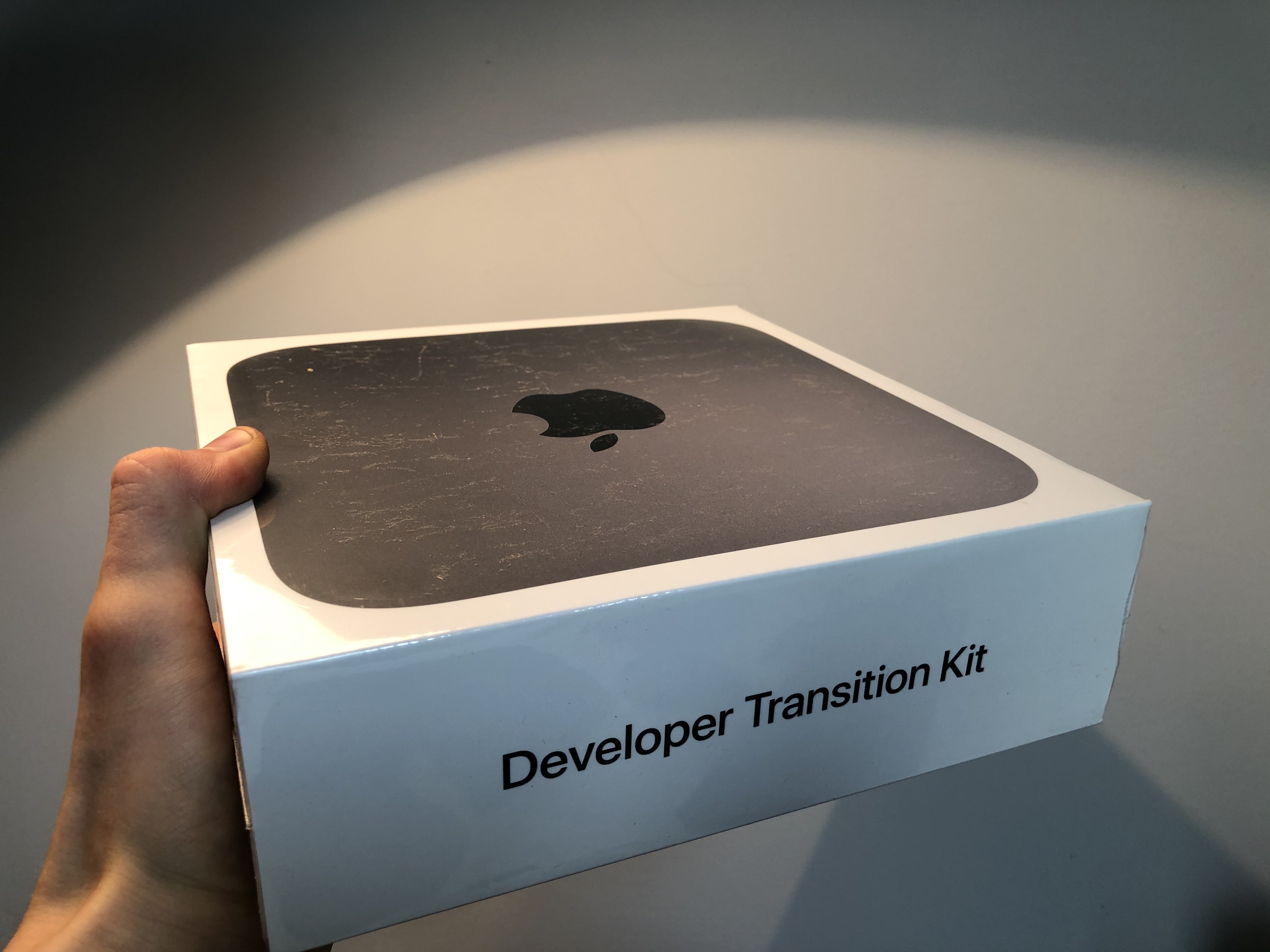
The first Developer Transition Kits started arriving for registered developers recently, giving them the ability to port their apps to a machine using Apple's custom silicon in preparation for Apple's transition to ARM-based Macs later this year. And now the first benchmarks have been revealed for the hardware, but there is a huge caveat.

Apple has officially left OS X behind as it welcomes macOS 11.0 Big Sur into the family. So here's a look at some of the most exciting features coming to the desktop operating system.
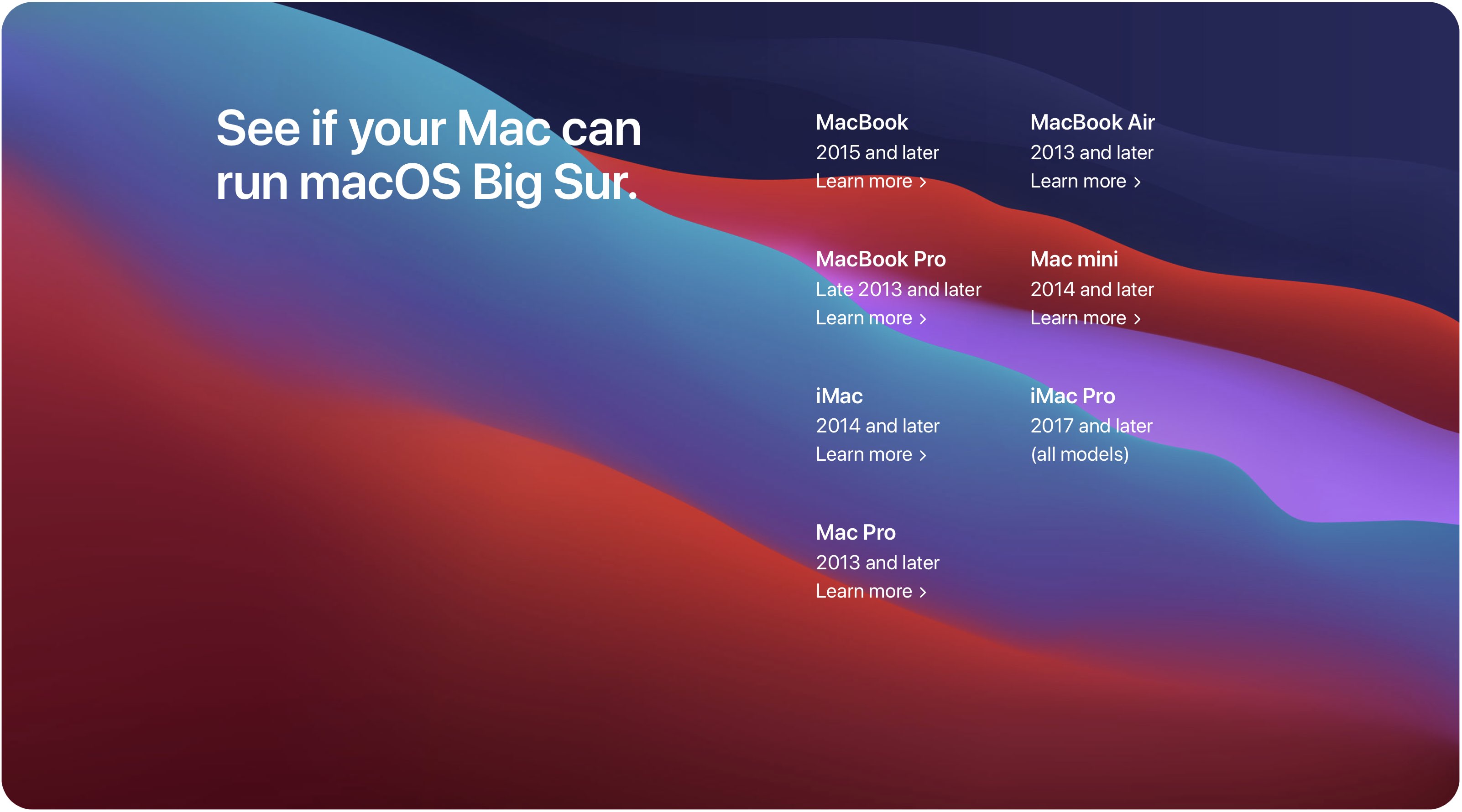
macOS 10.16 Big Sur is a major software update for Apple's desktop and notebook Mac computers which unlocks a plethora of exciting new capabilities, but not every Mac model can take advantage of it. Before taking the plunge, be sure to read the official macOS 10.16 Big Sur system requirements to confirm that your particular Mac model supports this software update.

Earlier today, Apple hosted its special event keynote at this year's all-online Worldwide Developers Conference, and, as such, unveiled the newest versions of its operating systems.
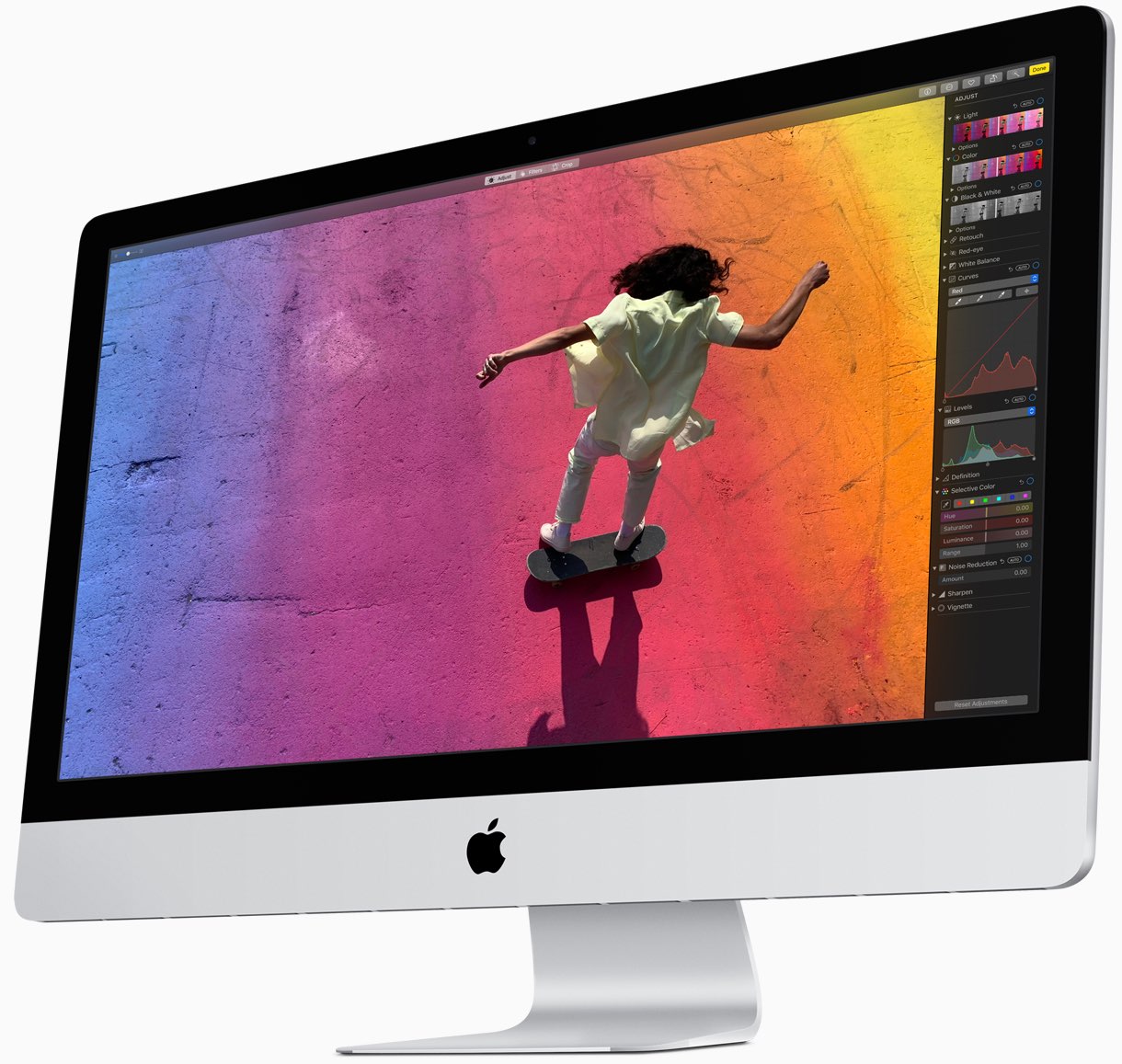
Apple's first Mac models powered by in-house designed processors based on the same ARM CPU technology that's utilized in the company's mobile chips should be a new iMac all-in-one desktop featuring an all-new form factor and a 13.3-inch MacBook Pro notebook.
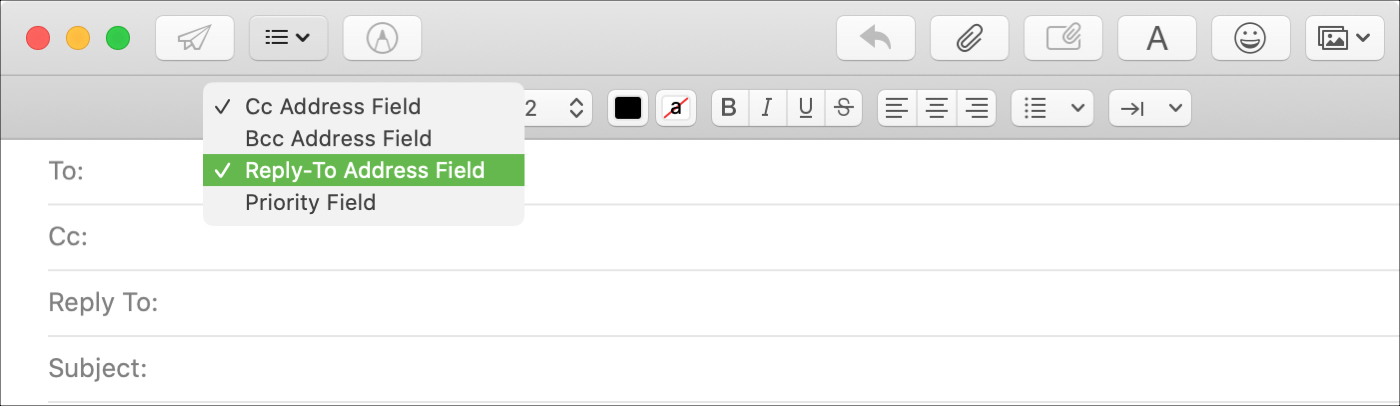
You may have seen this when emailing a business; a different Reply To address than the one you received the email from. Companies and organizations can use this when they want replies to go to a specific mailbox. And if your business uses the Mail app on Mac, you can do the same.
Although it doesn’t currently appear to be a feature in Mail on iOS, it is on macOS. So here’s how to use that Reply To field in Mail.