Learn how to manually add titles and captions to images and videos in the Apple Photos app on your iPhone, iPad, and Mac to make it easy to search for them later.
How to add captions to photos and videos on Mac and iOS

Stay up-to-date on the latest Mac news, and tutorials. Get expert tips and tricks to optimize your Mac’s performance and learn about the latest Apple products and software updates. Discover the best Mac apps and accessories to enhance your user experience.
Learn how to manually add titles and captions to images and videos in the Apple Photos app on your iPhone, iPad, and Mac to make it easy to search for them later.
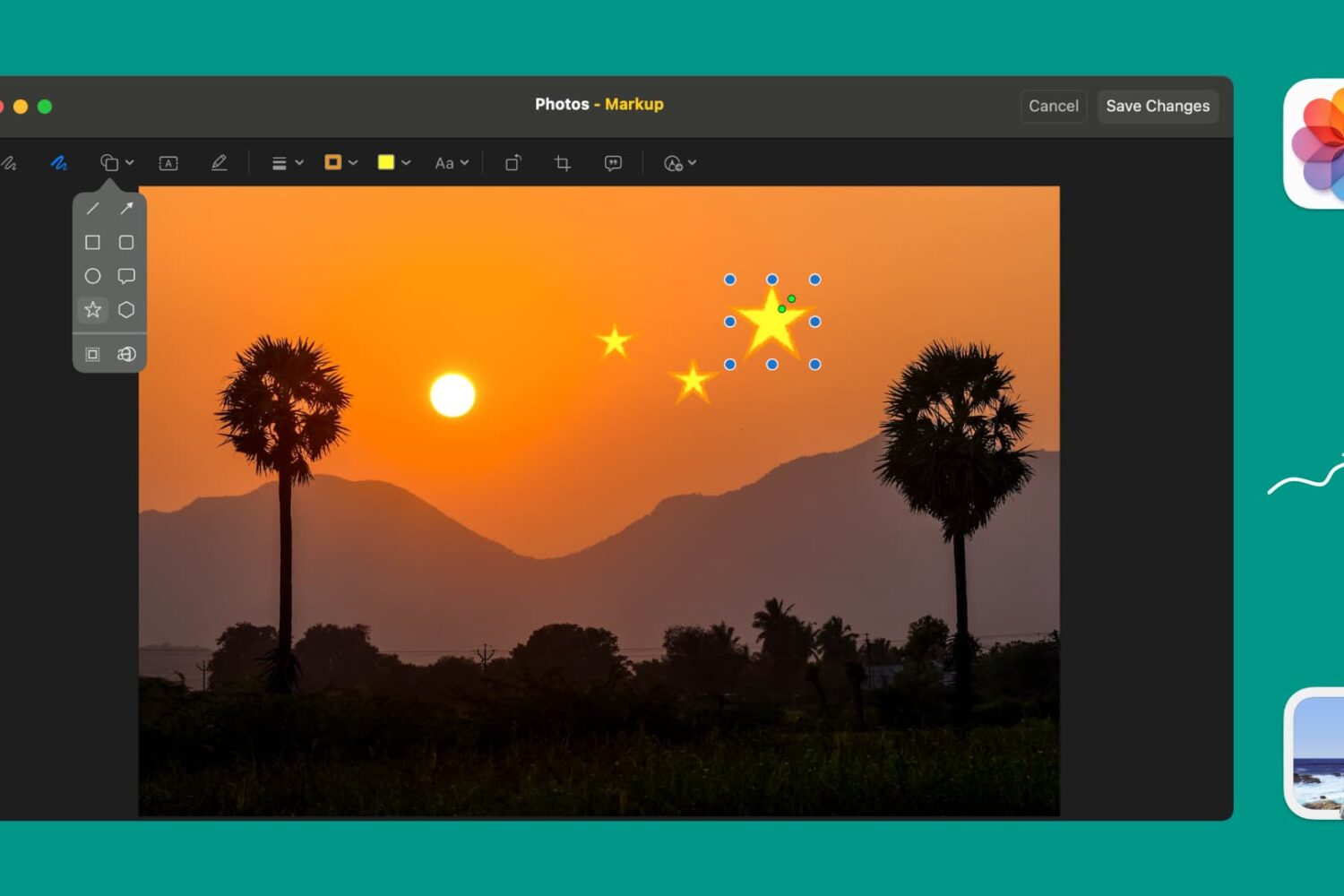
Learn how to use Markup tools in the Preview and Photos apps to annotate, highlight, add shapes, or draw on images without needing third-party apps.
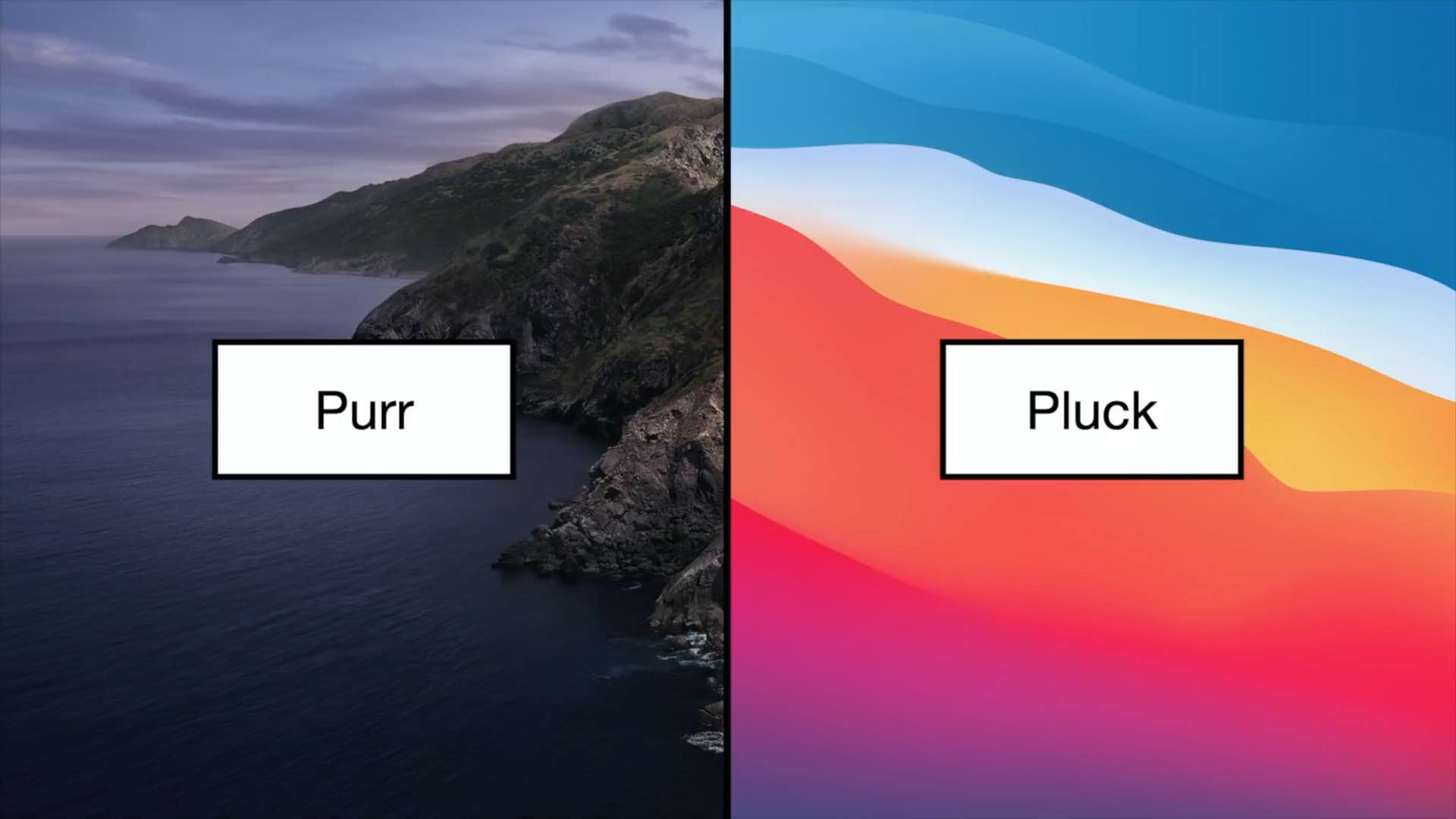
macOS 11.0 Big Sur brings an overhauled interface, but that's hardly the only major change: the Mac system sounds have been overhauled as well in the new OS. Watch these videos showcasing system and alert sounds in macOS Catalina vs. their replacements in Big Sur.
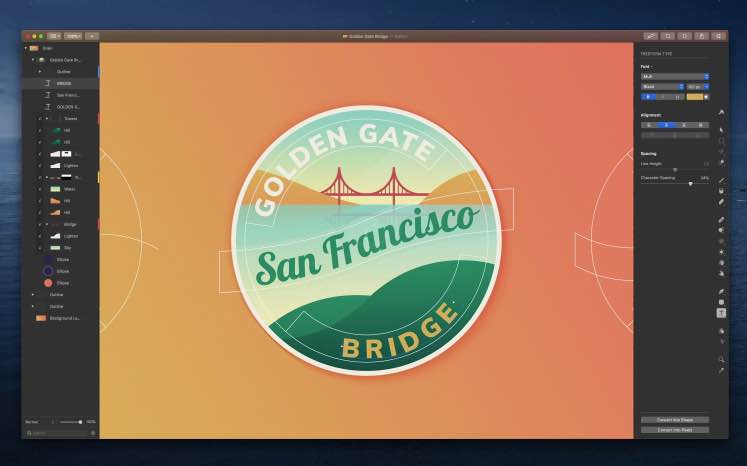
The Pixelmator team on Thursday bumped Pixelmator Pro for macOS to the version number 1.7, and the update includes several solid new user-facing features.
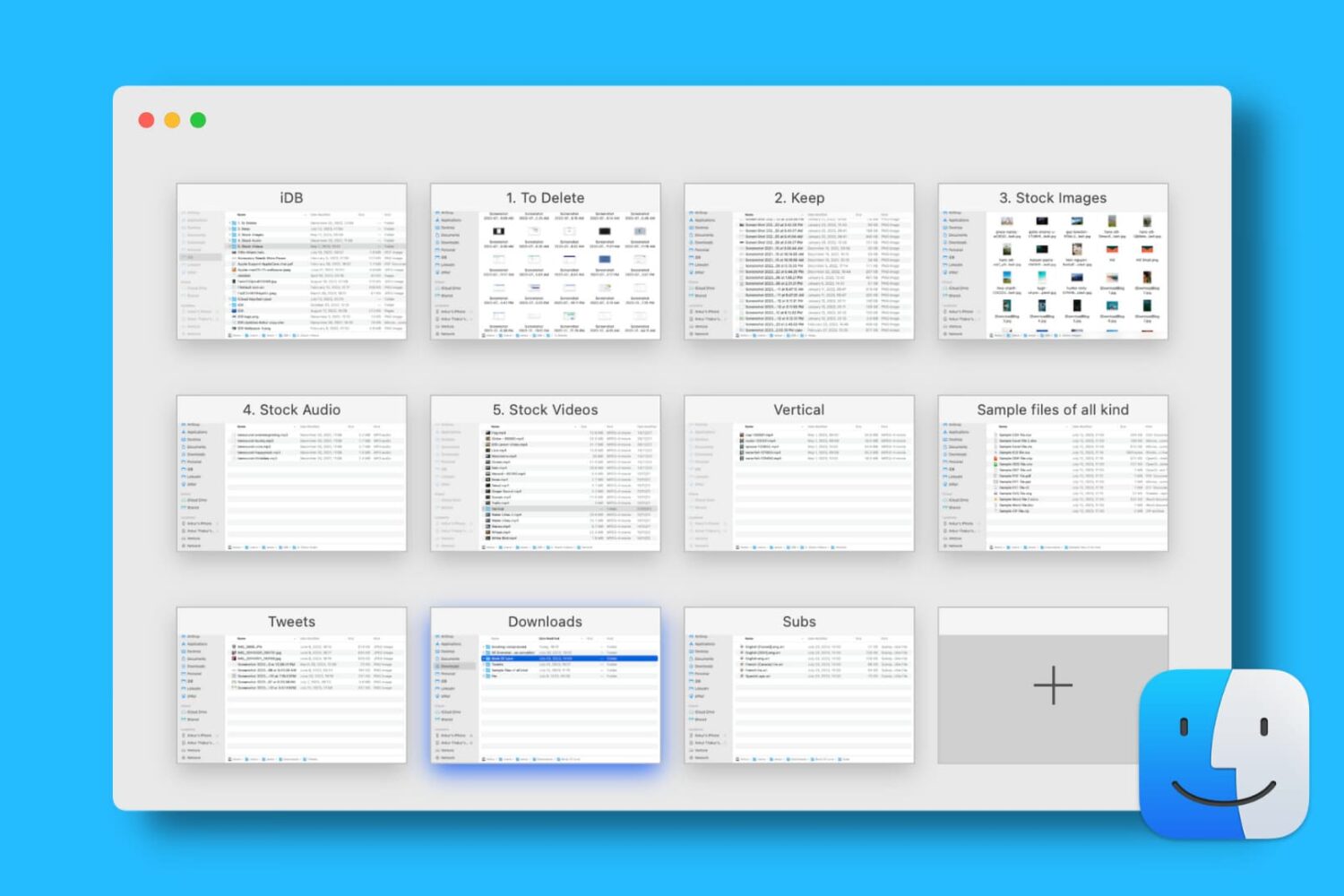
Find out how to open, use, navigate, rearrange, and close tabs in Finder on your Mac so you can work with multiple folders in just one window and keep your desktop uncluttered.
A lot of the keyboard shortcuts available for apps on Mac are the same across those applications. Things like cut, copy, paste, close, or quit are often the same, especially for Apple’s apps like Pages, Numbers, and Keynote.
So in this list of keyboard shortcuts for the Numbers app, we’ve included some that you would only use inside Numbers, like shortcuts for working with tables, basics for controlling the Numbers window, working in spreadsheets, and more.
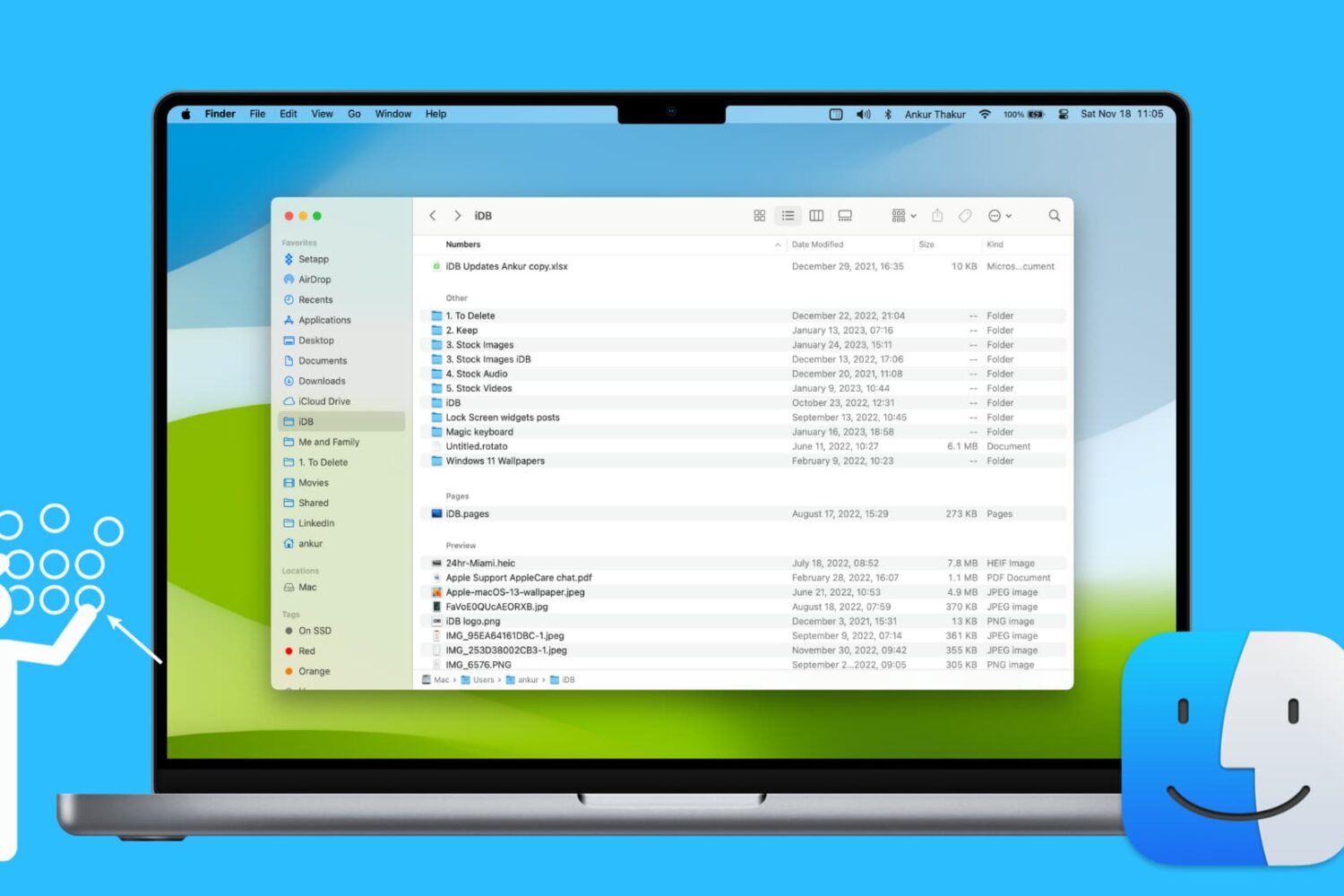
Learn how to use groups in Finder on your Mac to easily sort and manage files for a more streamlined and efficient experience.
Learn how to use the hidden Secure Notes feature of the Keychain Access app on your Mac running an older version of macOS to store confidential notes, private text, PINs, credit card numbers, 2FA backup codes, cryptographic keys, etc.
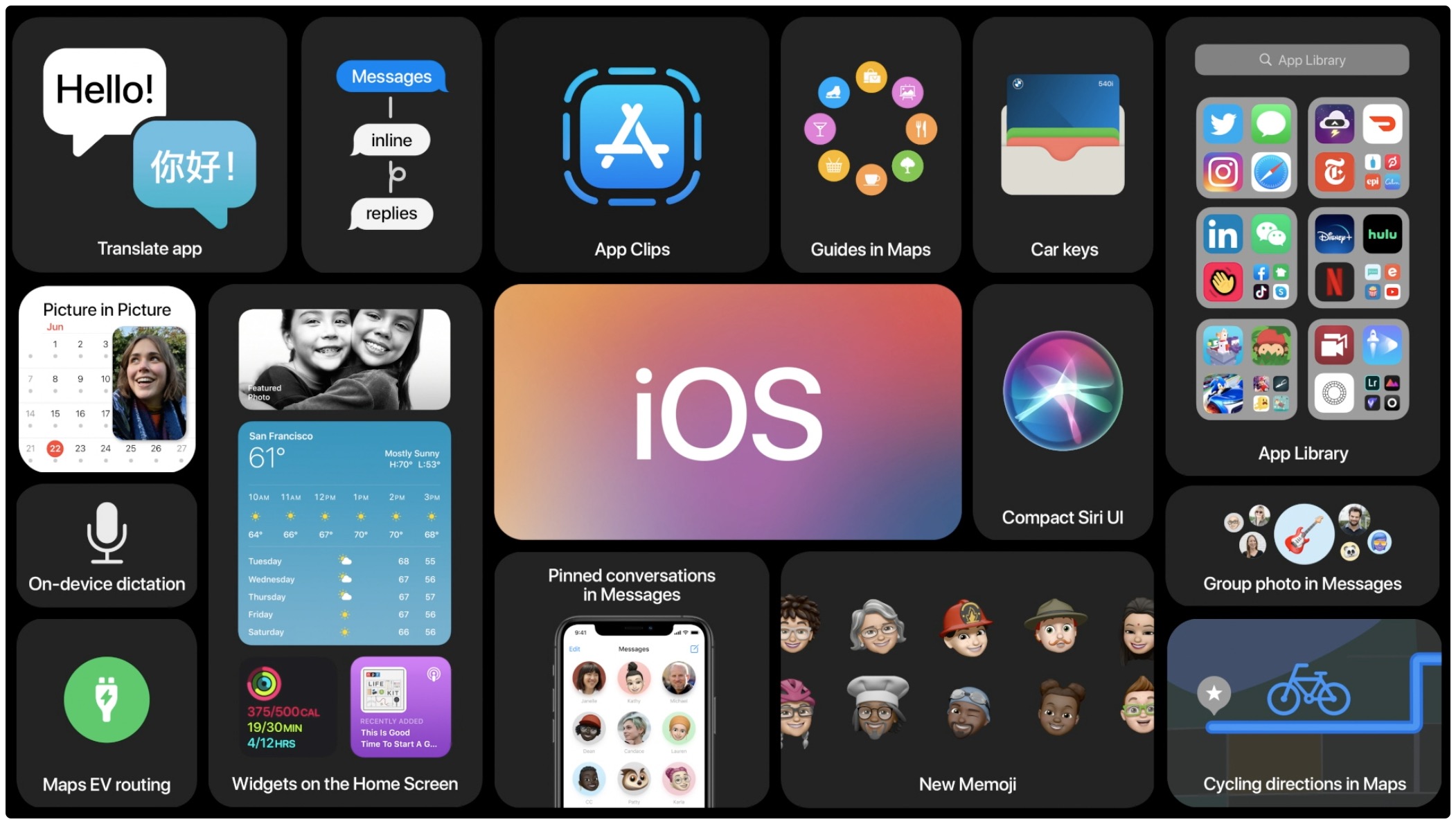
Apple on Thursday made its upcoming iOS 14, iPadOS 14, tvOS 14, watchOS 7 and macOS Big Sur software updates available for public beta testing ahead of commercial releases this fall.

For quite some time now Apple's been making videos to show off how pro users are putting Macs through their paces. And now, Apple on Wednesday pushed a new video to its YouTube channel in which it featured English singer, songwriter, multi-instrumentalist and record producer James Blake which can be seen cutting tracks in Logic Pro X on his MacBook.

Apple today seeded second developer betas of the iOS 14, iPadOS 14, macOS 11 Big Sur, watchOS 7 and tvOS 14 updates ahead of public testing opening later this month. The latest betas arrived more than two weeks following the inaugural developer releases, which became available following Apple's successful virtual WWDC 2020 keynote talk, held on June 22.
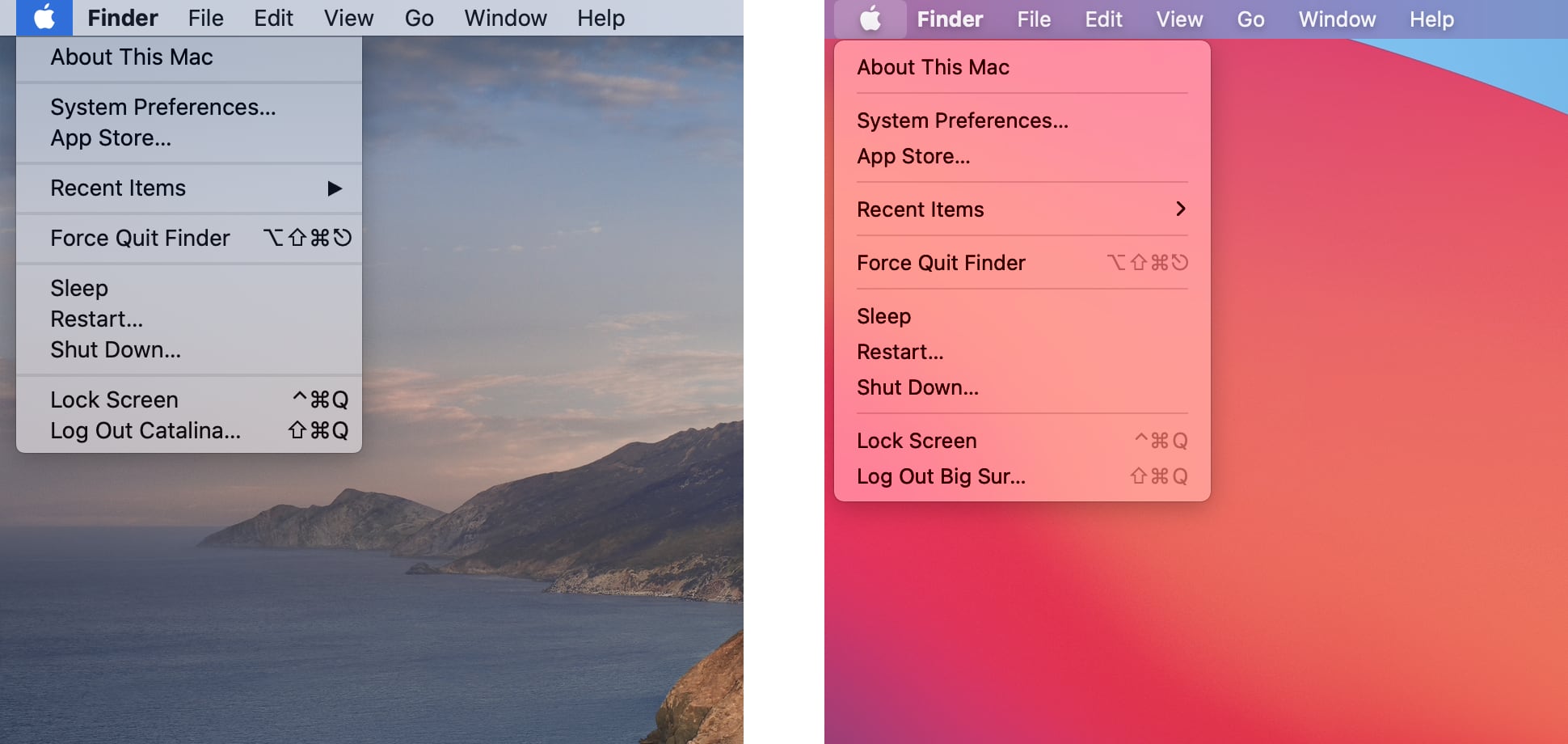
You may have read complaints on social media written by opinionated users who think that Apple pretty much phoned in the work for the icons in macOS Big Sur, but what about the rest of the interface? Thanks to app designer Andrew Denty, we now have a great visual comparison of the user interface changes between macOS Catalina and macOS Big Sur.