In this handy tutorial, we’ll show you how to browse and restore previous versions of documents in Pages, Numbers, Keynote, Text Edit, and Preview on your Mac.
How to review and restore previous document versions on Mac
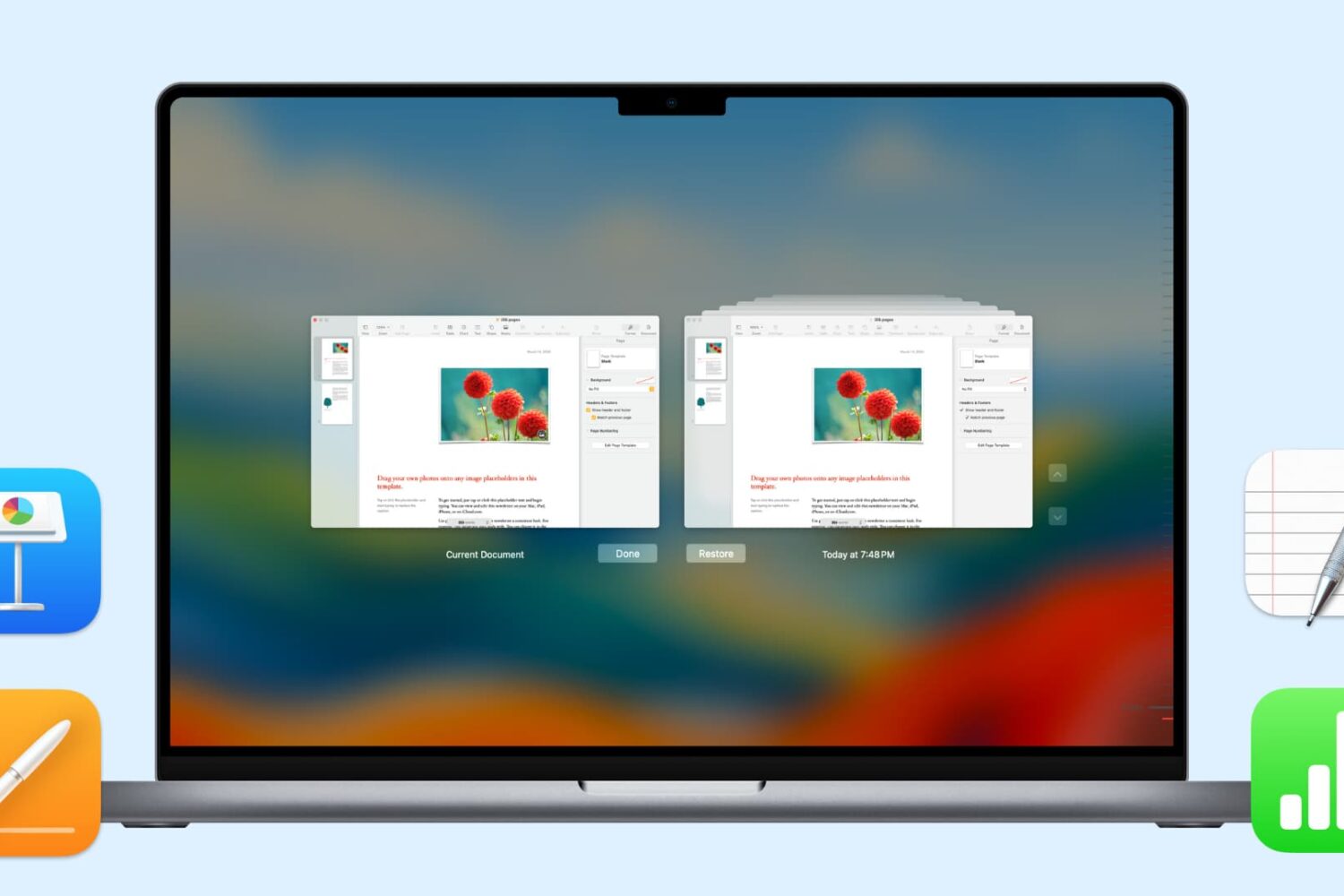
In this handy tutorial, we’ll show you how to browse and restore previous versions of documents in Pages, Numbers, Keynote, Text Edit, and Preview on your Mac.
We all understand the importance of backing up the iPhone contents. Those memorable travel videos, heartwarming family photos, hot songs are the treasures of our life. To achieve the successful iPhone backup, a handy App like MacX MediaTrans is a must have. With this tool, you can easily browse and transfer the music, photos, videos, books, podcasts and other data on your iPhone or iPad, selectively back up them on your Mac computer, optionally encrypt your data and much more.

Transferring photos between an iPhone and your computer is a process you have little control over beyond choosing a group of photos to move. Any higher level of iOS media file management requires a specialized app like DearMob's iPhone Manager which offers a bunch of advanced photo-syncing features and advantages over Apple's default method.
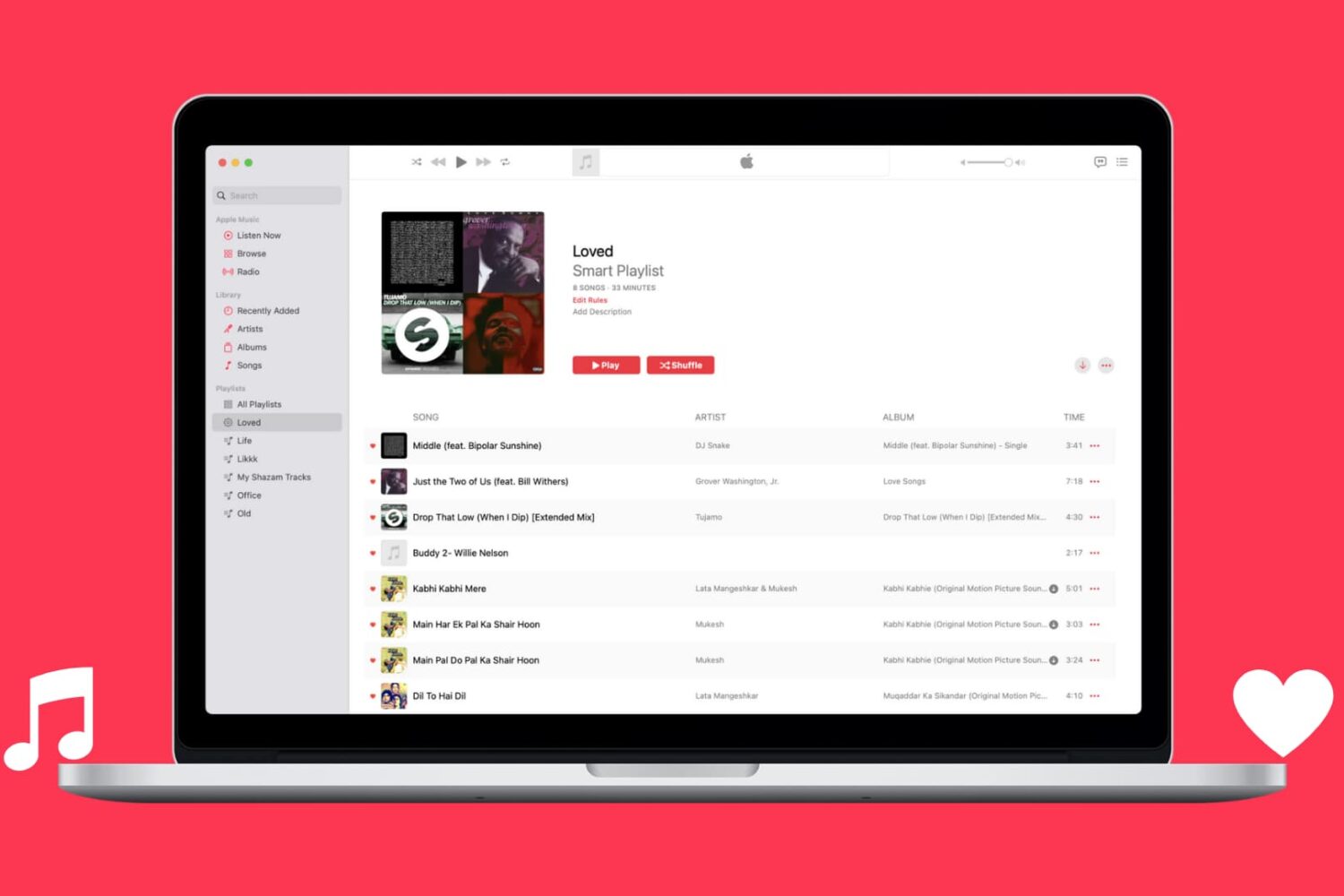
Learn how to automatically capture all Apple Music songs you've loved or favorited in a single spot by creating a special smart playlist.
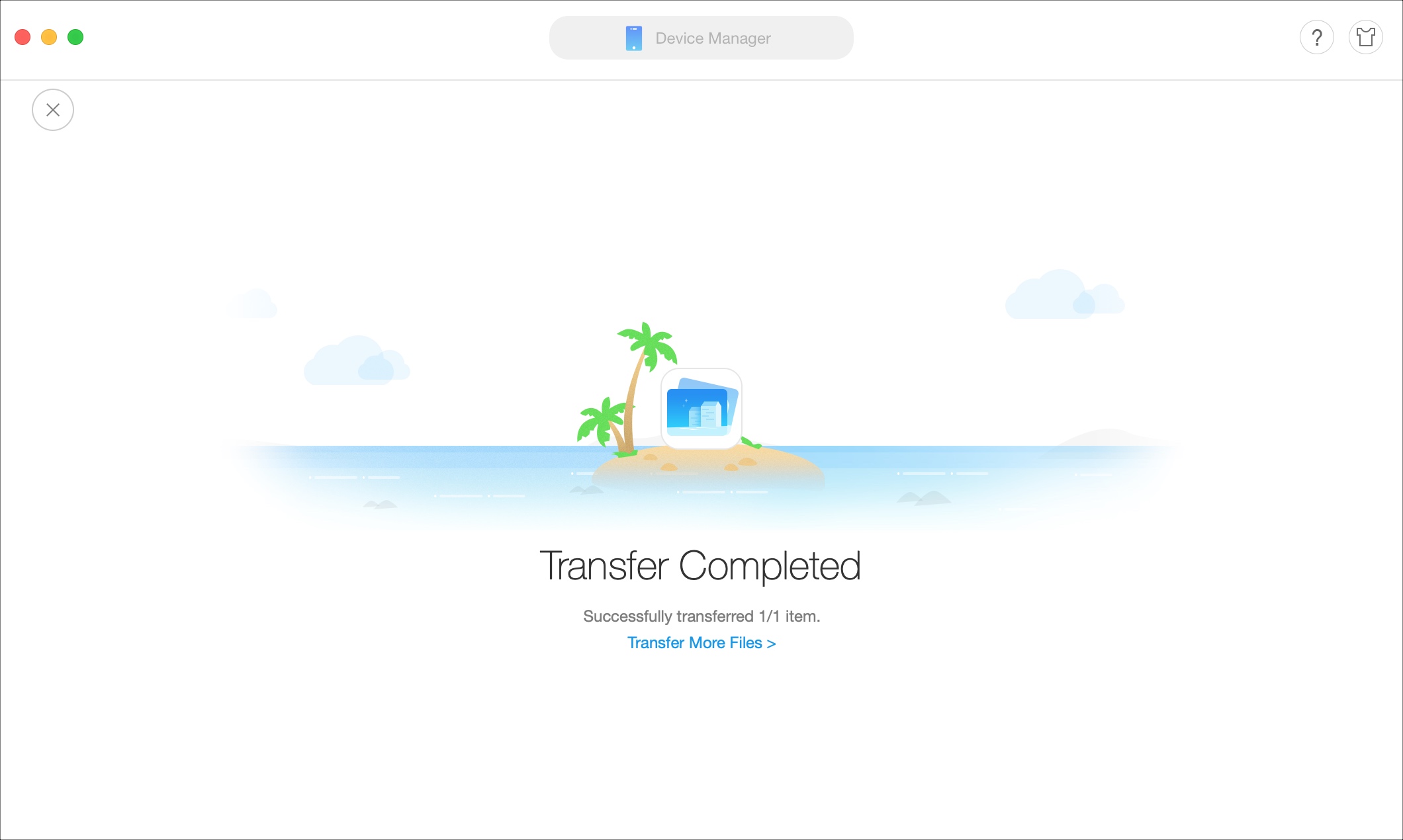
If you’re looking for a way to add movies and shows to your iPhone or iPad without the need for iTunes, then this tutorial is for you.
AnyTrans is an application that lets you manage your device content from your Mac or Windows computer. Transfer files, merge content, use your iPhone as a USB drive, create backups, and more with this one simple tool.
Here’s how to add movies and shows to iPhone or iPad without iTunes using AnyTrans.
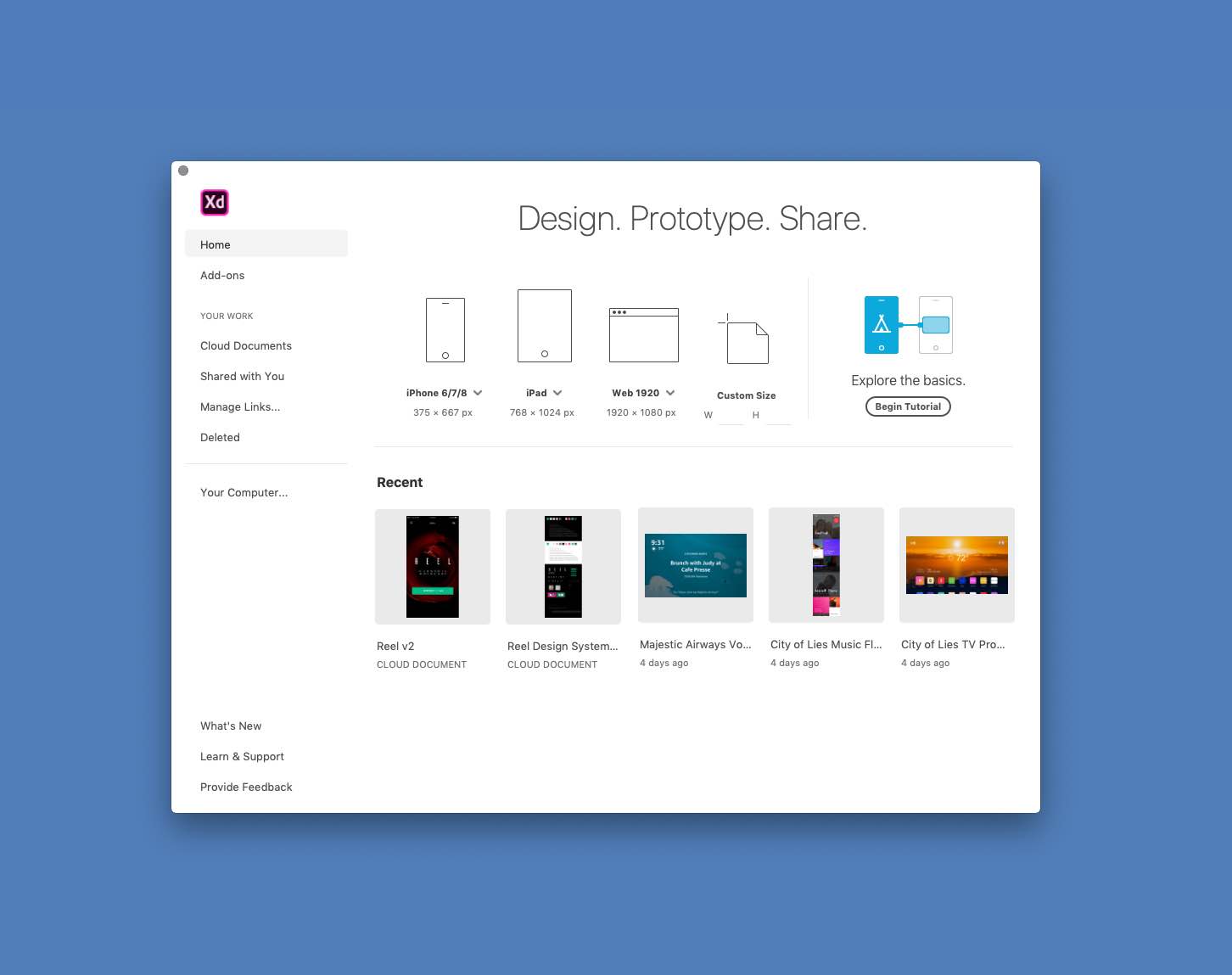
Photoshop maker Adobe today announced some cool new capabilities and enhancements for XD—which is its vector-based tool for designing and prototyping user experience for web and mobile apps—that the firm says will streamline designers’ everyday workflows.
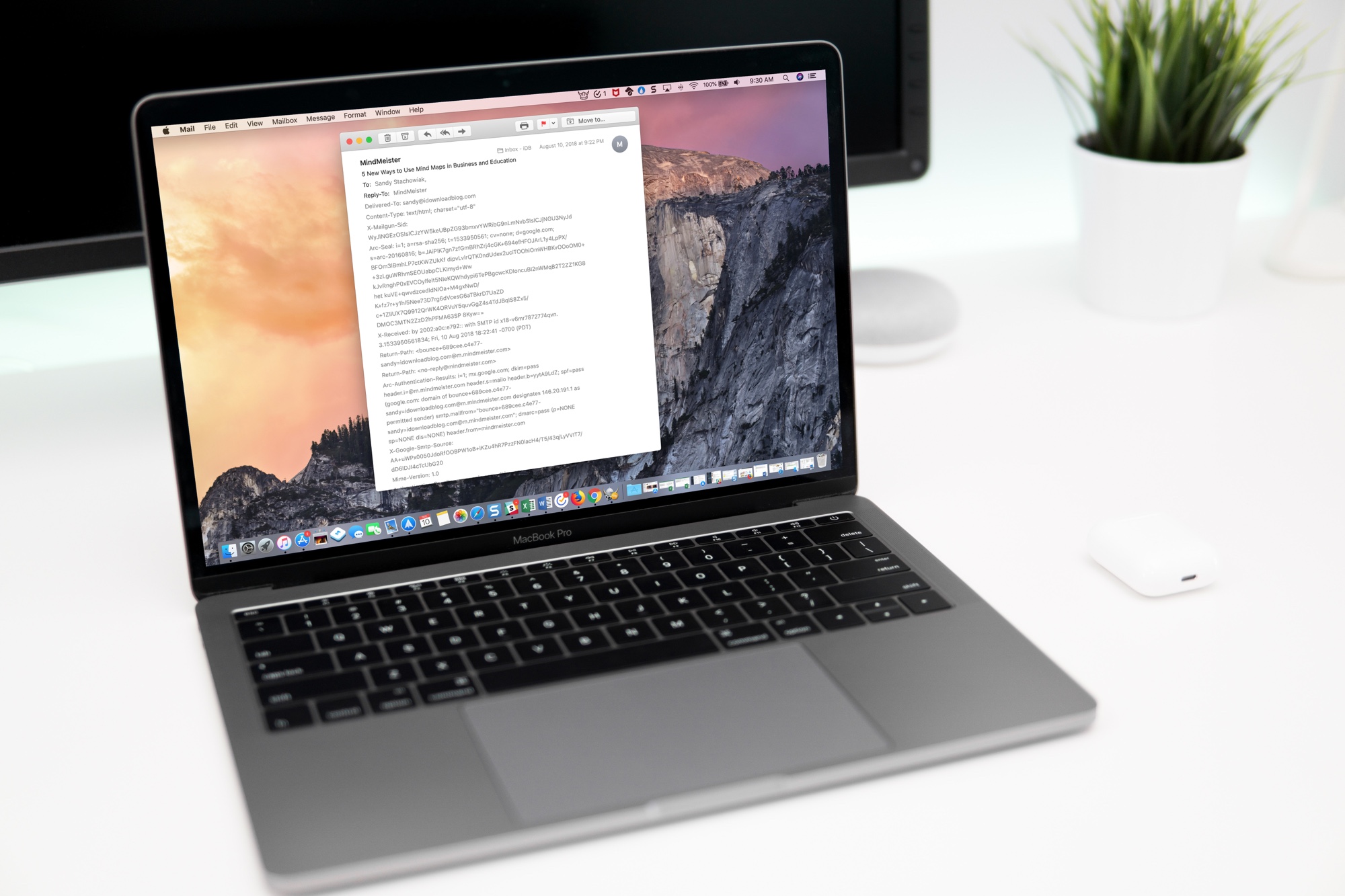
Learn how to view full email headers in Apple Mail on Mac to verify the sender’s authenticity, identify spam or phishing attempts, and troubleshoot issues.
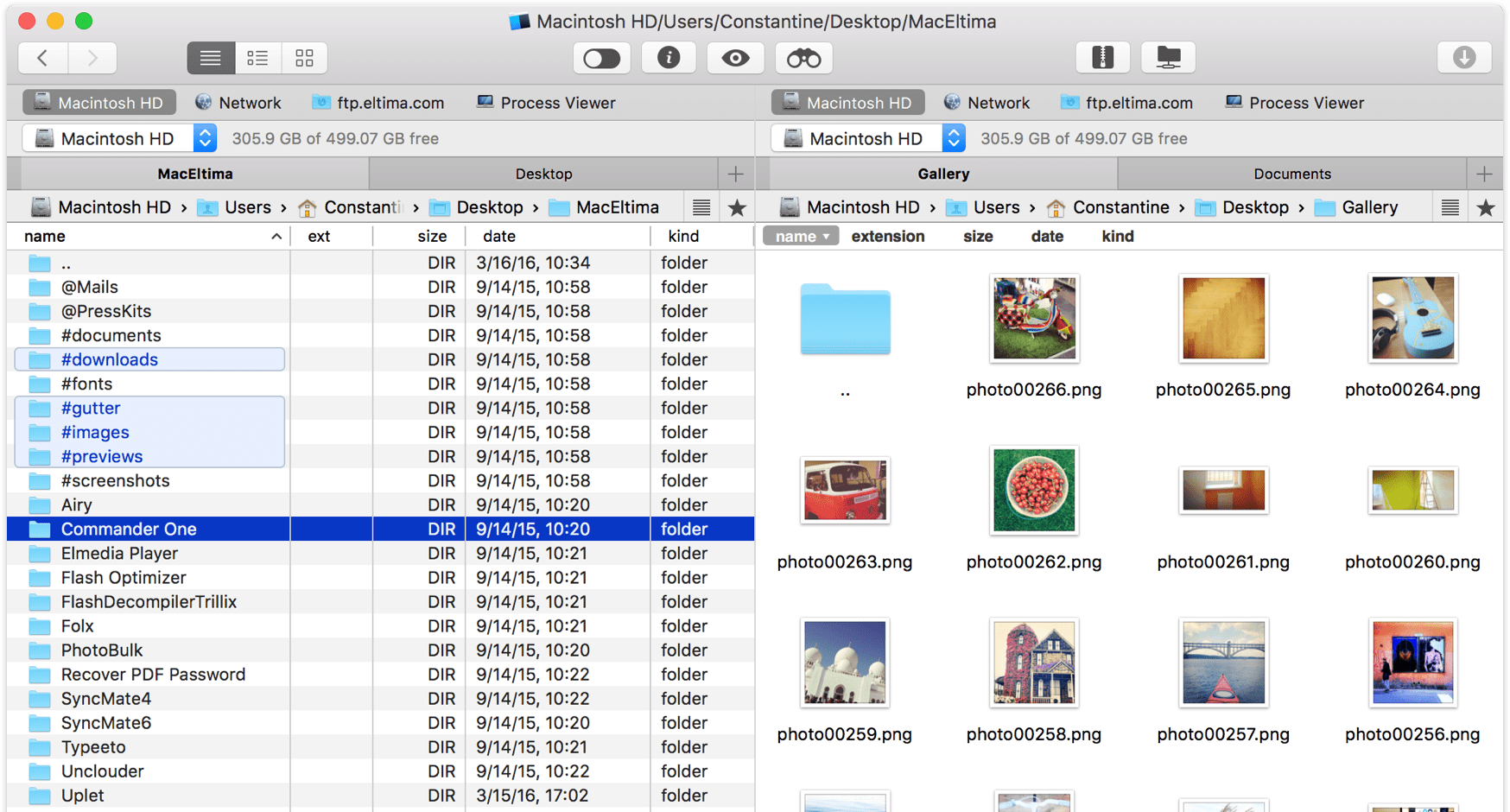
Managing your files in macOS, browsing network volumes, using Dropbox without downloading data to your Mac, sharing items between iOS devices and your computer and performing other file operations in the Finder—all those everyday tasks leave a lot to be desired. Enter Commander One, a free, productivity-focused Mac file manager from US-based developer Eltima that's everything Apple's annoying Finder wishes it could be, and then some more.

Learn how to use the Magic Move transition effect in Keynote presentations on Mac to animate objects as you move from one slide to the next.

Like it does every holiday season, Apple on Tuesday announced the holiday downtime schedule for its App Stores, which is the same as last year: December 23-27. During that window, the Cupertino tech giant won't be accepting any new app or app update submissions.
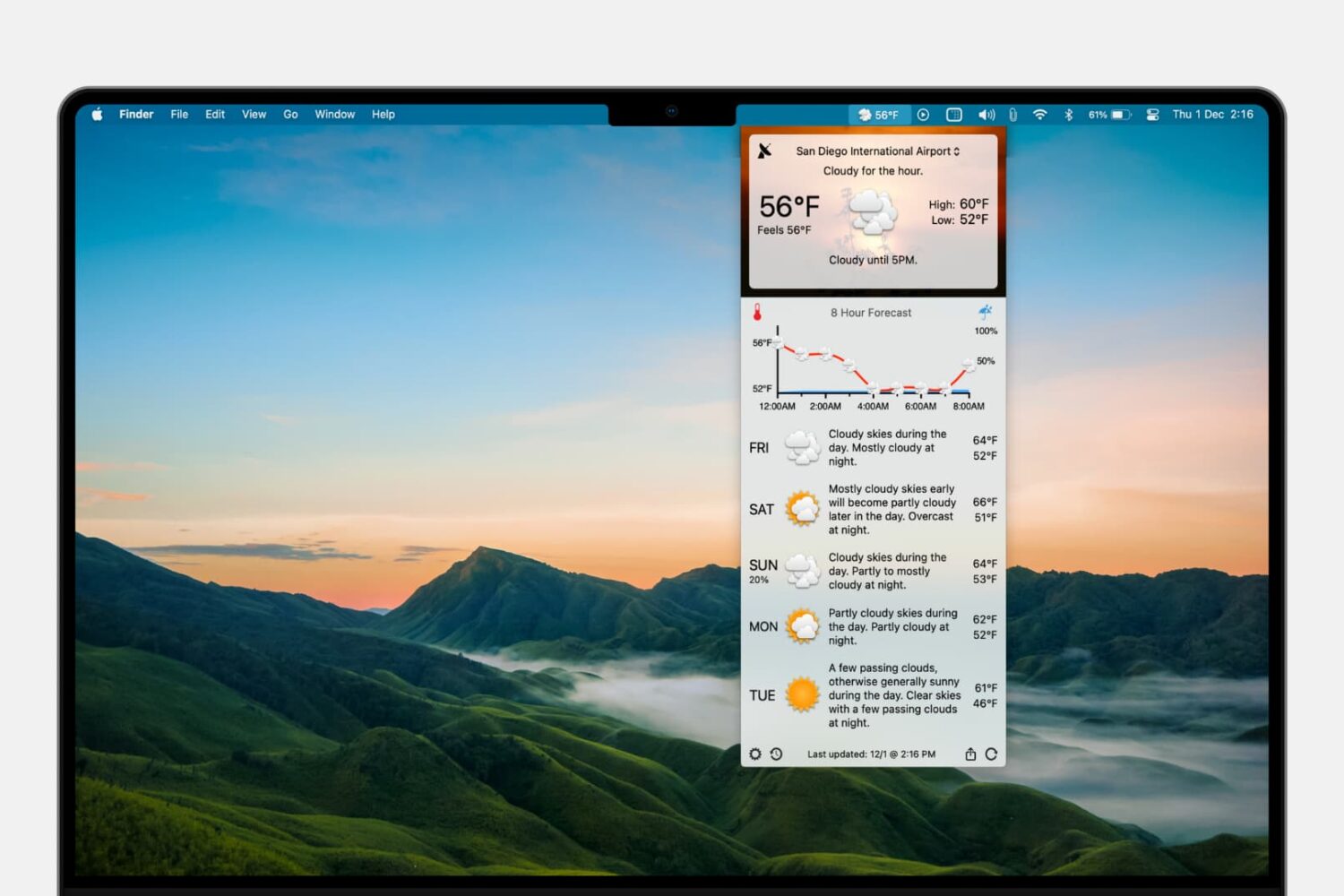
Learn how to add the forecast and current conditions to your Mac menu bar so you can view them at a glance and save yourself from opening a separate app each time you want to check the weather.

Learn how to create and use Presenter Notes in the Apple Keynote app on Mac, iPad, and iPhone to help you remember what you need to say or emphasize important points during your presentation.