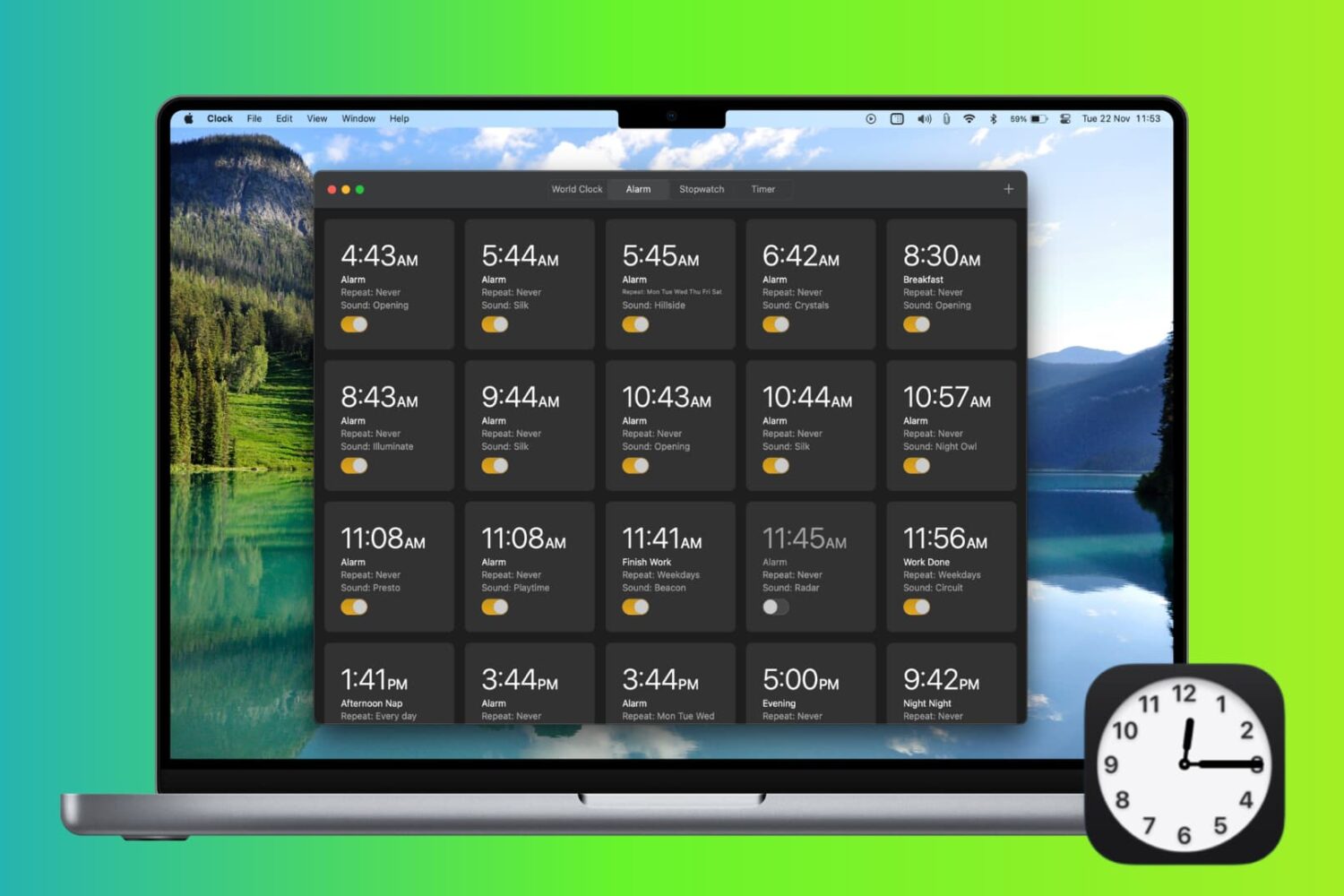
Check out 4 easy ways to create an alarm on Mac and have it alert you at the specified time.
How to set an alarm on Mac
Stay up-to-date on the latest Mac news, and tutorials. Get expert tips and tricks to optimize your Mac’s performance and learn about the latest Apple products and software updates. Discover the best Mac apps and accessories to enhance your user experience.
Check out 4 easy ways to create an alarm on Mac and have it alert you at the specified time.

Learn how to set Google Chrome, Firefox, Microsoft Edge, Brave, Opera, or some other app as the default web browser on your Mac.
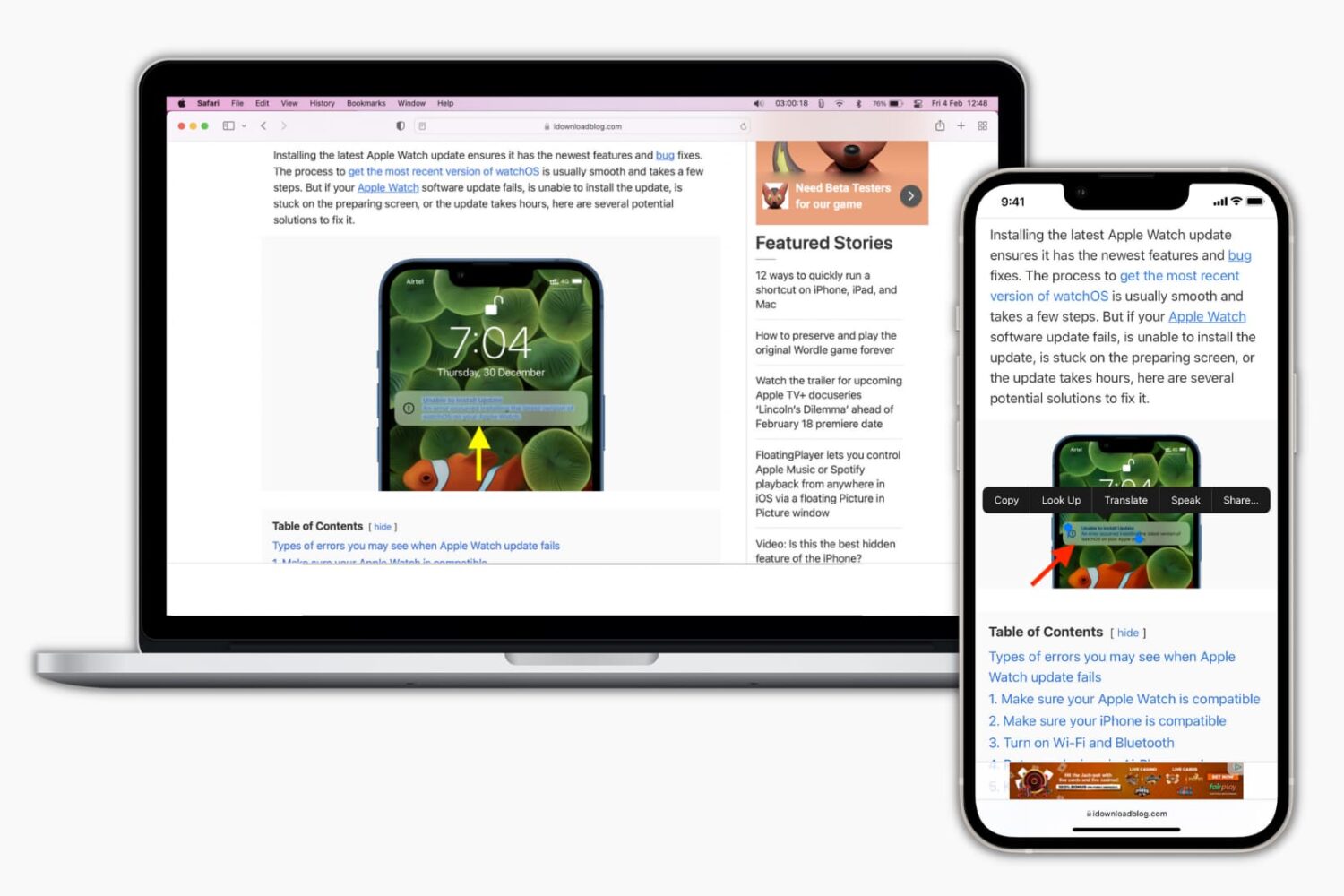
Learn how to disable the Live Text feature on your iPhone, iPad, or Mac if you get distracted by the text selector when you’re working on an image or screenshot with text in it.
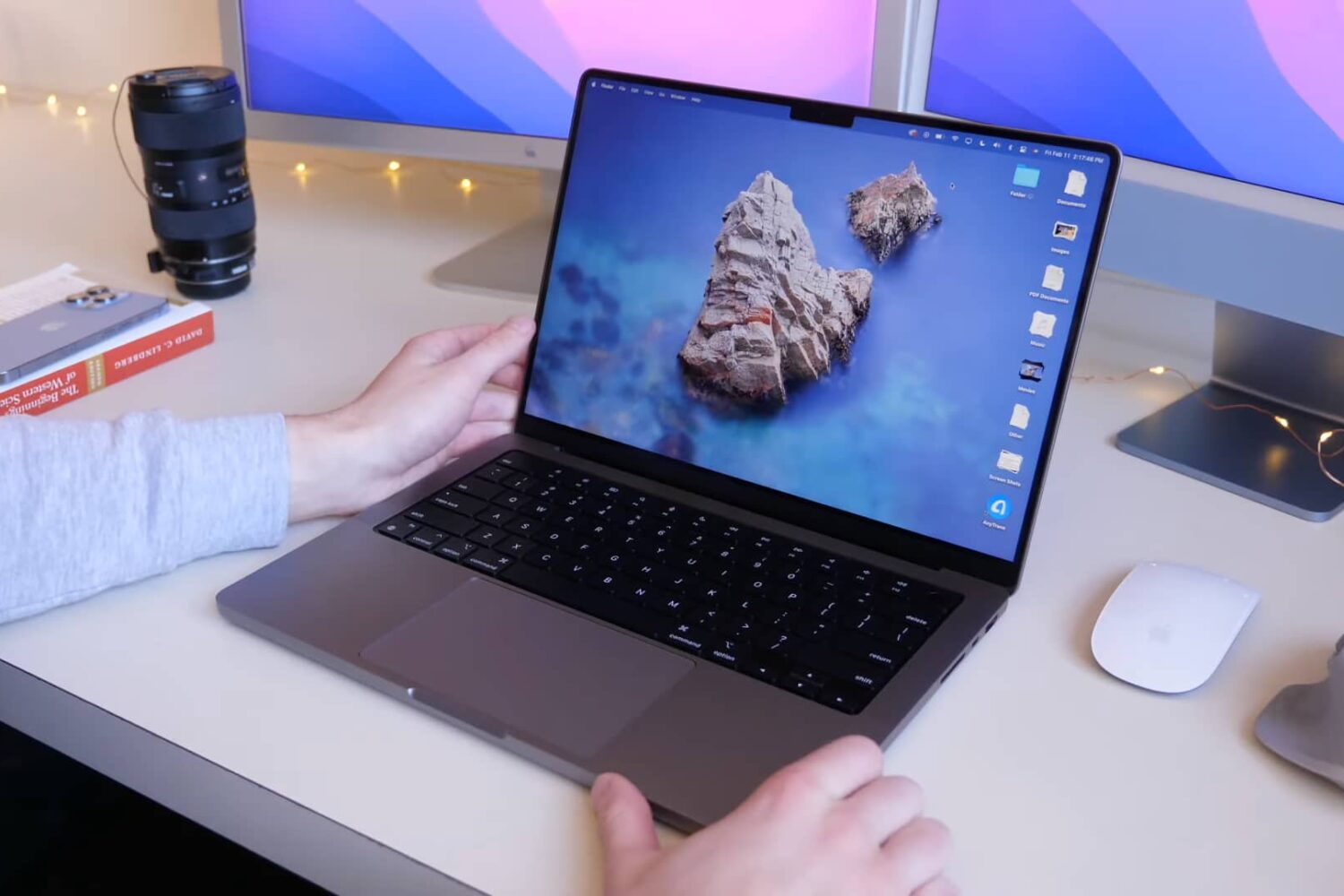
Whether you're upgrading from an old Mac notebook or are new to Apple, be sure to watch these M1 MacBook Pro tips and tricks to get the most out of your notebook.
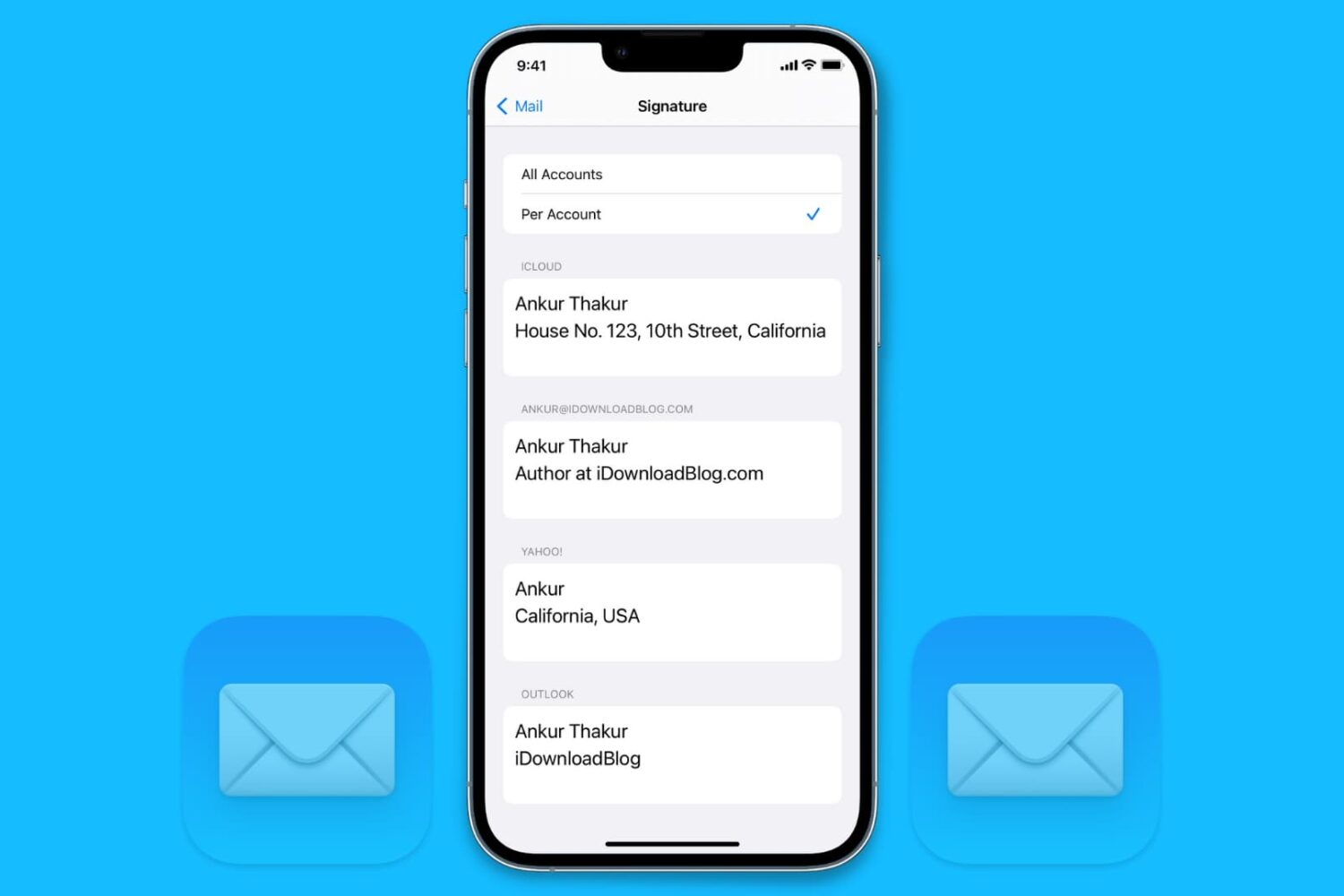
Learn how to add different signatures for each of your email accounts in the Apple Mail app on iPhone, iPad, and Mac for more personalized and professional emails.

In this tutorial, we share a few simple tips to get Apple News to work on your iPhone, iPad, and Mac in any country.

In this guide, we go over several ways to quickly run a shortcut on your iPhone, iPad, or Mac that don't required opening Apple's Shortcuts app.
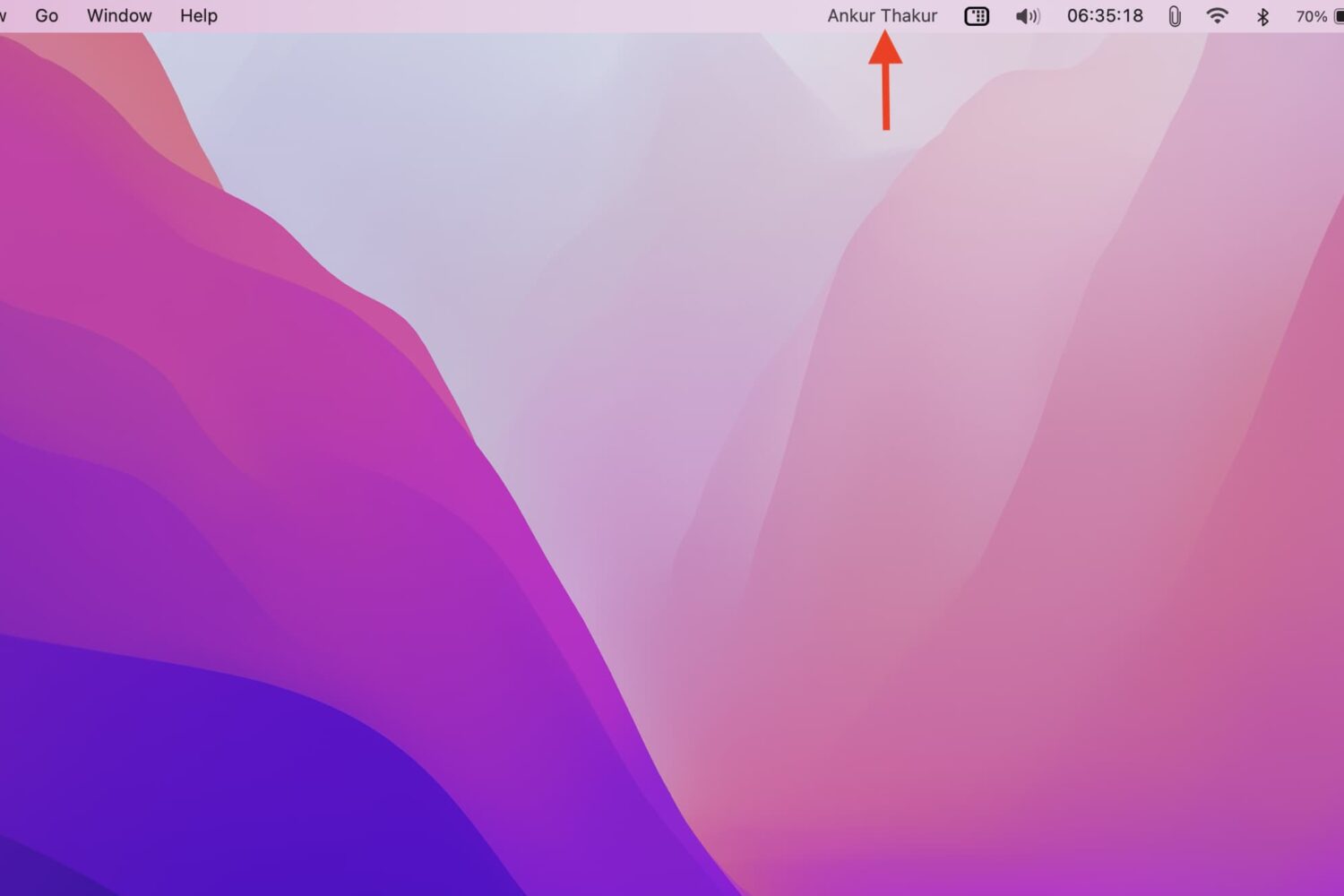
In this tutorial, we will go over the steps you need to take to display your name in your Mac's menu bar, as well as the reasons why you might want to do that. The steps below do not require a third-party app.

Find out what to do if the audio recordings made in the Apple Voice Memos app are not syncing via iCloud from your iPhone, iPad, and Apple Watch to your Mac or vice versa.
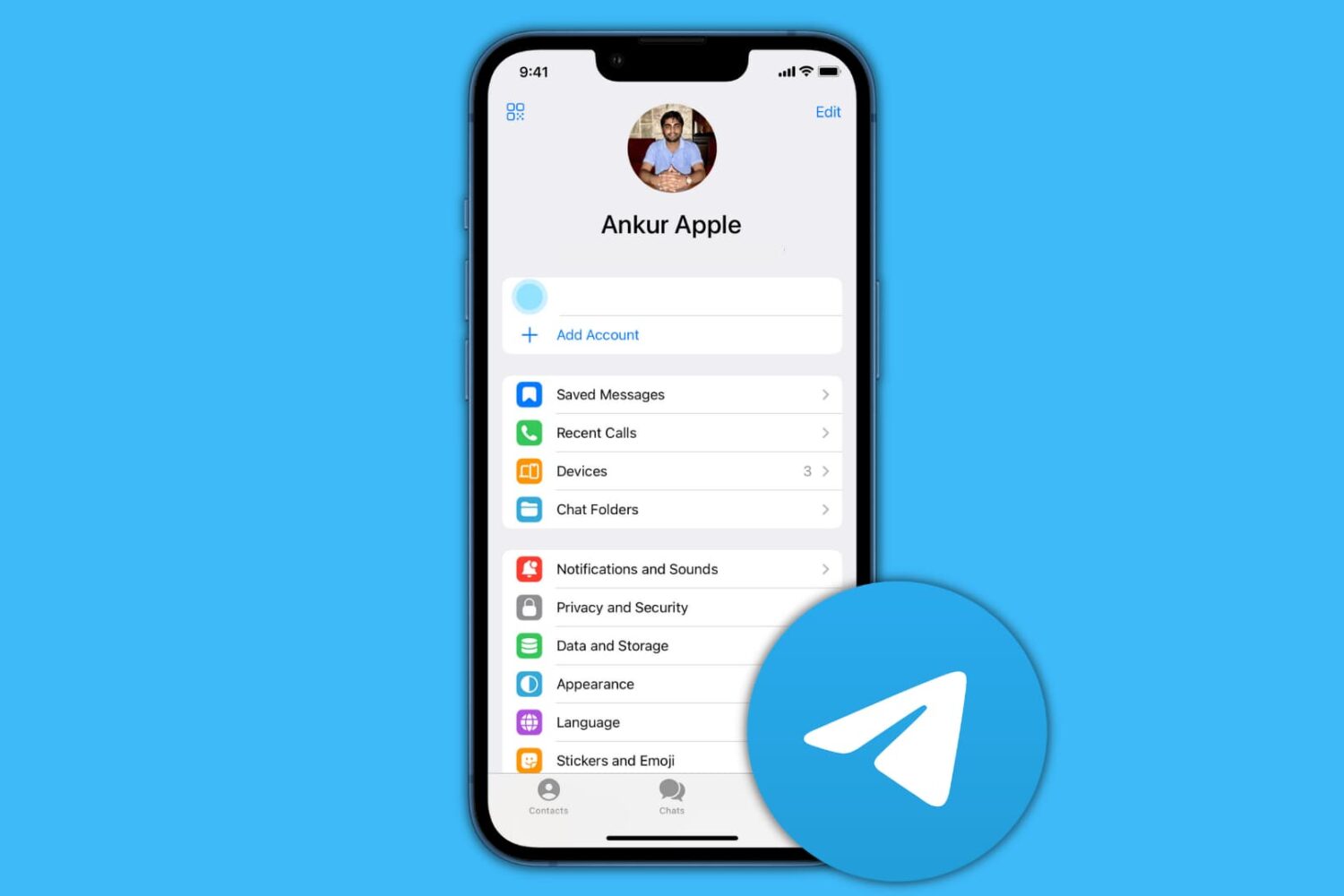
In this guide, we show you how to delete your contacts and chats from Telegram and then deactivate or permanently delete your account.
Learn what to do if your iCloud contacts are missing in the Contacts app on your Mac, or if new ones are not syncing properly with it.
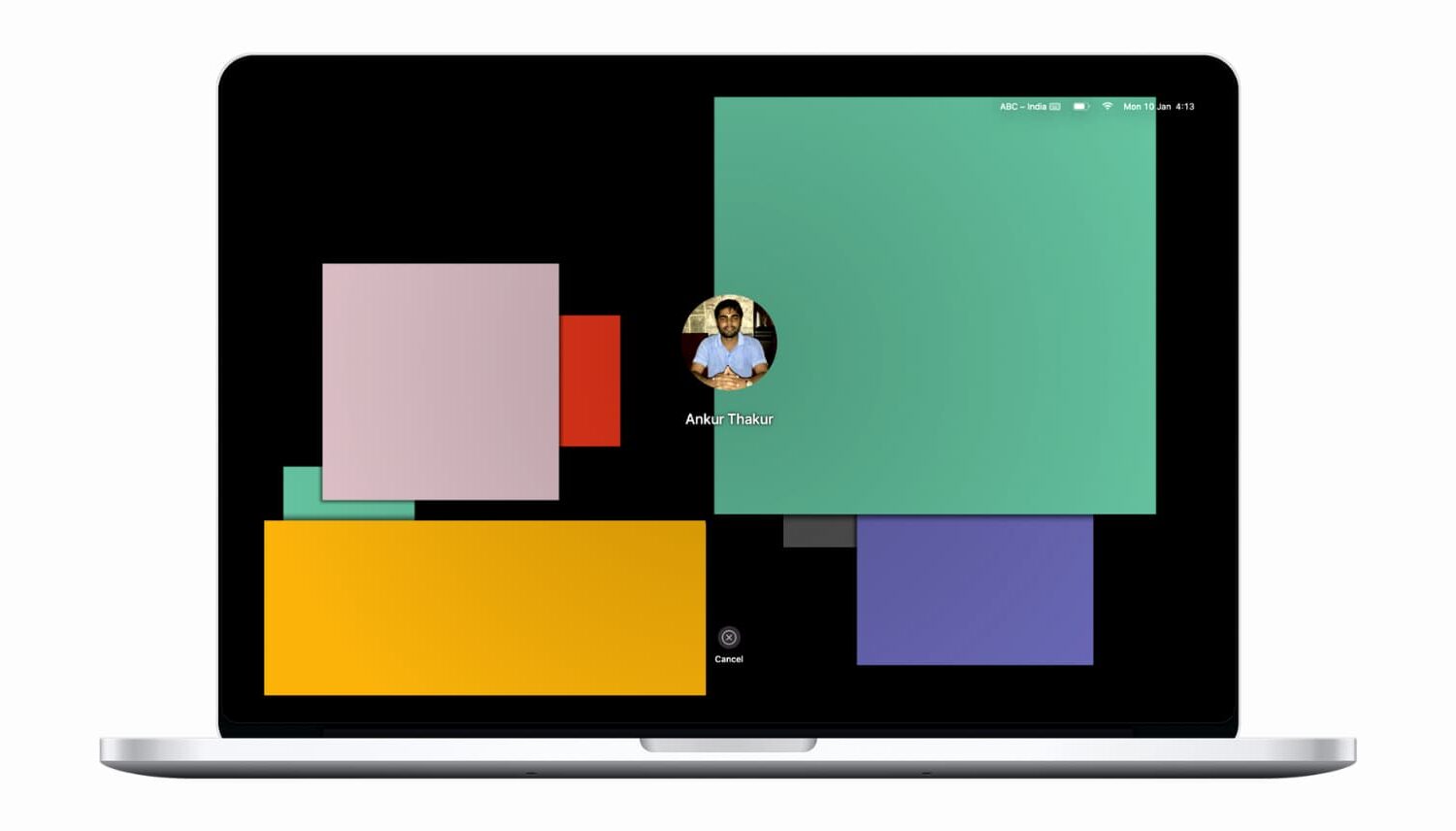
Learn what to do if your Mac is stuck on the screen saver screen and is refusing to let you go in.