Learn how to easily export your Mac contacts for easy sharing and backup purposes in this comprehensive guide.
How to export or back up one, multiple, or all your Mac contacts

Stay up-to-date on the latest Mac news, and tutorials. Get expert tips and tricks to optimize your Mac’s performance and learn about the latest Apple products and software updates. Discover the best Mac apps and accessories to enhance your user experience.
Learn how to easily export your Mac contacts for easy sharing and backup purposes in this comprehensive guide.
Creating a group email can be a real time saver as you don't have to manually enter each recipient's email address. Instead, you can quickly type in the name of a group of contacts that you want to send an email to and have the "to:" field of your email client populated for you automatically.
In this post, we will show you how to send group emails from your Mac. As you will soon be able to verify, sending messages to a group from your Mac is a fairly simple and quick process.

In this comprehensive guide, we’ll show you multiple ways to delete one, several, or all pictures and videos from your iPhone or iPad to clean up your photo library.
In this post, we will guide you through the steps of creating contact groups on your Mac using manual or smart group creation methods, and also teach you how to edit or delete these groups for efficient contact management.
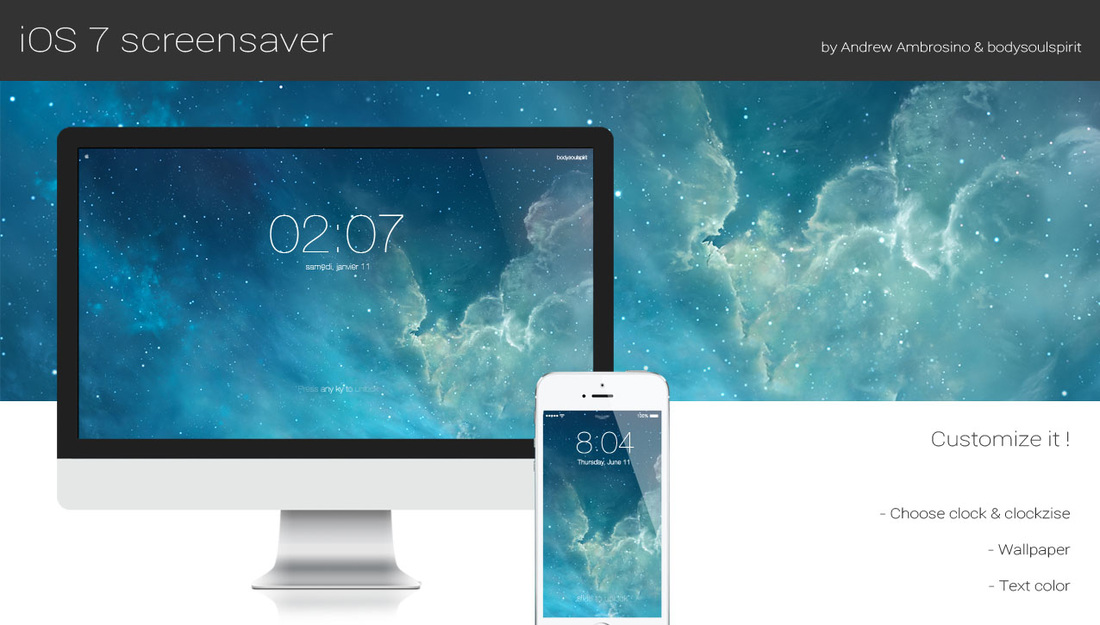
With the release of OS X Mavericks, Apple reaffirmed that it is in no hurry to bring the design of iOS over to the Mac—the two have little in common when it comes to UI. But there are ways to customize your Mac to look more like iOS such as utilities, icon packs, and now this.
What you see above is a new screensaver for OS X that resembles the iconic iOS 7 Lock screen. It features an oversized, 4-digit clock, an animated background, and the text 'Press any key to unlock.' The screensaver is totally customizable and fairly easy to install. Take a look...

Learn how to summarize text on a Mac to read a short version of a document without using Apple Intelligence, modern AI tools, or other apps at all.
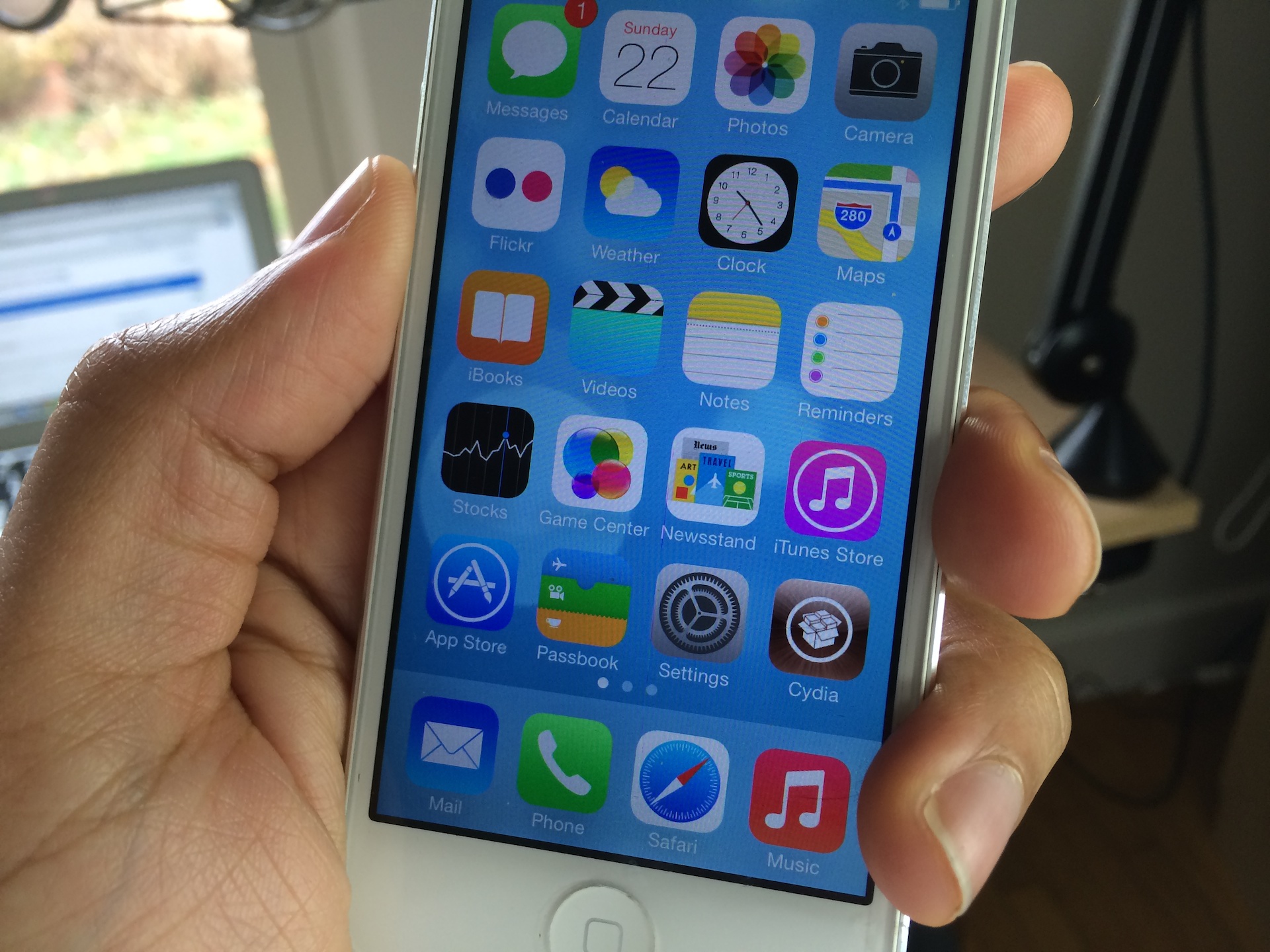
As we just told you, the evad3rs have released a new jailbreak tool called evasi0n7, and it allows you to easily jailbreak iOS 7. The good news is that the hack works with all flavors of iOS 7, which includes iOS 7.0.1, iOS 7.0.2, iOS 7.0.3, 7.0.4, 7.0.5, and 7.0.6. (no jailbreak for iOS 7.1 at this time).
As usual, the evad3rs have made the utility fairly easy to use. But also as usual, we know there will be folks out there looking for a bit of help using it. So we’ve created an easy-to-follow tutorial to show you how to jailbreak iOS 7 on your iPhone, iPad, and iPod touch...

Lots of people have asked me how I go about recording footage directly from the iPad, iPhone, or iPod touch. The process is one that is simple and straightforward with the help of a couple of hardware and software tools.
From time to time I will record footage directly from an iOS device, while at other times, I like to record the screen using an external camera so that you can see my hands as I work with the device. Depending on the circumstances, I've been known to switch up my methods for doing so.
The bottom line is that there are times in which you should definitely go the direct feed route as opposed to recording the screen externally. As the saying goes, there are many ways to skin a cat, but the method that I've been using has been working quite well for me. Have a look inside as I spill the details on what makes a successful iOS device recording setup.

Are you unable to download some images from a web page? Check out these two free Google Chrome extensions to save any or all images of a web page to your Mac or Windows PC.

I wouldn’t call myself a Nest Learning Thermostat early adopter, but I did acquire one fairly early in the game, and I haven’t looked back. The Nest, as you’re likely well aware of, is the new-aged thermostat from iPod designer Tony Fadell. The Nest allows users to control the thermostat from anywhere in the world using a web browser, or by using an iOS app for the iPad or iPhone.
Mac users have sort of been left out in the cold; pun intended. Desktop users have basically been relegated to using the web browser in order to control the Nest, as there is no official Nest app available for OS X. The good news is that developer Joseph Workman has taken the initiative to wrap the Nest’s web interface into a handy utility called Climate, and it runs in the Mac’s menu bar. This makes it so that you can quickly access the Nest’s temperature controls and other features from anywhere on your Mac.
We’ve taken the initiative to create a video walkthrough in order to showcase to you how Climate works, and why it’s so beneficial to Mac users. Jump past the break to see all the details.

Bartender is a Mac app that helps users declutter their menu bar by allowing them to easily hide, rearrange, and manage menu bar icons according to their preferences.

In episode 002 of Let’s Talk iOS we talked about Pinboard, and why it’s such a useful service for saving bookmarks. I won’t get too much into the specifics about Pinboard on this post, so I urge you to listen to that episode if you haven’t already. The episode does a good job of explaining the methodology behind Pinboard, pricing, etc.
What I do want to talk about is an awesome Pinboard utility called Shiori. A free download for OS X, Shiori is a Pinboard utility that allows you to quickly add new bookmarks to your Pinboard account and just as quickly search all of the contents of your account.
Shiori runs in the menu bar, and both its add and search functions can be accessed by a pair of useful keyboard shortcuts. Have a look inside as we go hands on with Shiori on video. If you’re at all interested in saving bookmarks for the longterm, then I’m positive you’ll find Shiori useful.