Lockscreen

LockGlyph: unlock Touch ID enabled devices using the Apple Pay animation

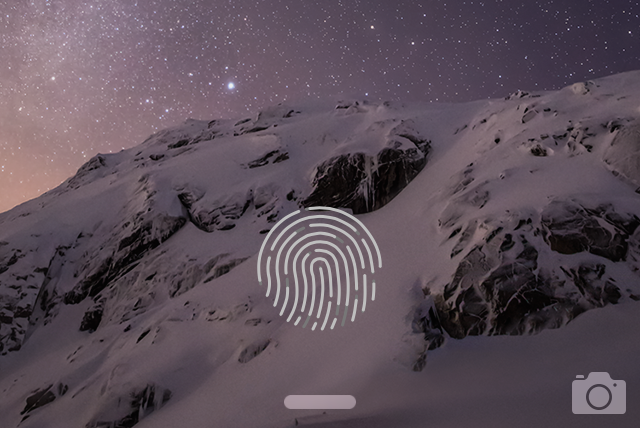
LockGlyph is a brand new tweak available on the Cydia store that brings the Apple Pay confirmation animation to the Lock screen. If you own a Touch ID enabled device like the iPhone 5s, iPhone 6, or iPhone 6 Plus, you can unlock your device using fingerprint authentication, and enjoy a nice Apple Pay-inspired animation and sound during the process.

I've taken a spin with LockGlyph on video. Check inside to see some of the tweak's pluses and minuses.

How to disable Notification Center and Control Center on the Lock screen

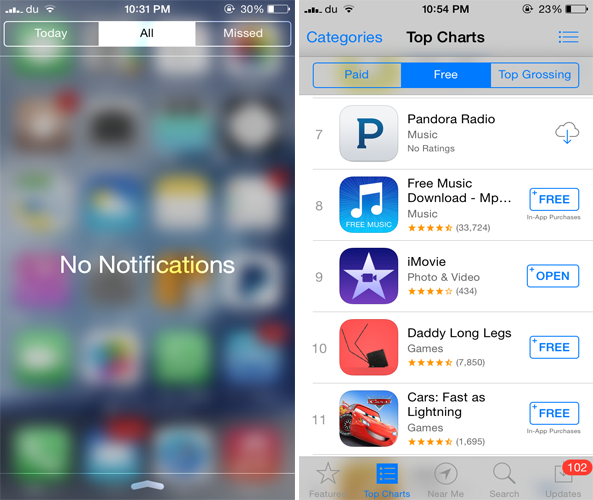
By default, access to Notification Center and Control Center is available system-wide on iOS, meaning that you can access both features from the Lock screen, from the Home screen, and from any app. These two features are very convenient, but can also represent a security or privacy concern. With that in mind, iDB reader Eric asked us this morning on Twitter how to disable both grabbers for Notification and Control Center on the Lock screen. In this post we will show you how to do just that.

SleekCode: improve the look of the Lock screen passcode interface

SleekCode is a brand new jailbreak tweak that just recently touched down on Cydia’s BigBoss repo. SleekCode allows you to change up the look of the passcode screen. You can alter the background of the blur, alpha, and passcode rings, along with hiding the emergency dial button and slide to unlock chevron.

I was fairly impressed with the look of the passcode screen after configuring SleekCode. Have a look at our video walkthrough for more information.

LockSpeed adds your favorite contacts to your Lock screen

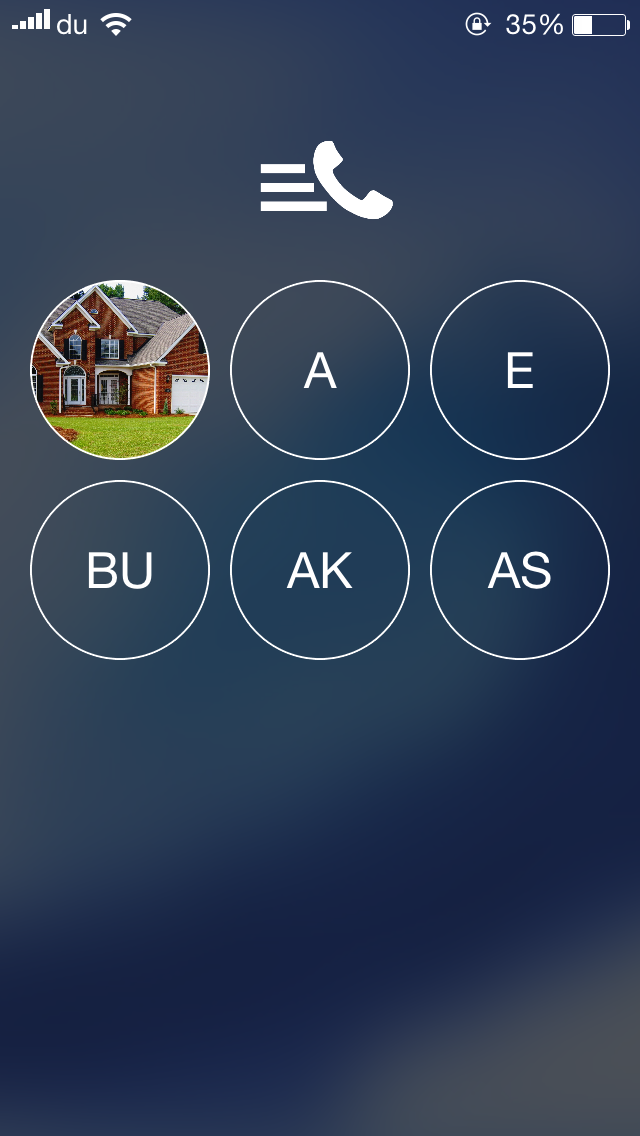
One of the useful features of the Phone app is the 'Favorites' section which I frequently us  to quickly make calls to some of my contacts. LockSpeed is a new jailbreak tweak that goes a step further and allows you to quickly reach your favorite contacts directly from the Lock screen without even unlocking your device.

Developed by Alexandru Laurus, LockSpeed adds the first 9 favorite contacts from the Phone app to the Lock screen on a separate page which can be accessed by swiping the screen from right to left. Doing so displays a new page with the all the favorite contacts added, which are presented by a circular icon with initials or picture if the contact already has one.

Flurry lets you change the blur and tint level of iOS 7

Along with having an all around flatter design, iOS 7 heavily uses blur effect across the whole interface. If you ever wanted to adjust the blur level of various aspects of iOS 7, you should probably check out a brand new jailbreak tweak known as Flurry.

Developed by dantesieg, Flurry allows you to easily configure and adjust the blur and tint level of iOS 7. Any changes that you make will be applied to various interfaces such as the Notification Center, Control Center, Lock screen passcode, Home screen dock and way more.

In addition to the above mentioned interfaces, the tweak also blurs the Navigation Bar, Tab Bar, buttons as well as the Action and the Sharing menu.

Ascend brings a gorgeous look to your iOS 7 Lock screen

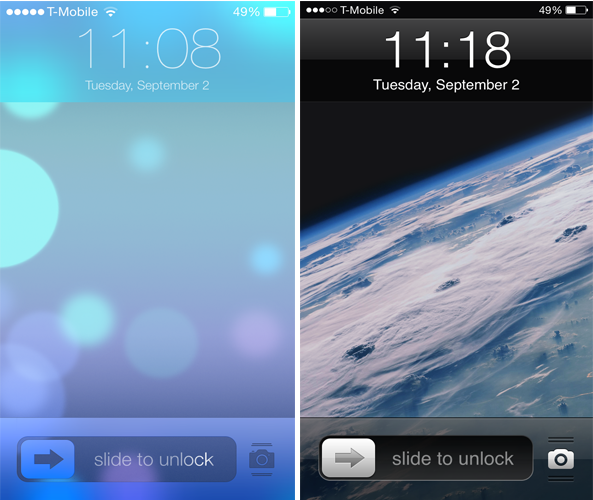
A few weeks ago, we showed you ClassicLockScreen, a tweak by CoolStar and Phillip Tennen that provides over four different styles which you can apply to your Lock screen. Ascend is a somewhat similar jailbreak tweak by Ben Rosen that brings a gorgeous look to your Lock screen.

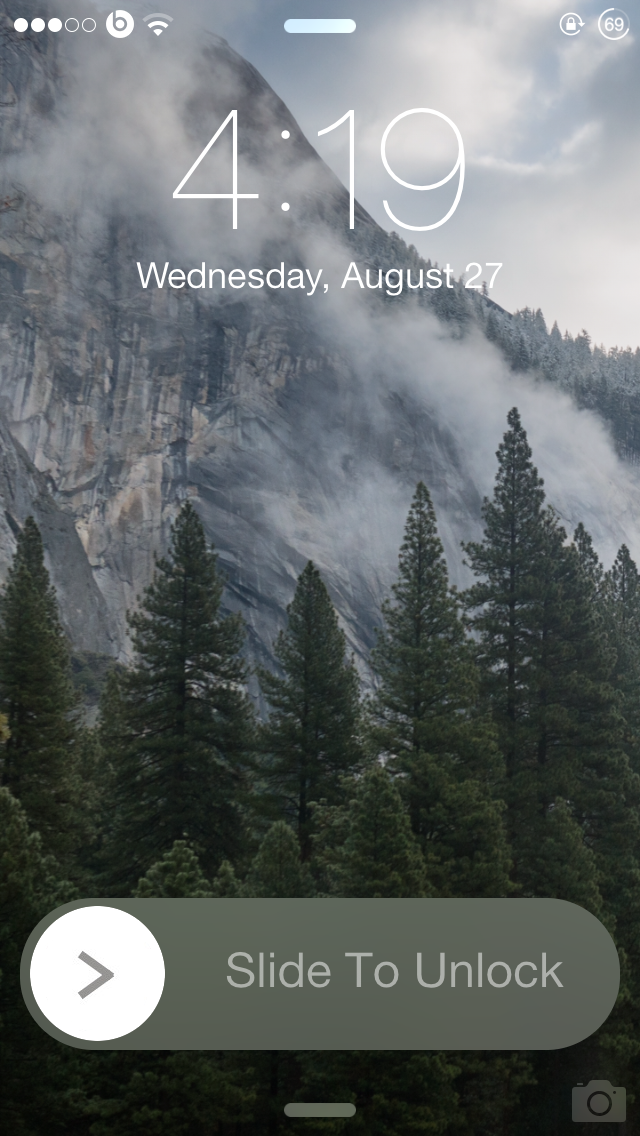
The tweak brings back the popular iOS 6 Slide to Unlock slider with an iOS 7-esque style along with a blurred background and top bar. Additionally, it gets rid of the round passcode buttons and replaces it with a flatter interface and a transparent background. The same applies to the notifications that appear on the Lock screen.

CCShuffle adds shuffle and repeat buttons to the Lock screen and Control Center

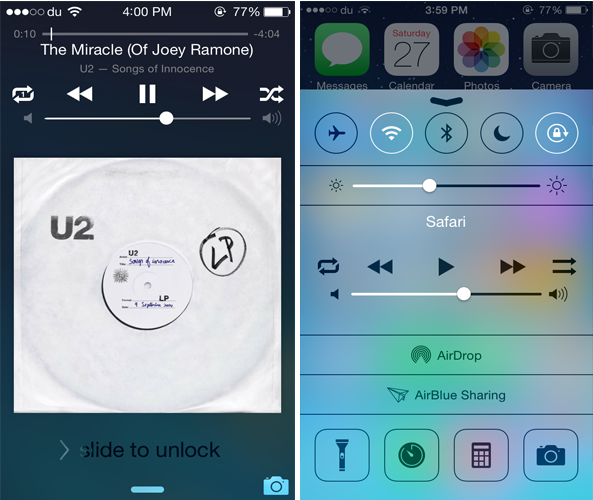
While Control Center is a convenient place to quickly control a playing song, it still lacks some music controls. CCShuffle is a new jailbreak tweak that brings the much anticipated shuffle and repeat buttons to Control Center.

Developed by Charlie Hewitt, CCShuffle adds a shuffle and repeat button to the right and left of the media controls in Control Center. Originally, the buttons are only available in the stock Music app, but with this tweak, you can also use them from Control Center. Not only this but CCShuffle also adds both the buttons to the Lock screen as well.

Faces: add images to each of the Lock screen passcode keys

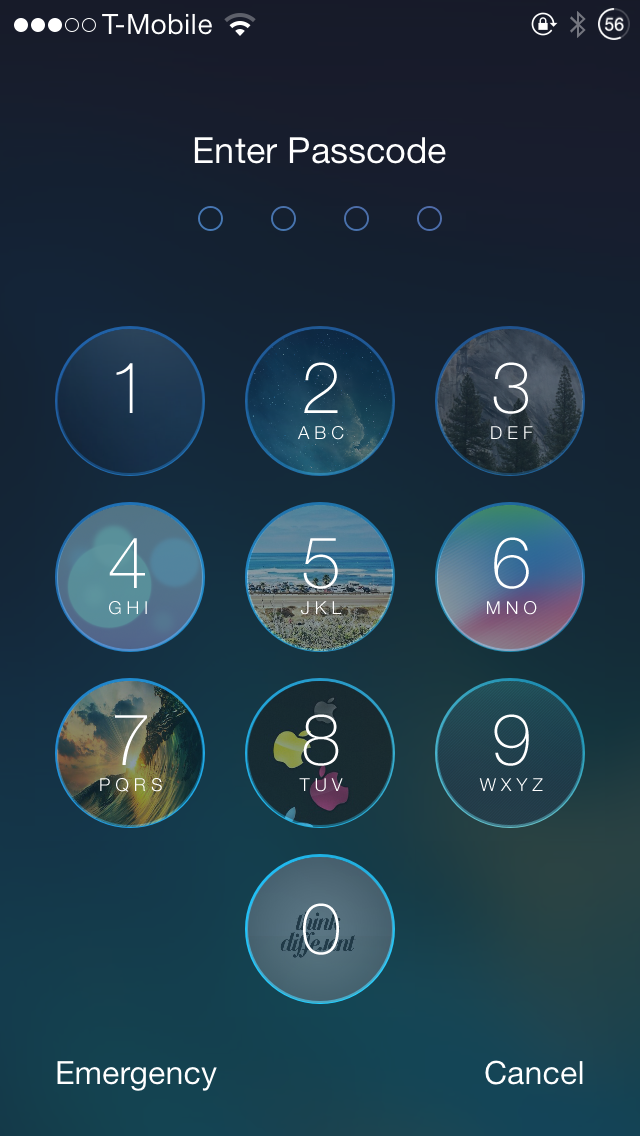
If you love customizing your iOS 7 device, you'd probably be interested in 'Faces', a brand new jailbreak tweak that was released on Cydia recently and offers a fairly unique feature that allows you to customize the passcode keys on the Lock screen.

Developed by Ben Rosen & CPDigitalDarkroom, Faces allows you to customize the Lock screen passcode by adding images to each of the buttons. These images will appear right behind the keys as you can see from the screenshot above. 

ClassicLockScreen brings over four different Lock screen styles to iOS 7

ClassicLockScreen is a brand new jailbreak tweak that debuted on Cydia recently and allows you to replace the current Lock screen style on iOS 7 with one of the four different styles supplied by the tweak.

The tweak offers four different Lock screen styles: classic, 'Modern Mode', 'Dark Mode' and '7.1 Slider Style'. The classic mode ports the exact iOS 6 Lock screen style to iOS 7 and brings back the iOS 6 media control buttons, lock keypad as well as the unlock sound. The Modern and Dark modes feature a stylish 'Slide to Unlock' slider with a blur background and top bar. The difference between the two styles is that the latter sports a darker look.

BlurSlide gives a new look to your ‘Slide to Unlock’ slider

One of the many reasons that users jailbreak their iOS device is to customize the various UI elements. BlurSlide is yet another customization tweak that brings a new look to the 'Slide to Unlock' slider.

Developed by CP Digital Darkroom, BlurSlide allows users to change the original Slide to Unlock design to that of iOS 7.1.x's power off slider style, which features a round movable knob with a blur background. Yet, the best thing about this tweak is that it provides a lot of options to customize the slider the way you want. Although the tweak is still in the beta phase, it worked smoothly without any issues on my iPhone 5s running 7.0.4.

xNotiLockColor: change the colors of Lock screen notifications

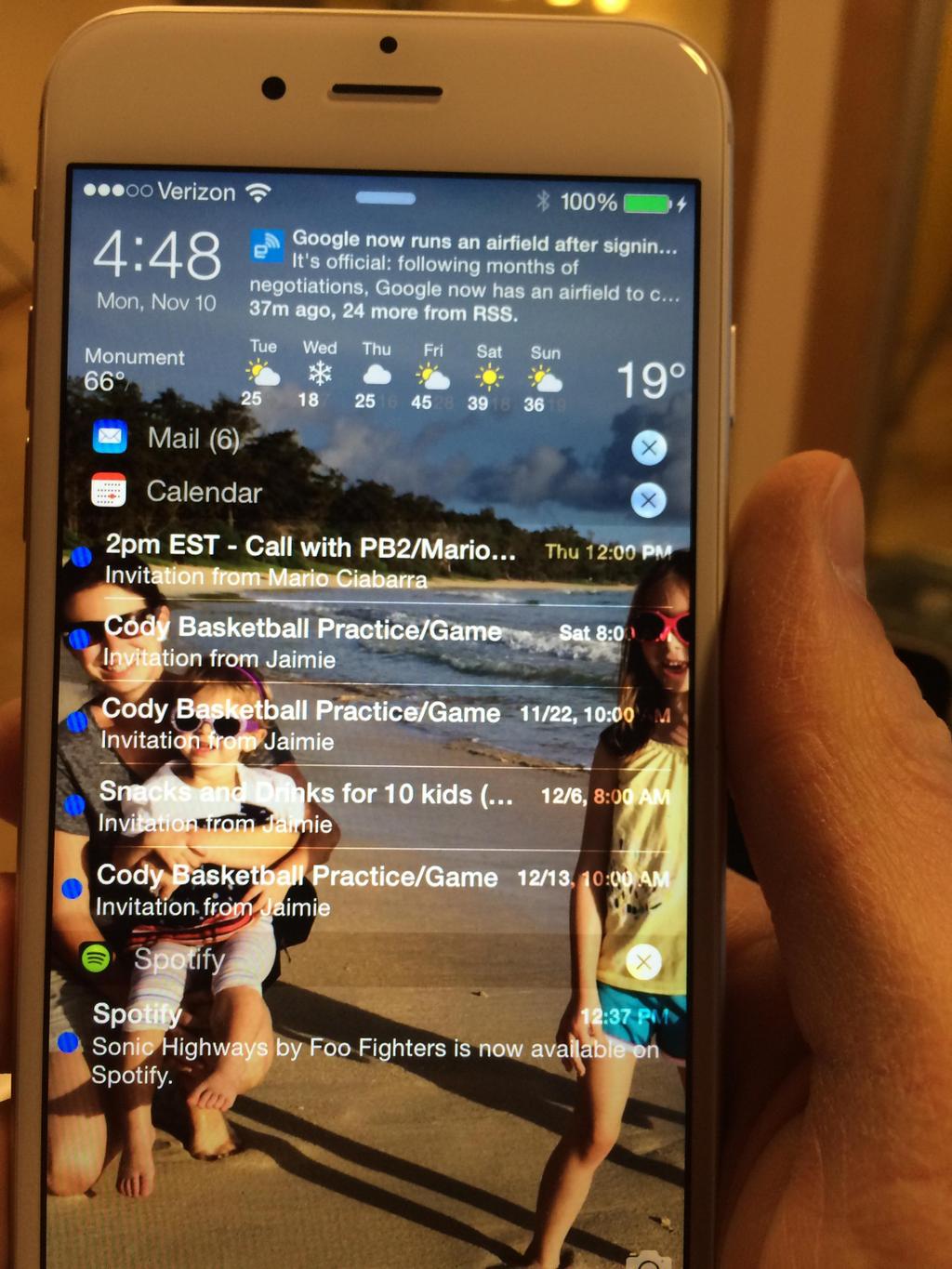
xNotiLockColor is a new tweak that allows you to change up the colors present on Lock screen notifications. It's a simple tweak that allows you to individually alter the primary color, secondary color, subtitle, time/slide, and separator colors for Lock screen notification messages.

Each section contains over a dozen different color selections to choose from and you can combine multiple colors to come up with some pretty wacky Lock screen looks. Have a glance at our video demo inside to see how easy it is.

Genie unlocks your iPhone with simple gestures

On a recent article that I wrote, a reader was surprised after reading that I am generally disinterested by a lot of jailbreak tweaks. It might not make sense, given that I write for a blog that is consistently on top of covering the jailbreak scene. Allow me to explain: it's not that jailbreak tweaks do not pique my interest, but rather that some are simply too complex or cumbersome to provide a meaningful purpose.

That's not to discount the fantastic work that developers put into creating jailbreak tweaks. There are just as many good tweaks as there are less impressive ones. Genie is a new Lock screen extension that is a good example. Not only does it provide useful functionality for unlocking your iPhone, but it is a lightweight tweak that isn't dragged down by dozens of confusing settings or unnecessary features. Check it out…