Lockscreen

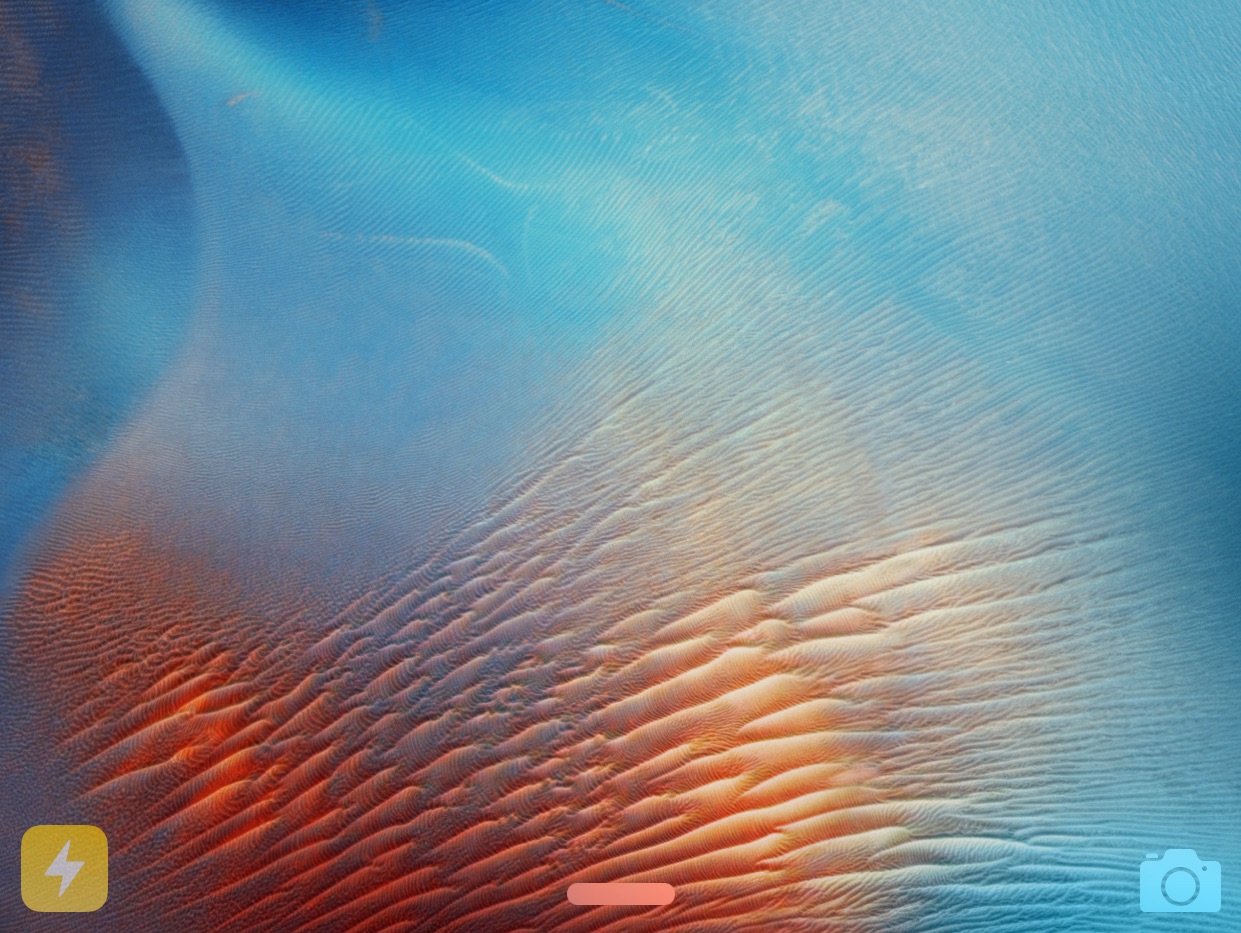
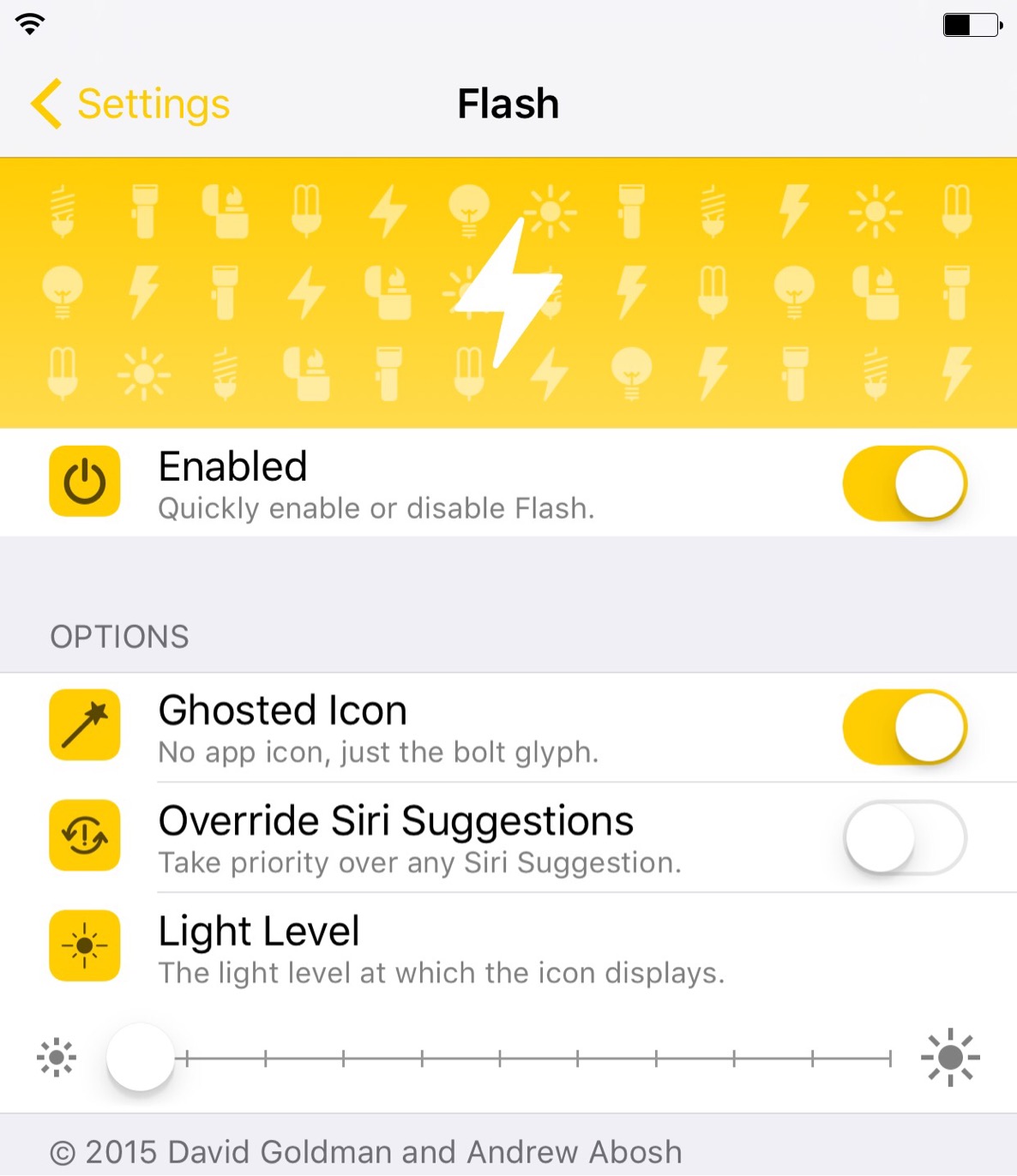
‘Flash’ automatically displays a Lock screen flashlight shortcut when in a dark environment

From time to time I've been known to question the idea of jailbreaking my iOS device. I tend to waffle back in forth between loving it and being a little ho-hum on the idea.

Make no mistake, I'll likely always be a jailbreaker as long as its possible, but using a jailbreak on my daily driver is something different altogether. Right now, my jailbreak has been relegated to my iPhone 6 Plus, my test device; but tweaks like Flash make me wish I still had Cydia on my main device.

Flash is a clever jailbreak tweak that presents a flashlight shortcut on your Lock screen when the iPhone's Ambient Light Sensor detects you're in a dark environment. Watch our video inside to see it in action.

AppBox 9 brings powerful Lock screen launching options to iOS 9

AppBox 9 is a jailbreak tweak that serves as a powerful Lock screen add-on for jailbroken iOS 9 devices. The tweak, which is available now on Cydia for $1.50, allows users to quickly unlock and open straight to an app, activate plugins when specific app icons are long-pressed, and more.

Is this the type of functionality that you've been missing on your jailbroken iPhone running iOS 9? Read on and see for yourself.

iOS 9.1 enables quick-replying from notifications in WhatsApp for iPhone

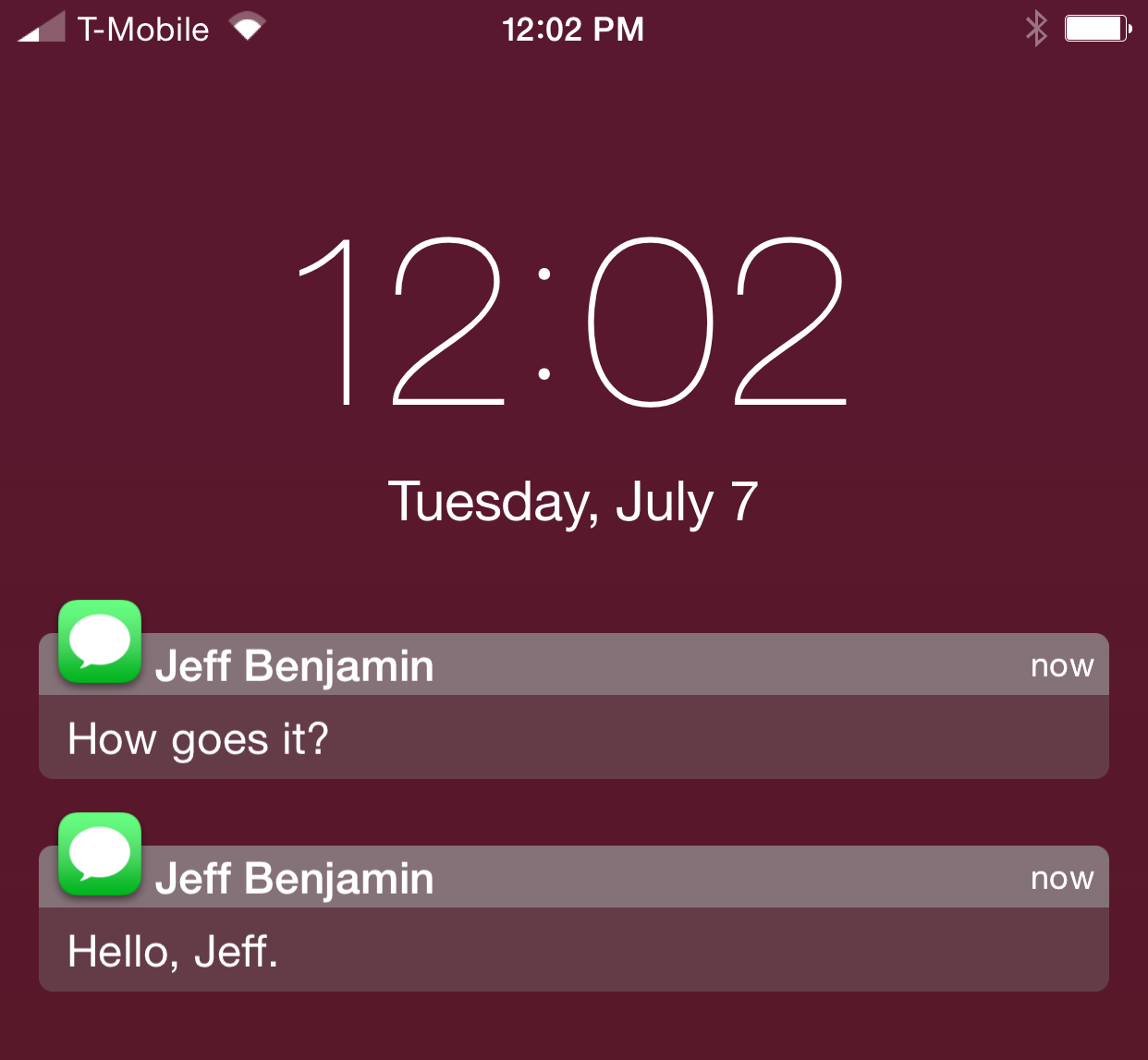
At long last, iOS is allowing app makers to implement text replies in notifications, a feature Apple used to reserve exclusively for its Messages app.

Twitter was the first App Store app to gain this great time-saver of a feature. On iOS 9.1, WhatsApp for iPhone now supports a handy text field for quickly replying to incoming messages without leaving the app you're currently using.

This feature requires an iPhone with iOS 9.1 or later.

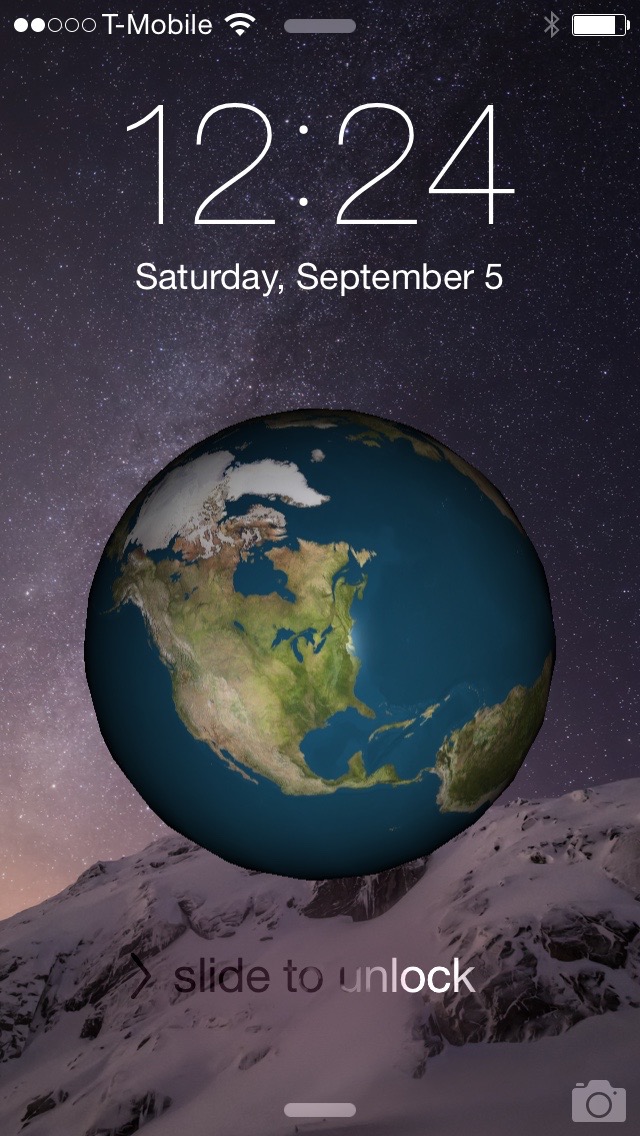
EarthLockScreen places a rotating globe on your iPhone’s Lock screen

With EarthLockScreen, a free new jailbreak tweak that recently landed on the Cydia store, you can have the world in your palm. Yes, that was a terrible attempt at a joke, but you get the point.

EarthLockScreen quite literally lives up to its name in that it places a spinning globe right on your iPhone's Lock screen. I'll be the first to admit that this tweak has little to no practical value, but my curiosity got the best of me and I had to try it out. In this post, I'll show you what you can expect from EarthLockScreen.

LockPlus: an upcoming WYSIWYG Lock screen theme maker

One of the most difficult things that jailbreakers can do is put together a decent looking theme. Sure, all in one themes like Ayeris make it easy, but building a fully themed iPhone piece-by-piece is a little more challenging.

And then there's the fact that there are so many type of themes. There's SpringBoard themes, Lock screen themes, app-specific themes, etc. There's really a lot to plan out and think about when it comes to successfully theming a jailbroken iPhone.

Well, a new theming solution is aiming to change this—at least when it comes to theming the Lock screen. LockPlus is a soon-to-be-released theming solution created by @JunesiPhone and based on Cydget. It allows you to create full Lock screen themes using a simple WYSIWYG web editor.

How to get Apple Watch-styled Lock screen notifications on your iPhone

WatchNotifications is a brand new jailbreak tweak from developer Thomas Finch, that seeks to better unify the look of notifications on Apple Watch and iPhone. It does this by mimicking the look of Apple Watch notifications on your iPhone's Lock screen.

Available for $1.00 on Cydia's BigBoss repo, if you prefer the look of the notifications on your Apple Watch, then you'll most certainly be interested in WatchNotifications.

Aeuria LS is a beautiful Lock screen tweak for iOS

Great standout tweaks seem to be few and far between as of late, but the developer of Aeuria LS obviously has other thoughts about the matter. Aeuria LS is an original and wonderful-looking Lock screen tweak for jailbroken devices, that presents the current time in a unique manner.

Conceptualized by Zach Williams and programmed by Bryce Pauken, Aeuria LS is one of the best looking jailbreak tweaks that I've seen in a while. It brings a Lock screen clock interface to the iPhone that features customizations by clock type, time format, clock face font, color, blur, and more.

It's a simple looking tweak that you'll find to be incredibly deep, and a technical work of art once you delve into its preferences. Have a look at our video overview of Aeuria LS for more details.

Helius 2 adds a fresh coat of paint to the Lock screen music controls

Helius 2 is the follow-up to the popular tweak that redesigned iOS Lock screen media controls. In a nice gesture to owners of the original, developers s1ris and Phillip Tennen have rewritten the tweak from scratch and are providing it as a free upgrade to previous owners of Helius.

In case you've forgotten, or in case you've never used the original version, Helius is a tweak that takes your default media controls on the Lock screen, and provides them with a fresh coat of paint. Have a look at our video walkthrough for more information on how this tweak works.

LockEditor lets you modify several Lock screen properties on iOS

If you find the stock iOS Lock screen to be a bore, then LockEditor is here to spice things up a bit. It's a jailbreak tweak that allows you to modify a plethora of Lock screen features, from the passcode rings, to "slide to unlock" text.

In fact, LockEditor contains nearly two-dozen different settings and switches that allow you to customize the look and feel of the Lock screen. Have a look at our video, which showcases some of the features that you'll find in LockEditor.

How to add an old school combination lock to the iOS Lock screen

Combination Lock, a brand new jailbreak tweak that just recently touched down on Cydia, makes me feel a bit nostalgic. It takes me back to my high school days when I used to use a combination lock for my school locker. It's been so long since I've used one of those locks, but this new jailbreak tweak resuscitates the experience.

If you're looking to add a little flair to the iOS Lock screen, then you should take Combination Lock for a spin (pun intended). Have a look at our video walkthrough to see what I mean.

How to use a secret Activator gesture to keep your Lock screen secure

Worried about unscrupulous individuals trying to unlock your device or accessing Control Center or Notification Center without your prior approval? If so, then Secret-Lock may interest you.

Secret-Lock is a recently released jailbreak tweak that freezes the iOS Lock screen until a secret Activator gesture is used. This allows you to secure the Lock screen and prevent swipes, and Control Center or Notification Center invocation gestures.