Lockscreen

‘IfFound 3’ makes it easier for good Samaritans to return your lost iOS device

Nothing gives you a lower-sinking gut feeling than when you accidentally leave your $650+ iPhone sitting somewhere and forget about it, or when it ends up stolen.

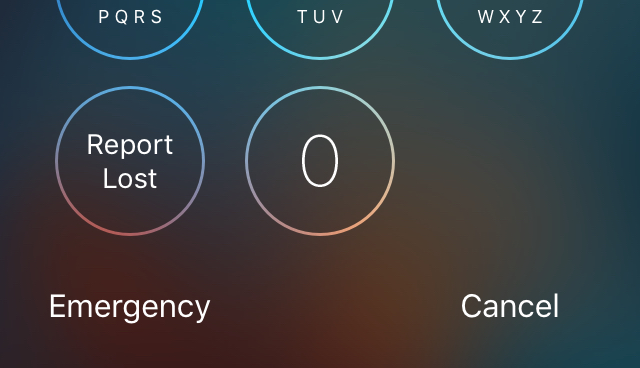
Fortunately, good Samaritans now have an easier way to get in touch with you if your device is ever found thanks to a recent Cydia release called IfFound 3.

Indeed this jailbreak tweak is a new iteration of a tweak that has existed for ages, but it's back and it's ready for iOS 9, and in this review, we'll show you exactly how it works.

miniTime is a tweak that makes the Lock screen clock smaller

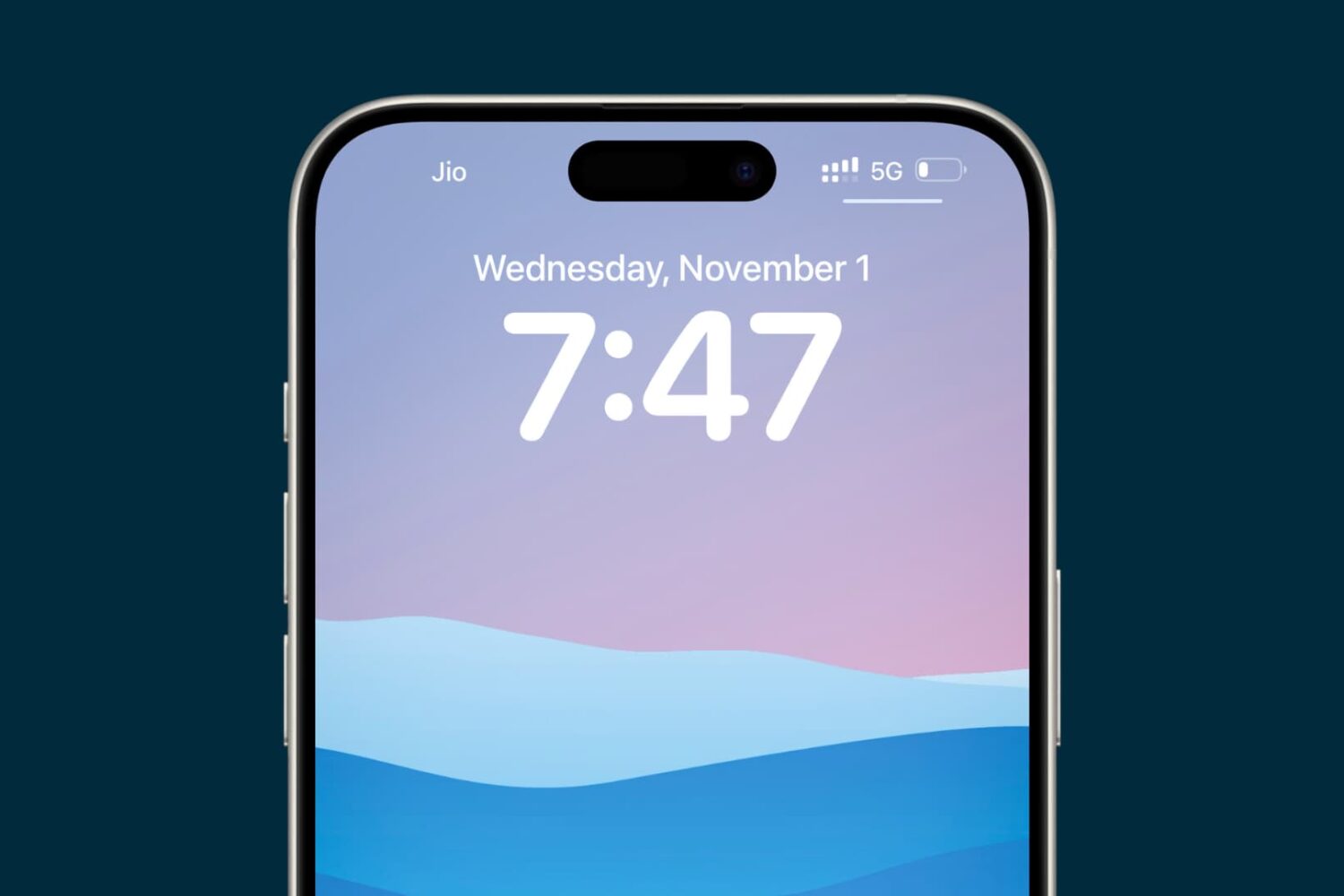
Looking for a new minimalist take on the Lock screen clock for your iOS device? If so, then a new jailbreak tweak called miniTime might be worth stopping to take a look at.

This tweak gives you various options for shrinking down the Lock screen clock to more comfortable viewing sizes, and even comes with some other customization goodies you can use to make the Lock screen more your own.

Locktionary: search the iOS dictionary from the Lock screen

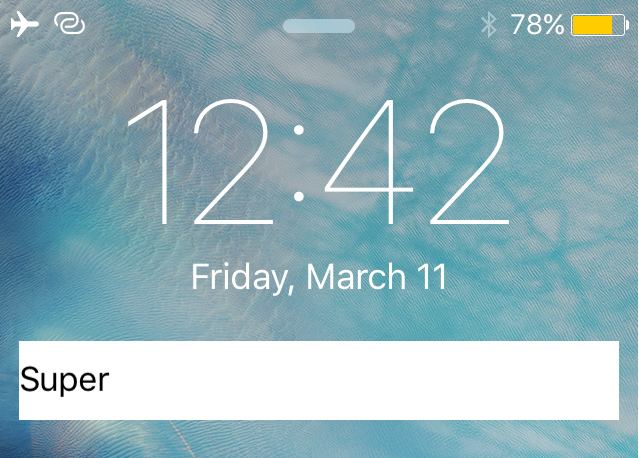
Locktionary is a new jailbreak tweak that can be had for free from Cydia's BigBoss repository that will let you search for the definition of any word right from the Lock screen.

The tweak offers a simple way to quickly figure the meaning of a word without having to be vocal with Siri and without even having to unlock your iPhone. In this piece, we'll walk you through how the tweak works and let you know what we think about it.

‘Seeker’ is a feature-filled extension of Apple’s native audio scrubbing

The music controls from the Lock screen and Control Center leave a lot to be desired, which is why iOS jailbreak tweak developer Ron Thakrar has launched an excellent extension for the music controls.

Dubbed Seeker, this extension for jailbroken devices brings an array of new features to the music controls in the aforementioned interfaces and can be had from Cydia's BigBoss repository for the price of $2.99.

‘3D Touch Notifications’ lets you peek and pop your notifications with 3D Touch

3D Touch is one of the flagship features of the iPhone 6s and iPhone 6s Plus, allowing users to press firmly on various interfaces throughout iOS to reveal hidden menus with shortcuts to commonly-performed actions.

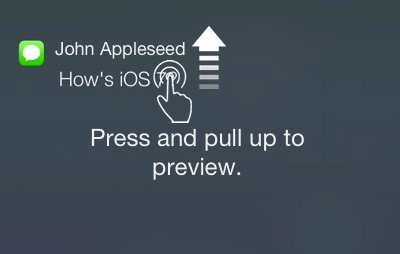
Despite iOS already having a variety of 3D Touch peek and pop menus, the jailbreak community is continuing to engineer interesting new uses for 3D Touch, such as this recent scale concept tweak, and it doesn't stop there. A new jailbreak tweak called 3D Touch Notifications from Cydia's BigBoss repository is about to change the way you interact with notifications on the Lock screen and in Notification Center using 3D Touch.

ForeverNotification keeps notifications on your Lock screen longer

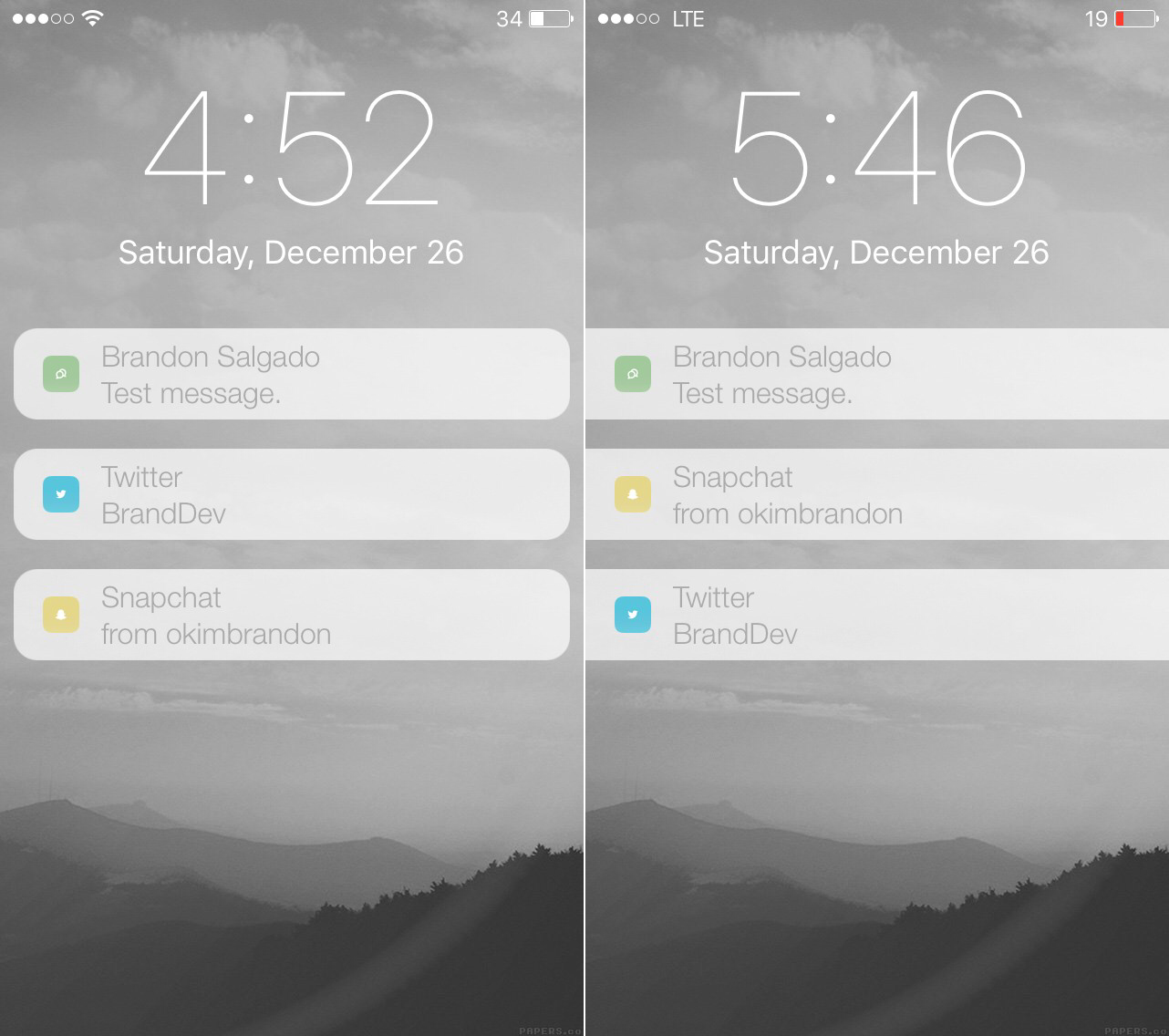
When you get notifications and are unable to get to them immediately, iOS automatically stacks them on the Lock screen for you so you can see a general overview of what you've missed. The only problem is when you unlock your device, and then lock it again, the notifications disappear from your Lock screen, even if you haven't had the chance to view all of your notifications just yet.

With ForeverNotification, a new free jailbreak tweak in Cydia's BigBoss repository, you can prevent those notifications from disappearing from the Lock screen automatically just because your device gets unlocked.

This tweak gives iOS notifications a makeover

iOS' notification system it set up so when you miss notifications, they'll stack up on the Lock screen and in Notification Center until you have a moment to look back at all of them.

The notifications are separated with padding and are plain Jane, but for those that want to switch things up a bit and make notifications look a bit more modern or appealing, a new jailbreak tweak called RedesignedNotifications will let you personalize the look of your Lock screen and Notification Center notifications to your own personal preference.

Flash jailbreak tweak updated with improved Ambient Light Sensor level adjustments

Flash, the jailbreak tweak that uses the iPhone's Ambient Light Sensor to display a shortcut to the LED flash, has been updated with a new preference panel. The 2015 jailbreak tweak of the year nominee now incorporates one of the suggestions from our review, and the result is a much better tweak overall.

This is a tool that allows you access to a quick flashlight shortcut on the Lock screen while in a dark environment. With the previous version of the tweak, the shortcut would appear at the slightest hint of darkness. With the update, users now have the option of adjusting the Light Level, making the tweak much less sensitive, which helps to reduce false positives.

Music Agent adds shuffle and repeat controls to Control Center and Lock screen music controls

I find it weird that there's no native shuffle or repeat options for music playback to be found in Control Center, but here we are, deep into the feature's existence with no such options to be found.

The same thing can be said about the Lock screen music controls as well. Maybe I'm in the minority when it comes to wishing for these two features, but I use the repeat and shuffle options constantly within the actual Music app. It would be so much more convenient for me to have such buttons readily available within Control Center and from the Lock screen.

For jailbreakers, a new $0.99 jailbreak tweak called Music Agent brings both of these features to iOS. If you're a big fan of the shuffle and repeat music controls, then you'll definitely want to check out this new tweak.