Lockscreen

ProximityLock lets you lock your iPhone with its proximity sensor

Those of you still rocking a jailbreak despite these dry last few weeks have some new jailbreak tweaks to check out this weekend.

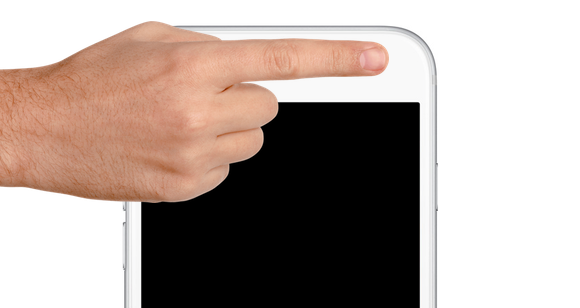
One of those is ProximityLock, which is a new freebie that lets you lock your iPhone with nothing more than the proximity sensor by waving your hand over, or putting your finger over the sensor right by the front-facing camera and ear speaker.

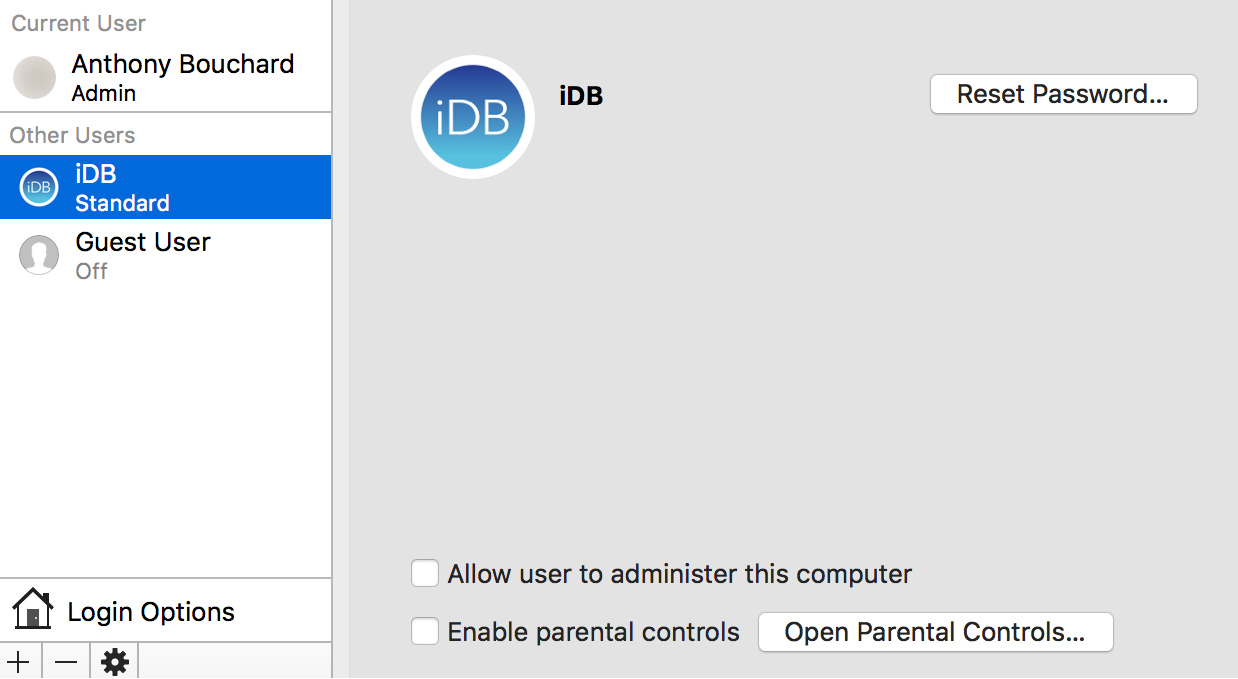
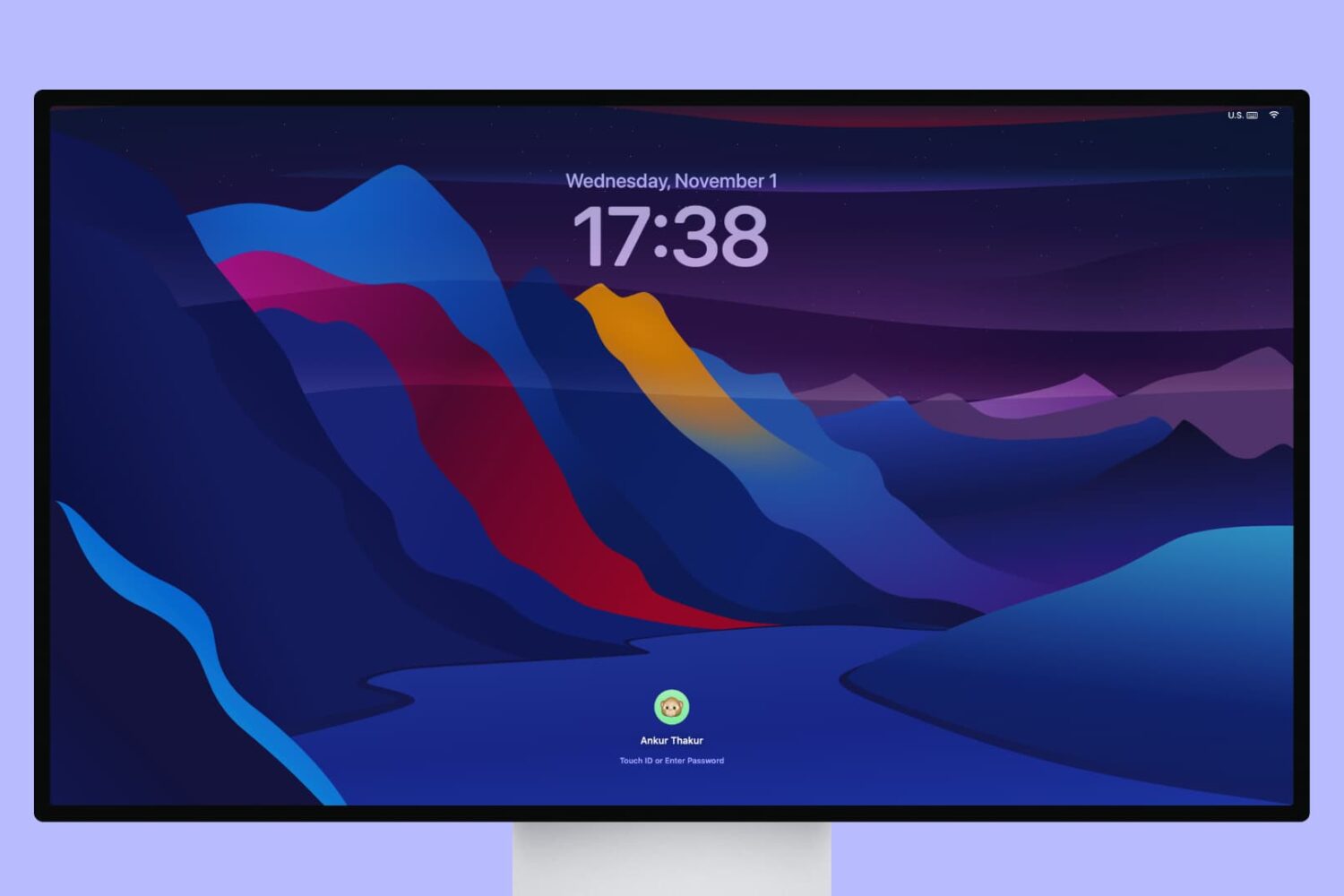
Changing the name of a user account on your Mac

Every Mac has at least one user account on it, whether it's your own or you've made another account for someone else to use.

At some point, you may feel the urge to change the name of one of your user accounts. It doesn't matter if the account is an administrator or a regular user; we'll show you the steps in this tutorial to change an account's user name on your Mac.

iOS 10 tidbit: unlocking iPhone and iPad without launching Home screen

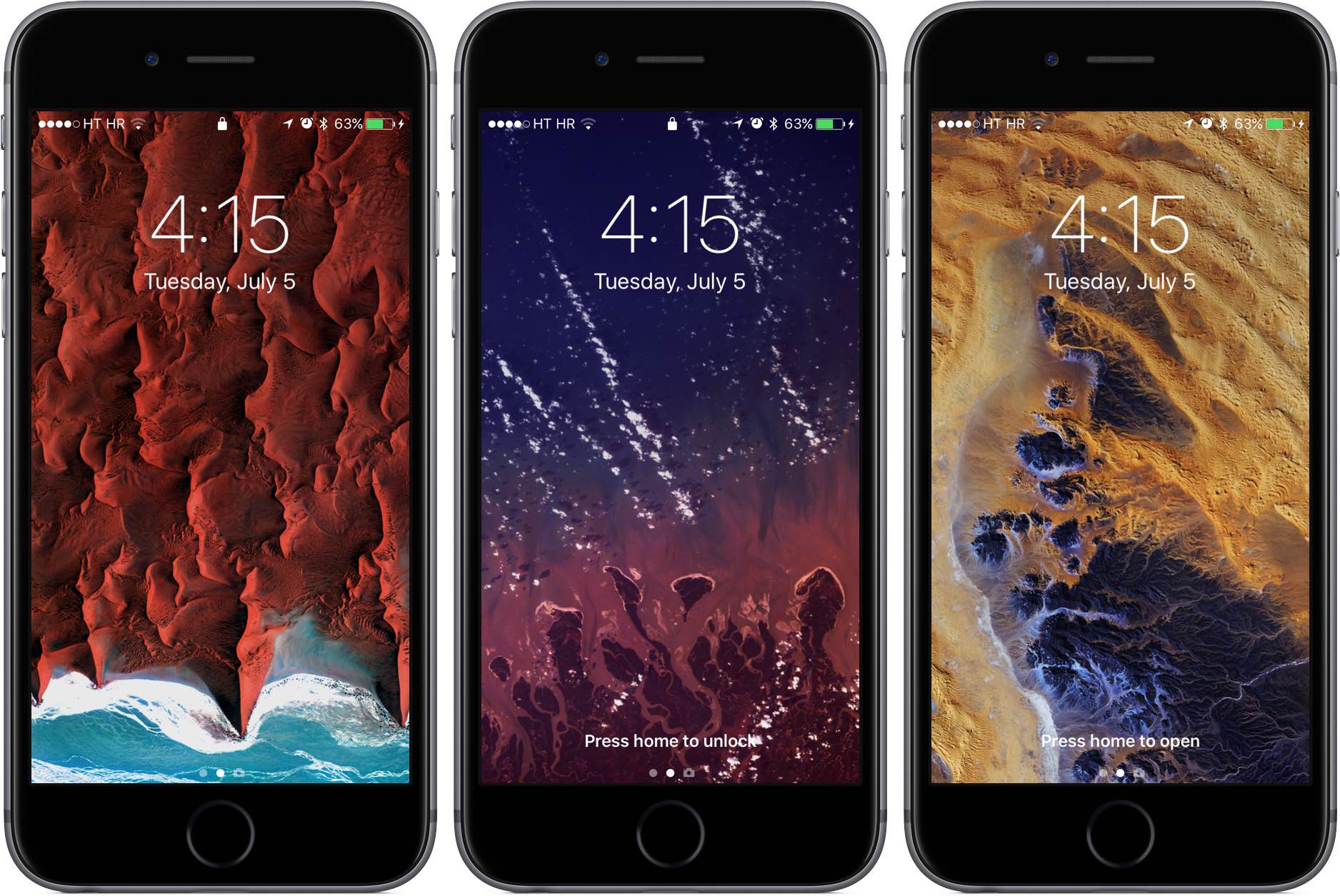
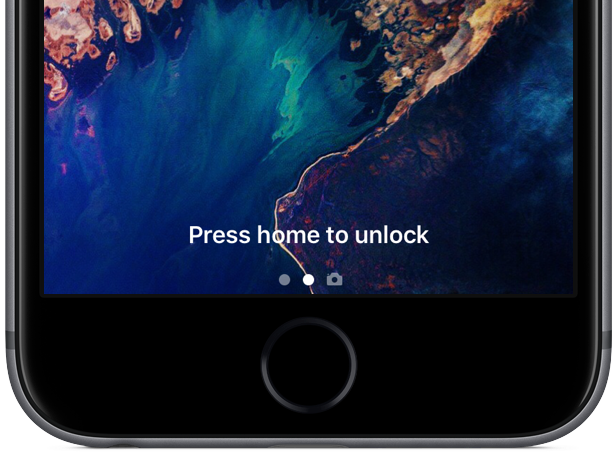
As we wrote before, iOS 10 changes the way unlocking your iPhone, iPad and iPod touch works. For starters, iOS 10 does away with the familiar slide-to-unlock gesture so instead of “Slide to Unlock”, which now takes you to a dedicated widgets screen, you get to see a new “Press Home to unlock” message on the Lock screen.

As a result, unlocking a Touch ID-outfitted iOS device now requires you to press the Home button rather than rest your finger on it, like in prior editions of the software. But as it turns out, iOS 10 gives users another, previously unavailable option for unlocking their device without automatically launching the Home screen.

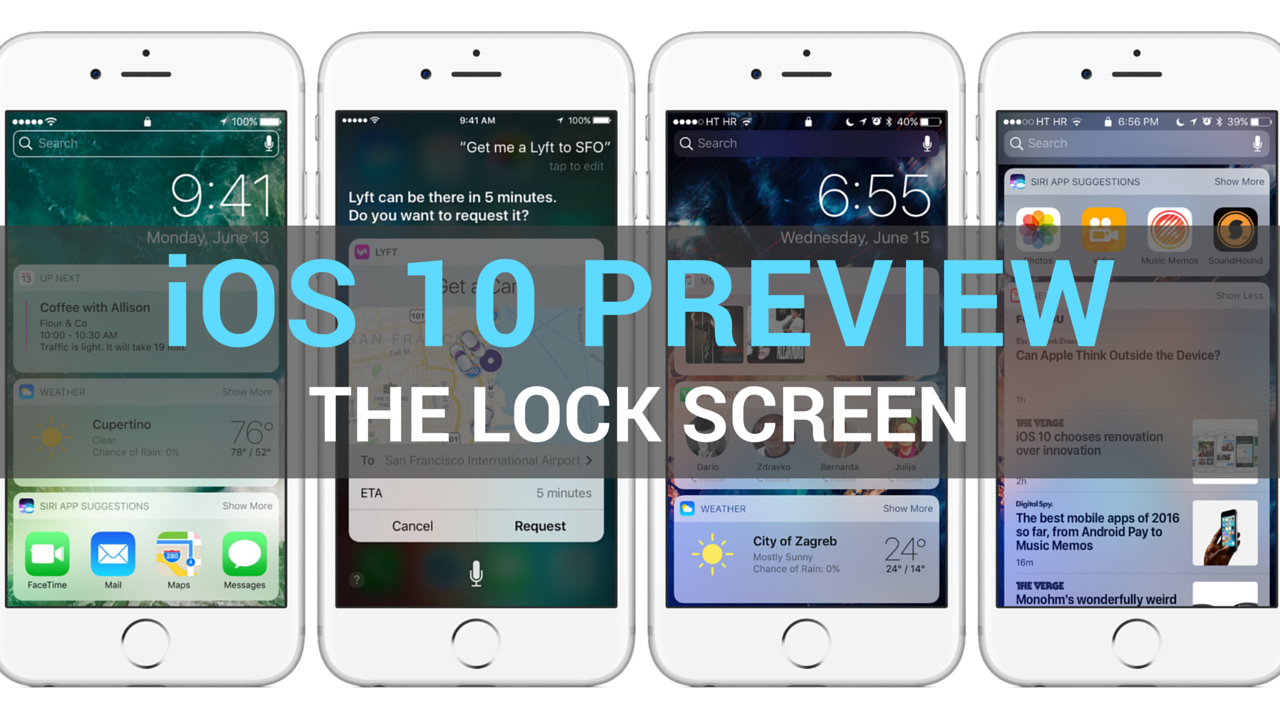
iOS 10 preview: your new Lock screen with Raise to Wake, widgets, interactive notifications & more

Having taken a closer look at a much improved Messages app, which delivers more expressive and animated ways to message friends and family, our preview of big new features in iOS 10 continues with a detailed overview of an all-new Lock screen. Wait, the Lock screen in iOS 10 warrants an article?

As you know, the Lock screen has remained virtually unchanged since the iPhone's inception. With iOS 10, however, it's  undergone some major improvements in the form of a refined look and feel, including vastly redesigned widgets, and new features such as interactive notifications, Raise to Wake and expanded use of 3D Touch shortcuts.

We think that many folks are going to appreciate how iOS 10 makes their device's Lock and Home screens way more functional than before, so here's a detailed walkthrough of all the goodies included in iOS 10's freshened up Lock screen experience.
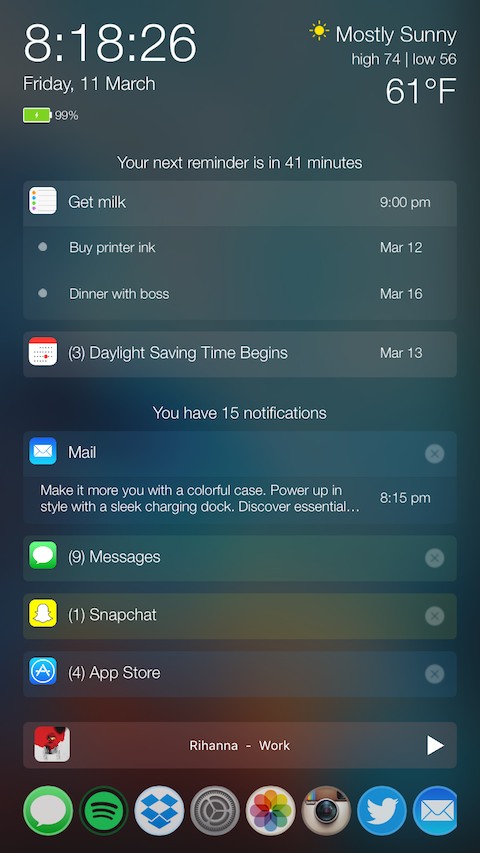
PersonalAssistant: a 7-in-1 tweak that supercharges your Lock screen

There comes a time every once in a while where a jailbreak tweak is groundbreaking and has the potential to shake up the entire jailbreak community, and folks, we definitely think a new tweak release in Cydia called PersonalAssistant is one of those tweaks.

In this review, we'll walk you through this monster of a tweak, which the developer notes has seven tweaks built into one unified interface.

Excited yet? You should be...

Server-side patch fixes vulnerability that allowed access to Contacts and Photos on iPhone 6s

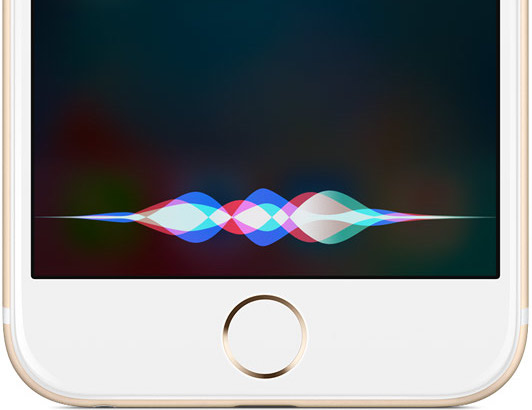
An iOS vulnerability that permitted nefarious people to gain access to Contacts and Photos data has been fixed swiftly without the need for a software update. A server-side fix has patched a security hole in Siri which allowed the personal digital assistant to use email links in tweets to gain access to contacts and photos on a locked iPhone 6s running iOS 9.3.1. Apple has confirmed to The Washington Post that it's fixed the flaw on its servers.

‘SlideMe’ gives your iPhone a rotary-style passcode unlock screen

Those interested in a different kind of passcode entry method from their Lock screens may be interested in a new jailbreak tweak called SlideMe, which just hit Cydia this week for $1.49.

Instead of the typical boring number pad, this tweak gives your Lock screen a rotary-style passcode input interface, as shown above. In this review, we'll walk you through SlideMe and show you what it's capable of.

Easy to fix iOS bug bypasses Lock screen on iPhone 6s, giving access to Contacts and Photos

First spotted by Jose Rodriguez, who last September found a similar flaw in iOS, and highlighted by The Daily Dot, Apple's mobile operating system contains a vulnerability that lets others access your Contacts and Photos using Siri on the Lock screen of your iPhone 6s, bypassing your passcode.

Fortunately, there's an easy fix for this which involves revoking Siri access to Twitter and Photos and disabling Lock screen access to the personal digital assistant. Apple has not commented on the bug, which will likely be squashed in an upcoming software update.