Keyboard

‘SwipeSelection’ now available on Cydia

[tube]http://www.youtube.com/watch?v=6h2yrBK7MAY[/tube]

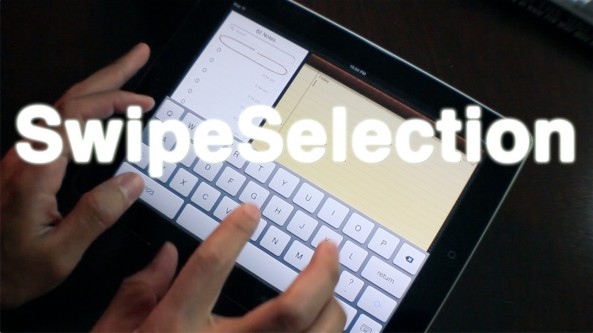
SwipeSelection — the jailbreak tweak based on Daniel Hooper's iPad keyboard editing concept — is now available on Cydia.

If you haven't seen our hands-on video and review of the tweak in action, be sure to check it out.

You can find SwipeSelection for free on Cydia's BigBoss repo, and it plays nice with both the iPad and iPhone.

Have you tried it? What do you think?

iPad text editing concept comes to life thanks to this jailbreak tweak

When Cody posted about Daniel Hooper’s iPad keyboard demo, we had no idea that it would be as popular as it has turned out to be. Thousands of retweets later, the public has spoken out against how terrible the iPad's editing situation is. I think John Gruber summed it up best when he noted that the iPad was a great for typing, but poor for editing.

The iPad keyboard demo video was created with the hopes that Apple would respond and implement something similar in the upcoming version of iOS. There's even instructions included on the video for submitting a bug report to Apple.

Well, Apple may not listen, but someone else did. Indeed, the jailbreak community has responded in a big way. Introducing SwipeSelection — a usable realization of the original iPad concept video...

Logitech unveils solar iPad keyboard that doubles as a protective sleeve

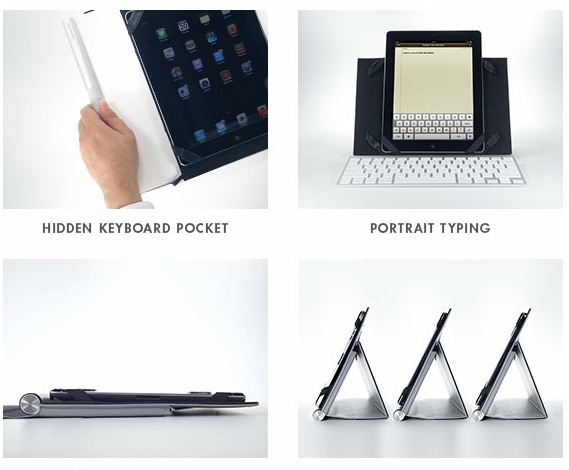
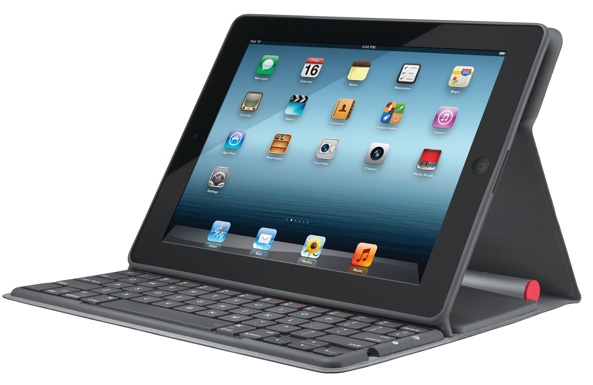
Logitech makes some really nice accessories. Their latest thing, the Solar Keyboard Folio, is a wireless light-powered keyboard for your iPad which also doubles as a cool protective case.

It’s definitely an interesting add-on in that it takes cues from Logitech’s range of solar-powered desktop keyboards.

The Folio converts light to power using on-boad solar cell, charging the built-in Bluetooth keyboard in any light, whether indoors or outdoors…

iPad for Academics: setup, workflow, and accessories

With the rise of iPads in education continuing at a steady pace, it only seems natural to find ways to replace PC-dependent methods of academic work. Over the past year, I have tasked myself with replacing traditional education methods with the functionality of my iPad, from reading textbooks to taking lecture notes. Only recently have I taken the ultimate challenge: completing an entire research paper using only Apple's groundbreaking tablet, from conception to submission.

In trying to find solutions to the glaring obstacles in my path, I devised a workflow to make this task feasible. I compiled a list of strategies, study habits, iOS apps, accessories, and web apps that made me more efficient in everything from research to writing...

Tony Fadell spills the beans on iPhone prototypes [video]

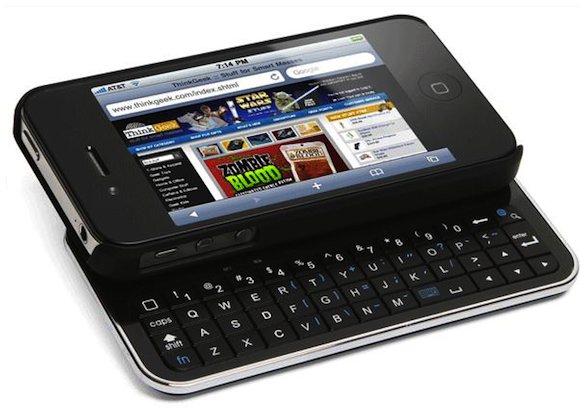
Here's a nice little nugget that sheds more light on how Apple at one point had seriously considered giving the iPhone a physical keyboard, as we learned last week.

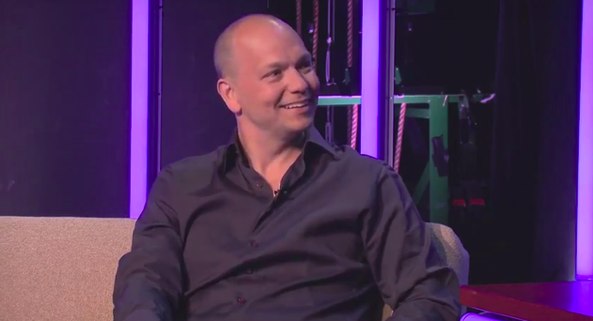
The Verge's sweet little teaser for their podcast series features former Apple engineer Tony Fadell (also known as the iPod Godfather) going into detail on different iPhone prototypes Apple originally tested...

Apple seriously considered giving the iPhone a physical keyboard

We've heard rumors in the past that Apple had an iPhone prototype with a physical keyboard floating around its Cupertino labs. But the speculation has never been confirmed or denied. Until now.

Tony Fadell, a long-time Apple employee turned Nest founder, was on The Verge's tech talk show On The Verge last night. And the ex-Senior Vice President dropped some insider information about Apple's popular handset...

The best iPad remote desktop solution

I've always been a relatively big fan of Screens — the beautifully designed iOS remote desktop app by Edovia.

Screens has always, and continues to be the most impressive looking remote desktop solution for the iPad; in fact, i'd say nothing comes close when it boils down to pure presentation. For that reason, I've always been very hesitant when it comes to trying anything else. I know, I tend to be a tad superficial when it comes to my apps.

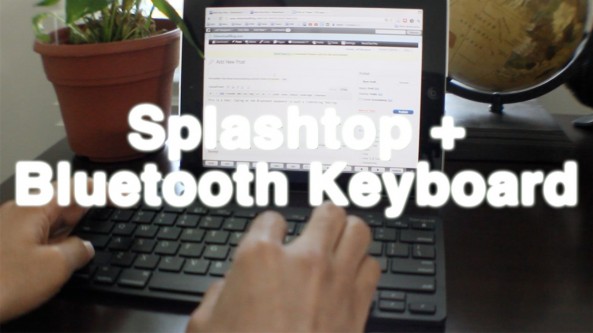
Thankfully I didn't let Screens' beauty stop me from trying another highly touted remote desktop solution called Splashtop. Many of our readers and YouTube viewers have been on me about trying Splashtop for some time now, and I just recently took the plunge. I'm so glad I did...

The ZAGGfolio gets a 29% discount today only

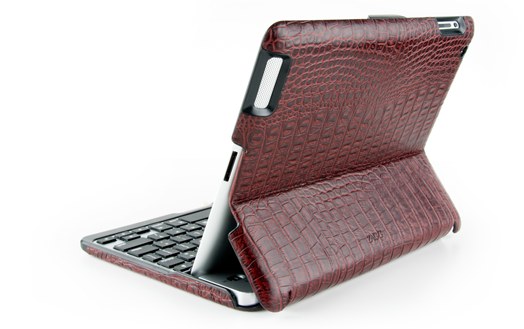
I just got a note from the fine folks at ZAGG that the ZAGGfolio, their iPad 2 keyboard case, is on sale today only for $70.99 instead of $99.99.

While I haven't personally tested the ZAGGfolio, I never had any problem with my ZAGGmate. I really like how you can customize the look and feel of your ZAGGfolio as you can pick the cover and color of the folio, but also the color of the keyboard...

‘PictoKeyboard’ adds tons of new Unicode symbols to your iDevice

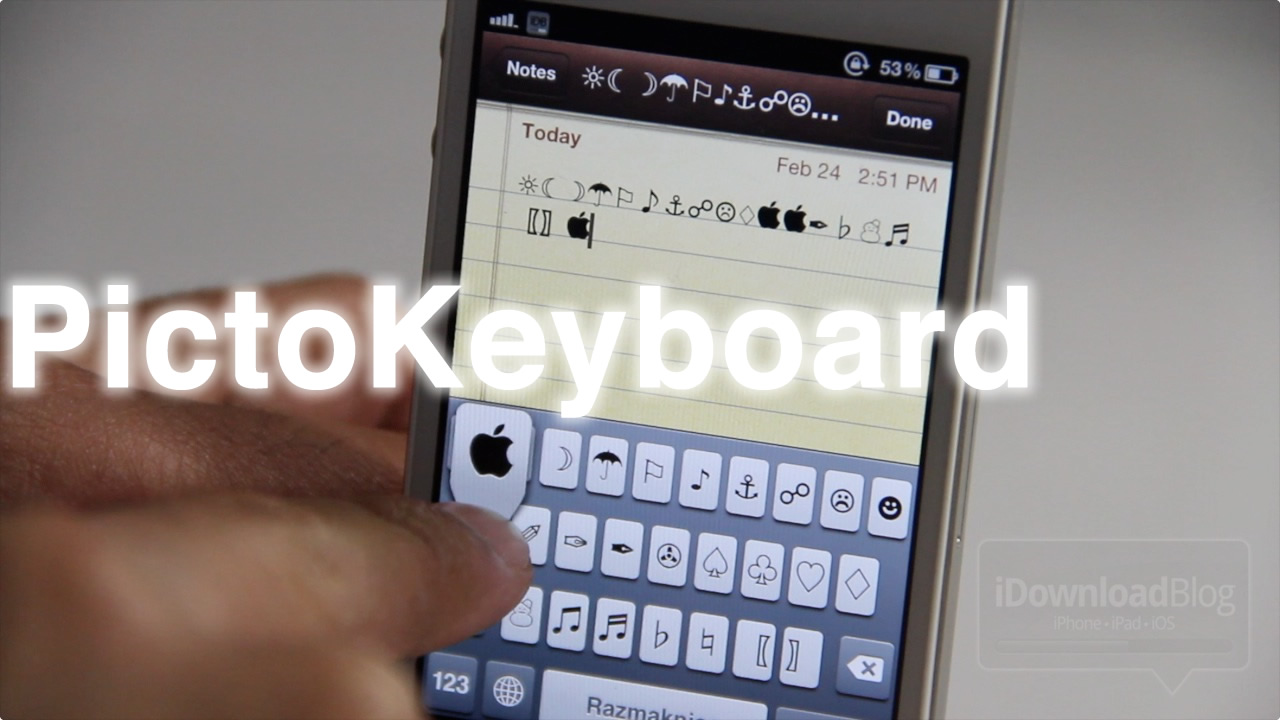
If you're one of those people that knows what U+F8FF means, or what Option+Shift+K does, then this post is for you. For those of you who aren't aware, U+F8FF is the Unicode address for the Apple logo  (on Apple devices) that you see on a lot of Twitter profiles, etc.

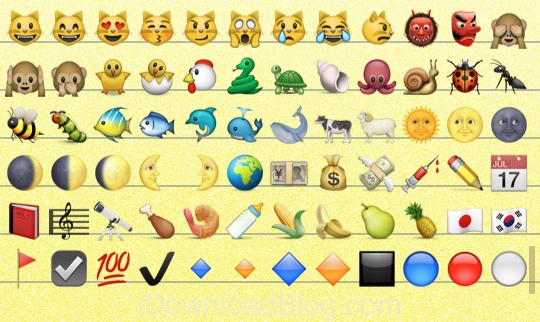
PictoKeyboard is a new tweak that allows you to have a Unicode keyboard on your iDevice, making it easy to access your favorite symbols on the small screen...

Change Your iPhone’s Keyboard Layout From Qwerty to Dvorak

The Dvorak keyboard layout was patented in 1936 by Dr. August Dvorak (thanks Wikipedia). Proponents of the layout believe that it requires less finger motion than the traditional QWERTY style, allowing you to type faster with fewer errors.

If you happen to be a fan of the Dvorak layout, or would just like to see what it looks like, a new jailbreak tweak has just surfaced in Cydia that will install the keyboard on your iOS 5 device...

6 hidden keys on the iPad split keyboard

The ability to split up the iPad's keyboard is one of my favorite lesser-known features in iOS. I don't use it all the time. But it really comes in handy when I need to rattle off an email or conjure up other large bodies of text.

Apple obviously put a lot of thought into getting the split keyboard just the right size for its tablet, and it shows. In fact, there are even some elements of the keyboard that you can't see. Did you know there are hidden keys on the iPad split keyboard?

Easily Pair Your iPhone With Your Mac’s Keyboard

If you are the kind of person who likes to use a real keyboard with your iPhone or iPod touch every once in a while, you'll probably be acutely aware just how much of a pain it can be to have to manually pair your device with the keyboard every time you use it.

Obviously, that situation only crops up if you use your keyboard with a computer as well. But what if you could just plug your iPhone in and have it connect with one keystroke. No pairing, no messing.

A new keyboard from Matias offers just that...