Keyboard

Easily Dismiss Your Keyboard With Pull To Dismiss

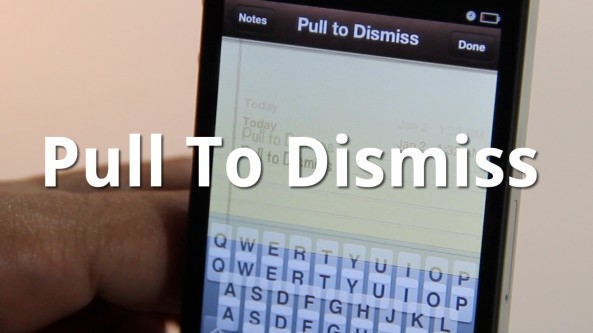
Is your iPhone's keyboard getting in the way? If so, then you may want to give Pull To Dismiss a try.

Pull To Dismiss is the latest jailbreak tweak from Ryan Petrich that allows you to easily dismiss your iPhone's keyboard with a simple pull. It works similar to pull to refresh, except instead of refreshing the content on the page, it dismisses your keyboard...

iKeyWi Adds Customizable 5th Row Keys to iOS 5 Keyboards

There have been many keyboard tweaks released over the years, and I've had issues with practically all of them.

iKeyWi is the latest keyboard tweak to make its way to Cydia, but this one if probably one of the more stable ones that I've used thus far.

That's not to say that it's not without a few opportunities for improvement, but as you'll see on video, it's a very good start...

Microsoft Joins the iPad Accessory Game With a $50 Keyboard

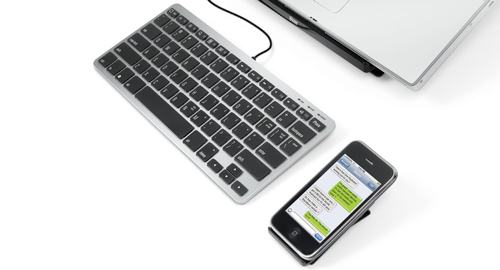
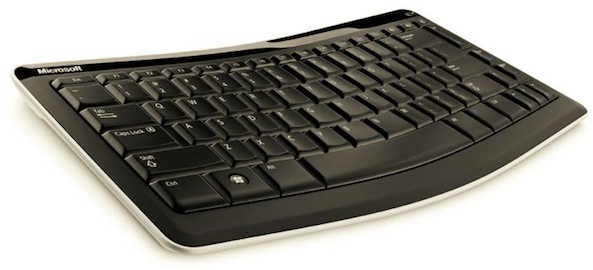
Microsoft is on something of an Apple jaunt at the moment. The Windows and Office king has already been releasing iOS apps quicker than anyone else over the last few days, and it has now decided to join the lucrative iOS device accessory market with the Mobile Keyboard 5000.

Despite pushing its upcoming Windows 8 as the true tablet operating system, Microsoft has announced a new Bluetooth mobile keyboard for use with the iPad. It will also in theory worth with Android tablets and presumably future Windows 8 devices (it will not work with the Kindle Fire, by the way).

As far as hardware keyboards go, this offering from Microsoft doesn't look bad at all, assuming you can overlook those Windows keys.

iStation Keyboard and Speaker Dock: Retro Class Comes to the iPad

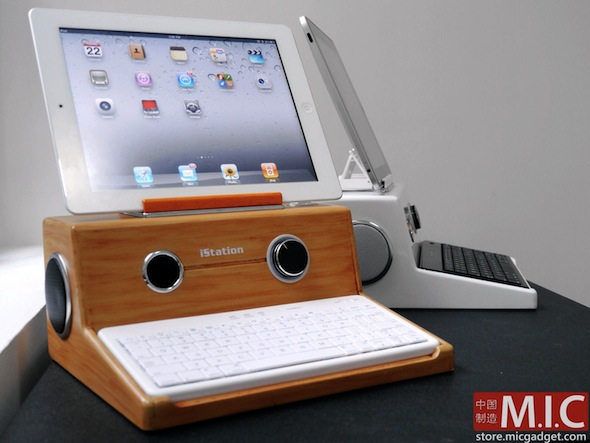
Normally, something going by the name of "iStation" would make us cringe, but this time around we're going to make an exception. This particular iStation takes us back to our youth, and we love it!

This iStation is an iPad stand that also doubles as a home for speakers and a Bluetooth keyboard, both of which are included in the $140 asking price. Once everything is hooked up and switched on, the whole thing gives the effect of an old-school computer, just like we used to have when we were kids. (Stop laughing in the back there, we're not that old!)

Call us crazy, but there is just something appealing about taking a state-of-the-art tablet and making it look like an old PC. No, really...

Get Haptic Feedback on the iPad with the TouchFire Keyboard

Those with good memories, or at least those that can remember back to January of 2010, will probably remember the intense debate that raged around the original iPad. While many decided that it was purely a content consumption device, others argued that the on-screen keyboard's generous size would make it a device that could be used to create content, too.

Fast forward to today, halfway through the iPad 2's life cycle, and we're not really any wiser as to how useful the iPad is as a content creation device. Most of our misgivings come down to that software keyboard and its inability to offer any long term writing usefulness.

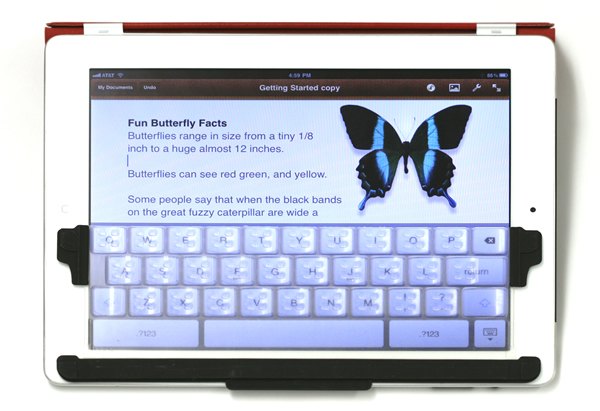
Part of the problem is the complete lack of haptic feedback, and as if by magic, one Kickstarter project is aiming to put that problem right.

Type2Phone: Use Your Mac as a Bluetooth Keyboard for Your iPhone

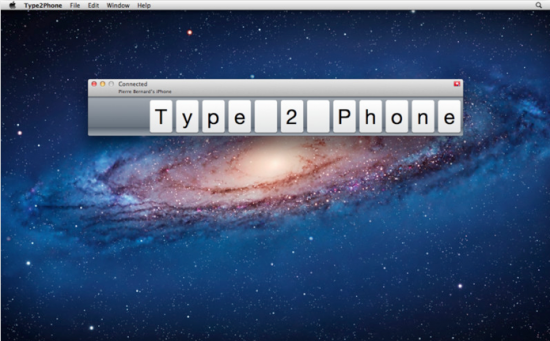
Have you ever been using your Mac, received a text message on your iPhone, and thought, "I wish I could just use my Mac's keyboard to respond to the text?" What about emails or iMessages? Now you can, thanks to the new Type2Phone app.

The software, released earlier this month, allows Mac users to connect to their iPhone or iPad via Bluetooth. The Mac can then be used to type text on the iOS device. Users can even use the app to paste text from their Mac's clipboard to a text field in iOS...

How to Enable the Hidden Autocorrect Bar in iOS 5

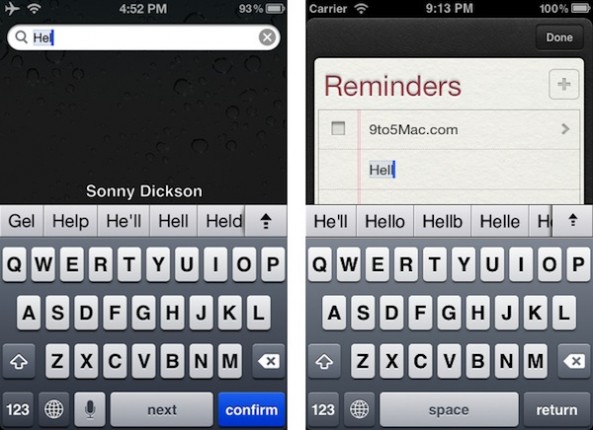
Another hidden feature has been uncovered in iOS 5. After we told you about the panorama mode in the Camera app, 9to5Mac uncovered an Android-like autocorrect keyboard bar that can be enabled without a jailbreak.

Instead of the classic method of offering corrections in iOS, this secret feature offers suggestions in a bar above the keyboard, much like the Android OS. This autocorrect bar is relatively easy to enable.

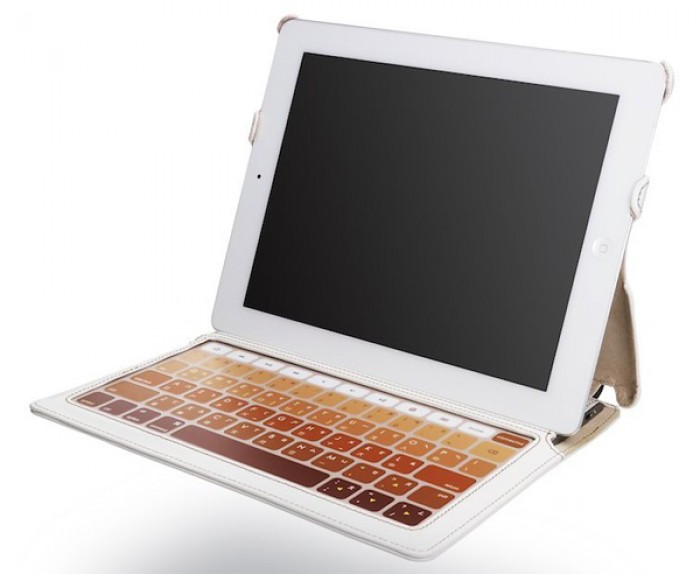
Say Hello to the World’s Thinnest iPad 2 Keyboard Case

If you're an iPad user, the chances are you want to keep it looking in tip-top condition. It's also entirely possible that you've chosen a lovely case to help in the preservation of your iPad, like one of Apple's own Smart Covers.

The problem with most iPad cases is the sheer size. After all, why spend the cash on arguably the nicest looking tablet out there to have it hidden away in a giant case?

Things get worse if you want to have the added functionality of a bluetooth keyboard built right into your iPad's case. Adding hardware undoubtedly adds size, but as one new startup is showing , that doesn't always have to be the case...

Siri Dictation Key Actually Doubles as a Space Bar

Apple has built its brand on attention to detail. The company has been known to spend months going over the tiniest components of a product to ensure perfection. Why do you think its devices come so terrifically packaged?

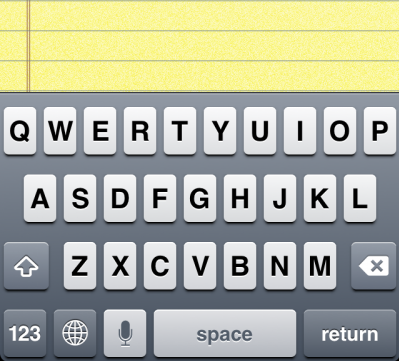
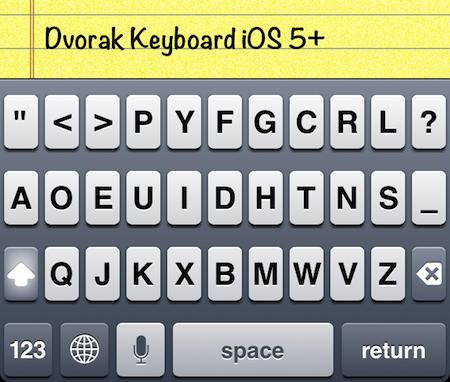
Apple's obsession with the tiny details even spills over into iOS, and the folks over at iPhoneinCanada have found a perfect example. Have you ever noticed how the dictation button changes color when you add another keyboard?

iPad 2 Case with Keyboard Helps You Type On the Go at a Reasonable Price [Sponsored]

Do you need a nice, leather iPad 2 case with a built-in keyboard for a reasonable price? The we have a case for you. The iPad 2 Case with Keyboard protects your iPad while at the same time offering you a kickstand and full keyboard for typing.

At only $34, this case is one of the best deals you can find on a case/keyboard combo for the iPad. We've got more details below.

How to Get Emoji Icons on iOS 5 [No Jailbreak Required]

Up until now, the only way to get Emoji icons on your iPhone or iPad was to employ some workaround that either required a jailbreak or an app from the App Store.

Workarounds are great, but native solutions are even better. iOS 5 has made this much easier since it is now letting you use an Emoji icon keyboard on a stock iDevice. No jailbreak and no download required...

How to Create Text Shortcuts in iOS 5

One of my all-time favorite jailbreak tweaks is Xpandr, a simple tool that lets you create a library of shortcuts for snippets of text that you use frequently, such as addresses, URLs, and standard replies.

There is no jailbreak for iOS 5 yet, which means no Xpandr for me. Fortunately, Apple has implemented this very same feature in iOS 5. This is how it works...