Keyboard

KBShortcuts: An Amazing iPhone Productivity Tweak

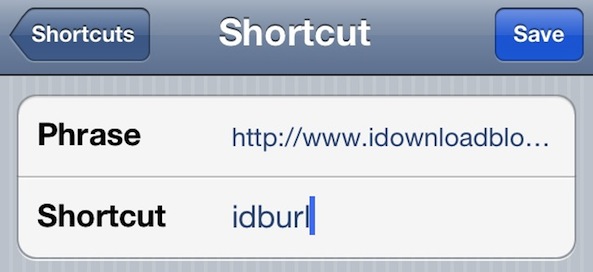
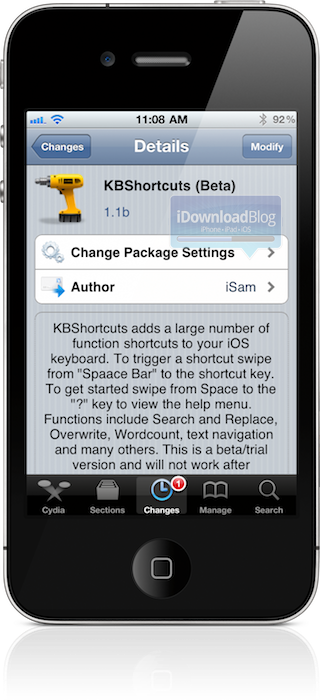
What do you get when you mix ActionMenu, TextExpander, and Swype? It might end up in a disaster for those unskilled, but when rising jailbreak developer iSam is behind the project, people should take notice.

His latest tweak, dubbed KBShortcuts, is a masterfully skilled mashup of all of those previously mentioned ideas, and it's resulted in an absolute must have tweak — so much so, that It'll leave you wondering how you ever got by without it...

SmartKeyboard Concept Gives the iPhone a Physical Keyboard Based on the iPad’s Smart Cover

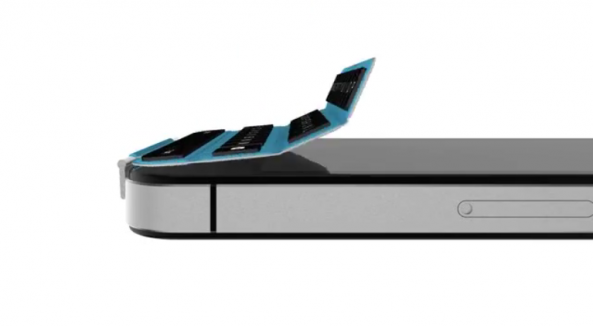
When Apple introduced the iPad 2, the Smart Cover also debuted as a new accessory for the device. Apple designed the iPad 2 with magnets that interface with the Smart Cover to wake the device from sleep when opened.

The iPhone's virtual keyboard is a fantastic replacement for a physical keyboard, but some consider the lack of physical buttons to be the iPhone's main downfall. A genius new concept takes the Smart Cover approach to offering a detachable physical keyboard for the iPhone...

WINGStand Offers a Unique Keyboard Stand for the iPad and iPhone

We just love Kickstarter projects here at iDownloadBlog. Not long ago we told you about The Infinite Loop, an iDevice stand with a "difference." Today, RazorianFly drew our attention to another stand on good ol' Kickstarter, and we just love it. Judging by the fact the project has already smashed its target funding, it seems we're not the only one!

Put together by a Mechanical Engineering and Design student called Daniel Haarburger, The WINGStand is an ingenious little stand that offers a way to keep an iPhone, iPad or pretty much any tablet in an upright position, perfect for reading recipes and the like.

But that's not all. The WINGStand has a party trick, and it's a trick that makes it stand out from the crowd, and the reason this writer has already offered up his hard earned (well, earned) money...

Aluminum Keyboard Buddy Case Turns Your iPad Into a MacBook Air

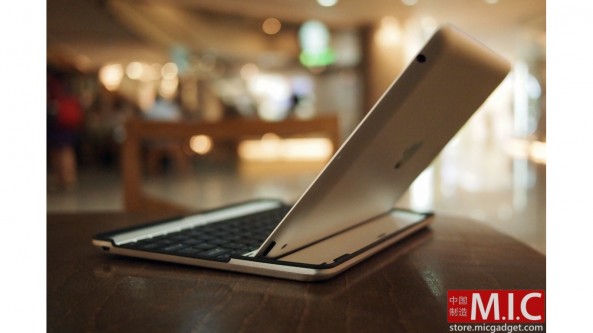
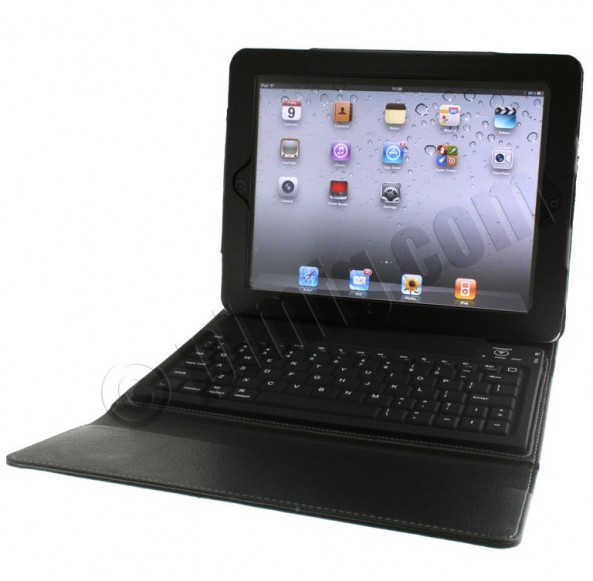
There's plenty of great cases for the iPad out there, but few third party cases can turn your iPad into a MacBook Air lookalike. The Aluminum Keyboard Buddy Case does just that, and it gives you the best portable keyboard experience we've seen on the iPad.

This case looks like it could have been designed by Apple, and it's convenient, foldable layout makes it the optimal keyboard addition for the iPad on the go.

MailKeyboardHide De-Clutters Your iPhone Compose Screen

Just last month we told you about SMSHideKeyboard, a jailbreak tweak that brought iOS 5-like SMS keyboard hiding to the jailbreak scene.

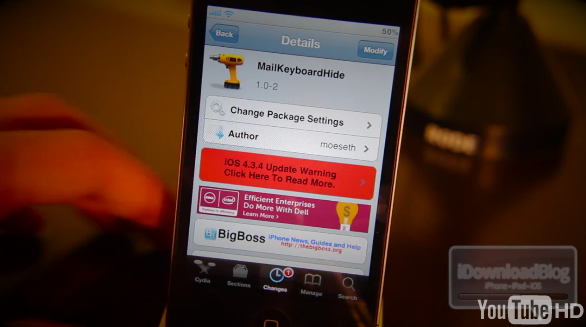
Today we have a similar tweak, but one that has a trick up its sleeve. Going by the name of MailKeyboardHide, this slight variation of SMSHideKeyboard offers the ability to hide the iPhone's keyboard during the composition of emails.

And it also does more than that...

New Jailbreak Tweak Lets You Delete Text One Word at a Time

The jailbreak community has provided us with tons of utilities and tweaks that make typing long text messages or emails a breeze. The first one that comes to mind is Xpander, the app that lets you create custom text macros.

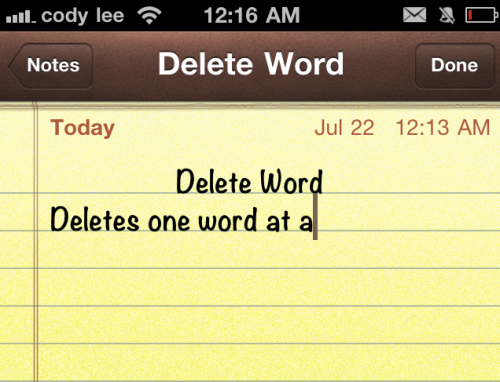
If you're a fan of keyboard shortcuts, you're going to like this next tweak. Delete Word is a simple jailbreak utility that allows you to delete entire words at a time by holding down the shift key...

Swype beta Ported to iOS, Lazy Finger iPhone Owners Rejoice!

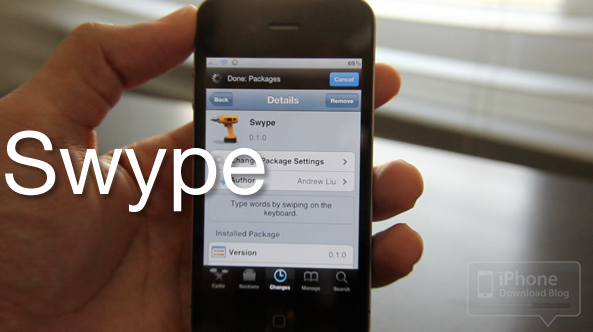
This morning I stumbled upon a tweet from Josh Tucker of ModMyi indicating that Swype has been ported to iOS. I've confirmed it works on all iOS devices, including the iPad 2.

Needless to say, this exciting news piqued my interest immediately, and I just had to try it out for myself.

The purpose of Swype is to allow you to type without lifting your finger off the keyboard. Many claim that this makes the typing experience much better on a handheld device.

If you didn't know, Swype is available on pretty much every other platform sans iOS, and it's loved by its fans.

Note that you will of course need a jailbroken iPhone to try out Swype, and again it is in beta; so don't expect it to work perfectly.

Check out my video walkthrough of the Swype beta in action...
‘SMSHideKeyboard’ Gives You More Room to View Your SMS History

One of the new features in iOS 5 is the ability to hide your keyboard when viewing your SMS history in the iMessage app.

It didn't take long, but there is now a jailbreak tweak available that mimics said functionality, and even allows you to hide the input box as well.

For longtime biteSMS users, this won't be new to you, but if you've been hanging onto that old outdated Messages app, this is a must have tweak to add to your collection.

Check inside for the video details surrounding SMSHideKeyboard...

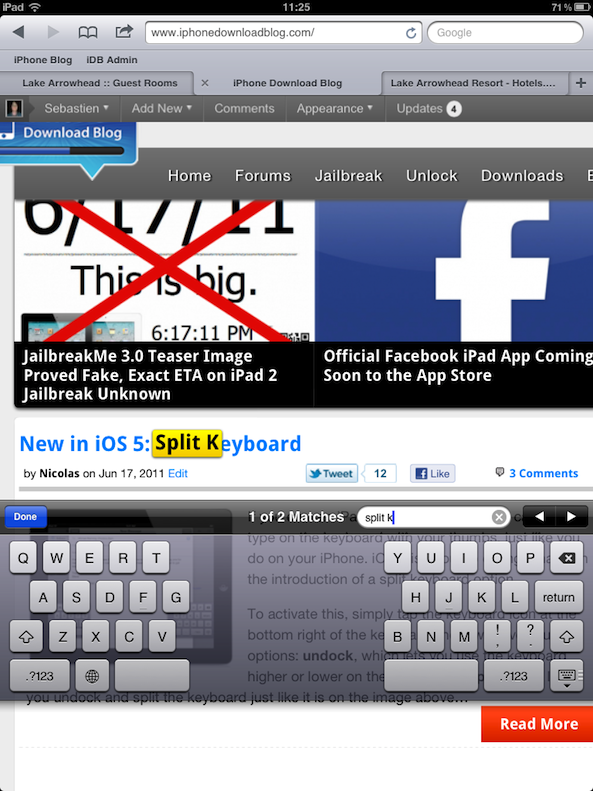
New in iOS 5: ‘Find on Page’ Search from iPad Keyboard

The "Find on Page" feature in Safari isn't new, as it was introduced with iOS 4.2. Up until iOS 5, to use this feature, you had to tap the “Google” search bar at the top right and start typing. As Google gave you suggestions, you also had the “on this page” option appearing at the bottom.

iOS 5 is making this feature much smoother on the iPad, as it brings it directly to the keyboard...

New in iOS 5: Split Keyboard

If you own an iPad, you know how hard it can be to type on the keyboard with your thumbs like you do on the iPhone. iOS 5 is about to change that with the introduction of a split keyboard option.

To activate this, simply tap the keyboard icon at the bottom right of the keyboard and it will give you 2 options: undock, which lets you use the keyboard higher or lower on the screen, and split, which let's you undock and split the keyboard just like it is in the image above...

KeyVibrate – Native Haptic Feedback Anyone?

Though the iPhone's virtual keyboard has been named one of the best in the business, it still lacks a fairly major feature: haptic feedback. The little vibration that lets you know a key has been pressed is on nearly every other touchscreen smartphone on the market, but not the iPhone.

Luckily we have the jailbreak community to produce apps and tweaks that makeup for iOS shortcomings. Though there have been haptic feedback utilities in Cydia for quite some time now, they've never really impressed me. They always seemed to make iOS slower and less reliable, until now...

Have You Seen This Weird iPhone Keyboard Bug Before?

This is not the first time that happens while in landscape mode. The screen rotates fine, the keyboard looks fine, but for some reason when I press a key, it appears sideways. I have no idea what it's from so I was wondering if you guys had seen that before.

I do use the jailbreak app called ShowCase but I remember having this issue before installing the tweak. It's not a big deal, but I'd just like to figure out what's wrong...