Learn how you can control your iPad pointer with the keyboard keys or number pad via a cool new accessibility feature called Mouse Keys.
How to control your iPad pointer with a physical keyboard
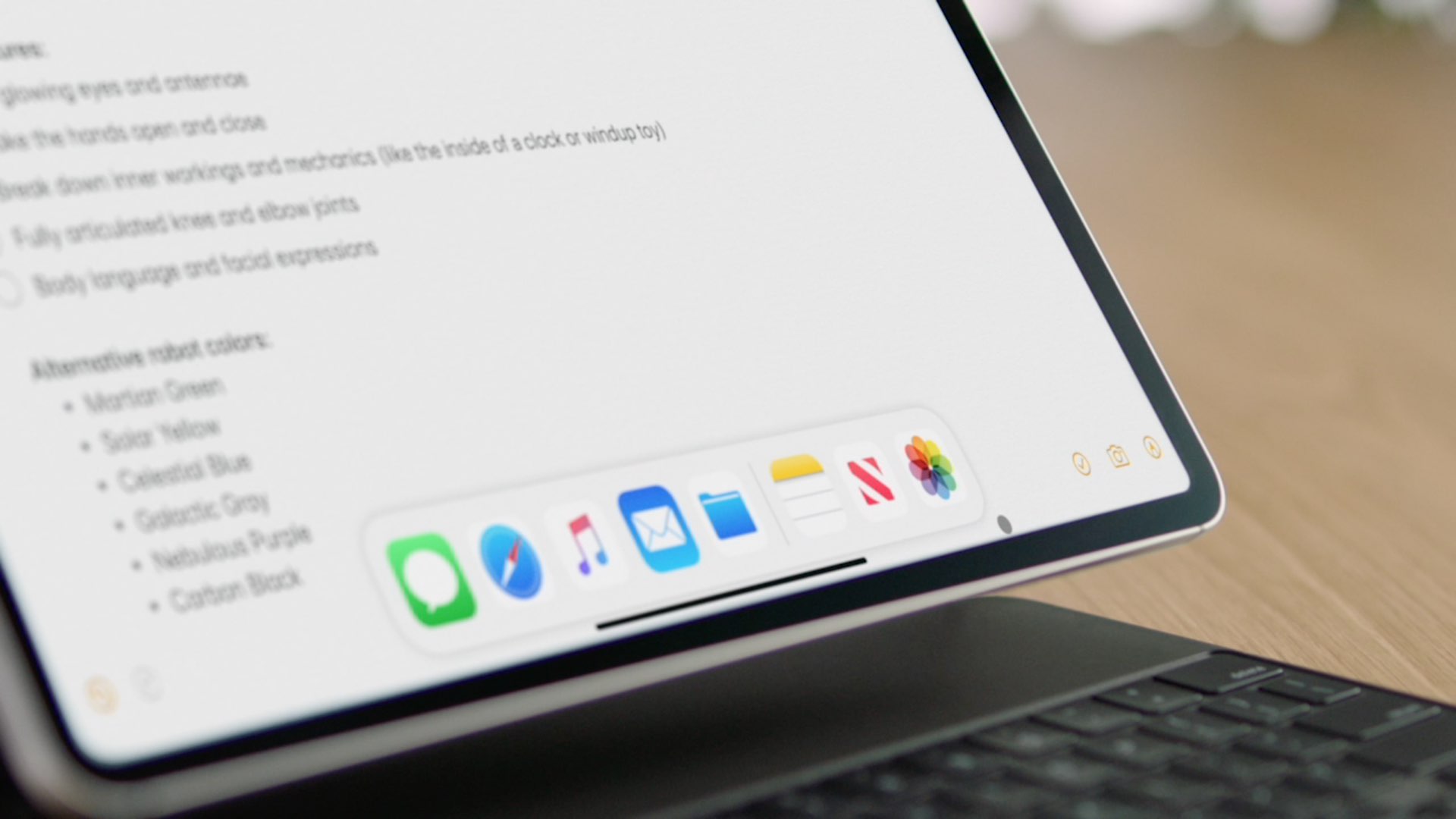
Learn how you can control your iPad pointer with the keyboard keys or number pad via a cool new accessibility feature called Mouse Keys.
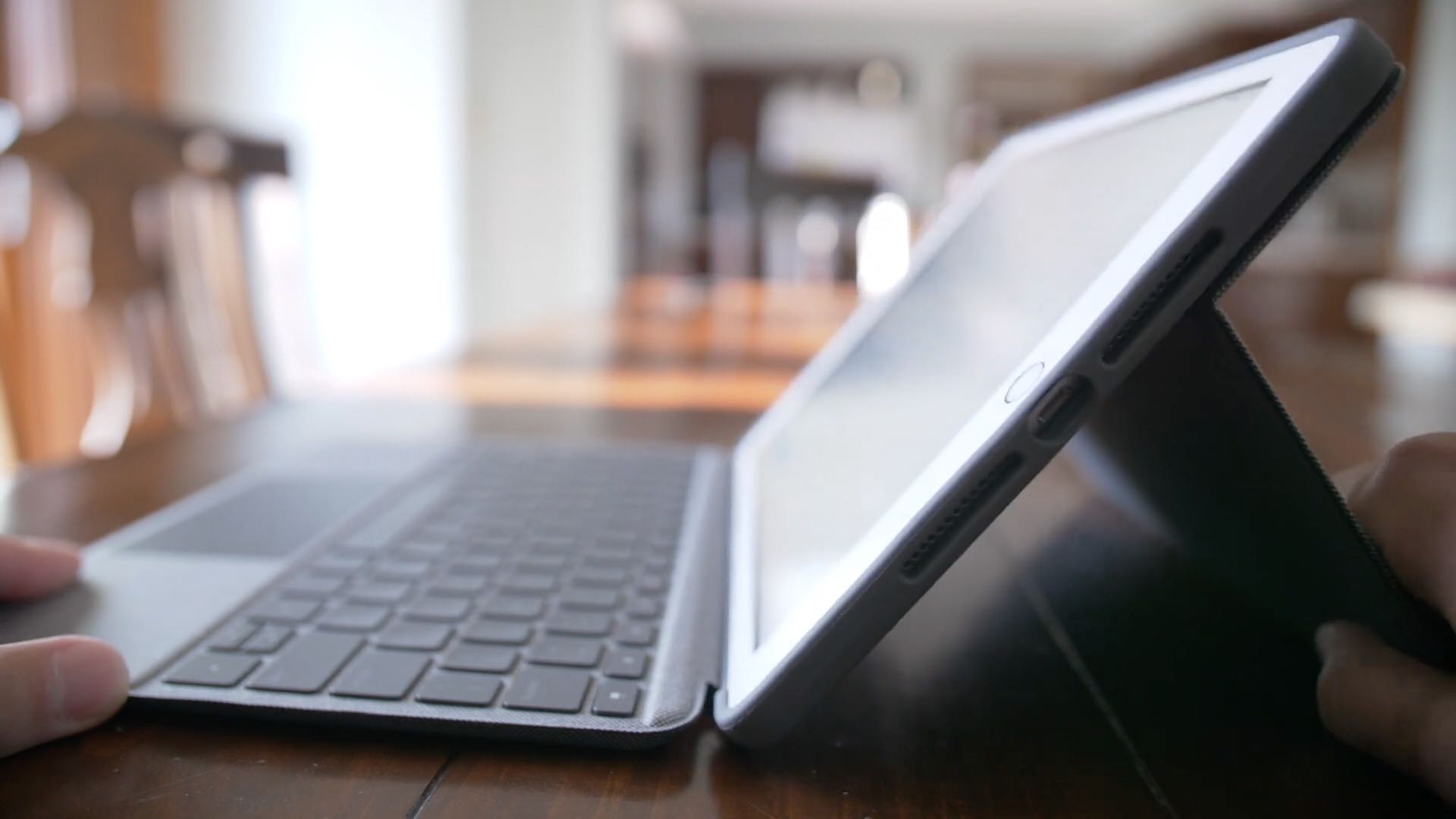
Officially unveiled on March 18, 2020 and released the following month on April 15, Logitech's Combo Touch keyboard case brings trackpad navigation via iPadOS cursor support to the third-generation iPad Air and the seventh-generation iPad. Be sure to watch our video review...
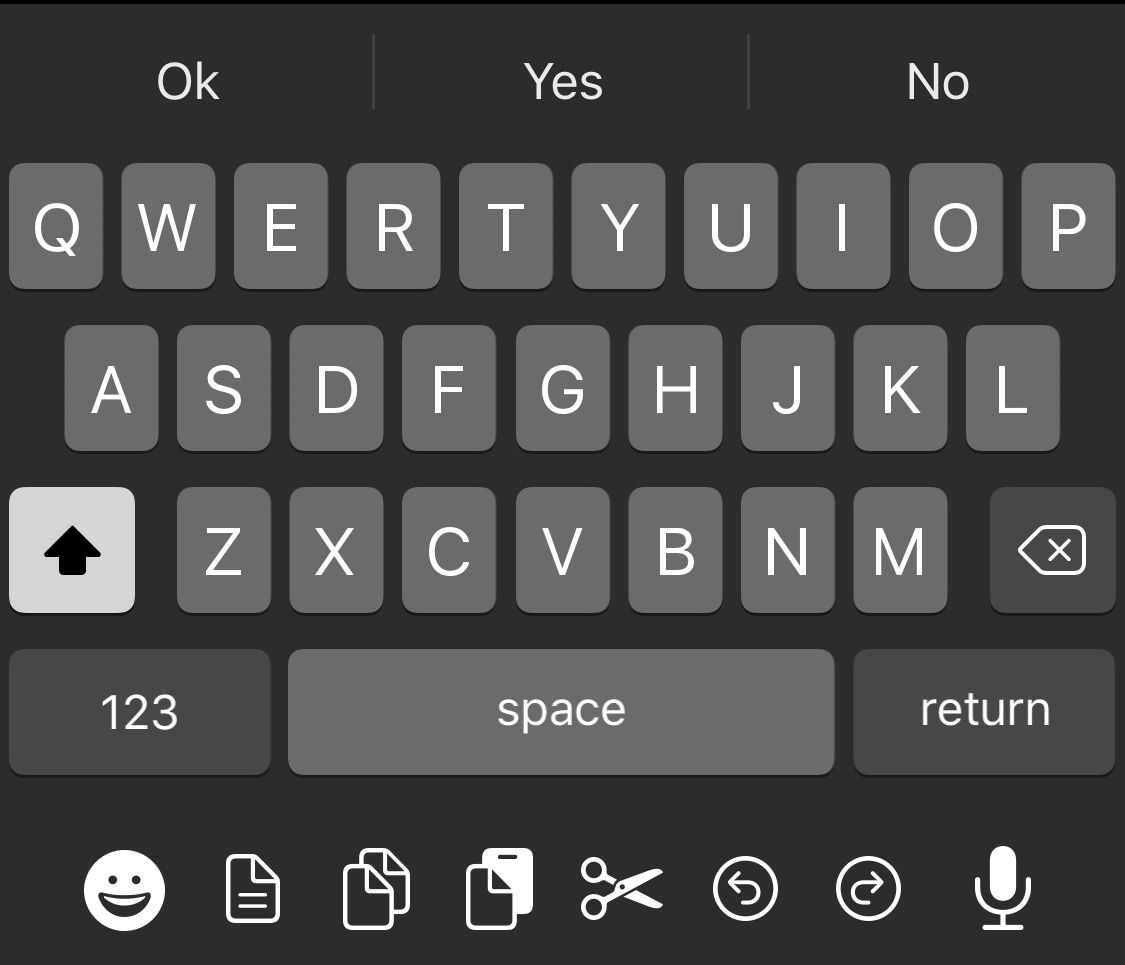
Apple took great care to ensure that iOS would have one of the most enjoyable typing experiences in the modern smartphone market. While it certainly is one of the best, it can still be argued that the iOS keyboard could be better with a few minor improvements.
One such example is the likes of a newly released and free jailbreak tweak called DockX by iOS developer udevs, a simple add-on that brings a full-fledged pasteboard shortcut dock to the bottom of the iPhone’s native keyboard interface.
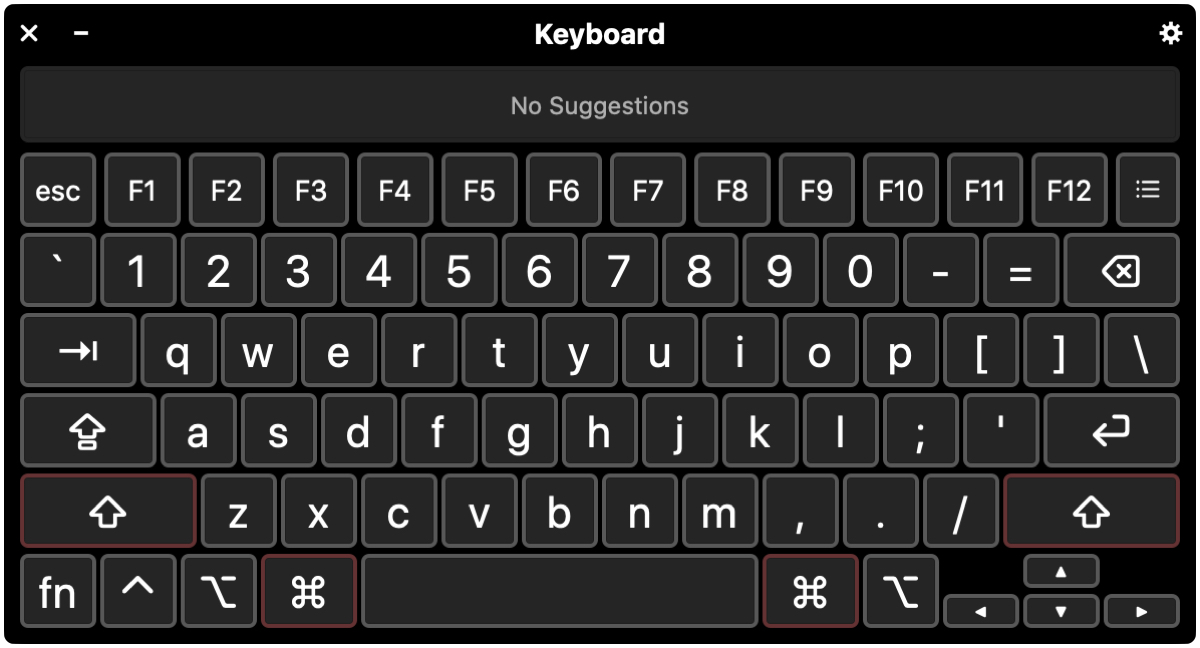
In this tutorial, we’ll walk you through four handy keyboard accessibility features to help you get the best typing experience if you have difficulty using the Mac’s keyboard in its standard configuration.
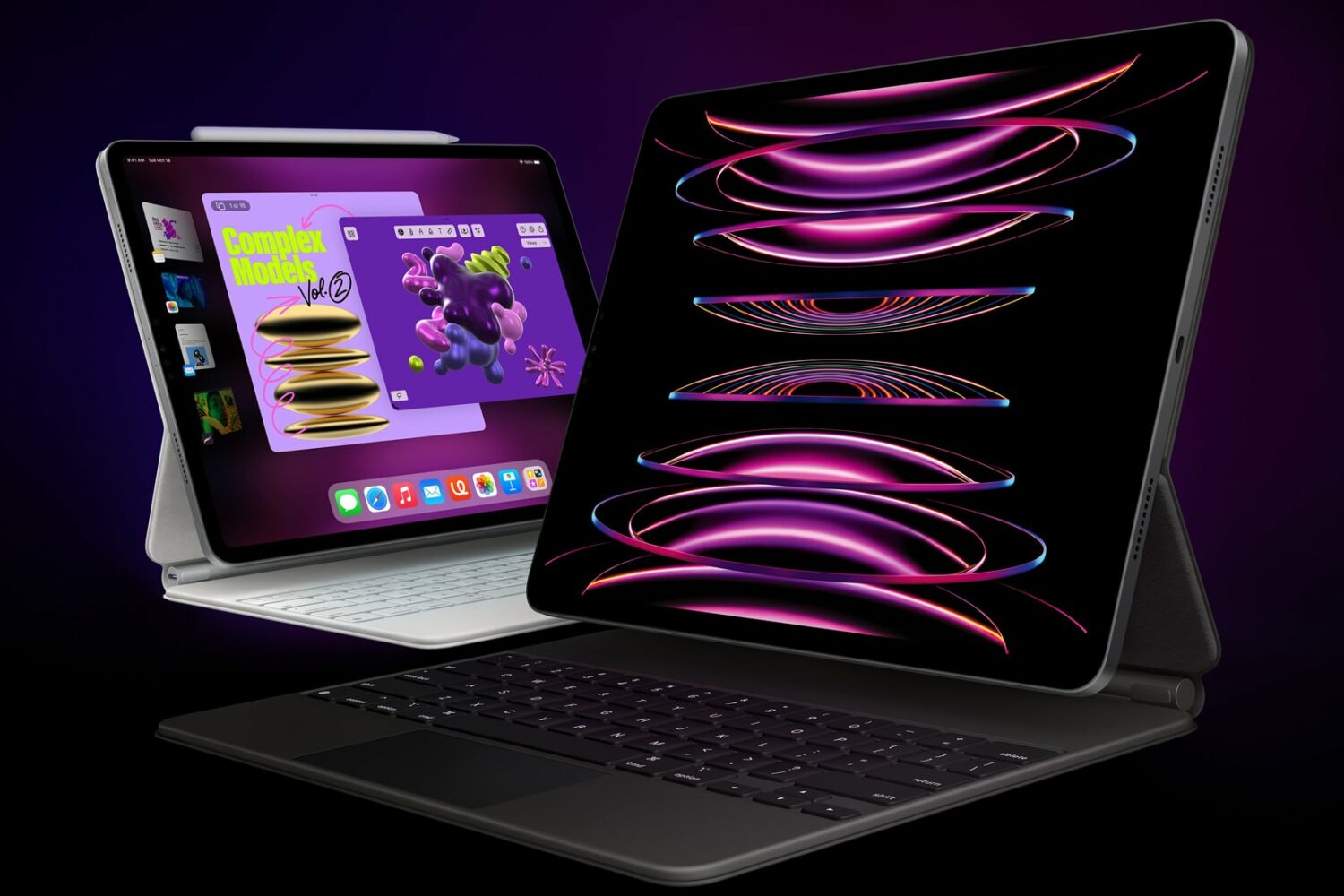
Check out these 10 simple yet powerful trackpad gestures you can use on your iPad to boost your productivity.

With an external (hardware) keyboard like the Magic Keyboard connected to your iPad, the onscreen (software) keyboard doesn’t appear. Apple in its wisdom does allow you to switch between the hardware and software keyboard, but it could have definitely done a better job surfacing that feature for average users who may be unaware it even exists in the firsts place. Follow along with our step-by-step tutorial to learn how to quickly switch your iPad keyboard between the stock iOS keyboard and your Magic Keyboard or any other physical iPad keyboard.
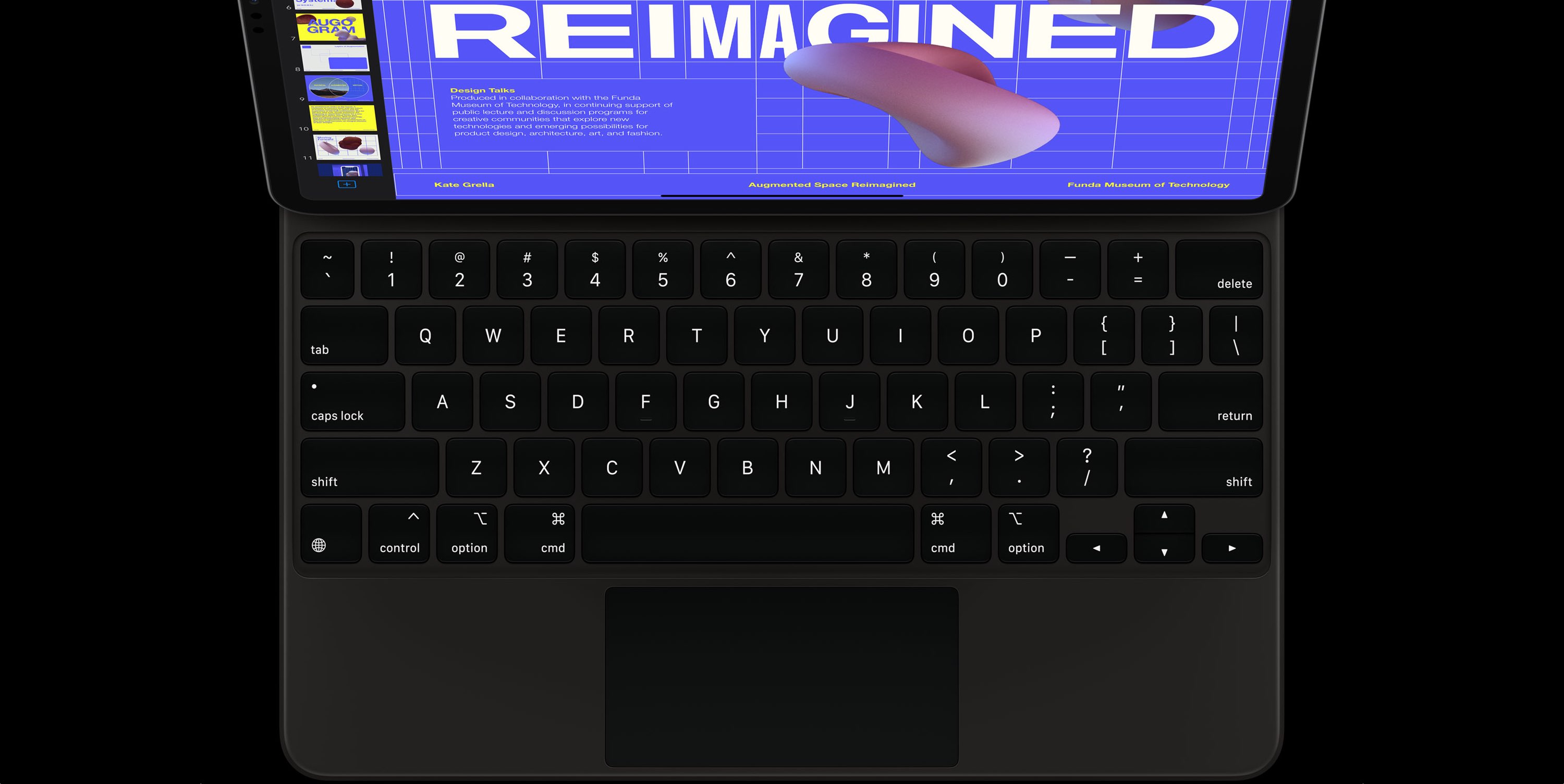
The Magic Keyboard for iPad Pro features backlit keys that make it a lot easier to type in the dark. The Magic Keyboard brightness can be changed manually or automatically, based on the ambient lighting conditions. But sometimes you want to watch a movie in the dark, or perhaps read a long article or a book without the keyboard backlighting interfering. To help with that, our tutorial will teach you how to adjust the Magic Keyboard brightness to your liking.
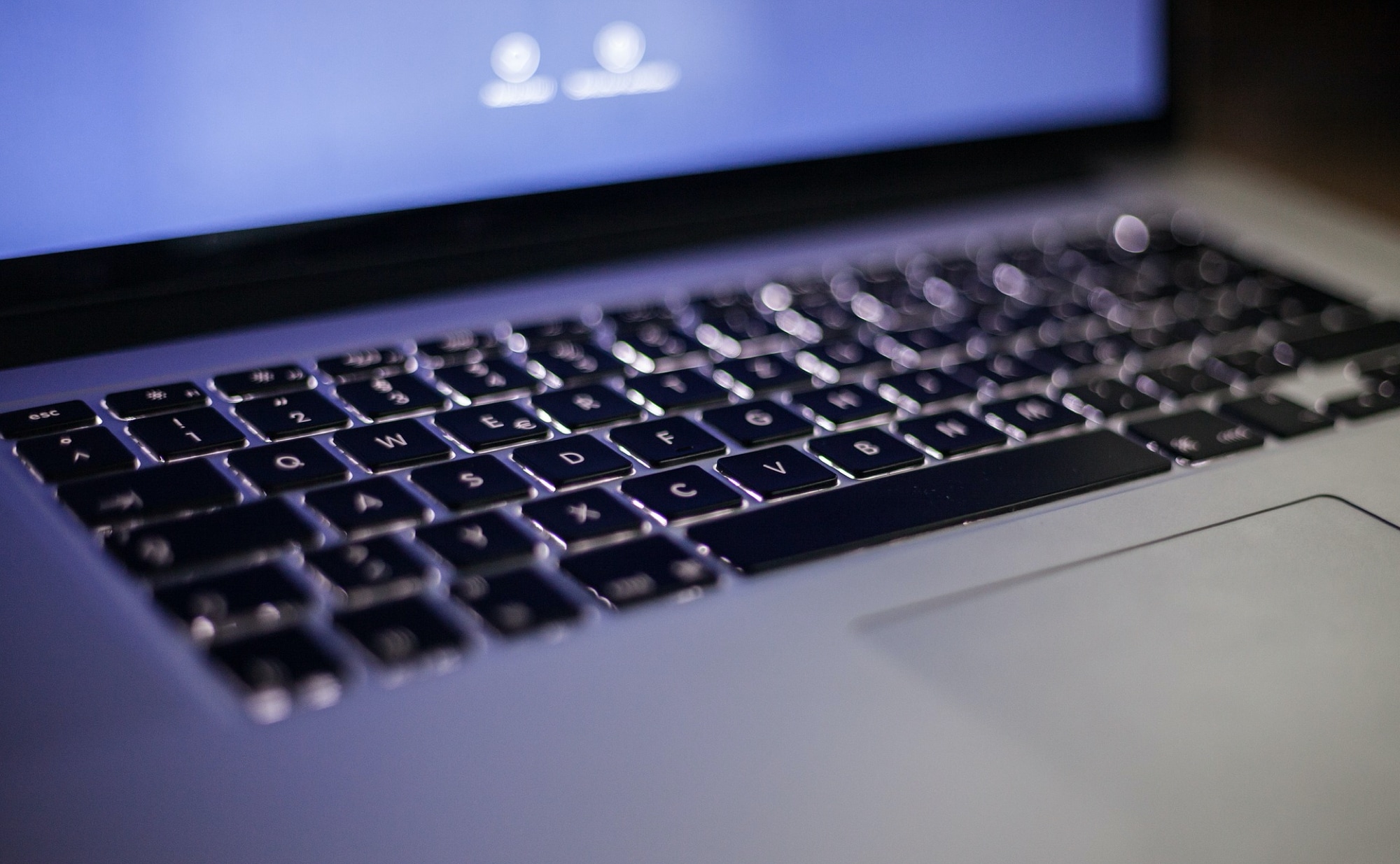
Learn how to set your MacBook Air or MacBook Pro to automatically turn off the keyboard backlight after a certain period of inactivity to save battery and get more use time on a single charge.
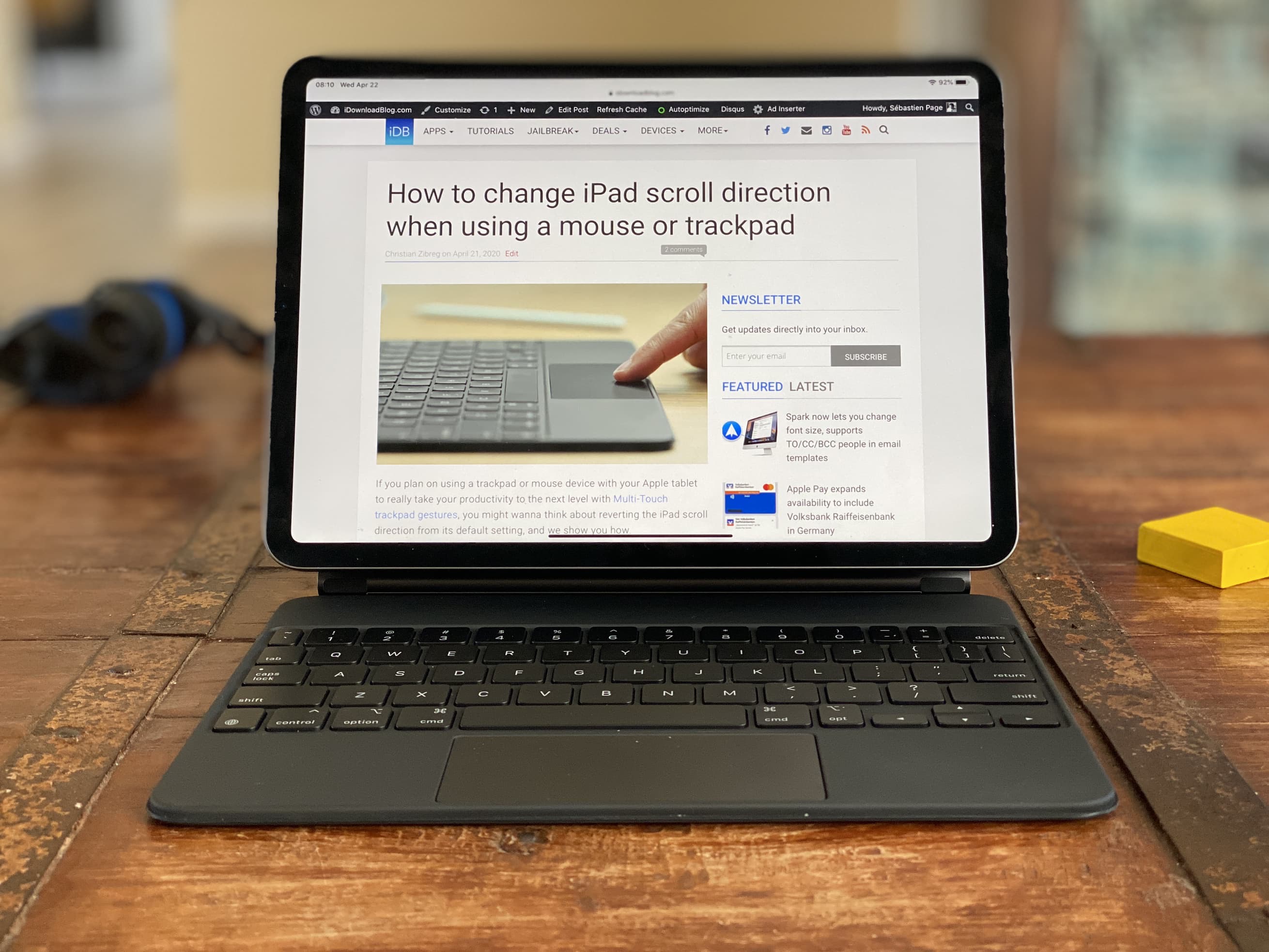
I received my Magic Keyboard for iPad Pro less than 24 hours ago, and wanted to share early thoughts and impressions about this new accessory.
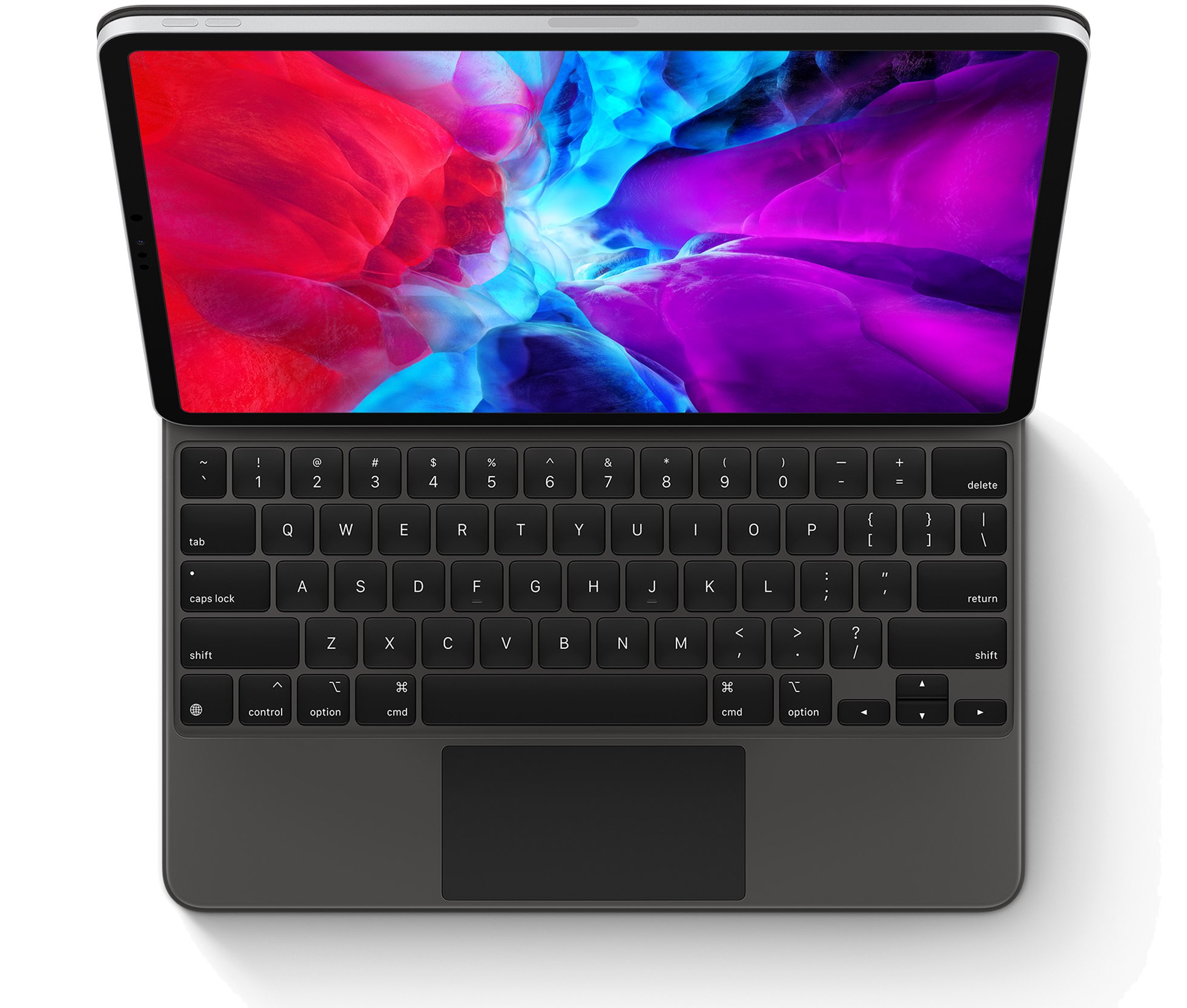
Apple's new Magic Keyboard has arrived, and customers have noted that the 12.9-inch model is actually heavier than the 12.9-inch iPad Pro, which comes in at 641 grams.
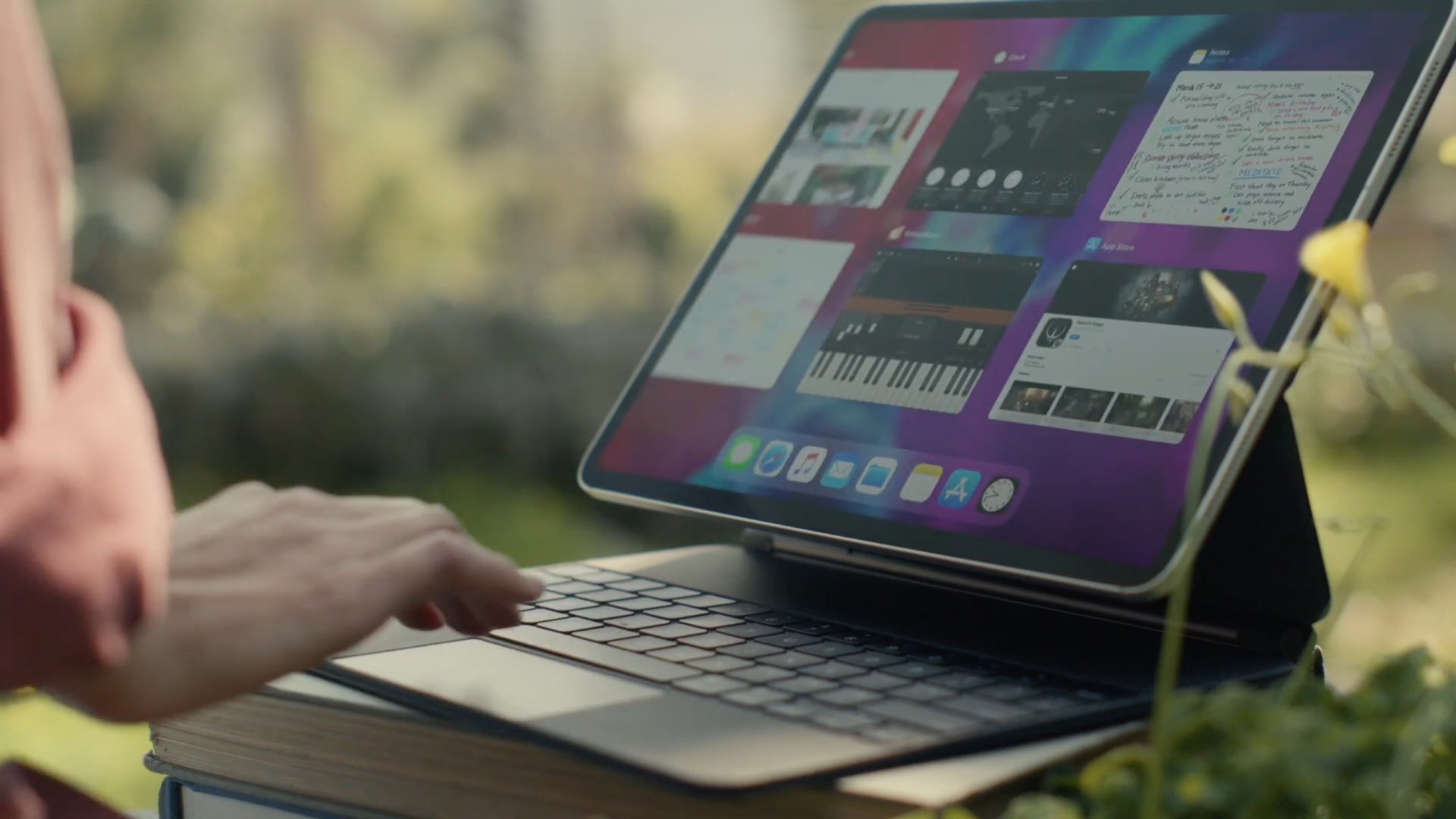
Apple unveiled the new Magic Keyboard with a built-in trackpad alongside the new iPad Pro models in mid-March. At the time, the launch date for the accessory was listed as sometime in May, but it looks like Apple is ready to start orders a little early.
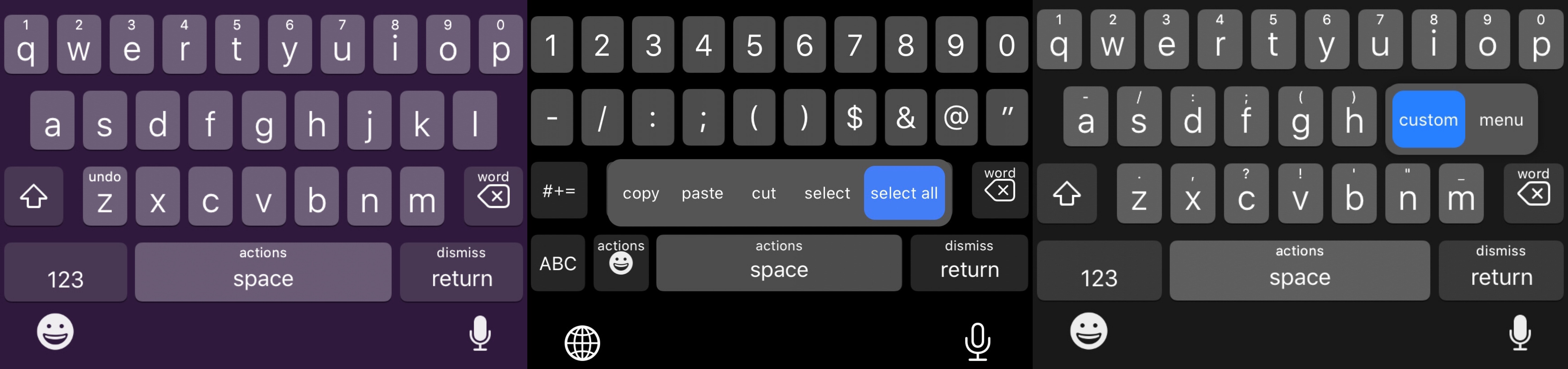
The iPhone sports one of the best software keyboards in the industry, and yet creative members of the jailbreak community always seem to find ways to remind us why we should be asking so much more of Apple as the company releases annual software upgrades.
Enter SwipeExtenderX, a newly released jailbreak tweak by iOS developer qwertyuiop1379 that supercharges the iOS keyboard with up to 20 different swipe gesture-based actions to help make the process of typing on an iPhone even easier than it already is.