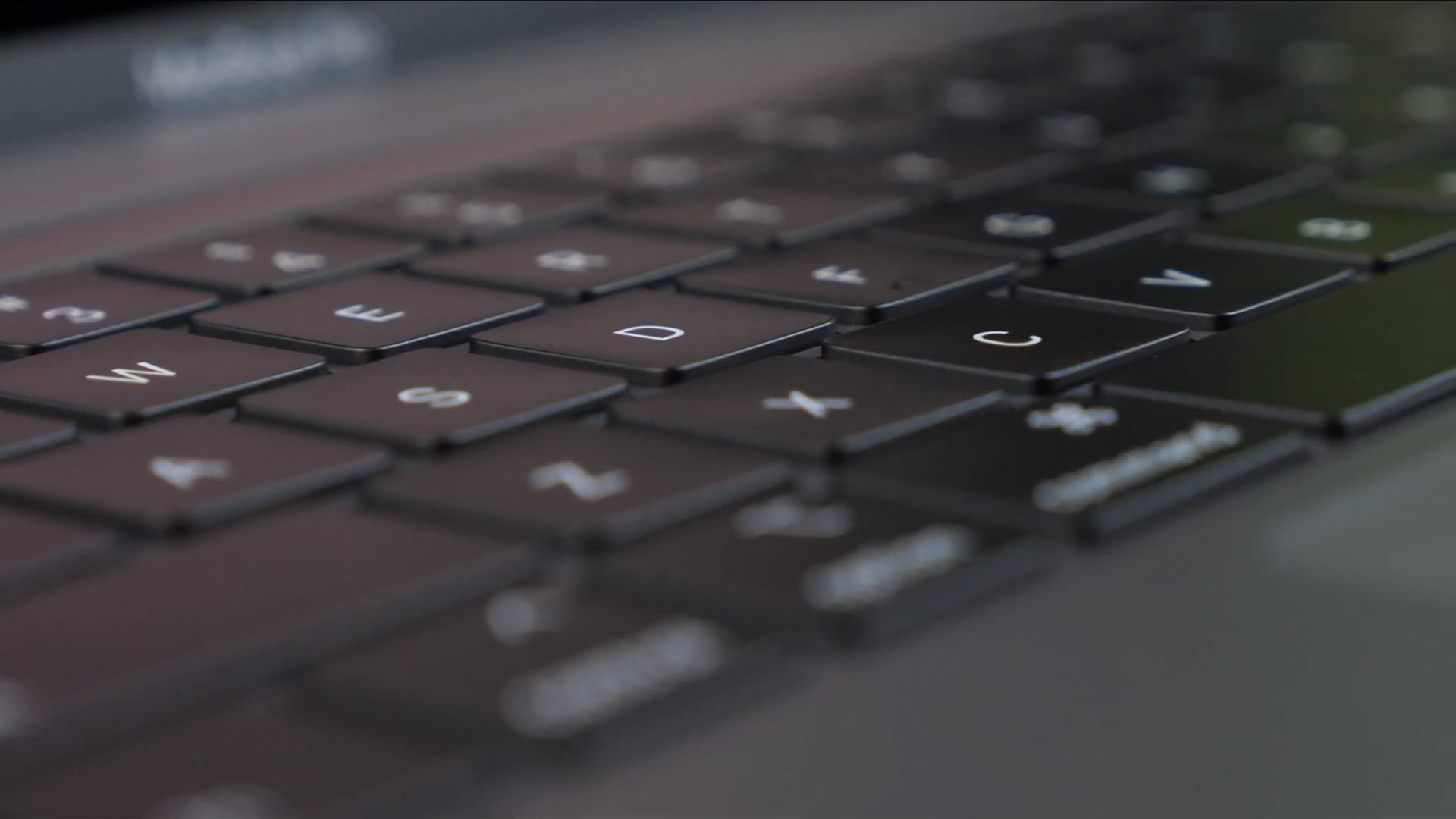
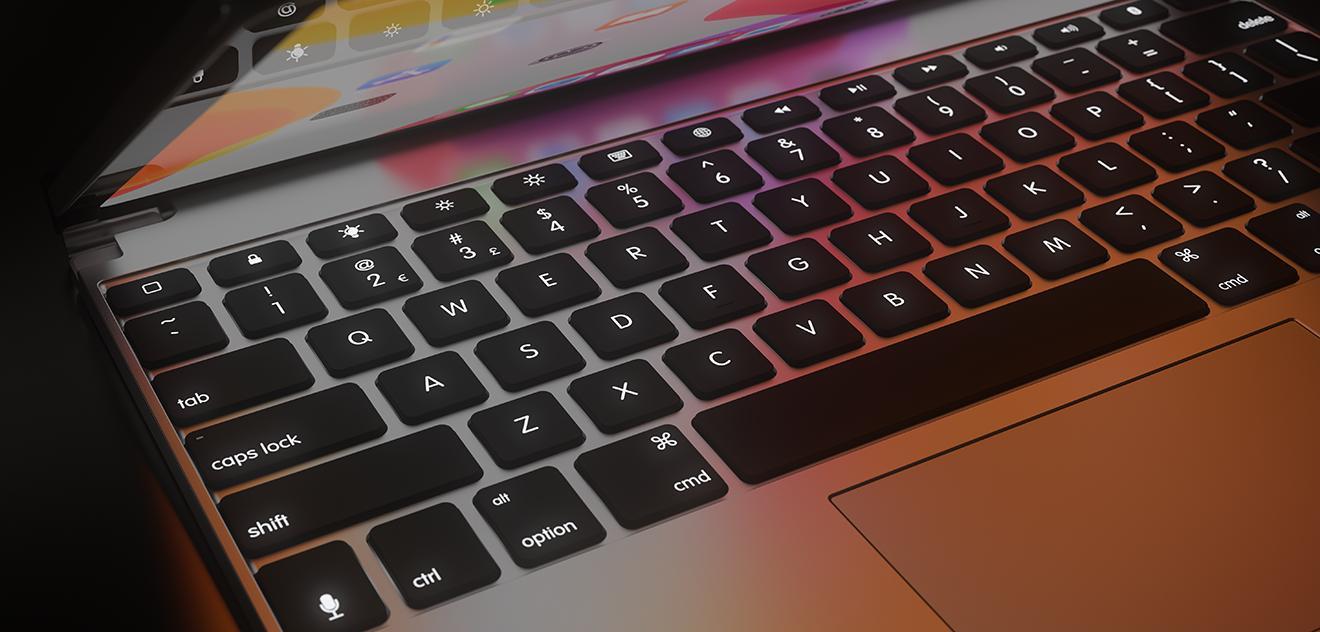
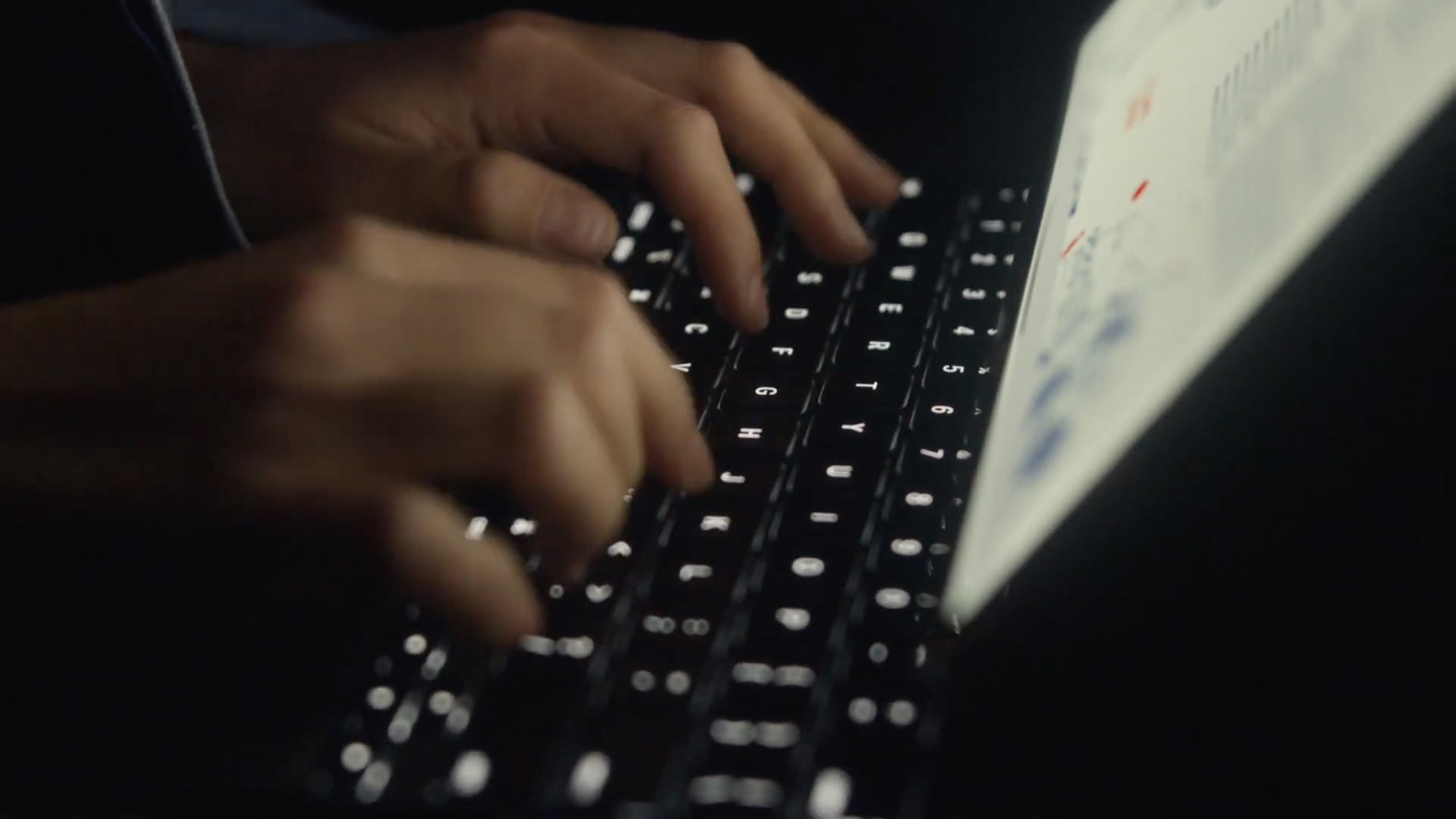
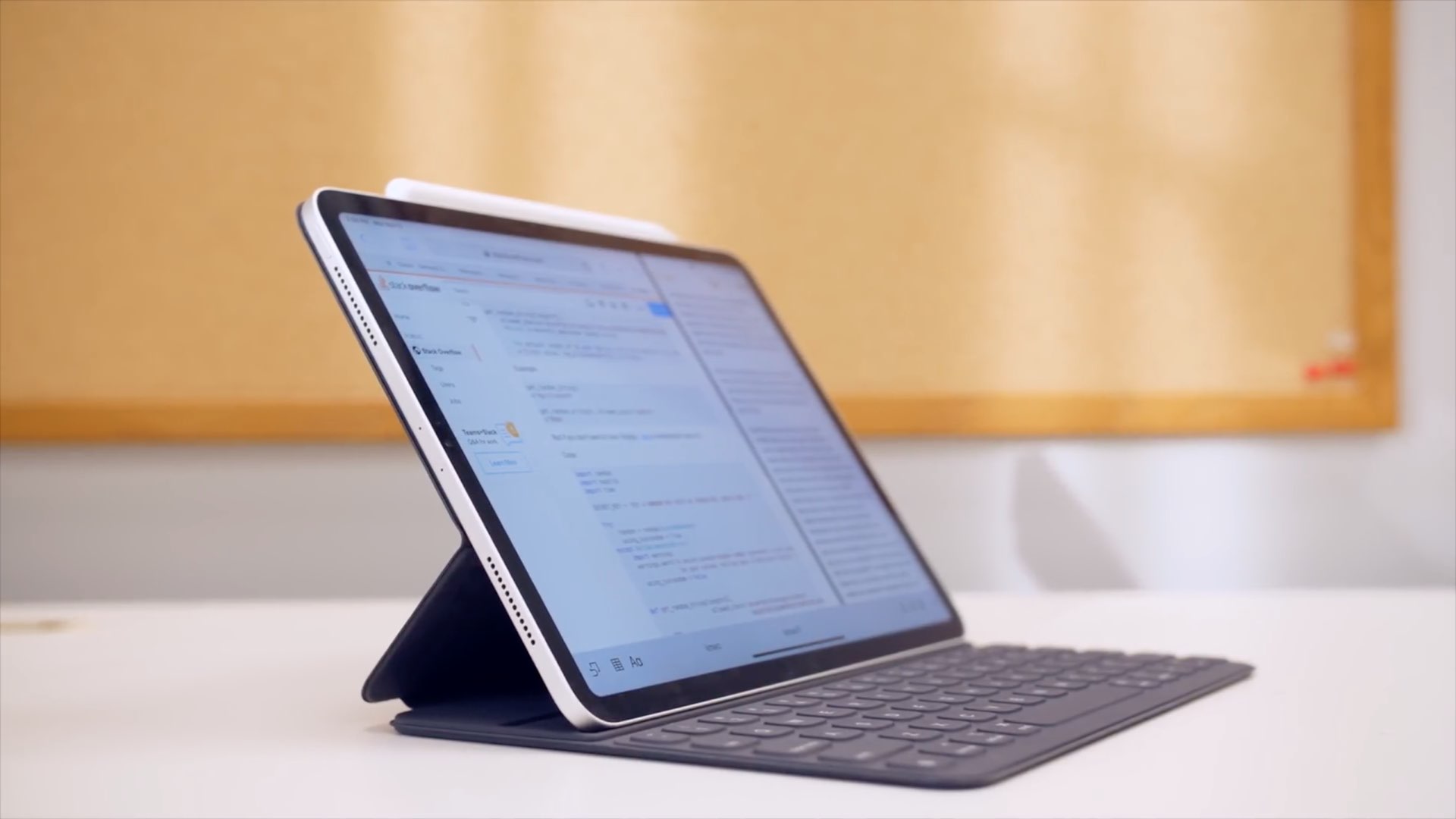
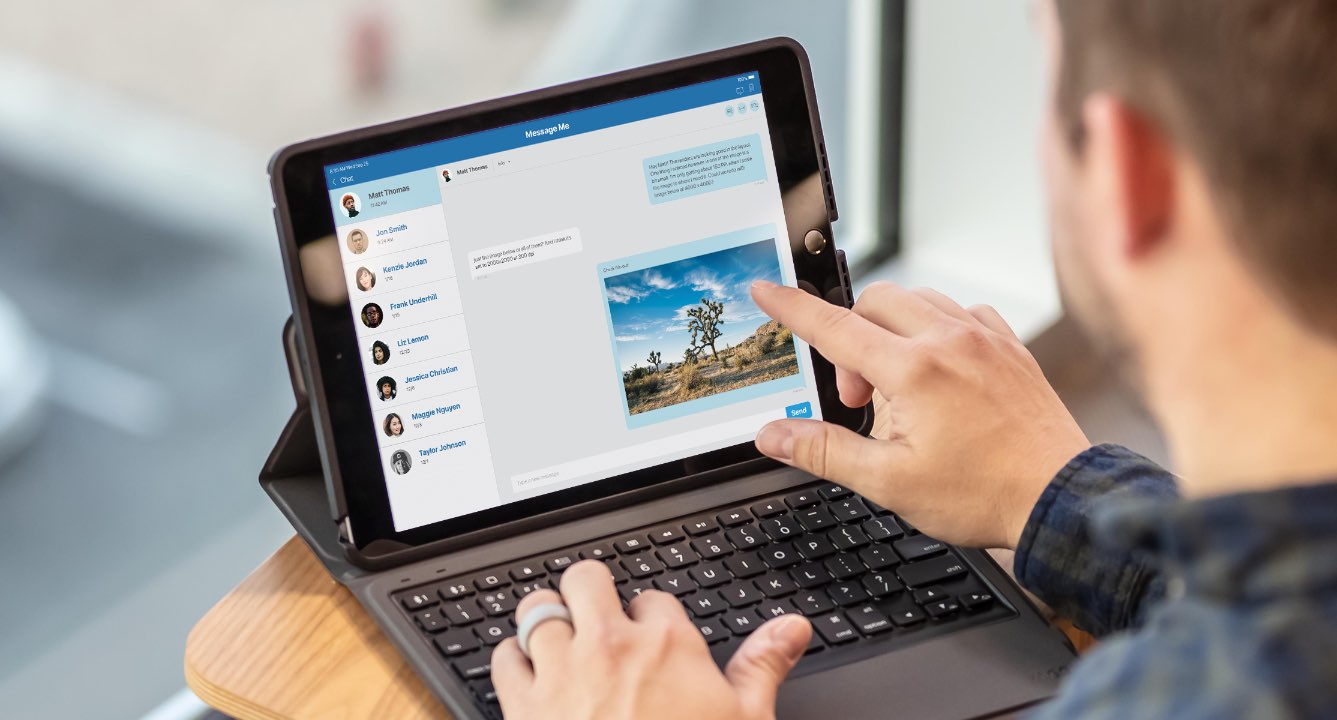
Now available to pre-order, the new Brydge Pro+ keyboard integrates an oversized trackpad that's designed to seamlessly work with cursor support in iPadOS 13.4.
Video: the new Brydge Pro+ keyboard with trackpad and cursor support in iPadOS 13.4
Now available to pre-order, the new Brydge Pro+ keyboard integrates an oversized trackpad that's designed to seamlessly work with cursor support in iPadOS 13.4.
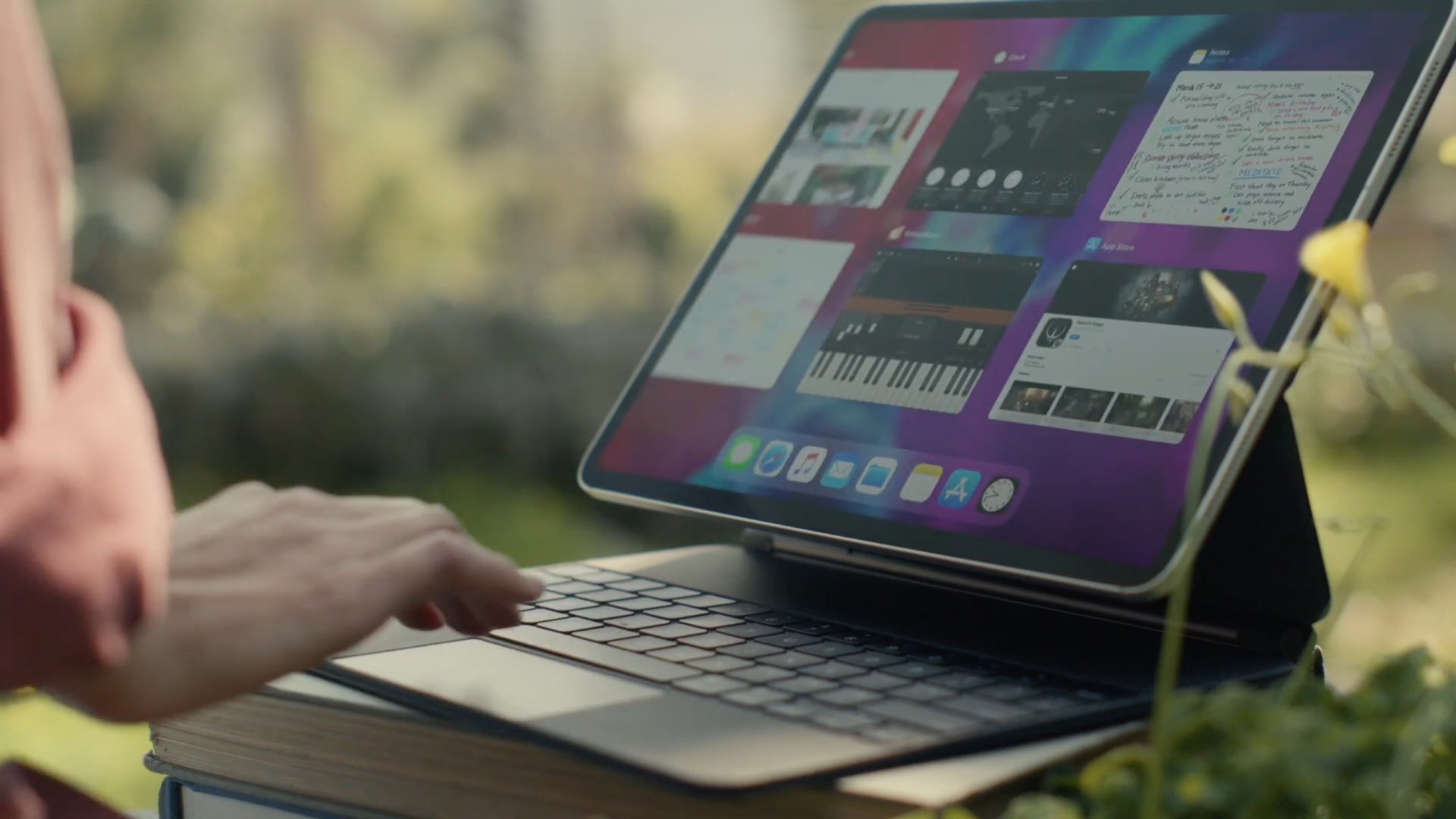
Apple today announced the refreshed iPad Pro family with new cameras, a LiDAR scanner and more, along with the new Magic Keyboard with a built-in trackpad and backlit keys with 1mm travel, designed specifically for the new tablet. To show off what you can do with such a combo, the Cupertino firm shared a pair of promotional videos via its official YouTube channel.
Although iPadOS 13.4 is currently in testing, Apple acknowledged today that the free software update would become available for public consumption next Tuesday, March 24.
For the most part, Apple’s iPhone sports one of the best software keyboard experiences on the market today, but that certainly doesn’t mean that there isn’t room for improvement.
Those looking to augment their jailbroken iPhone’s typing experience are likely to enjoy a new jailbreak tweak release called Keyboard Plus by iOS developer Ryan Nair. As the tweak’s name implies, Keyboard Plus brings new features and improvements to the native keyboard experience, with the goal of making typing on your iPhone an even nicer experience than it is already.
Learn how to navigate around iPadOS, select menus, click items, toggle buttons, scroll lists, and control your iPad by using the physical keyboard, with no screen touching required.
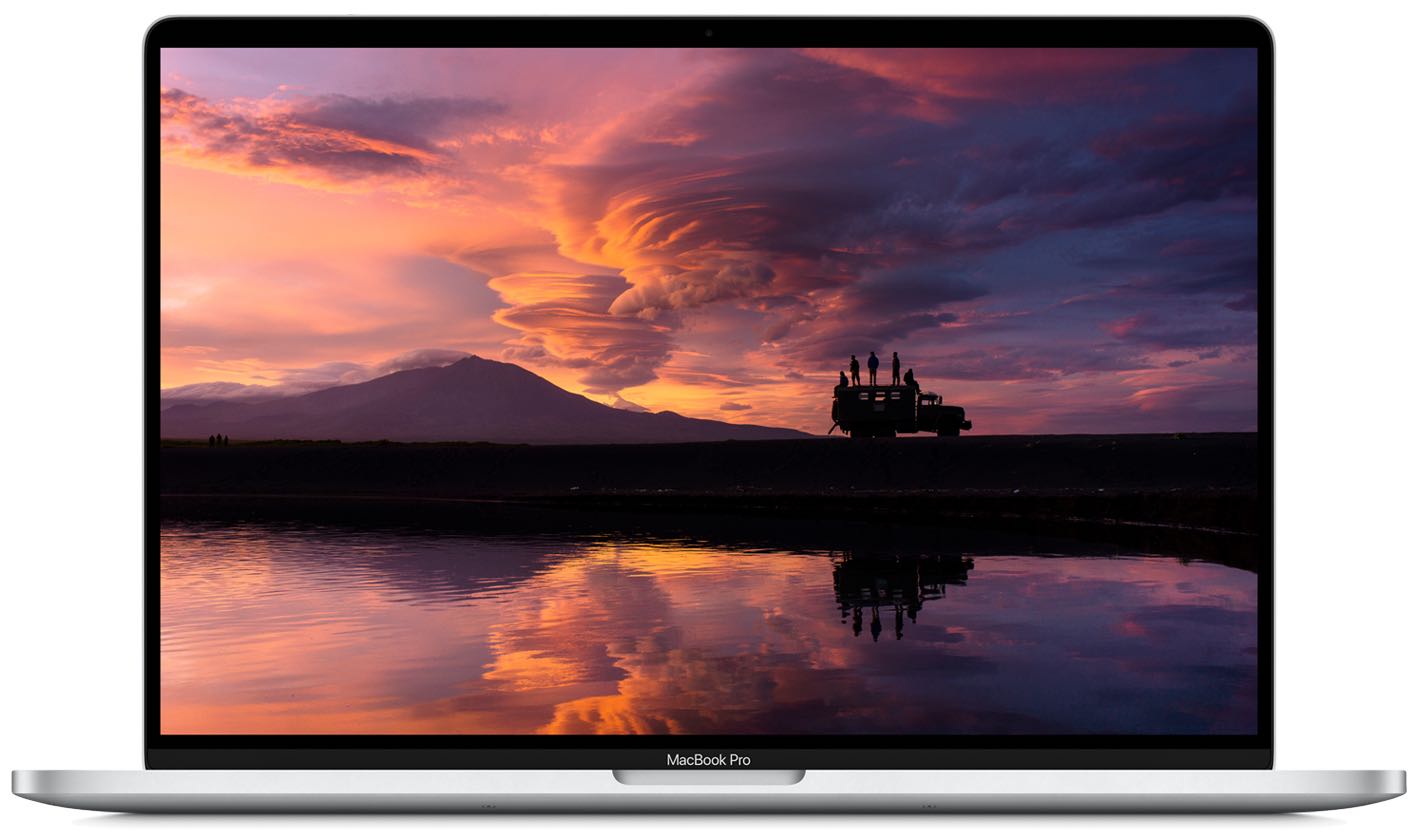
Following positive market response to the new 16-inch MacBook Pro, Apple's first notebook ditching the problematic four-year-old butterfly keyboard in favor of the tried-and-tested scissor key mechanism, Apple should release new MacBook Pros and Airs with scissor keys by June.
In this step-by-step tutorial, we'll show you how to remap the Command, Option, Control, and other modifier keys on the external hardware keyboard connected to your iPad.
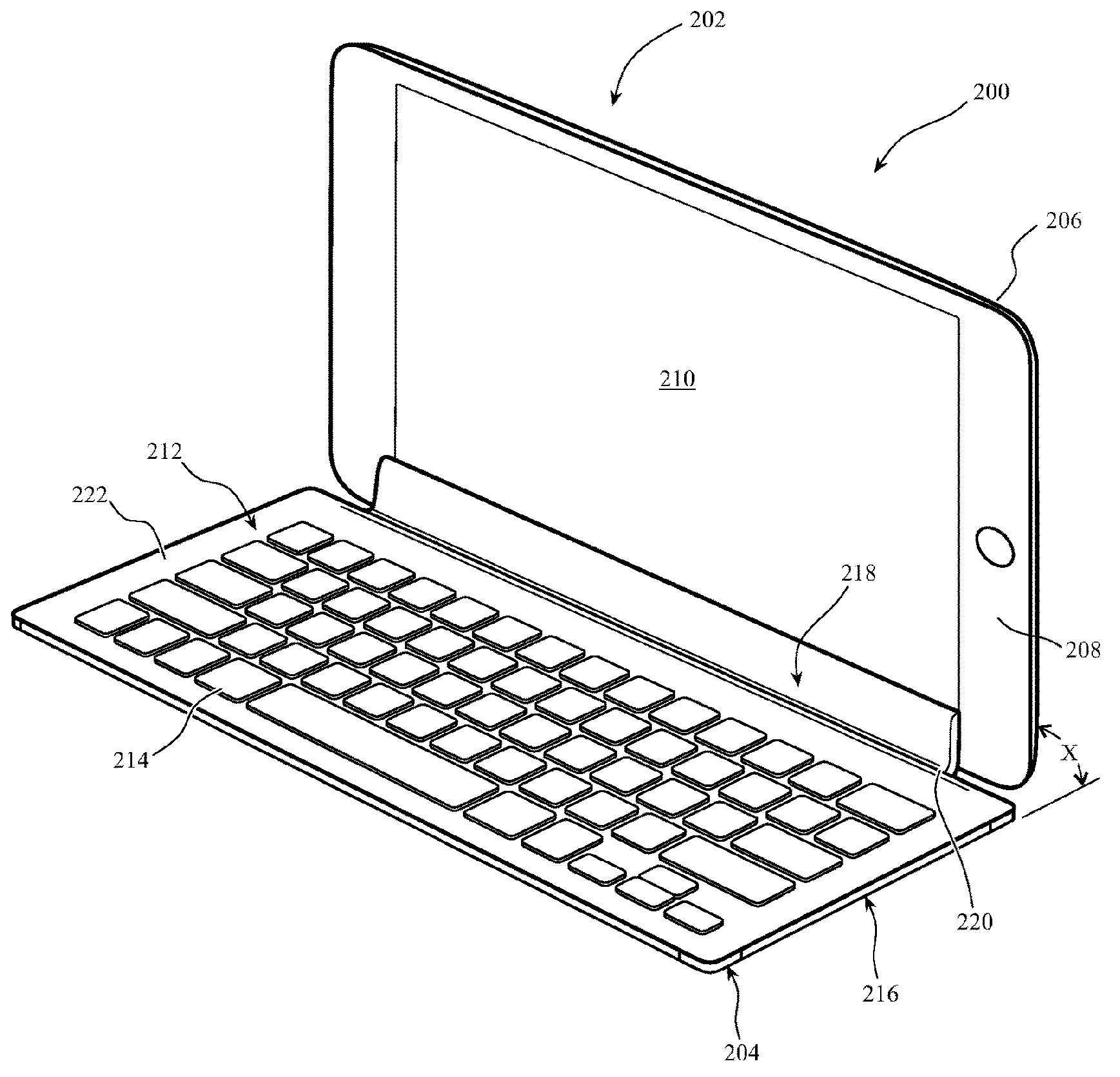
Apple is researching potential ways of using the iPad's capacitive touchscreen for reading key presses from a future Smart Keyboard accessory that might not need to connect over Bluetooth or take advantage of the iPad's Smart Connector at all.
Unveiled at CES 2020, Zagg's Slim Book Go and Rugged Messenger keyboards for Apple's 10.2-inch iPad model can now be ordered starting today via the company's online store.
Check out all the handy keyboard shortcuts for the Photos app on your iPad to be more productive, and manage your library without taking your hands off the physical keyboard.
If you’re going to walk away from your Mac for a minute, you might want to start your screen saver. You may not want to lock your computer or put it to sleep but just display your screen saver instead.
There are three quick and easy ways to create a shortcut to start your screen saver, and we’ll walk you through each one.