Jailbreak

Check out the most comprehensive jailbreaking coverage on the internet, including the latest news, apps, tweaks, and detailed tutorials about everything jailbreak.

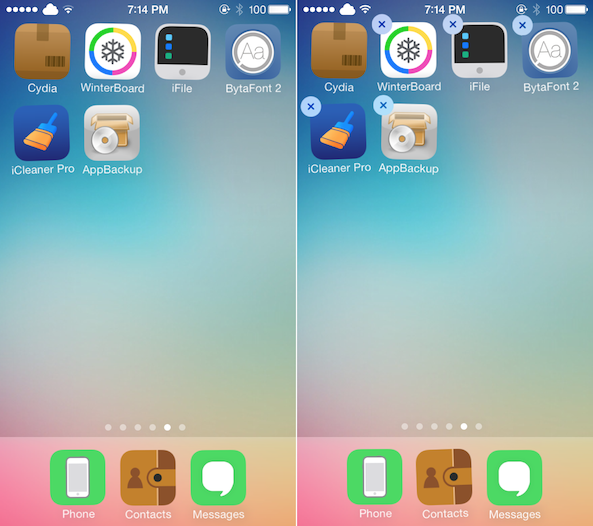
CyDelete for iOS 7 allows Cydia apps to be deleted from the Home screen

When you tap and hold on an app icon on your Home screen, wiggle mode is enabled and applications can then be deleted. That functionality doesn't extend to jailbreak tweaks, however, meaning that you have to go into Cydia to uninstall packages by default. To solve that minor inconvenience, developer Ryan Burke has gone ahead and updated CyDelete — originally by Dustin Howett — with both iOS 7 and A7 support… 

Touchy: launch apps with specific fingers using Touch ID

Touchy is an awesome new tweak that allows users to assign specific apps to designated fingers via the iPhone 5s' Touch ID sensor. I've been testing the upcoming jailbreak tweak through several iterations, and it's coming along quite nicely.

Touchy lets you assign up to five different apps to work with up to five different fingers via its settings panel. Since it uses Touch ID, you'll need to make sure you set up the fingerprints via Touch ID's settings beforehand. You don't have to configure all five fingers, you'll just need to have as many prints set up as you want to assign to shortcuts.

Understandably, most of the tweaks we've seen involving Touch ID revolve around some sort of security aspect, but Touchy is among the first Touch ID oriented tweaks that dares to do something different. Take a look at our video inside to see how the tweak works in action.

How to access your calendar app from Notification Center

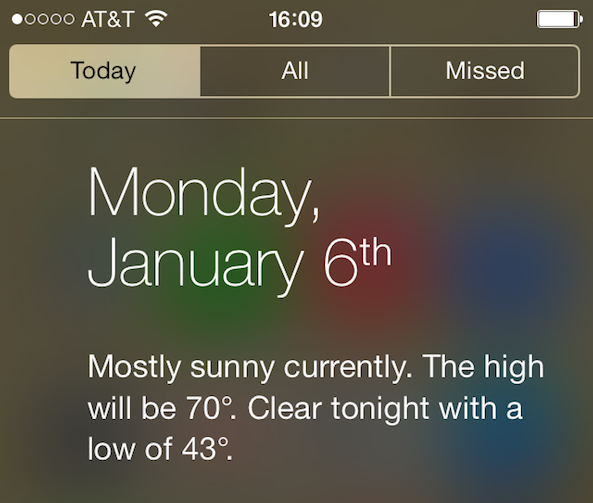
You've probably noticed how you can access the Weather app just by tapping on the weather condition in the Today tab of Notification Center. If you've tried to do the same with the calendar app, then you probably realized that tapping on today's date in Notification Center doesn't do anything.

This is a minor annoyance that a new jailbreak tweak called TapTodaysCalendar is now eradicating...

SkipLock lets you bypass the Lock screen altogether

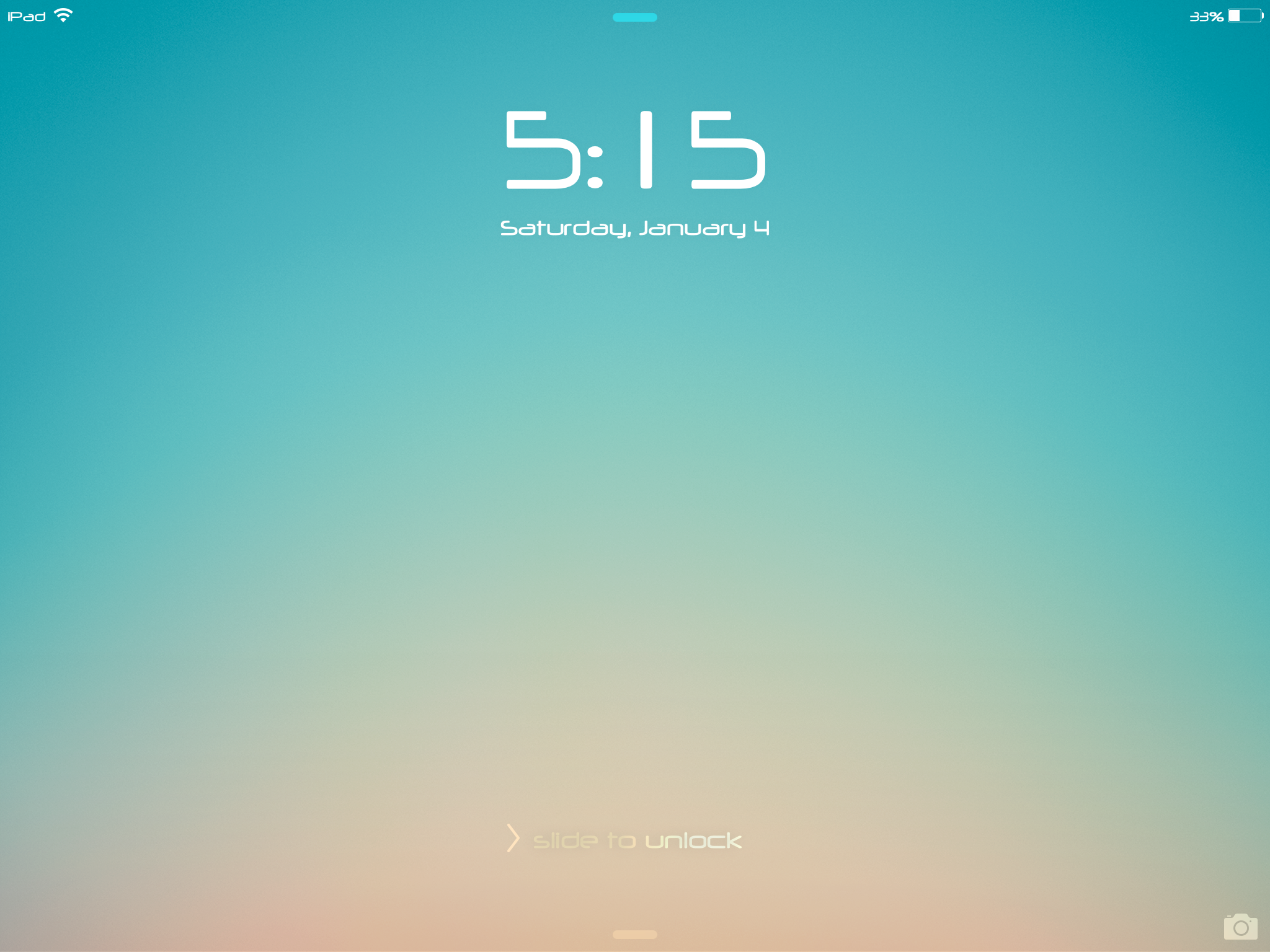
Regular iDB readers may remember a tweak we talked about last year called SkipLock. SkipLock is a simple tweak that allows you to bypass the Lock screen of your device, unless it is password protected, or unless there is a pending notification on the screen, in which case, you will still have to slide to unlock your device.

An original idea by yours truly, and developed by famous jailbreak dev Filippo Bigarella, the tweak was only available on Filippo's repo and never made it to the public.

iOS 7 broke SkipLock so I asked Filippo if he could do something about it. A few minutes later, he came back to me with a .deb file which I quickly installed on my iPad mini, and it worked just as advertised. The good news is that SkipLock is now available on Cydia...

BioLockdown: the best way to secure apps with Touch ID

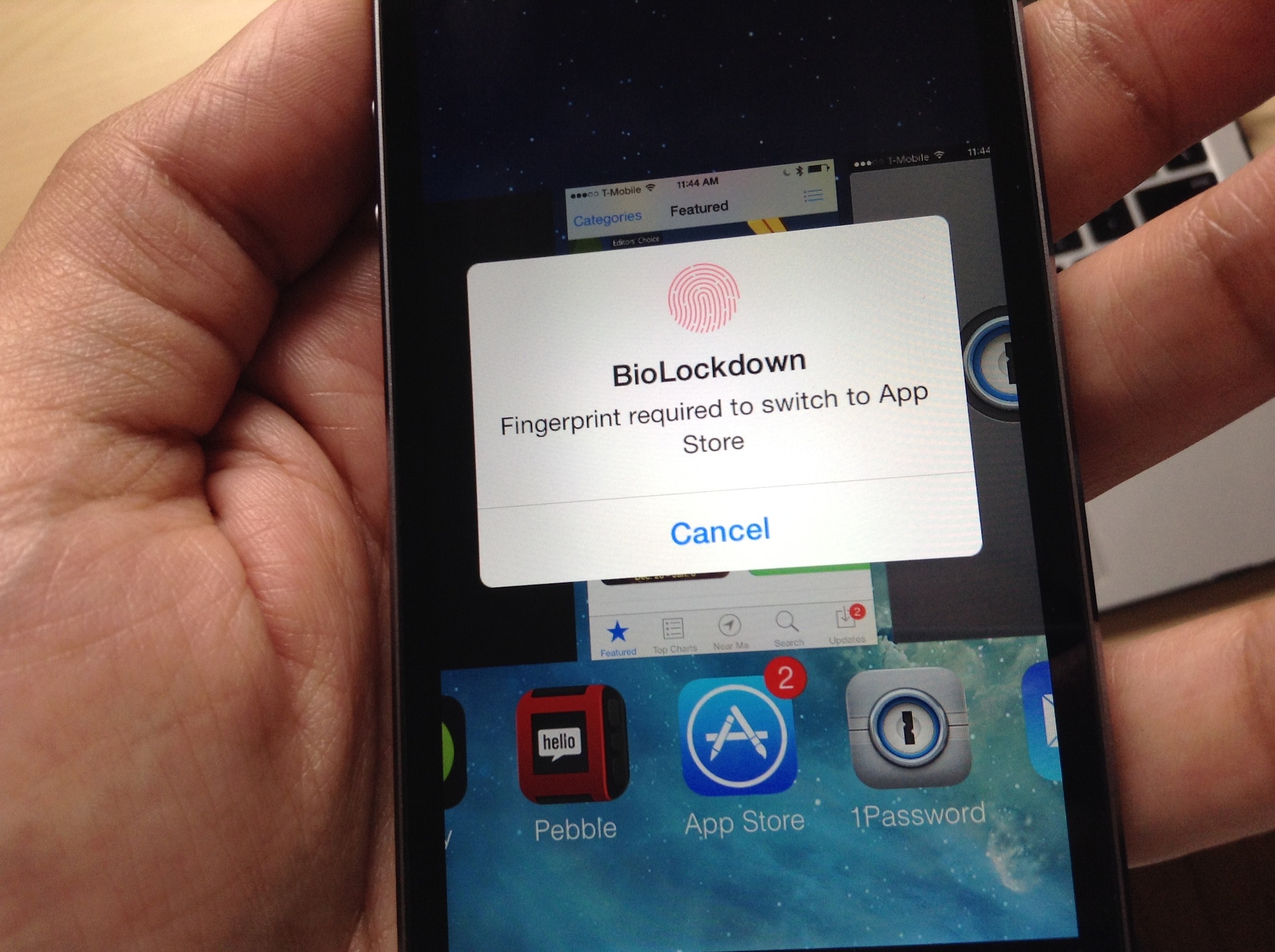
Ryan Petrich has done it again—not that that comes as a surprise to any of us at iDB. Of course, Touch ID enabled tweaks are all the rage these days, and quite a few developers are starting to release tweaks that take advantage of the iPhone 5s' flagship feature.

Most of the tweaks being released have a security related aura about them, which is understandable considering that Touch ID is all about security in its stock implementation. One such tweak called BioProtect was released a couple of days ago, and while it was hard not to get extremely excited about it, I feel that BioLockdown, Pertrich's tweak, is by far the better of the two.

I feel that way, not just because BioProtect came packed with a serious flaw that caused its superfluous animations to run constantly in the background, draining your battery; it's because BioLockdown is better designed, has a better feature-set, and it's cheaper. It's also from a developer that keeps his releases updated constantly, and communicates well with those who use his apps.

Check out our full video walkthrough of BioLockdown after the jump. You'll see why this is hands-down the best Touch ID security tweak to hit Cydia thus far.
CCHide: the best way to hide Control Center sections in iOS 7

There are a couple of tweaks to be found in Cydia that claim to allow you to customize the sections in Control Center, but only one of them is worth your time. CCHide is the tweak that you should target should the need arise to remove sections from Control Center in iOS 7.

Ever since iOS 7 was released in beta form, I've been dying for a way to customize Control Center. It comes as no surprise that just a few days after the iOS 7 jailbreak released to the public, a deluge of Control Center tweaks hit Cydia allowing you to do just that. CCHide is one of the best Control Center tweaks available, and it is hands-down better than its closest competitor, CleanCC.

As we tend to do, we've created a video walkthrough showcasing all of the features and functions of this excellent new jailbreak tweak. Have a look inside as we take CCHide through a thorough spin on video.

How to always get a Dark Keyboard on your iPhone

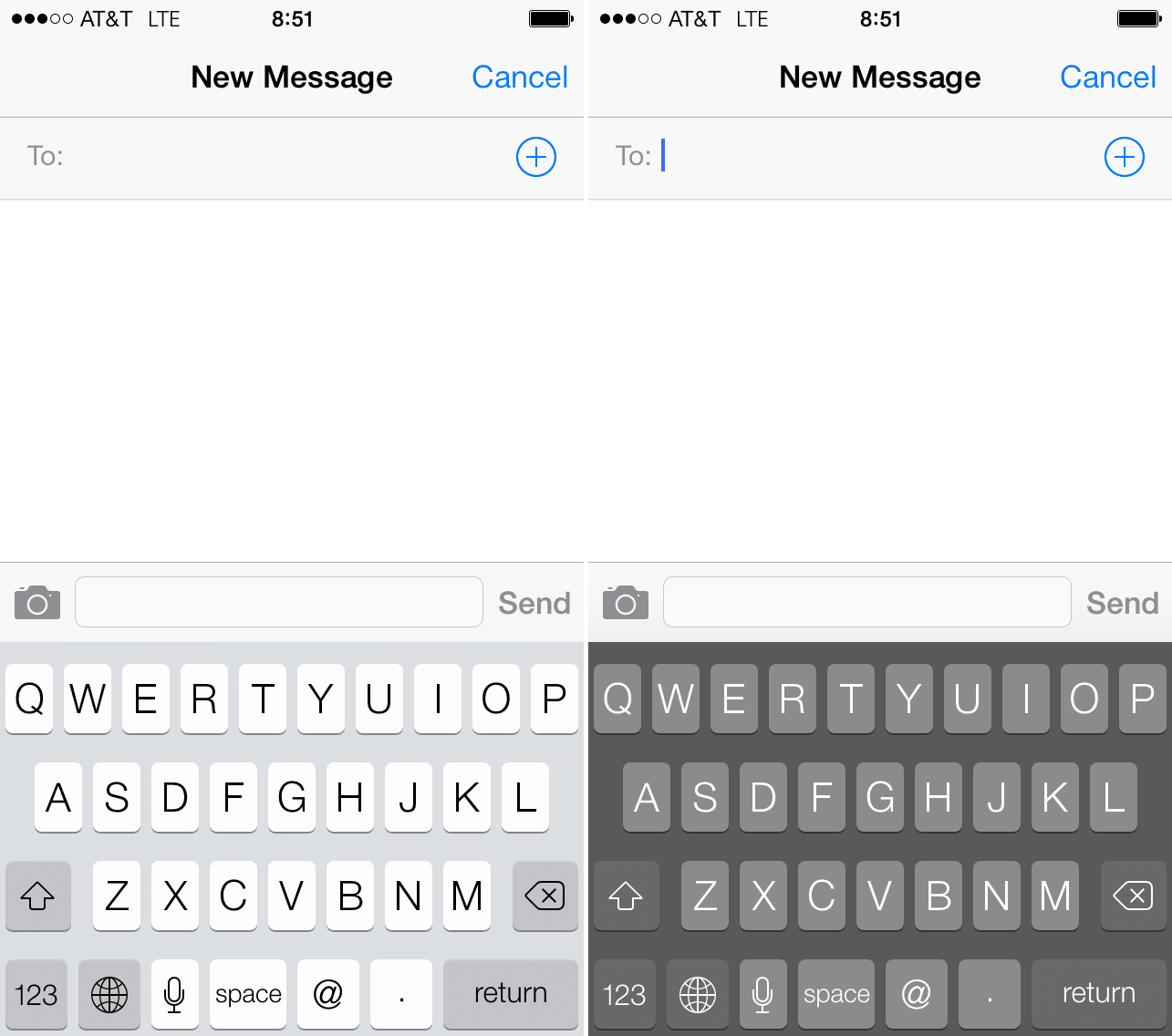
With the release of iOS 7.1 beta 1, Apple introduced a new accessibility feature that would allow users to always have the dark keyboard by default, instead of having iOS display a light or dark keyboard depending on the background. This feature was gone from the next beta release, but it is coming back to life thanks to Bloard, a new jailbreak tweak, developed by GN-OS...

How to jailbreak iOS 5.3 on the Apple TV 2 untethered

At iDB, we've been singing the praises of the Apple TV for years, especially one of the jailbroken variety. With a jailbroken Apple TV 2, you can do tons of cool stuff, like run XBMC, ATV Flash (black), and loads of other interesting apps and tweaks.

Simply put, the Apple TV hardware in and of itself is good, but jailbreaking the Apple TV 2 sends its value through the roof. Yesterday, FireCore, the creators of the Seas0nPass Apple TV jailbreak tool, released an untethered jailbreak for iOS 5.3 thanks to some help from winocm and iH8sn0w. Check inside for the full video walkthrough that shows how to jailbreak your Apple TV 2 untethered.

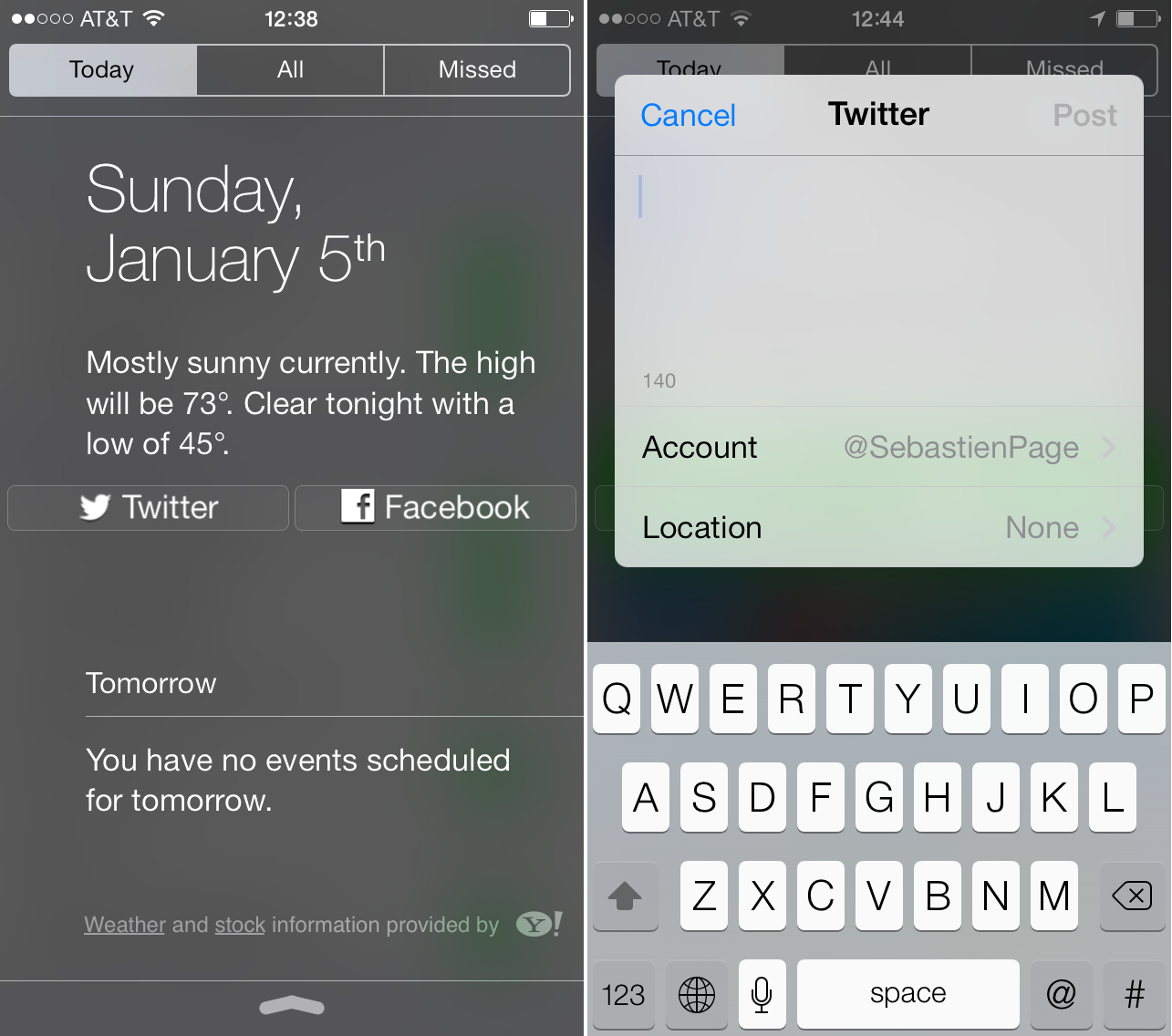
How to bring Twitter and Facebook share widgets back to Notification Center

Share widgets have been gone from the iPhone and iPad since the first beta release of iOS 7. Some thought that they would return with the official release of iOS 7, but as we were all able to verify, that was never the case.

Of course, share widgets have nothing to do in Notification Center in the first place. After all, the goal of Notification Center is to notify you, not to provide ways to share to Twitter or Facebook. Still, that was a great loss for many users.

Jailbreakers rejoice, because today, you can easily bring back those share widgets thanks to a new jailbreak tweak called Share Widget for iOS 7...

How to map Control Center’s timer shortcut to the alarm clock

I don't know about you, but I rarely use the timer found in the stock Clock app. I know Sebastien has mentioned that he uses the timer from time to time while cooking, but he's one of the few I know who do.

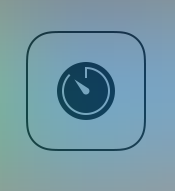
The Control Center panel in iOS 7 features a shortcut to the timer section of the stock Clock app. Personally, I think it would have been more beneficial to link that shortcut to the alarm clock section of the Clock app. If there's one area of the stock Clock app that I frequent on a daily basis, it's the alarm clock section.

Jailbroken iOS 7 users can now reassign the timer shortcut to the alarm clock. Take a look inside at our video walkthrough to see how...

Seas0nPass jailbreak tool updated for Apple TV 2 firmware 5.3

Good news for Apple TV 2 owners who haven't updated to 6.0 yet. FireCore has updated its Seas0nPass utility to apply an untethered jailbreak to ATVs that are still running firmware version 5.3—which is essentially the equivalent of iOS 6.1.4.

The tool has, for a long time, been able to apply a tethered jailbreak to the 5.3 software. But thanks to recent developments in the community, it's now capable of an untethered hack, which means restarts and power up/downs will be hassle-free...

BytaFont 2 is out with support for iOS 7, A7 devices

Adding to our list of popular jailbreak tweaks that have been updated for iOS 7 this morning is BytaFont. The developers announced yesterday that BytaFont 2 is now available in Cydia with support for iOS 7 and A7 devices.

This is great news for folks who like to really customize the UI on their iPhone or iPad, as BytaFont allows you to change the default font in iOS. Unfortunately, it doesn't look like any of the old fonts are compatible with BF 2...