Jailbreak

Check out the most comprehensive jailbreaking coverage on the internet, including the latest news, apps, tweaks, and detailed tutorials about everything jailbreak.

The results of the 2015 Jailbreak Awards are in…

Today was the day that the results of the 2015 Jailbreak Awards were unveiled, and we're happy to say that iDB was the winner in both categories that we were nominated for. Not only did you help vote iDB as the best jailbreak-oriented blog, but you also selected us as having the best jailbreak-related YouTube Channel.

It's an honor to be so highly thought of in the community, and we'd like to take this time to thank you for reading, watching, and voting for us. Check the rest of this post for a list of all of this year's winners.
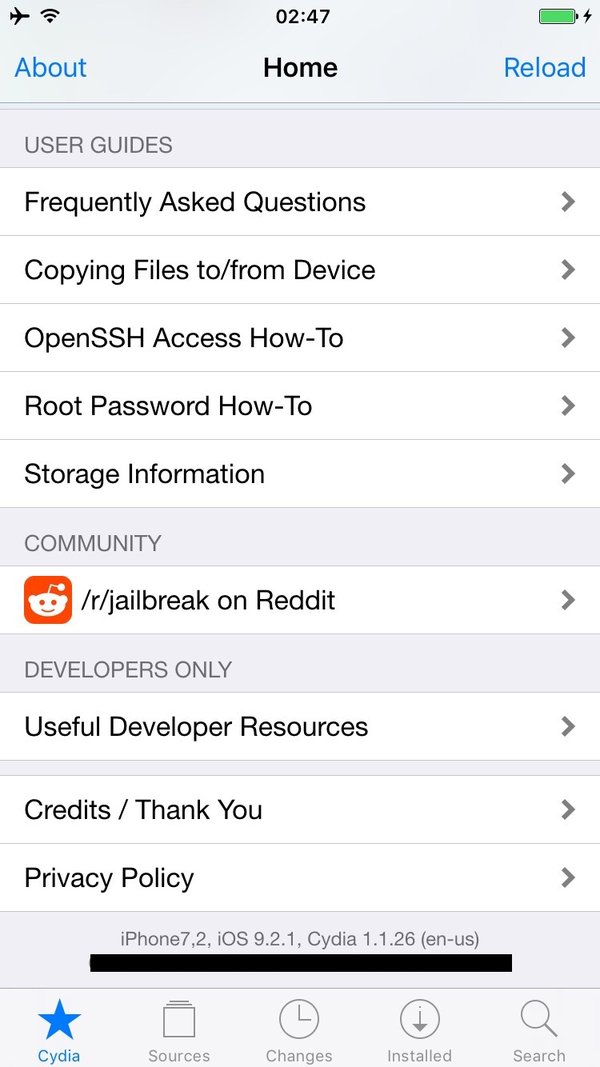

Well-known hacker teases iOS 9.2.1 jailbreak

iOS 9.2.1 isn't even out of beta yet, but a well-known iOS hacker is already flaunting a purported jailbreak for the unreleased software. Luca Todesco, better known as @qwertyoruiop, teased an iPhone 6 screenshot of Cydia running on iOS 9.2.1 beta.

Whether the jailbreak is legit is still up for debate, but he's no slouch when it comes to security research involving iOS. In fact, Todesco was recently credited by Apple in one of its iOS security fix acknowledgements for iOS 9.2.

Will this jailbreak ever see the light of day as a public release?

Let’s Talk Jailbreak 141: Cruising down Memory Lane

Episode 141: Jeff talks about the top tweaks of 2015, the BigBoss repo gets a great looking redesign, four brand new Safari-improving tweaks, a tweak that lends a respring status bar, and an upcoming tweak that lets you downgrade App Store apps.

Subscribe via RSS

CASPER — Get $50 toward any mattress purchase by visiting www.casper.com/jailbreak and using promo code jailbreak.

How to adjust the Home screen dock opacity on iOS [jailbreak]

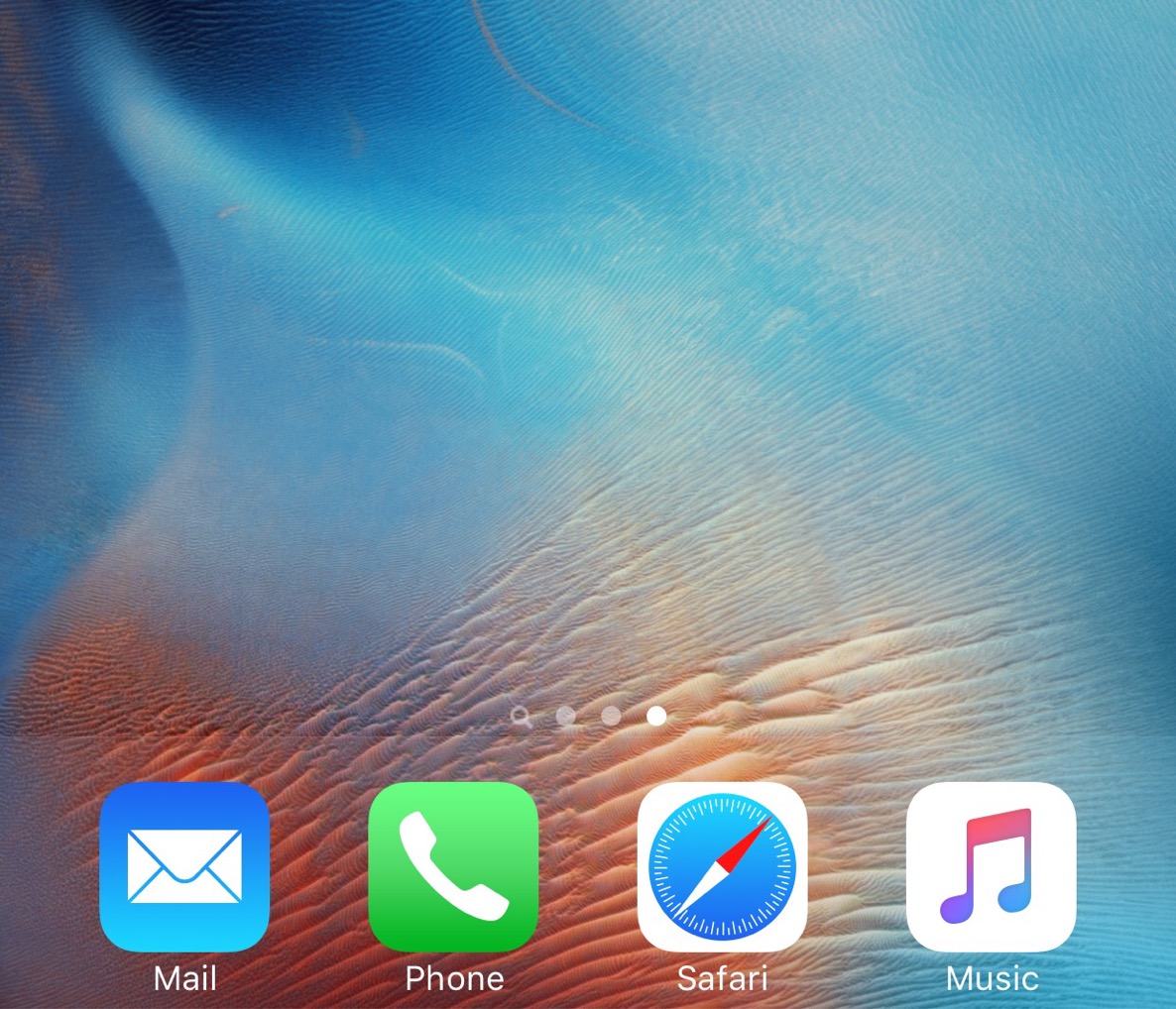
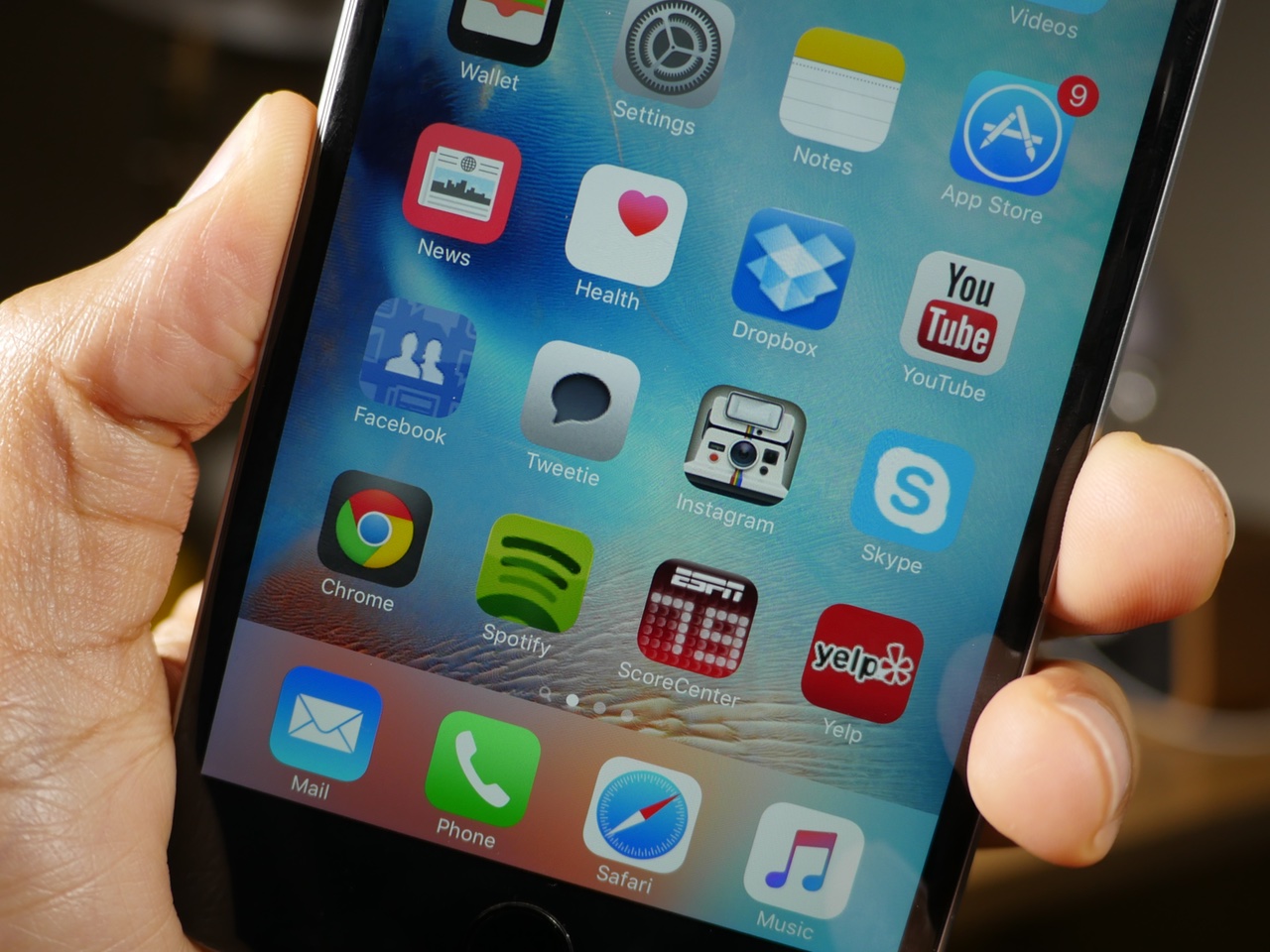
DockAlpha is a new jailbreak tweak that allows you to adjust the dock alpha settings on iOS 9. The tweak, which is available free of charge on Cydia's BigBoss repo, lends a more transparent look to the dock for jailbroken iOS 9 users. If you're looking to subtly change the look of the iOS Home screen, you may want to give DockAlpha a try.

App Admin: downgrade App Store apps right from your jailbroken iPhone

Late last year, we showed you how to downgrade App Store apps directly from Apple using iTunes. The method was anything but straightforward, but it did indeed work.

Today, I'd like to show you a brand new method for downgrading App Store apps. Not only is it much easier than the old method, but it runs right on your iPhone, so no computer is required. The only "downside" is that you must be jailbroken to use this method, as it relies on a jailbreak tweak that's now in beta. That said, it's way easier than the prior method that doesn't require a jailbreak.

Want to see how easy it is to downgrade virtually any App Store app using only a jailbroken iPhone? Watch our video and see UnlimApp's new jailbreak tweak, App Admin, in action.

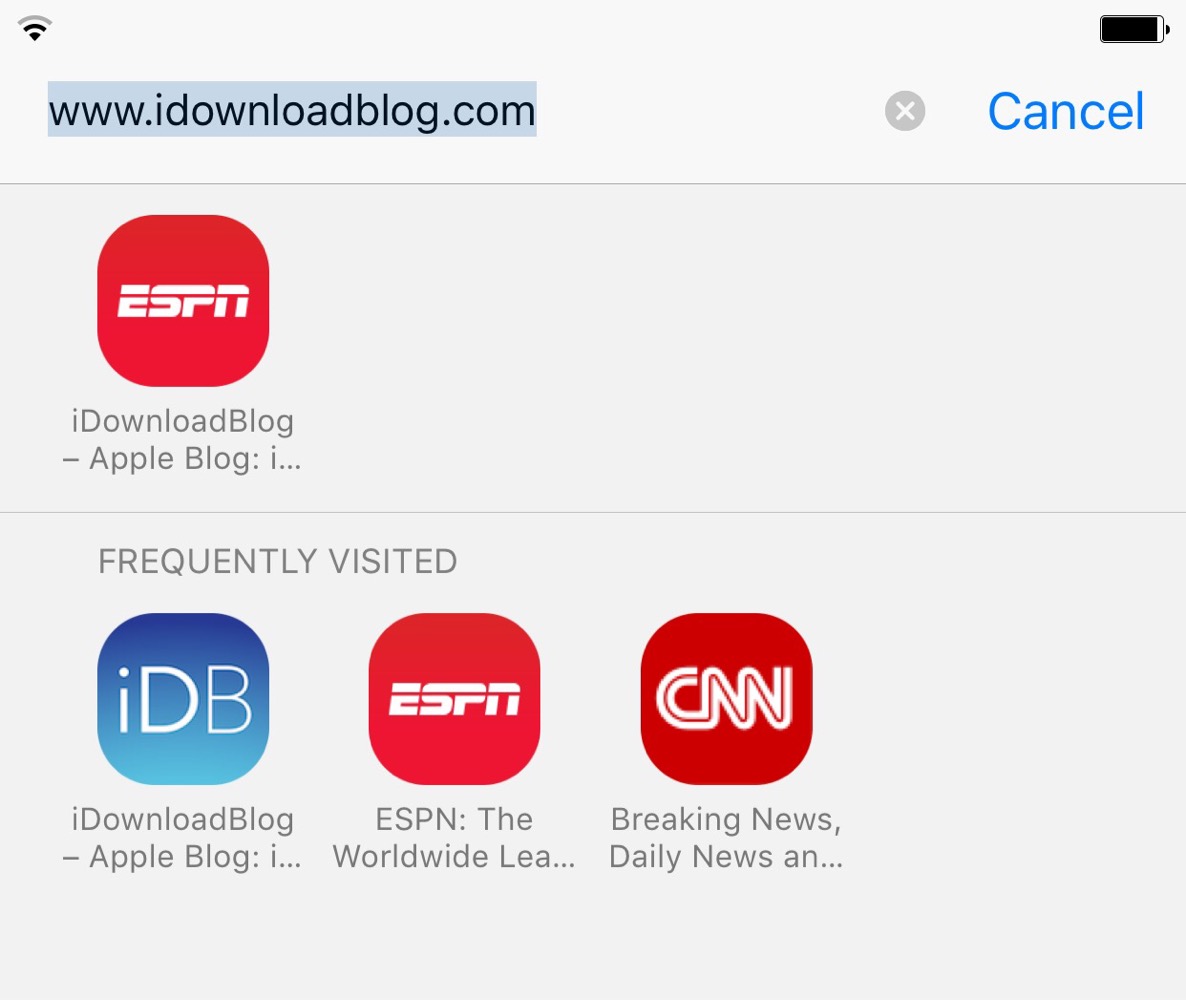
These three new tweaks improve the look of Safari

Developer Chikuwa has released several new jailbreak tweaks all squarely aimed at modifying the Safari experience. The first tweak of Chikuwa's we covered was FirstEditBookmark. That's a tweak that allows you to edit bookmarks URLs in Safari as you're adding them.

The remaining three tweaks are more visually-oriented. As such, I thought that it would be appropriate to showcase all three in the post that follows.

How to edit bookmark addresses prior to saving in Safari [jailbreak]

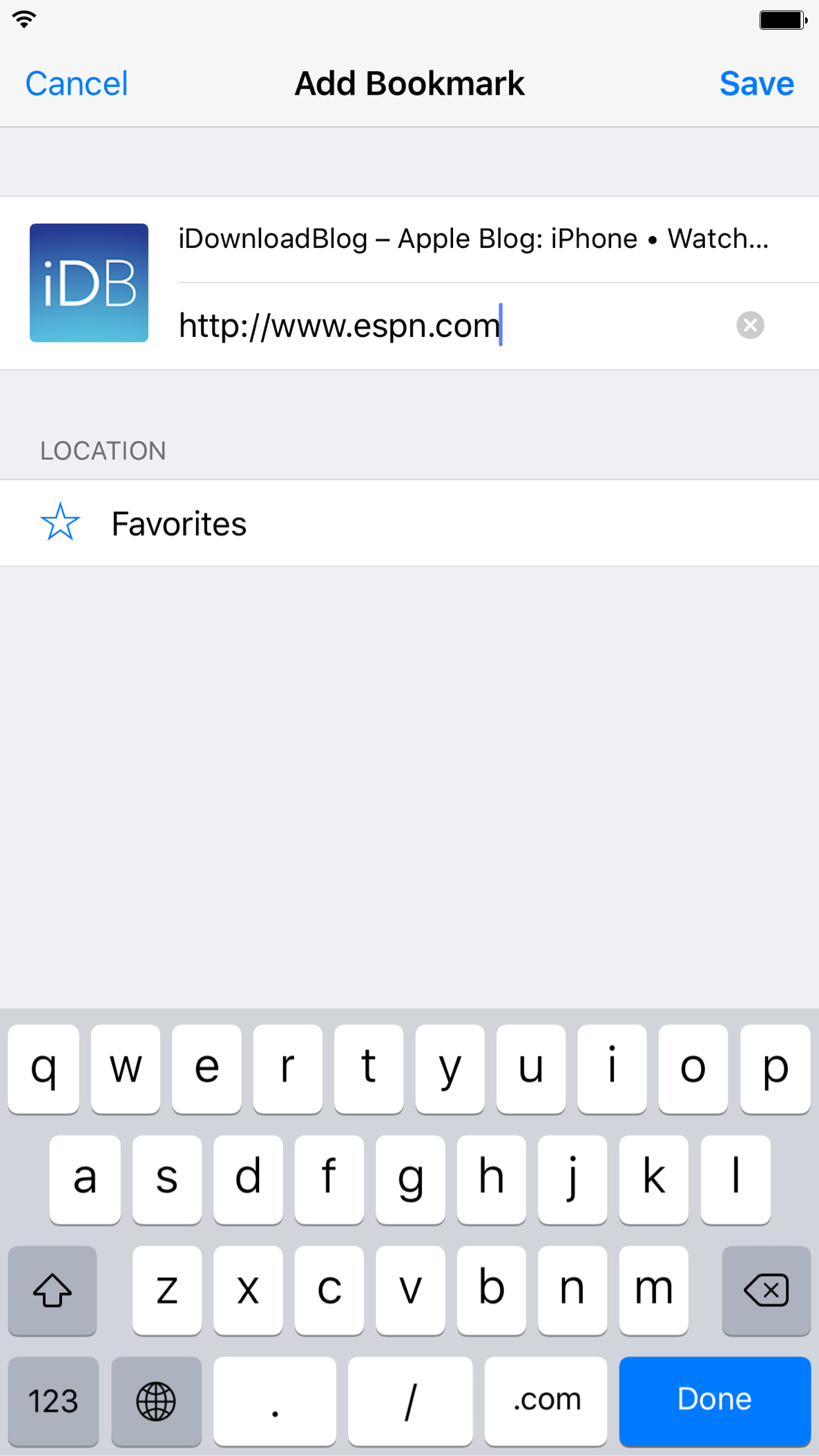
I've always found it to be a bit odd that you have to save a bookmark before you're able to edit its URL. It's odd to me because the URL is displayed as you're adding the bookmark, so it's not like you'd have to jump through extra steps to edit the URL like you might on the desktop version of Safari.

FirstEditBookmark is a new jailbreak tweak that solves this issue. It allows you to edit the URL of a bookmark prior to saving it to your favorites.

How to add a progress bar to the respring screen on jailbroken devices

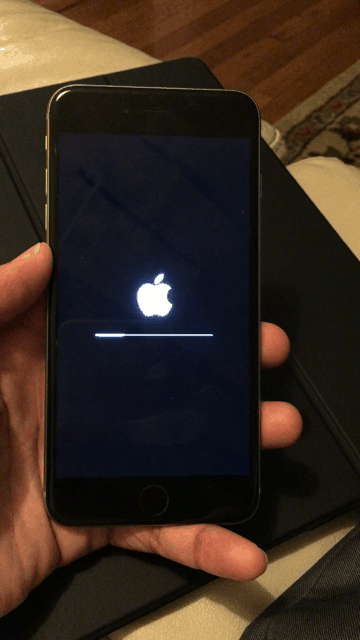
RespringProgress is a new jailbreak tweak from Ethan Arbuckle that places a progress bar on the respring screen. This is the same black screen where the white Apple logo resides after performing a respring post jailbreak tweak install, or after invoking respring-oriented jailbreak tweaks. Have a look at our GIF animation to see how it looks in action.

Vote for iDB in the 2015 Jailbreak Awards

This is kind of cool. Jailbreak community members have teamed up to create the Jailbreak Awards of 2015. The awards are selected by you, the community, in categories such as best legacy jailbreak tweak, best theme, best website, etc.

The end/beginning of the year is always a great opportunity to reflect on the prior year's accomplishments. In fact, we presented our own 2015 tweak of the year list just last week.

Be sure to vote for iDB in this year's jailbreak awards. It's a great opportunity to show your appreciation for all of the jailbreak coverage here at iDB.

Cydia’s most popular repo gets a redesign for 2016

If you noticed something a bit different with Cydia when you opened it this morning, you're not alone. Cydia itself didn't change, but the repo that hosts the majority of the popular jailbreak tweaks did.

The BigBoss repo underwent a significant redesign, resulting in a cleaner look, and a more friendly interface. Of course, since this change is limited to the BigBoss repo, you won't see any changes in packages hosted on other repos.