Jailbreak

Check out the most comprehensive jailbreaking coverage on the internet, including the latest news, apps, tweaks, and detailed tutorials about everything jailbreak.

AltStore v1.3 lets users sideload any app on their iOS device(s) for free

AltStore first made headlines here at iDB back in February when it became one of the only officially supported means of installing the unc0ver jailbreak throughout a short-lived time when Cydia Impactor was completely broken for the bulk of users. Since then, AltStore has undergone a plethora of changes, with one of the most significant of those changes surfacing just this afternoon.

Shared first by the official AltStore Twitter account, AltStore v1.3 is now available for all users with the ability to side-load any app whether you’re a patron of the service or not. Yup, you read that right, but there is a small catch...

Cydia update v1.1.32 resolves a known app crashing issue

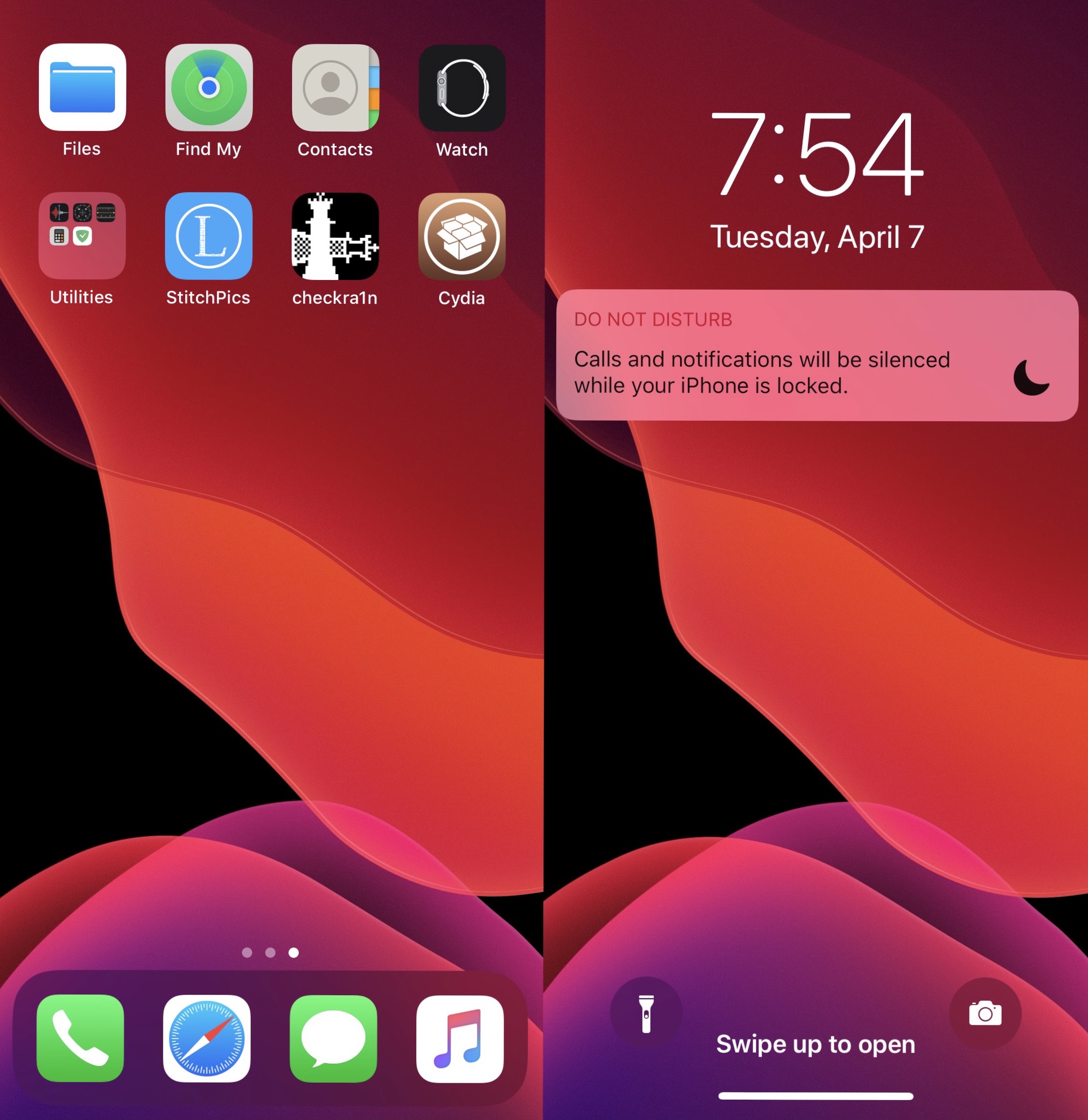
Cydia, the default package manager installed alongside the checkra1n and unc0ver jailbreak tools, received a minor update last night that brought it up to version 1.1.32.

Checkra1n co-developer Sam Bingner broke the news about the update on /r/jailbreak, noting that this release is officially no longer marked a beta since the update fixed the last known issue with the app.

AlbumHider lets users hide or show Photos app albums on demand

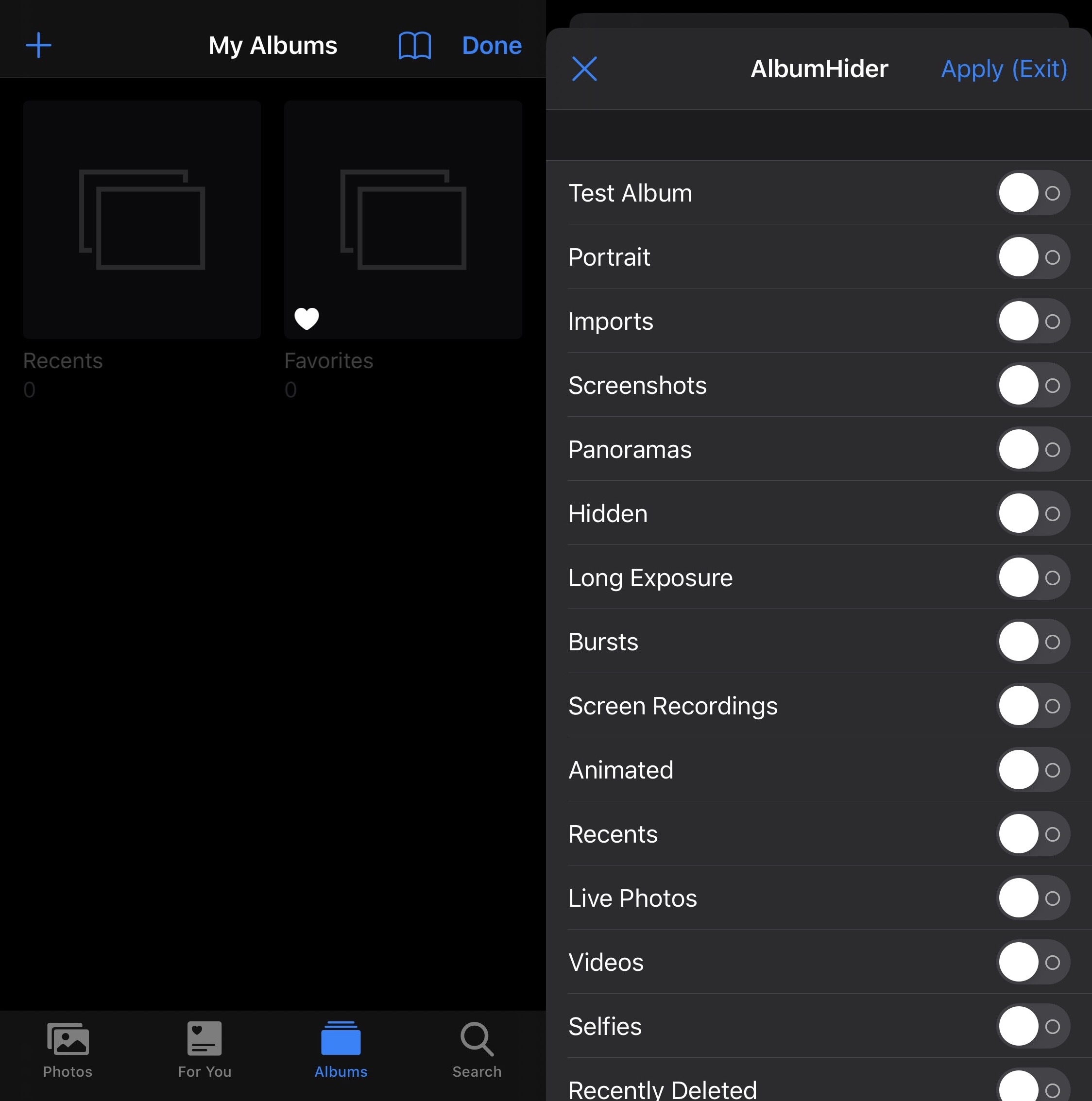
As you use your iPhone to its fullest potential, you might come to realize that your Photos app accumulates a plethora of different albums. Beyond the Camera Roll and Recents albums that appear by default, you may find albums for Screenshots, Panoramas, Hidden items, Live Photos, People, Time-lapse, Slo-mo, and even for specific apps on your device that have saved items to your Photo Library.

But perhaps you don’t want all these excessive albums, or you’re happy with just the Camera Roll? If so, then we think you’re going to love a free jailbreak tweak dubbed AlbumHider by iOS developer Julio Verne.

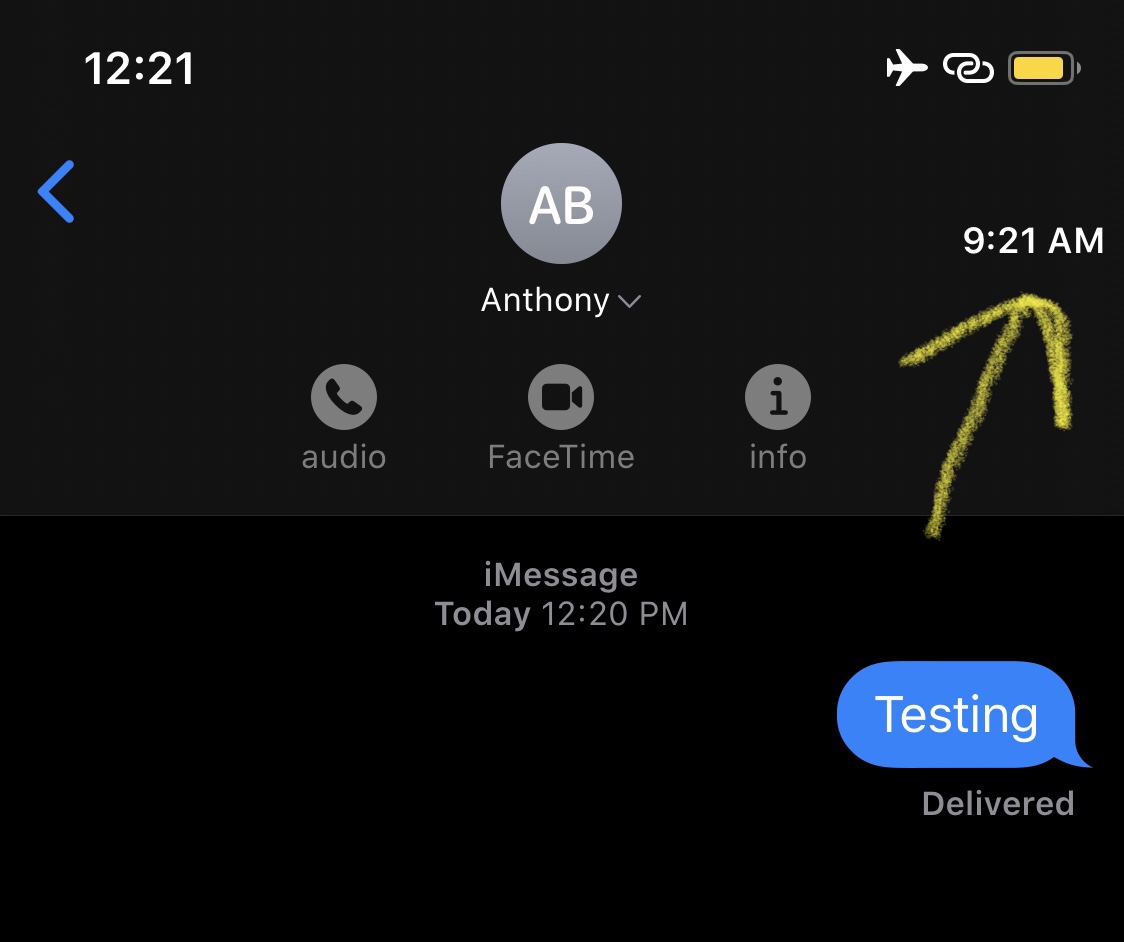
This tweak keeps you mindful about your Contacts’ timezones

Depending on how many friends or family members you have, chances are that not all of them reside in the same time zone. This can cause headaches when trying to determine when or when not to text somebody, as you almost certainly want a timely response, but also don’t want to wake that person up in the middle of (their) night.

Here to help with this dilemma is a newly released and free jailbreak tweak called ContactTime by iOS developer lint. Just as the tweak’s name implies, ContactTime integrates a full-fledged timezone tool into your Contacts list, and if that wasn’t neat enough, the tweak Even lists your contacts’ time zones in the Messages app for you to see at all times.

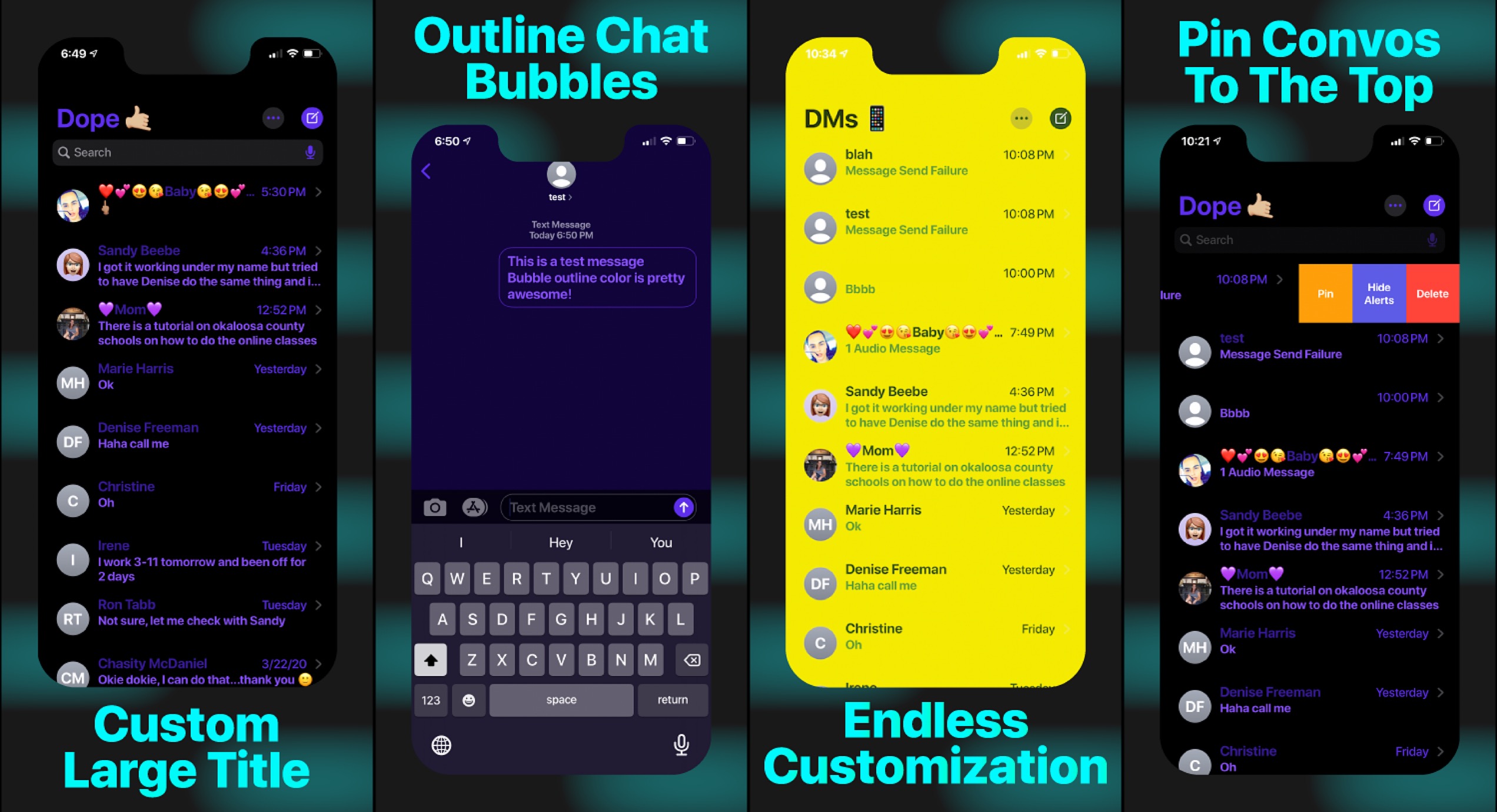
Unlock new features and aesthetics in the Messages app with DopeConvos

Anyone who does a lot of text messaging on the iOS platform knows just how barebones of a communication tool the Messages app really is. With so little customization on the user’s part, many conversationists flock to alternative messaging platforms, such as Facebook Messenger or WhatsApp Messenger, just to name a few.

Those looking to breathe new life into Apple’s Messages app platform on pwned iOS devices will do good to check out a newly released jailbreak tweak called DopeConvos by iOS developer Ethan Whited, as it introduces a plethora of customization options that can both make the app more aesthetically customizable and supercharge its feature set.

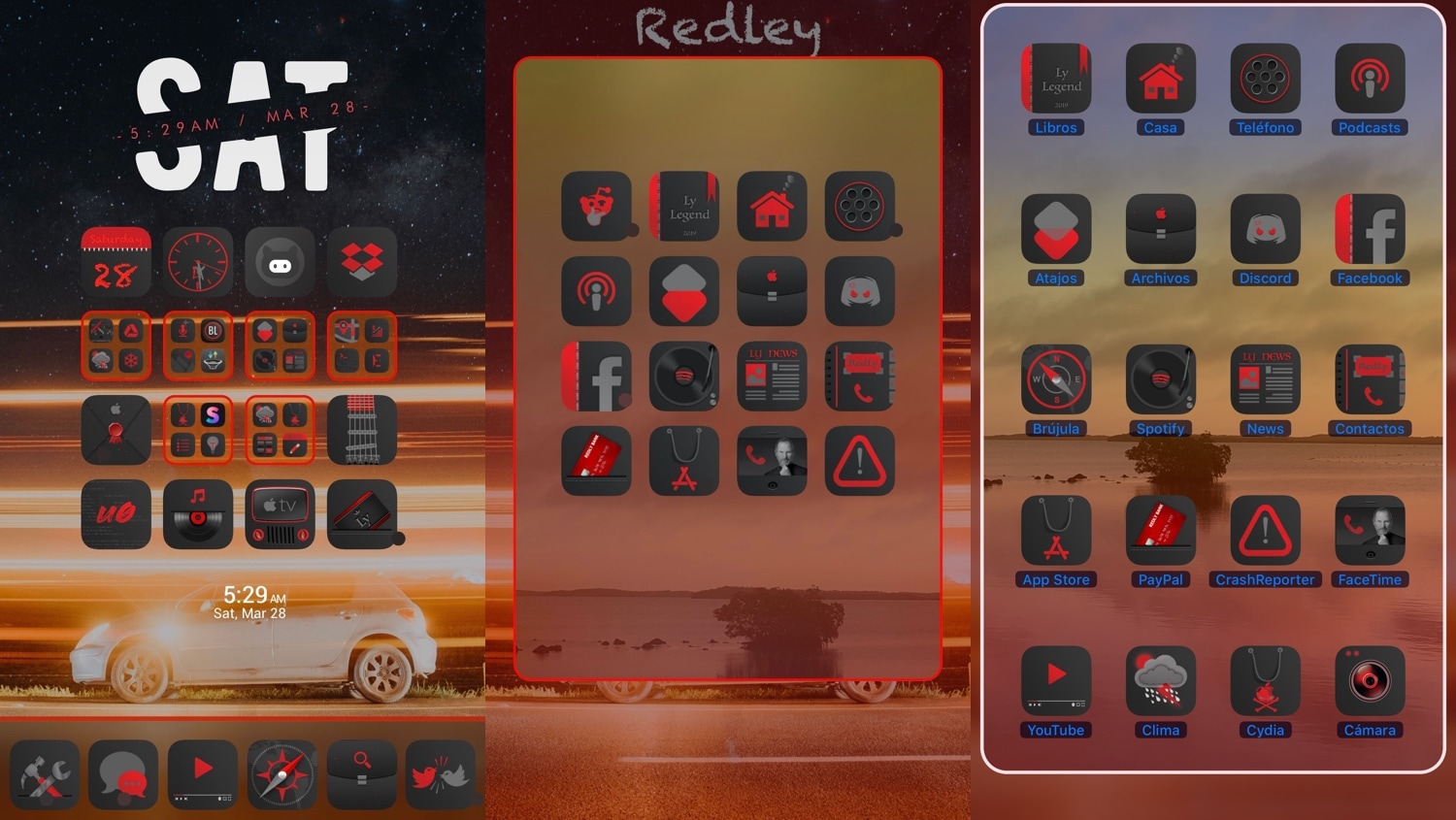
FolderControllerXIII offers more options than we can count for iOS folder customization

There’s been no shortage of Home screen folder customization-centric jailbreak tweak releases as of late, and with so many options to choose from, the million-dollar question jailbreakers are asking seems to be: which one offers the most bang for my buck?

The answer is subjective based on what you need out of such a tweak, but if you’re still on the fence, then it can be hard to go wrong with a new release called FolderControllerXIII by iOS developer i0s_tweakr, which offers one of the most extensive feature sets we’ve ever seen in a folder customization tweak for the iOS platform.

Checkra1n v0.10.1 released with support for iOS 13.4 & 13.4.1, bug fixes

Apple released iOS 13.4.1 to the general public yesterday, and as you might come to expect, this has a few implications for the jailbreak community. Obviously, the unc0ver jailbreak doesn’t support the new firmware, as it can only jailbreak iOS 13.0-13.3. Checkra1n users, on the other hand, should be in the clear following a new update to the jailbreak tool on Wednesday.

Checkra1n co-developer Jamie Bishop took to Twitter this evening to share that checkra1n v0.10.1 had been released. This new update incorporates support for iOS/iPadOS 13.4 & 13.4.1, enabling handsets susceptible to the checkm8 bootrom exploit (A7-A11) to be jailbroken even on Apple’s latest and greatest software updates:

Upgrade iOS’ dated notification system with dotto+

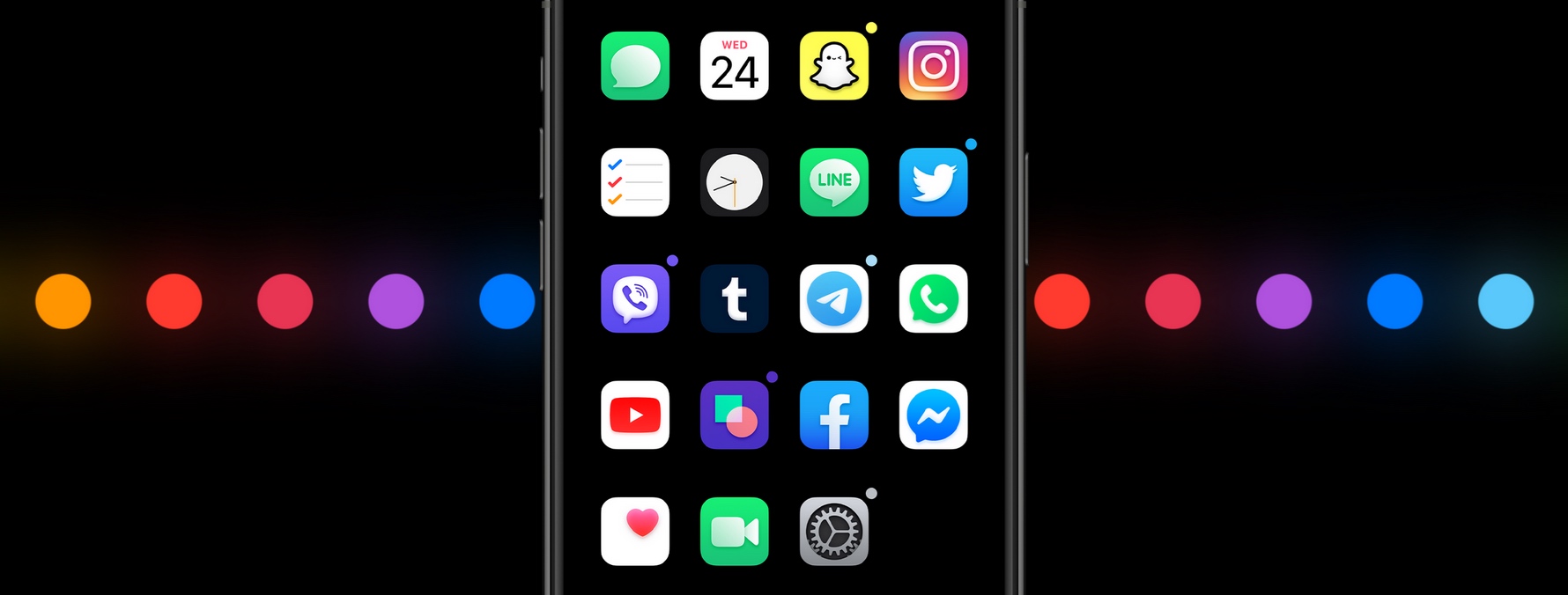
iOS’ native notification system is overdue for a facelift, but there’s no telling when Apple might finally commit to such an overhaul. Fortunately, jailbreakers won’t need to wait thanks to the likes of a newly released and free jailbreak tweak dubbed dotto+ by iOS developers ConorTheDev and Mirac.

Just as the tweak’s name implies, dotto+ takes a dot-centric approach to iOS’ native notification system. In the screenshot examples above and below, you can see that dotto+ displays a small colored dot at the top-right of app icons on the Home screen when they have pending notification(s) awaiting your attention.

Dawn lets you mix and match dark & light mode elements on iOS 13

Dark mode is one of the top new features of iOS 13, and while it looks great how it comes out of the box, Apple unfortunately doesn’t offer much to its users by way of dark or light mode customization.

If you agree, then Dawn is a newly released and free jailbreak tweak by iOS developer EthanRDoesMC that offers something of a middle ground between dark and light mode. With it, you can enable some features of iOS’ native light mode even when dark mode is turned on, and vice-versa.

PasteAndGo2 adds a new search feature to iOS’ Haptic Touch menus

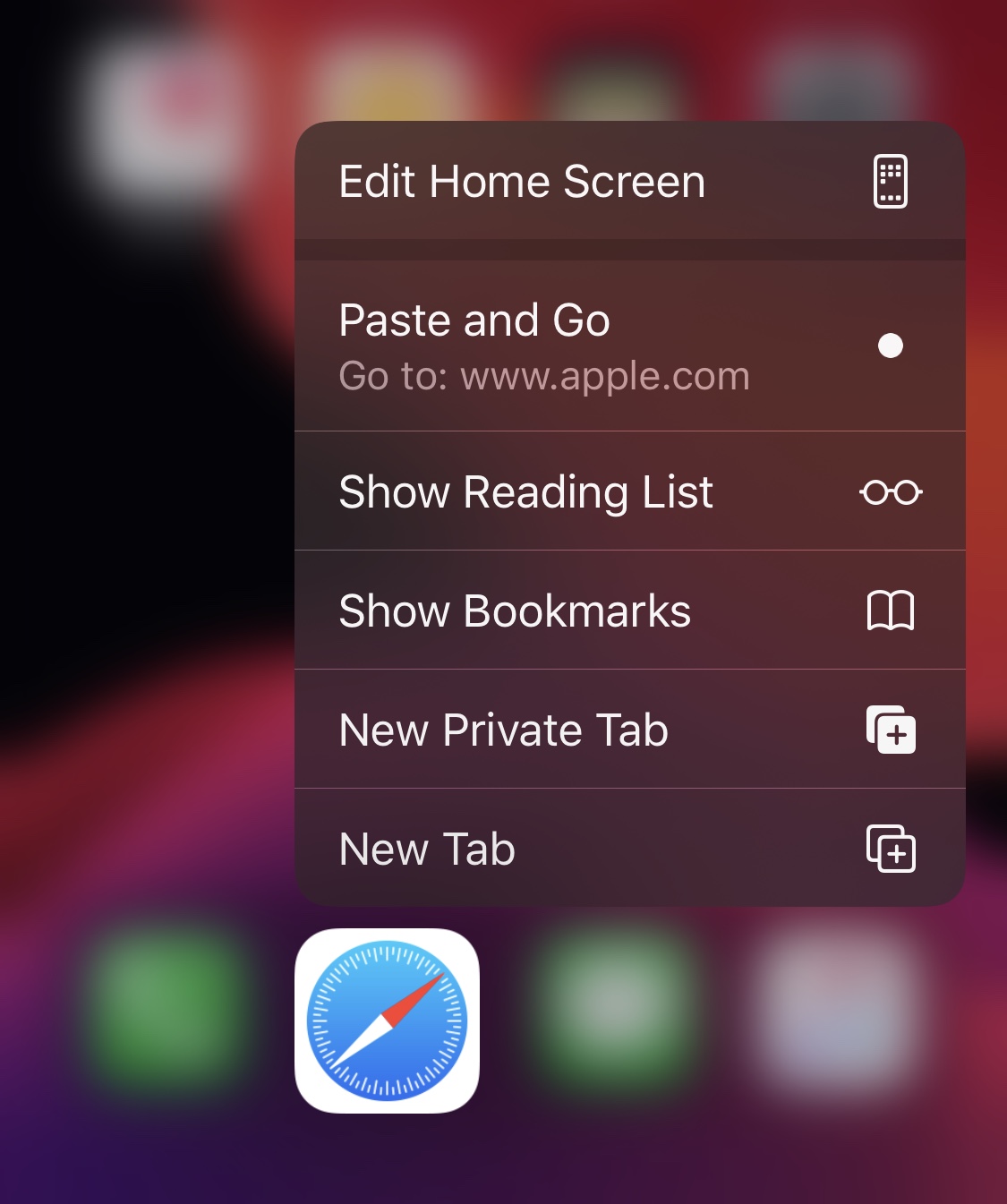
It comes up often enough where I find something of interest while reading an article or text messaging my friends and consequently find myself doing some research on Google about said item of interest. Doing this typically necessitates highlighting the link or text in question and then launching the Safari web browser to paste it into the search bar. But what if there was an easier way?

Fortunately, there is. Enter PasteAndGo2, a free jailbreak tweak release by iOS developer amodrono that adds a new option to the Home screen’s Force Touch/Haptic Touch menus to your favorite web browser applications. Examples of the tweak at work are shown in the screenshots above.

This tweak auto-enables Do Not Disturb when recording your iPhone’s screen

It’s a wonderful thing that Apple finally came to and brought native screen recording capabilities to the iOS platform. In fact, I still remember the not-too-distant past when you would’ve needed a jailbreak tweak or a disgraced App Store app to make this happen.

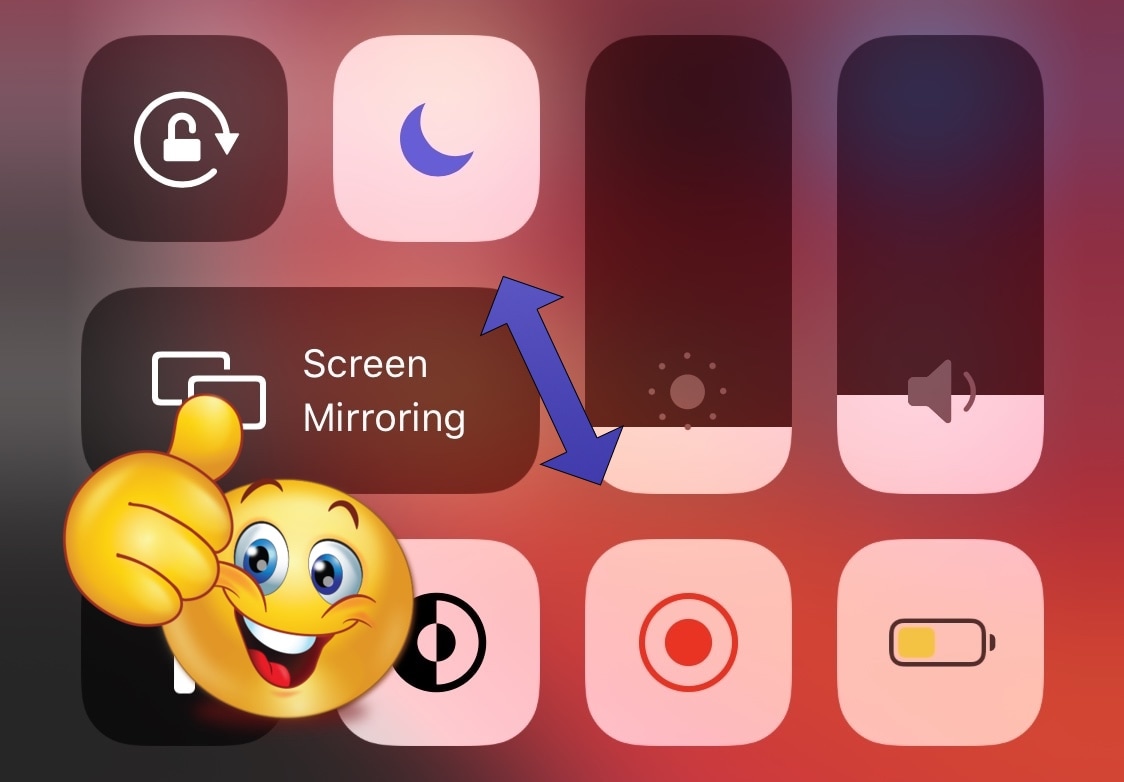
But as great as iOS’ native screen recording function is, there’s one significant caveat that bugs me, and a newly released and free jailbreak tweak dubbed DNDMyRecording by iOS developer gilshahar7 addresses it.

Arc is a sexy one-hand accessible shortcut pane for jailbroken iPhones

If you’ve got a jailbroken iOS handset at your disposal, then don’t waste any time – open your preferred package manager and refresh your sources. Upon doing so, you should find a curious new jailbreak tweak called Arc by iOS developer Muirey03 in your Changes list.

Arc is a beautiful new extension for pwned handsets that brings your favorite actions and apps right to your fingertips from anywhere in iOS. As depicted in the screenshot examples above, the tweak is quite literally arc-shaped, and this makes it comfortable to use with one hand.