Jailbreak Apps & Tweaks

These are the latest jailbreak apps and tweaks available for your iPhone or iPad. We save you time by highlighting only the best tweaks.

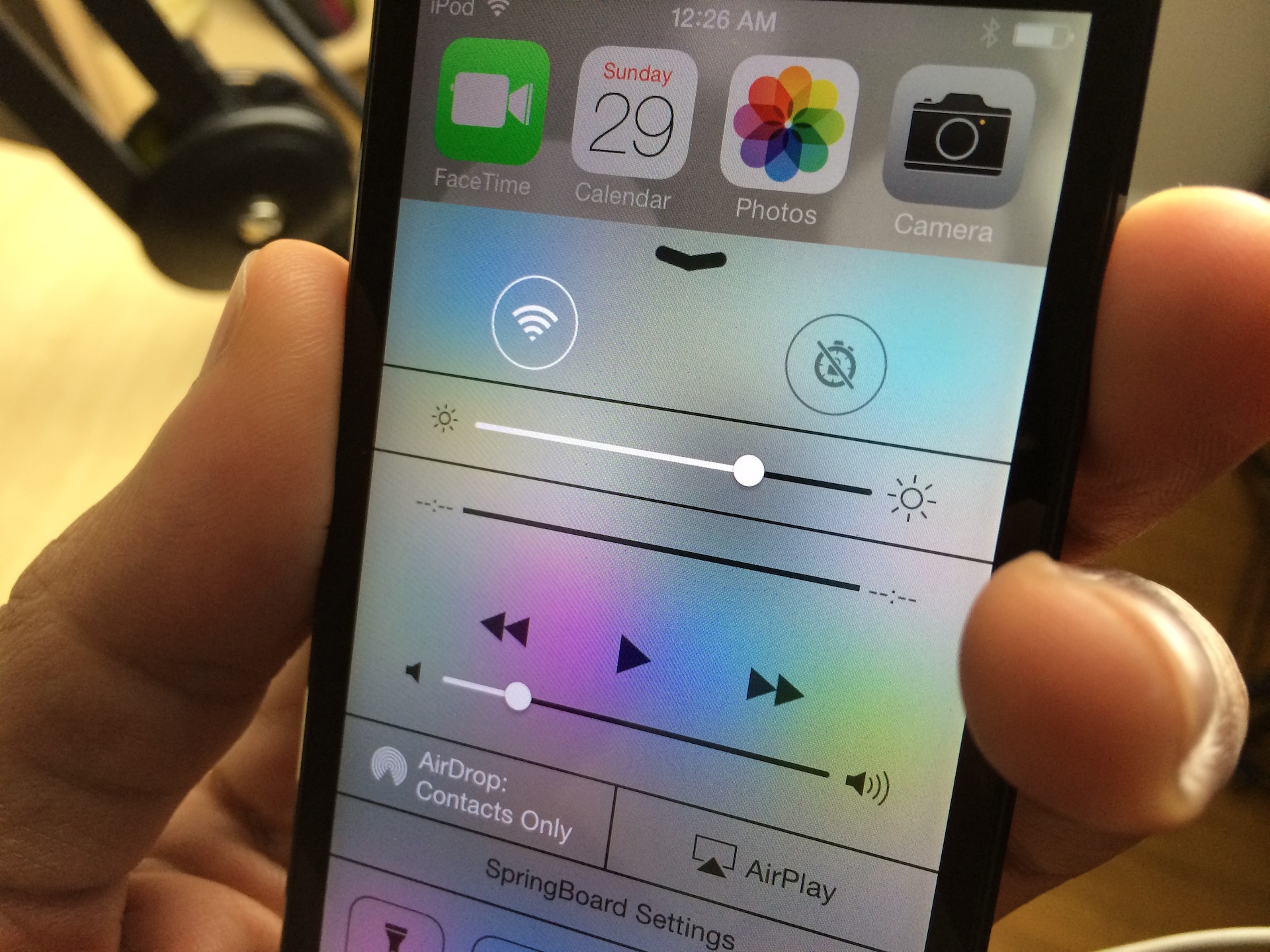
How to supercharge Control Center with CCQuick

When Control Center was initially unveiled at the iOS 7 event, I quickly identified it as being one of the key areas that jailbreak developers would hone in on. It didn't take much rocket science to make such an obvious prediction, but I'm glad to see that I was right.

CCQuick is the latest jailbreak tweak to hit the wire offering an enhanced Control Center experience, and it works very well. Inside, I'll break down each of its features in our hands-on video walkthrough.

Speed up iOS 7 animations with NoSlowAnimations

One of the primary complaints that I hear about iOS 7, outside of the obvious beef with the app icons, is the slow animation speed. iOS 7 uses animations to add a sense of depth to the interface, and I'm a big fan of the effect. Unfortunately, the effect does add some perceptual slowness to the experience, whether the slowness actually exists or not.

NoSlowAnimations is a brand new jailbreak tweak that significantly speeds up the animations found in iOS 7. Watch our full video walkthrough after the break...

iFile is updated for iOS 7 and it runs on the iPhone 5s and looks great

iFile is far and away one of my favorite apps for iOS. It's basically the Finder on iOS, so it allows you to browse the entire root directory structure of your device. iFile is useful for pretty much all the reasons that the Finder or Windows Explorer is useful for desktops. With it you can view file attributes, install apps, delete files, save images to the camera roll and much, much more.

iFile has, and always has been one of my must-have jailbreak apps for any jailbroken device. And now, it's available with a full iOS 7 redesign, and it even works with the iPhone 5s (and other 64-bit devices) right now. Have a look inside as I showcase the new iFile 2.0 on video.

How to make the stock iOS 7 app icons look like iOS 6

A new jailbreak theme package was just released on Cydia, and it allows users who install it to regain the app icons featured in iOS 6 and below. The theme, which is entitled iOS 6 Theme for iOS 7, is a WinterBoard release that replaces the stock iOS 7 app icons with those from earlier firmware. Take a gander at our full video walkthrough inside to see how it looks.

How to make most tweaks and apps work with iOS 7 on pre-A7 devices

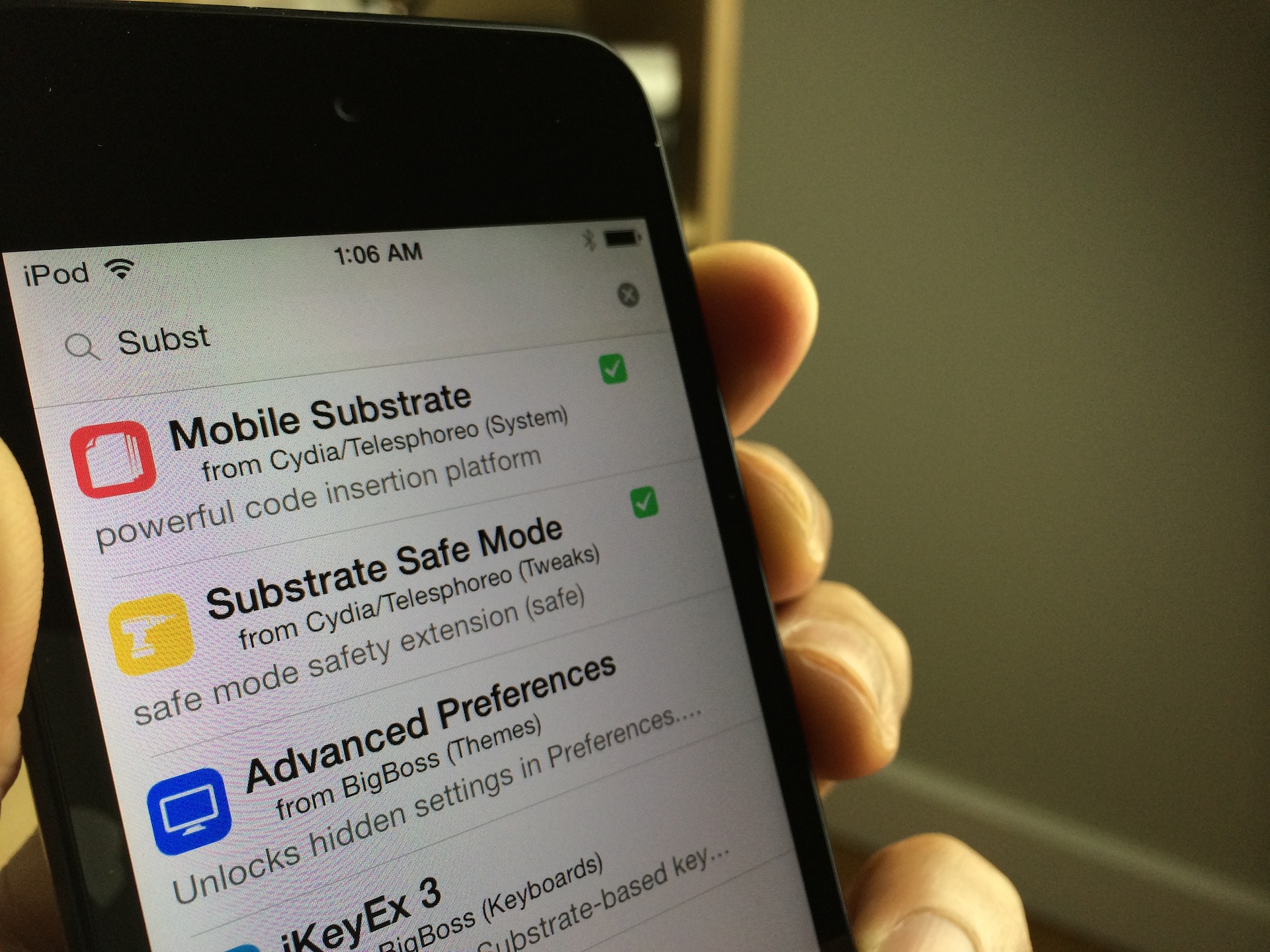
Are you jailbroken on iOS 7? Are the apps and tweaks installed via Cydia not showing up on your device? If you're running into this problem, you're not alone. I've received numerous questions about this problem over the last few days; so many, that I thought it would good to make a post and video on it for those that need help.

The short answer to the question is Mobile Substrate. Most of the apps and tweaks that you install from Cydia rely on Mobile Substrate, and Mobile Substrate has not been updated for the latest iOS 7 jailbreak as of yet. An update has been promised to come soon, but Saurik, its developer, is no doubt inundated with about a thousand and one different tasks related to the just released jailbreak.

Let's give Saurik the time he needs to get a properly updated working release of Mobile Substrate in our hands. In the meantime, if you're running a non-64-bit device, you can take the following steps to make your favorite apps and tweaks work.

FlipLaunch: Application shortcut toggles for the FlipSwitch framework

FlipSwitch is a framework for adding quick toggles to apps and tweaks. We explained what the framework does and how it works in this post. In fact, FlipControlCenter, a tweak that we just reviewed, uses the FlipSwitch framework to incorporate customized toggles into iOS 7's Control Center. Needless to say, FlipSwitch is an extremely handy tool for developers, because it gets rid of the redundancy of creating shortcut toggles from scratch with every app or tweak.

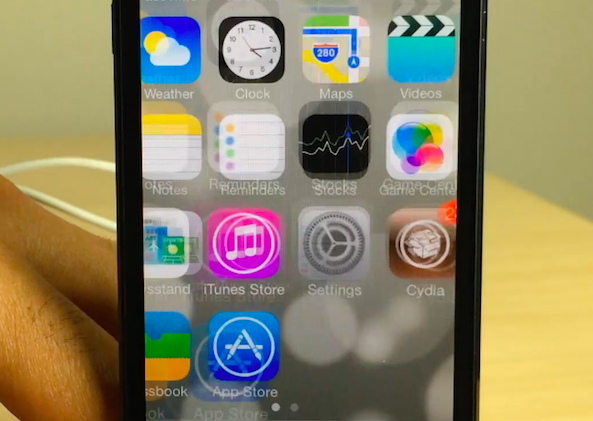
A new add-on to FlipSwitch has been released called FlipLaunch. It allows users to incorporate app shortcuts directly into releases that support FlipSwitch. This means that one can easily add a shortcut to any app installed on device to any tweak or app that supports the FlipSwitch framework. And because the add-on uses a special two-letter naming system, you're ensured that the application launch toggles will always look good and never out of place.

I've tested out FlipLaunch with the FlipControlCenter tweak that we just reviewed. Have a look inside to see how it works via our hands-on video walkthrough.

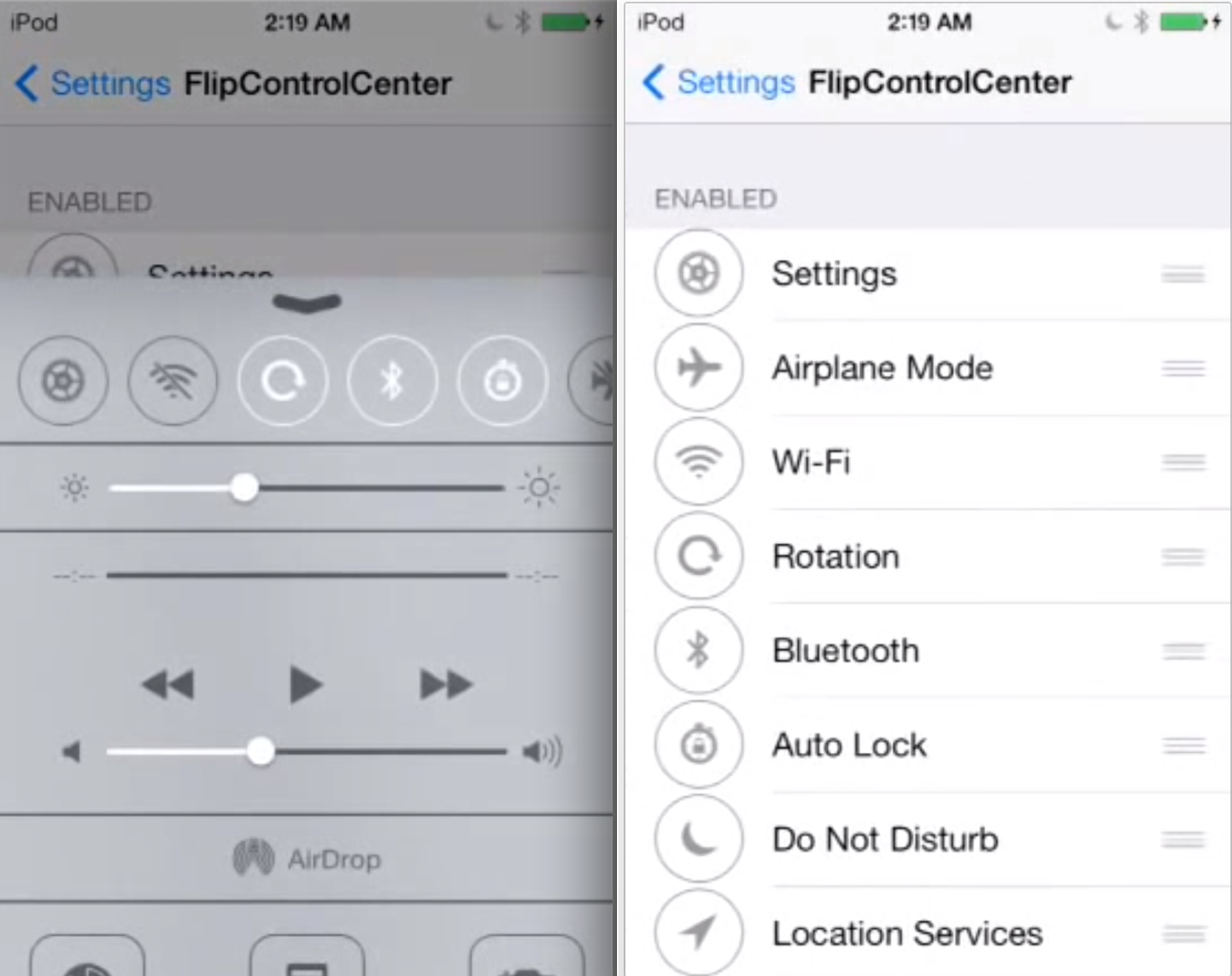
FlipControlCenter is the obvious iOS 7 tweak that we’ve all been waiting for

It's been a busy day to me, so I was admittedly late to get to FlipControlCenter after its release earlier today. When I first saw Cody's post, I knew that this tweak would be a part of my nightly recap before heading off to bed. Well, I just tried FlipControlCenter for myself, and I can tell you that it works like a dream, even in its beta state, and even with the underlying issues with Mobile Substrate.

Ryan Petrich is simply the king when it comes to tweaks of this type—or any tweak or app for that matter. FlipControlCenter might seem like the obvious answer to Apple's lack of customization options for Control Center, and for the most part it is. But the tweak delivers on its simplicity and "just works" design. Full video walkthrough inside.

Ryan Petrich releases beta of new FlipControlCenter tweak

Earlier this week, Ryan Petrich showed off a couple of his jailbreak tweak projects he's been working on for iOS 7. One was Display Recorder, a utility that has been around for quite a while, and the other was a new tweak called FlipControlCenter.

For those that missed the clip, FlipControlCenter allows you to customize the Control Center in iOS 7 by adding new toggles to the menu, and rearranging them. And now you can try it yourself because Petrich has released a free beta of the tweak...

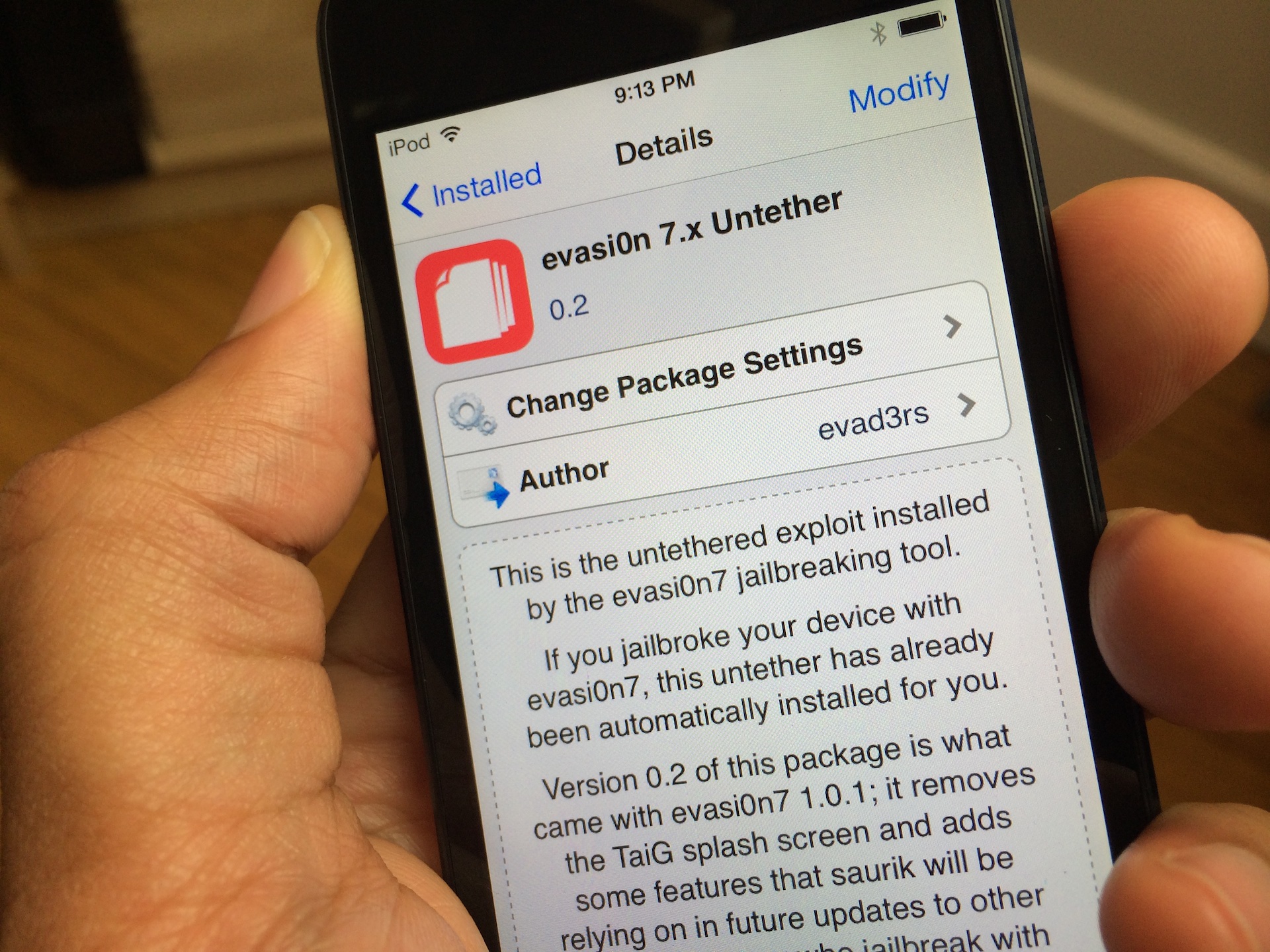
Updated Evasi0n 7.x Untether package brings Evasi0n 1.0.1 updates to all users

A few days ago the Evad3rs released version 1.0.1 of their Evasi0n7 jailbreak tool. The update's big feature was its removal of the controversial TaiG, which we explained in this post.

Previously, if you wished to take advantage of the latest 1.0.1 update, you had to re-jailbreak your device with Evasi0n 1.0.1. Obviously, that's quite inconvenient for most users, so the Evaders have released an easy to use Cydia package update to facilitate the changes and make them available to those who jailbroke their devices with Evasi0n 1.0.0.

The package is called evasi0n 7.x Untether, and its 0.2 update is available right now via Cydia's default Telesphoreo repo. Check inside for more details.

Five iOS 7 jailbreak tweaks to look at this weekend

While much of the emphasis has been placed on the arrival of popular jailbreak tweaks such as BiteSMS and Zeppelin, a number of lesser-known iOS extensions have also been released or updated for iOS 7 in recent days. Before you get too excited, remember that these tweaks are incompatible with the iPhone 5s, iPad Air and second-generation iPad mini until a MobileSubstrate update arrives. But if you are still rocking an older iOS device, read ahead for a quick look at five tweaks to explore this weekend…

Here’s what biteSMS running on iOS 7 looks like on video

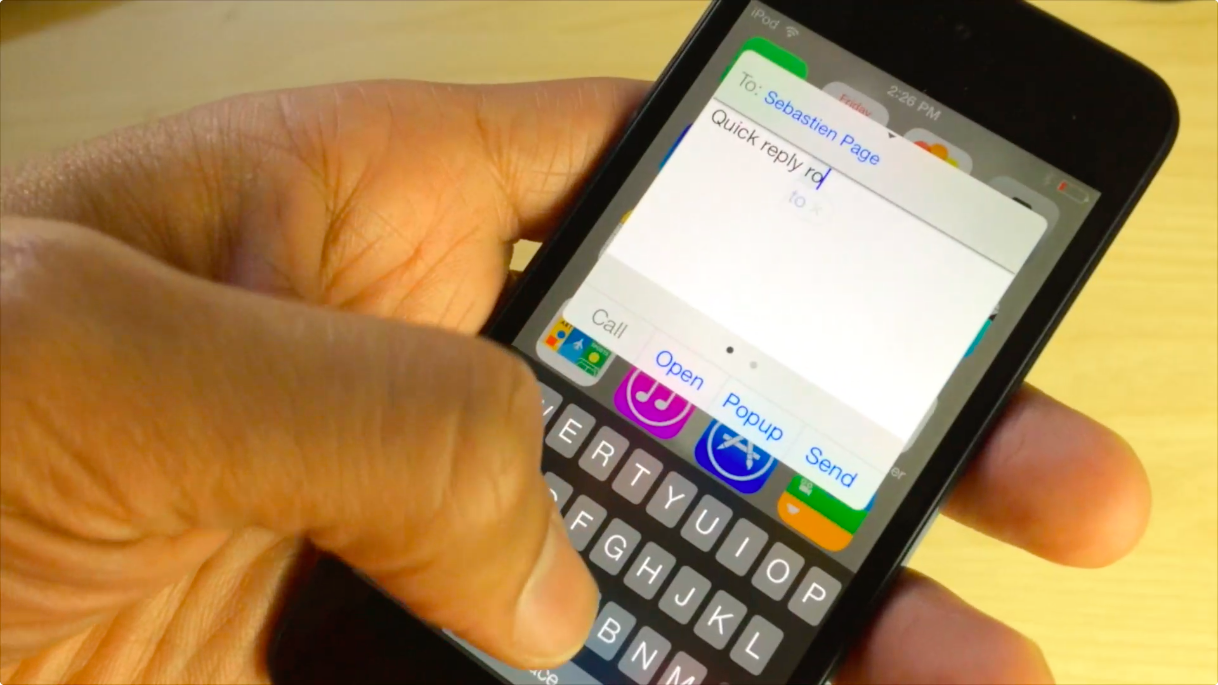
biteSMS is without a doubt one of the biggest jailbreak apps of all time. I mean, even Sebastien raves about it, and we all know how picky he is when it comes to installing things on his iPhone.

As Joe pointed out earlier, biteSMS 8.0 beta is here for you to test out with your jailbroken iOS 7 device. Although it is a bit buggy—which it should be considering it's a beta—I couldn't wait. I've installed it, and I recorded a short video showing off how beautiful the app looks on iOS 7. Take a look inside to see what I mean.