Jailbreak Apps & Tweaks

These are the latest jailbreak apps and tweaks available for your iPhone or iPad. We save you time by highlighting only the best tweaks.

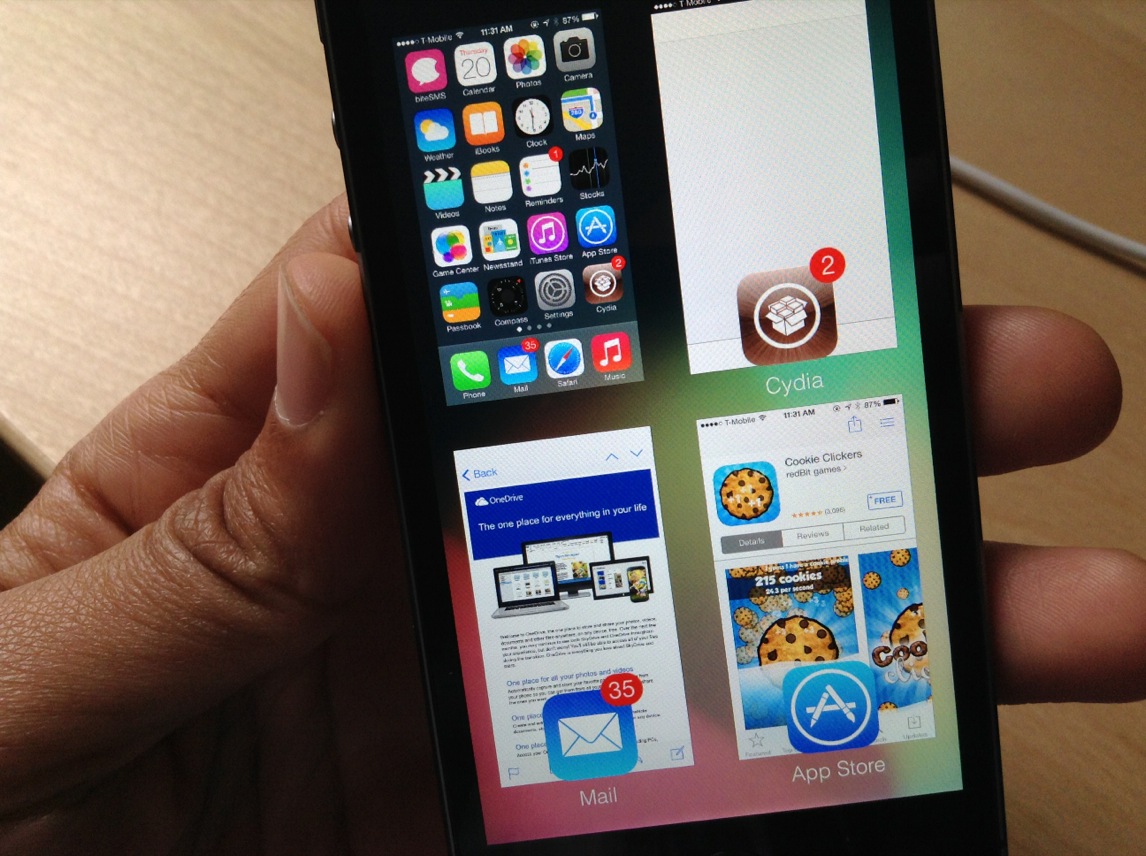
GridSwitcher: show the iOS 7 app switcher in a grid view

GridSwitcher is an upcoming jailbreak tweak that allows you to display the iOS 7 app switcher in a grid-based view. Most notably, you still retain the same app switcher functionality of the standard app switcher while in grid view.

At this point in the tweak's life, there are no options to configure how it works, just install it and start using it. Have a look at our video walkthrough of the tweak after the break.

New Photo Booth port for iPhone released on Cydia

The last Photo Booth port for iPhone that we covered didn't worked very well. It featured only a handful of effects, and it was susceptible to crashes. To add insult to injury, the legality of such a port has been debated, because it redistributes assets from Apple.

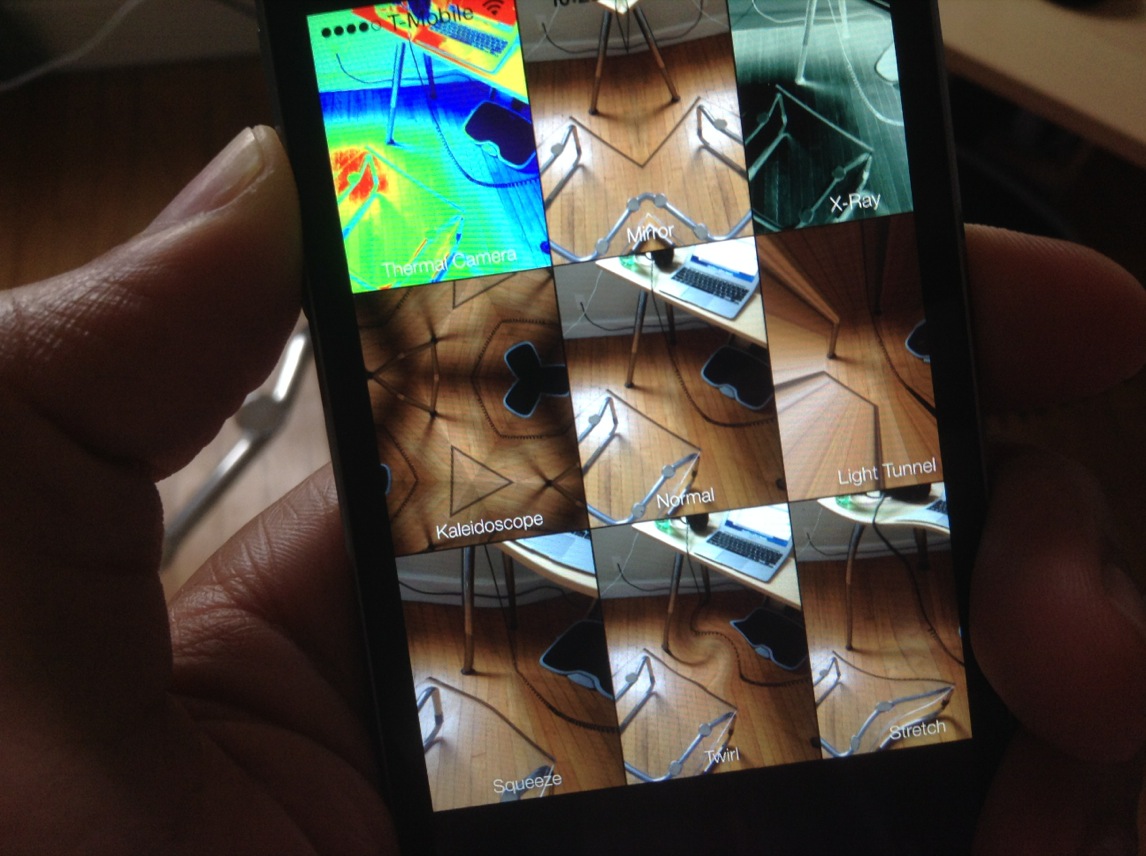
Thankfully, CoolStar, the iOS hacker and jailbreak mainstay, has devised his own version of Photo Booth, and it features none of the caveats listed above. Check inside as we walk through this latest version of Photo Booth for the iPhone.

Snapper: a new way to take and manage screenshots

Snapper is a recently released tweak that allows you to manually draw screenshots using your finger. It's a bit difficult to explain without actually seeing it in action, but it allows you to "cut out" screenshots and pin them on the screen as you go about your business on your iPhone.

An Activator gesture needs to be assigned to Snapper in order to invoke the tweak. Once you cut out the screenshot, you can then tap and hold on it to bring up a screenshot management sheet. This sheet allows you to save the screenshot, close the screenshot, copy it, or use a combination of those commands.

To help better explain how Snapper works, we've created a video walkthrough. Have a look inside to learn more.

RocketLauncher: quickly view and launch apps from the Lock screen

RocketLauncher is an upcoming jailbreak tweak from @busheman, which allows you to view previews of your running apps, and launch those apps directly from the convenience of the iOS Lock screen. The tweak, which will be available in the near future on Cydia's ModMyi repo, is accessible by tapping and holding any area of the Lock screen.

Folks, this is one of the more promising upcoming tweaks that I've seen in a while. Have a look at our full video walkthrough to see how RocketLauncher performs in action.

biteSMS 8: the best messages app for iOS 7

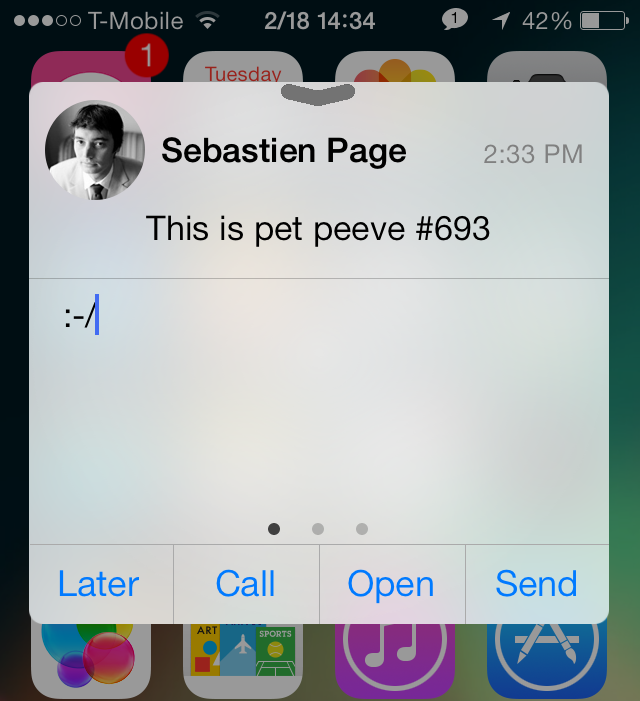
Do you hear that? That's Sebastien Page popping open a bottle of the finest bubbly in celebration of the public release of biteSMS for iOS 7. Of, course, I'm joking. Sebastien would likely save his bubbly for a more apt occasion, but he's no doubt happy to hear about biteSMS' release, and for good reason.

Despite some of the criticism I've heaped on biteSMS over the years, it's still without a doubt one of the finest, and one of the most cared-for jailbreak apps in history. I mean, who else can you think of that meticulously updates its apps as much as the folks behind bite do? Instead of milking the success of biteSMS, it's always being worked on, perfected, and enhanced for the customer.

biteSMS 8.0, which is the first public release sporting the highly coveted iOS 7 compatibility, is a pivotal change for the app's look. Of course, the creators of biteSMS had to match the style of iOS 7, which was, besides the under-the-hood changes, one of the more pressing issues for them to get right.

I'm happy to report that biteSMS 8.0 looks great, and works in the same familiar fashion that we've all grown accustomed to over the years. If you're a bite fan, you're not going to be disappointed. If you're new to the world of biteSMS, then you're in for a treat. Have a look at our full walkthrough after the break as we explore what has made biteSMS such a loved Messages app enhancement over the years.
JellyLockClock7: an Android Jelly Bean inspired Lock screen clock for iOS 7

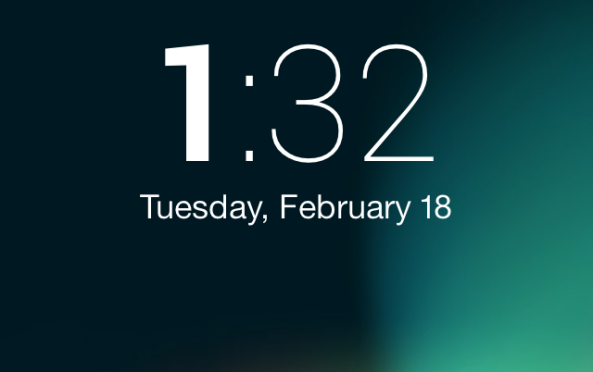
If you're a fan of the JellyLock jailbreak tweak, which brings an Android inspired Lock screen launcher to then iPhone, then boy, do I have a tweak for you. JellyLockClock7 is a brand new jailbreak tweak that's currently in beta, and it allows you to compliment your Android inspired Lock screen launcher with an Android inspired Lock screen clock.

As someone who's a big fan of JellyLock, I have to say that this is the perfect compliment tweak. We've got more details, a video, and the download information inside.

How to get a semi-working Photo Booth port on the iPhone

Photo Booth—it's one of the iPad only apps that sort of gets lost in the shuffle when talking about stock apps. It's an app that people play with when they first get their iPad's only to never really touch it again. Despite that, there always seems to be a concerted effort amongst members of the jailbreak community to port Photo Booth to the iPhone.

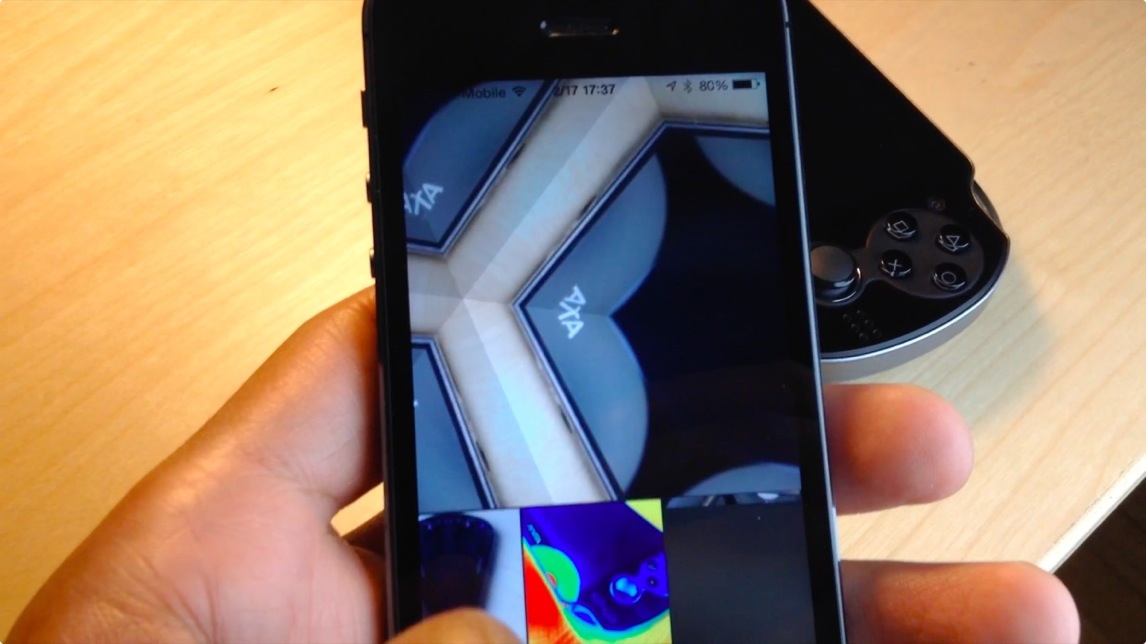
Two years ago, Photo Booth was ported to the iPhone 4S with much fan fare. Today, it's been ported to iPhone's running iOS 7. The good news is that it more or less works like you'd expect. The bad news is that, at least in its current form, it's a buggy mess devoid of many of the effects found on the iPad version. Have a look at our video walkthrough past the break to see what I mean.

AppETA: an awesome way to check the progress of app downloads

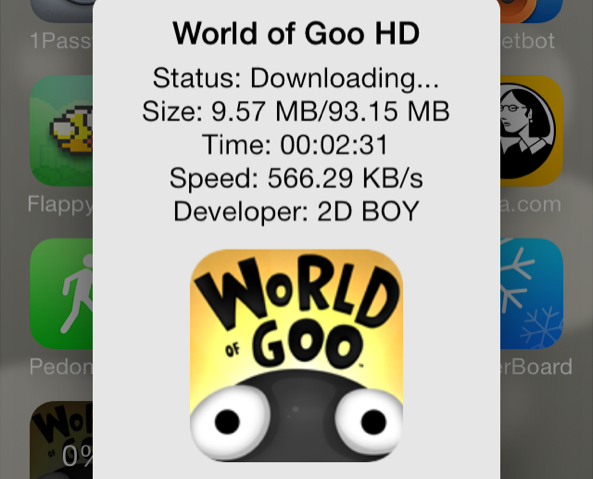
iOS 7 makes it difficult to gauge where you are with App Store downloads. With very large downloads, it's a frustrating experience to watch the progress circle slowly inch around at a snail's pace.

Wouldn't it be nice if you could get a more informational view of your App Store download progress? What about bringing back the classing download status indicators? With AppETA, a new jailbreak tweak available on Cydia's BigBoss repo, you can do all of that and more.

BlueBoard: add a blue keyboard to iOS

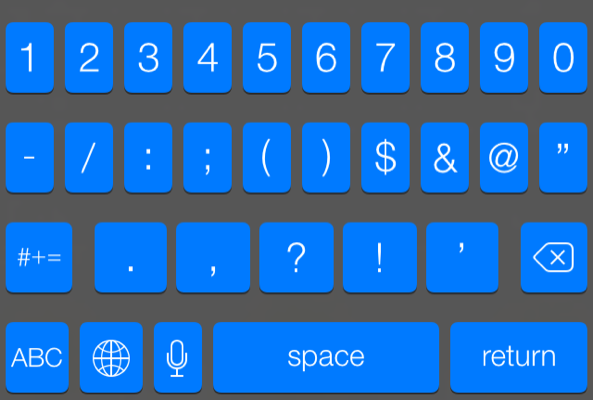
BlueBoard is a recently released tweak that does just as its name implies—it allows you to add a blue tinted keyboard to iOS. As with most tweaks of this sort, BlueBoard doesn't rely on WinterBoard or any other outside theming systems to work. Once you install it, you can enable the tweak via its own dedicated preference panel.

Look past the break for a video walkthrough of BlueBoard in action...

How to colorize app badges with ‘ColorBadges’

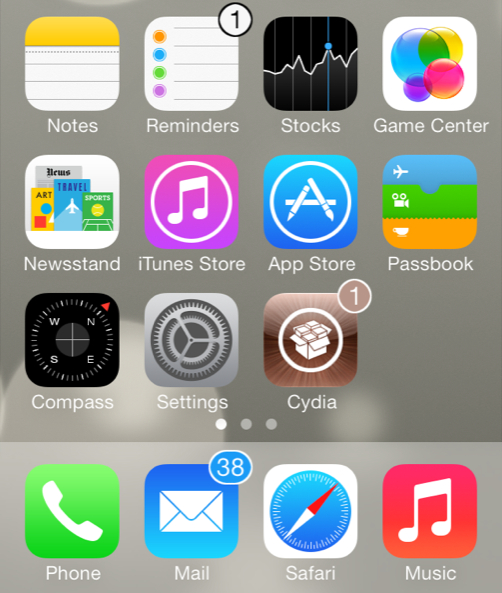
ColorBadges is an upcoming jailbreak tweak that was recently submitted to Cydia's BigBoss repo. It allows users to colorize app badges based on the color of the app icon. For example, if you have a badge on the Cydia app, the color of the badge will be brown, which corresponds to the color of the Cydia app.

Along with the addition of app matching color to the badges, ColorBadges adds an outline to the outside of the badge to make the color stand out even more. ColorBadges is a great looking jailbreak tweak, and I think that it significantly improves the look of app badges. It makes it so that you don't mind having tons of app badges proliferating your Home screen, and that's saying a lot.

Take a look at our full video walkthrough of ColorBadges after the break...

UIColors: add custom tint to the entire iOS interface

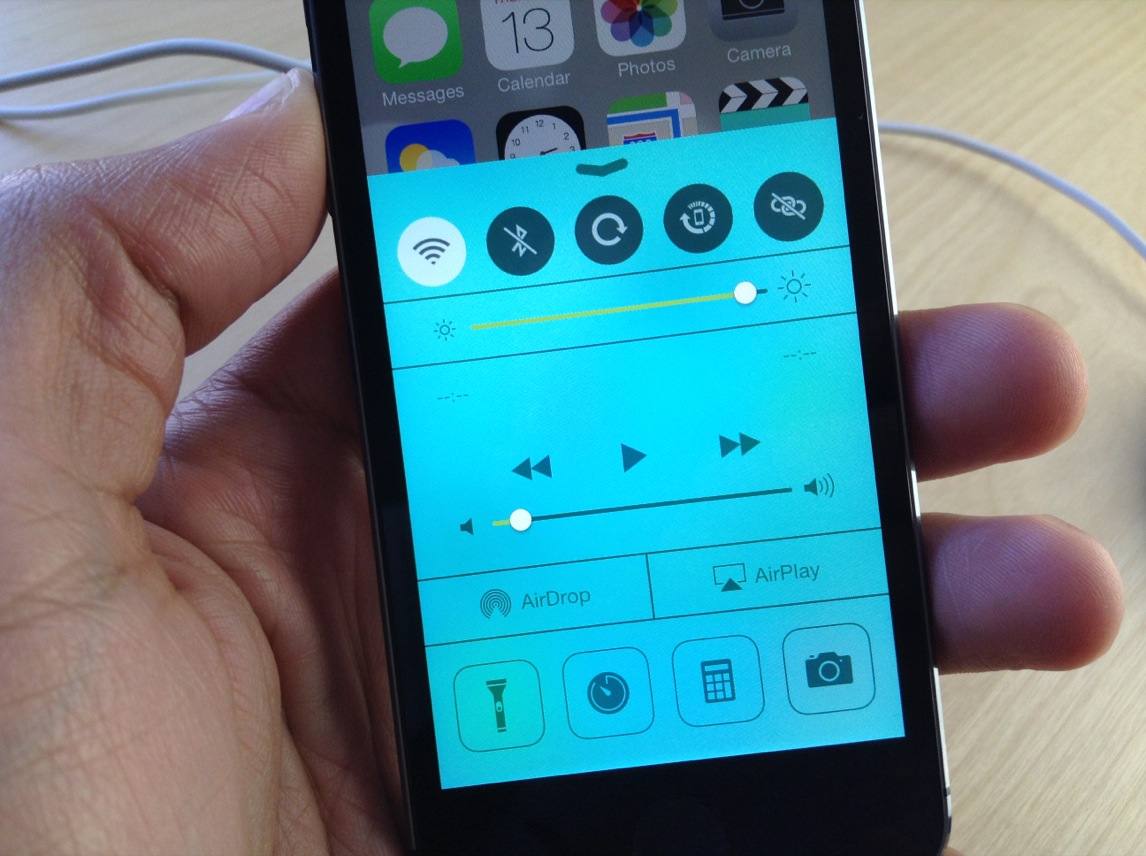
UIColors is an upcoming jailbreak tweak that should be making its way to Cydia's BigBoss repo at any moment now. It's a tweak that follows the growing trend of jailbreak releases that let you add custom tint to the iOS user interface.

Another tweak we recently covered, called Eclipse, did something similar. But Eclipse's main focus was on providing users with a night mode for using the device in a dark environment. UIColors takes that concept and cranks it up to 11. It allows you to tint iOS with a virtually limitless array of colors. In other words, there are no real canned color combinations included with the tweak; the end result is totally up to you.

How to add infinite scrolling to the Home screen and folders in iOS 7

Mobius is a jailbreak tweak that allows you to infinitely scroll on the iOS Home screen and while within folders. It's very similar to the Wraparound jailbreak tweak that we covered back in 2011, except that Mobius works with iOS 7.

Developer Tyler Casson set out on a mission to bring the popular Wraparound functionality to iOS 7 when it became apparent that the Wraparound wasn't going to be updated for iOS 7 any time soon. He's since dubbed his tweak Mobius, and made it available free of charge on his own personal repo.

If you'd like to see how Mobius works in action, then check past the fold for our hands-on video walkthrough. You can also find the repo details inside so that you can try out the tweak for yourself.