Jailbreak Apps & Tweaks

These are the latest jailbreak apps and tweaks available for your iPhone or iPad. We save you time by highlighting only the best tweaks.

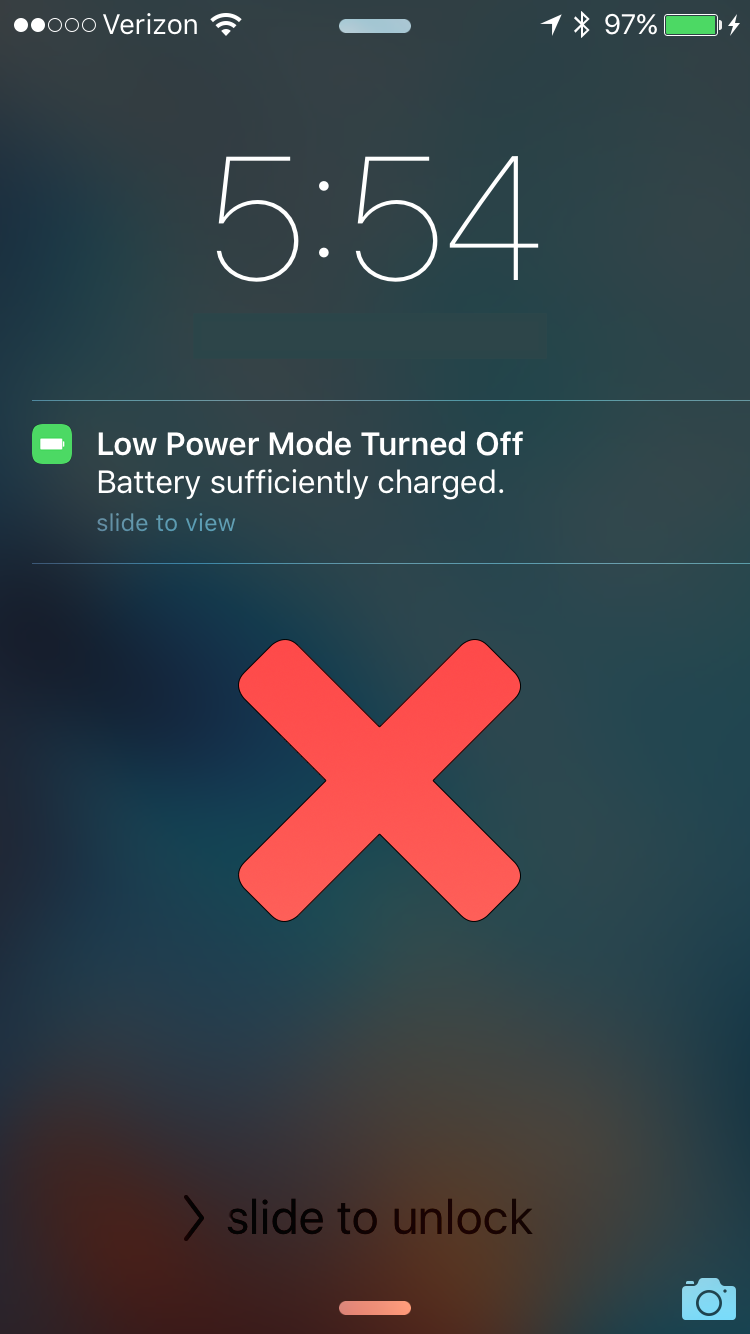
This jailbreak tweak keeps Low Power Mode on even after a full charge

Low Power Mode is one of the new features of iOS 9 that allows you to keep your battery usage as low as possible throughout the day when you want to conserve battery life and you feel your battery level is getting to the point where you might not last until you can get to a charger.

Unfortunately, while most of us enjoy reaping the benefits of Low Power Mode, whether we have a low battery level or not, iOS automatically disables the feature when your device gets charged up enough, forcing you to go to the Settings app and re-enable Low Power Mode manually.

That's where a new free jailbreak tweak in Cydia's BigBoss repository called LowPowerMode is going to make your life a whole lot easier.

Snapper 2: an awesome screenshot tool for jailbroken iPhones

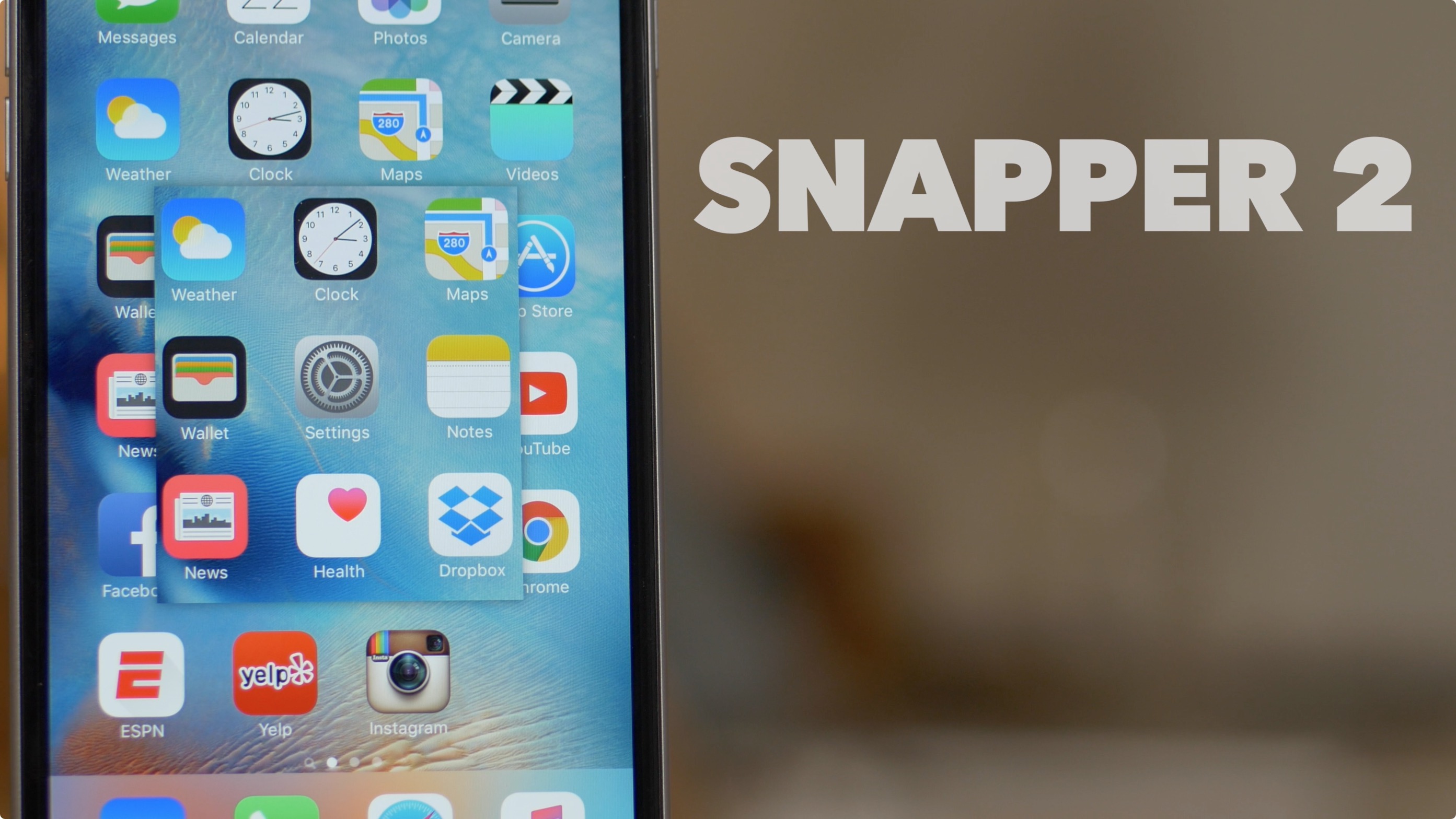
Snapper 2 is a follow-up jailbreak tweak to the original Snapper, a release that enhances screenshot-taking ability on iOS. If you're a prolific screenshot taker like I am, then Snapper 2 is a tool that can make your life a lot easier.

Instead of having to crop screenshots in post, Snapper 2 lets your crop them on the fly as you take them. You can even pin cropped screenshots on top of the screen in order to reference pertinent information.

For example, you can use Snapper 2 to cut out a photo that you need to describe within the Notes app. Instead of jumping back and forth between the Photos app and the Notes app, use Snapper 2 in order to view two items at once. Have a look at our full video walkthrough for all of the details.

Griddy brings a grid-style App Switcher to your jailbroken iPhone

Among one of the funnest things to modify when you have a jailbroken iOS device is the App Switcher – the jailbreak community has thought up and created a wide variety of App Switcher replacements that have been released in the Cydia Store, some better than others.

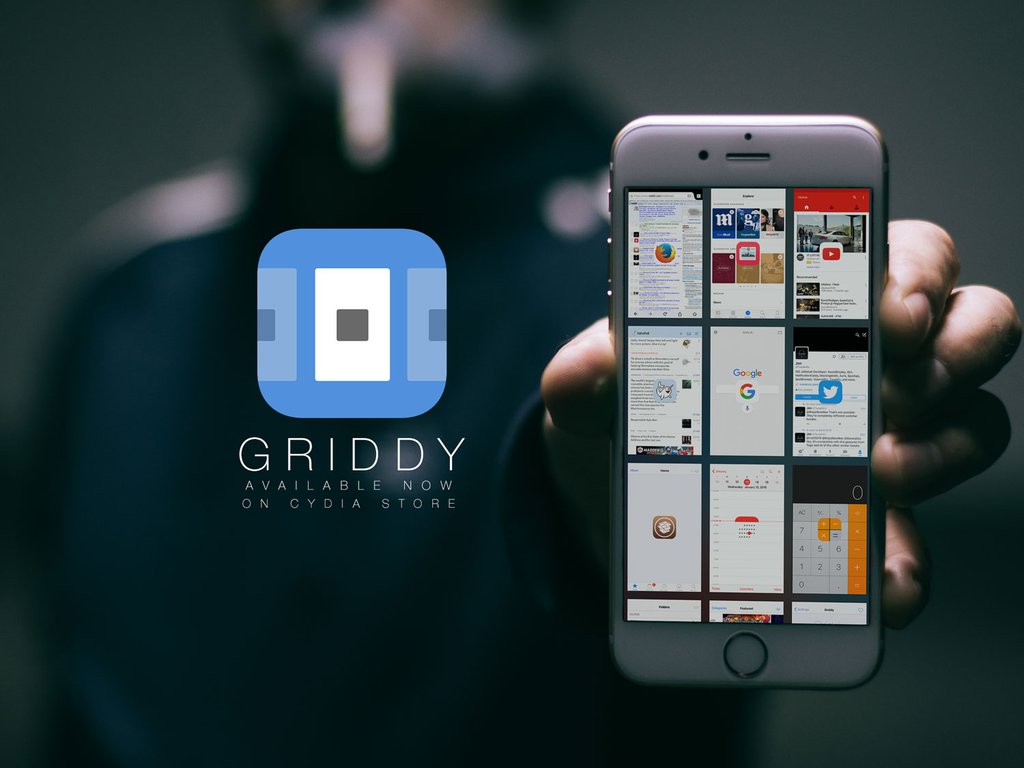
One of the more recent that you shouldn't deprive yourself of checking out is Griddy, a new jailbreak tweak from Cydia's BigBoss repository that gives your App Switcher a much more grid-like experience.

Snakebite: an upcoming tweak for enhancing 3D Touch multitasking

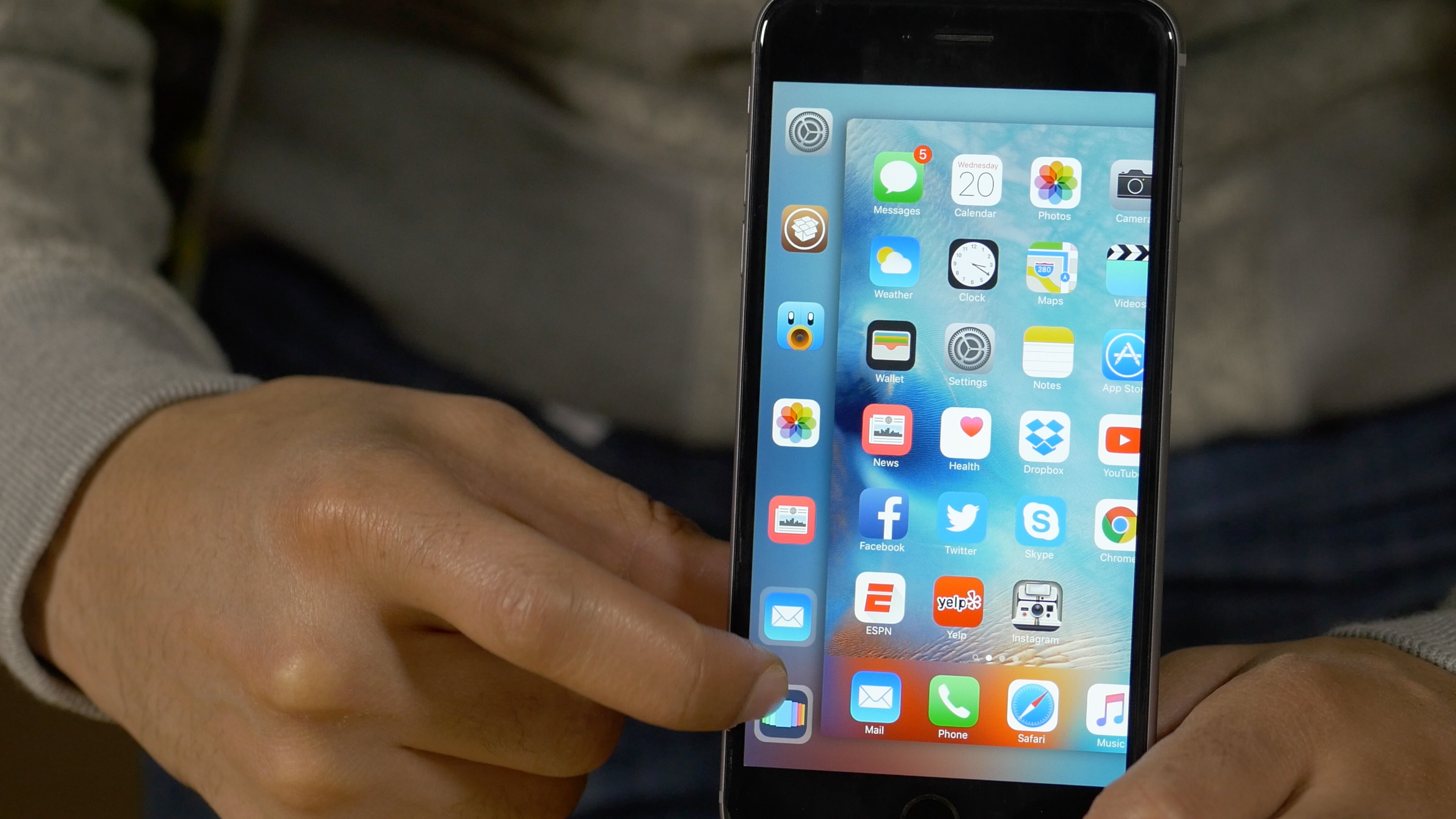
Snakebite is an upcoming jailbreak tweak that works with the iPhone 6s' 3D Touch multitasking gesture. The tweak replaces the App Switcher with a new interface for quickly accessing recently used apps or favorite apps. From the Snakebite interface, it's possible to quickly access the App Switcher via the Multitasking shortcut button.

Even if you don't own a 3D Touch capable device, you can utilize Snakebite by means of a handy tap and drag gesture. Watch our full video walkthrough to see what I mean.

Let’s Talk Jailbreak: an iPad Pro accident story, is it worth losing your jailbreak for iOS 9.3?

Episode 142: Jeff shares his iPad Pro accident story. Is it worth it to lose your jailbreak for iOS 9.3? How to uncover hidden features on the Apple TV. Several newly released jailbreak tweaks are discussed.

Subscribe via RSS

Support Let’s Talk Jailbreak: Get peace of mind knowing your files are backed up securely in the cloud. Backup your Mac or PC for just $5/month. Go to backblaze.com/iDB.

Mimic iOS 9.3’s new Calculator app Quick Action with this tweak

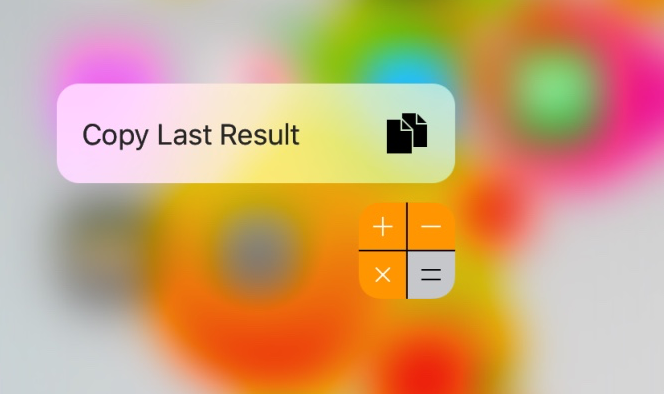
iOS 9.3 beta includes a new Quick Action feature for the Calculator app, allowing those with a 3D Touch display to press firmly on the Calculator app icon to reveal a new option: Copy Last Result.

Fortunately, those with a jailbroken device on iOS 9.0-9.0.2 don't have to upgrade to iOS 9.3 beta to get this feature. A new free jailbreak tweak called CalculatorCopy is now available in Cydia's BigBoss repository that will bring this feature to older iOS 9 installations.

App downgrading tool can now block App Store updates [jailbreak]

App Admin, the jailbreak tweak that lets you downgrade to older versions of iOS apps, has just received a significant beta update. The headlining new feature is the ability to block App Store updates, which allows you to easily keep downgraded apps installed on your iOS device. To learn how to gain access to the free beta version of App Admin, check out the rest of this post.

ForeverNotification keeps notifications on your Lock screen longer

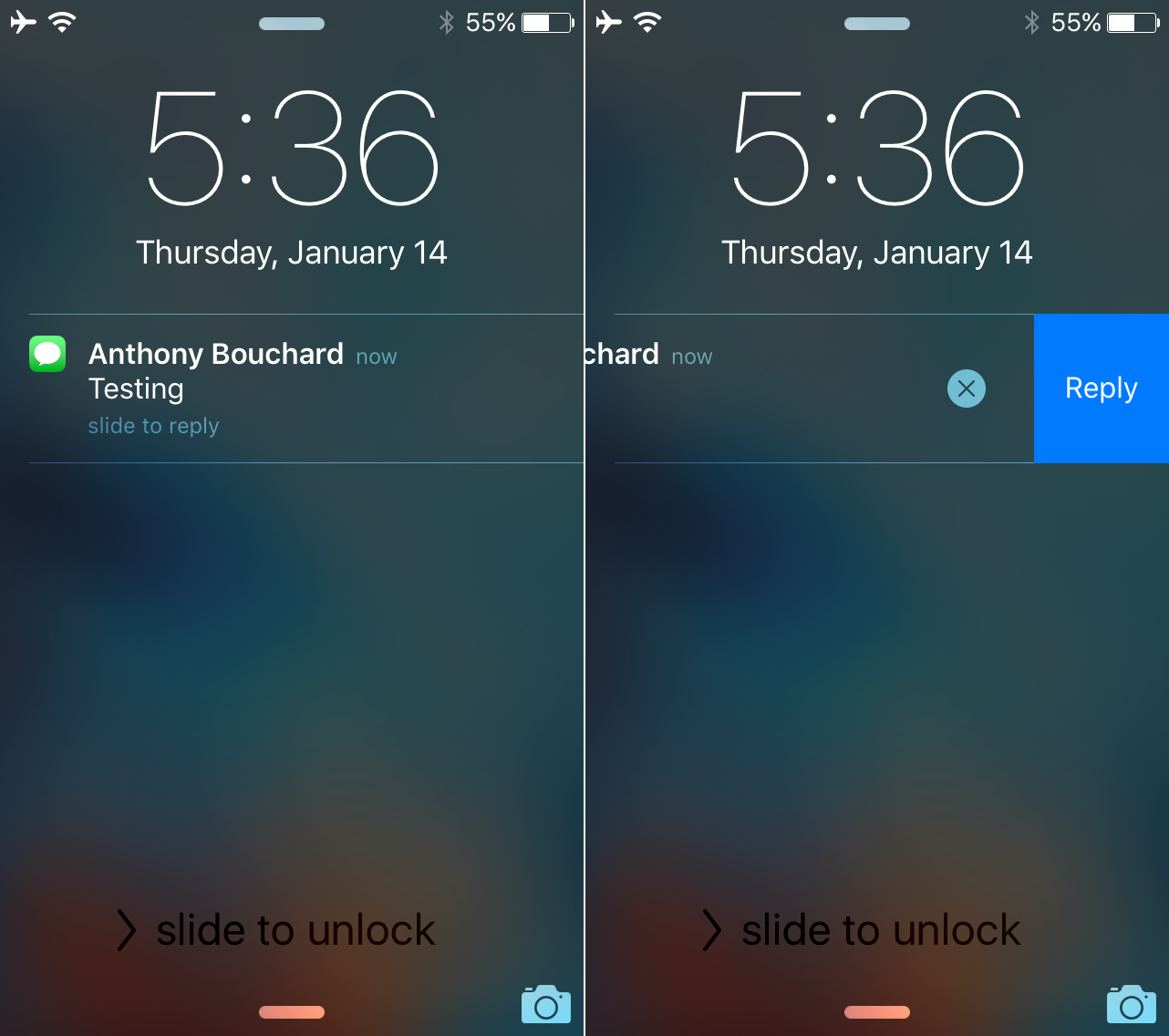
When you get notifications and are unable to get to them immediately, iOS automatically stacks them on the Lock screen for you so you can see a general overview of what you've missed. The only problem is when you unlock your device, and then lock it again, the notifications disappear from your Lock screen, even if you haven't had the chance to view all of your notifications just yet.

With ForeverNotification, a new free jailbreak tweak in Cydia's BigBoss repository, you can prevent those notifications from disappearing from the Lock screen automatically just because your device gets unlocked.