Jailbreak Apps & Tweaks

These are the latest jailbreak apps and tweaks available for your iPhone or iPad. We save you time by highlighting only the best tweaks.

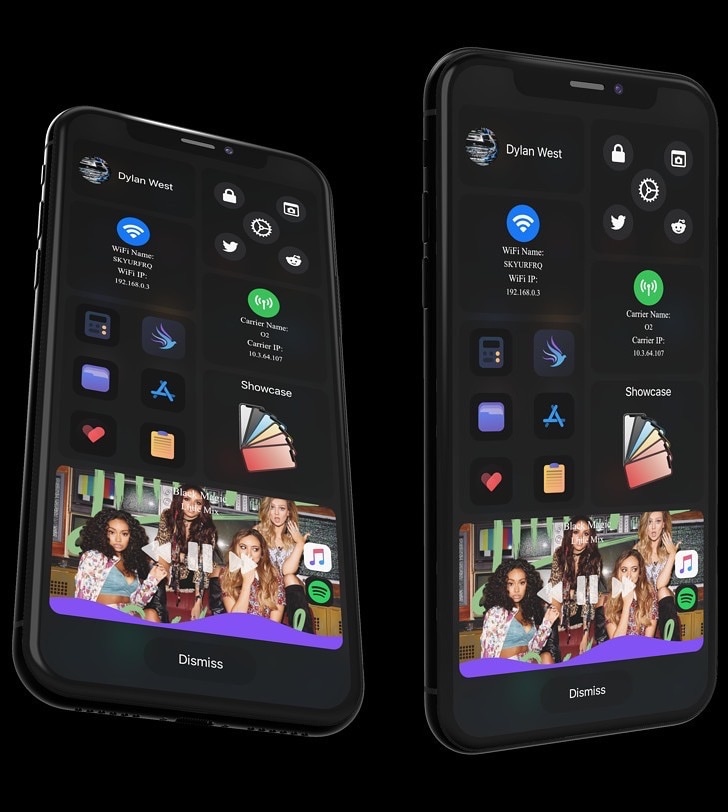
Rapid brings a next-generation all-in-one interface to pwned iPhones

Apple’s iOS and iPadOS are among some of the most advanced mobile operating systems in the world, but one thing they tend to lack is a singular one-stop-shop interface for doing just about anything you set your mind to. Given the circumstances, it may not come as much of a surprise that the jailbreak community has developed with ways around this shortcoming.

Enter Rapid, a newly released jailbreak tweak by iOS developer Dylan West (iOSthemem0d) that incorporates your handset’s most important things into a single interface. As you’ll notice in the screenshot examples above, Rapid is as feature filled as it is fun to use, and we’re prepared to show you why that is.
Jailbreakers can resize their iPhone’s Home Bar with HomeSize

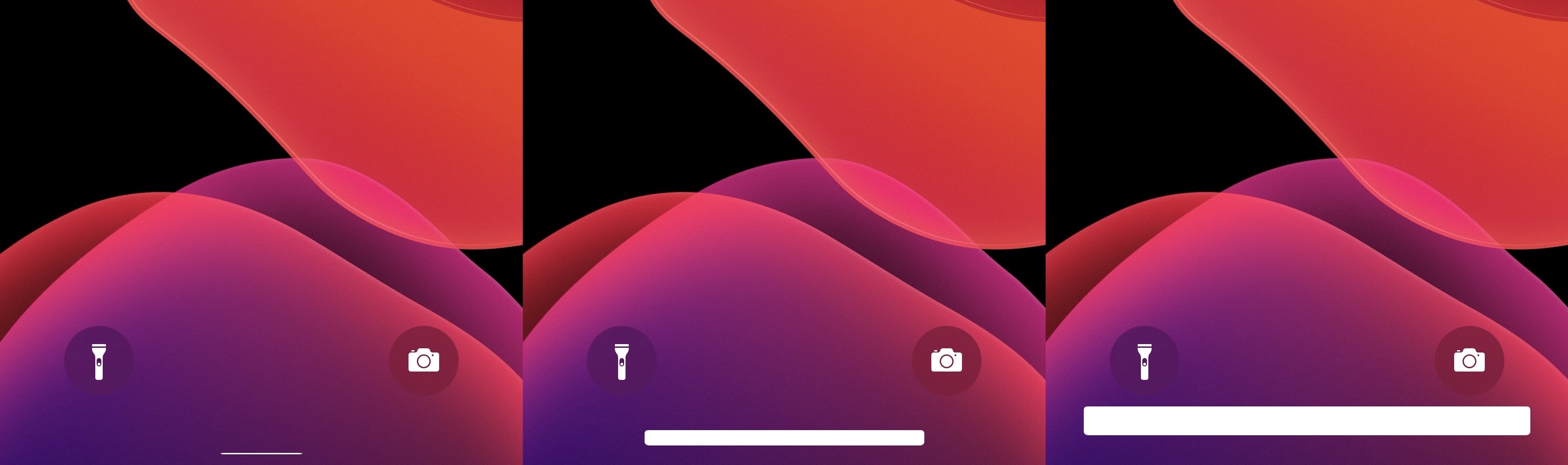
The Home Bar is a relatively young element of iOS that first replaced the iPhone’s Home Button starting with the iPhone X in 2017. It later became a part of iPadOS beginning with the 2018 iPad Pro.

It’d be an understatement to say that the Home Bar is the future of the iPhone and iPad platforms, so it’s relatively unfortunate that Apple doesn’t let us customize it at all. Fortunately, a newly released and free jailbreak tweak dubbed HomeSize by iOS developer ahmedmakls lets jailbreakers resize the iPhone or iPad’s Home Bar however they want.

This tweak adds a seconds indicator to the Status Bar’s time display

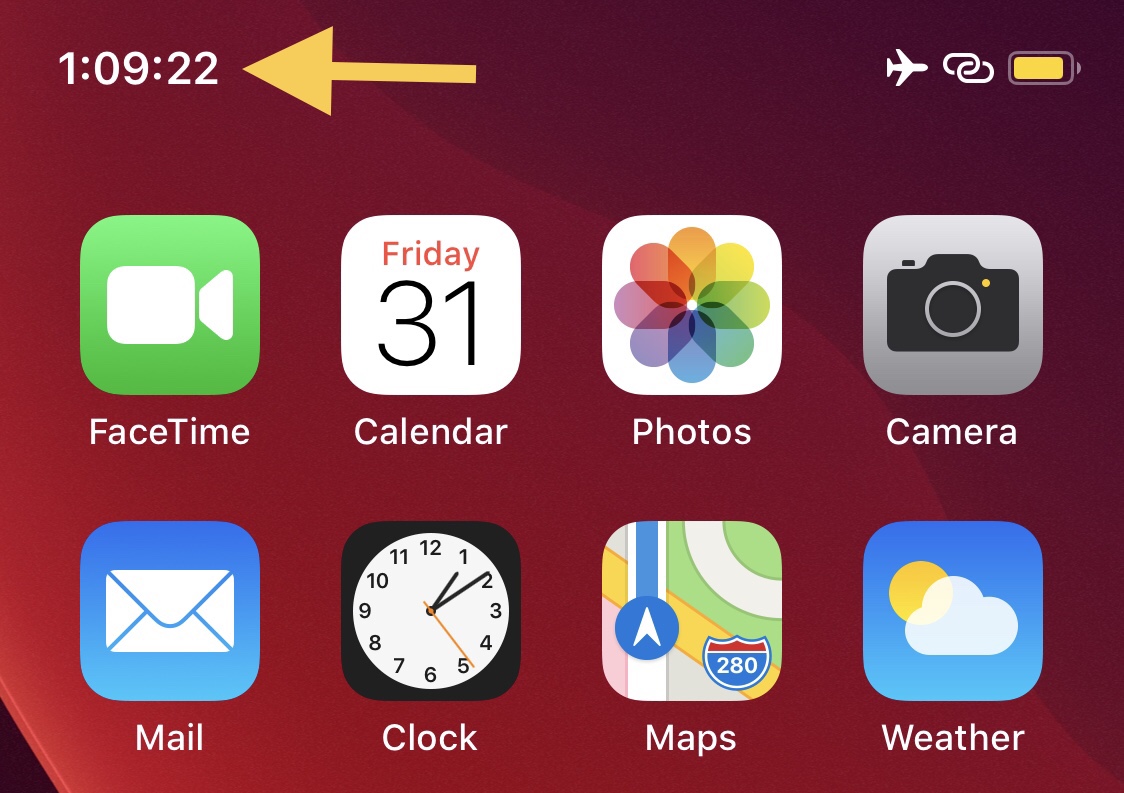
If you’re anything like me and you’d rather see more information than less, then you probably wouldn’t mind having a seconds indicator in your iPhone’s Status Bar-based time display.

Apple doesn’t provide an option for the aforementioned scenario out of the box, but by installing a newly released and free jailbreak tweak dubbed TimeSeconds by iOS developer Netskao, you can circumvent the controlling tech giant and add this feature to the Status Bar all by yourself.

Wasabi brings a supercharged clipboard manager to jailbroken iPhones

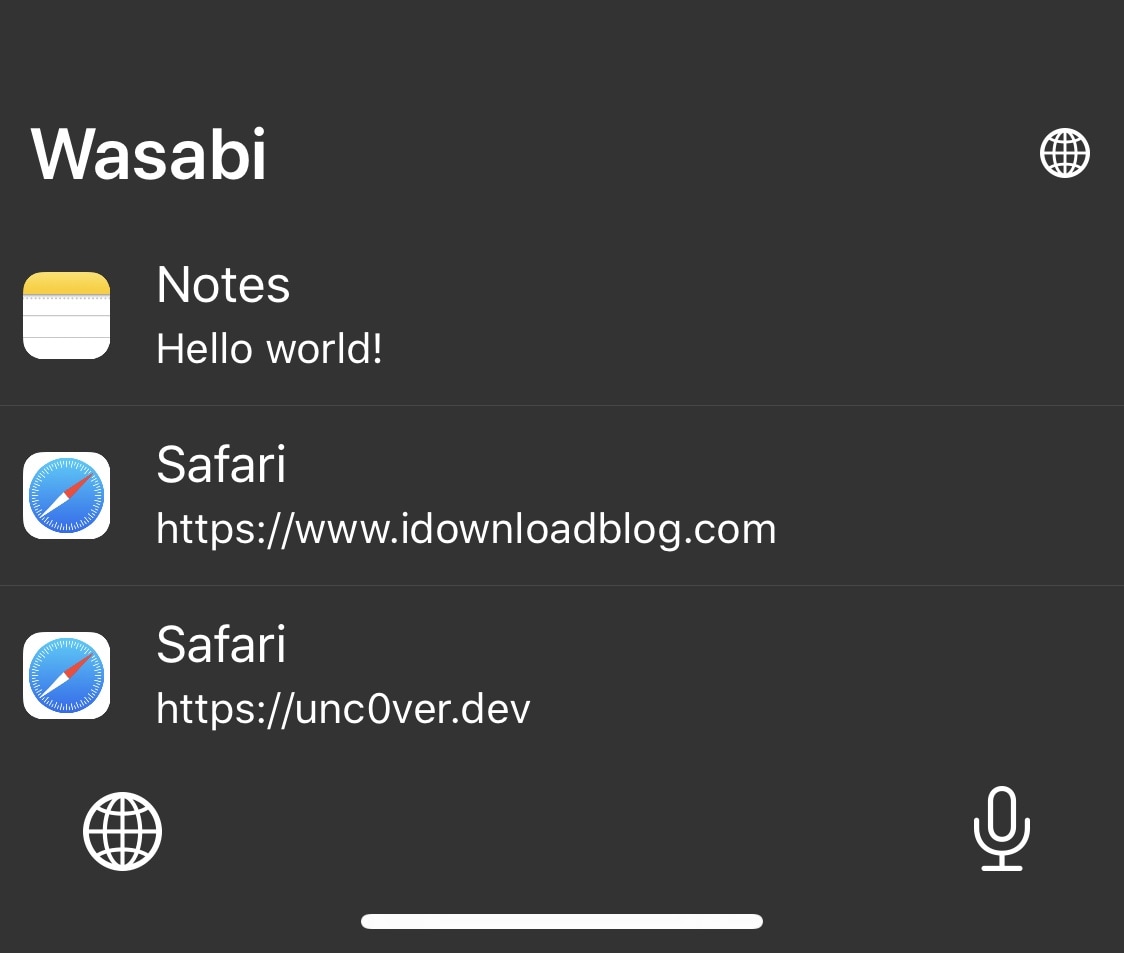
In a world where multitasking becomes more and more important to the average iPhone and iPad user, the clipboard experience on both the iOS and iPadOS platforms leaves a lot to be desired out of the box. Unfortunately, this doesn’t look like an area that Apple aims to improve any time soon.

The bright side of this particular scenario is that a newly released jailbreak tweak dubbed Wasabi by iOS developer Nepeta provides jailbreakers with the clipboard experience that all iPhone and iPad users deserve.

This simple tweak adds a Night Shift toggle to Control Center

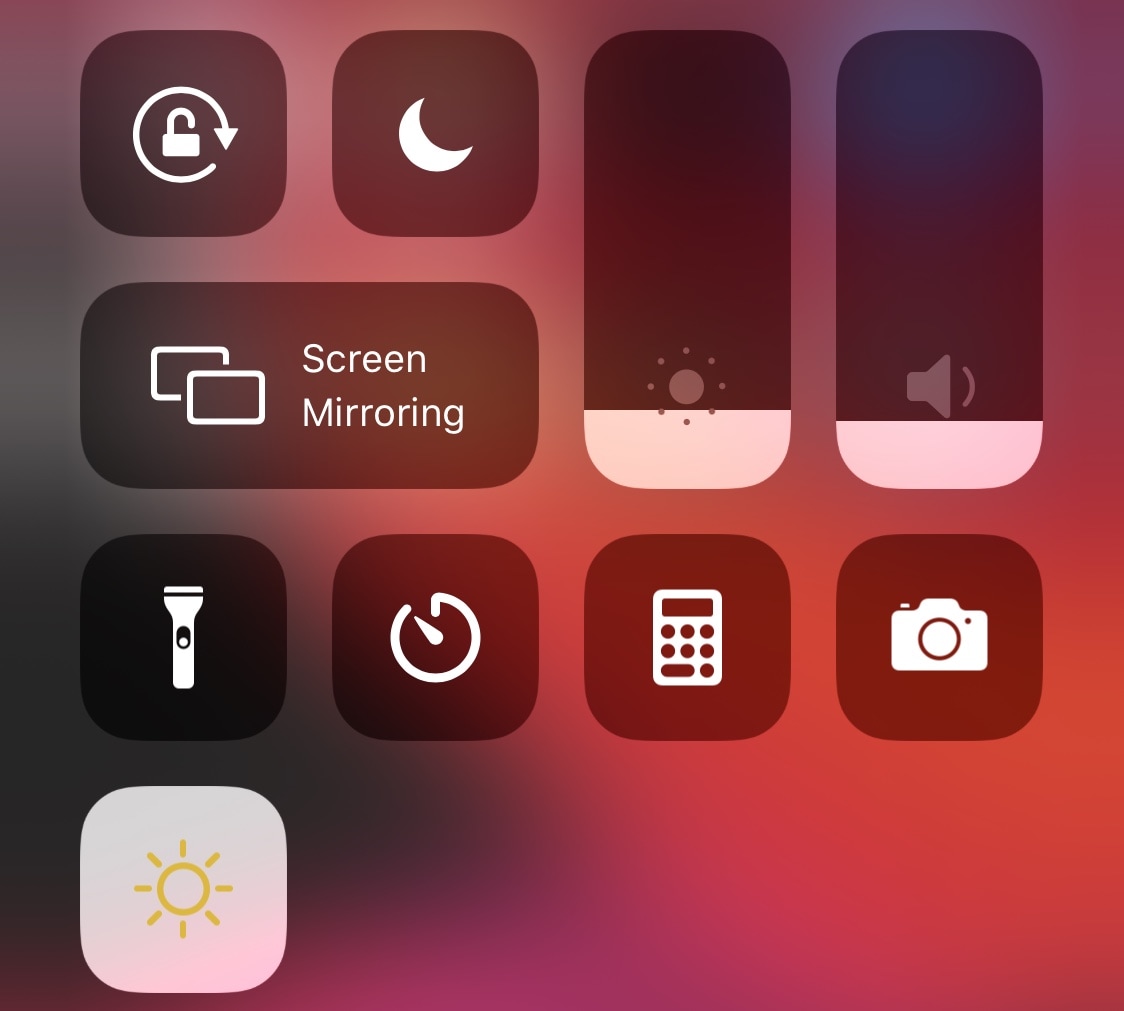
When Apple introduced Dark Mode with iOS 13, they were smart enough to integrate a convenient toggle button into the Control Center interface so that users could easily switch between the dark and light interfaces on demand without much headache. That said, it’s somewhat of a head-scratcher as to why Apple didn’t do the same for Night Shift, instead choosing to obfuscate it by hiding it inside of the display brightness module.

If you want a non-obfuscated Night Shift-centric Control Center toggle button, then we’ve got good news for you – jailbroken devices now have access to a newly released and free CCSupport extension dubbed Night Shift Module by iOS developer shepgoba that brings this simple concept to life.

ReachInfo adds something useful to the wasted space of Reachability

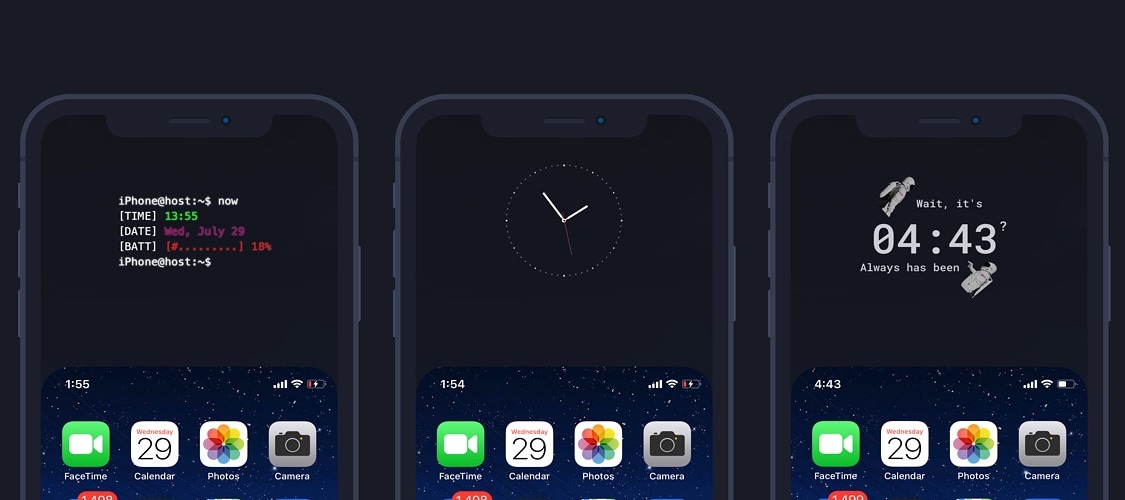
Widgets for the empty space in the iPhone’s Reachability space.

Reachability is an often-under-appreciated feature of iOS that makes it so much easier for iPhone users to touch interface elements normally residing at the top of the display – especially when only using one hand. For the most part, it does a good job of this.

Unfortunately, Reachability also tends to leave a lot of unused space at the top of the iPhone’s display when it moves the interface down to make it more reachable with one hand, an issue that a newly released and free jailbreak tweak dubbed ReachInfo by iOS developer 1di4r tries to fix.

TVLock13 gives jailbroken iPhones an old TV-inspired locking animation

Sometimes it’s the simpler things in life that give us the greatest satisfaction, and a newly released and free jailbreak tweak dubbed TVLock13 by iOS developer Wes serves as a wonderful example of something so simple that can make your iPhone’s user experience better.

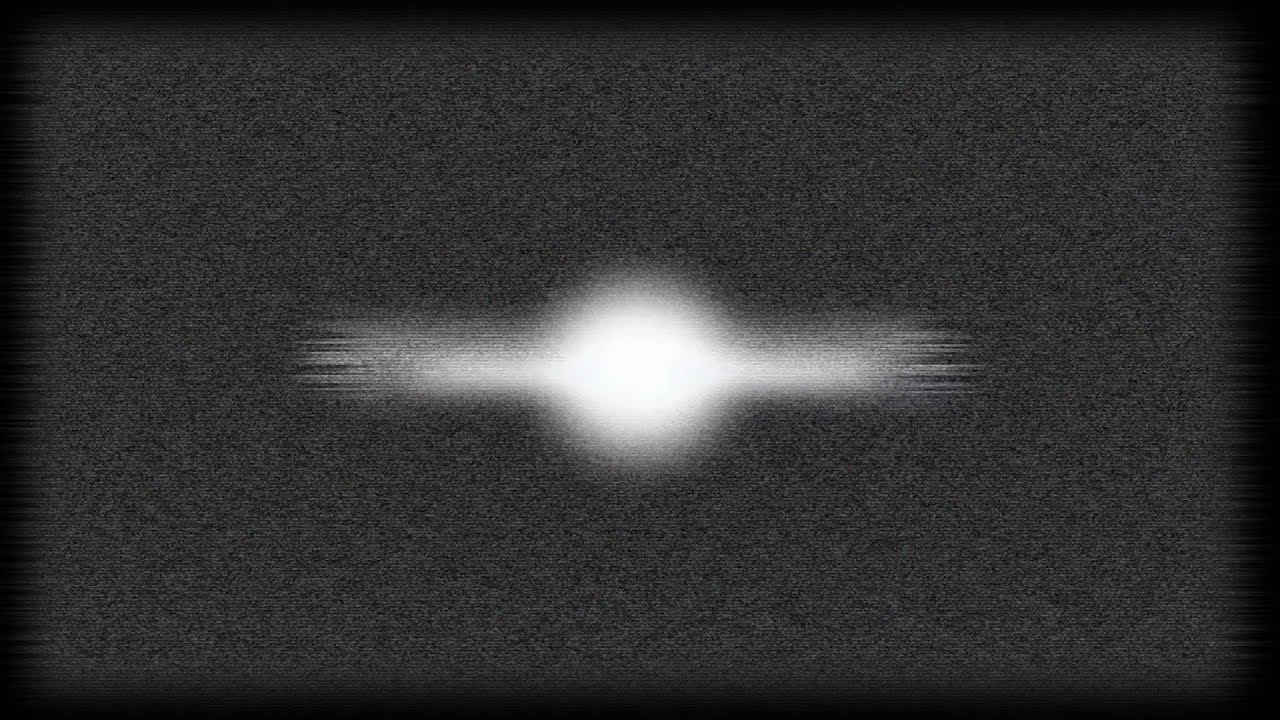
Just as the tweak’s name implies, TVLock13 introduces a classic television-inspired ‘off’ animation to your handset when you lock it, A.K.A put it to sleep. Unless you’ve been living under a rock, you’ve probably witnessed this animation previously since it has been particularly popular for jailbreakers over the years. The biggest change here is that this tweak brings the experience to pwned iOS 13 handsets, and at no cost.

Quorra brings iOS 14’s privacy indicator dots to jailbroken iOS 13 devices

When iOS & iPadOS 14 are released this Fall, the software updates will introduce a bevy of useful new features to the iPhone and iPad platforms. Perhaps one of the most intriguing features that seemed to slip under the radar are the new privacy-centric indicator dots that appear the top of the display when an app or service begins accessing your handset’s camera, location, or microphone.

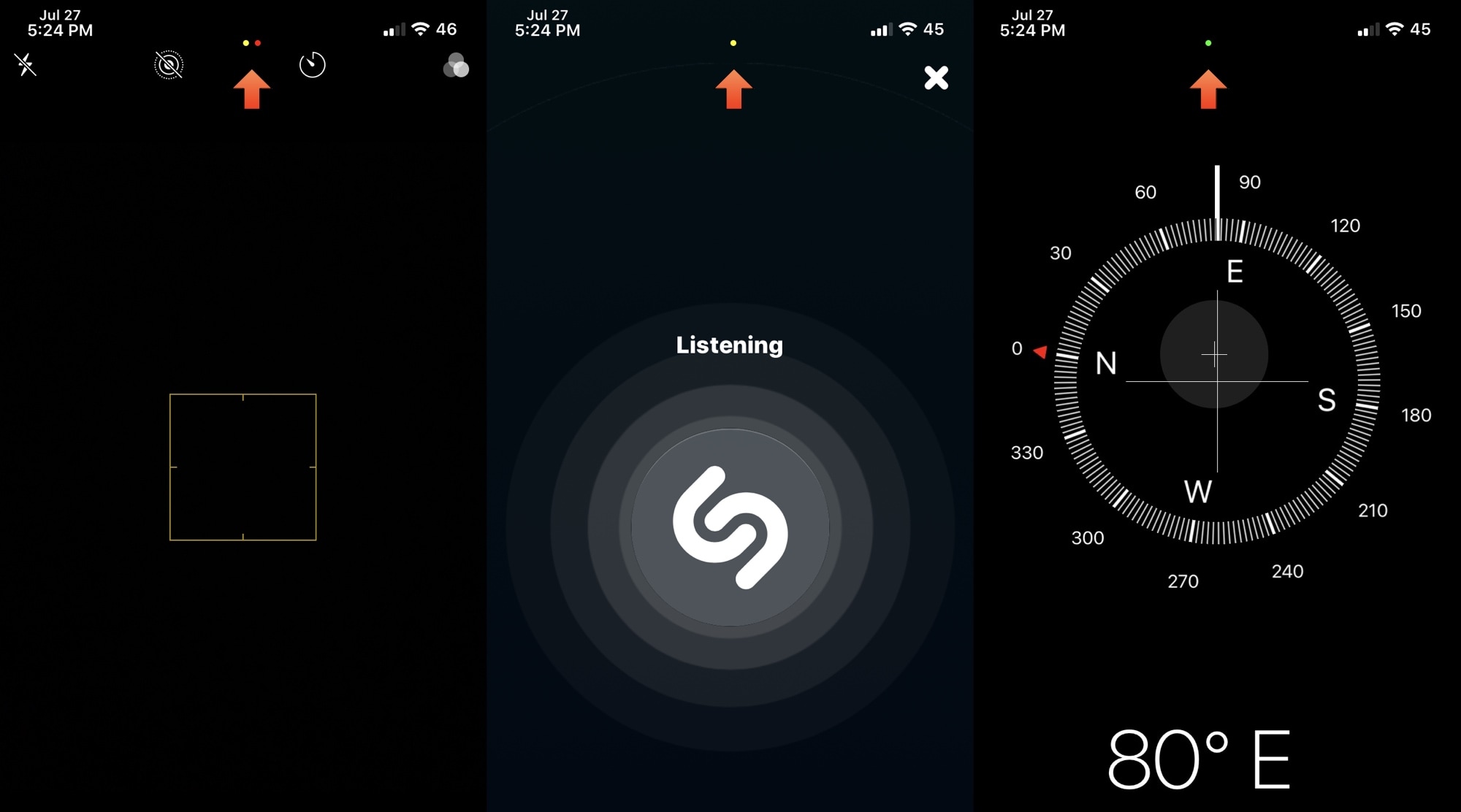
This particular feature was so highly sought after that even the Android community quickly developed a way to port this feature to their handsets. Unfortunately for those running iOS & iPadOS 13 or earlier, a similar solution wasn’t available – at least not until now, thanks to a new and free jailbreak tweak release dubbed Quorra by iOS developer Lightmann.

Dock Controller lets jailbreakers supercharge their iPhone’s Dock

The Dock is an integral part of the Home Screen on any iPhone or iPad, and if you’re familiar with both platforms, then you’ll already know that Dock behavior varies from one device to the next. iPads, for example, have a much more robust Dock experience with a separated section for recently-used apps, whereas the iPhone’s Dock is much more simplistic.

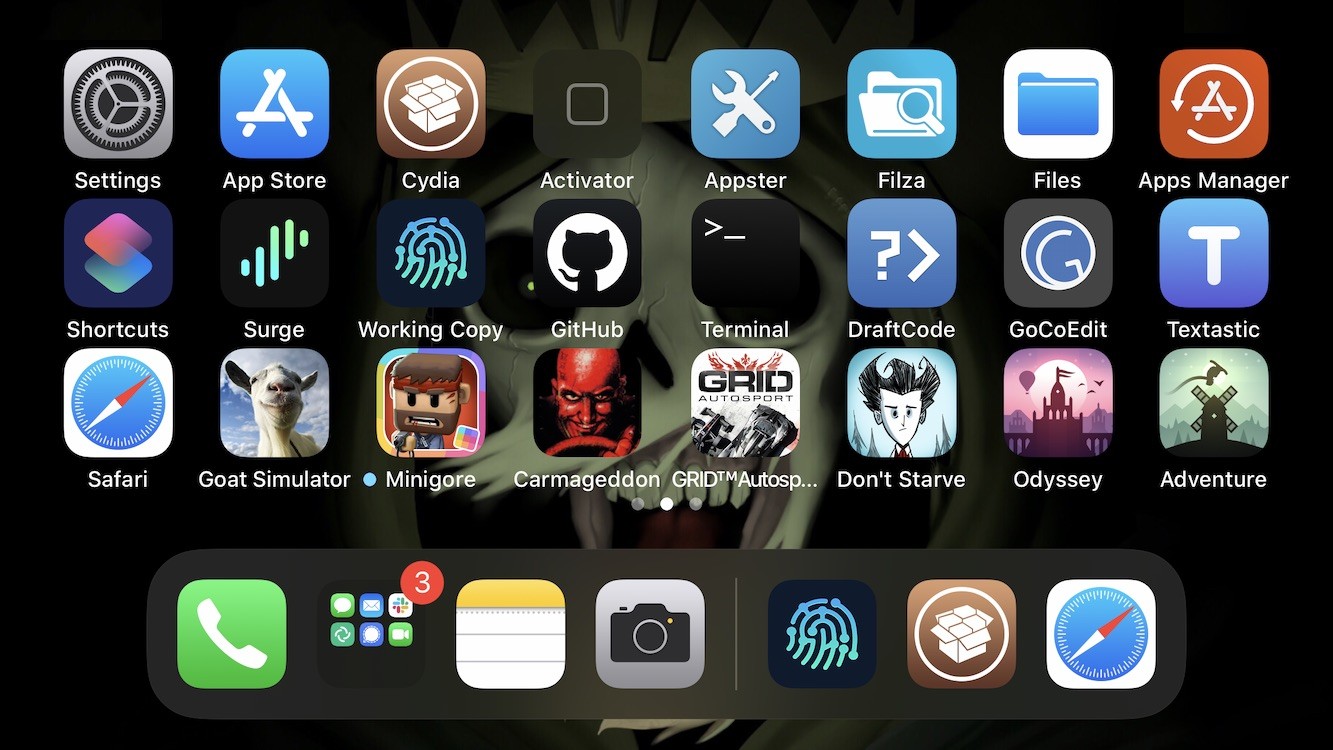
If you wish you had more control over your handset’s Dock experience, then we think you’re going to love a newly released and free jailbreak tweak dubbed Dock Controller by iOS developer Tomasz Poliszuk. Just as the tweaks’ name implies, Dock Controller gives users quite a bit more control over their handset’s Dock aesthetics and behavior.

Give your Control Center interface a fresh coat of paint with CustomizeCC

One of the iOS interfaces that the vast majority of iPhone users take advantage of on a daily basis is Control Center. It’s functionally straightforward and convenient to use. Apart from customizing the controls that appear in Control Center, however, Apple doesn’t provide much by way of customization, especially in terms of aesthetics.

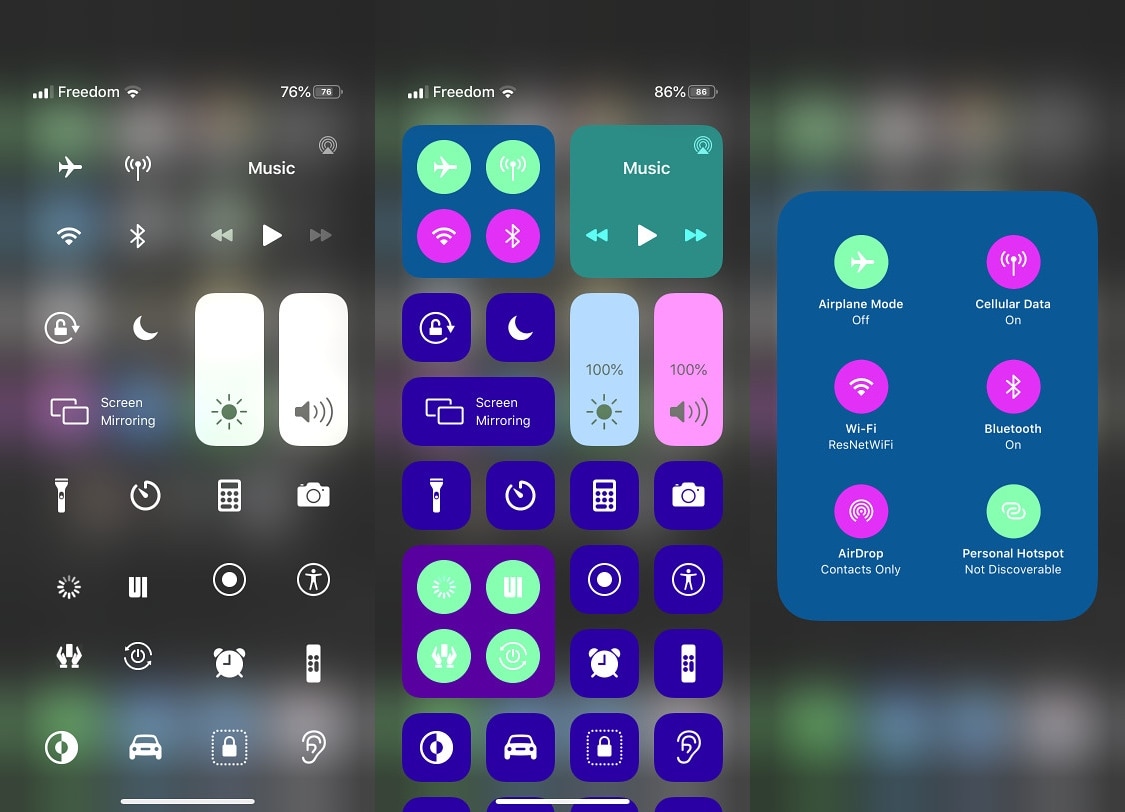
Enter CustomizeCC, a newly released and free jailbreak tweak by iOS developer Miguel that lets jailbreakers take unfettered control over the appearance of the Control Center interface. As you might’ve discerned for yourself via the screenshot examples above, CustomizeCC imbues users with a slew of new colorization options for making your Control Center interface unique.

Jailbreak tweaks of the week: Axon Reborn, Lyricize, QuickConnect, and more…

It's been an interesting week for the jailbreak community. Not only did the unc0ver jailbreak receive an important update with support for the latest iOS 12.4.8 on the iPhone 5s, iPhone 6, and iPad Air 1st generation, but two important tidbits of news surfaced involving the Pangu Team, including an iOS 14 jailbreak demo and a successful hacking of the iPhone's SEP; but more on that later. At the start of this piece, we'll talk about all the latest jailbreak tweaks that you may have missed because of life.

As usual, we'll start off by showcasing our favorite releases of the bunch first and then wrap things up with an outline of the rest afterward.