iPhone

Stay up-to-date on the latest iPhone news and learn new tips and tricks with our comprehensive tutorials. From software updates to new features, we’ve got you covered.

Customize Control Center with CCPlus

Control Center made iOS devices more usable after debuting post-iOS 7, as it allows you tinker with settings and shortcuts without ever having to open an app to do so. On the other hand, Apple still doesn’t give the user even the most basic of customization options, which leaves a lot to be desired. Fortunately, the jailbreak community picks up the slack in this department.

With a new free jailbreak tweak called CCPlus by iOS developer Skitty, you can configure the look and feel of Control Center so it reflects what you want, rather than what Apple expects it to be.

TapTap Statusbar lets you hide and show your Status Bar with a tap

There may be times when you actually want to see your Status Bar, but sometimes you might feel just the opposite and have the desire to hide it away from view. One might want to do this when inside of certain apps where the Status Bar appears on top of an interface, like in the Pokémon GO app, for instance.

With a new free jailbreak tweak called TapTap Statusbar by pxcex, you can easily hide or show your Status Bar on demand with a simple tap gesture.

This tweak hides the background of the predictive keyboard

If you ever use the predictive keyboard to type faster responses to people from your device, then you’re likely familiar with those ugly separator lines in between the suggested words and the unappealing difference in background color that the buttons have when compared with the rest of the keyboard.

A new free jailbreak tweak called KB - NoPredictiveBackground by pxcex removes the background color and lines from the predictive keyboard buttons, leaving you with much cleaner-looking buttons.

iPhone 8 could release later than September

As you know, iPhone 5, iPhone 6 and iPhone 7 models were each released in September of 2012, 2014 and 2016, respectively.

This year, Apple is expected to release a pair of iterative updates in the form of LCD-based iPhone 7s and iPhone 7s Plus models along with an all-new model based on power-saving organic light-emitting diode (OLED) screen and other technological perks.

Based on recent reports, however, it doesn't look like iPhone 8 will be ready in time for a September launch, creating a unique situation where Apple could pre-announce the new flagship in September before its arrival later in the year.

Facebook is testing Reactions and all-new Dislike button in chats on Messenger

Some users of the mobile Facebook Messenger app have noticed that the empathetic Reaction emojis, which launched in the company's mainland mobile app in February 2016, are now available to them inside the standalone messaging app, along with a brand now iMessage-like Dislike button that's yet to launch in the main Facebook app.

Facebook's confirmed this new feature to TechCrunch.

Nikkei corroborates iPhone 8 has 5.8″ OLED screen, iPhone 7s/Plus to use LCD panels

Nikkei Asian Review in a research note Monday corroborated previous reports which said that only a brand new iPhone 8 model would switch to organic light-emitting diode (OLED) screens, with the two smaller models—iPhone 7s and iPhone 7s Plus—expected to retain their existing LCD panels.

Korean publication The Bell also said this morning that about forty percent of 2017 iPhones would have OLED screens, predicting that all new iPhones introduced in 2019 would sport power-sipping OLEDs.

Apple to shift all iPhones to OLED in 2019

Apple is expected to use organic light-emitting diode (OLED) screens for all new iPhones in 2019, according to a report Monday by The Bell. Meanwhile, suppliers Samsung Electro-Mechanics (a parts unit of Samsung) and Interflex are allegedly boosting production of flexible printed circuit boards (FPCB) for iPhone 8, the first iPhone to adopt OLED display technology.

Apple should use OLED screens on about 60 million iPhone units this year and double the adoption next year. By 2019, all iPhones should use power-sipping OLED screens.

The best sleep tracking apps for Apple Watch and iPhone

Tracking your sleep routine can often lead to insights into all sorts of habits or quirks detrimental to a good night’s sleep. Before Apple Watch, apps promising to analyze your nightly resting patterns and devise remedies to improve on them were already plentiful. Yet after the release of the wrist-worn gadget, a new surge in the category ensued for its ease of use on watch and enhanced precision in measuring body movements at night.

In order to single out the creme de la creme of applications, we have put through their paces both standalone sleep trackers on iPhone and an array of apps requiring the assistance of Apple Watch.

No matter if you rock iPhone and Apple Watch together or solo, find out below which sleep trackers are worthwhile your time and money.

ByeByeHUD is another attempt to improve the iPhone volume HUD

The volume HUD continues to lack any innovation from Apple with each passing release of iOS. It's put smack in the middle of the screen, overlaying everything and making watching videos or playing games more of an annoyance than anything.

There has been a truck load of jailbreak tweaks released in the past that aimed to fix this issue by relocating the volume HUD to the top of the screen, and a new free release called ByeByeHUD by midkin joins that ever-expanding list.

FolderUsage: see how much storage space is being used by apps within folders

Have you ever wondered how much storage space the apps inside of a particular folder on your Home screen are using? If so, you might be interested in a new free jailbreak tweak called FolderUsage by midey.

With this tweak installed, you can use a simple swipe-up gesture on any of your folder icons and this invokes a pop-up that displays the storage space being occupied by all of the apps contained within it.

This tweak brings a touch of Android Nougat to your iPhone

It seems almost like releasing jailbreak tweaks to make iOS look more like Android Nougat are becoming a trend.

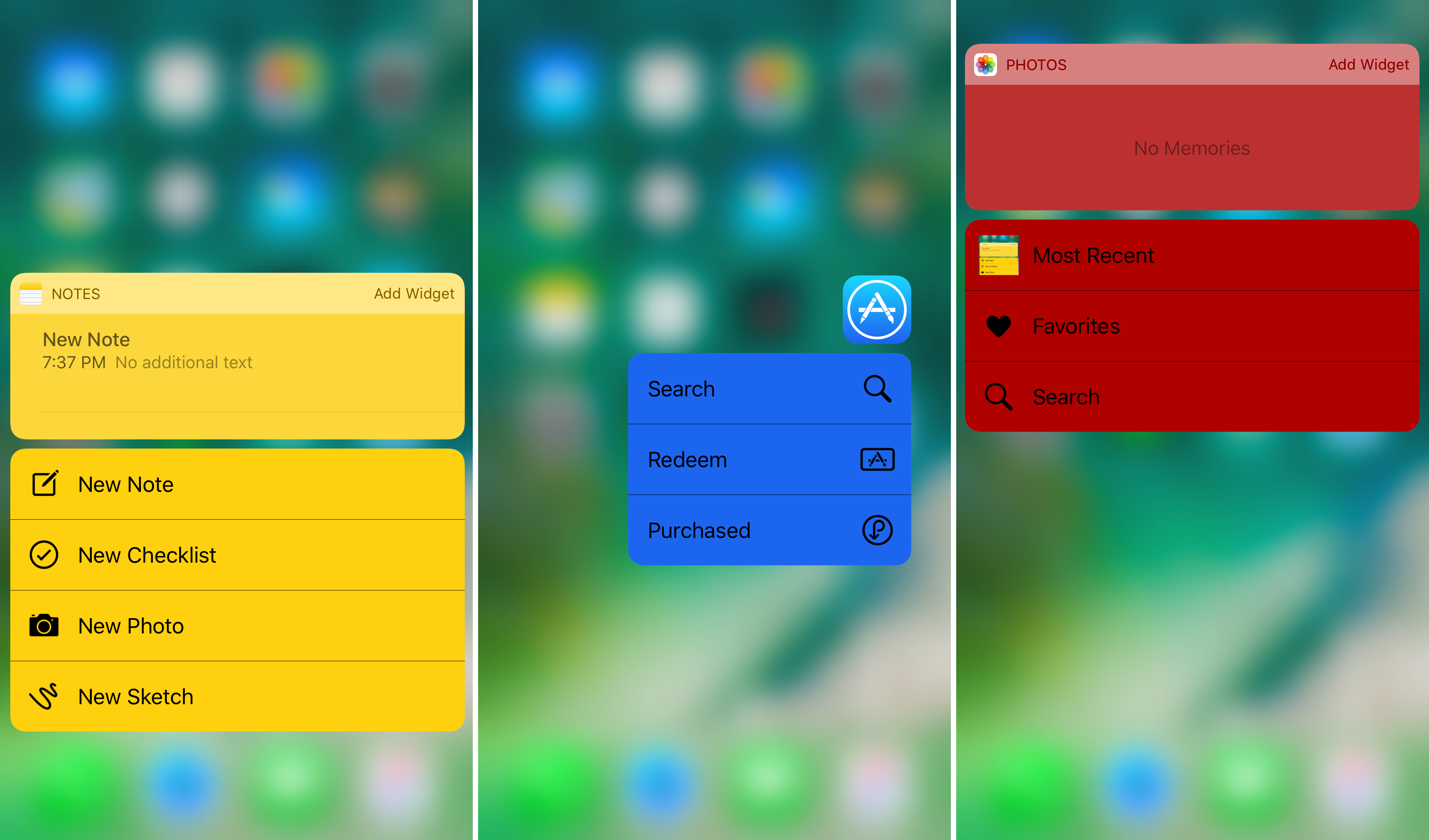
It was just around a week ago we showed you a tweak that could make Home screen folders look more like those from Android Nougat, and now another release called NougatShortcuts by Ben Giannis makes 3D Touch menus on the Home screen look more like menu options from Android Nougat.