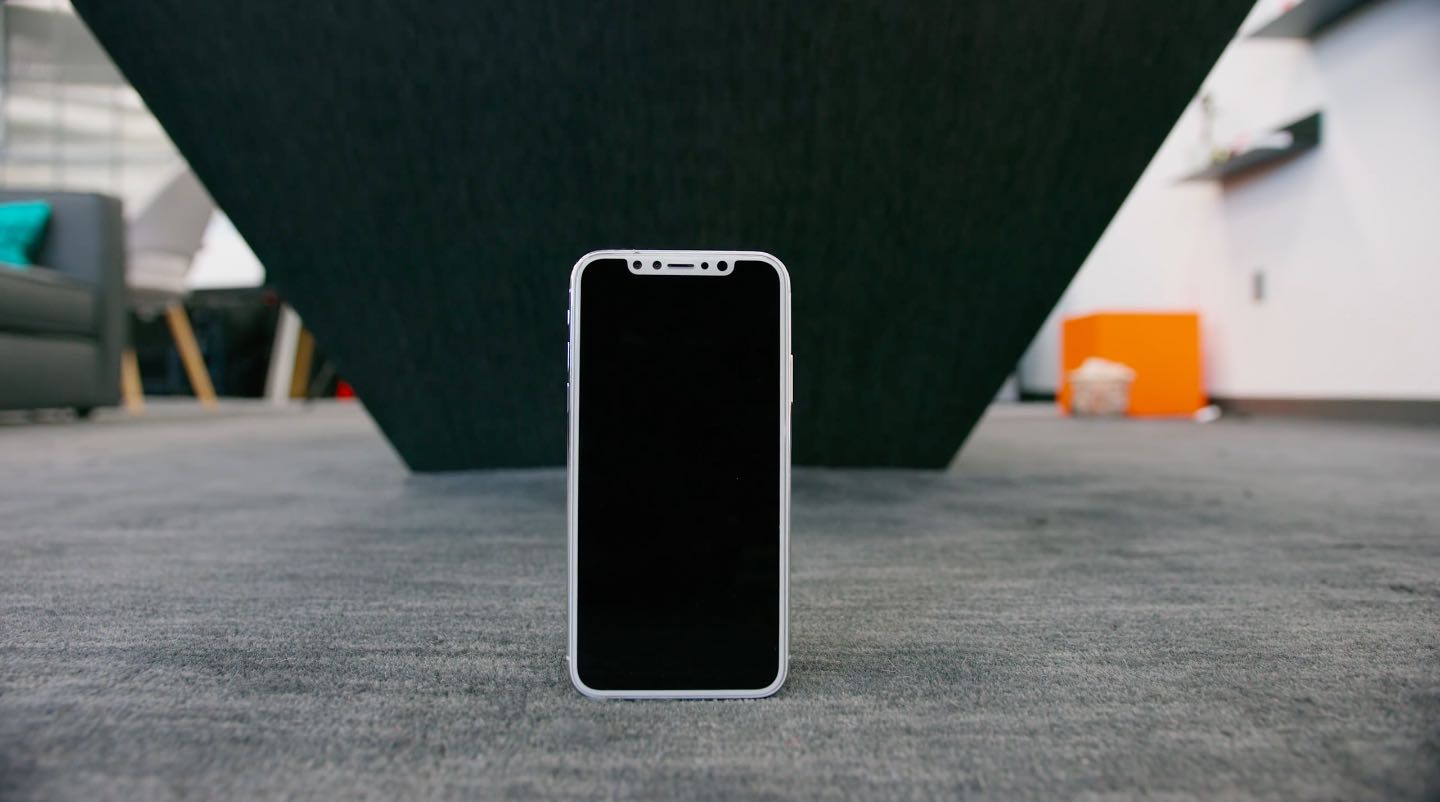
Developer Steven Troughton-Smith has discovered a possible code-name for a set of high-performance CPU cores to be found inside Apple's in-house designed “A11” system-on-a-chip that will power iPhone X and iPhone 8/Plus: “Mistral”.
High performance CPU cores in iPhone X’s A11 chip are code-named “Mistral”