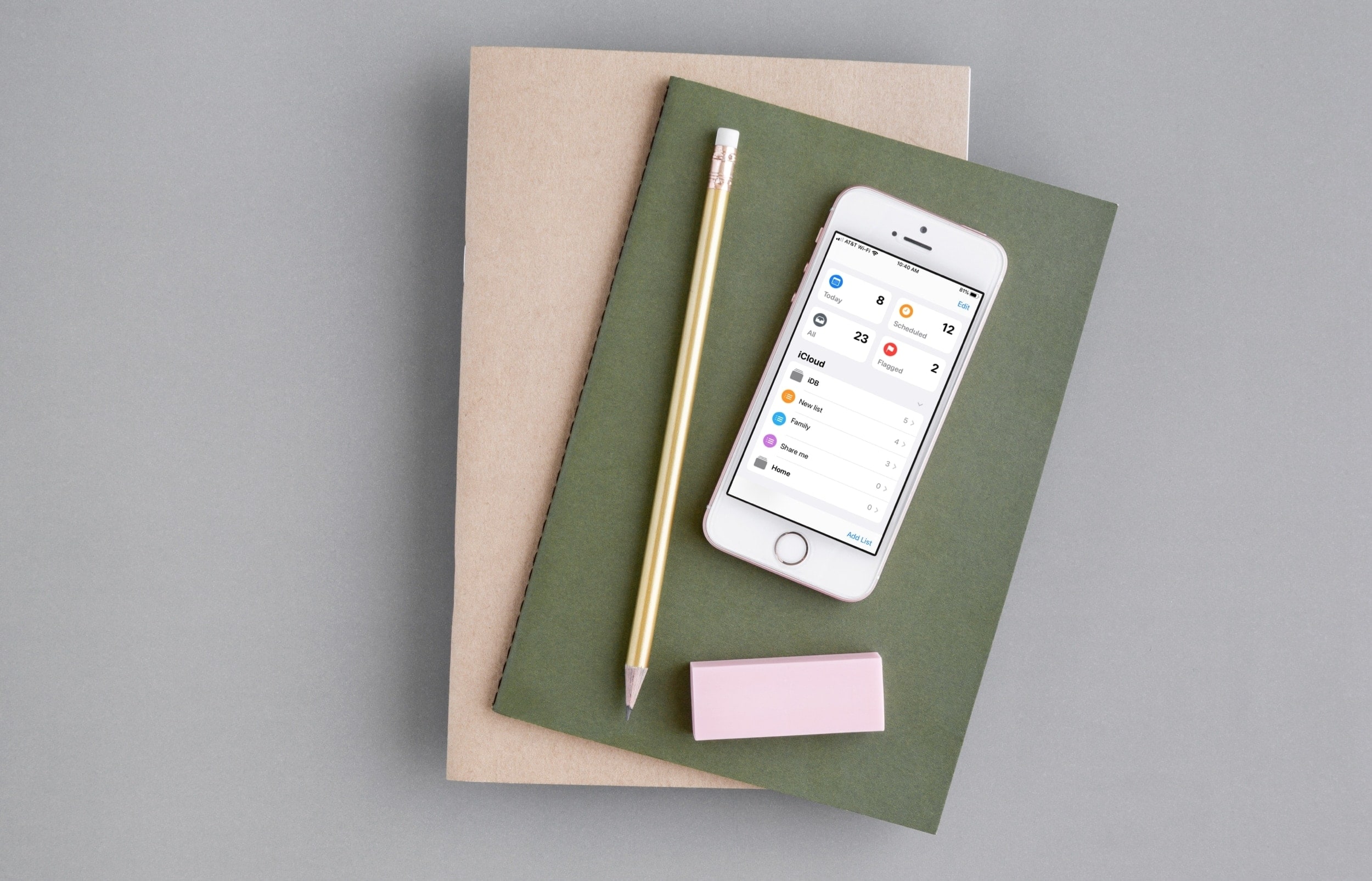
Discover some of the best features of the Reminders app on your iPhone and iPad to organize your to-do lists, and increase your productivity.
How to use the iPhone Reminders app like a pro
Stay up-to-date on the latest iPhone news and learn new tips and tricks with our comprehensive tutorials. From software updates to new features, we’ve got you covered.
Discover some of the best features of the Reminders app on your iPhone and iPad to organize your to-do lists, and increase your productivity.

iOS 13 introduces a plethora of aesthetic changes over iOS 12, but perhaps one of the greatest improvements comes by way of the updated volume and ringer HUD interfaces, which no longer photo-bomb the center of your display when invoked.
You can already port the iOS 13 volume HUD to a pwned device with a jailbreak tweak called 13HUD, but now, you can also port iOS 13’s ringer HUD to your jailbroken handset with a secondary add-on dubbed Ringer13 by iOS developer KingPuffDaddi.
If you’re a Twitter user, then you likely understand the frustration of being unable to download videos from your News Feed.
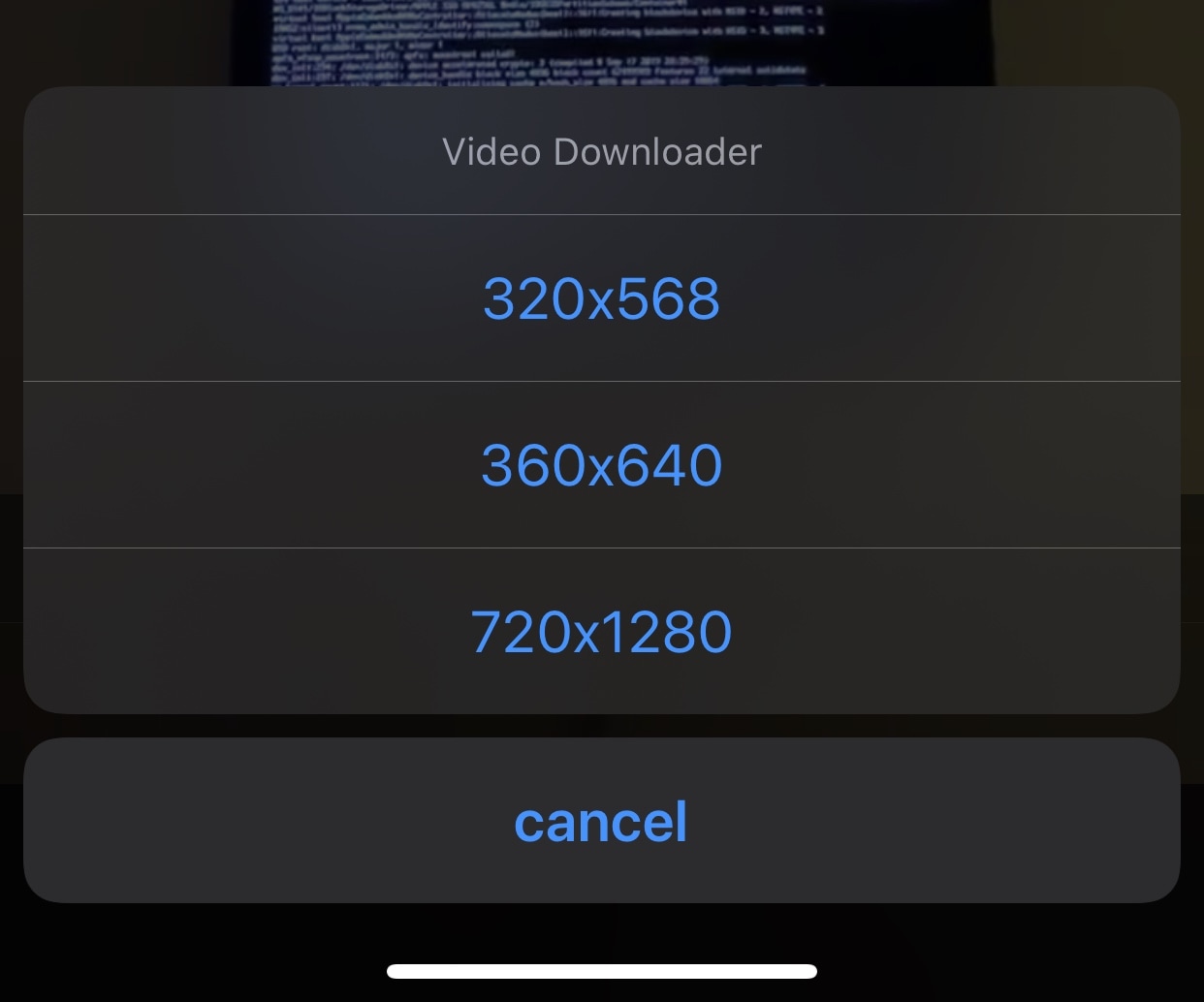
Fortunately, a newly released and free jailbreak tweak dubbed twttrVideoDL by iOS developer Aesthyrica will let anyone with a jailbroken iPhone or iPad download News Feed videos with ease.
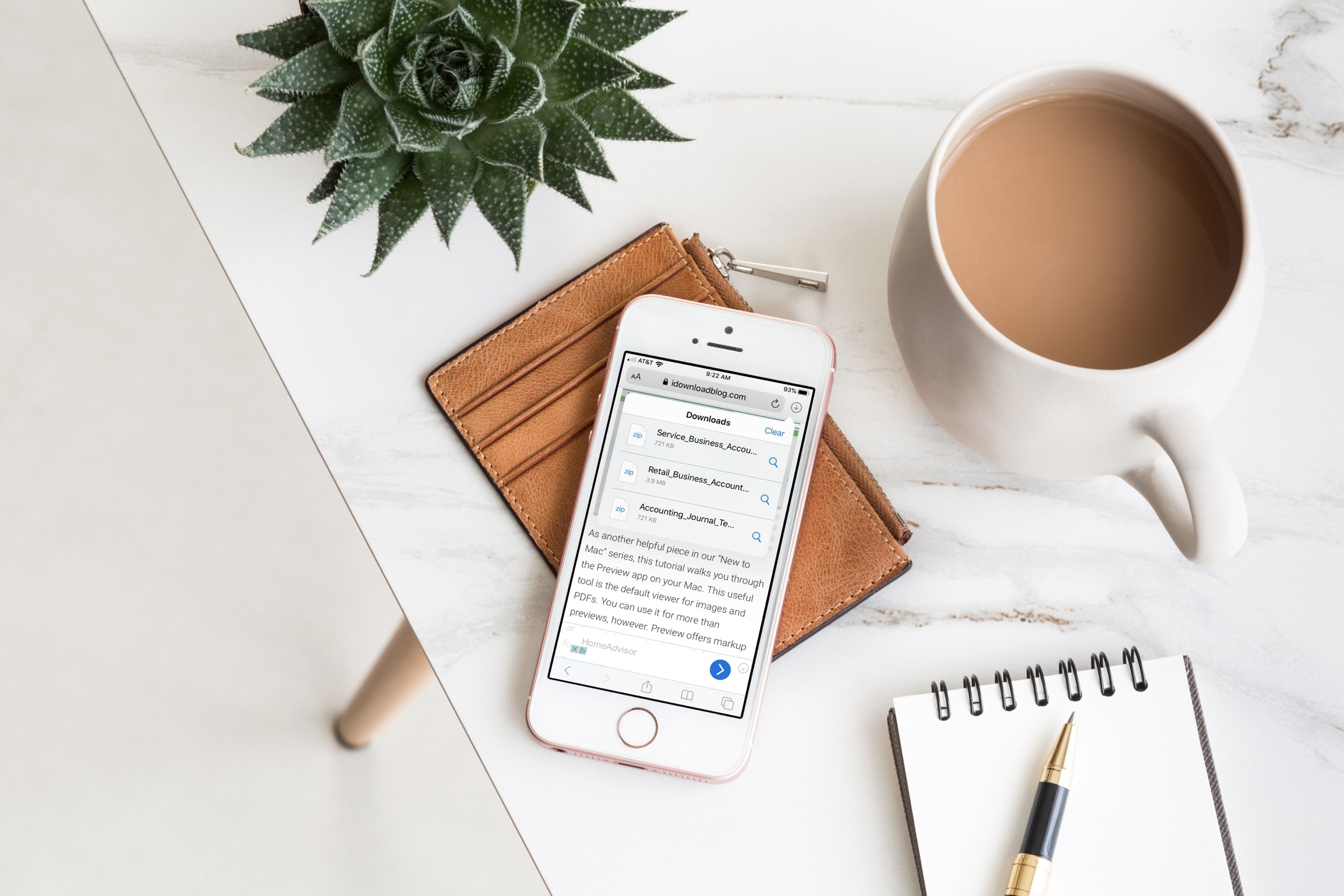
Safari Download Manager is a powerful tool for managing and organizing your downloads on the go. From documents to media files, we will show you how to harness its capabilities and take control of your downloads.
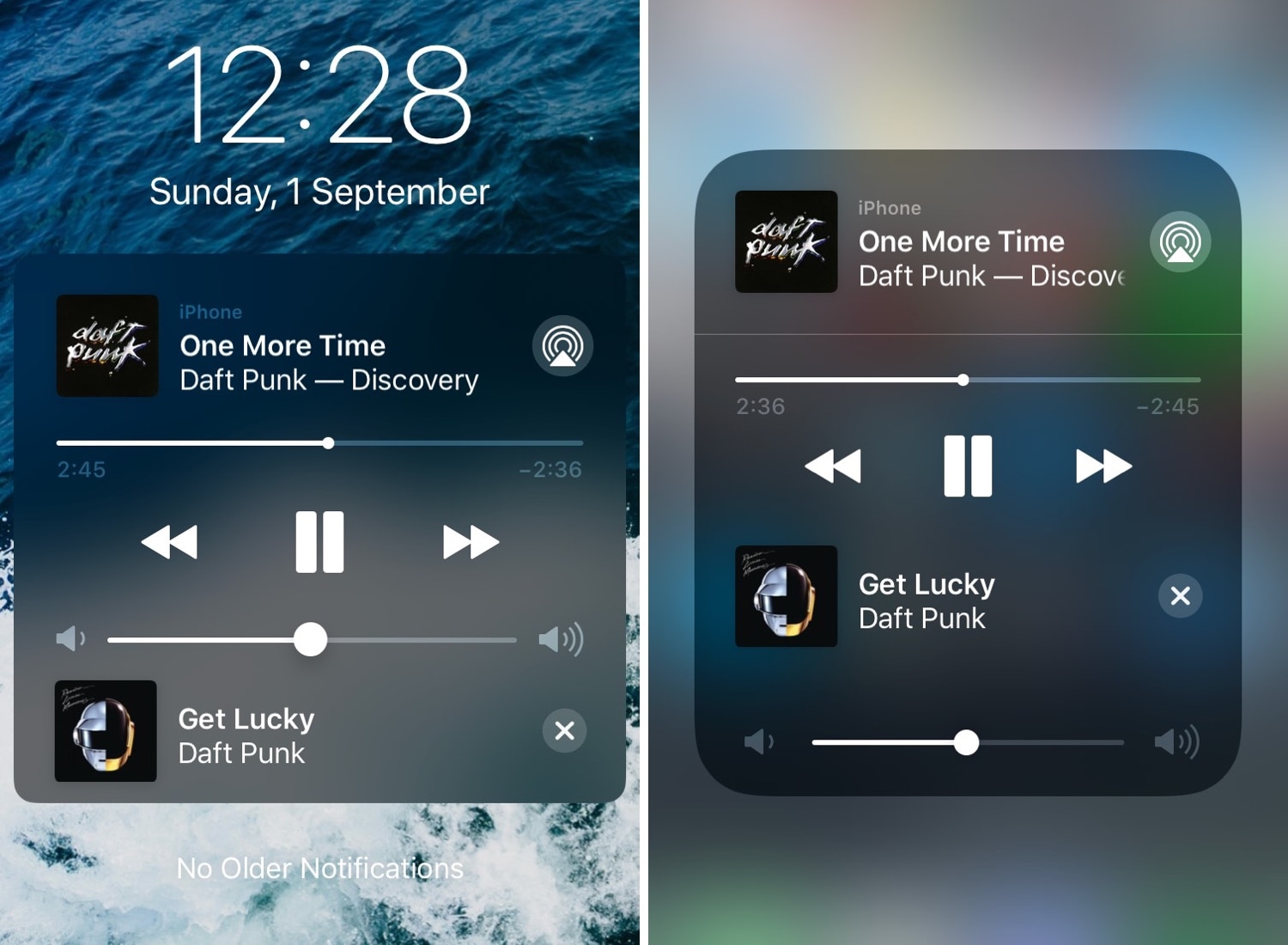
We absolutely love how Now Playing media information is accessible from virtually anywhere in iOS, but one thing we don’t adore is just how useless the Now Playing interface can seem at times.
Given the circumstances, we’re particularly excited to show you a jailbreak tweak called NextUp 2 (iOS 12) by iOS developer Andreas Henriksson, as it upgrades iOS’ native Now Playing interface with useful new controls pertaining to upcoming tracks.
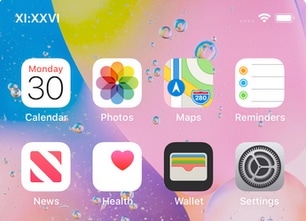
Your iPhone’s Status Bar provides a convenient way to check the time no matter what you might be doing on your device, but a digital time display isn’t everyone’s forte.
For those who demand a fancier Status Bar time display, we recommend checking out a newly released and free jailbreak tweak dubbed Roman by iOS developer Blake Boxberger.
A VPN (Virtual Private Network) is often your best bet when you want to browse the internet privately. Not only do most VPNs offer end-to-end encryption for secure data transmission, but they will also cloak your true location from prying eyes.
Many VPN services work in the same way, but Guardian Firewall by Sudo Security Group is a completely different type of VPN that aims to clamp down on user privacy even further by filtering outgoing data transmissions that could potentially expose personal information about you.

It’s the start of a brand new week this Monday morning, and the Sileo Team is using it to launch an updated version of the Sileo beta for public testing.
The Sileo Team took to the official @GetSileo Twitter page this morning to announce the release of Sileo v1.5.0 beta 3 touting native support for Apple’s all-new iOS 13 and iPadOS 13 mobile operating systems:
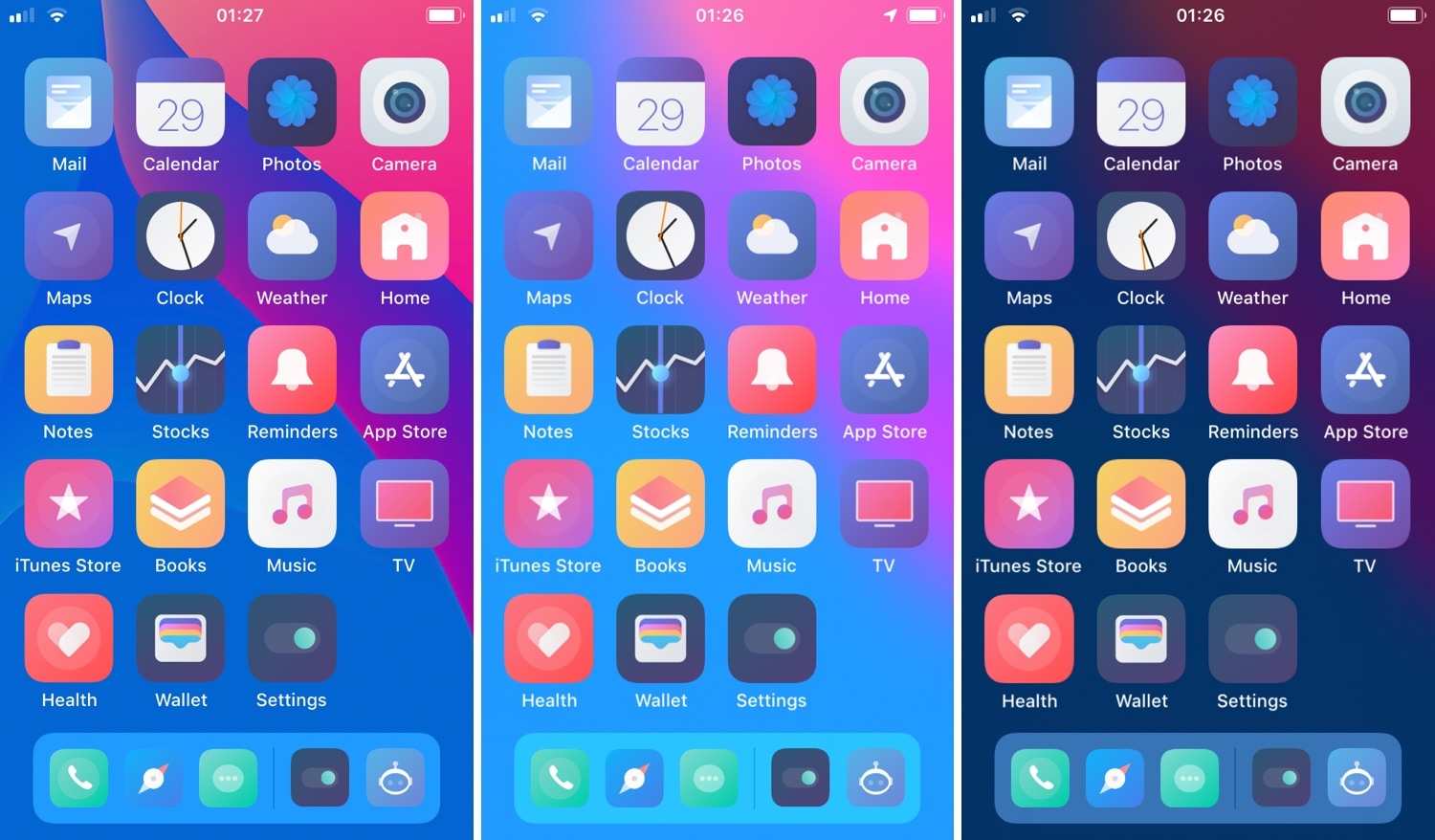
Whether you’re the type of person who enjoys detailed landscapes as your iPhone’s wallpaper, or you simply favor something subtle that gives your Home screen’s app icons the spotlight, there’s probably something out there for you.
But for those who demand a stronger sense of wallpaper customization, a newly released and free jailbreak tweak called BlurryPaper by iOS developer Ziph0n lets you apply custom blurs to your wallpaper to generate some particularly stunning visual effects.
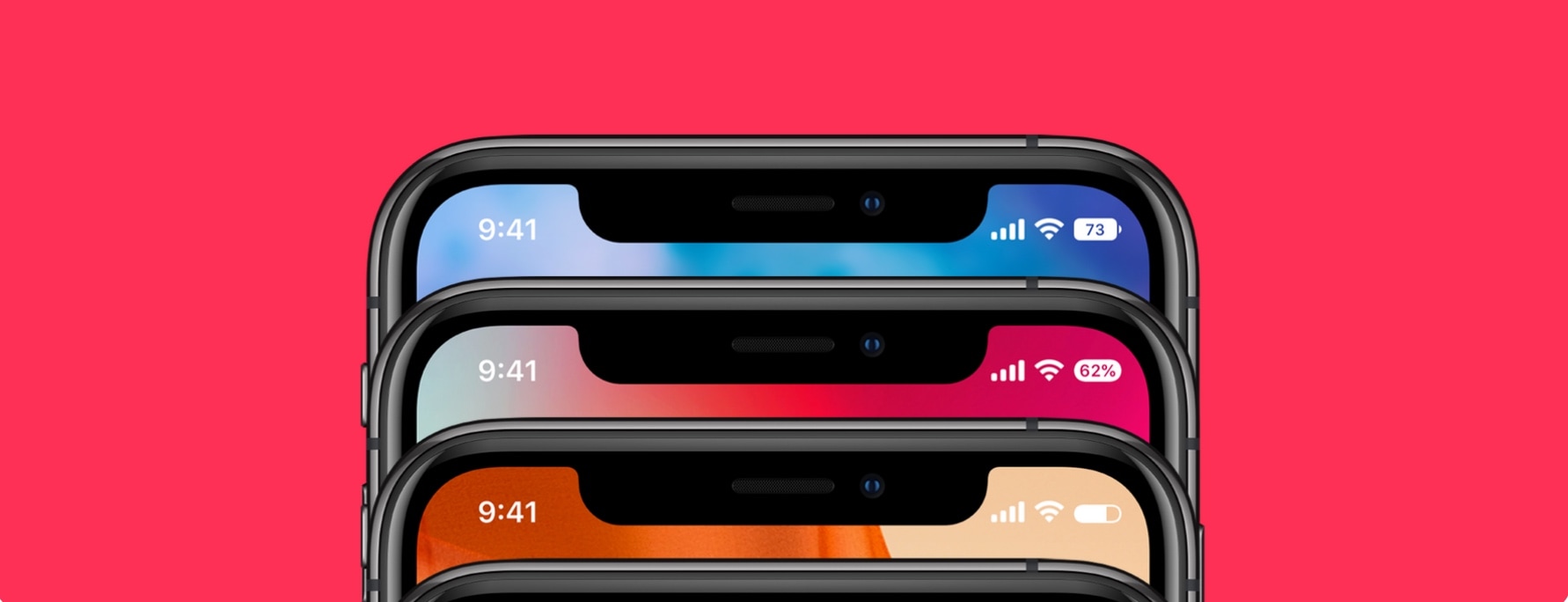
If you’re lucky enough to sport a jailbroken iPhone X-style handset, be it an iPhone X, XR, or XS, then you might be interested in giving the standard Status Bar battery icon an upgrade.
Bazzi 2 is a new jailbreak tweak by iOS developer Blake Boxberger that permits two different types of battery-centric Status Bar customization, including integral battery icon displays and notch-based battery displays:

The recent launch of the checkm8 bootrom exploit for A5-A11 devices certainly piqued the interest of many, and perhaps a lot more than some people would like.
Electra Team lead developer CoolStar took to Discord over the weekend to announce that he would be shifting focus away from A12(X) jailbreak development on iOS 12.1.3 and later and more toward experimenting with and developing around the checkm8 exploit:
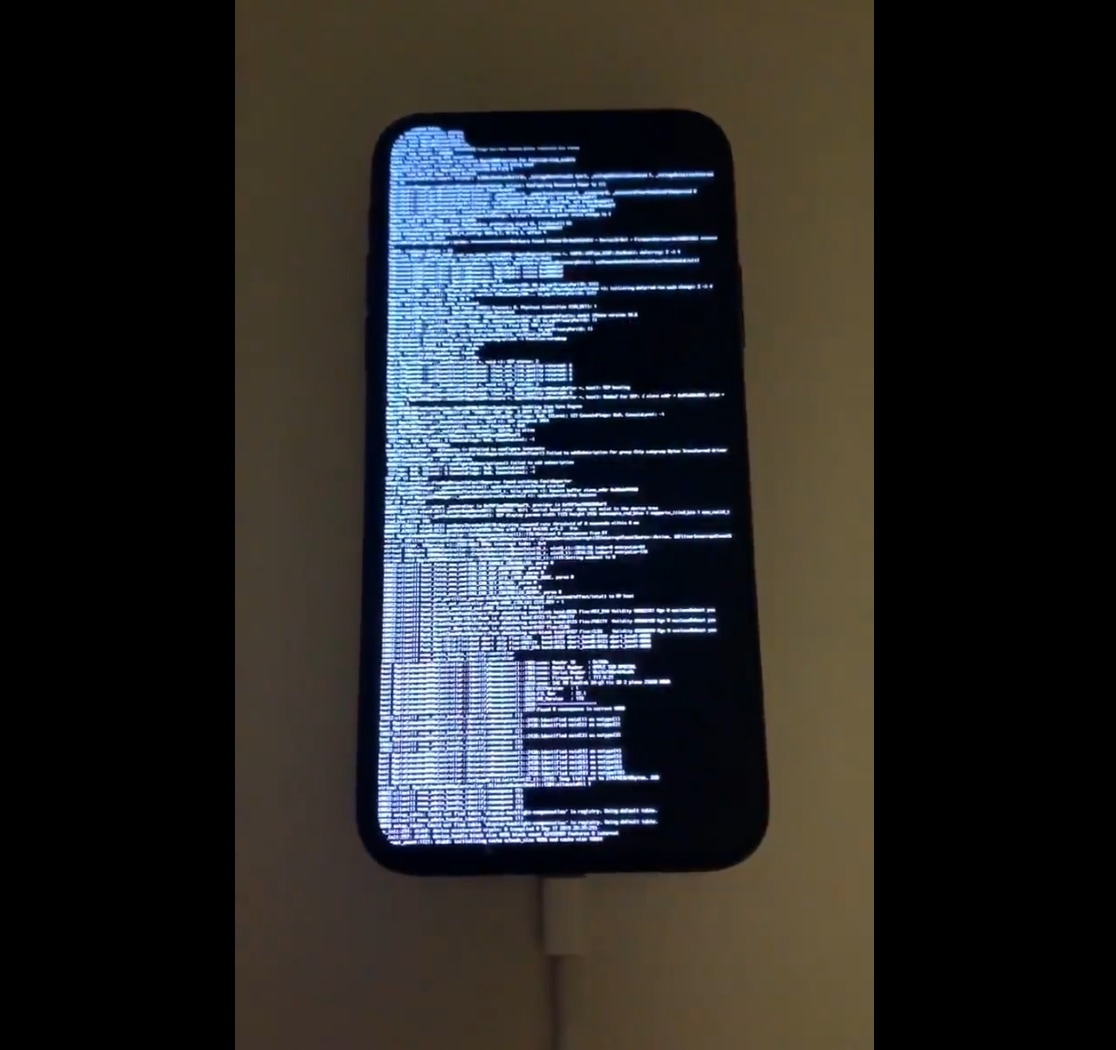
The tides of the jailbreak community forever changed for the better on Friday when hacker and security researcher @axi0mX released checkm8, the first publicly-released bootrom exploit for iOS-powered devices since the iPhone 4 in 2010. Captivatingly, checkm8 works on a significant number of handsets ranging from the antiquated iPhone 4s to the not-so-old iPhone X.
Checkm8 is, in and of itself, an exploit. That said, it’s not a jailbreak, but rather a powerful tool that jailbreak developers could use to devise a USB-based tethered or semi-tethered jailbreak tool for A5-A11 devices. Given how recently checkm8 was released, it should come as no surprise to anyone that public jailbreak tools don’t yet utilize the exploit, but that hasn’t stopped some talented hackers from flexing their l33t dexterities: