Learn how to view all phone numbers and email addresses you’ve blocked on your iPhone so you can unblock them if needed.
How to see blocked numbers and email addresses on iPhone

Stay up-to-date on the latest iPhone news and learn new tips and tricks with our comprehensive tutorials. From software updates to new features, we’ve got you covered.
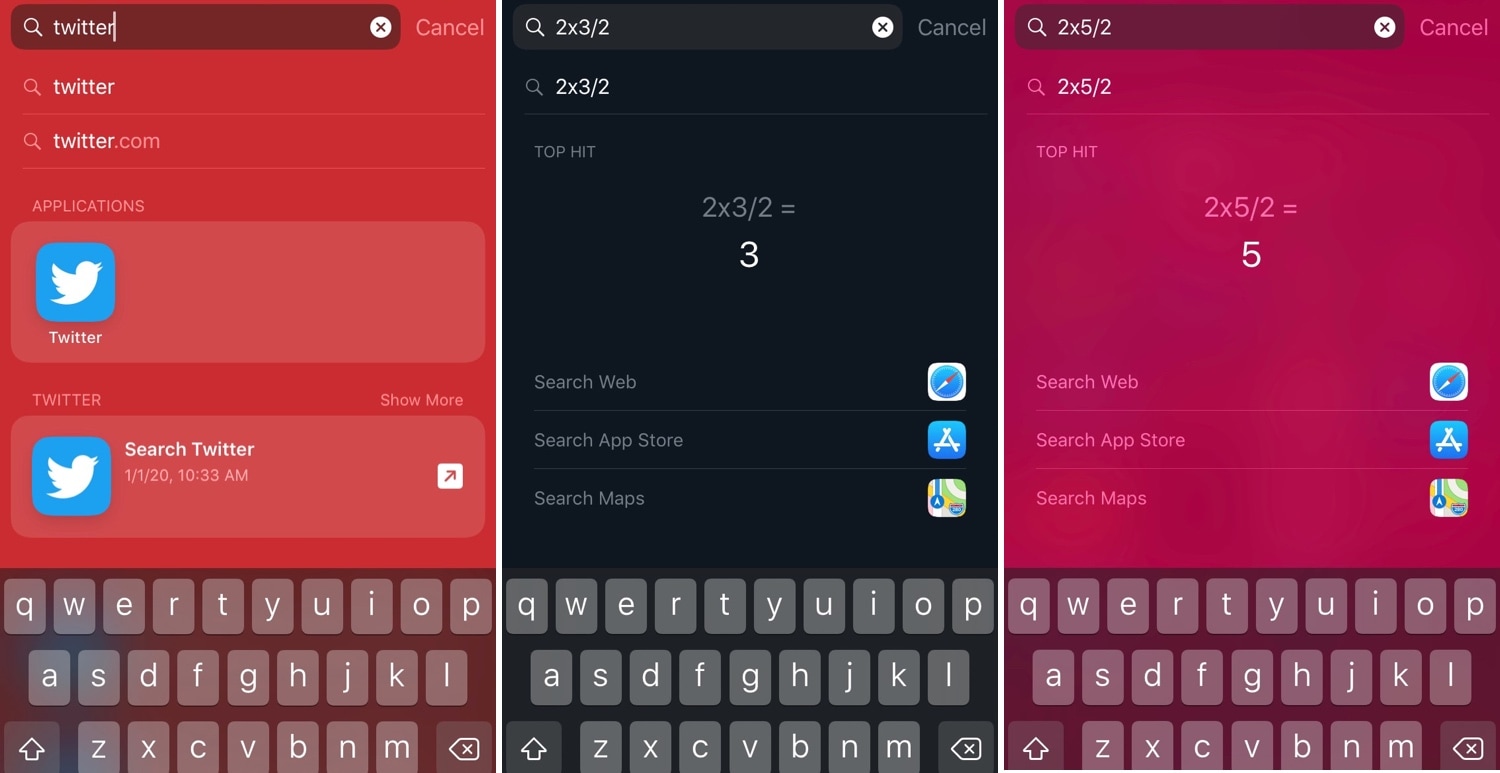
I very seldom use my iPhone’s Spotlight interface for anything now that I can just use Siri to command almost anything I need. Nevertheless, the former still comes in handy when you want to find an app or perform basic math without using your voice.
Niche uses aside, Apple doesn’t provide any way of customizing the Spotlight user interface on a stock device, but jailbreakers can now take advantage of a newly released jailbreak tweak dubbed Spotlightizer by iOS developer 1di4r to bypass this seemingly unnecessary restriction.

The jailbreak community kicked off the new year yesterday with the first official public release of the Zebra package manager, an alternative to defaults like Cydia and Sileo that are traditionally pre-installed by jailbreak tools in order for users to install and manage jailbreak tweaks and extensions.
Today, however, Zebra received its first formal update to version 1.0.1 with a generous handful of bug fixes and improvements.
One of the benefits of being in the Apple ecosystem is a happy relationship between macOS and iOS, letting you use features across platforms.
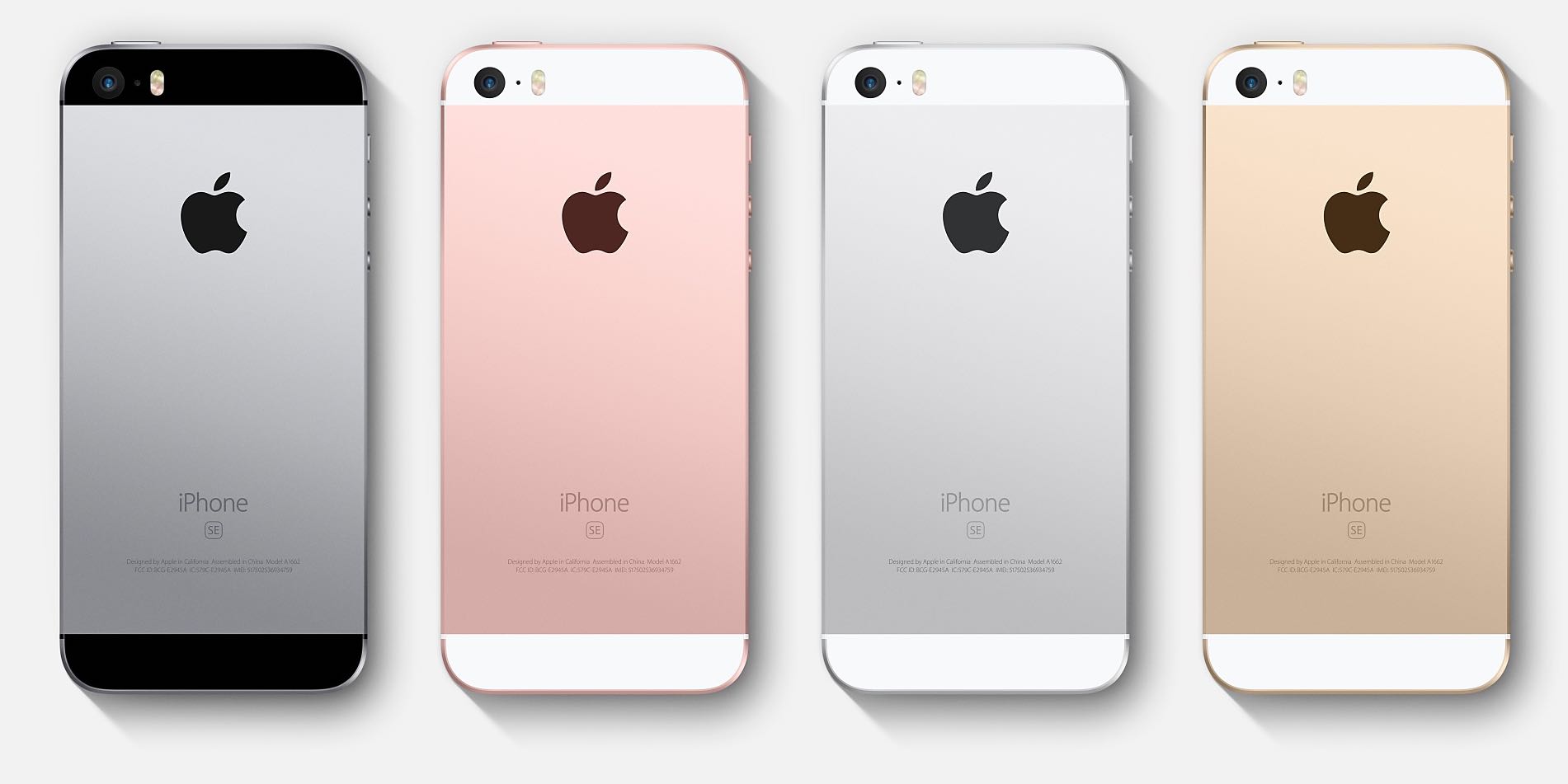
According to a sketchy report based on sources in Taiwan's supply chain, the official successor to the compact iPhone SE handset may arrive in form of two devices in different sizes.
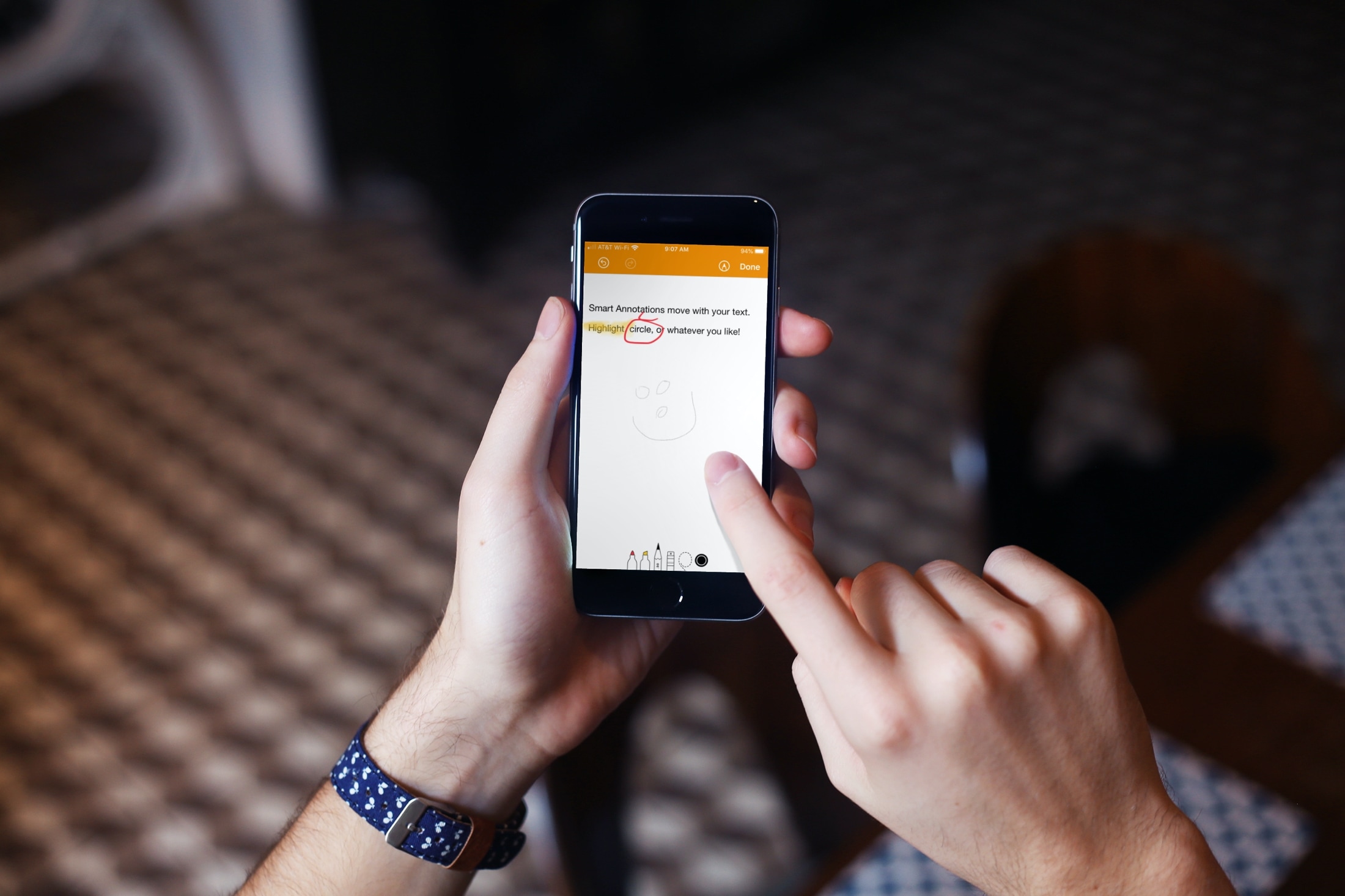
Learn how to use the Smart Annotations feature in the Pages app on your iPhone or iPad to easily mark up your documents. The annotations you make will stay in the document along with the main text.
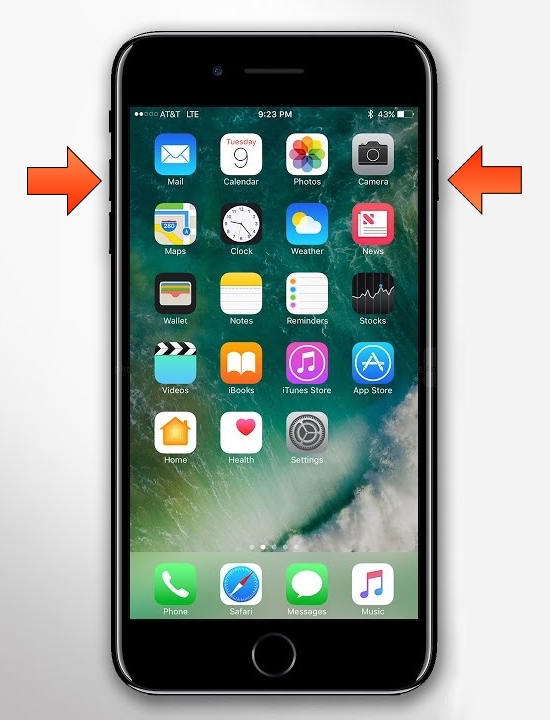
The removal of the Home button from Apple’s notched handset lineup compelled the company to adopt a new button sequence for snapping screenshots on those devices. I’ve gotten accustomed to the new button sequence since adopting notched iPhones as my daily drivers since the iPhone X debuted, and I’ve found it somewhat challenging to remember to use the old screenshot button sequence on Home button-equipped devices.
If you’re like me and wish Apple would simply update iOS to make the screenshot button sequence the same across all devices for consistency’s sake, then you might appreciate a newly released and free jailbreak tweak dubbed Shot Pro by iOS developer Arablag, as that’s exactly what this add-on does for older handsets.
Apple's next-generation mobile processor that will power this year's iPhone and iPad models, tentatively named "A14 Bionic", will reportedly enter mass production in the second quarter of this year, in time for new iPhones in September.

The Zebra package manager for jailbroken handsets is officially out of beta as of today, and if you have any intention of installing it on your device(s), then you might be pleased to learn that it’s a fairly straightforward process with no strings attached.
In this tutorial, we’ll show you the steps necessary to install the all-new Zebra package manager on any jailbroken device running iOS 9 through 13.
Cydia has enjoyed its throne as the king of package managers on jailbroken handsets for more than a decade, but are we quickly entering a day and age where the tried and true Cydia will pass on the torch to something new?
One might be inclined to think so; especially now that Zebra, a popular third-party alternative to Cydia, is kicking off the new year in 2020 with an official public release. Zebra has been in beta testing for quite some time, but as of Wednesday afternoon, the package manager is no longer in beta, and it should be safe enough for the general public to go ahead and try on their own.
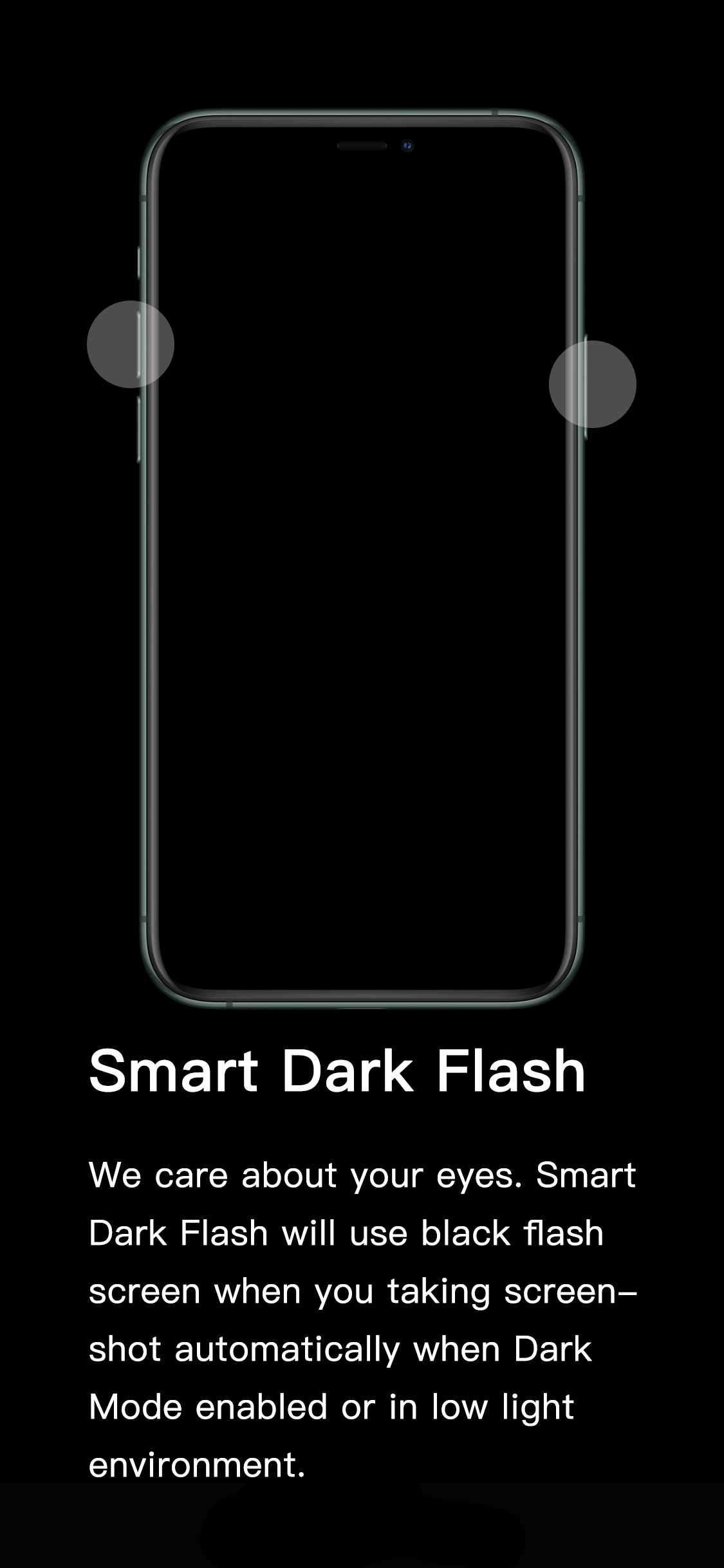
If you’ve ever wanted to show someone something from the display of your device without being in physical contact with them, then you might choose to capture a screenshot and send the resulting image to that person of choice. All iPhones and iPads support screenshot-taking, and if you’re familiar with the process, you should already know that iOS generates a bright white flash when the screenshot button sequence is invoked to simulate a camera flash.
It’s a nice touch to make the screenshot experience seem more realistic, but if you’re ever in a dark environment, such as peering at your phone while in bed, the bright white flash can be tear-jerkingly blinding. That’s why iOS developer XCXiao has released a new jailbreak tweak dubbed Smart Dark Flash.

Learn how to add web pages to Safari Reading List on iPhone, iPad, or Mac and read them later, even when you don’t have an internet connection.