iPhone

Stay up-to-date on the latest iPhone news and learn new tips and tricks with our comprehensive tutorials. From software updates to new features, we’ve got you covered.

DNDToast displays a ringer/silent-inspired pop-up when Do Not Disturb is toggled

Whenever you switch the iPhone’s ringer/silent switch between the ringer and silent positions, iOS automatically shows a small pop-up at the top of the display to let you know the status of the switch.

We really like this subtle feature, and that’s one of the reasons why we’ve often wondered why Apple doesn’t do the same for Do Not Disturb mode. After all, if you’re unaware when Do Not Disturb gets turned on, you could miss important notifications. With that in mind, you’d think Apple would want users to be more aware of when it gets switched on or off – automatically or not.

Jailbreakers can enhance their access to iOS’ clipboard history with Copypasta

One of the more popular jailbreak tweak categories we’ve witnessed over the past couple of years would be those that create clipboard managers for the iPhone and iPad platforms. As it would seem, Apple’s simple cut/copy and paste solution isn’t suitable enough for serious multitaskers who cut or copy several things at a time before pasting them into another interface.

Of all the recent clipboard manager tweak releases that I remember, Copypasta by iOS developer Nepeta left an impression on me because of its ease of usability, aesthetically pleasing interface, and lack of a price tag. The tweak was originally designed for jailbroken iOS 11 and 12 devices, but it never received an update for iOS 13; that is, until now.

Animate or add conditional effects to notification banners with Yokumiru

Although the iPhone’s native notification system is faily stout in its present form, that’s not to say that it couldn’t benefit from a tiny bit of imagination. Perhaps that’s one reason why we see so many different jailbreak tweaks that change the aesthetics of iOS’ notification banners.

One of the latest of such releases is a new jailbreak tweak dubbed Yokumiru by iOS developer Plat_Ykor, which can augment incoming notification banners with slick animations, apply specialized badges to those that contain a user-designated keyword, or conceal the contents of those notification entirely until you’re ready to view them.

AltStore launches public beta to quell frustrating app crashes, official release imminent

It may come as no surprise that when apps side loaded with the AltStore application after January 28th exhibited a baffling crash on launch, jailbreakers began to notice. After all, many jailbreakers rely on the platform to install their jailbreak apps, including but not limited to Chimera, Odyssey, and unc0ver.

The official AltStore Twitter account publicly acknowledged the issue a day later on January 29th, claiming that the app crashing was due to “server-side changes” and that a fix would be imminent. While many jailbreakers waited for the opportunity to install their favorite jailbreak tool again, we offered an interim fix that involved using DNSCloak and Jailbreaks.app.

How to install Odysseyra1n on a checkra1n device

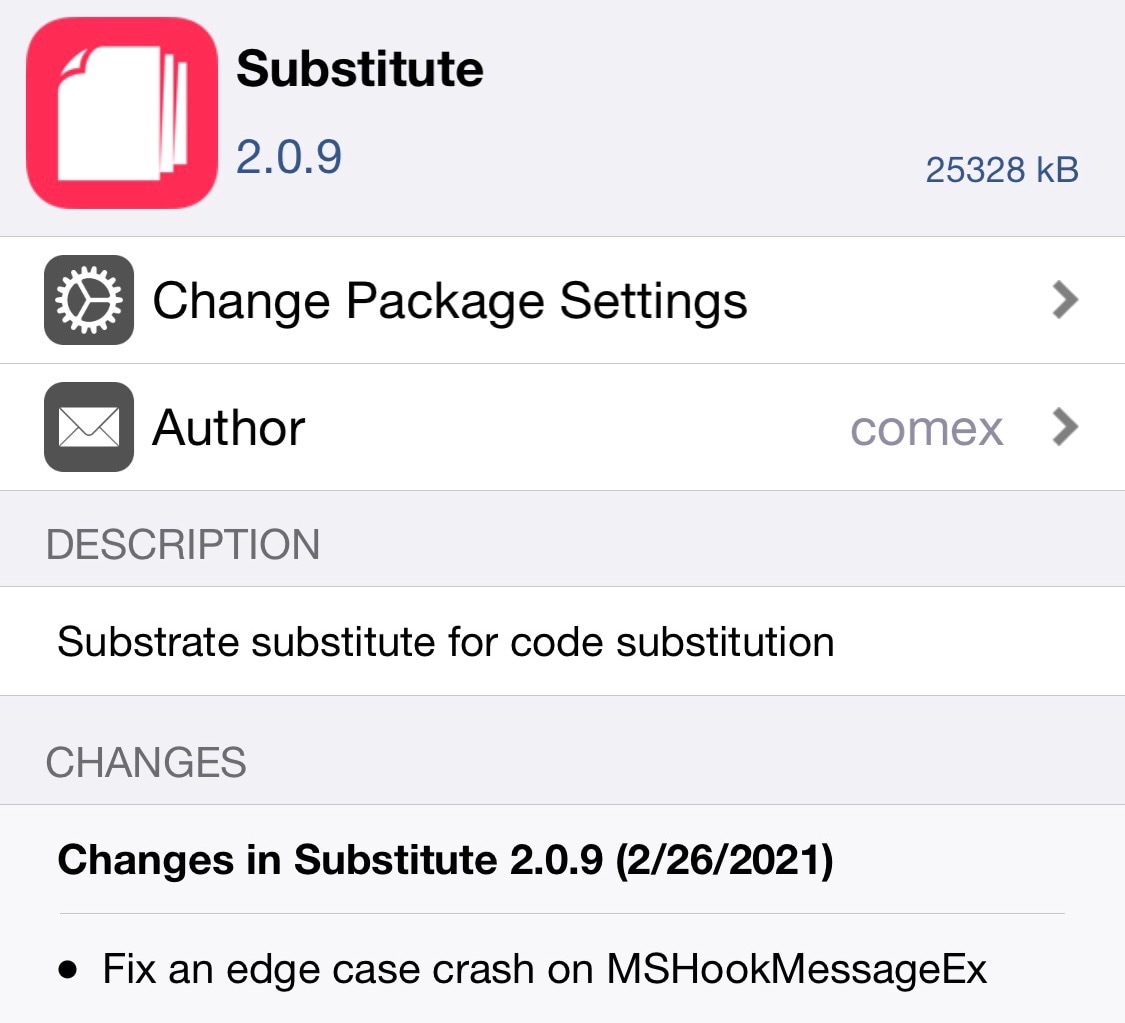
By default, the checkra1n jailbreak installs Cydia as the defacto package manager, and Cydia Substrate or Substitute can be used for tweak injection. But if you’re accustomed to the Chimera or Odyssey jailbreaks, then you might prefer to use Sileo for package management and libhooker for tweak injection instead, yet checkra1n’s jailbreak method offers many benefits over relying on certificates or signed apps.

If you’re wondering whether it’s possible to install Sileo and libhooker on your checkra1n device, then the astounding answer would be yes! A script called Odysseyra1n installs the entire bootstrap on your checkra1n device, allowing you to have an Odyssey-like experience on your checkra1n jailbreak.

VPNCloak can help jailbreakers when the Jailbreaks.app certificate gets revoked

If you rely on a slide-loadable jailbreak such as Odyssey (iOS 13.0-13.7) or unc0ver (iOS 11, 12, and 13.0-13.5), then it can be devastating if your device suddenly reboots because of a dead battery or a glitch. When this happens, you’ll be without your jailbreak and any add-ons you installed until you can re-jailbreak again.

Sadly, with many signing service certificates being revoked left and right without notice and with AltStore suddenly not working for apps installed after January 28th, it almost seems like using these jailbreaks puts you right in the crossroads of frustration and unreliability. But perhaps it doesn’t need to.

Jailbreak tweaks of the week: Backtrix, croutons13, WebMessage, and more…

It’s that time of the week again, and as we prepare to bid adieu to an otherwise ordinary weekend, we’re reminded that it wouldn’t be a Sunday here at iDownloadBlog without a weekly recap of all the latest jailbreak tweak releases and news directly impacting the jailbreak community.

It’s that reason exactly that we come at you today with the latest iteration of our jailbreak tweak roundup, this time encompassing all the releases between Monday, January 25th and Sunday, January 31st. As usual, we’ll kick things off by showcasing our favorite releases from this past week first, and then we’ll outline everything else afterward.

My favorite accessories for the iPhone 12 Pro Max

A gold iPhone 12 Pro Max laid face down on a wooden table

It wasn’t long after acquiring my shiny new iPhone 12 Pro Max at the end of last year that I began scouring every corner of the internet for relevant accessories that I believed would complement my fast-paced and dynamic lifestyle.

Some of the peripherals I tried along the way became an instant hit with regard to my daily routine, and many others were quickly phased out after I became aware of alternative solutions that were, to be frank, superior.

Backtrix back-ports iOS 14’s Back Tap feature to jailbroken iOS 13 handsets

iPhone 11 Pro

iOS 14 introduced an incredibly handy accessibility feature dubbed Back Tap, which grants iPhone users the ability to tap twice and/or three times on the back of their handset to invoke an action of their choosing.

Notably, this feature isn’t present on iOS 13, despite the fact that iOS 13-compatible handsets come equipped with the same accelerometer-based hardware that makes this possible.

SkinnyMenu removes the superfluous Look Up and Search options from iOS’ Action Menu

When you tap and hold on a word in a body of text on your iPhone or iPad, you’ll find yourself being presented with an Action Menu that contains useful options that vary depending on the app you’re in.

If you’re using a text editor, then you might see Copy, Cut, and Paste as options. In other areas of iOS, you may find those in addition to other superfluous options, like Look Up and Share to name a few.