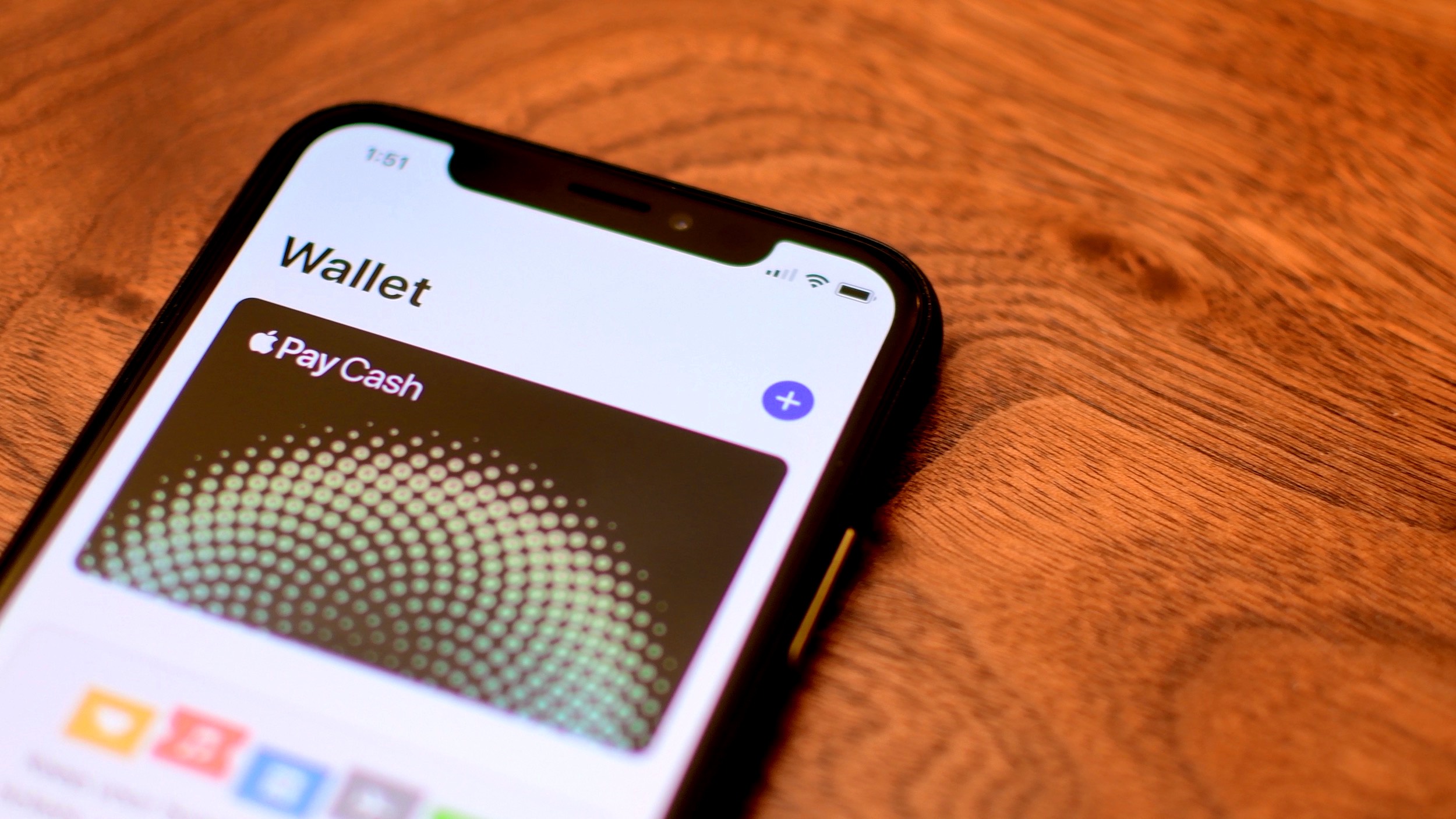
Learn how to disable Apple Pay remotely if you have misplaced your iPhone and don’t want to leave even a slight chance of the thief using your money.
How to disable Apple Pay remotely on your lost iPhone
Stay up-to-date on the latest iPhone news and learn new tips and tricks with our comprehensive tutorials. From software updates to new features, we’ve got you covered.
Learn how to disable Apple Pay remotely if you have misplaced your iPhone and don’t want to leave even a slight chance of the thief using your money.
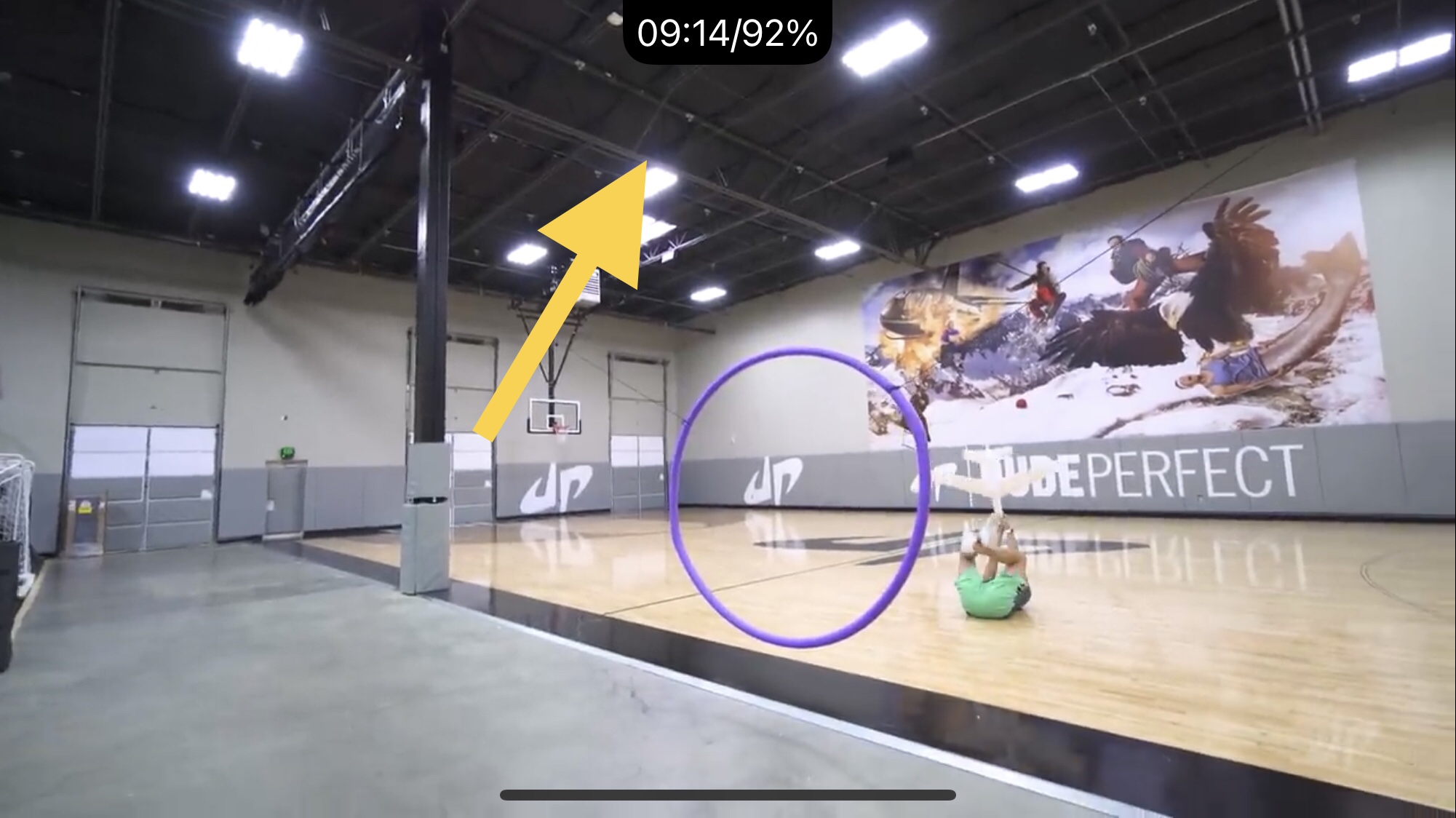
I like that I can always glance at my Status Bar to see the time or even how much of my battery I have left before I’ll need to need to connect to a charger.
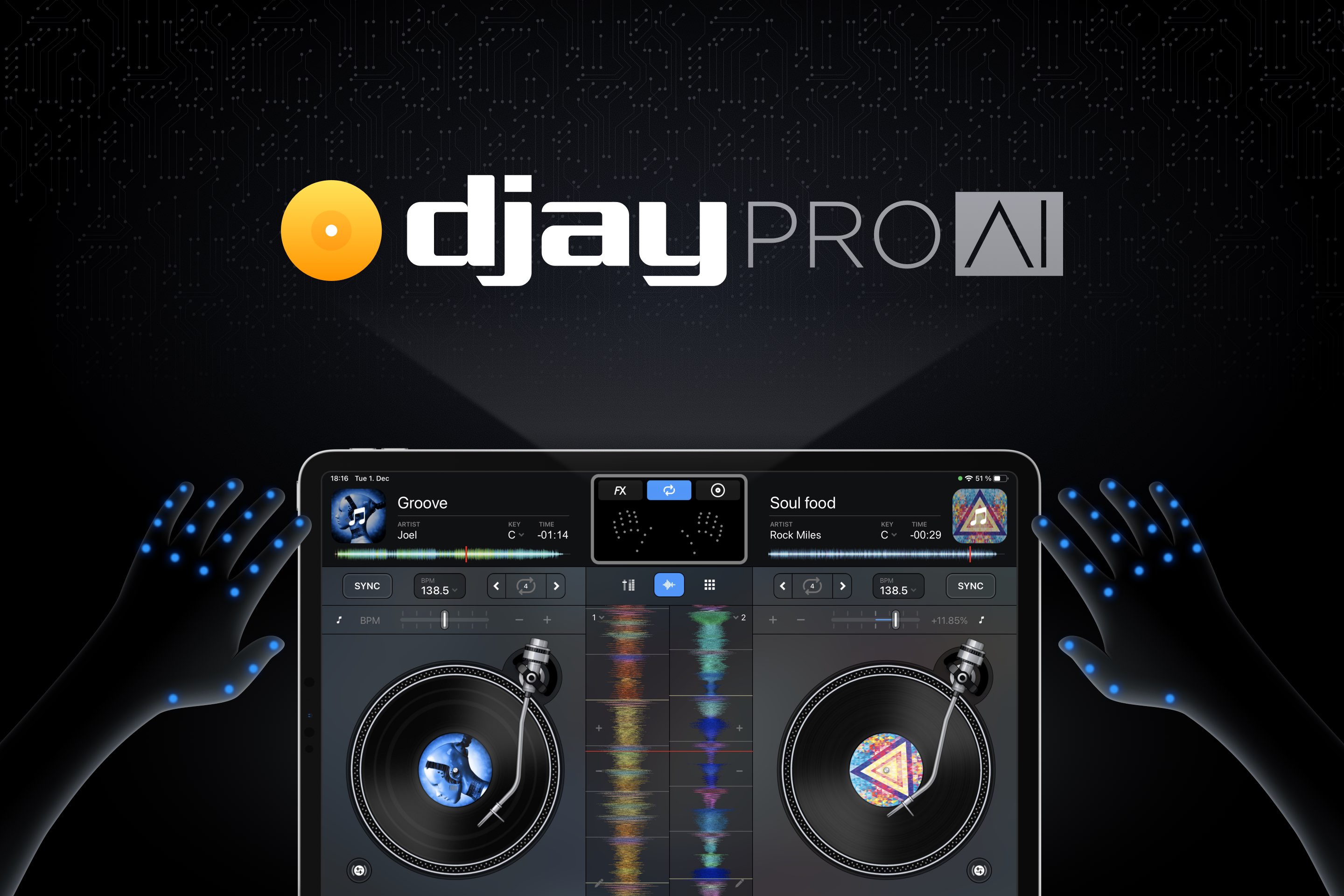
German developer Algoriddim has updated its djay Pro app for the iPhone and iPad with new artificial intelligence (AI)-powered features, leveraging the Neural engine in Apple silicon.
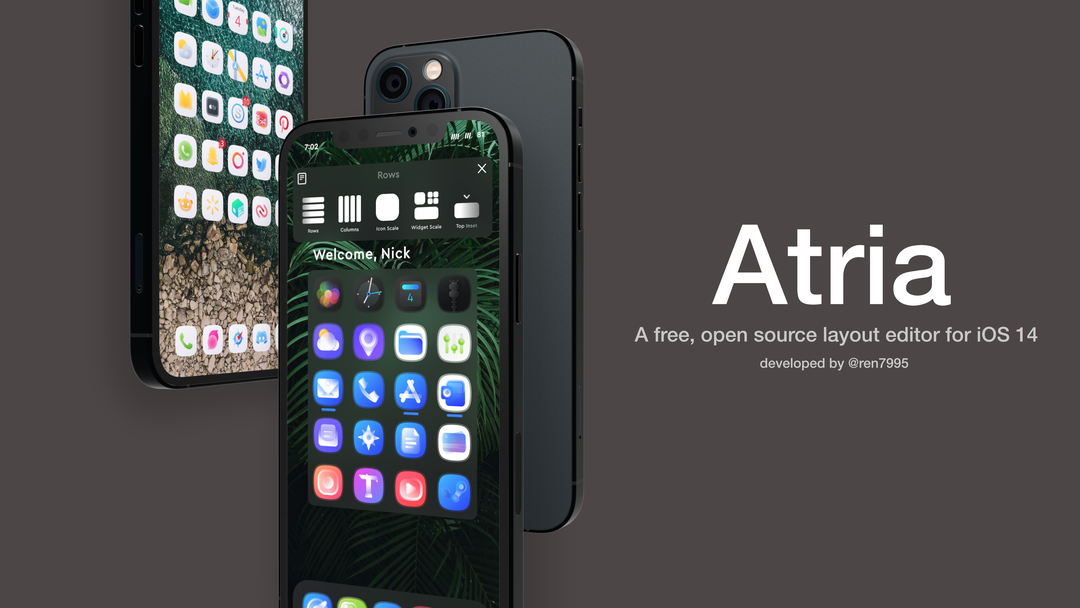
One of the things I’ve seen a lot of jailbreakers do over the years is change up their Home Screen’s default icon layout. After all, who doesn’t like giving their own device the personalization it deserves?
This capability is possible even on iOS 14 with Apple’s novel Home Screen-based widget system, but various tweak developers have released different jailbreak tweaks with their unique takes on how such a capability should be implemented.
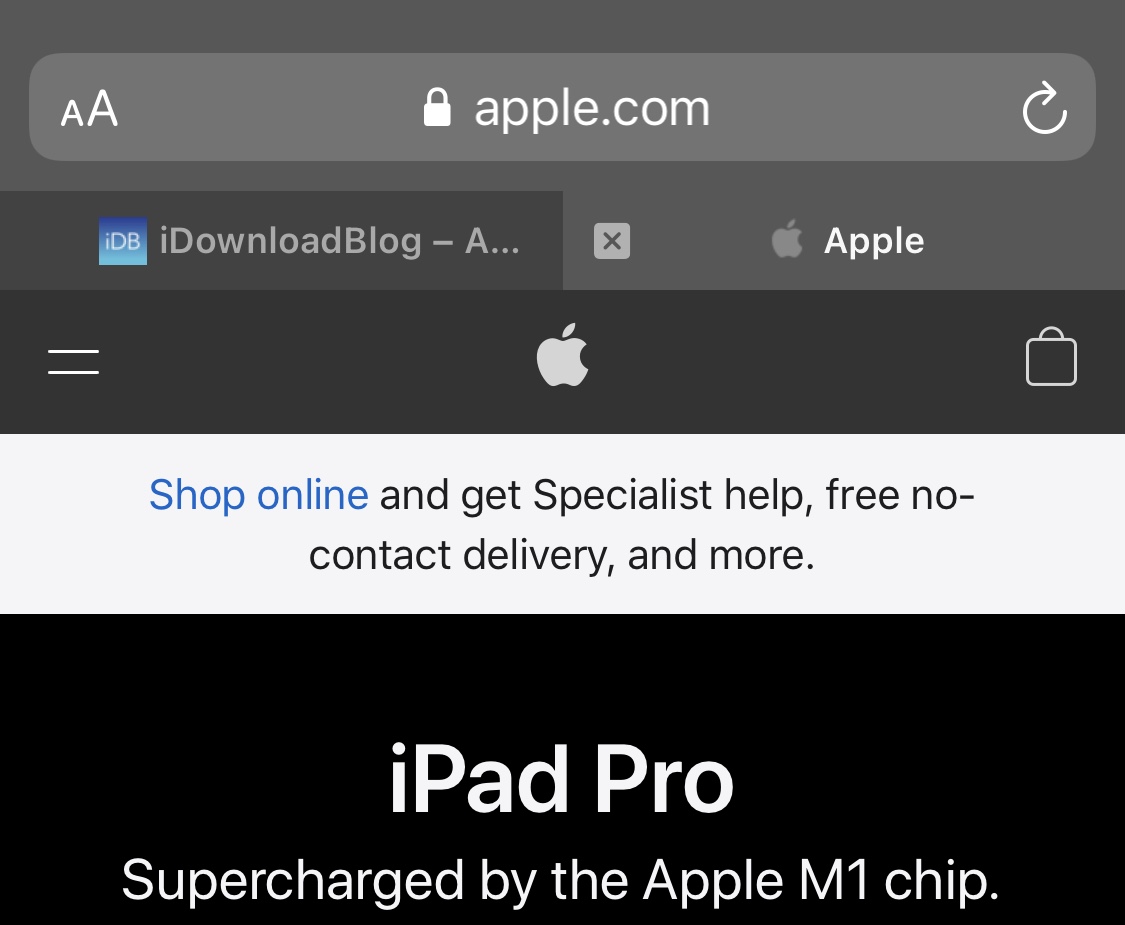
One thing Apple got right with Safari on the iPad was its desktop-class tabbed web browsing, and it really peeves me that a similar tabbed web browsing experience isn’t available on the iPhone — at least not while browsing in the commonly-used portrait orientation, that is.
Given the fact that so many iPhone users resent Apple’s decision not to offer tabbed browsing on the iPhone in all screen orientations, it’s not surprising to see that the jailbreak community continuously provides for users who don’t want Apple making such poor accessibility decisions on their part.
Sam Bingner has launched an updated version of the Substitute tweak injection method this evening, officially bringing the package up to version 2.0.12.
Substitute is used by default on the unc0ver jailbreak when installing tweaks and add-ons and can be installed manually by the end user on the checkra1n jailbreak if Cydia Substrate isn’t already being used. But regardless of which jailbreak you use, this is an update you probably won’t want to miss.

Learn how to enable and use Low Data Mode on your iPhone to save data, extend battery life, and manage app data usage efficiently.
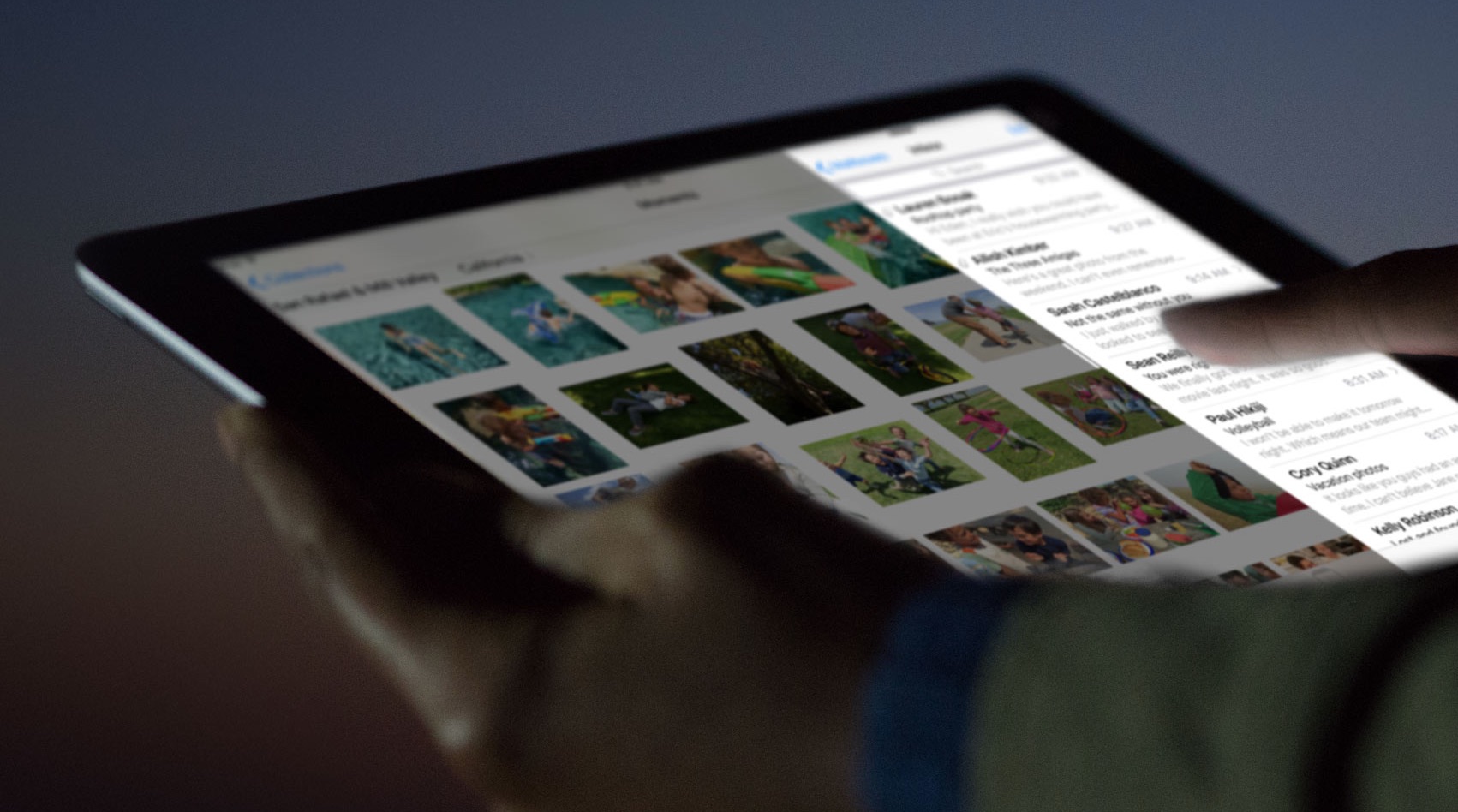
Smartphone features like Apple's Night Shift mode don't improve sleep quality at all versus those who don't use it, claims a new sleep study.

Apple Pay has officially launched in Israel, a nine million people market.
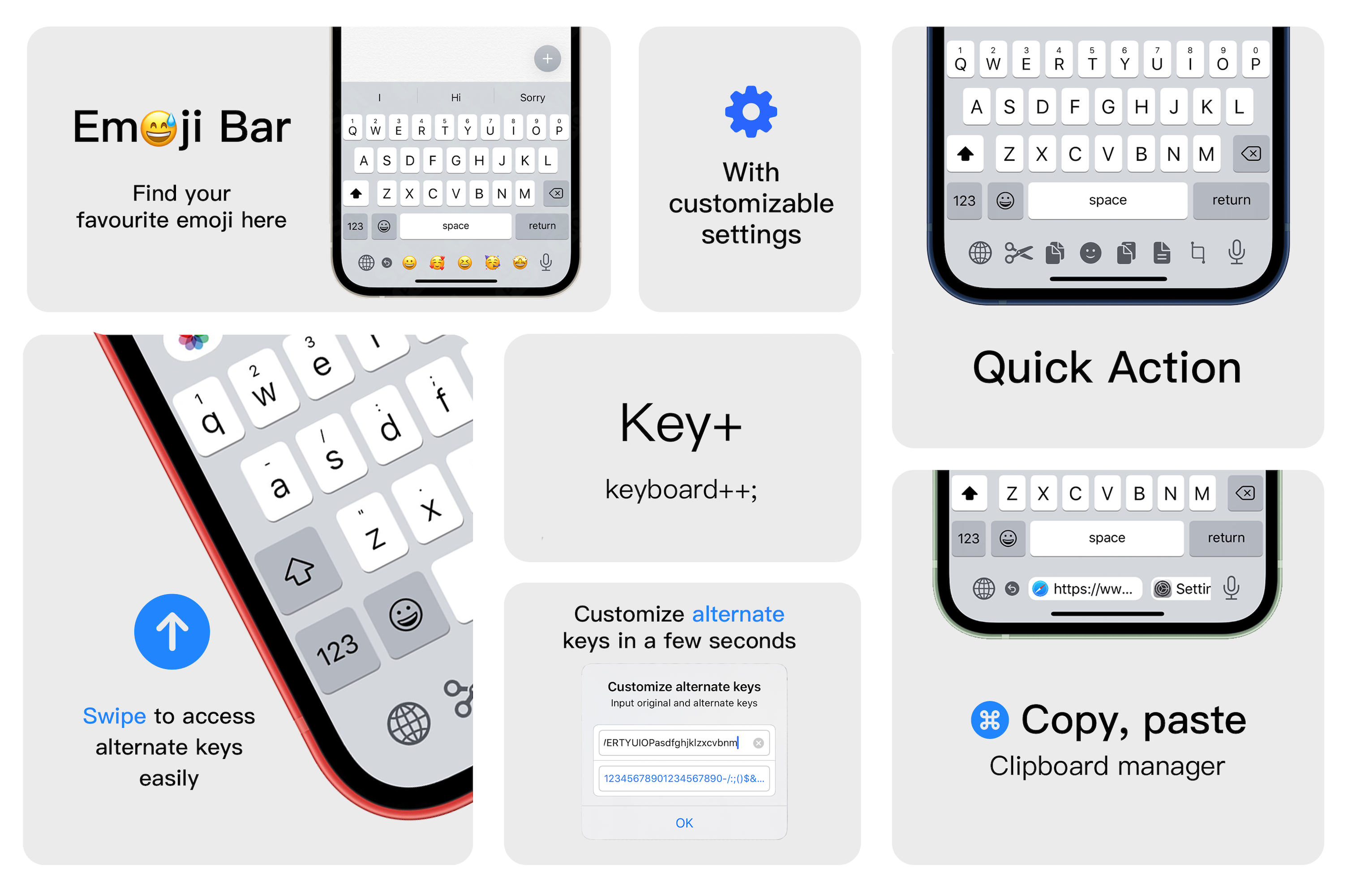
I sternly hold the opinion that Apple offers one of the best touch screen-based keyboards in the smartphone industry today, but that hasn’t stopped me from thinking about ways that Apple could make it better. Perhaps my biggest gripe has to do with the amount of wasted space on notched devices — especially at the bottom of the keyboard interface.
Key+ is a newly released jailbreak tweak by iOS developer XCXiao that makes much more productive use of said wasted space on the keyboard interface by filling it with useful commands and shortcuts. These include but aren’t limited to text editing shortcuts for cutting, copying, and pasting text, a way to customize the output of key swipes, a way to rapidly enter pasteboard items, and a quick entry Emoji bar.
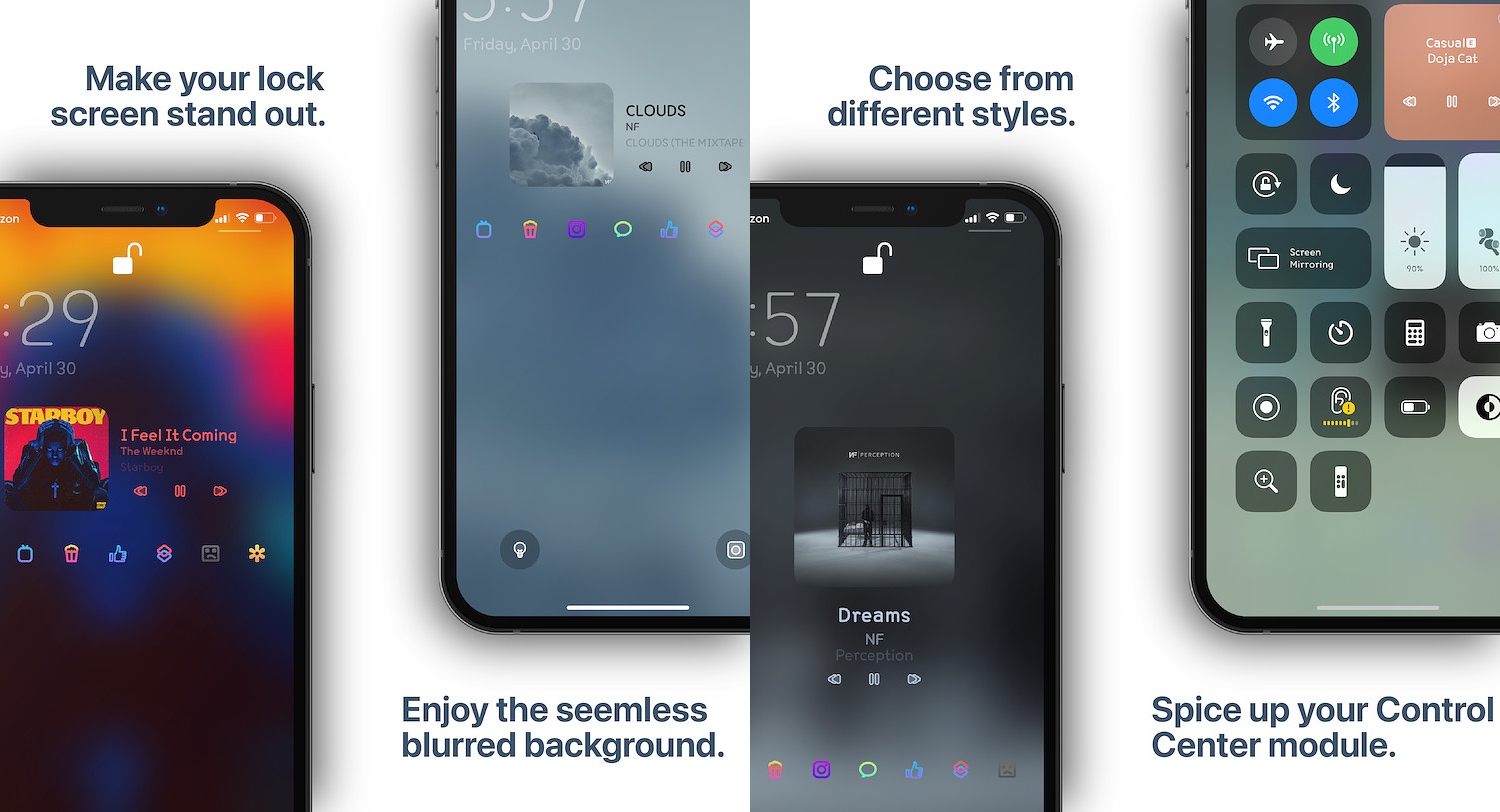
Listening to music is a popular activity among iPhone owners, but regardless of what music streaming app you use to jam out to your favorite tunes, one thing is certain: the Now Playing interface can be downright boring.
MusicBackground is a new jailbreak tweak by iOS developer Ethan Whited that hopes to solve this longstanding problem by incorporating eye-catching background effects, and it does this for the Now Playing interfaces in the Apple Music app, Spotify Music app, Tidal app, and even those found in Control Center and on the Lock Screen.