Just a couple of weeks ago, we showed you an add-on for MacDirtyCow devices called Plampy UI by YangJii that enabled a spiffy new look and feel for the Control Center user interface by way of new icon glyphs.
Stay up-to-date on the latest iPhone news and learn new tips and tricks with our comprehensive tutorials. From software updates to new features, we’ve got you covered.
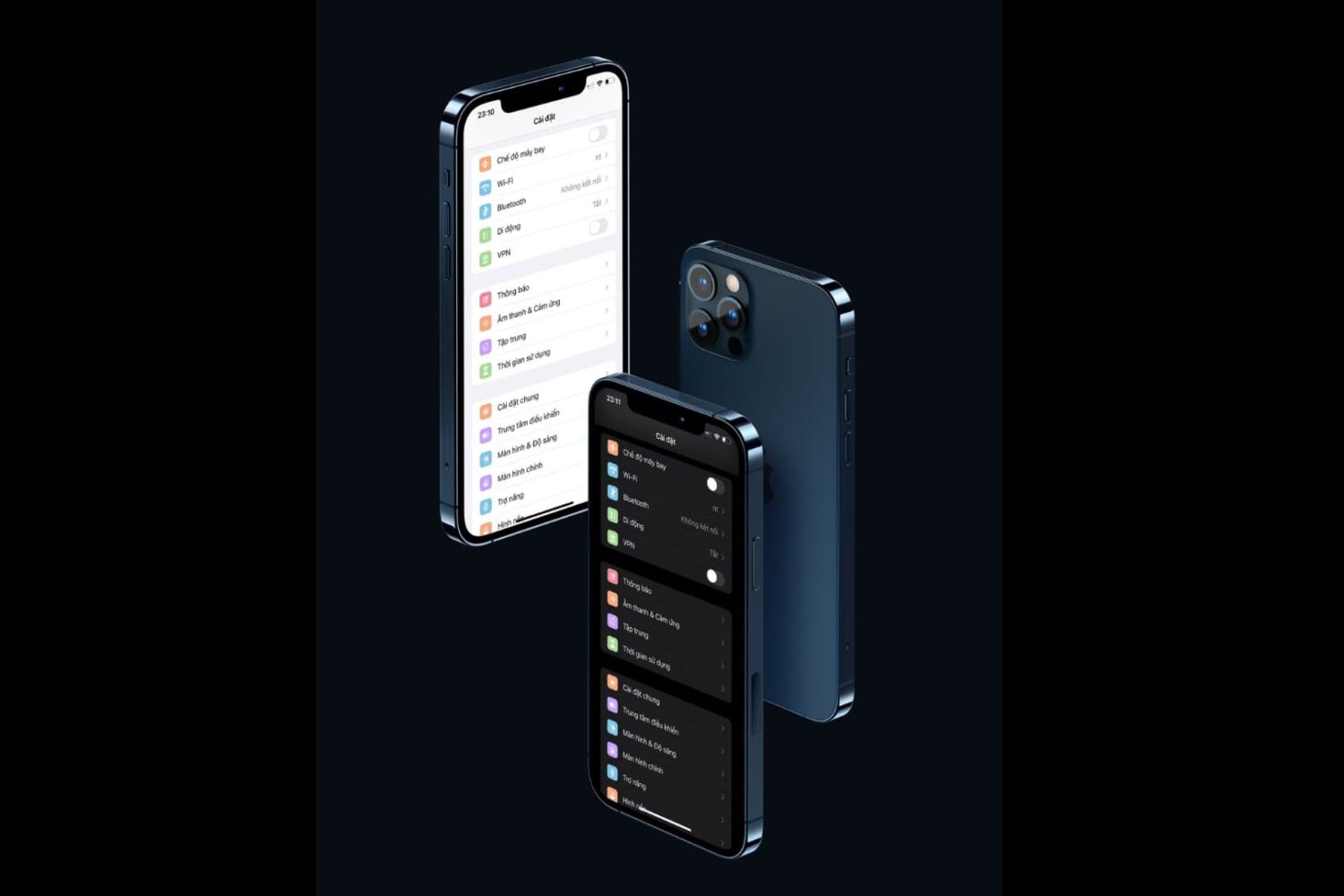
Just a couple of weeks ago, we showed you an add-on for MacDirtyCow devices called Plampy UI by YangJii that enabled a spiffy new look and feel for the Control Center user interface by way of new icon glyphs.
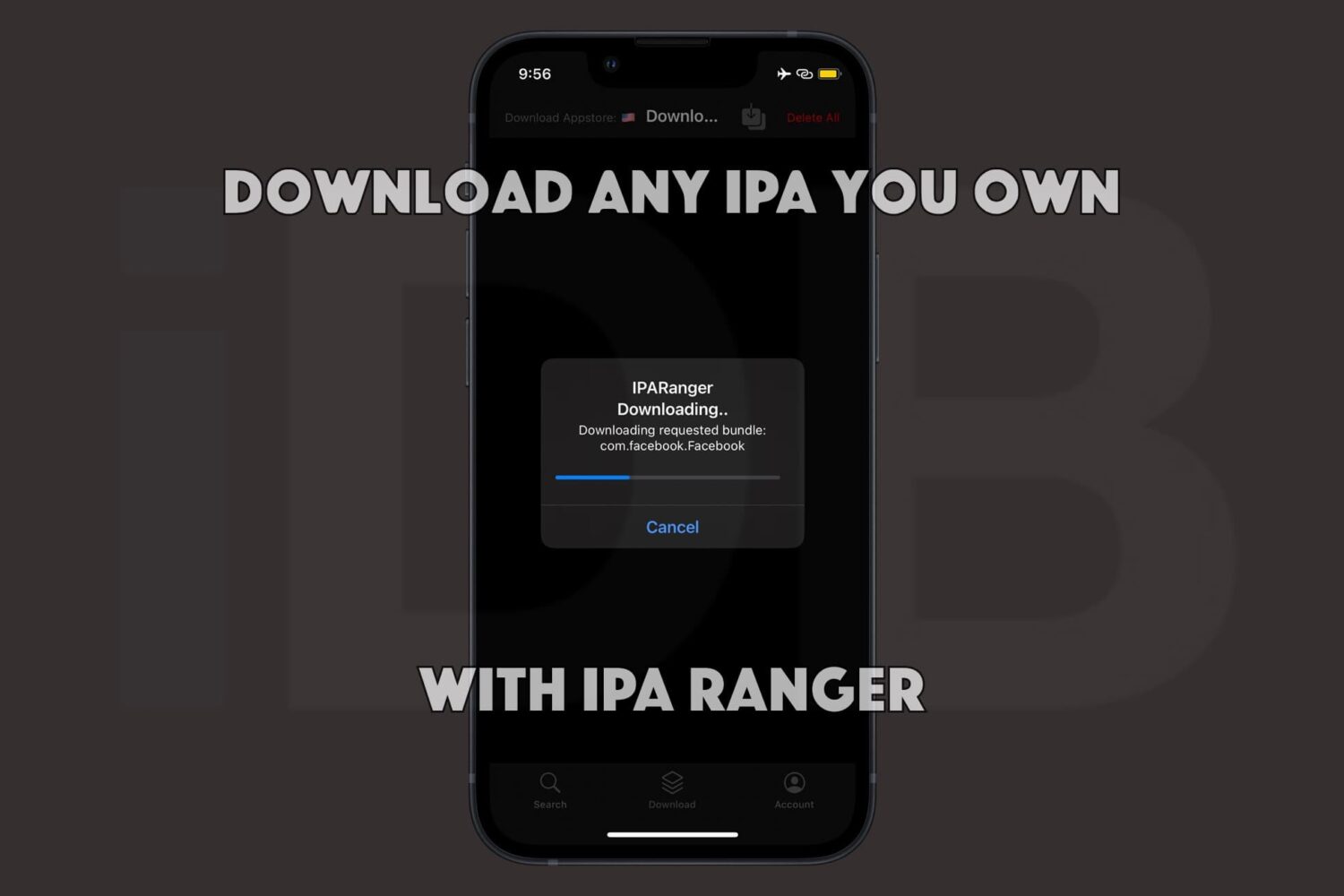
Being able to obtain the raw .ipa files of the apps you own from the App Store is a powerful capability. Not only can you often decrypt those apps to run them on Apple silicon-equipped Macs, but you can also inject your own custom tweaks into those apps before sideloading them on your iPhone or iPad with utilities such as Sideloadly.
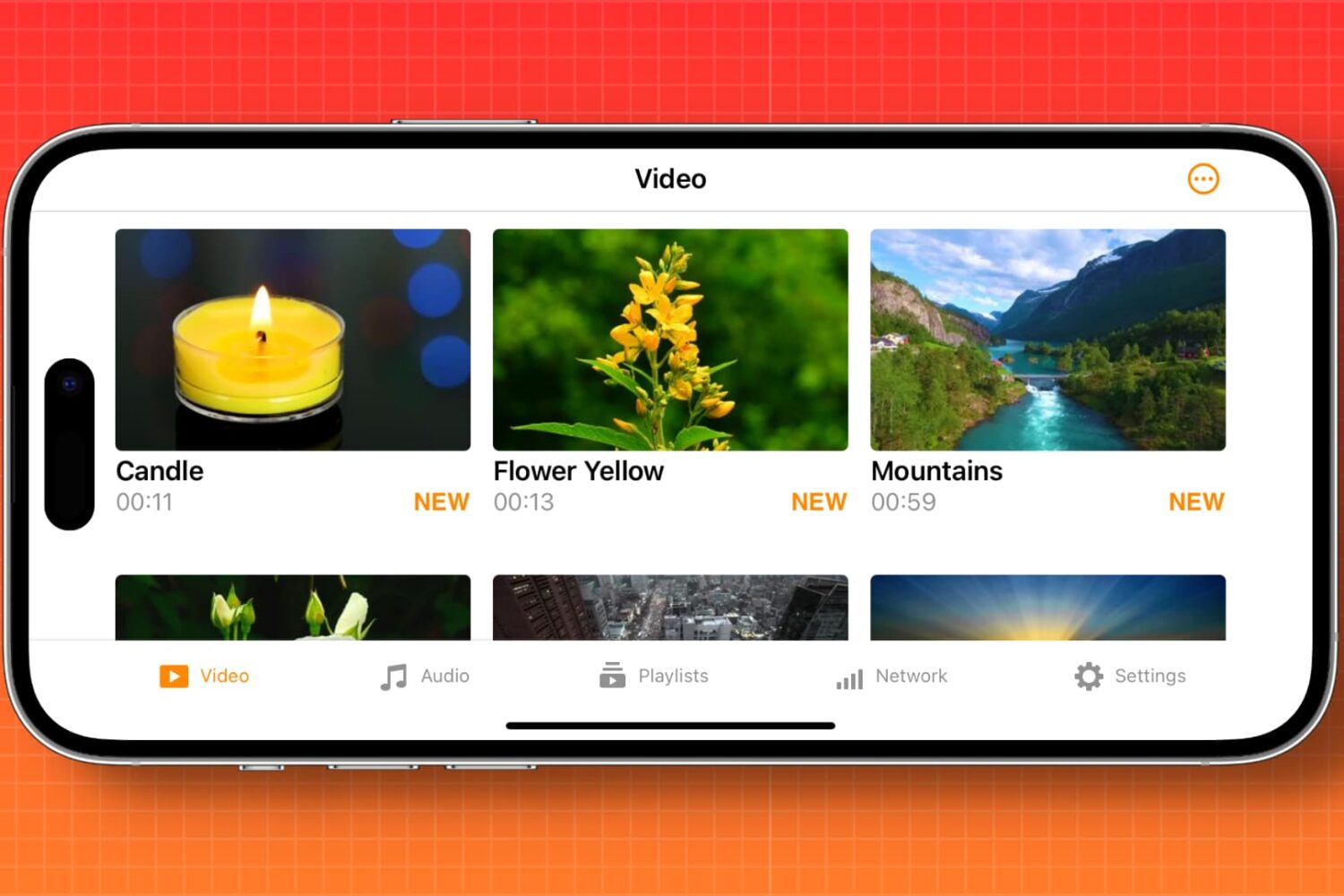
Learn how to automatically enable screen rotation for specific apps like Apple TV, YouTube, VLC, and Netflix on your iPhone.

Apple is working with other industry players to enhance and turn Pixar’s USD and OpenUSD formats for 3D scene description into an international standard.
When the MacDirtyCow exploit for iOS 15.X-16.1.2 devices first made its appearance, developers quickly took advantage of the newfangled ability to read and write to kernel memory.
Just last week, Apple released iOS & iPadOS 16.6 to the general public with a bevy of security patches to make the company’s mobile devices more secure.
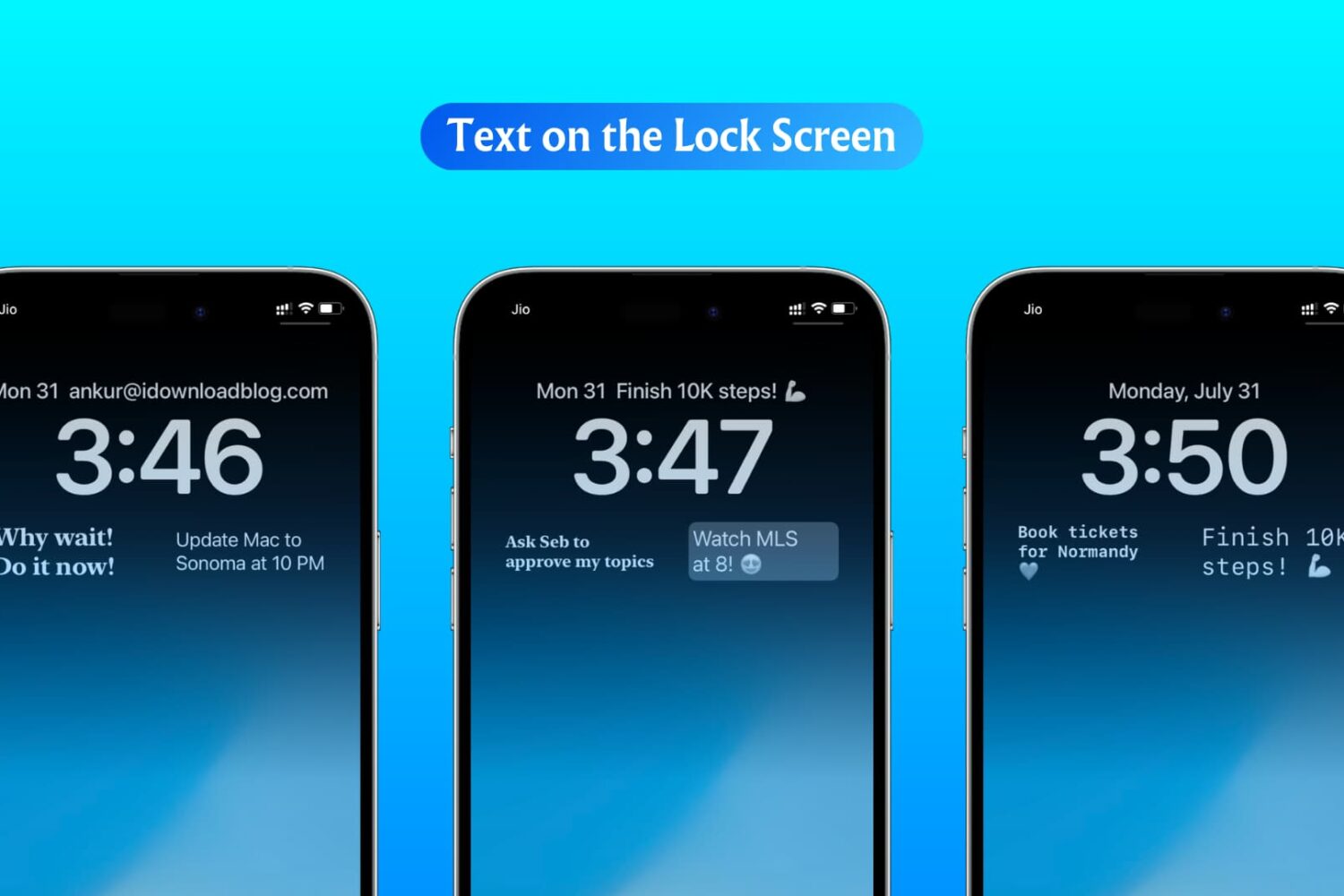
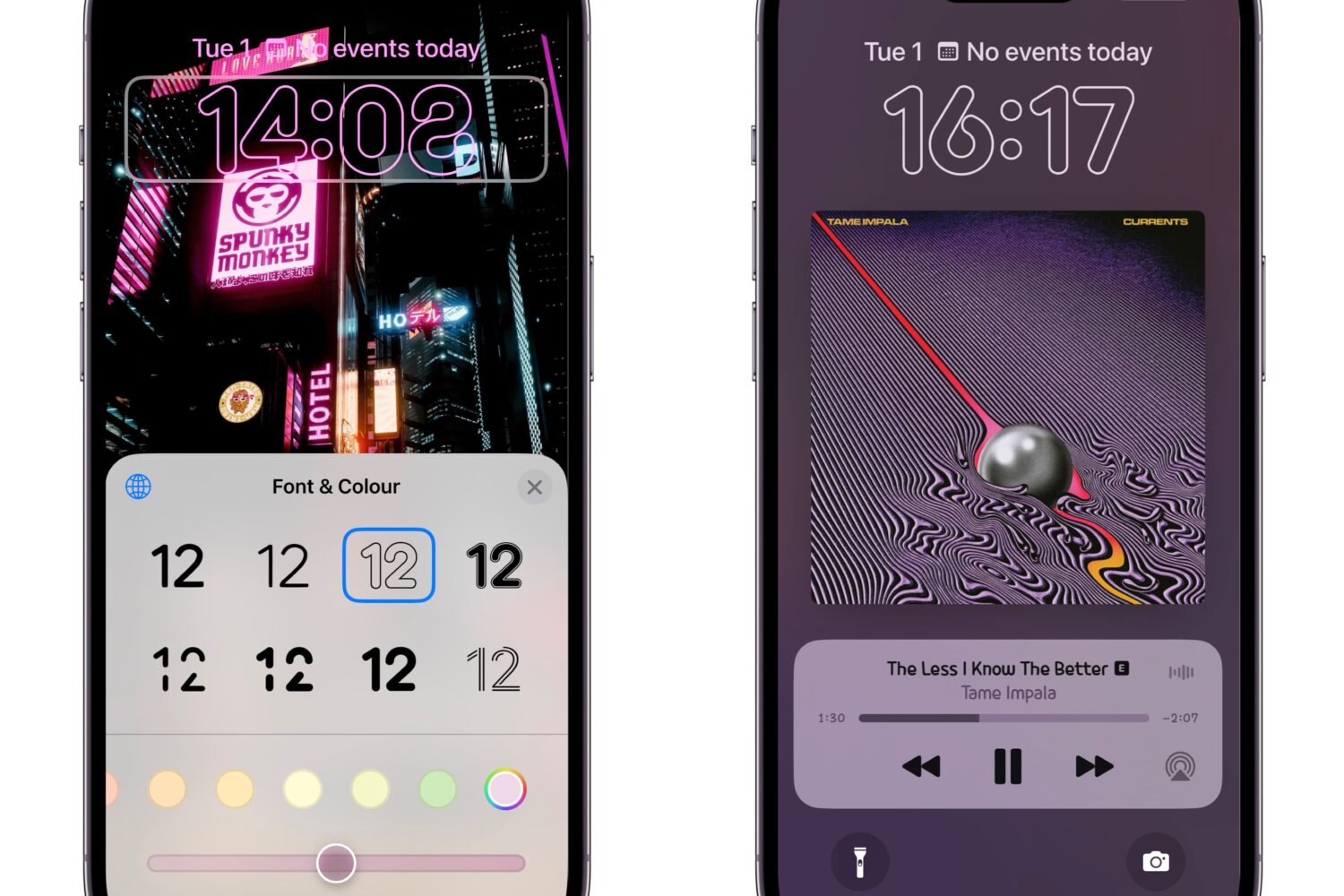
In this step-by-step tutorial, we show you how to display custom text, like your name, email address, phone number, or an inspirational quote, on your iPhone or iPad Lock Screen.
Interesting news arose this weekend after @exploit3dguy shared what appears to be a successful blackbird exploit-based firmware downgrade on an iPhone 6s to iOS 10.0.1 with fully working passcode functionality.
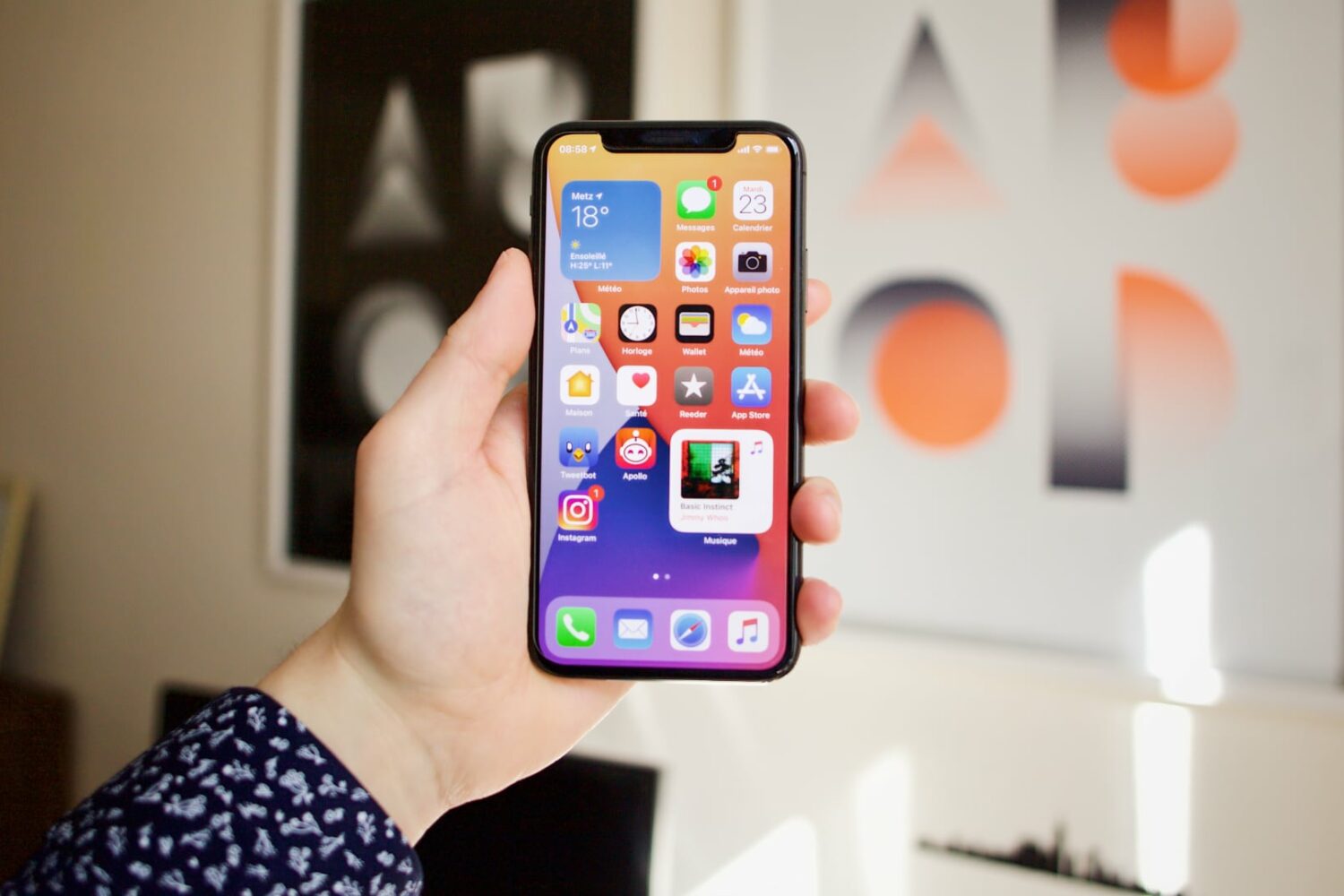
The iPhone 15 Pros could get a stronger, lighter titanium frame and visibly thinner screen bezels on the sides for an even more seamless display design.
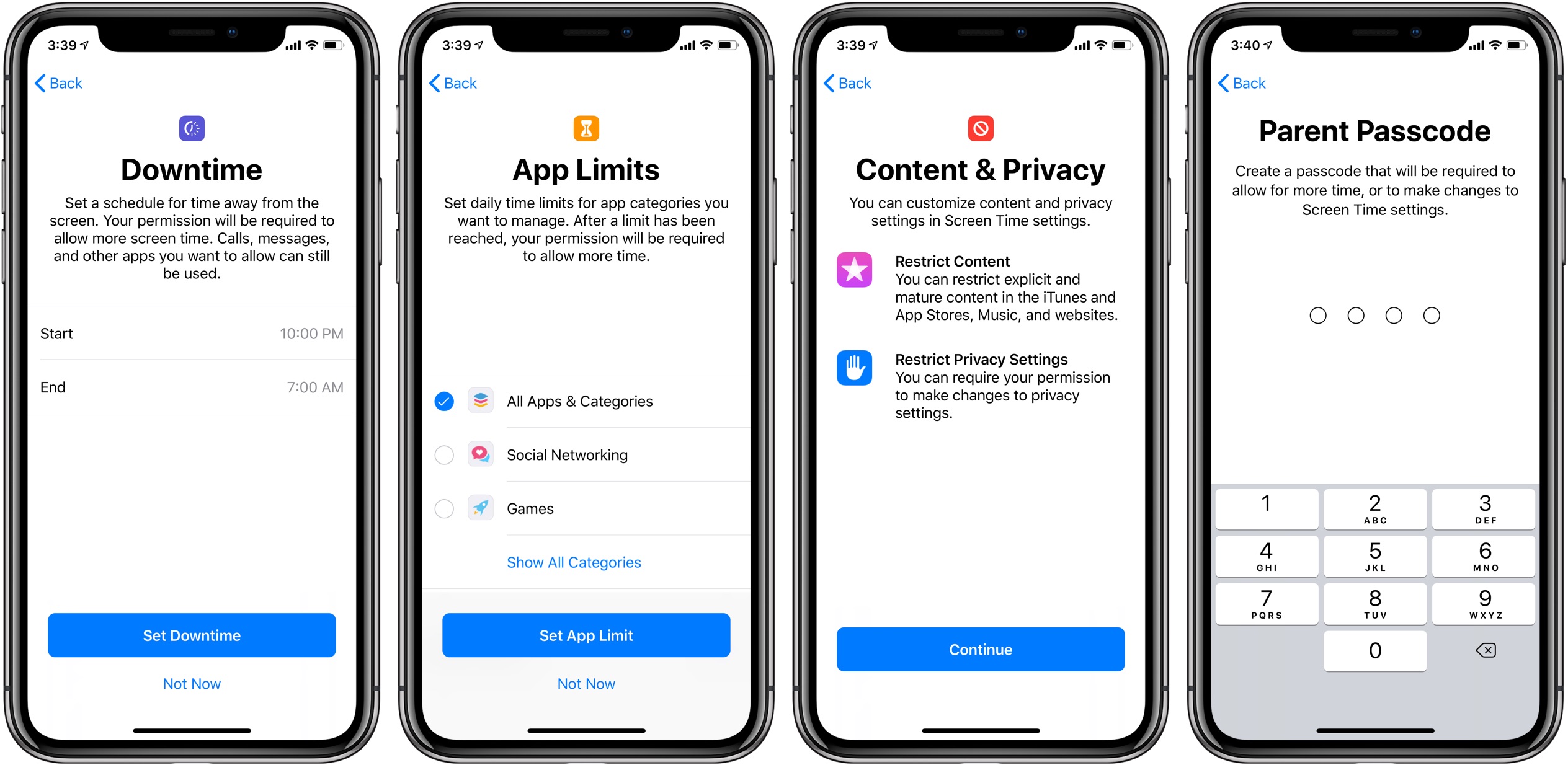
Apple is aware of an iOS bug that has allowed kids to bypass certain parental restrictions set for their iPhones, like the Screen Time Downtime limits.
Misaka, the premier package manager app for devices utilizing the MacDirtyCow exploit on iOS 15.x-16.1.2, received another update this week, officially bringing it up to version 1.9.0.
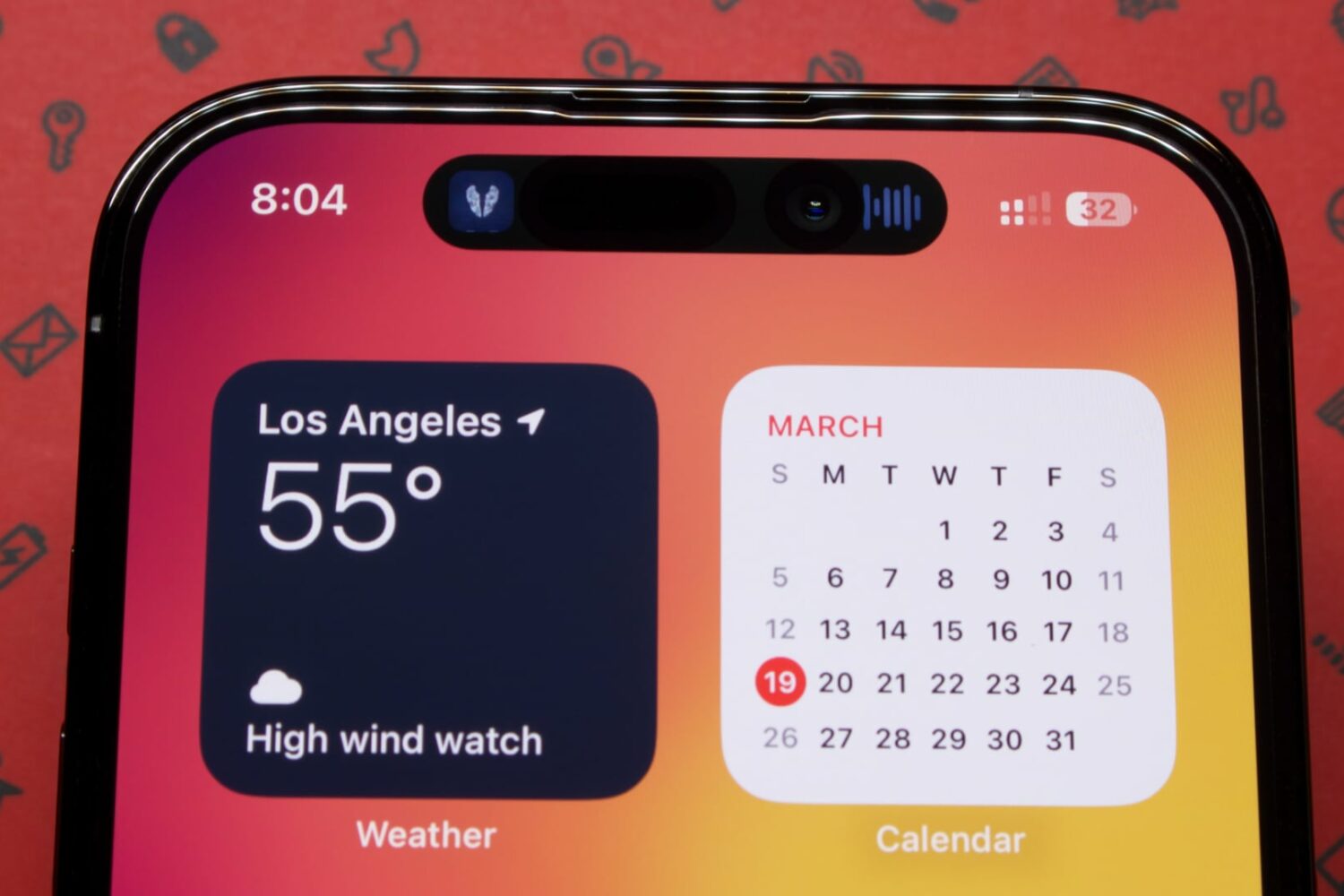
This year's upcoming iPhone refresh will bring the Dynamic Island to all four models, including the standard iPhone 15 and iPhone 15 Plus.