Apps

The best iPhone apps for astronomy and exploring space

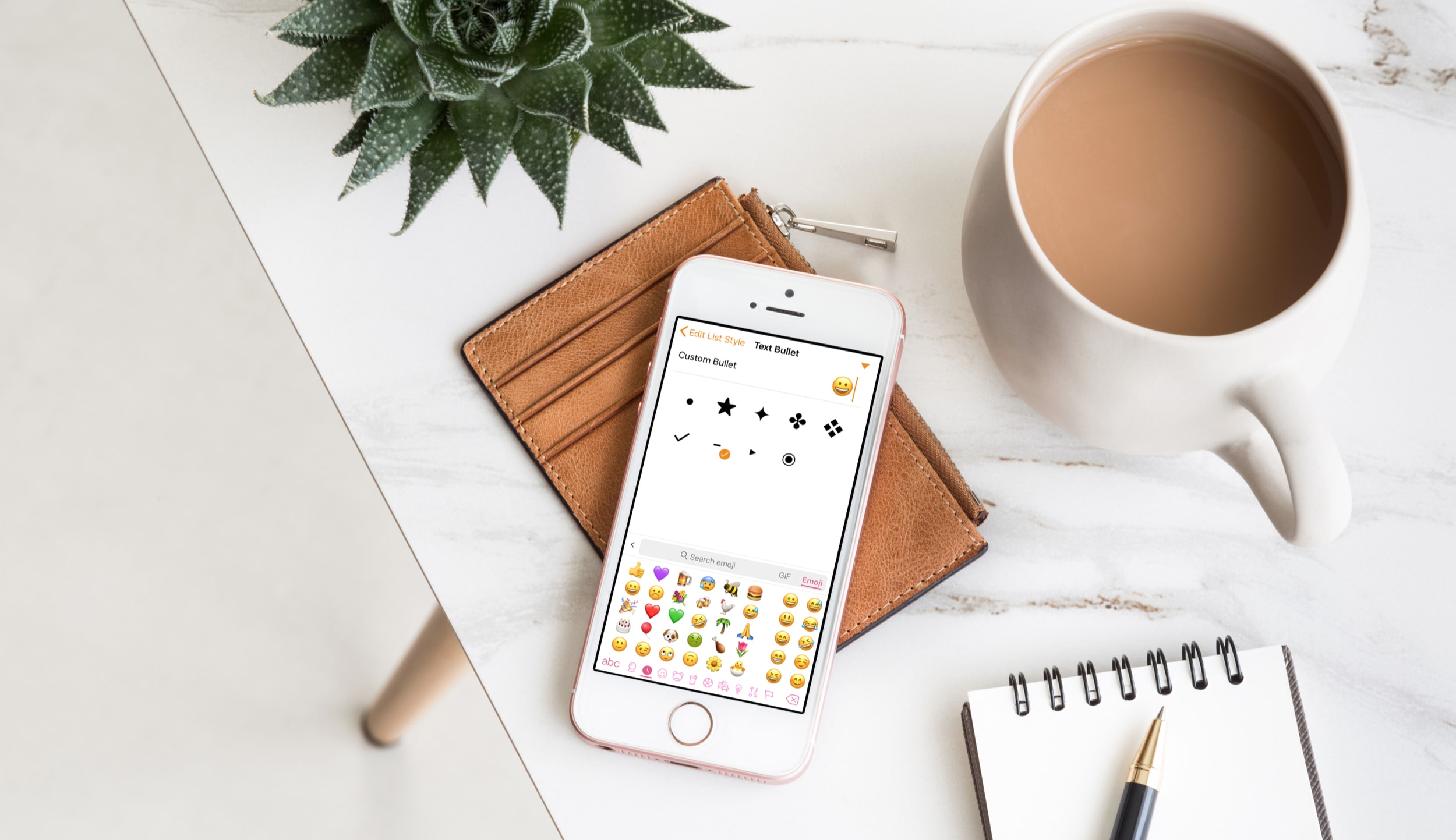
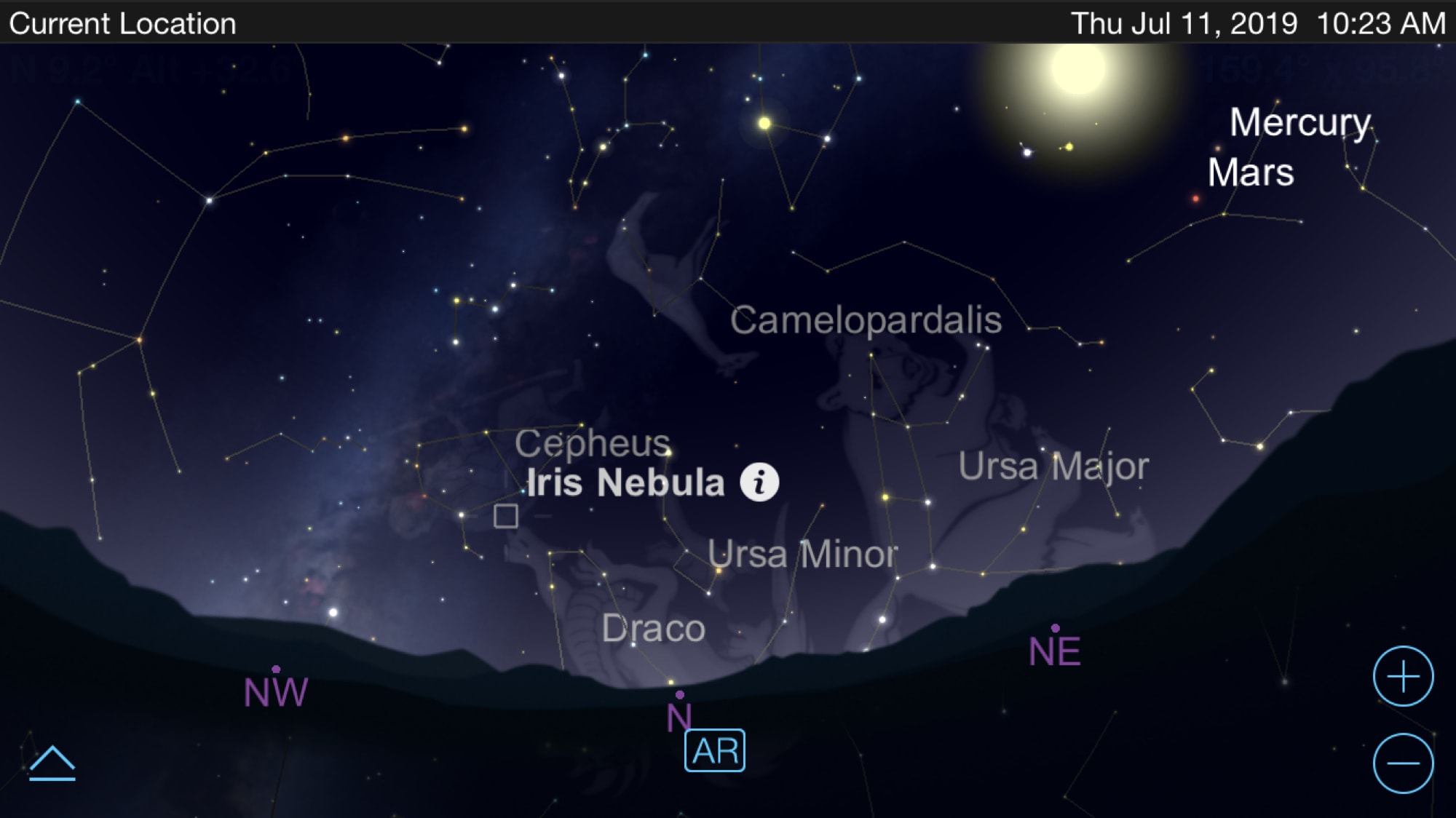
Astronomy apps for iPhone - SkySafari

You can use apps to virtually travel across the state, country, or world so why not use them to travel to outer space? If you are fascinated with astronomy or are just starting to become interested, there are some terrific tools for your iPhone that let explore our galaxy and beyond.

See the stars, watch the planet align, get details about constellations, and more. These are the best iPhone apps for astronomy and exploring space.

Luminous adds a customizable underglow to your Home screen’s app icons

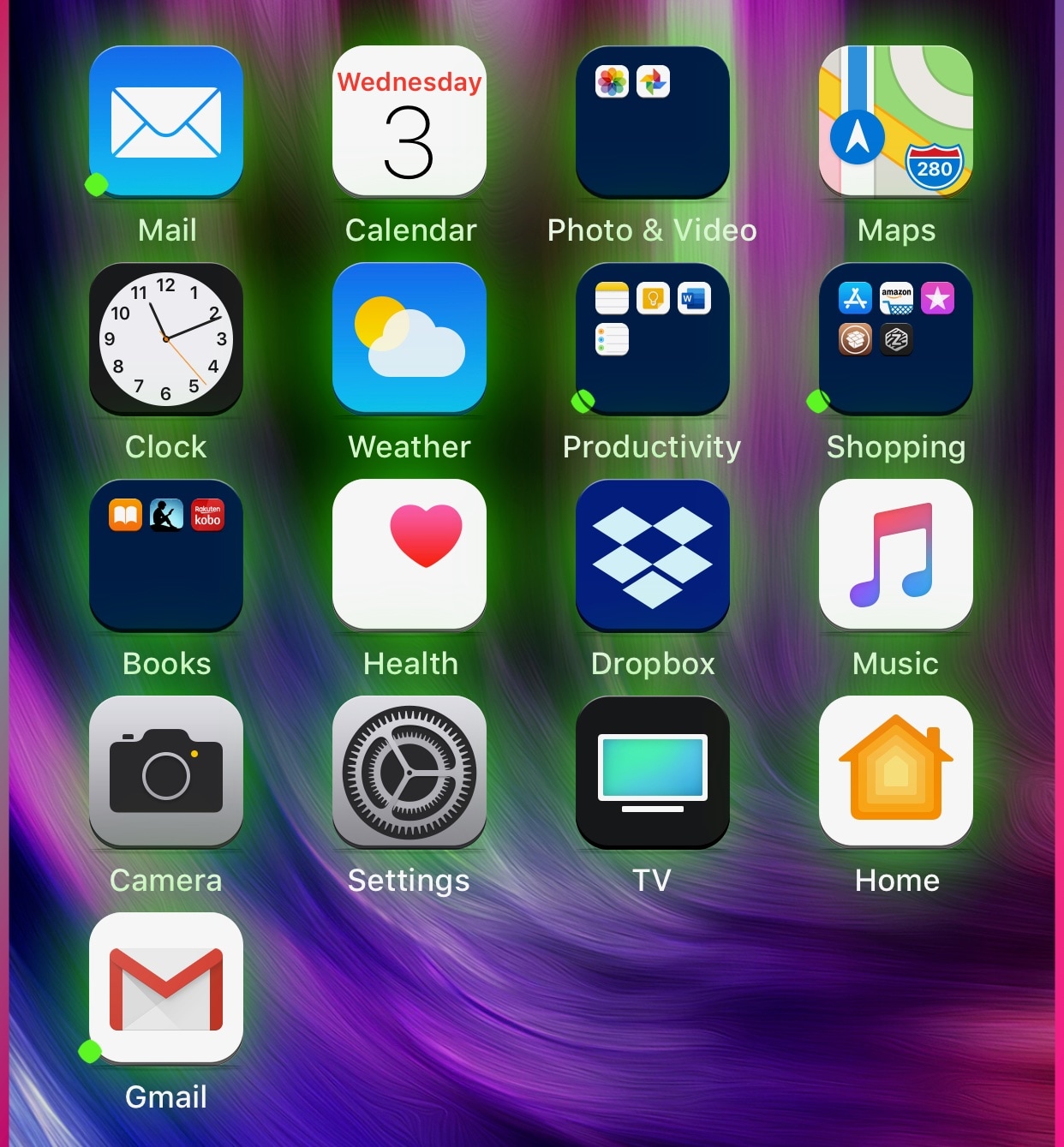
If you’re in the market to add a bit of quirkiness to your iOS device’s Home screen, then you might want to look into a new jailbreak tweak called Luminous by iOS developer Sirius24.

As you’ll notice in the screenshot examples above, Luminous gives every one of your Home screen’s app icons a colored underglow. But perhaps more importantly, the tweak is fully-configurable, allowing just about anyone to achieve the look and feel that they’re aiming for.

The best iPhone apps for sports scores

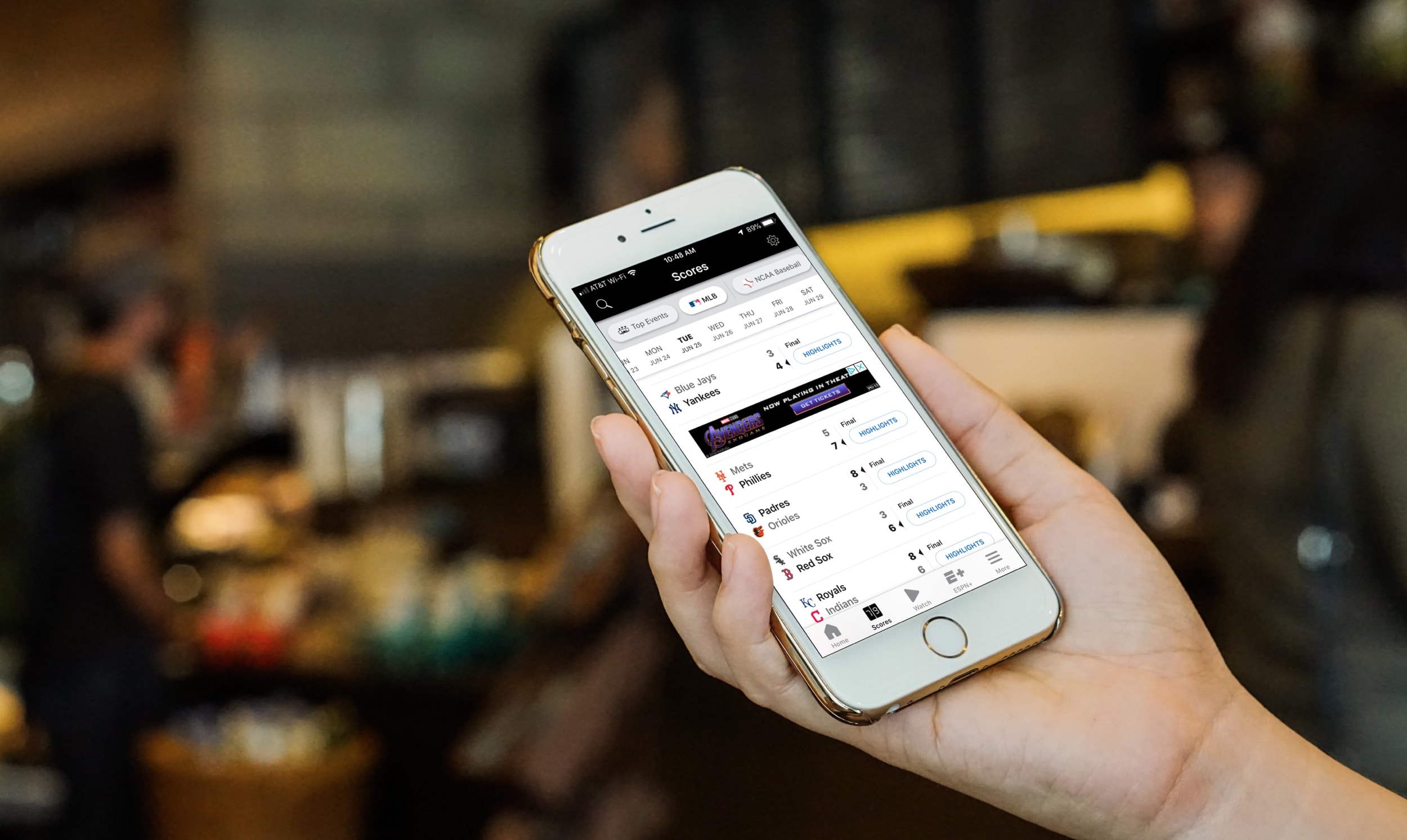
The best iPhone apps for sports scores - ESPN

Whatever sport you love, baseball, football, soccer, there’s likely an app for that. You can even find some apps specific to your favorite teams, leagues, and tournaments. But if you enjoy all sports and want a quick and easy way to check a game score on your break at work or while waiting for a cab, these are the best iPhone apps for sports scores.

The best photo collage apps for iPhone and iPad

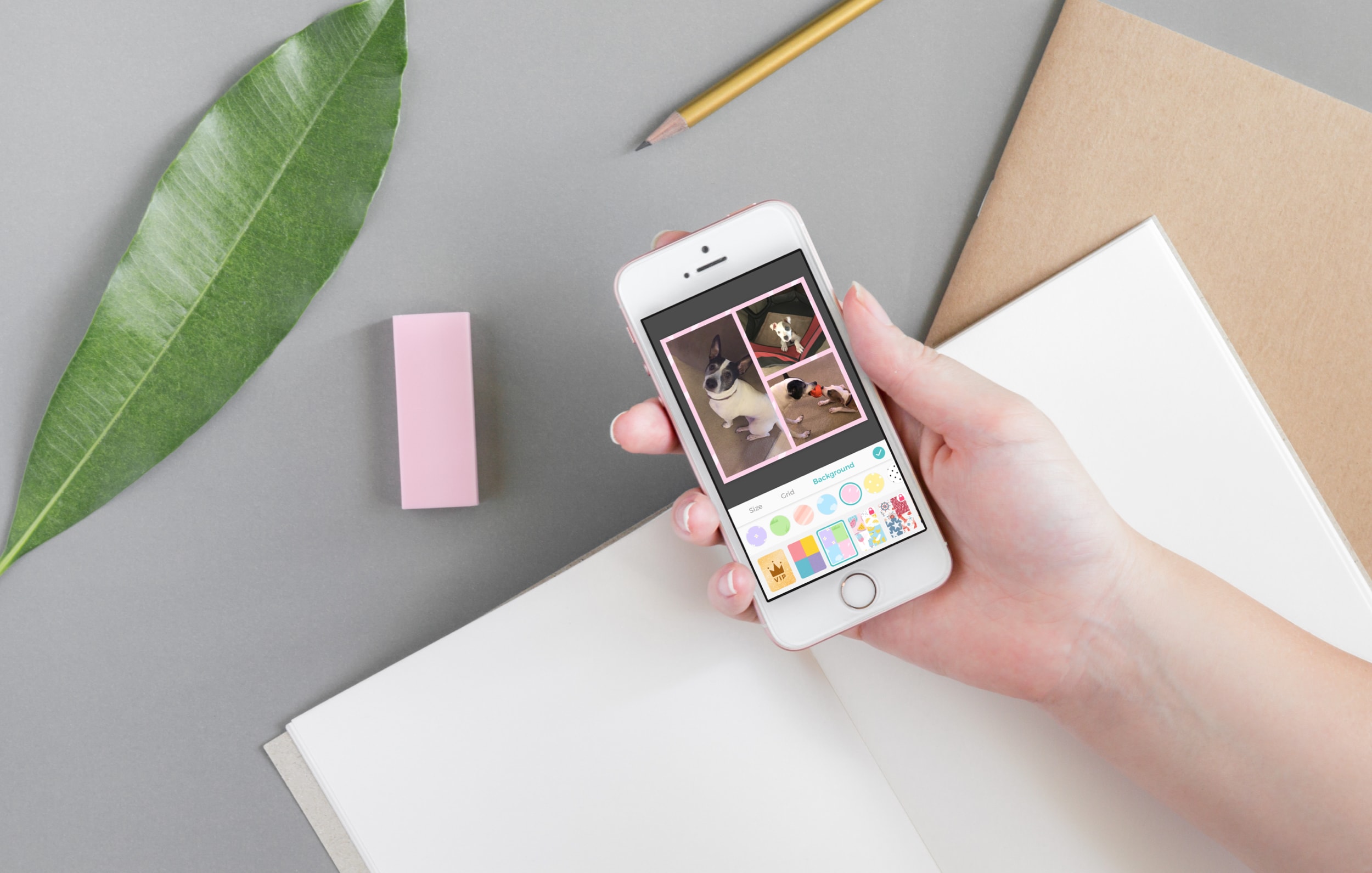
Best photo collage apps for iphone - PicCollage

A photo collage can be an excellent way to share your pictures. You can create a collection of photos of your kids, your pets, or your vacation, all in one awesome image. If want a different way to share your favorite photos, then check out these best photo collage apps for iPhone and iPad.

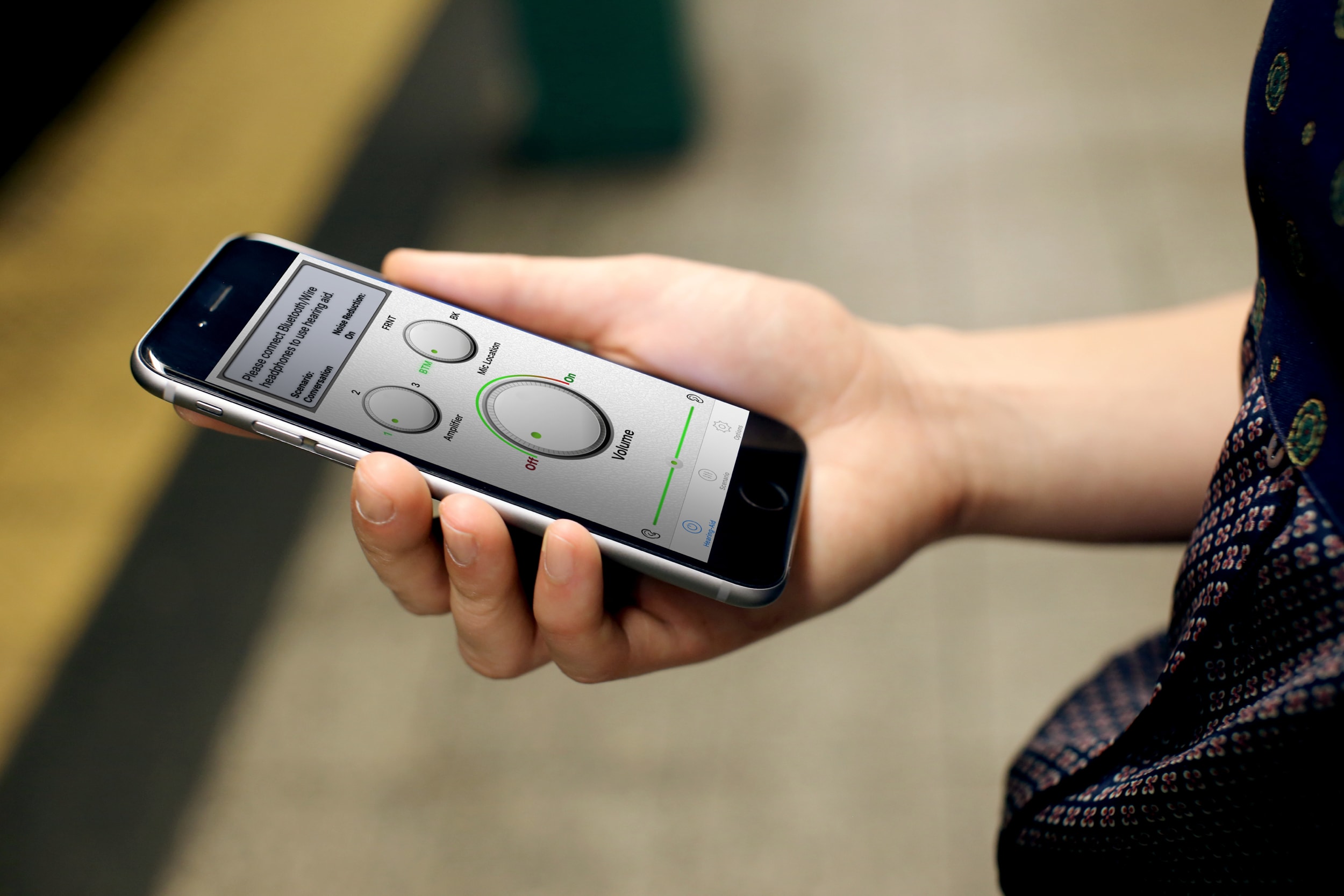
The best iPhone apps for the hearing impaired

iPhone Apps for the Hearing Impaired - Hearing Aid

If you have a hearing impairment and need a little extra help, there are plenty of iPhone apps that can come to the rescue. You might need sounds to be louder or just a different way to communicate.

We’re here to help with a few of the best iPhone apps for the hearing impaired.

iOS 13 cautions you if an app you’re deleting has a subscription still active

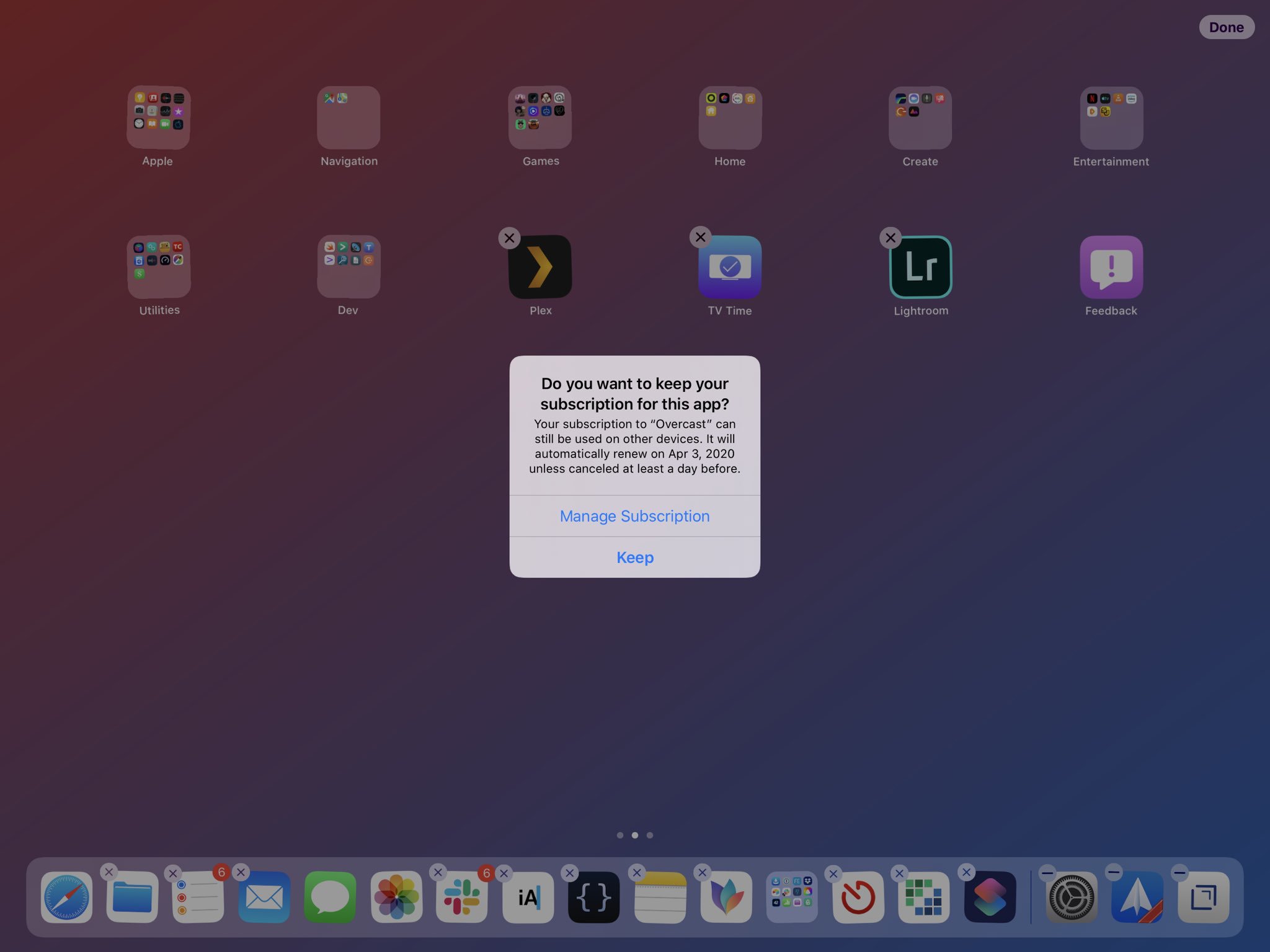
One of the tweaks in the second developer beta of iOS 13 that dropped yesterday is a prompt for when an app you're trying to delete from an iPhone or iPad has an active subscription.

As first noted by MacStories' editor-in-chief Federico Viticci yesterday afternoon, iOS 13 beta 2 now informs you if an app you're deleting has a subscription still active.

"Do you want to keep your subscription for this app?," asks the prompt. "Your subscription to this app can still be used on other devices," reads the alert text. The warning message includes precise information about when said subscription is set to renew automatically.

It also offers a Manage Subscriptions button to jump to the corresponding sub-section within the Settings app, and Keep, which keeps the subscription for the app being deleted.

While this may seem like an unnecessary feature addition in iOS 13, consider for a moment a bunch of cases of unwanted billing that were in the news not that long time ago because people didn't read prompts. On top of that, how many people use a subscription-tracking app like Bobby for iPhone to keep track of all the active subscriptions they have?

I know what I'm subscribed to and when my next billing cycles are due, but not everyone does. Keeping those people (who I suspect are in the majority) informed about the active recurring subscription for the app they're trying to delete could save them from bill shock.

For the rest of us, it's going to be an additional tap before that app gets wiped out.

What do you think of this feature?

Let us know in the comments!
Colorize your iOS apps’ activity indicators with Spoke

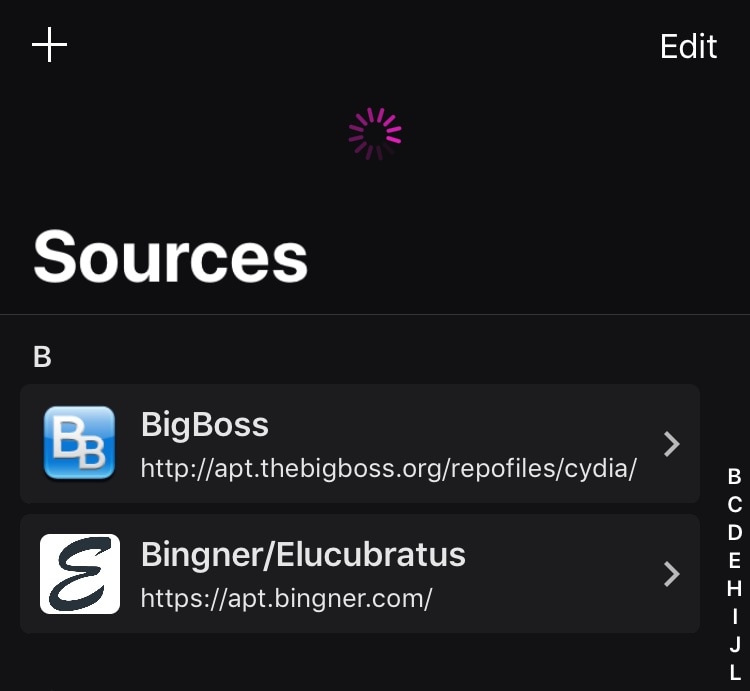
As you use iOS, you’ll become accustomed to seeing activity indicators in many of your apps. The activity indicator is denoted by a spinning wheel, such as what you might see when certain apps load or begin communicating with the internet.

iOS’ activity monitors are typically monotonous, serving no other purpose besides letting you know that an app is doing something; but that doesn’t mean they need to be boring. A newly-released and free jailbreak tweak dubbed Spoke by iOS developer Unicorn808 lets you colorize these activity monitors.