Apps

The best free Apple Watch journal apps

My Journal Physical Diary

Life happens to us every hour of each day no matter where we are or where we go. And you’re not always sitting down with your Mac or have your physical diary with you to capture a thought, emotion, or moment.

This is why journal apps for Apple Watch are handy because you can capture what you need to on-the-go. If you’re in the market for a diary on your wrist, these are the best free Apple Watch journal apps.

Retro review: Plants vs. Zombies

What comes to your mind when you think about your backyard? The undead trying to eat your brain and a crazy annoying neighbor? Hopefully, you only thought about a video game. If not, you should go see someone about that.

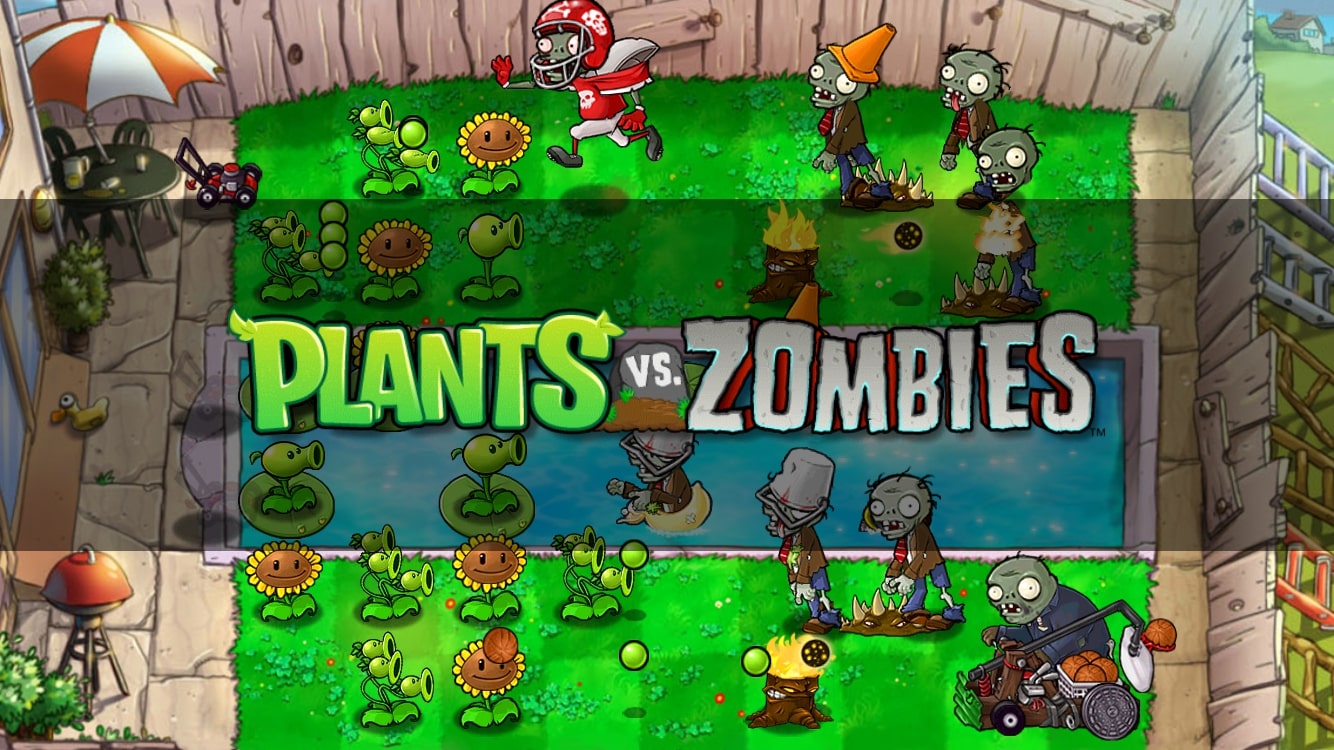
For those of you who just got their daily dose of nostalgia, probably only thought about Plants vs. Zombies, a game that released almost 10 years ago on the iPhone.

Now, with a third entry for the series, it's time to go back and see if the first game is still as good as we remember, or if we're better off forgetting it and focusing on the future. Get your plants, your tacos, and your brain ready for today's retro review on Plants vs. Zombies.

Retro review: Angry Birds 2

Who would have thought that such a simple game with some birds with anger issues would have become so big that ended up getting spin-offs, animated series, and even movies? I'm talking of course about the Angry Birds franchise, a simple game about birds trying to recover their eggs from a gang of piggies that want to eat them. Not the smartest plot, but it worked at the time.

Now, almost 10 years later, the birds' franchise is still around. And with a sequel that no one asked for, to a movie that no one asked for releasing in theaters, I wanted to do something special for this occasion. That's why we'll be taking a look at Angry Birds 2.

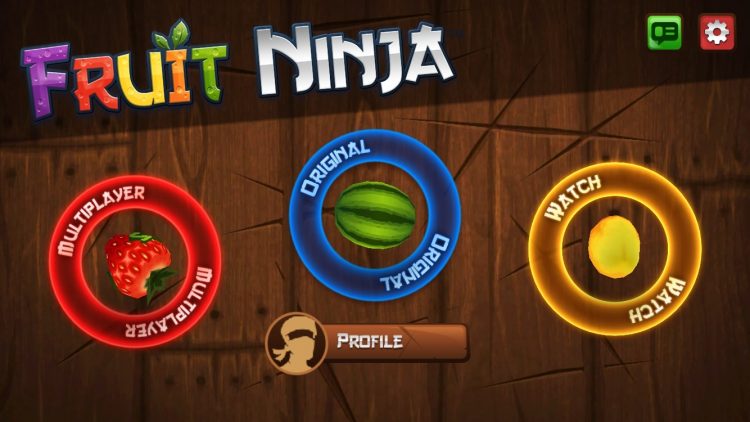
Retro review: Fruit Ninja

It makes no sense to put fruit and ninjas together. It just wouldn't work, right? Well, Halfbrick Studios decided to make a juicy, addictive combination that took the world by surprise. I'm talking about Fruit Ninja Classic an unexpected game for the iPhone that was released back in 2010.

Now, with even a VR version of the game and a Youtube Red series, the Fruit Ninja series is still popular, addictive and tasty. But, we're not here for the current state of the game. Instead, we're interested in its past. Welcome to Retro Review, and today we'll be taking a look at the original, the classic, the one that started it all: Fruit Ninja Classic.

The best Apple Watch apps for students to plan their schedule

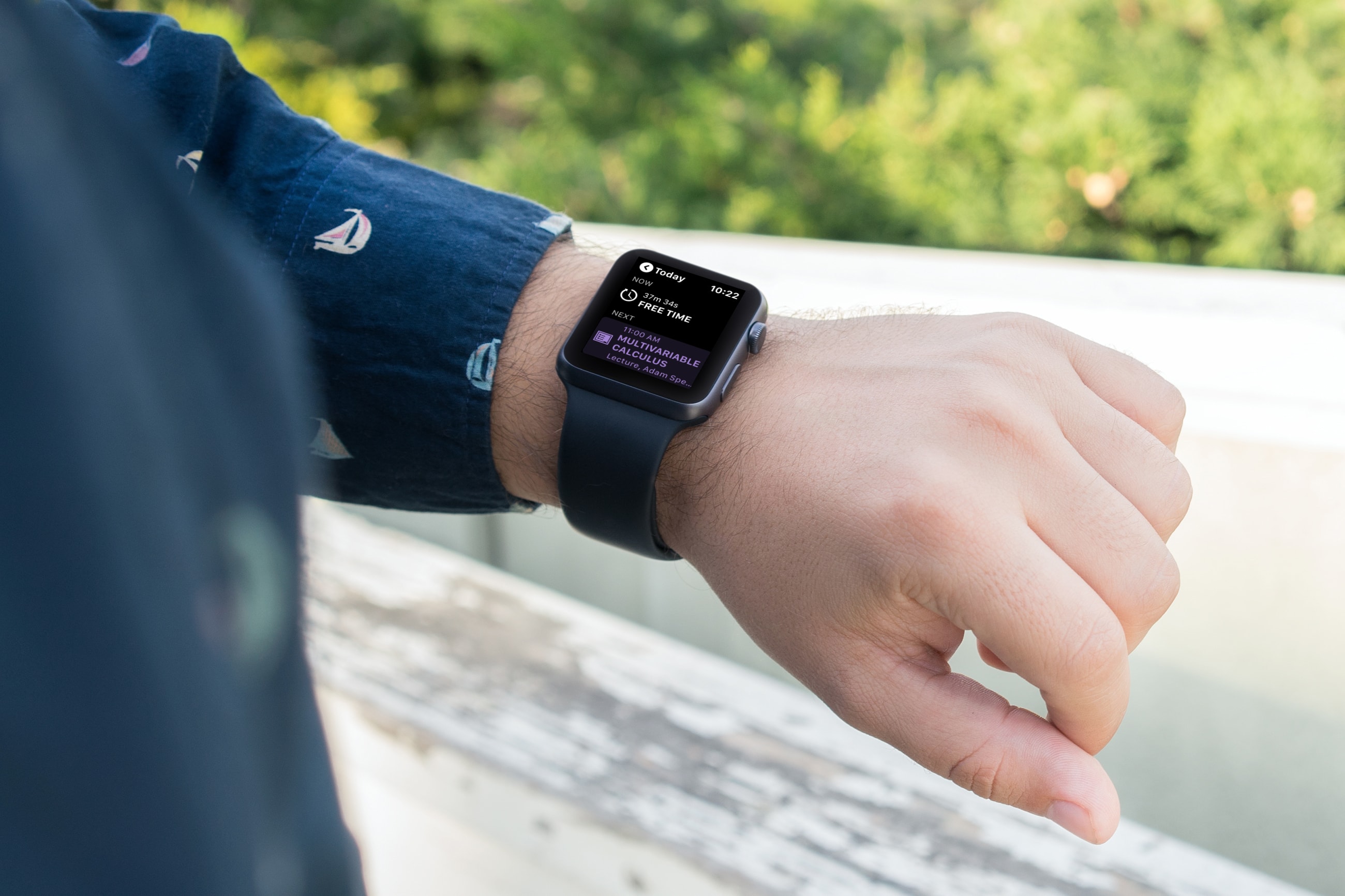
Apple Watch Apps for Student Planning

When it’s time for school to start up again, it’s important for students to plan their day and schedule their week. And there’s no handier way to do it than with apps for Apple Watch. With the wearable and right apps on your wrist, you can see which class starts when, what assignments are due, and when free time begins.

Here are some of the best Apple Watch apps for students to plan their schedule.

Vinculum brings a Nexus-inspired app drawer to your jailbroken iPhone

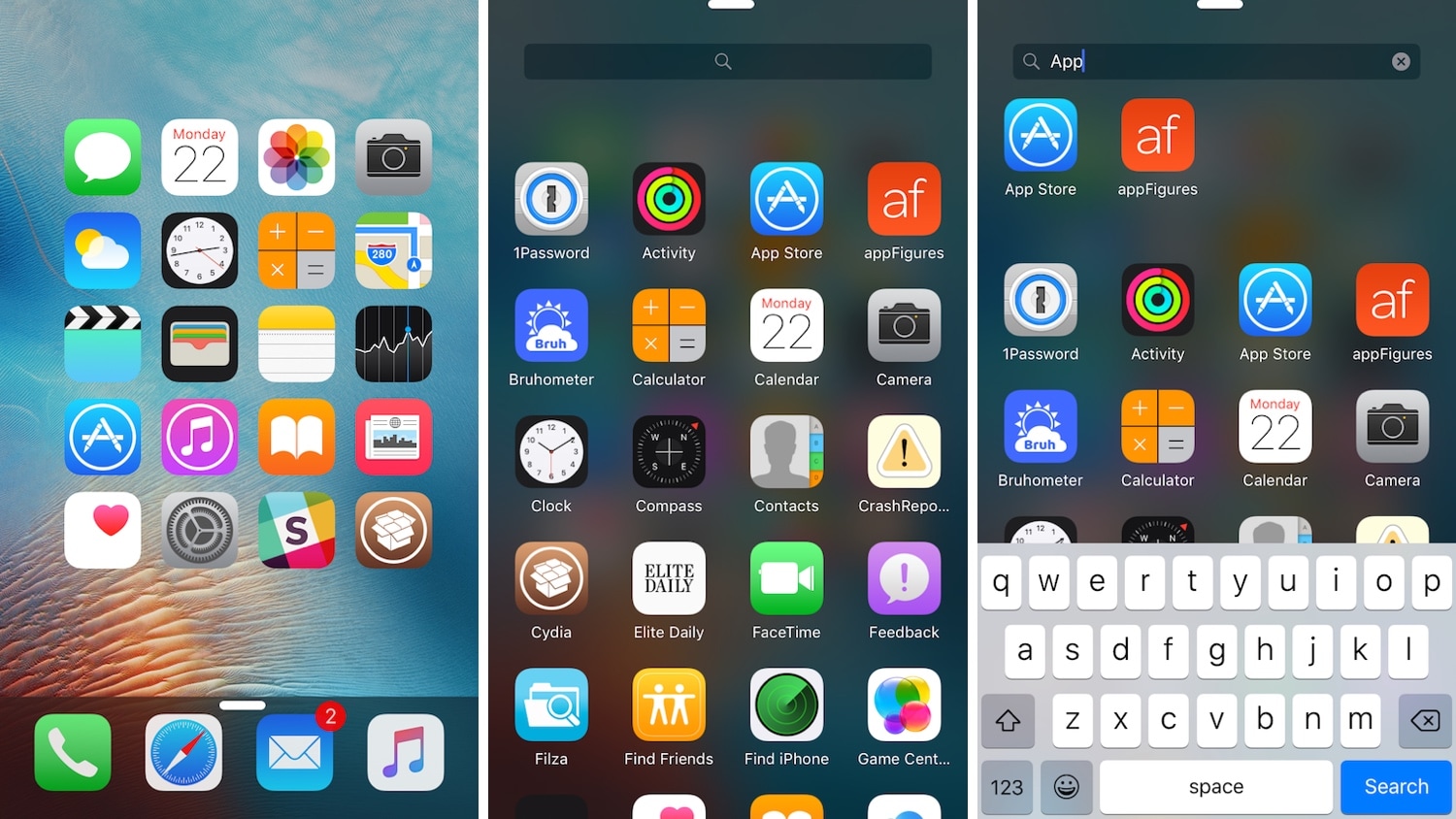
If you’re any bit familiar with the Google Nexus 7.0 Nougat app drawer, then it might’ve crossed your mind once or twice about what it might like to have a similar experience on the iOS platform.

If you’re keen about the idea thus far, then you’ll definitely want to try a refreshed jailbreak tweak dubbed Vinculum by iOS developer William Vabrinskas. As you’ll see in the screenshot examples above, this tweak brings app drawer-like functionality to your pwned iPhone or iPad.

Sileo Team launches Sileo v1.2.9 beta 1 for testing

While it’s not uncommon for the Sileo Team to release an updated Sileo package manager every now and again, the team deviated from their traditional release cycle on Friday by launching a ‘Sileo Beta’ that can be deployed alongside the stable Sileo installation.

The Sileo Team announced the news early this morning via Twitter, noting that Sileo v1.2.9 beta 1 would be available from the default Chimera/Electra repositories on their respective jailbreaks:

Retro review: Doodle Jump

If you're an iPhone veteran, then you might remember Doodle Jump, one of the biggest hits on the App Store. It was simple, addictive, and everyone wanted to play it. This game showed the world what mobile gaming was capable of. It was so popular, it was selling 300,000 copies a month. And all that just with the help of a green doodle monster jumping around trying to get as high as possible.

Fast forward 10 years later. With millions of copies sold, you can find Doodle Jump on almost every platform. However, this brings the question, has the game aged well? With so many different kinds of addictive games available, does Doodle Jump still deserve a place on your device? Or is it better to just remember it as a classic mobile game? Well, that's what we're going to discuss here as we go back in time and review Doodle Jump.

Mute specific apps for certain periods of time with QuietDown

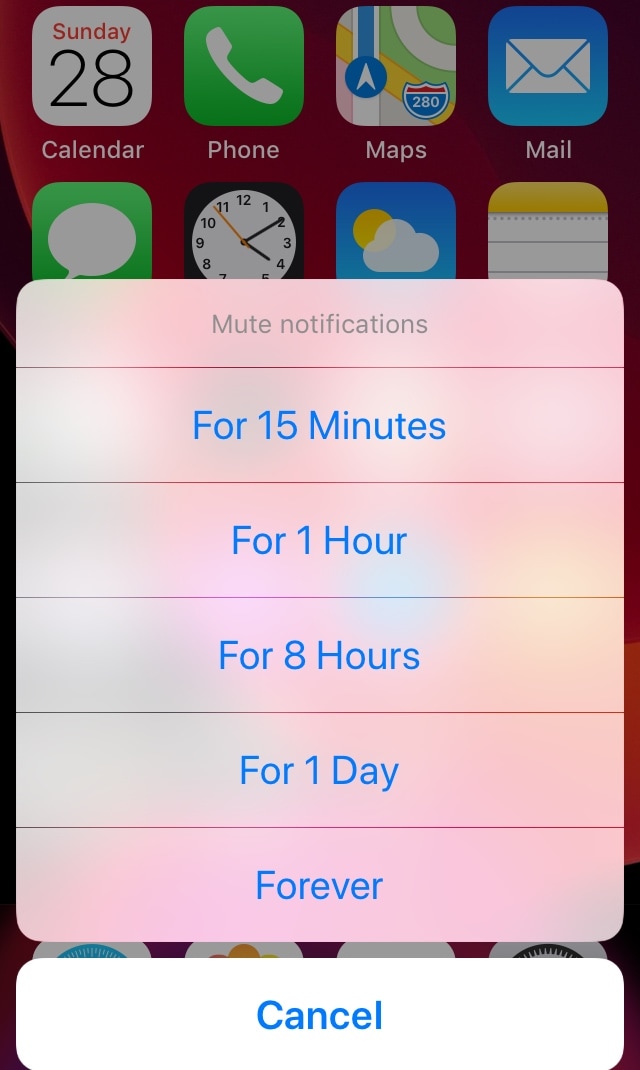
Notifications can be useful, but some apps tend to be a little bit noisier than others. iOS’ native Do Not Disturb mode sometimes comes in handy in this instance, but it mutes all your apps at the same time, and this isn’t always ideal. For that reason, iOS developer Skitty has come out with a new free jailbreak tweak release called QuietDown.

QuietDown allows users to mute specific apps for certain periods, and it does so in such a user-friendly manner. With a simple swipe up on an application icon or a 3D Touch gesture on that same icon, you can bring up the muting interface shown above.

The best medical information apps for iPhone and iPad

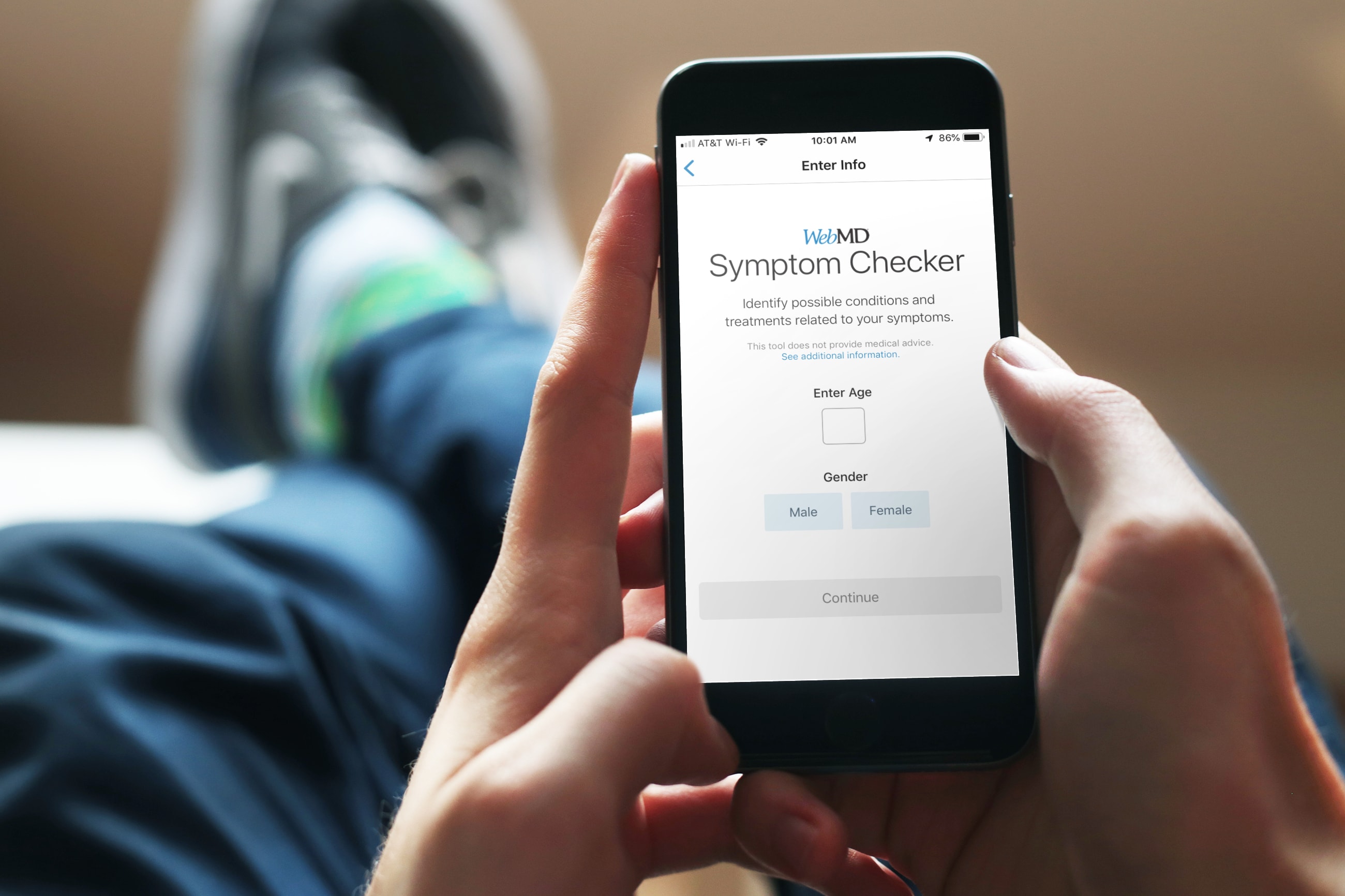
Medical Information Apps iPhone - WebMD

When it comes to your health, nothing is more important than getting the answers you need. And when you can’t get to a doctor right away for non-emergency situations, are diagnosed with a condition, or are prescribed a medication, you’re going to have questions.

There are apps for iOS that can help answer those questions. From checking your symptoms to basic first aid, here are the best medical information apps for iPhone and iPad.

How to use your iPhone shopping and to-do lists with Alexa

Alexa Shopping List AnyList iPhone

You can do some really cool stuff with your iPhone and the Alexa app for your Amazon smart speaker. You can use Alexa to find your phone, listen to Apple Music, manage your iCloud Calender, and more. So, why not use this combination of devices to keep up with your lists?

Depending on which iPhone shopping or task list app you use, you might be able to take advantage of it with Alexa. Here’s how to use your iPhone lists with Alexa and your Amazon speaker.

Apple denies WSJ’s report accusing it of giving its own apps preferential treatment in App Store search results

Piggy-backing on recent complaints accusing Apple's application bazaar of anticompetitive practices, the Wall Street Journal today alleged that the Cupertino tech giant consistently ranks its own apps above those from rivals in App Store search result rankings in an effort to thwart competition. Apple's denied the report, arguing that all App Store apps are algorithmically ranked based on machine learning, past consumer preferences and other signals.