Apps

AltStore v1.3 lets users sideload any app on their iOS device(s) for free

AltStore first made headlines here at iDB back in February when it became one of the only officially supported means of installing the unc0ver jailbreak throughout a short-lived time when Cydia Impactor was completely broken for the bulk of users. Since then, AltStore has undergone a plethora of changes, with one of the most significant of those changes surfacing just this afternoon.

Shared first by the official AltStore Twitter account, AltStore v1.3 is now available for all users with the ability to side-load any app whether you’re a patron of the service or not. Yup, you read that right, but there is a small catch...
How to use the Apple COVID-19 iPhone app and website

Later in March 2020, Apple launched an app and website dedicated to the coronavirus and COVID-19. Both are free and provide up-to-date information, screening tools, best practices, answers to questions, and more.

To look at how the app and/or website can help you and your family during this time, here are details about using the Apple COVID-19 app and website.

Arc is a sexy one-hand accessible shortcut pane for jailbroken iPhones

If you’ve got a jailbroken iOS handset at your disposal, then don’t waste any time – open your preferred package manager and refresh your sources. Upon doing so, you should find a curious new jailbreak tweak called Arc by iOS developer Muirey03 in your Changes list.

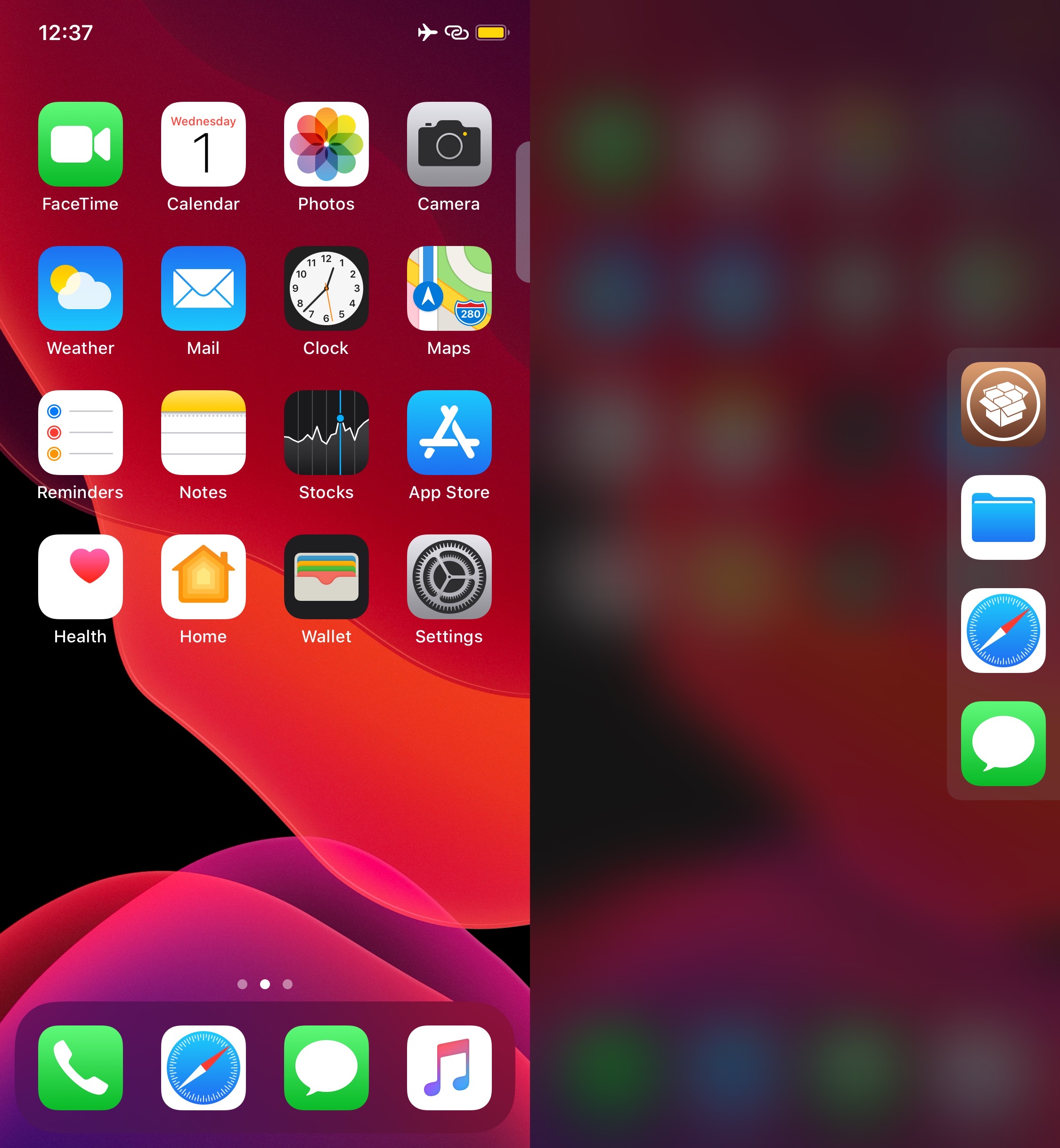
Arc is a beautiful new extension for pwned handsets that brings your favorite actions and apps right to your fingertips from anywhere in iOS. As depicted in the screenshot examples above, the tweak is quite literally arc-shaped, and this makes it comfortable to use with one hand.

Rofi is a convenient app launcher you can access from anywhere in iOS

It’s always convenient to have quick access to your favorite apps from anywhere, and that’s the primary reason why application launcher extensions have been so popular among jailbreakers over the years. Given their apparent popularity, it only seems fair that we turn the spotlight to a newly released and free jailbreak tweak dubbed Rofi by iOS developer Kef.

As depicted in the screenshot example above, Rofi hides away on the edge your iOS device’s display as a tab. Once ready to summon the application launcher, users need only tap on the aforementioned tab to view and interact with all the apps hidden within.

B3rry is a nifty new Lock screen-based app launcher for iOS 13

If there’s one thing that’s been around since the dawn of the iOS jailbreak community, it’s the concept of quick application launchers. We’ve witnessed a plethora of different concepts in this department over the years, but one of the latest is a jailbreak tweak being called B3rry by iOS developer MegaDev.

As you can discern for yourself in the screenshot example above, B3rry permits users to configure up to four apps that will appear on the Lock screen at all times for faster access. The app launcher interface appears just beneath the Camera and Flashlight toggle buttons, and right below that, a complimentary and fully customizable waveform-like animation mesmerizes the user at idle.

How to side-load the unc0ver jailbreak with Xcode on macOS

If you rely side-loadable jailbreak tools such as Chimera, Electra, or unc0ver, then it’s important to understand the plethora of ways you can install them on your iPhone or iPad. While methods such as AltStore, Cydia Impactor, and third-party signing services like Ignition and iOS Ninja are some of the most popular, many tend to forget that you can use Apple’s own Xcode development platform on the Mac to accomplish this task.

The Xcode method came in clutch for me countless times when Cydia Impactor stopped working for an extended period and when all the best signing services had been revoked; to make matters worse, my handset's iOS version was too old to run AltStore. With that in mind, we’ll be sharing the Xcode method in this tutorial for fellow jailbreakers that find themselves in similar predicaments down the road.

The 5 best iPhone apps for art lovers

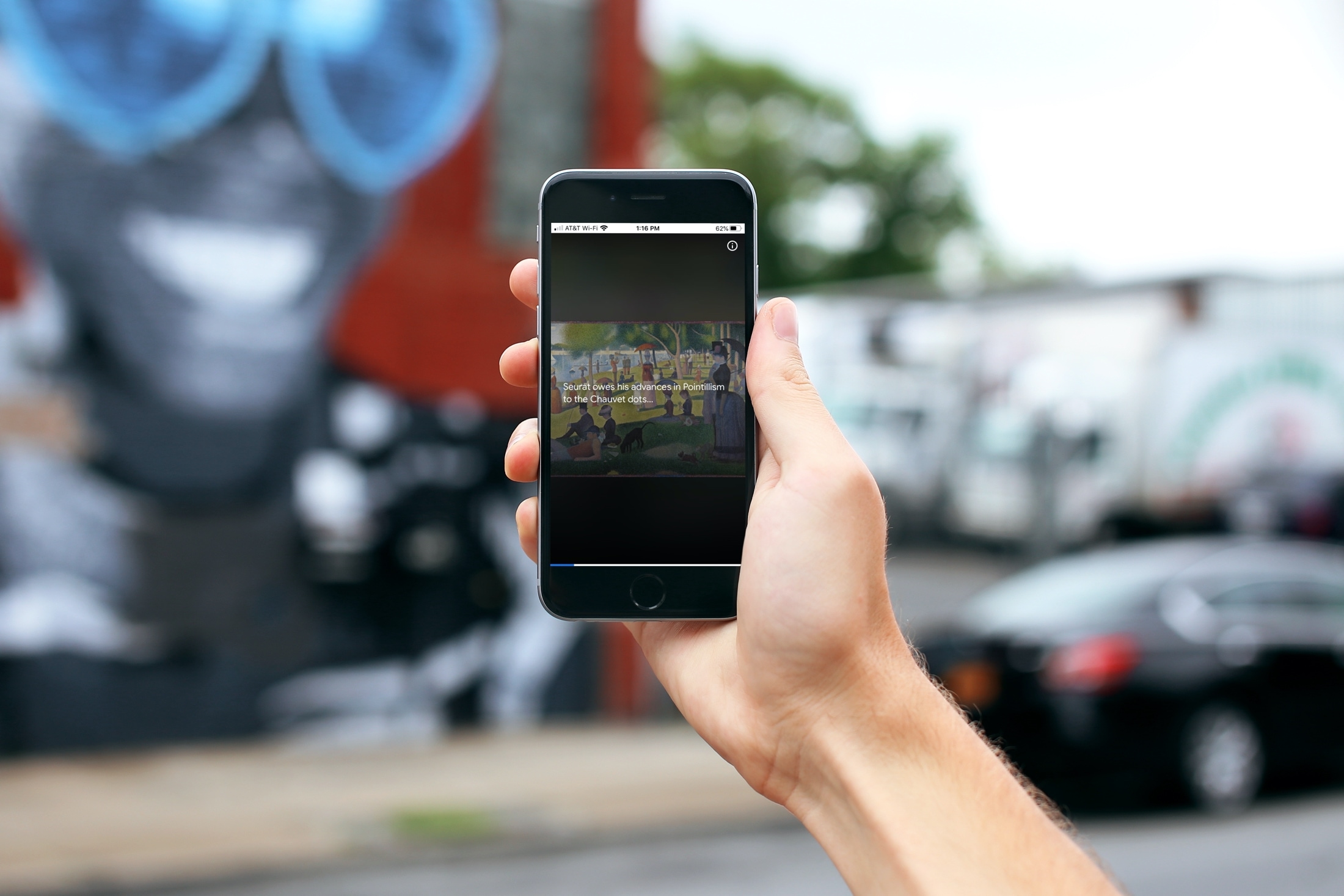
Best apps for art lovers - Google on iPhone

If you appreciate art and want a way to view beautiful works on your device, then this list of iPhone apps for art lovers is for you.

You can browse galleries, check out exhibits, and view artwork from talented artists all around the world. So if you can’t make it to a local art show or afford to travel the globe, immerse yourself in an app for artwork instead.

The 5 best inspirational and motivational apps for iPhone

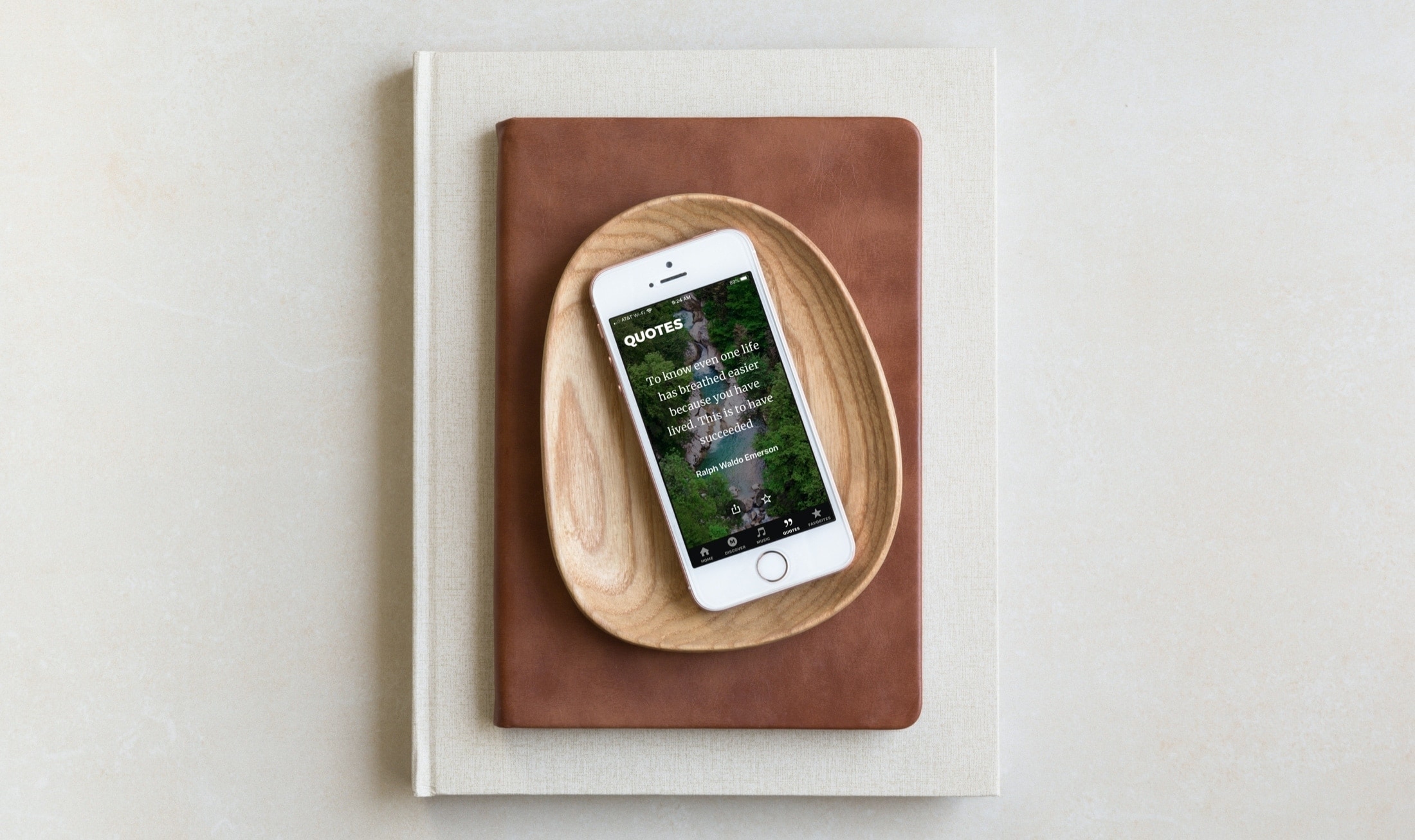
Inspirational Apps iPhone - Motivate Daily Motivation

Inspiration comes in different forms for different people. And if you’re looking for a jumpstart to your day, a way to get through a difficult time, or just want to think more positively, a small thing like an app on your device can help. Partnered with your other motivational methods, an app that gives you something to think about can be a great addition.

These apps for iPhone provide encouragement with a simple tap. Browse through the list, try one or all, and see if it’s just the ticket to motivate you.

Velox Reloaded brings widgets to the iPhone’s Home screen the right way

iOS has come a long way in recent years, especially in terms of widgets and information displays. But when compared with a lot of the smartphone competition on the market today, iOS (and even iPadOS) still lag behind.

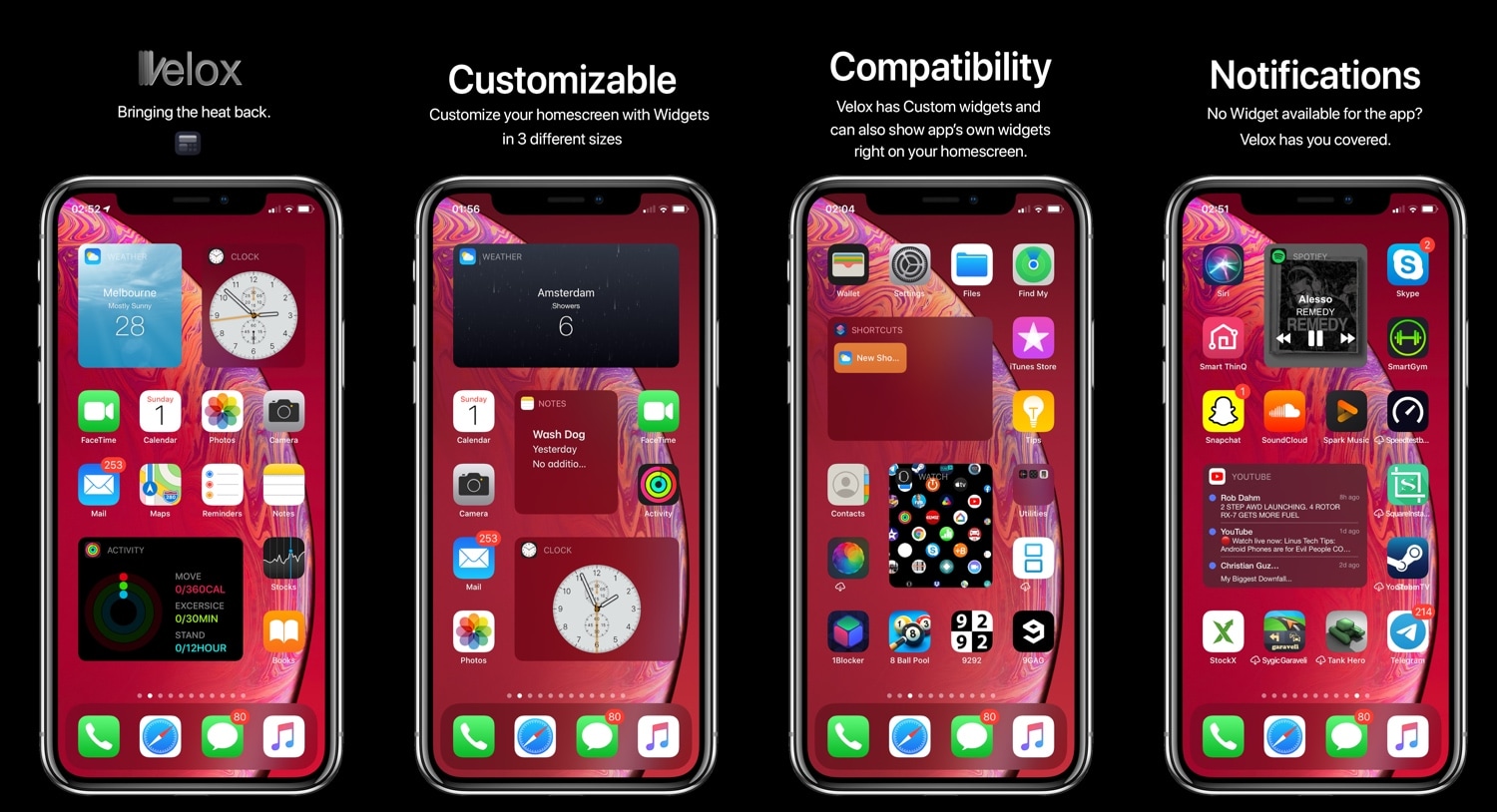
Enter Velox Reloaded, a stunning new jailbreak tweak by ApexTweaks that introduces quirky system widgets with handy functionalities directly to your iPhone or iPad’s Home screen via the very same grid-space that you use to store application icons.

This tweak centers the final row of apps on your Home screen

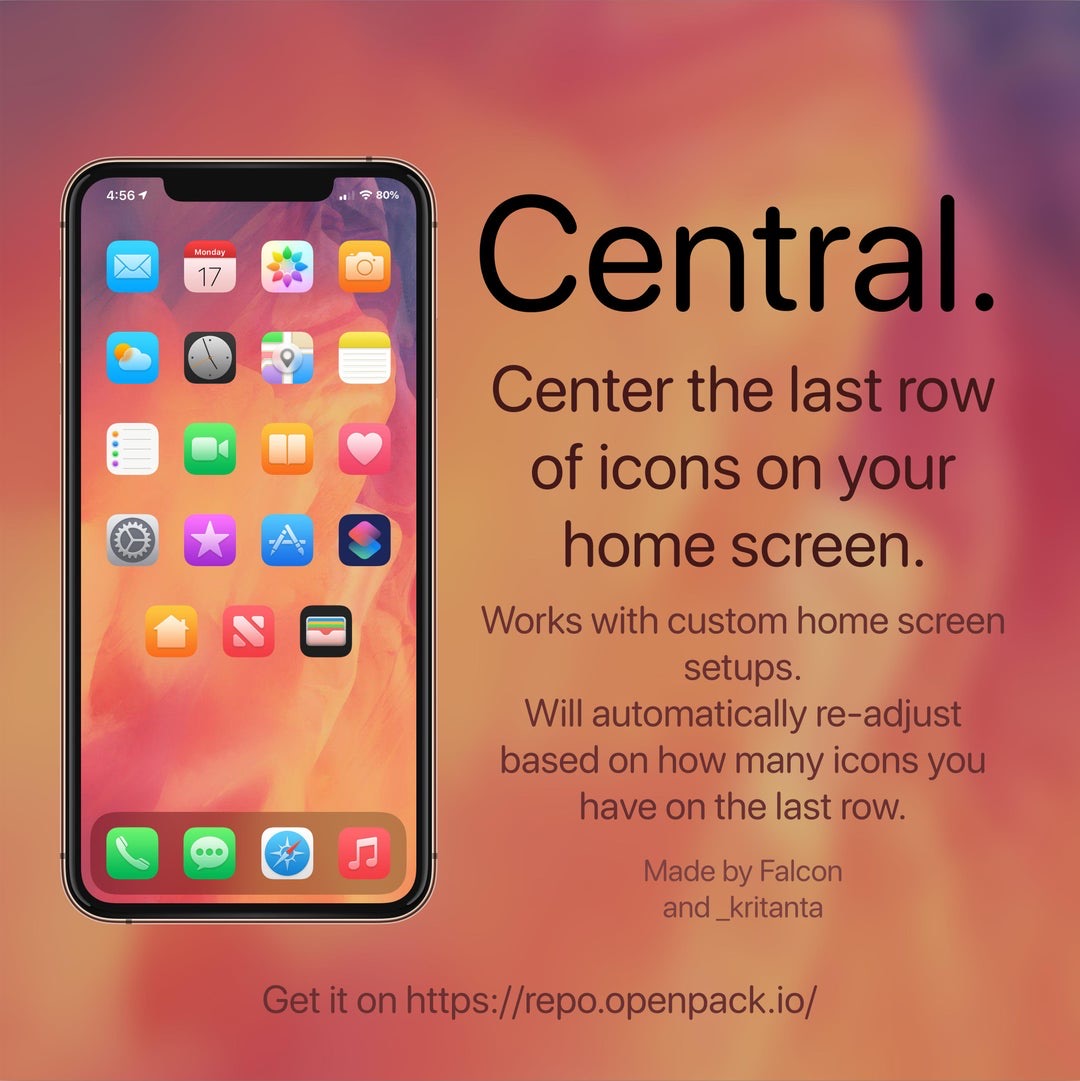
If you’re lucky enough to have a jailbroken iPhone or iPad at your disposal and you’re looking for a fun and quirky way to make your handset’s Home screen stand out from the average Joe’s, then you just might come to appreciate a newly released and free jailbreak tweak called Central by iOS developers Kritanta and Falc0nDev.

As depicted in the screenshot example above, Central adjusts your Home screen’s application icon layout in such a way that the final row on the Home screen funnels down to just three icons in the center of your display.