Are you looking for the best iPhone Home Screen app arrangement? Explore some simple ways to arrange your Home Screen on iPhone and iPad, for a perfect mix of productivity and aesthetics.
6 ideas to arrange Home Screen icons on iPhone or iPad

Are you looking for the best iPhone Home Screen app arrangement? Explore some simple ways to arrange your Home Screen on iPhone and iPad, for a perfect mix of productivity and aesthetics.
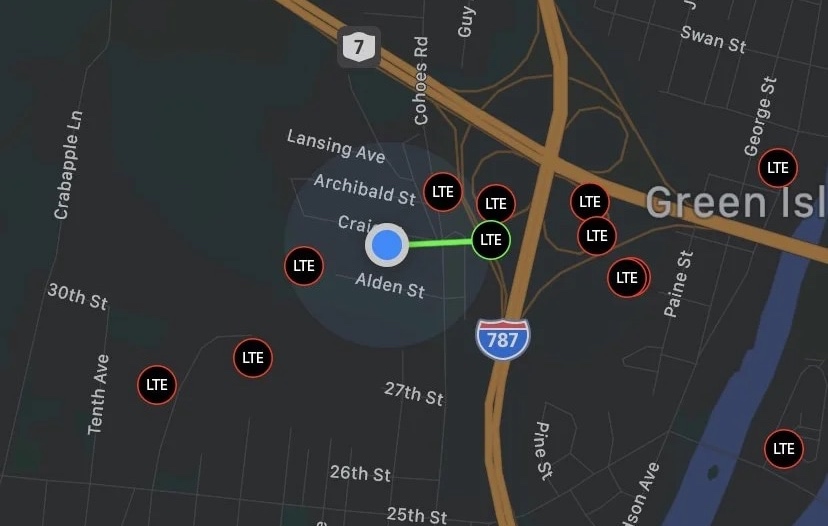
If you’ve been jailbreaking iPhones for as long as I have, then you probably remember a pair of classic apps dubbed Signal and Signal 2 by the highly talented developer and hacker PlanetBeing. These apps allowed users to see various cellular towers on a map, and moreover, it showed the user which cellular tower(s) that their iPhone was currently connected to. But that was a long time ago…
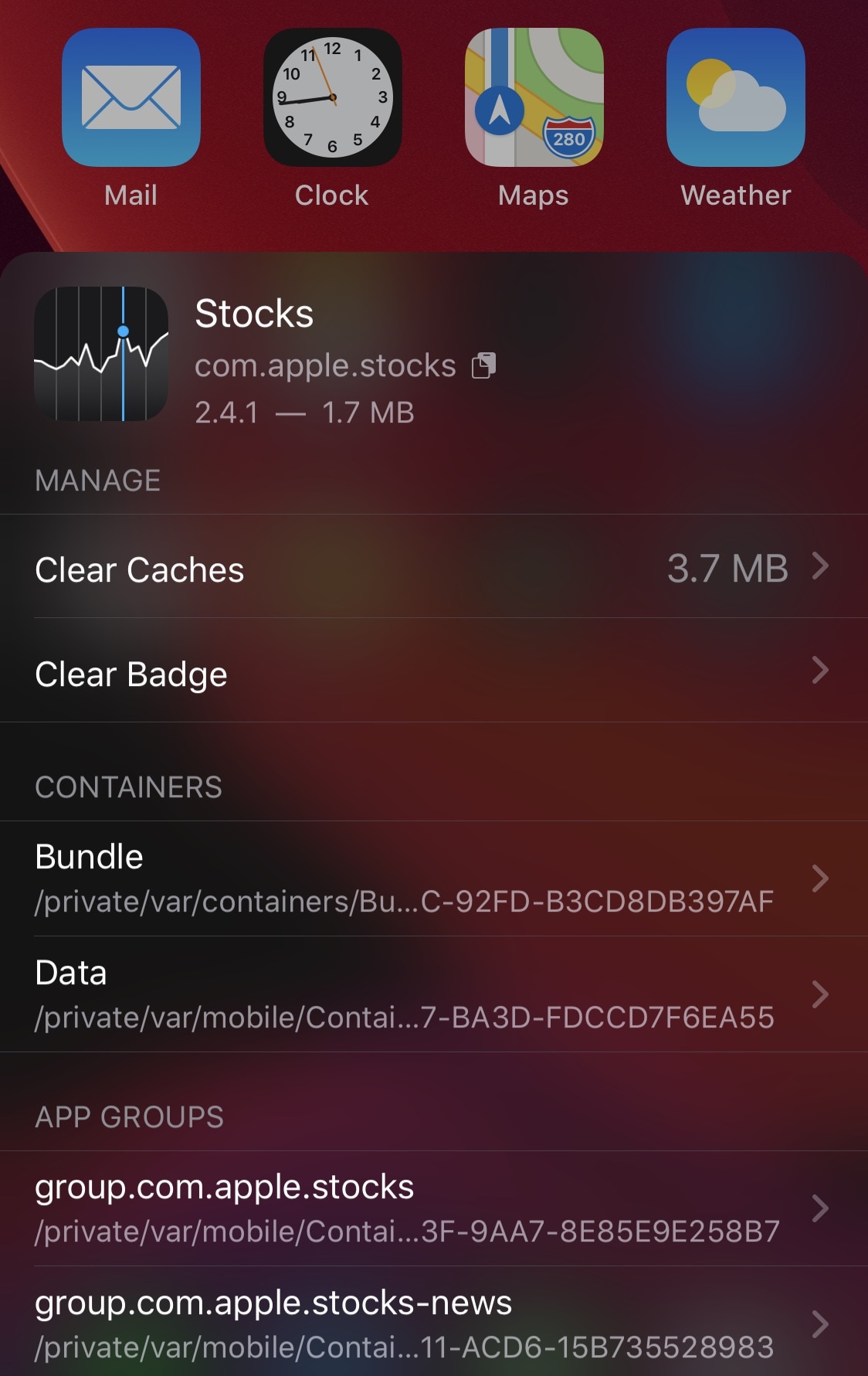
Depending on how advanced of an iPhone or iPad user you are, you might find yourself wanting to do more than simply launch and use your apps. Maybe you have a curious mind and you fancy tinkering with stuff related to those apps, or perhaps you just desire an easier way to clear your apps’ caches on a regular basis.
Whatever you’re looking for in the world of advanced iPhone and iPad usage, chances are a newly released and free jailbreak tweak dubbed AppData by iOS developer Fouad Raheb can help you get more out of using your handset’s Home Screen.
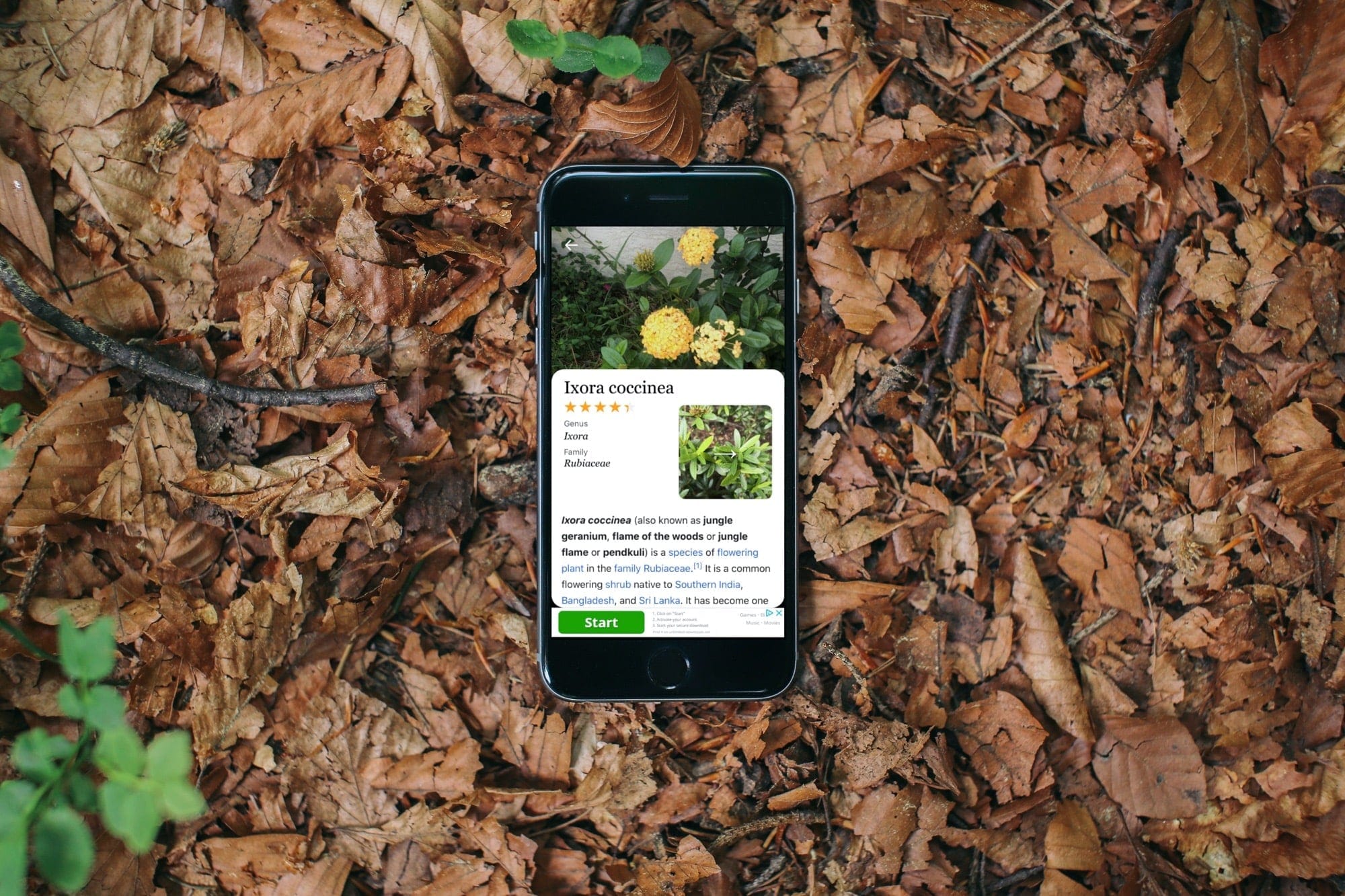
Check out this list of the best plant identifier apps for iPhone and iPad so you can stop wondering about that flower or plant you see and get all the necessary information about them whenever you want.
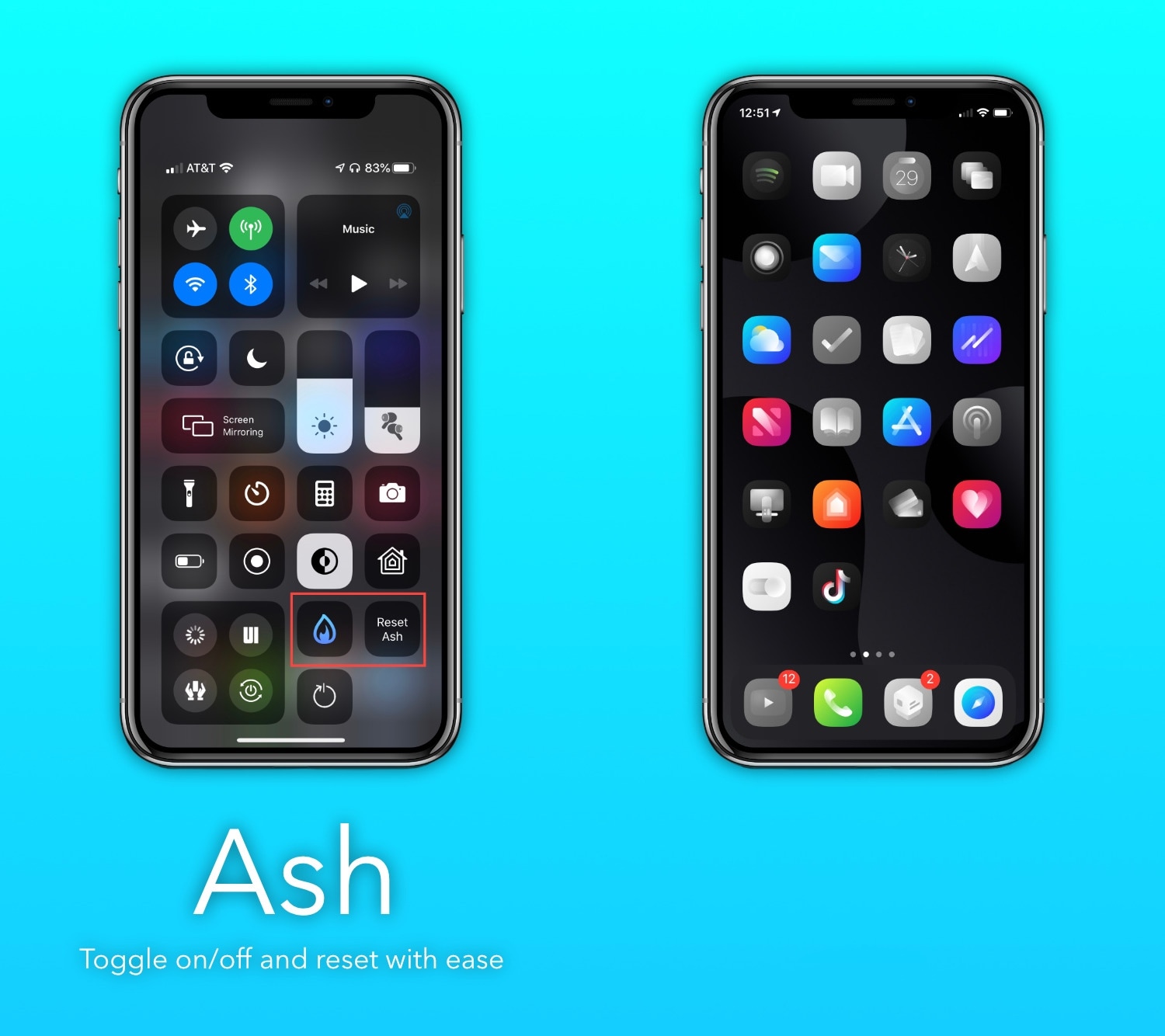
If you’re the type of person who installs tons of apps from the App Store and then only uses a small number of those after installing them, then you just might enjoy a newly released and free jailbreak tweak called Ash by iOS developer burrit0z.
Ash implements an intelligent app icon dimming effect to help jailbreakers keep better track of the apps they use and the apps they don’t use. Never-used app icons appear gray in color when being displayed on the Home Screen, whereas used app icons retain their original color, as depicted in the screenshot examples above.
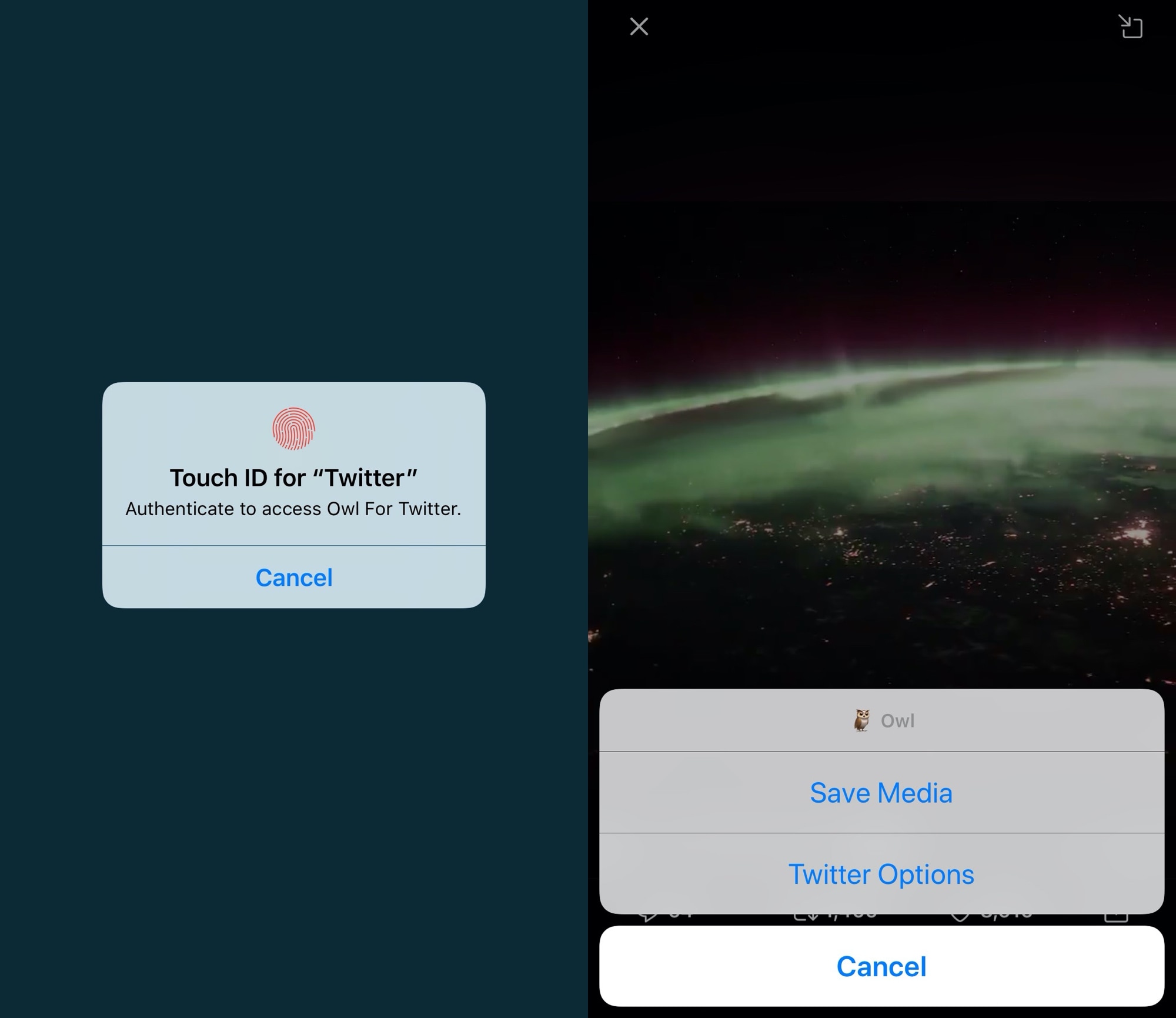
There are several third-party apps for accessing Twitter on the iOS platform, but there’s no question that the official Twitter app is the most popular by far. Unfortunately, it lacks a number of features that could make the user experience as good or better than many third-party alternatives, which is why they exist in the first place.
If you aren’t interested in spending money for a third-party Twitter client and you have a jailbroken handset at your disposal, then the good news is that you can take advantage of a newly released and free jailbreak tweak called Owl by iOS developer Michael Lema to breathe new life into the existing official Twitter app.
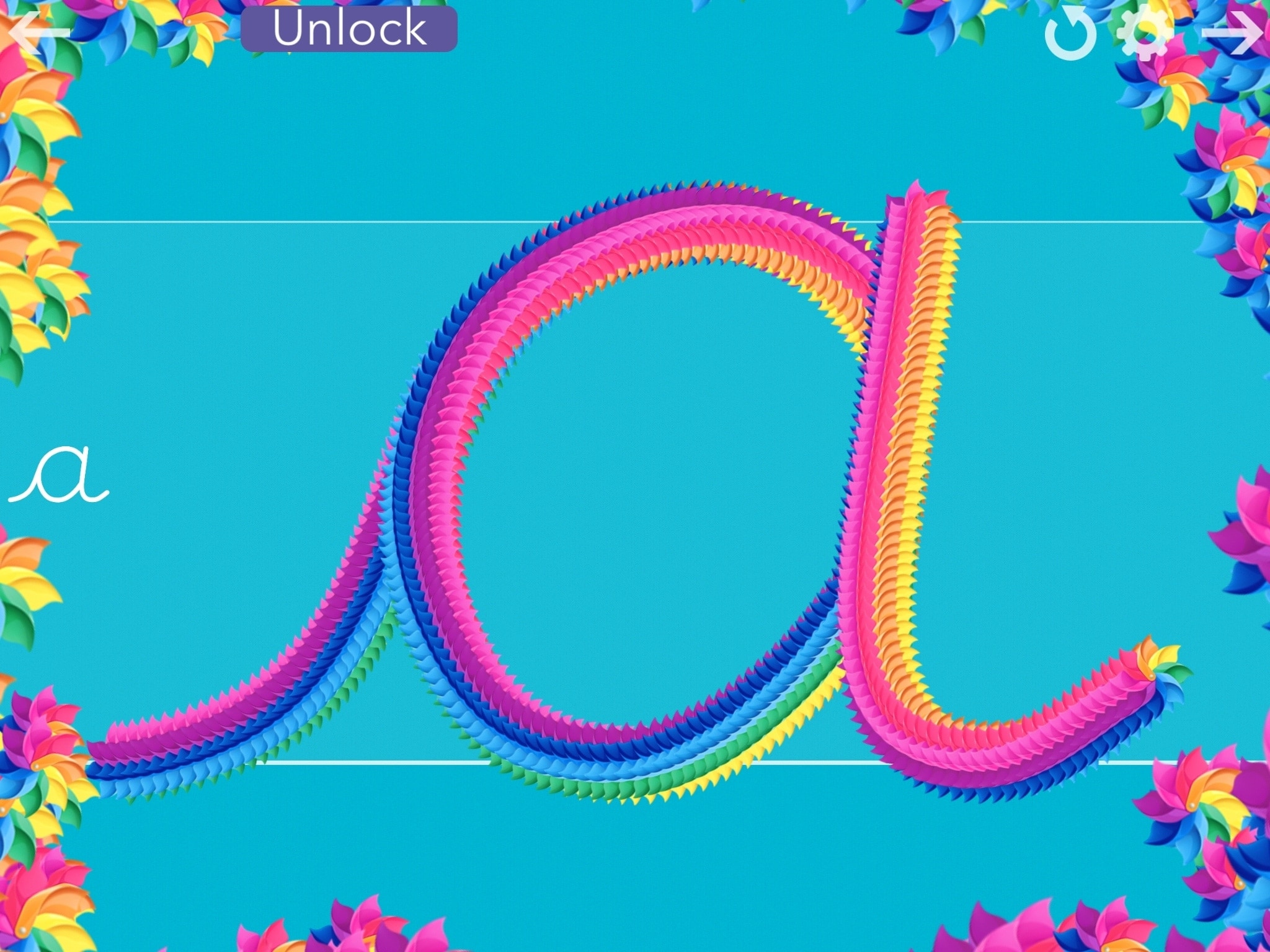
Back in 2010, the Common Core State Standards brought the end of the cursive writing style in many, many U.S. states. And while the debate on whether it should still be taught continues, some states are already bringing it back to their curriculum.
If you’re concerned that your child will not learn cursive writing skills, you do have other options besides relying on educational institutions. Of course, you can teach them yourself. And if you add in these free apps for iPhone and iPad, your child has a fun way to practice what you teach.
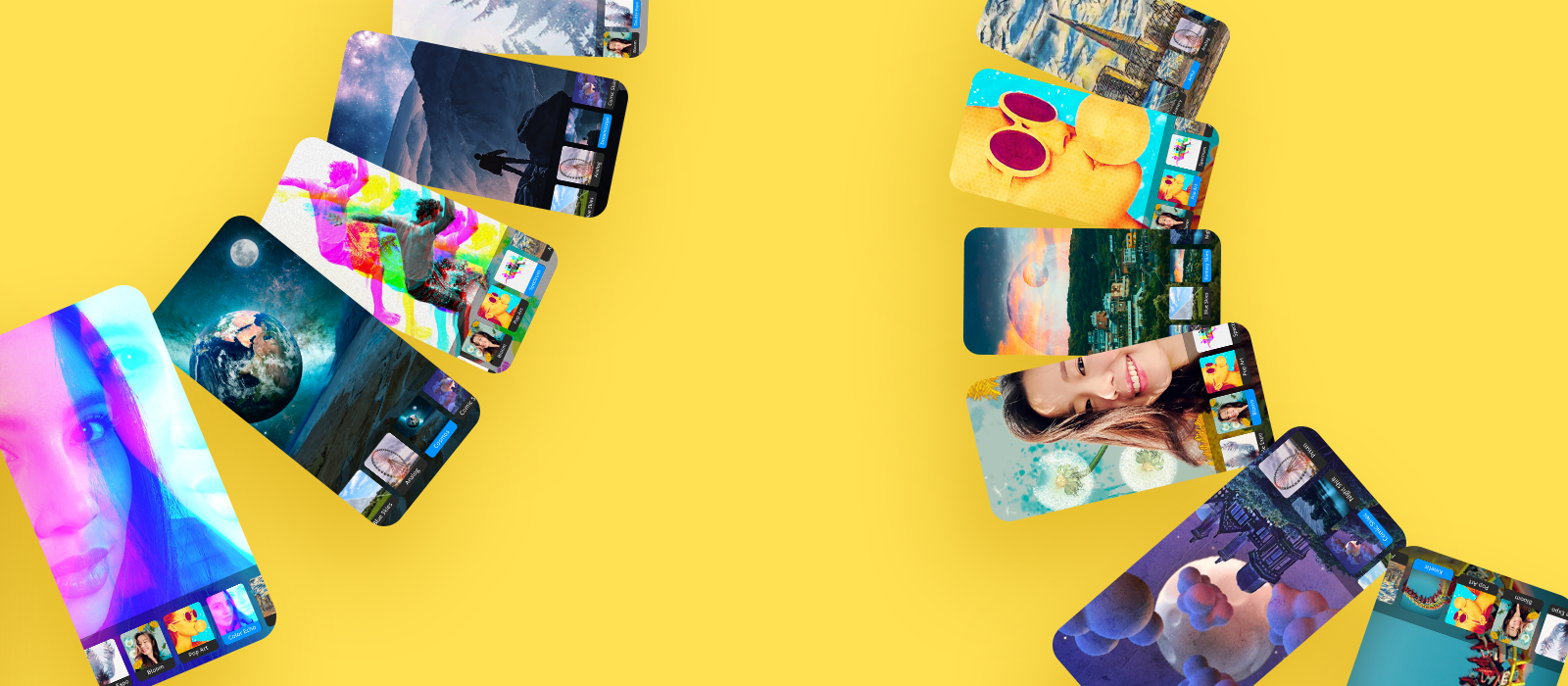
Having spent months in limited preview since last November, Adobe's new Photoshop Camera for iPhone and iPod touch is now available to download in the App Store free of charge, with an optional $2 per month upgrade for twenty gigabytes of cloud storage for syncing your shots.
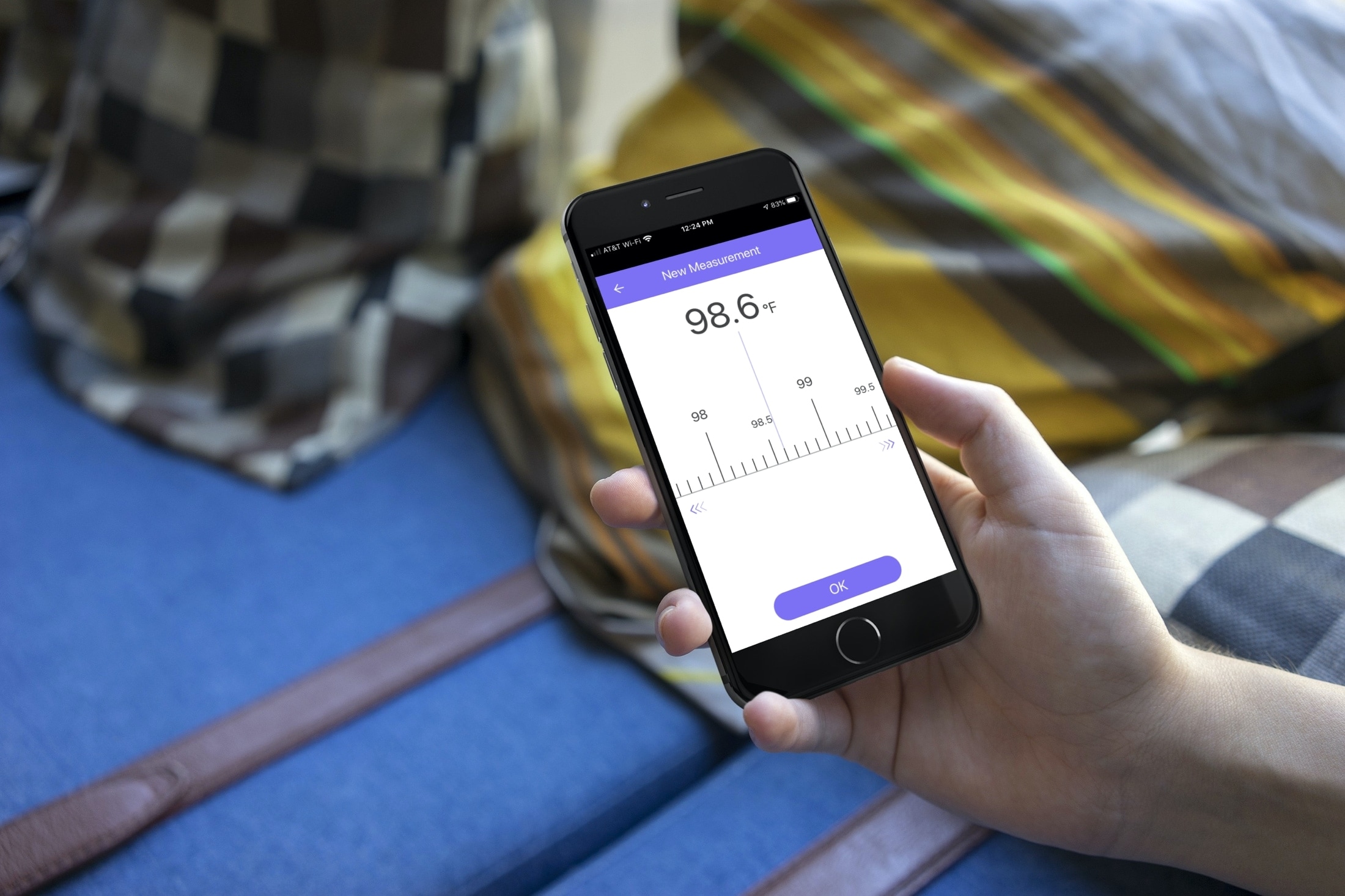
When you or your child is sick, monitoring a fever is crucial. But, not everyone has a fancy smart thermometer that captures and tracks body temperature on your iPhone.
So, for simple body temperature tracking, these apps for iPhone come in super handy. Whether it’s for yourself, a child, or another loved one, you can log body temperatures, be aware of changes, and have a record for your physician.
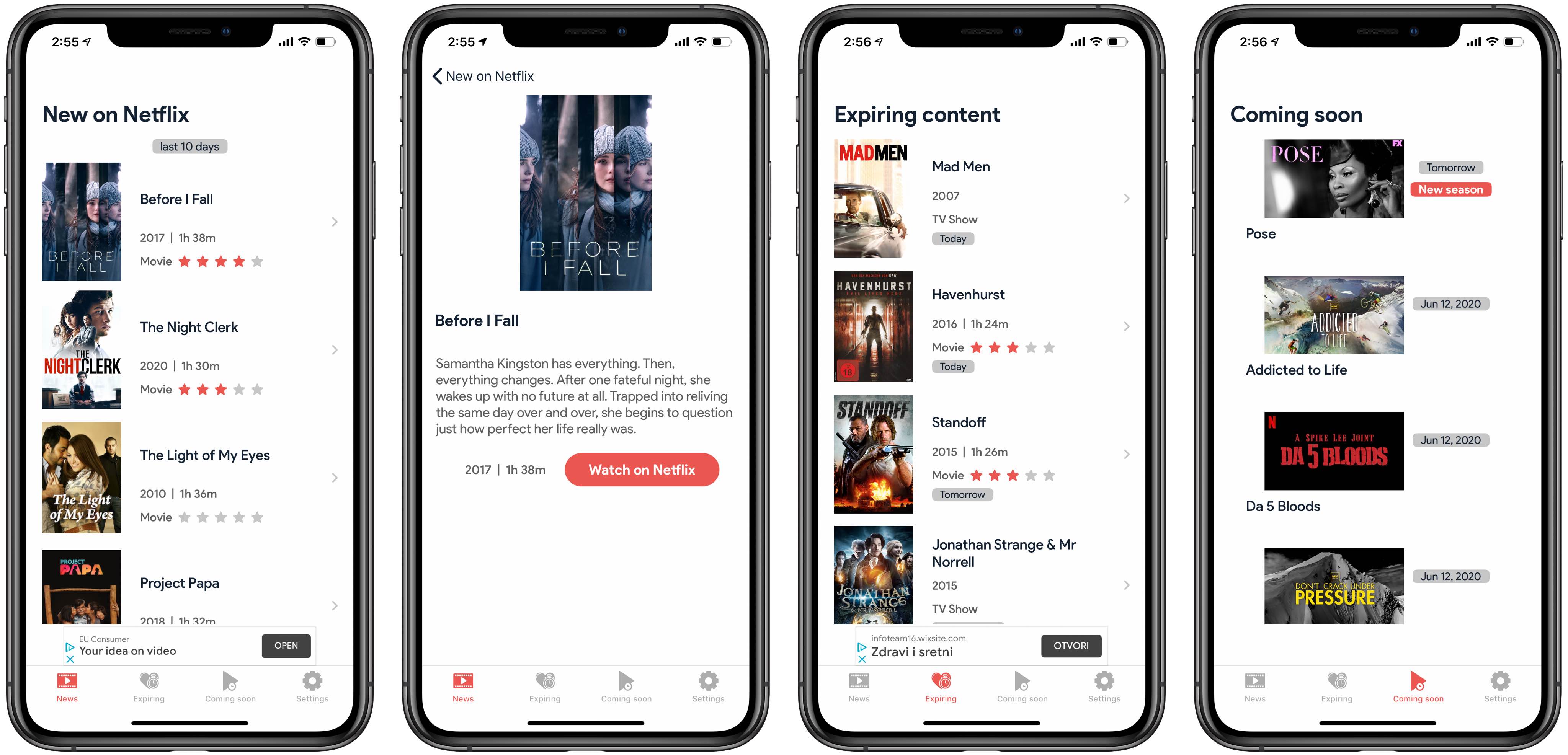
New on Flix is a free new iPhone app that helps you discover new shows on Netflix.
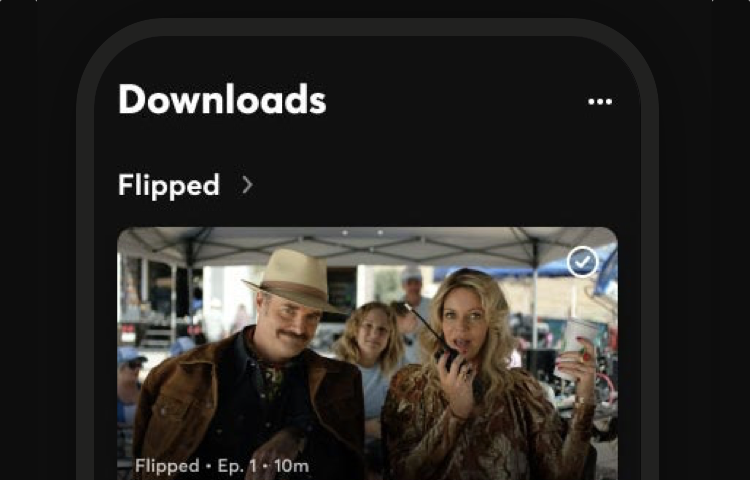
Quibi for iPhone now supports wireless streaming to Google Chromecast-based devices.
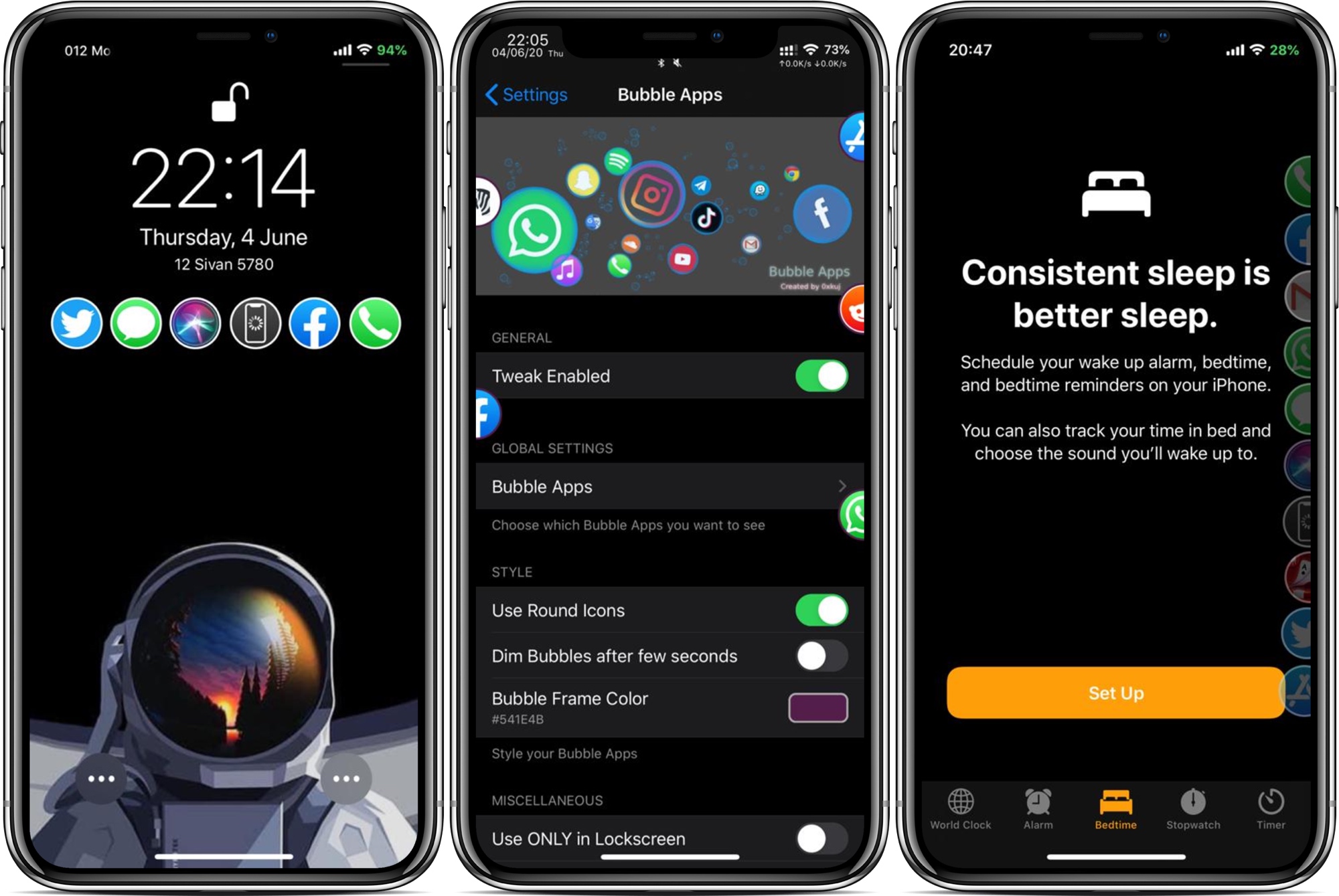
App launchers are popular among jailbreakers, mostly because they can make accessing your favorite apps from anywhere easy when you’re just out of reach of your Home screen. But what makes an app launcher perfect? The answer varies from one person to the next based on personal needs, which is one reason why we enjoy seeing different developers’ takes on the idea.
Enter Bubble Apps, the latest of such jailbreak tweaks created by iOS developer 0xkuj that provides users with a highly configurable app launcher interface that can be accessed from virtually any interface in iOS.