Apps

How to browse recently installed and suggested apps in your iPhone App Library
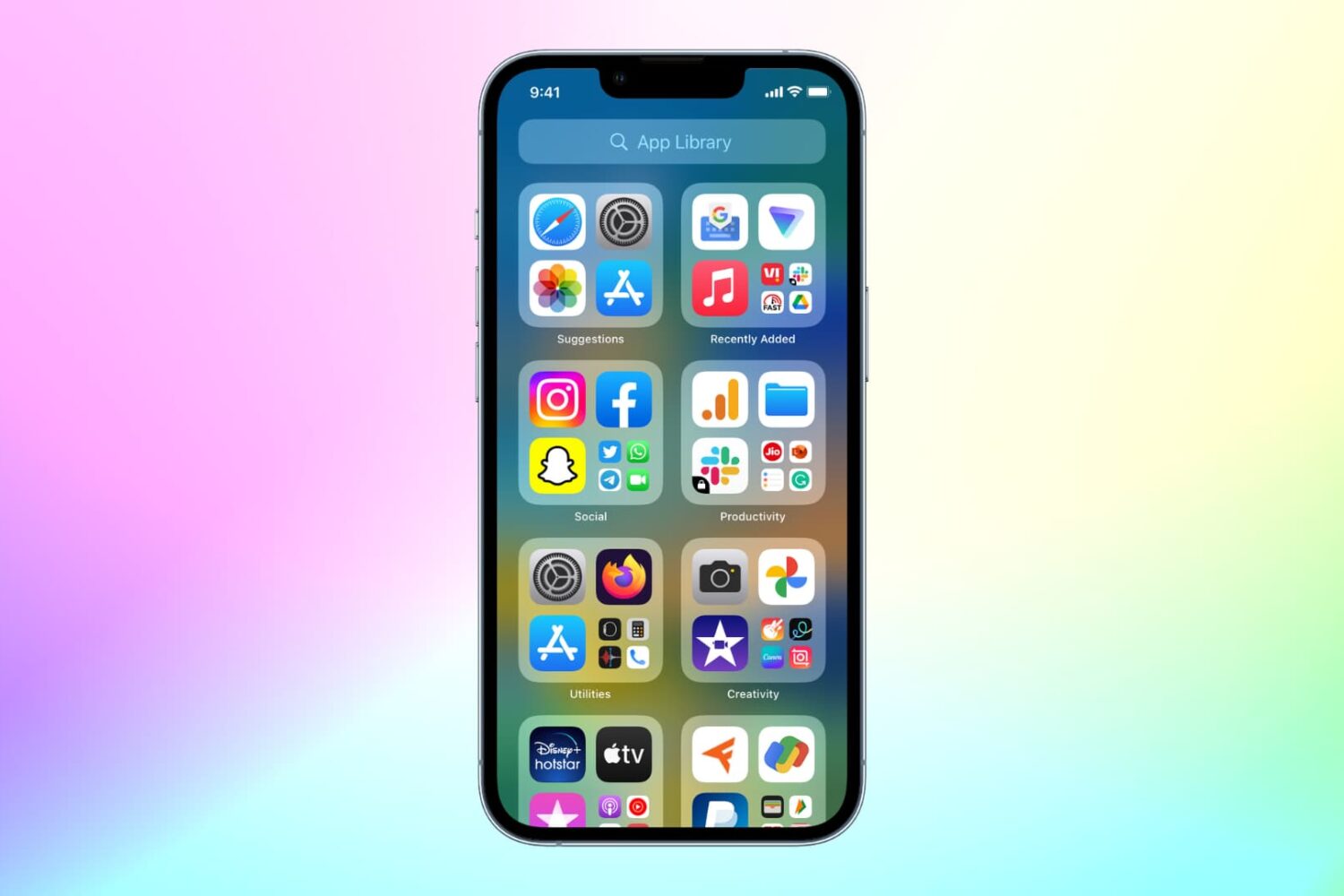
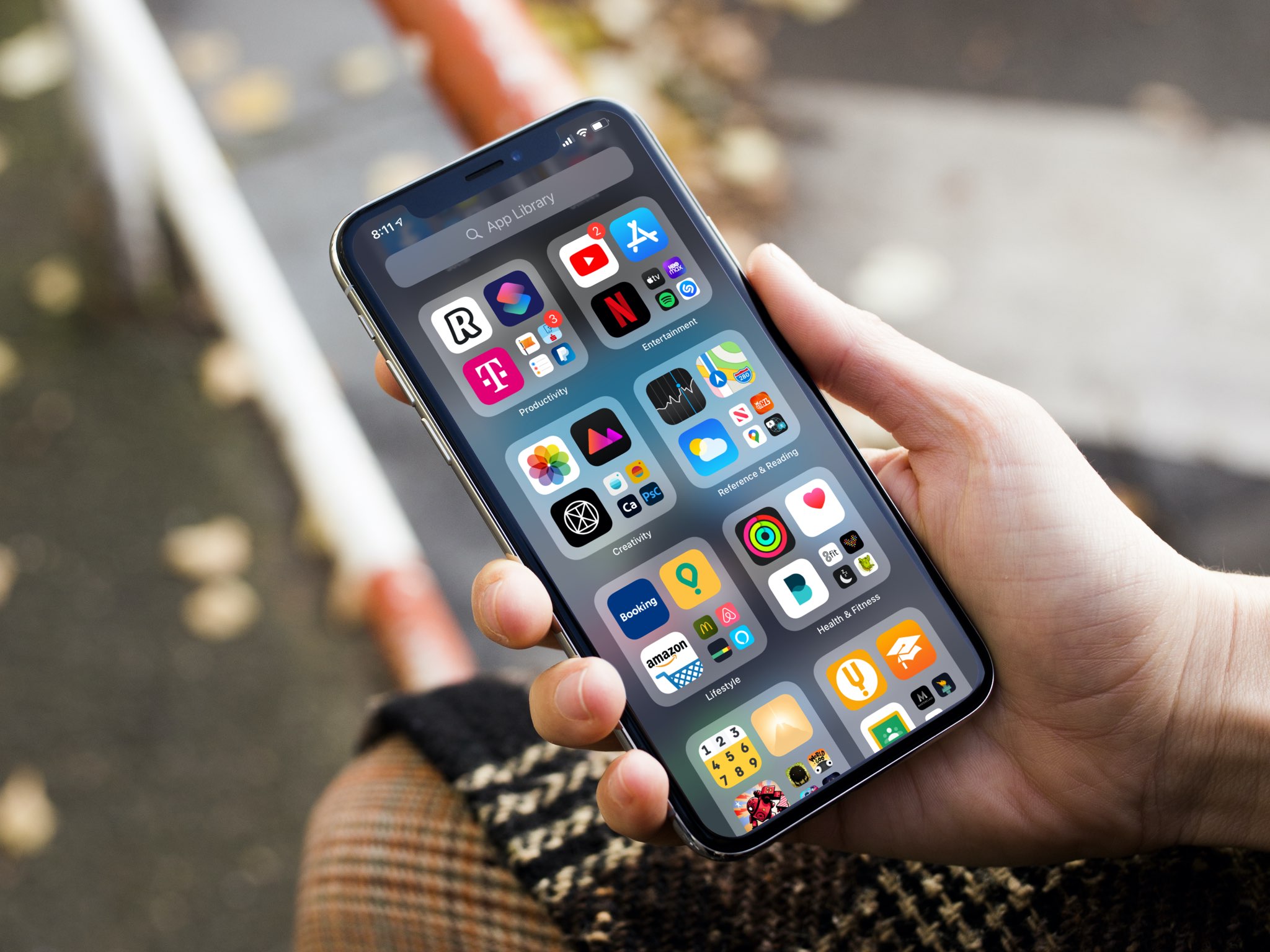
An iPhone mockup showing the App Library

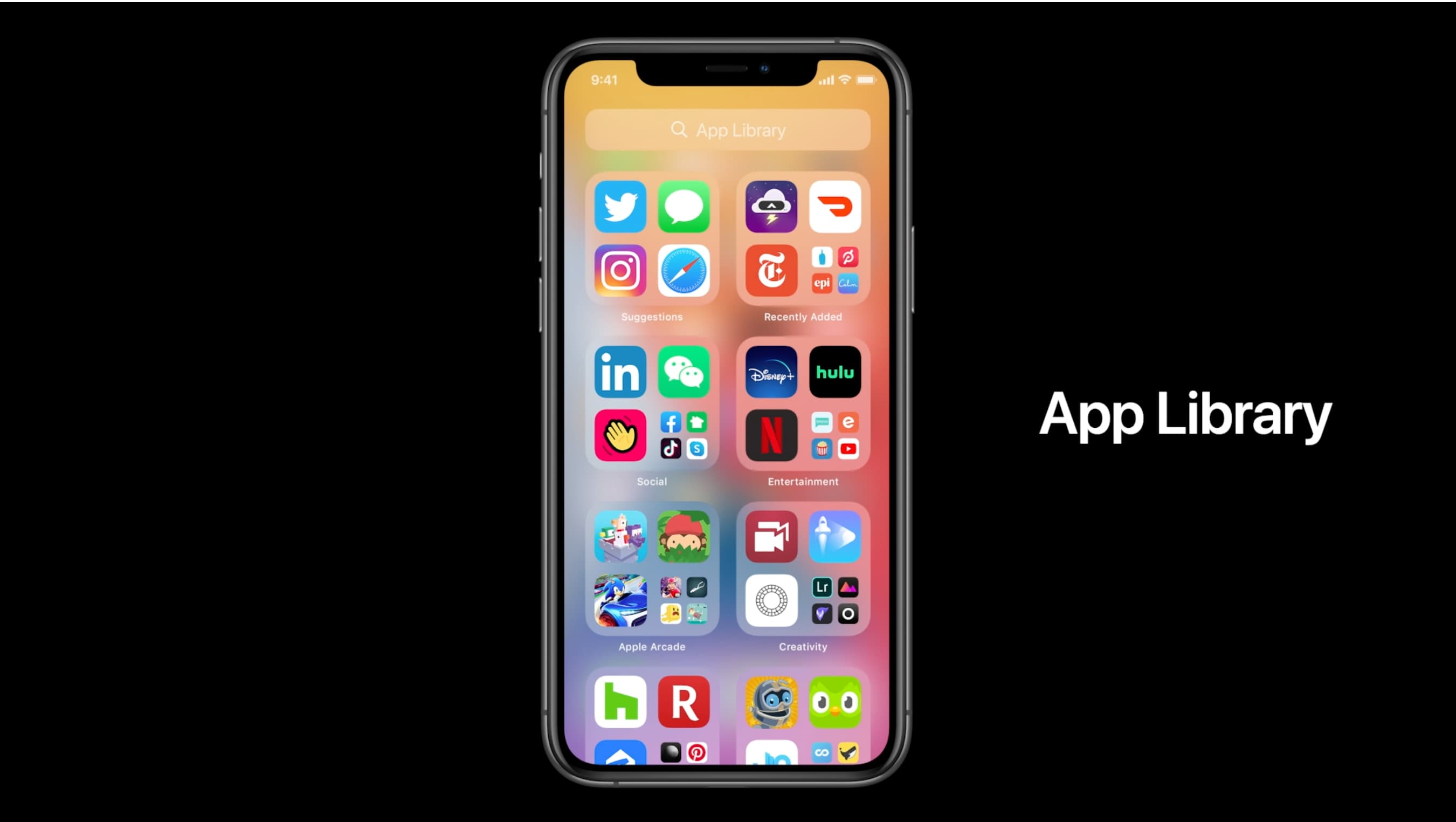
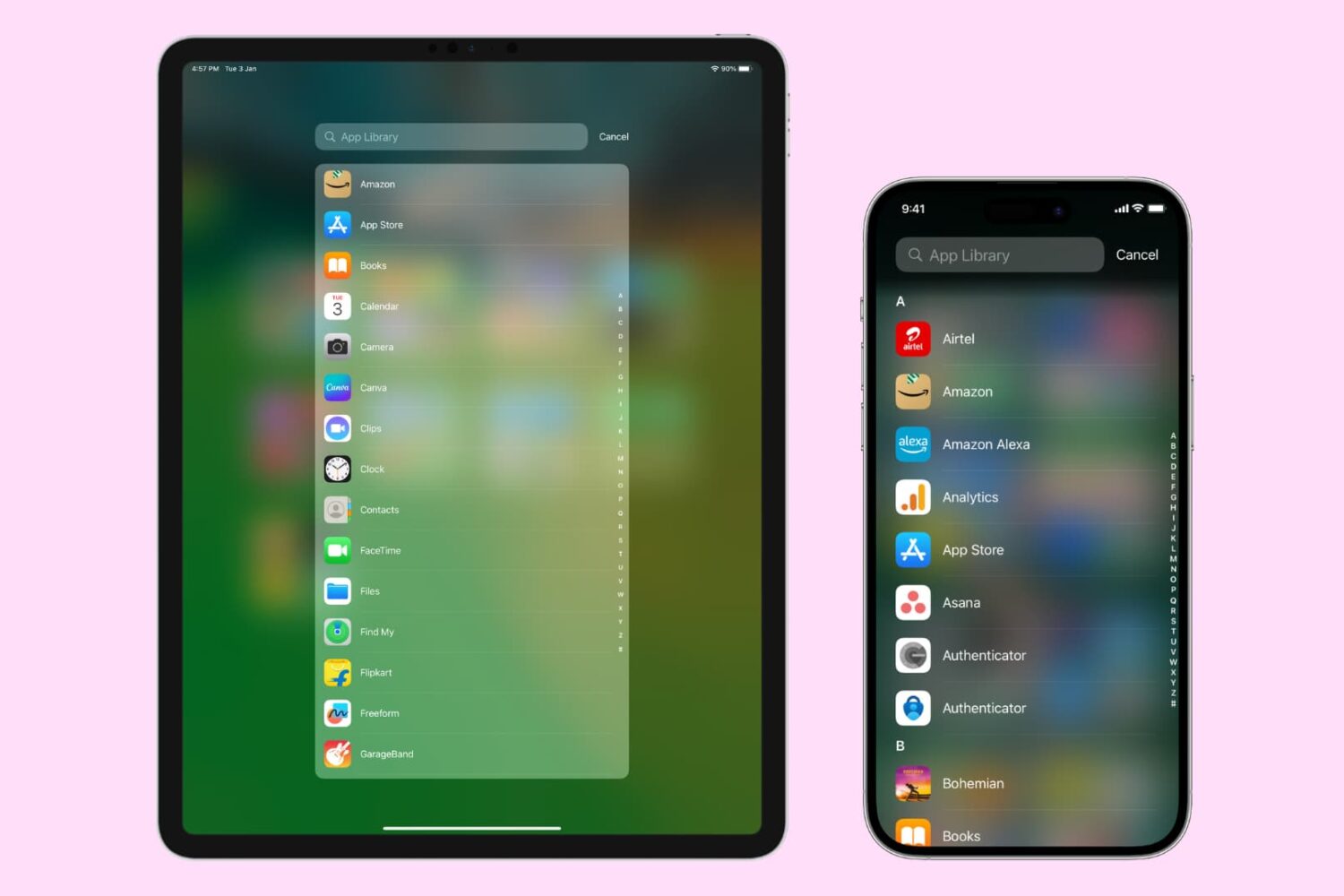
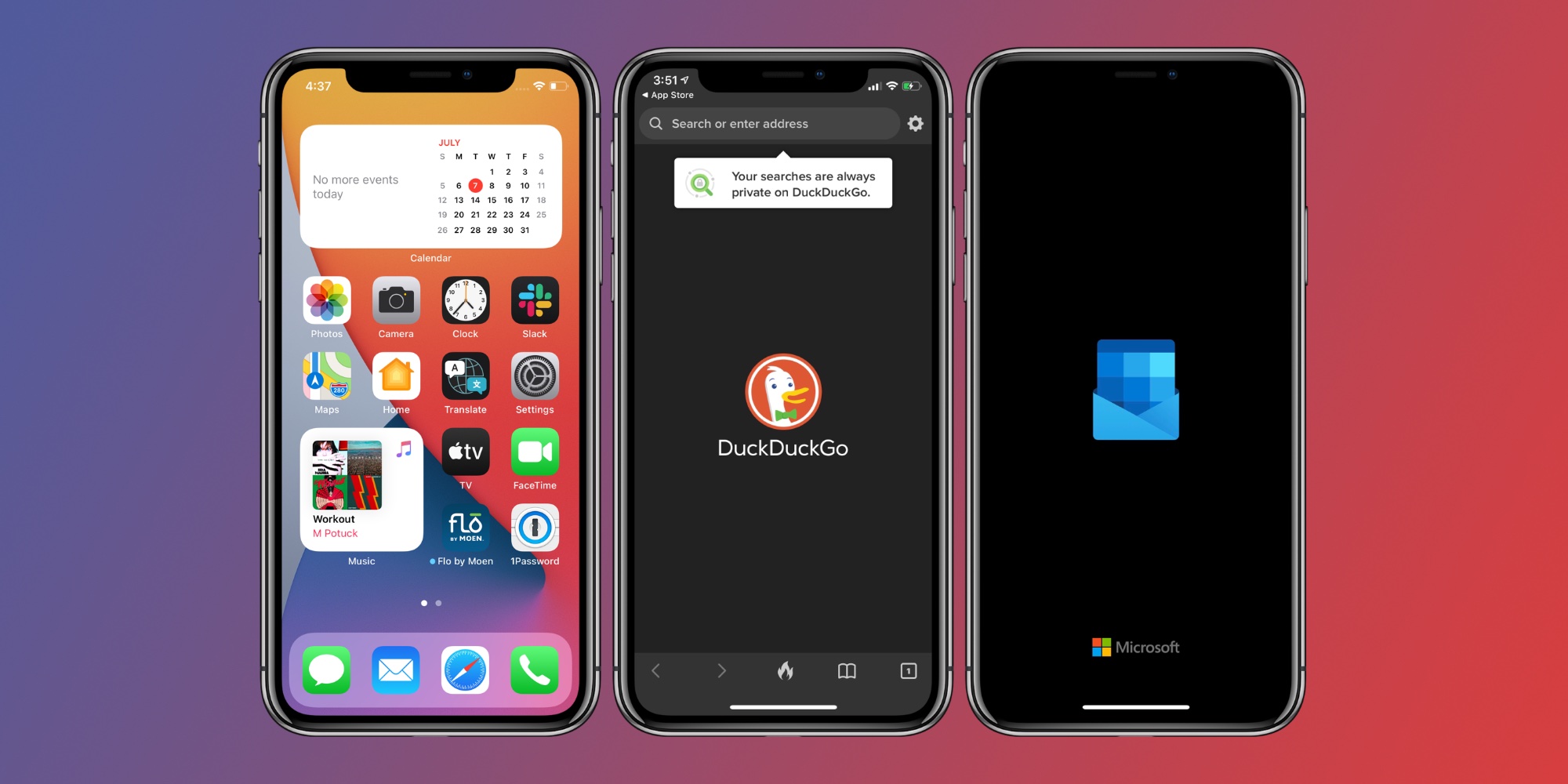
With the App Library feature on iOS 14 and later, your most-used apps are always just one tap away in a central place at the end of your Home Screen pages. And thanks to Siri intelligence, you can quickly launch apps you’re likely to be looking for. Follow along with us as we show you how to get to your recently installed iPhone apps or Siri-suggested apps via the App Library.

DockChanger brings the classic Dock to notched iPhones and vice versa

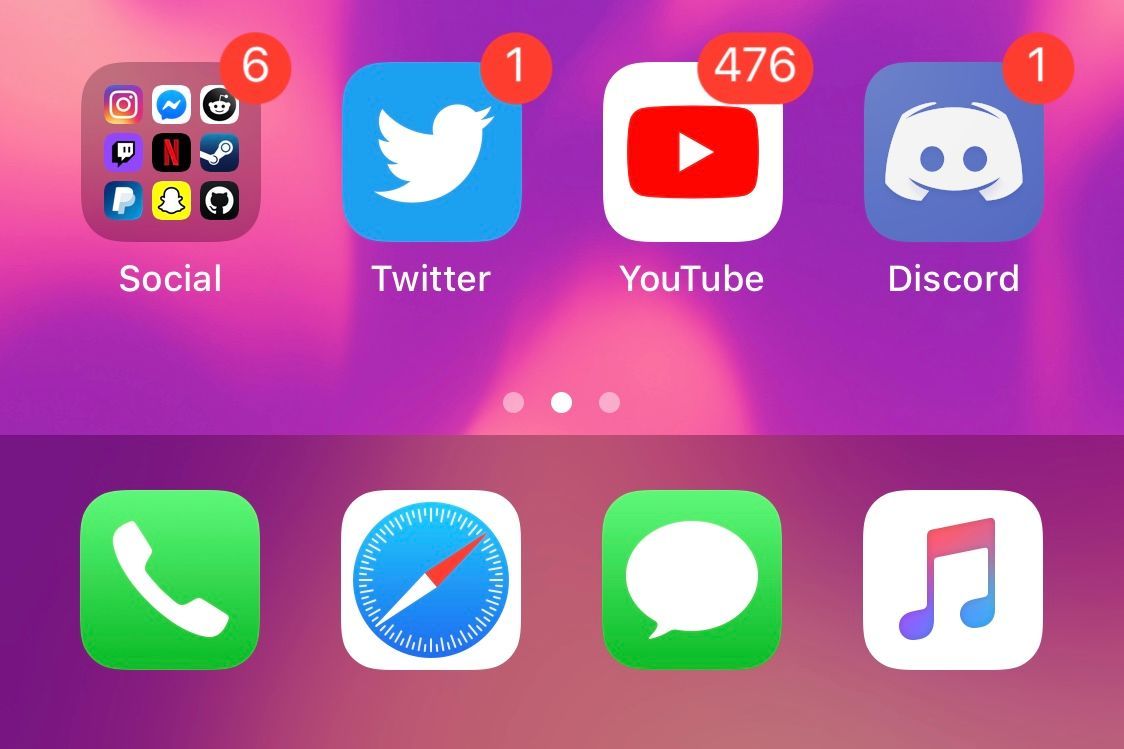
If you owned an iPhone before the days when Apple began incorporating Face ID and the infamous ‘notch,’ then you probably remember the classic Home Screen application Dock with the edge-to-edge background. Fast-forward to now, and modern iPhones’ Docks sport a floating appearance rather than the traditional edge-to-edge background.

Whether you’ve got a notched iPhone at your disposal and you’re feeling nostalgic over the traditional Dock UI or you’ve got a notchless iPhone and feel left out because your Dock doesn’t have the same floating aesthetic that newer handsets have, a newly released and free jailbreak tweak named DockChanger by iOS developer Thomz could be just what you’re looking for.

Aperio is a lightweight, yet functional app launcher for jailbroken iPhones

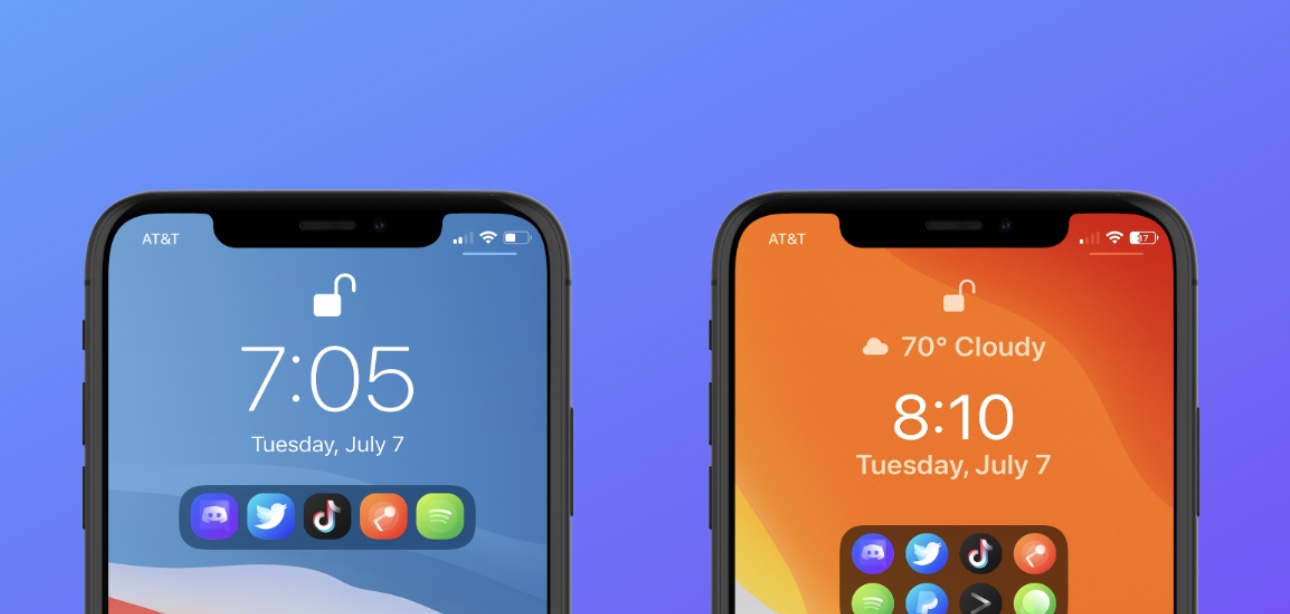
If there’s anything to be said about app launcher concepts, it’s that they’re a cornerstone of the jailbreak community’s existence. There’ve been literally countless app switcher concepts released as jailbreak tweaks over the years, and even today, they continue to materialize. One of the latest of such tweaks is one called Aperio by iOS developers burrit0z and Thenatis.

As you might’ve discerned already from the screenshot examples, Aperio is a Lock Screen-based app launcher interface that comes with different display modes to appease both minimalists and power users alike. If you’re more of a minimalist, then you’ll probably opt for the compact interface option, whereas power users will likely go for the more crowded interface.

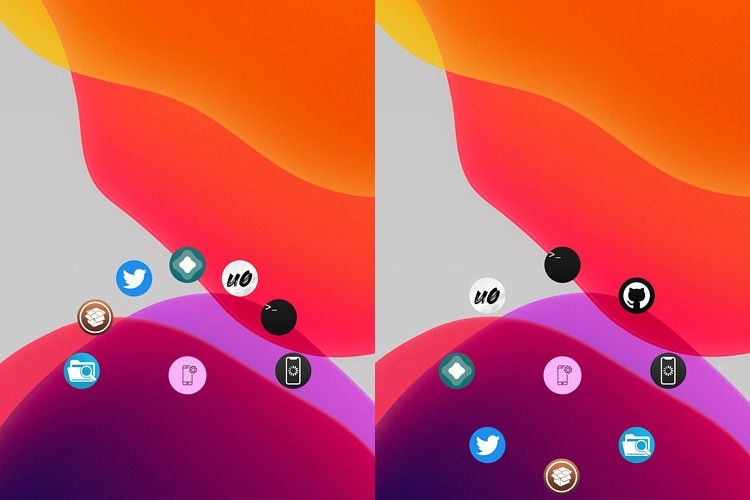
FastAppLS adds a wheel-shaped app launcher to the iPhone’s Lock Screen

The Lock Screen serves as a secure barrier between the user and the Home Screen, but there are sometimes instances where you might want faster access to certain apps without the delay of unlocking your device and browsing the Home Screen.

Enter FastAppLS, a newly released and free jailbreak tweak created by iOS developer Dcsyhi that puts a user- configurable app shortcut interface at the bottom of the Lock Screen so that users can more quickly access their favorite apps in a pinch.

Viper supercharges the Home & Lock Screens on jailbroken iPhones

While Apple does its best to keep the iPhone’s user interface simple by design, sometimes it takes things to such extremes that it actually handicaps the smartphone’s potential user experience. If you, like many others, wish your handset’s Home Screen and Lock Screen were a bit more capable, then you may want to do yourself a favor and look into the likes of a newly released jailbreak tweak dubbed Viper by iOS developer Esquilli.

Viper augments the iPhone’s Home Screen and Lock Screen interfaces in more ways than one. Not only does it bring interactive widgets to the Home Screen, but it also incorporates an App Drawer for faster app access and more informative Lock Screen interface with both Weather and time information. Examples of some of Viper’s features are depicted in the screenshot examples above and below.