Learn how to open multiple windows of the same app on iPad and increase your productivity with this step-by-step guide.
How to open multiple windows of the same app on iPad

Learn how to open multiple windows of the same app on iPad and increase your productivity with this step-by-step guide.
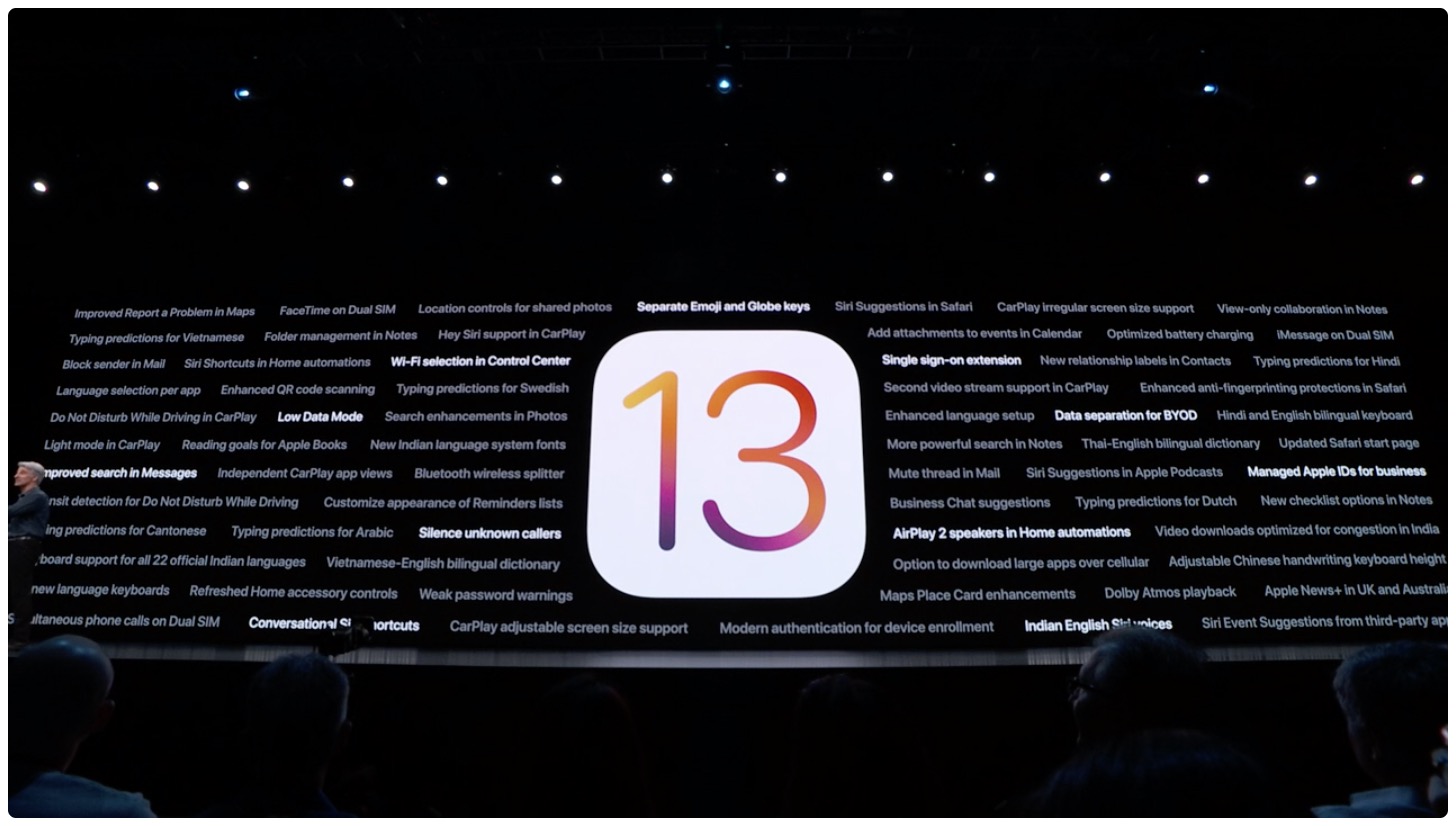
Apple has seeded the latest developer betas of iOS 13 and iPadOS.

Learn how to enhance your file management and navigation experience for improved productivity by using the Column view in the Files app on your iPad.
Earlier today, Apple seeded the second public betas of iOS 13 and iPadOS, and now the company is also releasing a slightly revised version of the developer beta as well.
Following the release of the first public beta of iOS 13 and iPadOS back in June, Apple is moving ahead with the second seed.
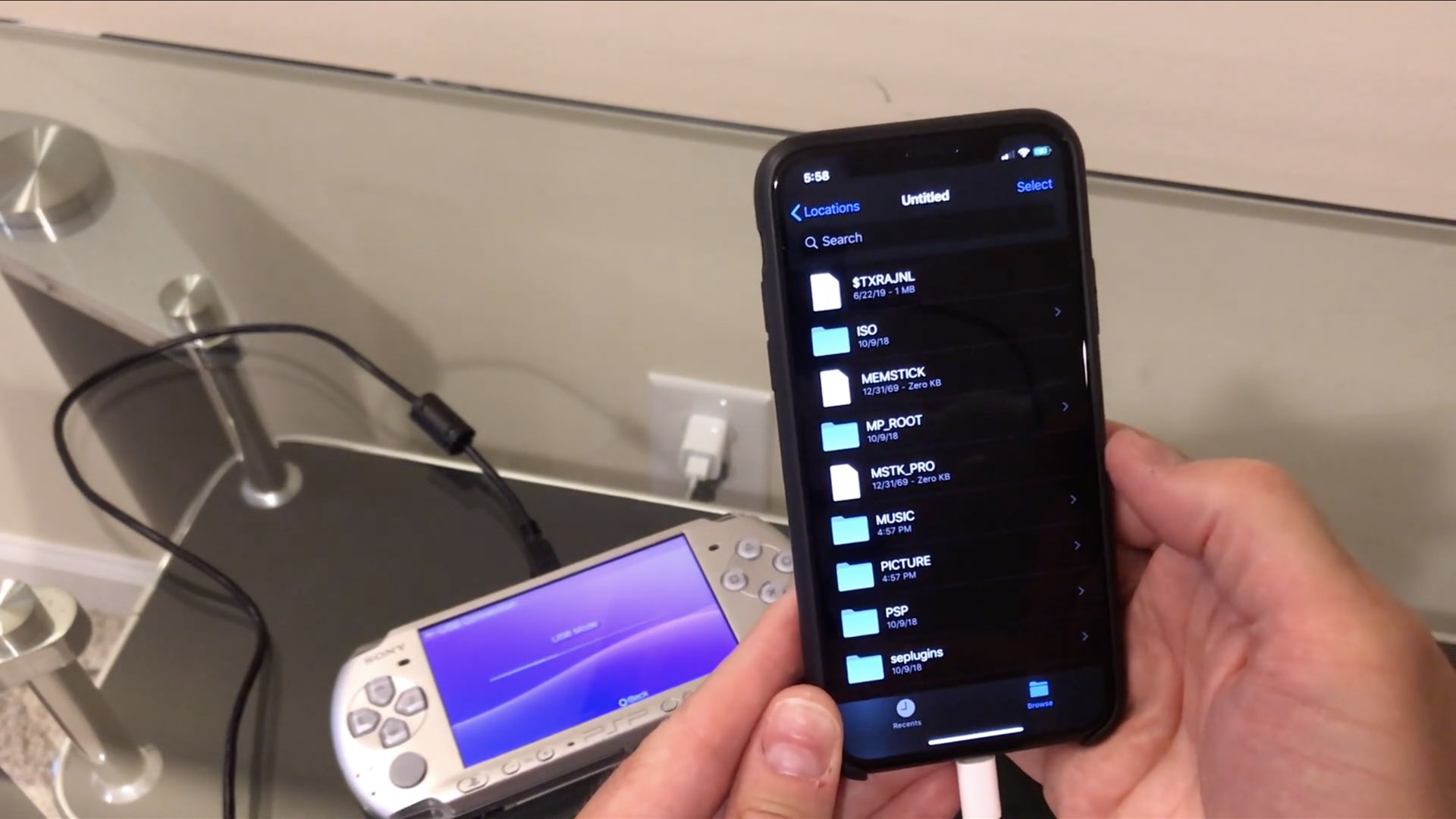
One enthusiast has so far been able to connect an Iomega Zip drive and even an Amazon Kindle to his iPhone running iOS 13 and access them through the much-improved Files app. But how about connecting some really old stuff to an iPhone or iPad, like a floppy drive?
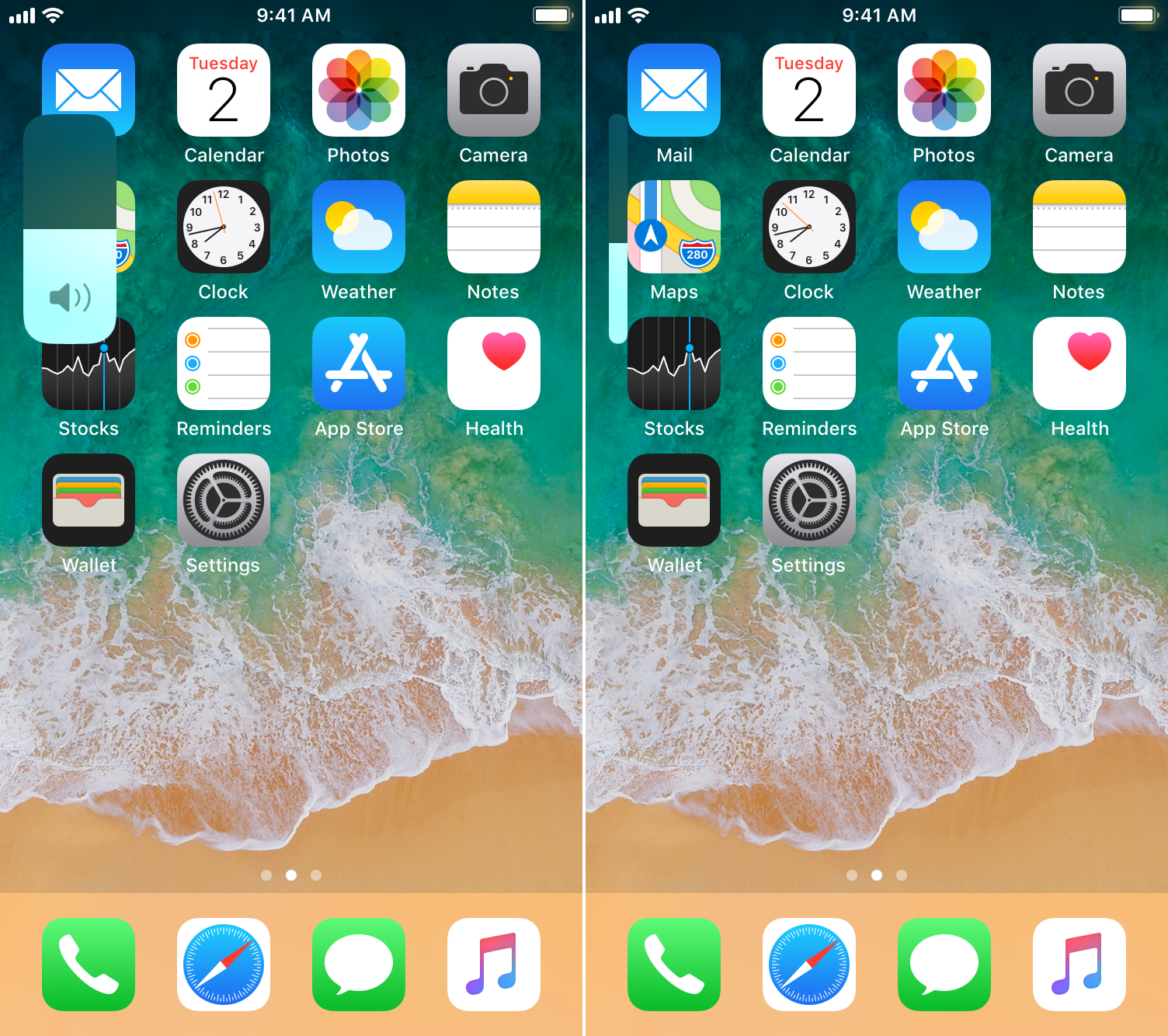
A native dark mode experience is one of the most sought-after features that Apple will include in its upcoming iOS 13 and iPadOS software updates poised to release this Fall, but in addition to that, we’re also particularly fond of the long-overdue volume HUD upgrade that will also come standard with these updates.
If you’re jailbroken and unable to update to iOS 13 or iPadOS when these software updates launch later this year, then you might want to try a newly-released and free jailbreak tweak called 13HUD by iOS developer Muirey03. With it, you can experience the iOS 13-style volume HUD on pwned iOS 11 and 12 devices.
Apple on Tuesday officially seeded the latest beta of iOS 13, iPadOS, macOS Catalina, watchOS 6, and tvOS 13 to developers.
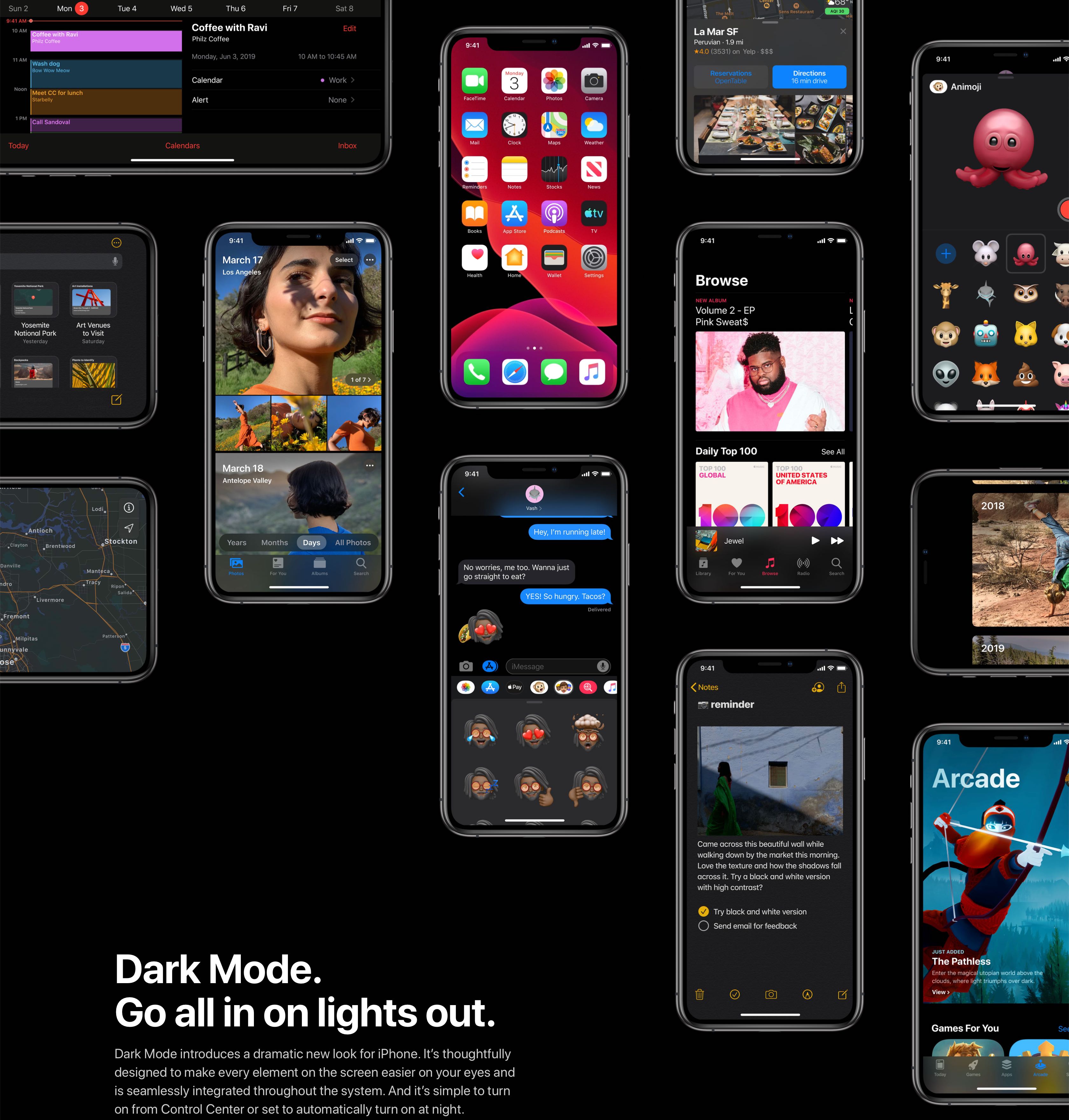
iOS 13 and iPadOS have changed how you get to your accessibility settings.

The 2018 iPad Pro was (and still is) a game-changer for me, as it quickly became a mobile companion to my home computer when I first started using it. While the iPad Pro isn’t a complete laptop replacement by any stretch, it certainly makes it possible for me to leave home without my laptop at times; but like most things, the iPad Pro works best in tandem with great accessories.
Earlier this year, I compiled a roundup of my favorite accessories for the 2018 iPad Pro. But as you might come to expect, I’ve accumulated several more since that time that can seriously augment the iPad Pro user experience. With that in mind, I’m excited to share some more of my must-haves with you in this part-two roundup.
iOS 13 and iPadOS's enhanced Files app packs in a bunch of improvements, with support for external storage devices arguably the biggest new feature that opens up new possibilities.
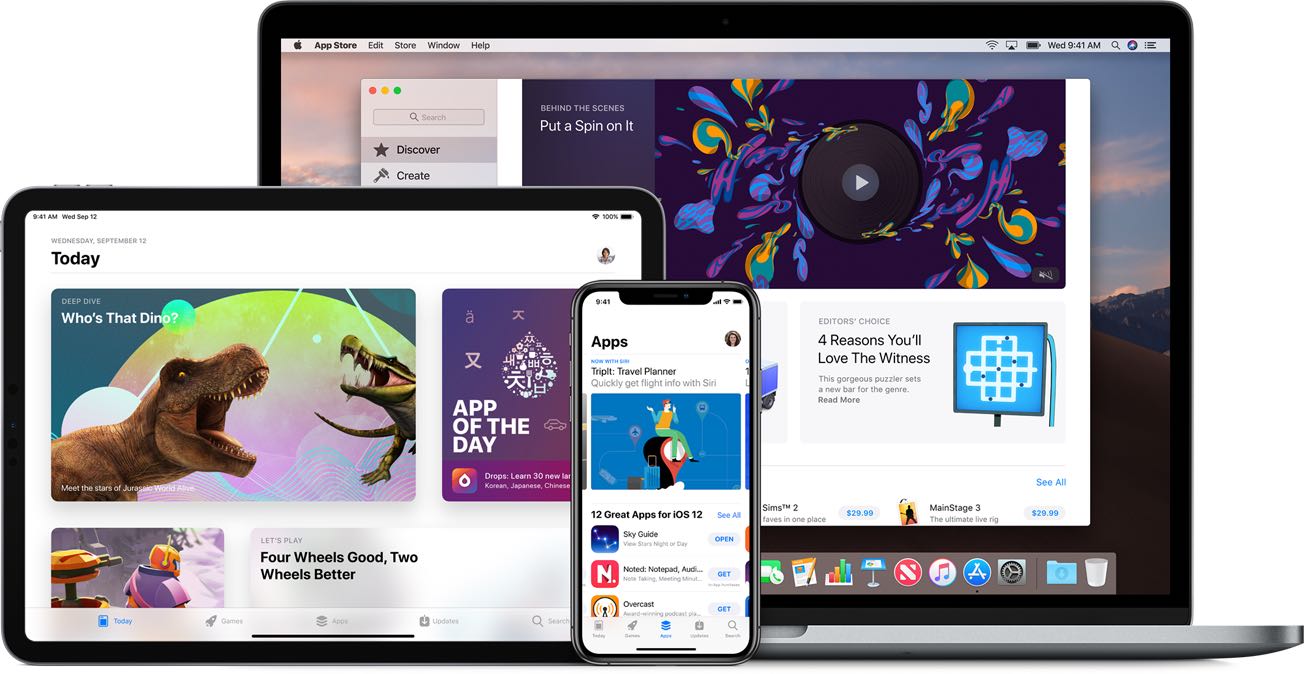
Apple's listened: iOS 13 and iPadOS make it possible to delete apps right from the update list!