Every Sunday morning, we curate a dedicated list of all the past week’s jailbreak tweak releases and jailbreak-centric news content, and this Sunday will be no different.
Jailbreak tweaks of the week: Batterain, Listening, Sh4dow, and more…

Every Sunday morning, we curate a dedicated list of all the past week’s jailbreak tweak releases and jailbreak-centric news content, and this Sunday will be no different.
If you have any of Apple’s Bluetooth earbud or headphone offerings that support active noise cancellation and transparency mode, then you already know just how useful these features can seem. On the other hand, these features need to be toggled manually by the end user, which takes some of the ‘magic’ out of them.
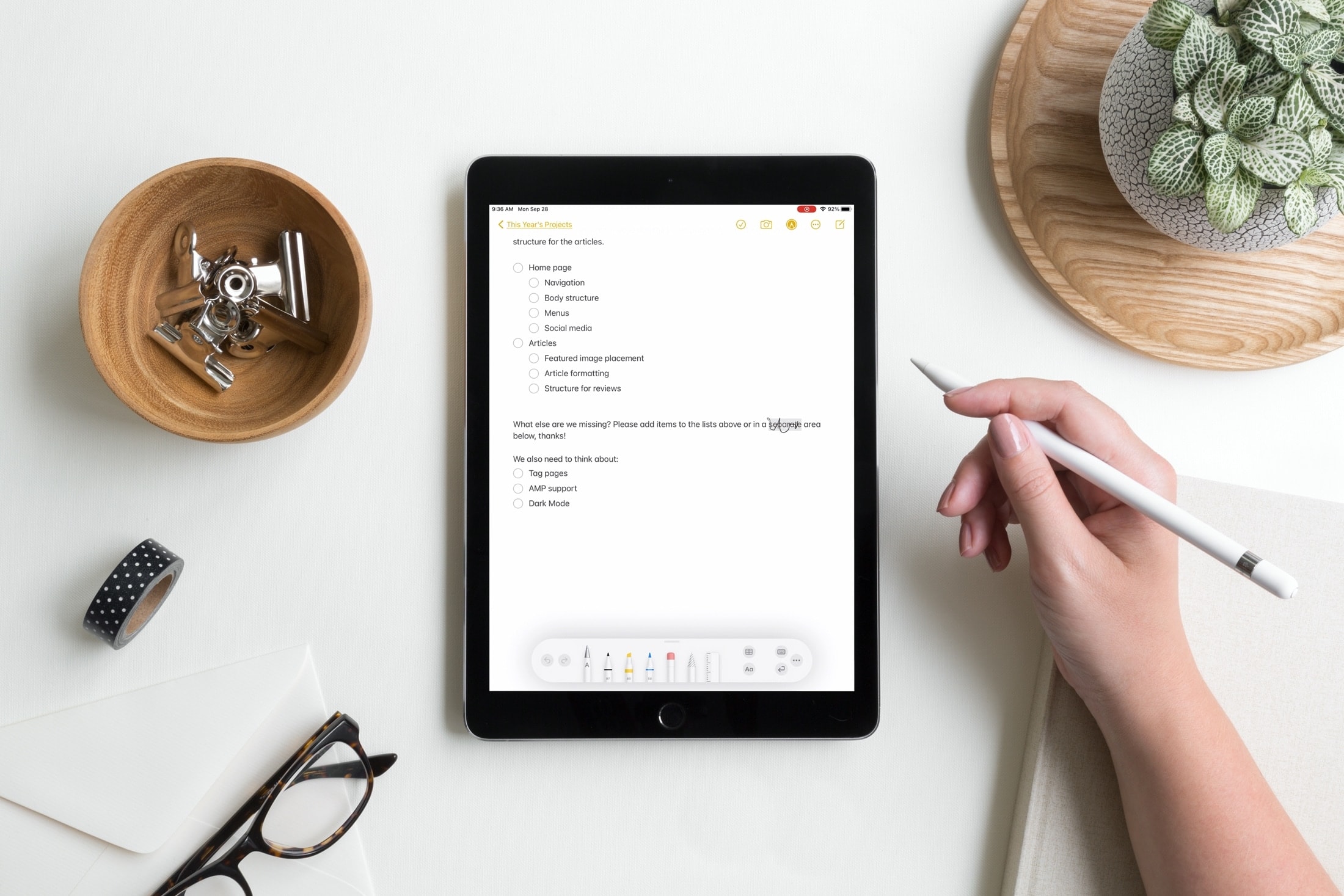
I can still remember a few things about owning the original iPad. It was definitely a spur-of-the-moment purchase at the time, a piece of technology that had absolutely no place in my daily routine at the time. But I sure did love that ling. It was big and kinda bulky, and yet still portable. It was mainly a great way to play some mobile games and watch stuff.

When you begin watching a video in the YouTube app, it first starts playing in the constrained upper-1/3 of ths display in portrait mode. You can then move to a fuller-screen experience in landscape mode by rotating your device.
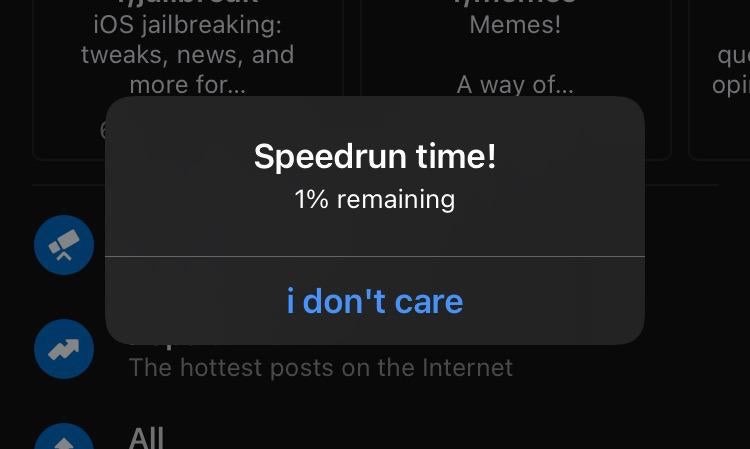
It’s absolutely frustrating when your iPhone’s battery dies on you mid-game or while watching the climax of your favorite movie. Having said that, don’t you sometimes wish you had enough of a heads up to run and fetch your charger before that happens?

If you jailbroke your iOS or iPadOS 13 device with the Odyssey tool and decided that it’s time to remove your jailbreak, either to revert to a vanilla installation of the operating system or for the purpose of starting over with a fresh jailbreak installation, then the Odyssey app’s built-in Restore RoofFS feature will come in handy.

It was only around two weeks ago that we showed you a jailbreak called dubbed Axe that upgraded the Status Bar’s battery level indicator with a slow-shifting color based on the percentage of your battery.
With all the apps out there that like to pry at your device’s location all the time, it’s no wonder that jailbreakers take their handset’s location service usage very seriously.
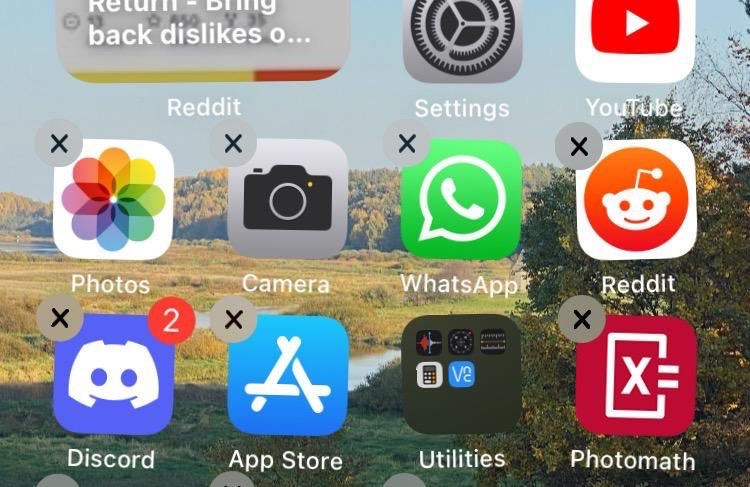
The process of deleting apps from your iPhone or iPad’s Home Screen has changed slightly over the years, as the user must now navigate a Haptic Touch menu before entering ‘jiggle’ mode to reveal the app deletion buttons.
You might’ve caught wind recently about YouTube changing how the Dislike button works on its platform. In fact, the changes are already live for users.
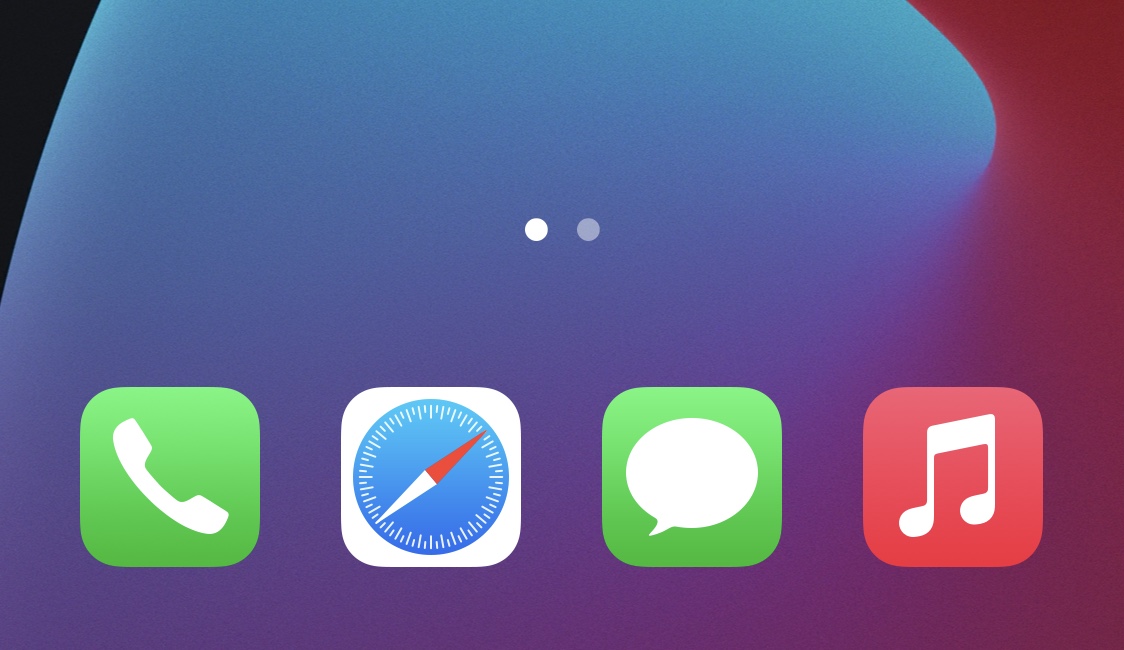
While I’ve always enjoyed having a background behind my iPhone’s Home Screen Dock, the fact remains that there are a substantial number of jailbreakers that partake in even more extreme forms of minimalism than me.
Looking for fun and exciting things to do with your jailbroken or soon-to-be jailbroken handset? Don’t worry, because your friends at iDownloadBlog have you covered!