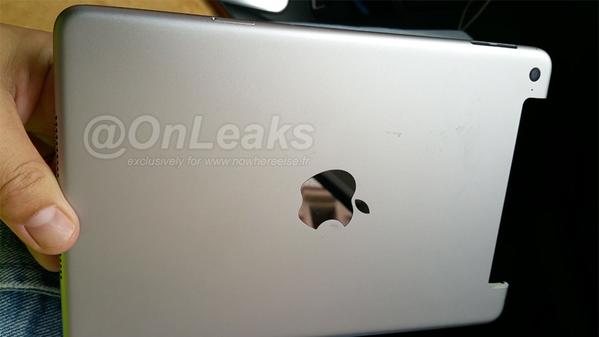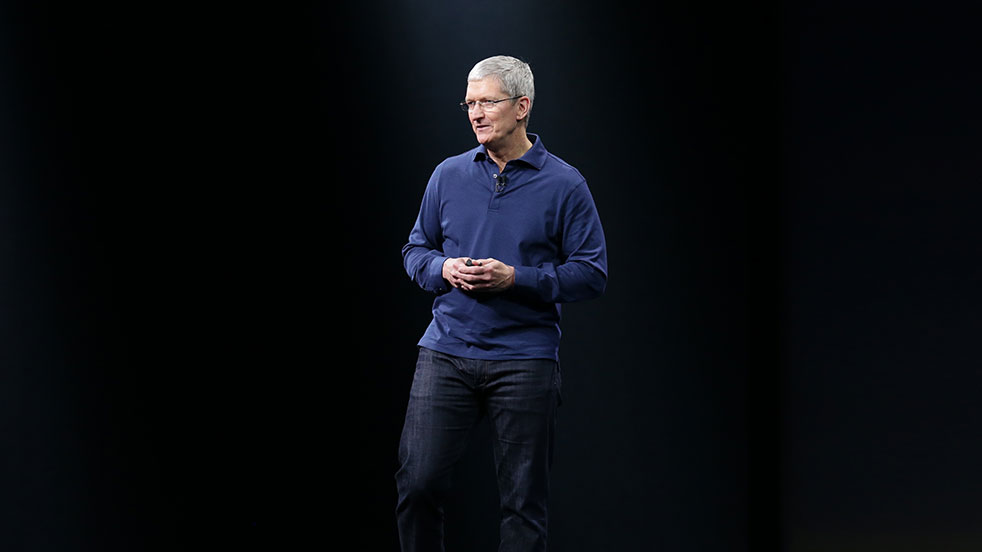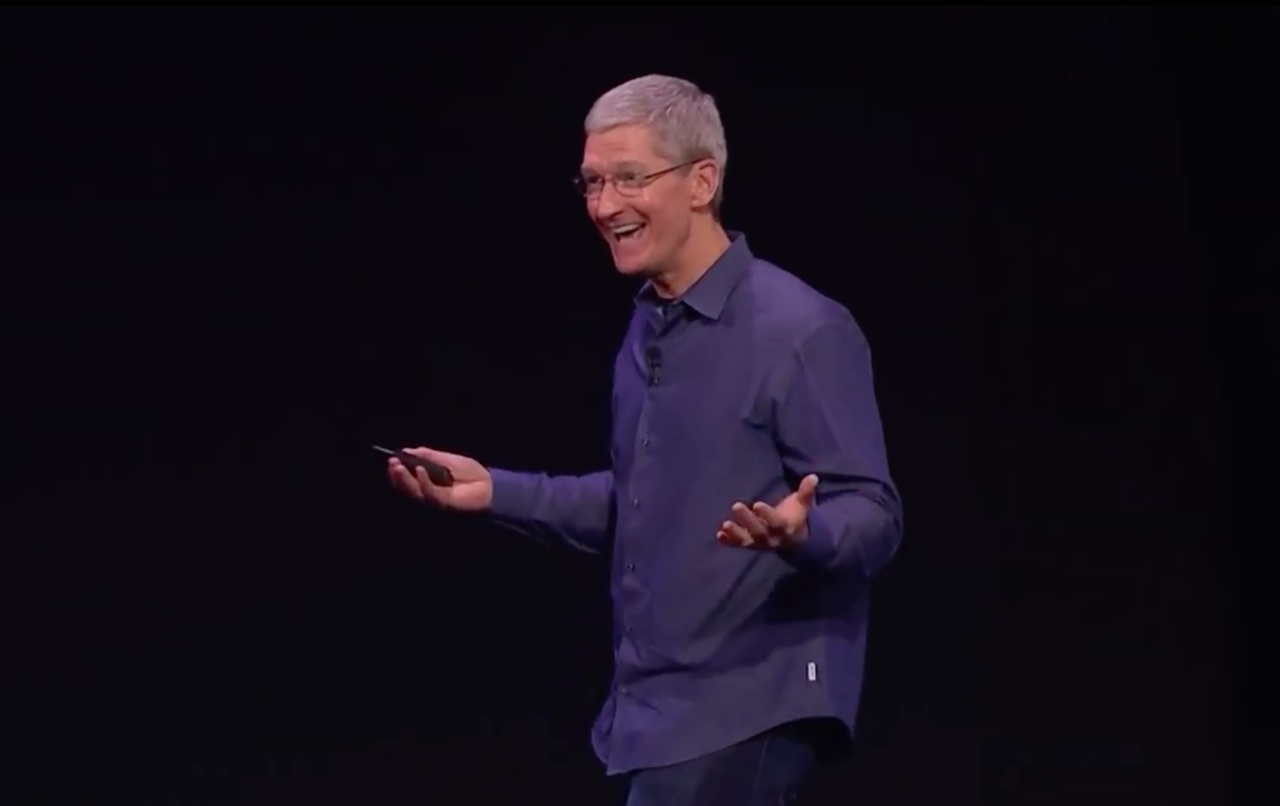
Apple has reportedly scheduled a media event for Wednesday, September 9, to announce not just new iPhones but other product refreshes, too. Well-connected John Paczkowski, Managing Editor for BuzzFeed San Francisco, has it on good authority that the press conference will serve as a launchpad for next-generation iPhones and iPads.
Moreover, there's even a brand new Apple TV hardware in tow that should be unveiled during the event. With that in mind, we want to learn what you, our readers, are most excited about for the September 9 event.