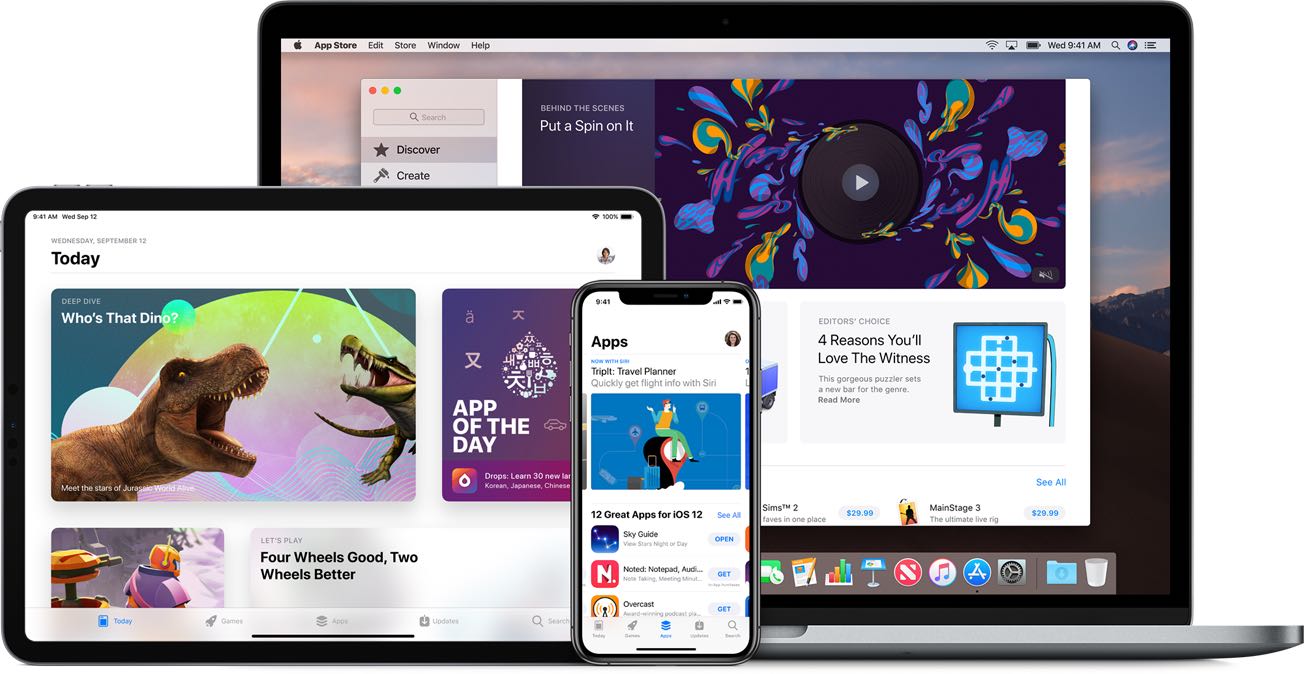
Apple has raised the over-the-air cellular download data limit from 150MB to 200MB.
You can now download App Store apps up to 200MB over cellular networks
From the latest news to the most comprehensive tutorials, learn how to get the most out of your iPad with our step-by-step guides and expert tips.
Apple has raised the over-the-air cellular download data limit from 150MB to 200MB.
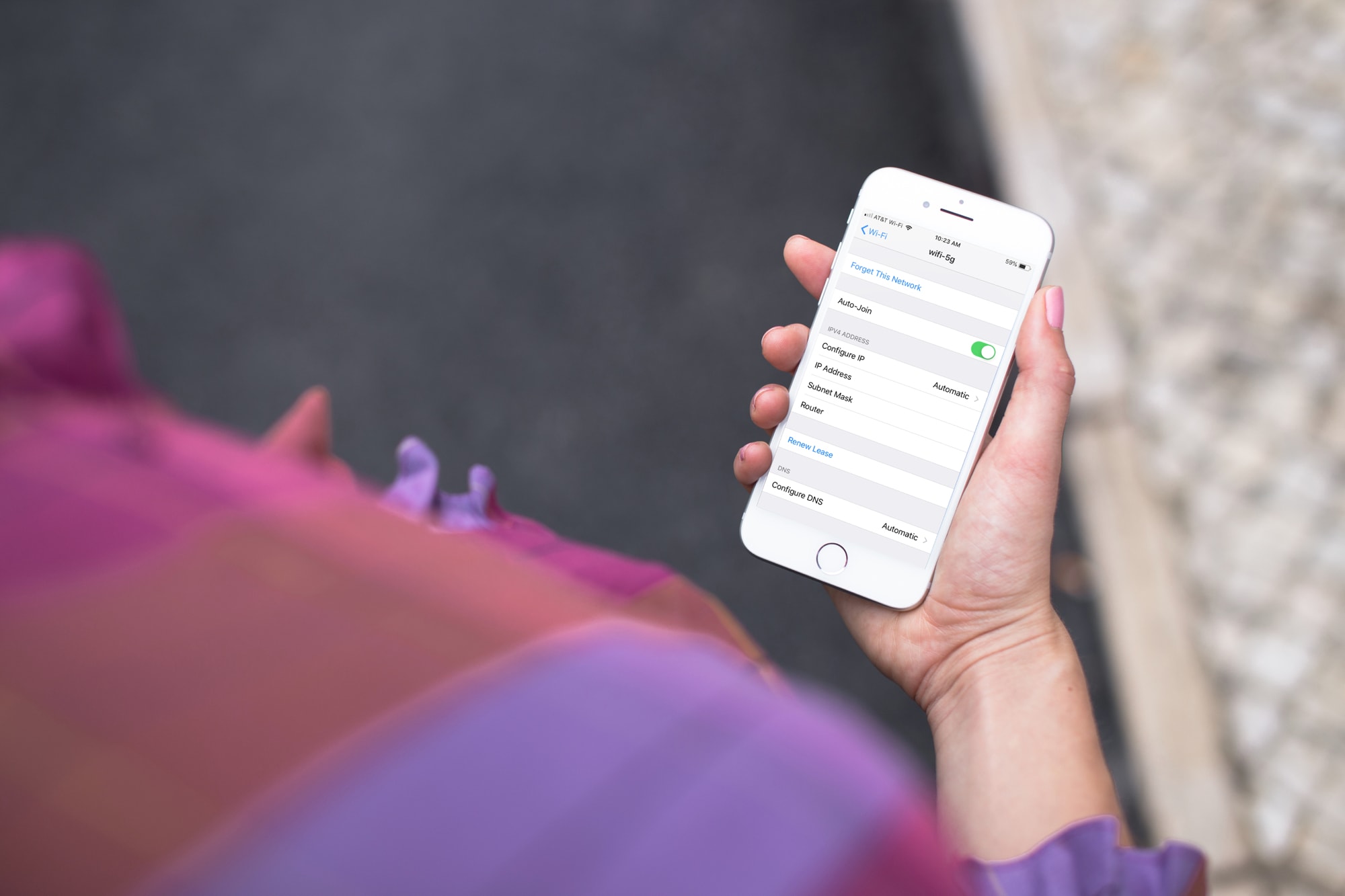
Learn how to forget a Wi-Fi network on your iPhone, iPad, or Mac to remove saved network credentials, improve wireless security, and troubleshoot connection issues.
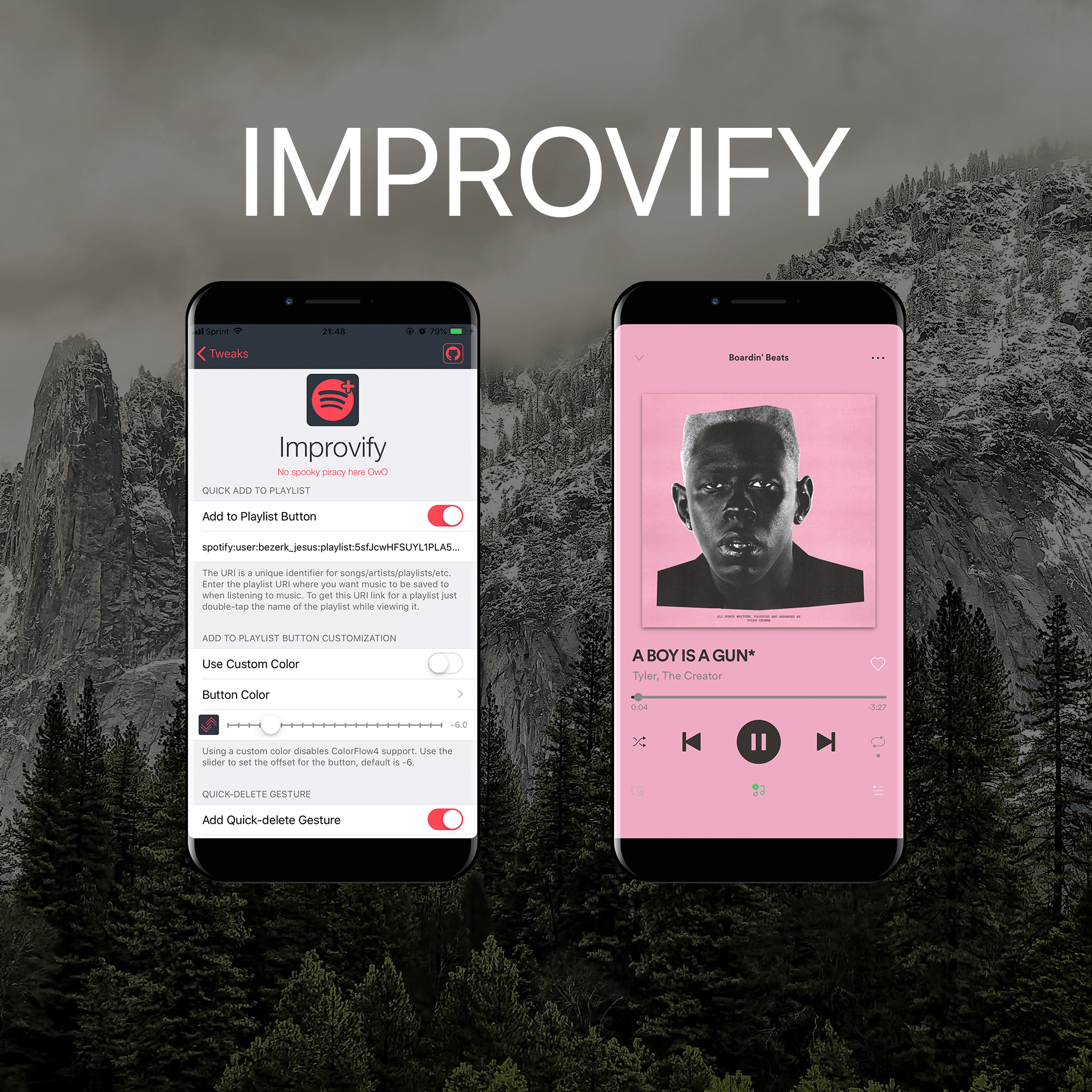
I like to use Spotify more than Apple Music, and for jailbreakers who are in the same boat as I am, it’s always exciting when new jailbreak tweaks get released with a primary focus of improving the Spotify app experience.
It was only yesterday that we showed you a jailbreak tweak along these lines called Spos, but today, we’ll be looking at a newly-released tweak called Improvify tweak by iOS developer LacertosusDeus.
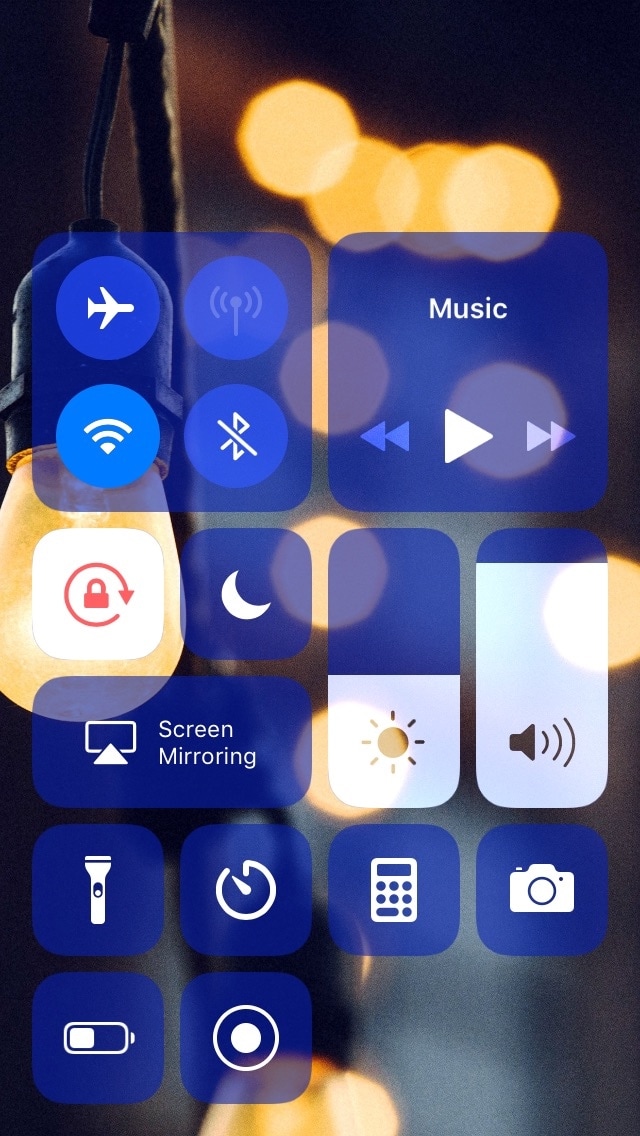
Apart from selecting the toggles and shortcuts you use the most, Apple doesn’t provide a whole lot of customization for iOS’ Control Center interface out of the box. This is a particularly good example of how having a jailbreak can pay off.
A newly-released and free jailbreak tweak called Sareth by iOS developer iKilledAppl3 now allows users to colorize Control Center‘s module groups and configure a custom background image for the interface.
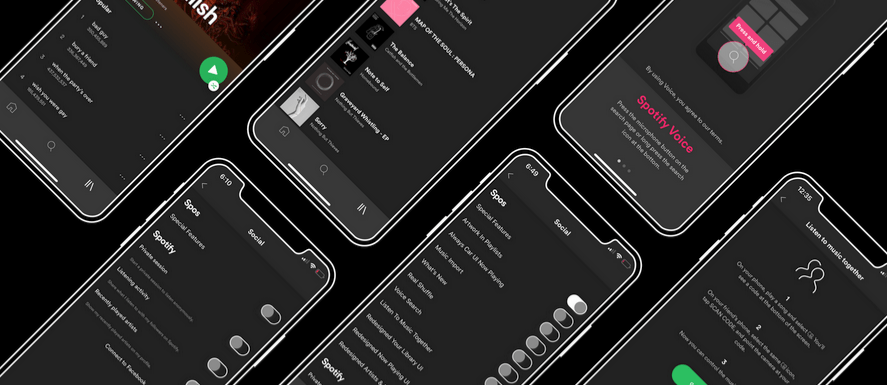
If you use Spotify Music instead of Apple Music like I do and you have a jailbroken handset at your disposal, then you just might come to appreciate all the attention that Spotify gets from the jailbreak community.
A newly-released and free jailbreak tweak called Spos by iOS developer aesthyrica brings a plethora of new features and improvements to the official Spotify application, including but not limited to:
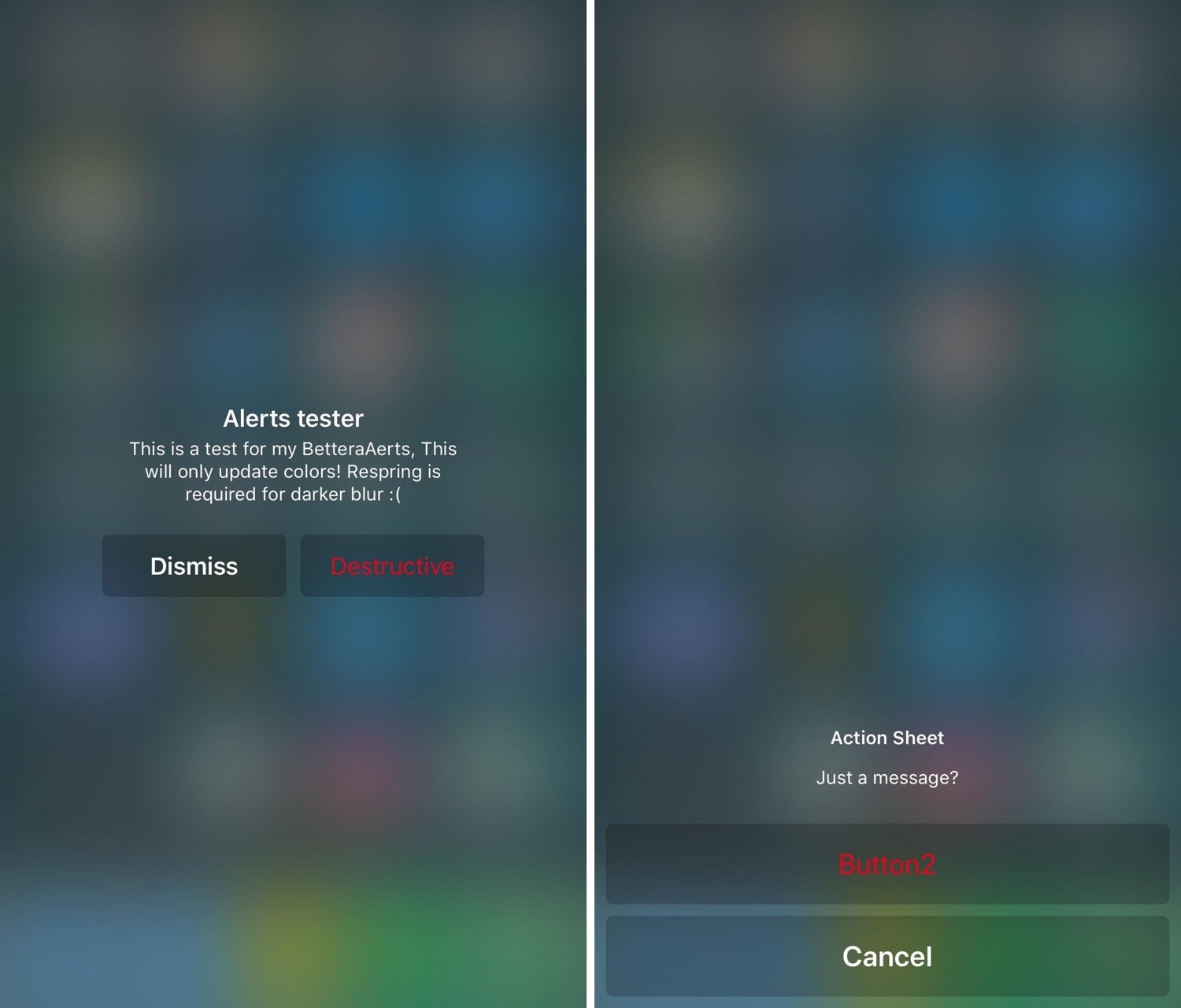
iOS’ native alert system leaves a lot to be desired, particularly because its aesthetics are somewhat antiquated. With that in mind, wouldn’t it be great if you could give them a fresh coat of paint?
Now, with the help of a new jailbreak tweak release called BetterAlerts by iOS developer Adam Seiter (eXqusic), you can!
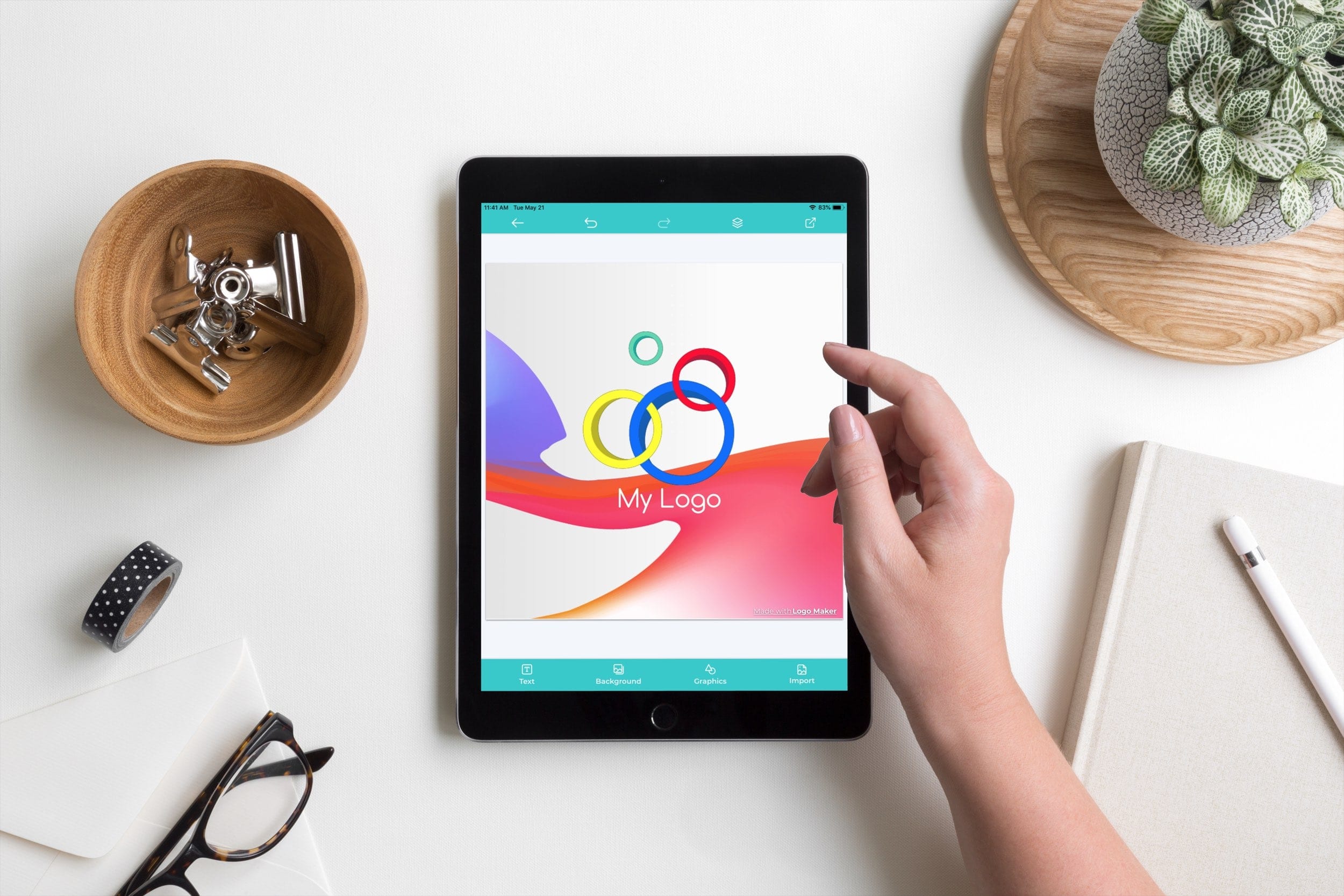
Having an eye-catching and memorable logo for your business or brand is important. And if you have some design skills of your own, you can try your hand at creating your own logo.
Save money on hiring a professional designer or buying expensive software. Pick up your iPad and get your creative juices flowing with one of these free-to-try logo design apps for iPad.
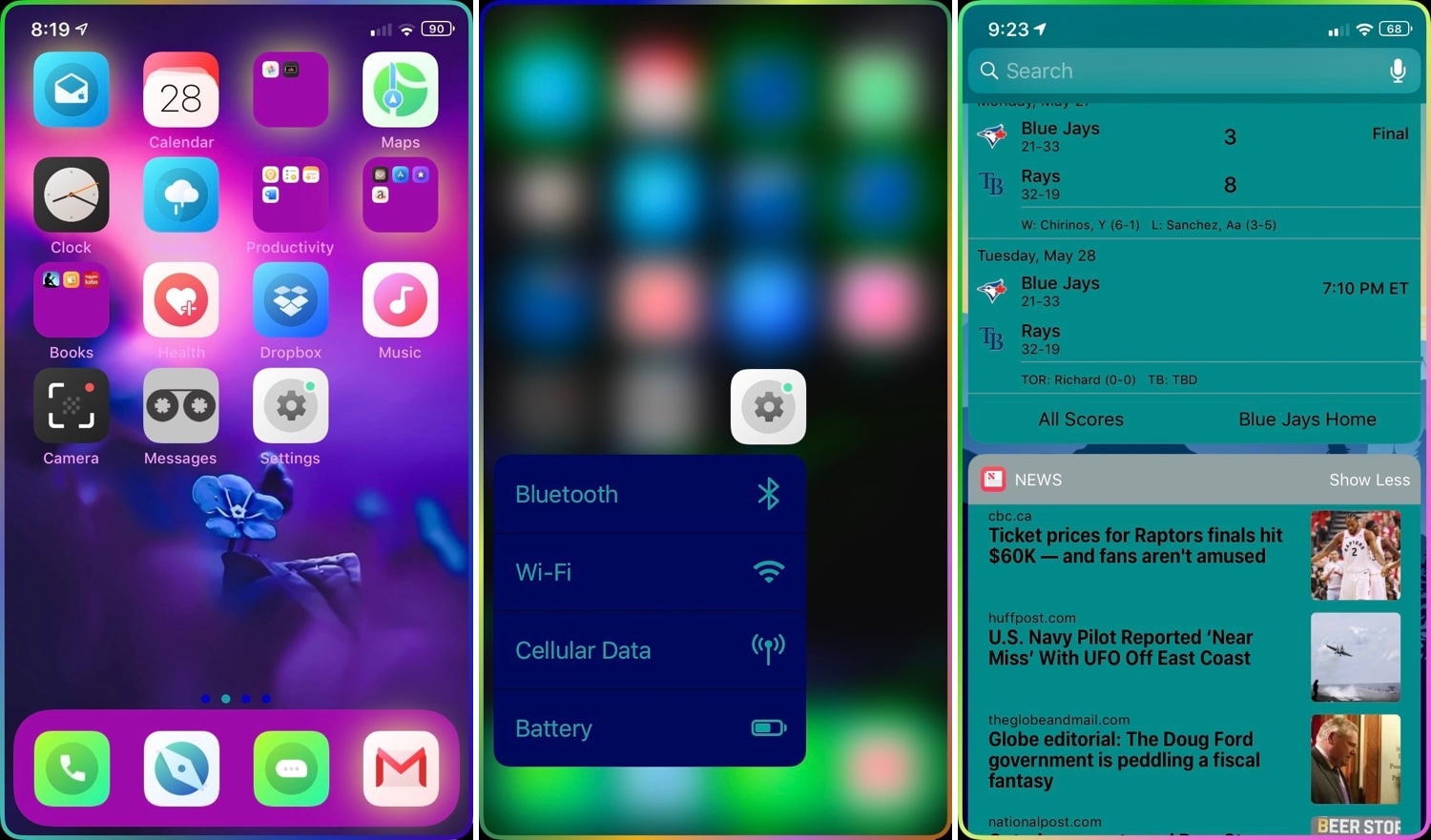
If you’re looking to add an extra splash of color to your jailbroken handset, then you just might enjoy using a newly-released jailbreak tweak called Chameleon by iOS developer Sean Caissie.
At its heart, Chameleon is a full-fledged system colorization tweak for your iOS device. With it, you can colorize a plethora of different elements found in your handset’s operating system, including but not limited to:
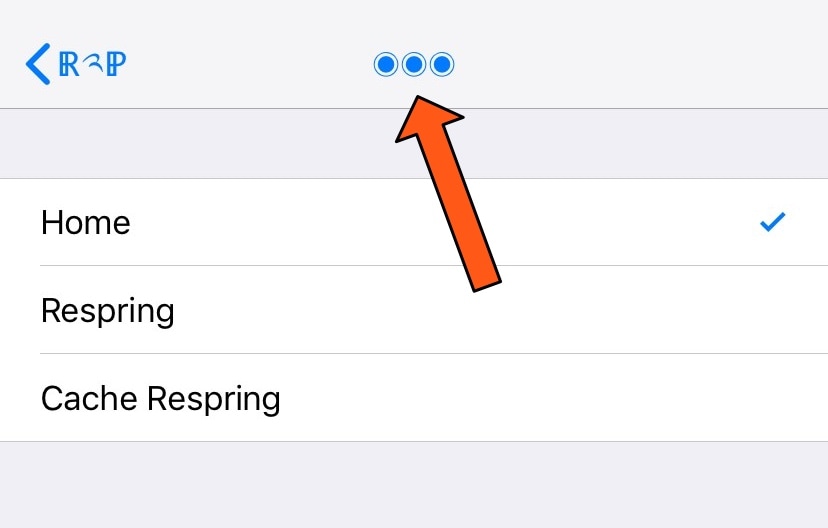
Diving deep into your Settings app can be an easy thing to do, especially if you venture into your handset’s Accessibility options. But jailbreakers often install jailbreak tweaks with extensive preference panes, which can sometimes make backing out to the primary Settings page a chore.
If you find yourself in the latter category more often than you’d like to admit, then you just might come to appreciate a newly-released free jailbreak tweak called Return2Prefs by iOS developer thazsar, as it puts a convenient shortcut in the Settings app’s Navigation Bar that makes returning to the original page a breeze.

Pwn20wnd released an updated version of the unc0ver jailbreak tool on Tuesday with a plethora of bug fixes and improvements that are intended to make the jailbreak more functional and stable with day-to-day usage. The latest version of the unc0ver jailbreak is now v3.1.3.
Pwn20wnd announced the new update just this morning via Twitter, linking to the GitHub page where it can be downloaded:
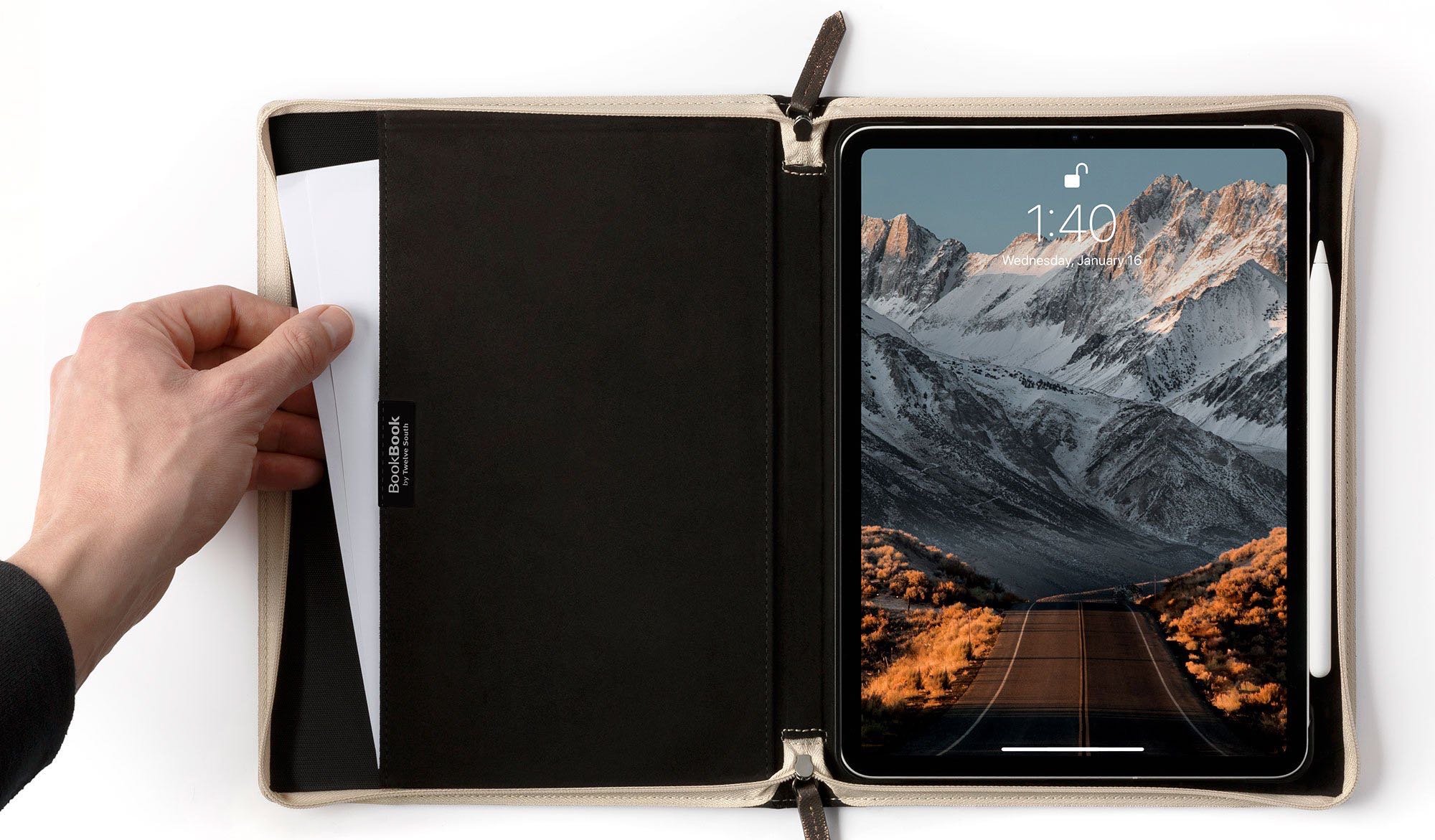
Apple accessory maker Twelve South today brought BookBook, its hand-crated leather cases that resemble Harry Potter spell books, to the latest iPad Pro models released in 2018.

If you’re like me, then you probably don’t appreciate it when someone grabs your iPhone and tries to guess your passcode. Fortunately, a free jailbreak tweak called Hidden Cam by iOS developer Baw Apple can help you determine who’s doing this when you aren’t looking.
Hidden Cam works by snapping a selfie every time your passcode gets entered incorrectly. This method is incredibly efficient because it won’t use any system resources if your passcode or biometric authentication succeeds.