iPad

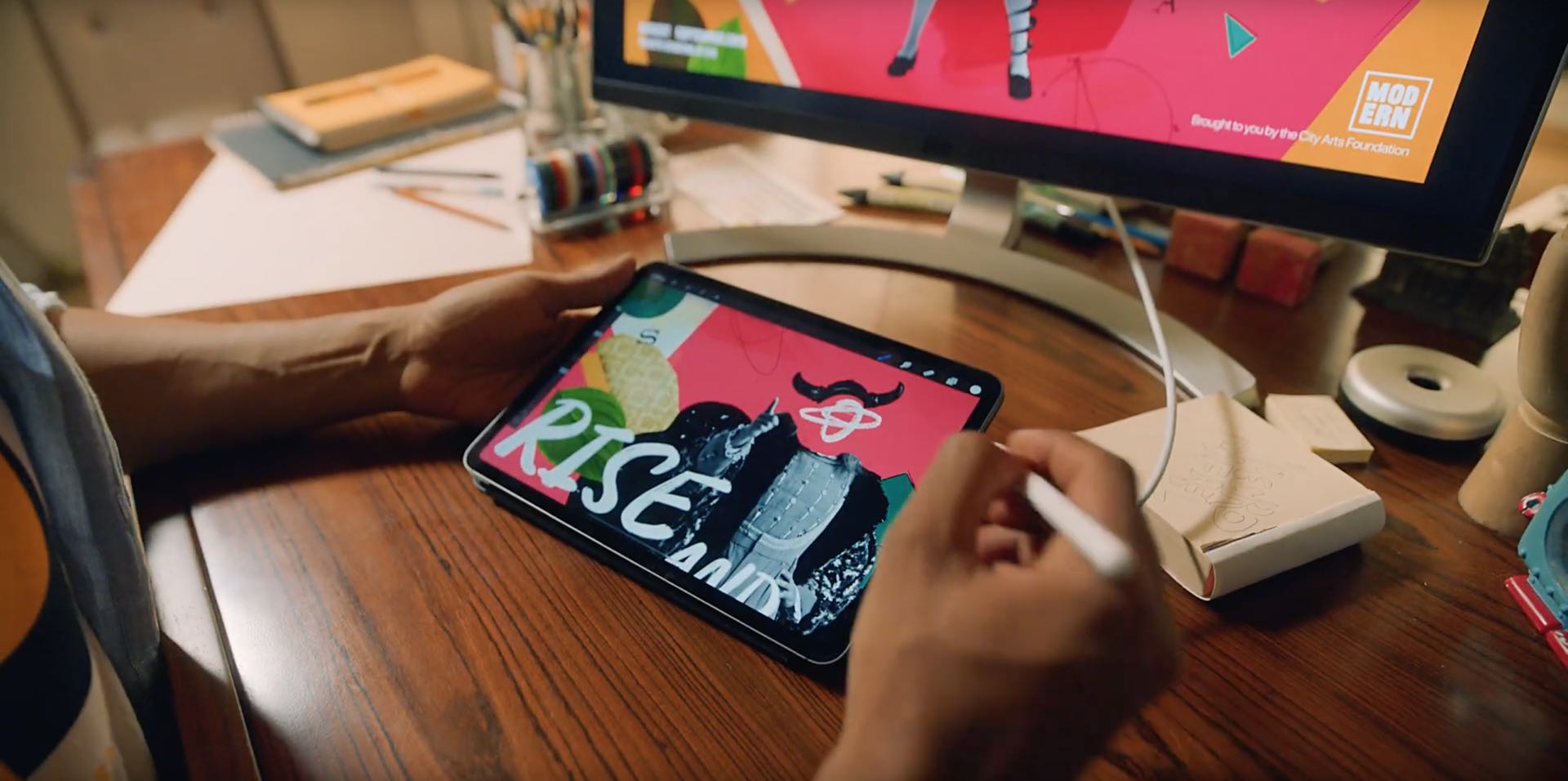
From the latest news to the most comprehensive tutorials, learn how to get the most out of your iPad with our step-by-step guides and expert tips.

Magma Pro offers the most extensive Control Center colorization we’ve seen yet

It wasn’t too long ago that we showed you a fun and quirky jailbreak tweak release called Magma by iOS developer NoisyFlake, which allowed users to customize the color-centric appearance of iOS’ Control Center interface.

Magma was an instant hit among jailbreakers, and this might explain why NoisyFlake has just released a more feature-packed version of Magma called Magma Pro.

The best anxiety apps for iPhone and iPad to help calm you

Anxiety Apps for iPhone iPad - Dare app

Whether you suffer from an anxiety disorder or just need help reducing stress and anxious feelings, your iOS device can be really helpful. Using apps that can make you feel relaxed and in control of your emotional and mental health is a terrific way to use your device.

Here are some of the best anxiety apps for iPhone and iPad.

How to install the iOS or iPadOS 13 beta

iOS 13 get ready

Apple on June 3, 2019 released developer betas of the new iOS 13 and iPadOS software. You're advised to avoid deploying the betas onto your daily drivers, but if you do happen to have a spare iOS device laying around somewhere - or you're the type who prefers to live on the bleeding edge of technology - follow the instructions in our step-by-step guide to learn how to download and install the iOS 13 beta on your iPhone and the beta of iPadOS 13 on your iPad.

Saurik updates Cydia Impactor to v0.9.52 with support for macOS Catalina

It was only yesterday that Apple unveiled macOS 10.15 Catalina and launched the first developer beta, and it didn’t take long for beta testers to report that Saurik’s Cydia Impactor tool wouldn’t open on the newfangled macOS operating system due to its 32-bit nature.

Fortunately, this is no longer an issue. Saurik has updated Cydia Impactor on Tuesday with 64-bit support, which as you might come to expect, makes the popular side-loading software fully-compatible with Apple’s upcoming macOS Catalina update.

iOS 13 lets you adjust Portrait Lighting intensity and shoot classic monochromatic images

The Camera app in iOS 13 has received some love, too, although not as much as we've been hoping for. There are two main new user-facing enhancements. First, a new monochromatic image effect is available in-camera during capture, creating a classic look by setting a monochromatic subject agains an all-white background. The other new feature allows you to adjust the intensity of any Portrait Lighting shooting mode, while taking an image.

Speed and performance are at the heart of iOS 13

No other feature is more important to iPhone users than iOS's vaunted smooth performance. While some iOS releases did make our devices run slower, that has changed with iOS 10 which laid the groundworks three years ago for what would come in iOS 12 the following year: significant speed gains. iOS 13 continues on that trajectory with additional under-the-hood tweaks and optimizations that bring notable speed advances over iOS 12.