iPad

From the latest news to the most comprehensive tutorials, learn how to get the most out of your iPad with our step-by-step guides and expert tips.

Retro review: Shadowgun

I remember Shadowgun as one of the first games on the iPhone that used 3D models. For me, it was ground-breaking at the time and it made me think of the possibilities for mobile gaming in the future. It was one of my favorite games back in the day, and I wasn't the only one. When the game was released in 2011, it got so many positive reviews it was featured in the App Store Essentials Hall of Fame.

Currently, the game has created its own universe, with sequels like Shadowgun Deadzone, Shadowgun Legends and an upcoming game titled Shadowgun War Games.

Shadowgun was great back then, but is it great now? Should you spend $4.99 for it, or you're better off with the more recent, free-to-play sequel? That's what we'll cover in today's retro review.

Carabiner gives your iPhone’s Home screen a more unified user experience

Apart from a few refreshed application icons and a nice new wallpaper here and there, Apple hasn’t done much to improve the Home screen experience since the original iPhone. With that in mind, it should come as no surprise to anyone that it’s a point of interest when it comes to customization on jailbroken handsets.

One such example is a brand-new jailbreak tweak release dubbed Carabiner by iOS developer LaughingQuoll. As shown in the screenshot example above, Carabiner crams several interfaces into the Home screen, providing a gorgeous all-in-one experience that provides more information at a glance.

Add new features to your App Switcher with XSwitcher

If you’re in search of a way to make your jailbroken iPhone’s App Switcher more useful, then you may want to turn your attention to the likes of a new and free jailbreak tweak dubbed XSwitcher by iOS developer CUNSTUCK.

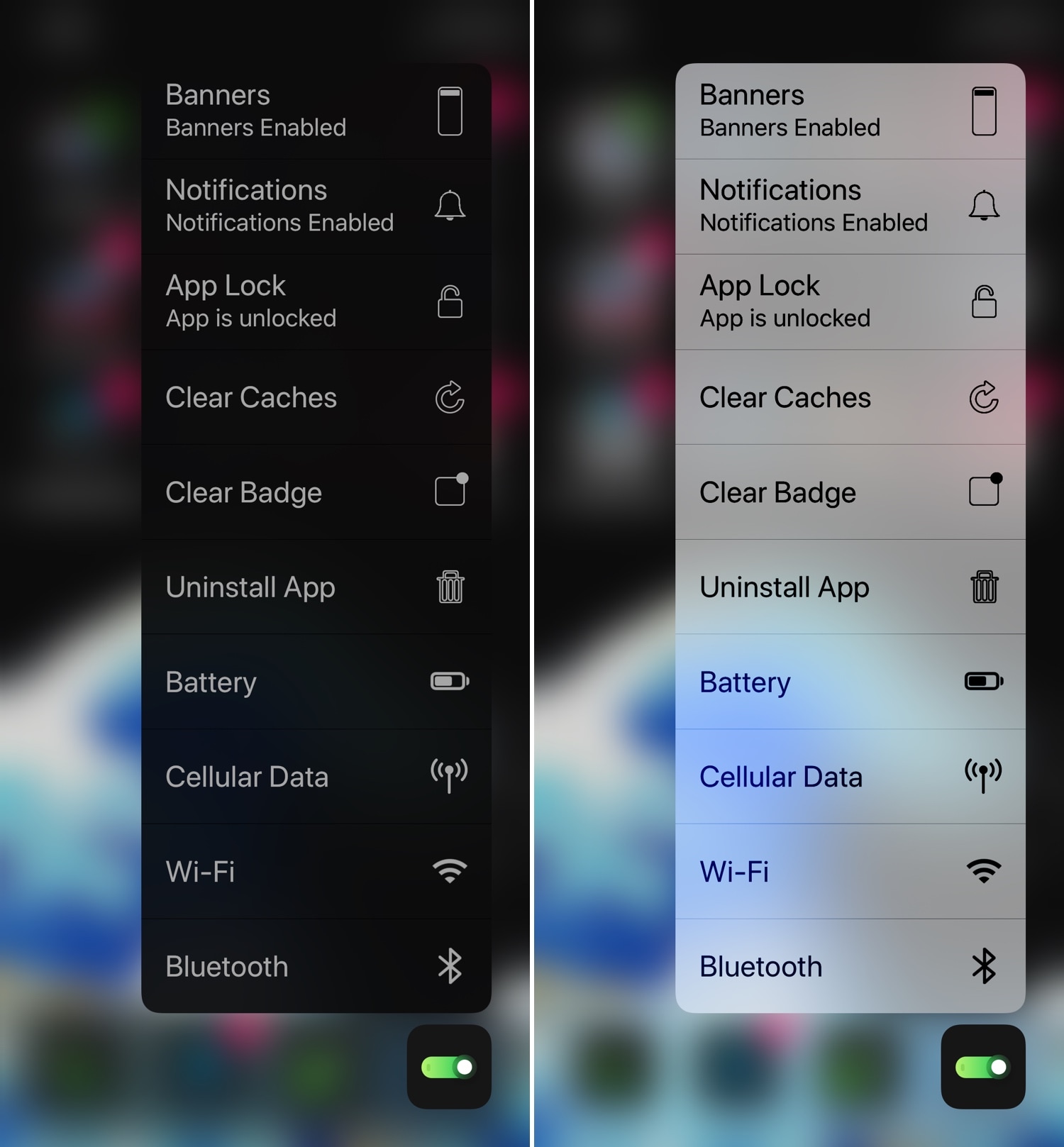
As shown in the screenshot example above, XSwitcher lets you access various useful shortcuts in the App Switcher by just swiping down on any of your available application preview cards in the App Switcher interface.

What’s on my iPad: Harris’s favorite apps

If you've enjoyed watching our hands-on walkthroughs, reviews, tutorials and other useful videos that are available on our YouTube channel, you're probably familiar with our video guy Harris Craycraft who has been extensively using his eleven-inch iPad Pro, Apple Smart Keyboard Folio and Apple Pencil combo for college, work, fun and everything in between.

2dock doubles the real estate of your jailbroken iPhone’s Dock

The Dock on any stock iPhone’s Home screen is limited to just four application icons, but with a newly released jailbreak tweak dubbed 2dock by iOS developer Nepeta, you can effortlessly double the app real estate for any iPhone’s Dock.

As you might’ve noticed from the screenshot example above, 2dock doesn’t make the Dock scrollable, nor does it push all the app icons together and cause crowding. Instead, it transforms the Dock we all know and love by turning it into a dual-row interface.

This tweak gives your Home screen folders a 2×2 grid layout

Home screen folders on an iPhone can hold up to nine apps per page at a time, but in certain cases involving extreme Home screen-centric UI customization often necessitate delicate icon balance, and the native look and feel can sometimes appear unsightly or asymmetrical.

If you’d appreciate a nicer-looking folder icon on your Home screen, then chances are that you might take an interest in a newly released and free jailbreak tweak called 2x2 by iOS developer Nepeta.

Which is the best iPad for you?

New-iPad-Air-smart-keyboard-with-apple-pencil-03192019

The iPad is one of the most versatile devices. You can use it to study, to get some work done or to binge-watch The Boys. It's a great tool, no matter how you use it. Using your iPad is easy, the hard part is choosing one. It's 2019 and we have 4 iPad models to choose from.

But this brings the question: which iPad is the best for you? Well, the answer really depends on what you're going to use it for. Let's face it, you don't really need an iPad Pro with 1 TB of storage if you're just going to watch Netflix and check Twitter.

So this brings us to today's topic: choosing the best iPad for you. Hopefully, after this, you'll know which one to buy. Maybe it's not the one you wanted, but it may just be the one you needed.

Sileo Beta v1.3.6 now available with improved native depiction support

The Sileo Team surprised us all on Wednesday with a new beta iteration of the package manager that gets installed by default on iOS 11 and 12 devices liberated with the Electra Team’s Chimera and Electra jailbreaks.

Citing the Sileo Team’s announcement, shared via Twitter several minutes ago, Sileo Beta v1.3.6 simplifies the process of converting webview-based jailbreak tweak depictions to native depictions.

How to use or turn off the Metronome in GarageBand on Mac and iOS

Metronome

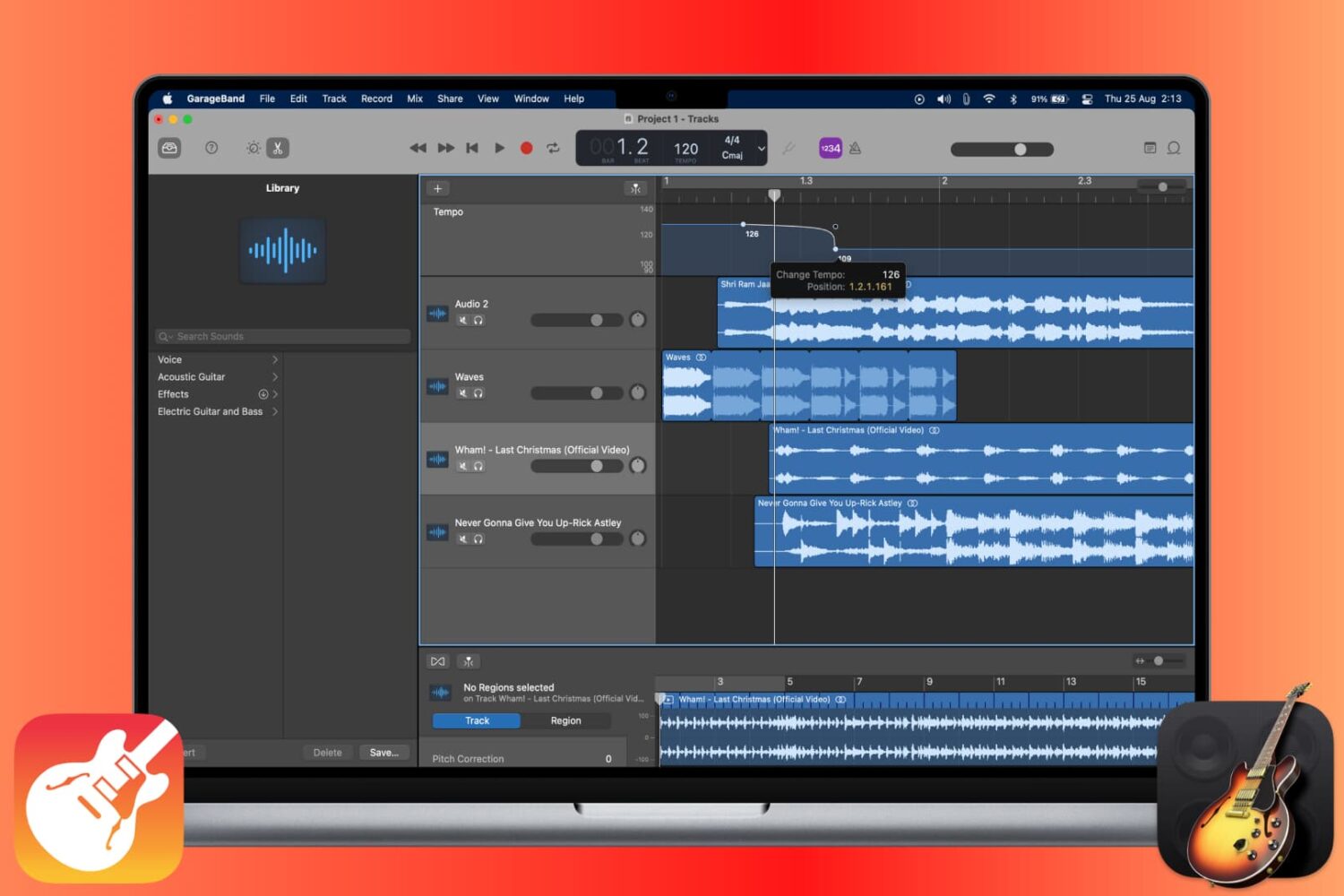
The Metronome in GarageBand offers a steady beat that helps you keep time when you’re recording or just listening to your song. The feature also uses a one-measure Count-in so that you can get ready when you’re recording a song, just like you hear live bands do when performing.

You can turn the Metronome and Count-in on and off as well as adjust the Count-in bars on both Mac and iOS, and this tutorial shows you how.

AOD brings an Android-style always-on-display to jailbroken iPhones

One of the cool things that several Android handsets have that the iPhone doesn’t is an always-on-display, which, for those who don’t know, continuously displays information on the Lock screen of OLED display-equipped handsets without ever shutting off, such as the time and any missed notifications. Fortunately for jailbreakers, this is no longer an Android-only feature.

With the help of a newly released jailbreak tweak dubbed AOD by iOS developer Soh Satoh, you can enjoy a true always-on-display experience on jailbroken devices running iOS 12, and while it works best on handsets equipped with OLED displays, it should work with LCD displays too.