iPad

From the latest news to the most comprehensive tutorials, learn how to get the most out of your iPad with our step-by-step guides and expert tips.

Jailbreakers can embrace Home screen minimalism with HideSurplus

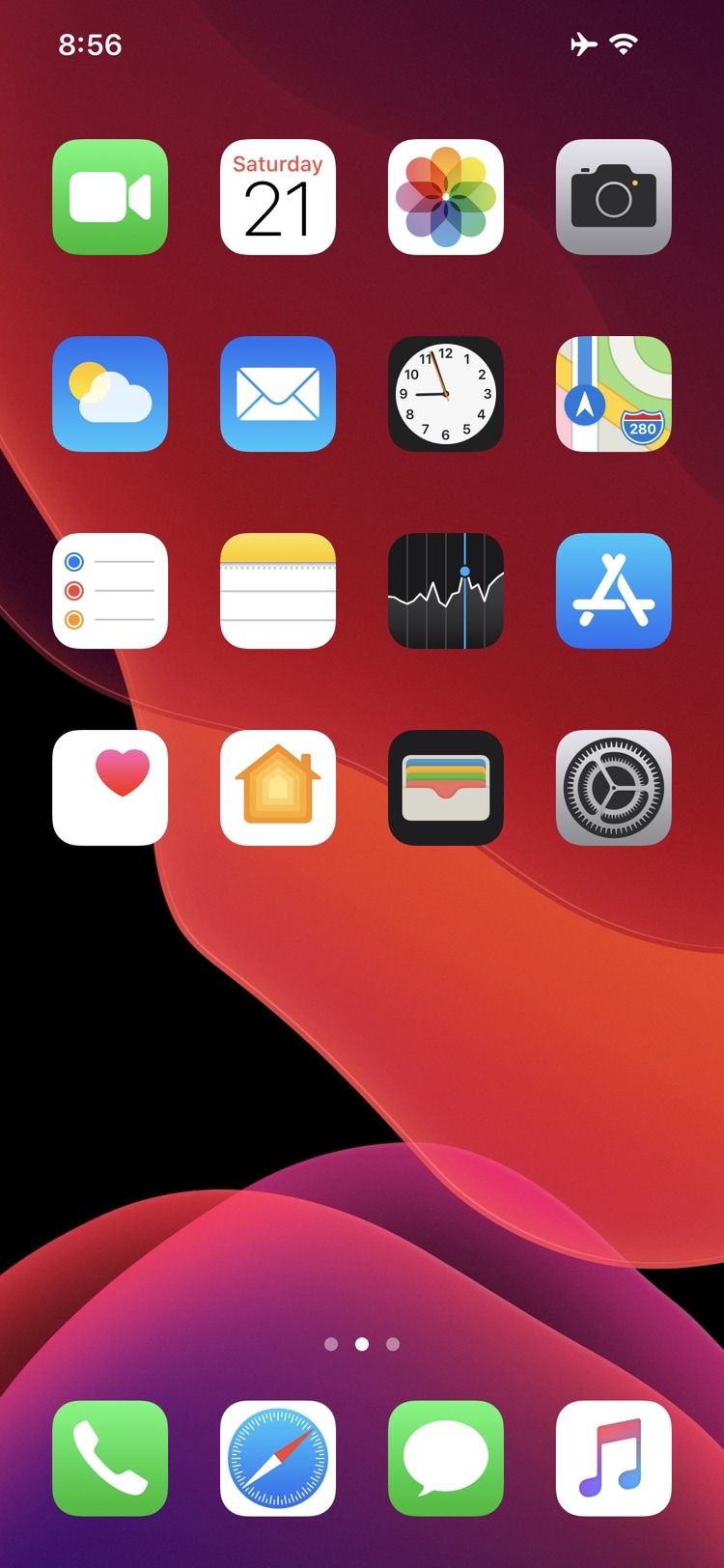
Apple designed iOS’ Home screen such that it would be easy to interact with. Fingertip-sized application and folder icons are accompanied by distinguishable name labels, and the permanent row of app icons that we call the Dock sports its own unique background to help it stand out from everything else.

While there really isn’t anything wrong with the stock iOS Home screen setup, the fact remains that jailbreakers are always searching for ways to personalize it. With that in mind, minimalists are likely to appreciate a newly released and free jailbreak tweak dubbed HideSurplus by iOS developer 8a1wkar.
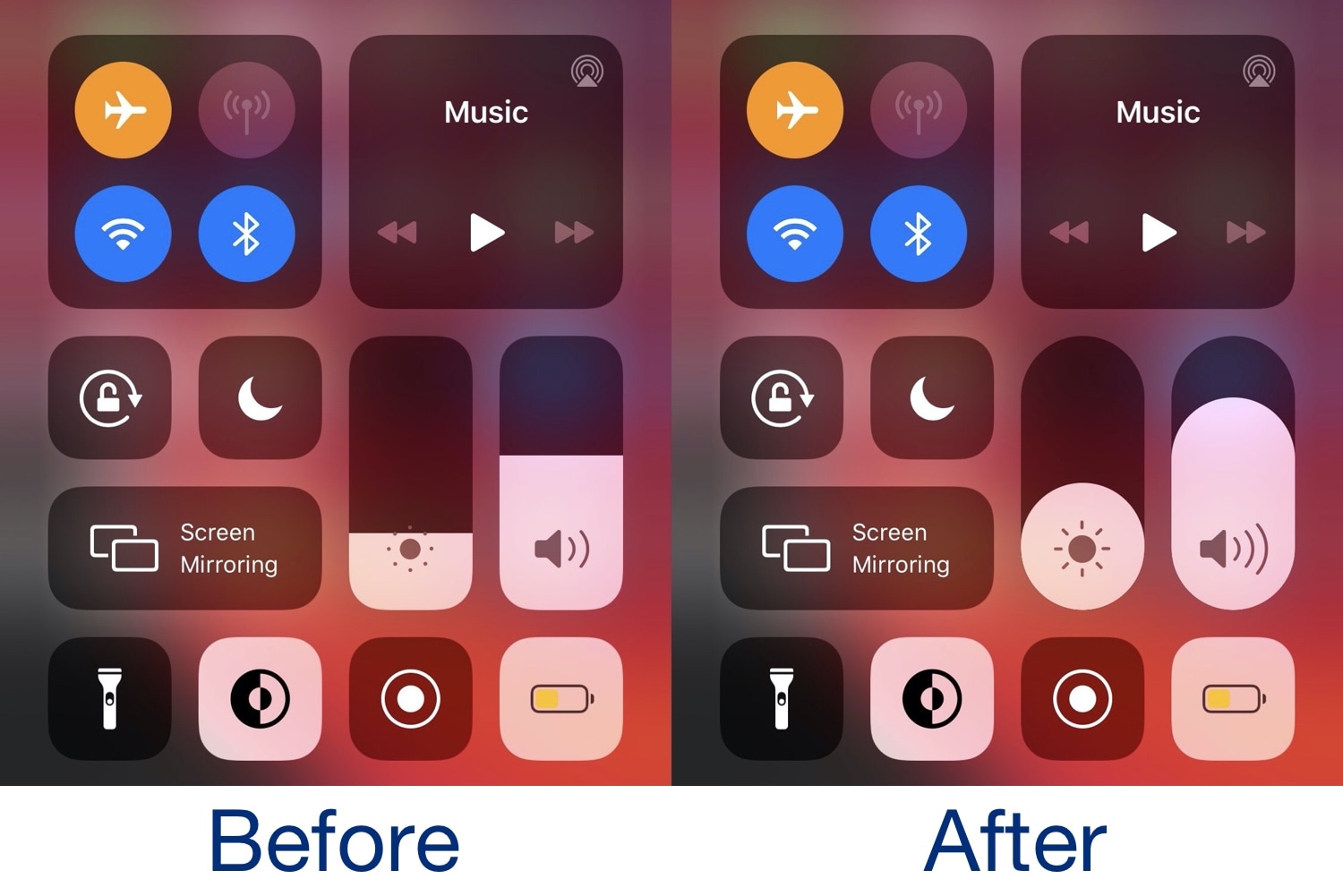
This tweak makes Control Center’s brightness & volume sliders pill-shaped

If you’re enjoying a jailbroken installation of iOS 13 by way of either checkra1n or unc0ver and you’re interested in making your Control Center interface more discernible from a crowd, then you just might take an interest in a newly released and free jailbreak tweak dubbed PillVolume by iOS developer neoney.

As depicted in the before and after screenshot examples above, PillVolume substitutes Control Center’s conventional rounded-corner (but rectangular) brightness and volume sliders with an alternative pill-shaped design that appears much rounder by nature.

Explore the new iPad Pro in augmented reality

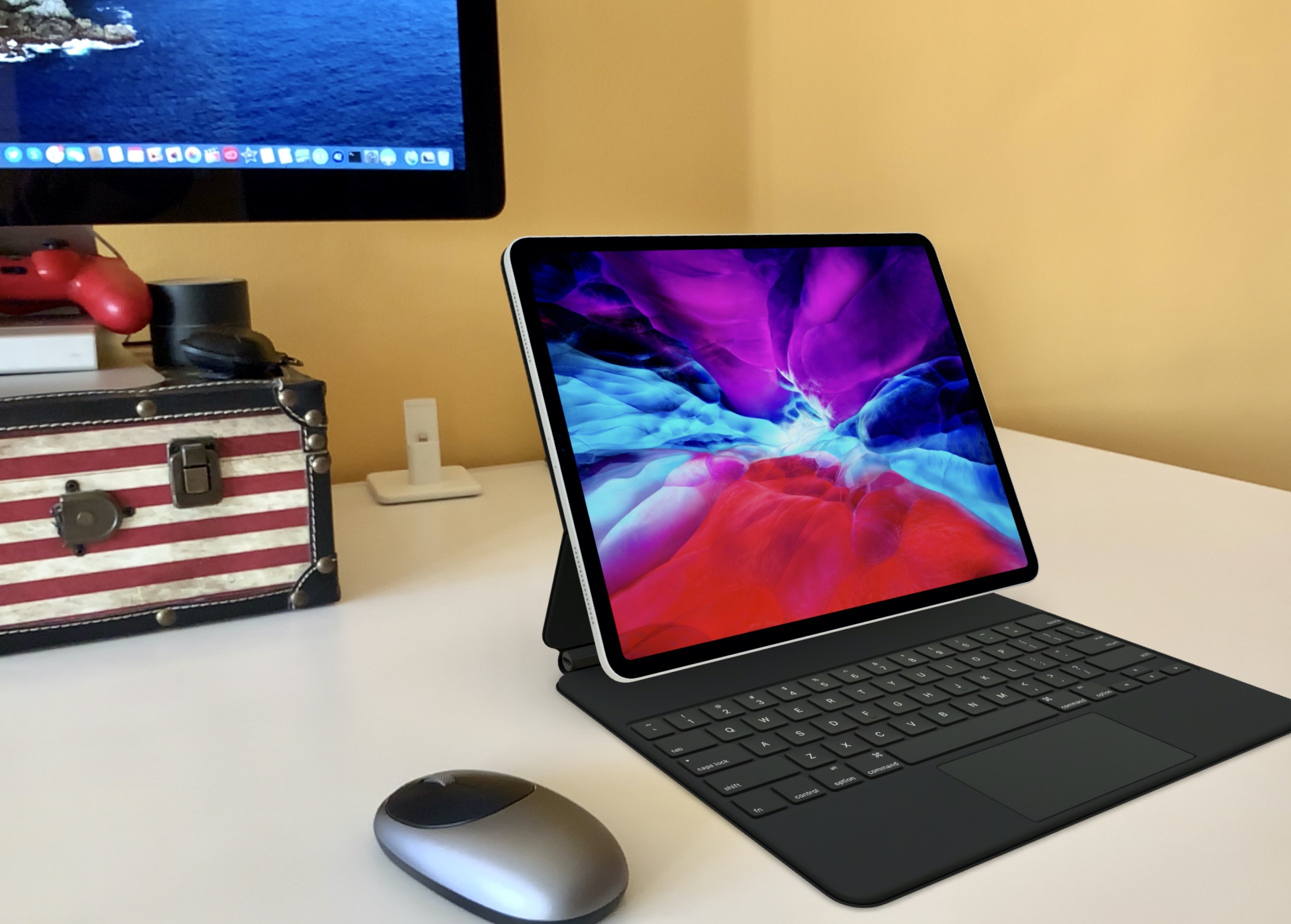
The refreshed iPad Pro that was unveiled yesterday adds a LiDAR scanner, a first for Apple, to improve augmented reality experiences significantly. And what better way to explore the new tablet from all possible angles, in your home or work environment, than augmented reality?

Checkra1n experimental pre-release adds preliminary support for iOS 13.4, Mac T2 chip

The checkra1n team launched an experimental pre-release build of the checkra1n jailbreak tool Wednesday afternoon with preliminary support for Apple’s upcoming iOS and iPadOS 13.4 release, which Apple intends to release to the public next week. Developers got their hands on the iOS and iPadOS 13.4 Golden Master earlier this afternoon just after Apple finished announcing its 2020 iPad Pro and brand-new Magic Keyboard.

The experimental checkra1n build, dubbed v0.9.9 experimental isn’t available from the official checkra1n website, but rather from a link that was included in one of checkra1n team member Luca Todesco’s Tweets.

Apple promo videos: Watch the new iPad Pro and Magic Keyboard with trackpad in action

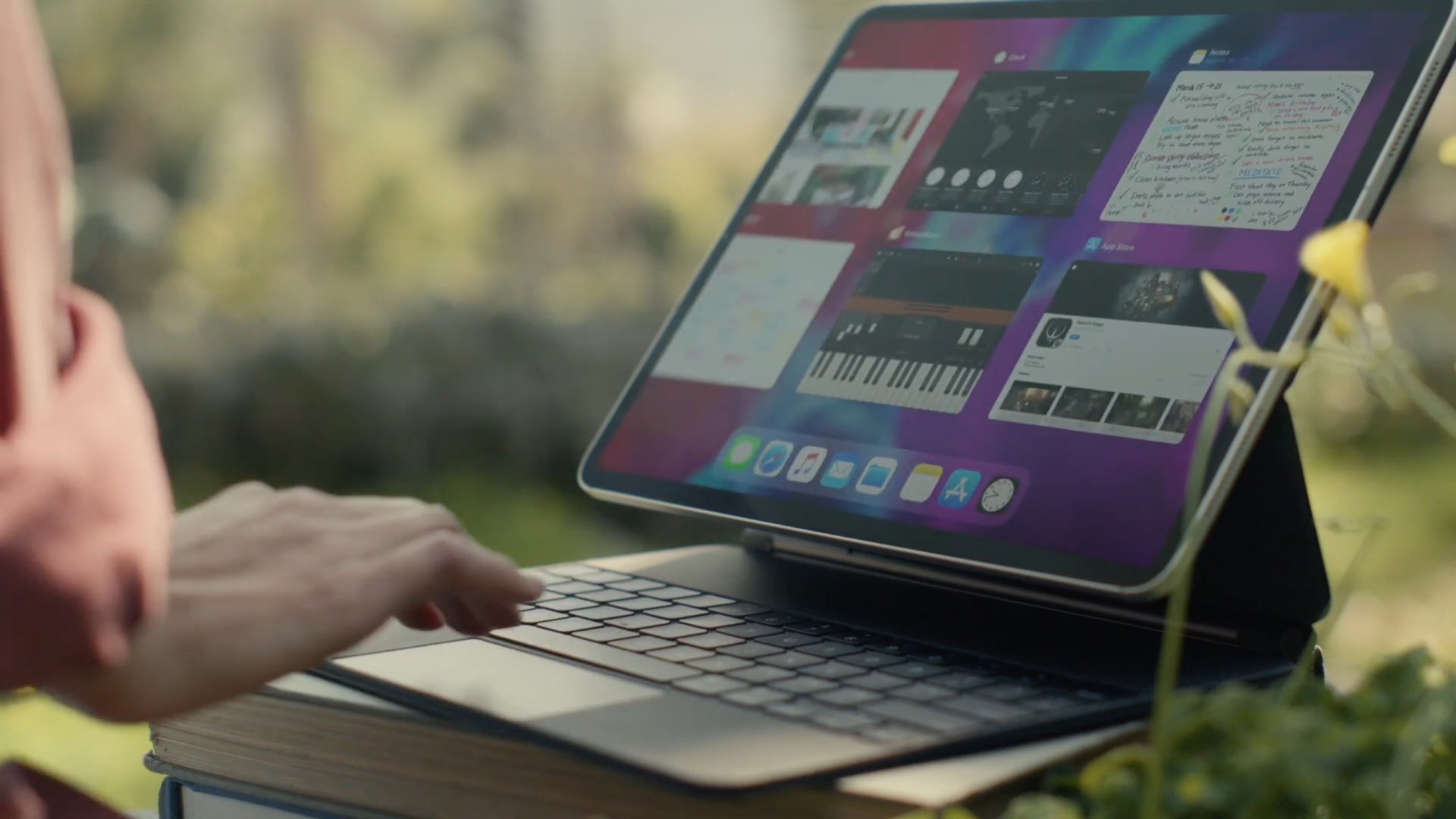
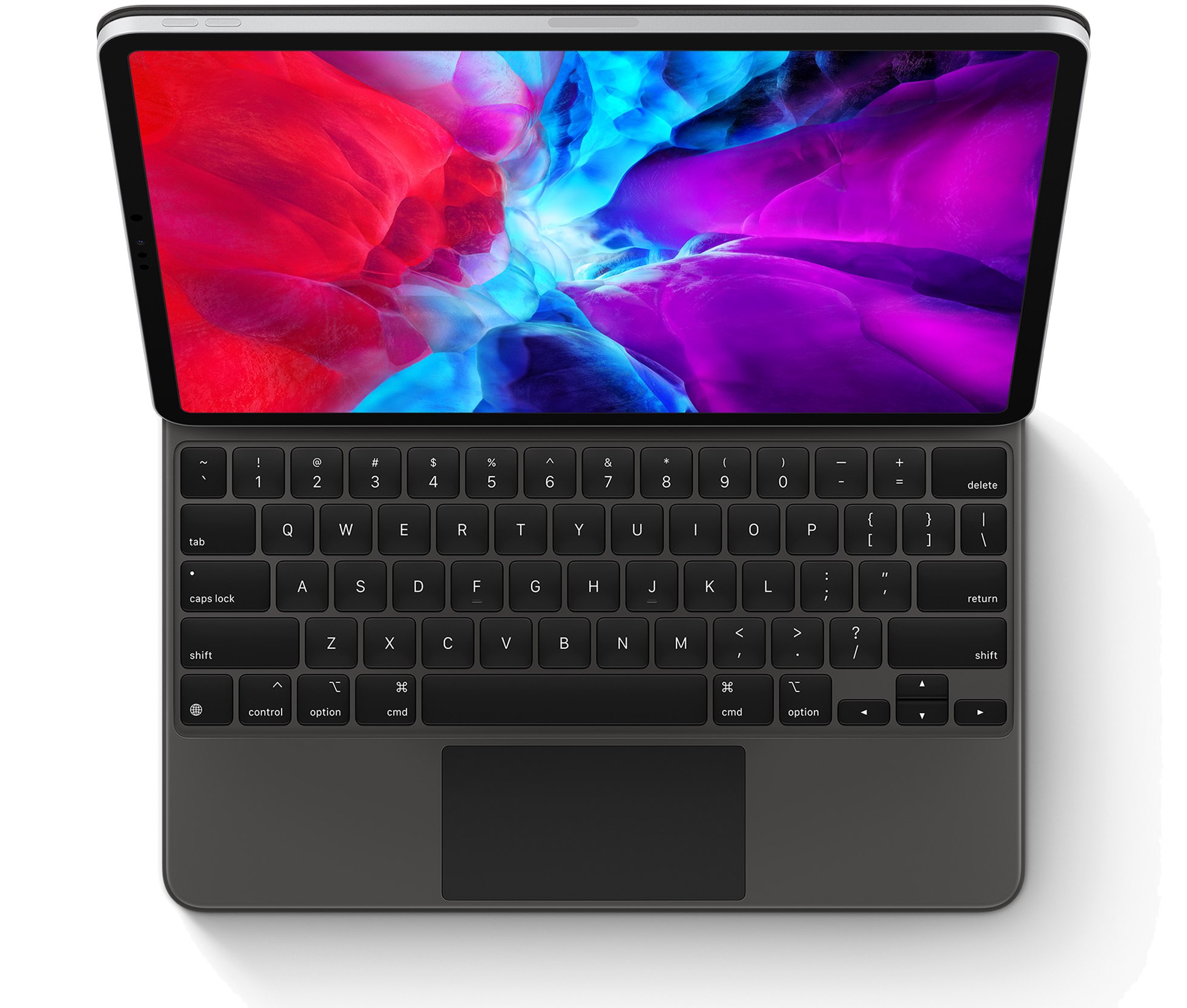
Apple today announced the refreshed iPad Pro family with new cameras, a LiDAR scanner and more, along with the new Magic Keyboard with a built-in trackpad and backlit keys with 1mm travel, designed specifically for the new tablet. To show off what you can do with such a combo, the Cupertino firm shared a pair of promotional videos via its official YouTube channel.

The new iPad Pro brings an ultra-wide camera, LiDAR 3D scanner, the A12Z Bionic chip, Apple’s new Magic Keyboard with trackpad & more

Apple today refreshed its flagship iPad Pro models, bringing even more pro features such as a two-lens rear setup that includes wide and ultra-wide cameras and, for the first time in any Apple device, a sophisticated LiDAR sensor that can map your surroundings in 3D. The company also unveiled a new Magic Keyboard accessory designed specifically for this new iPad Pro that features a floating design, backlit keys and a built-in trackpad which lets you perform Multi-Touch gestures to navigate the entire tablet without ever lifting your hand.

Keyboard Plus can make your iPhone’s keyboard more intuitive

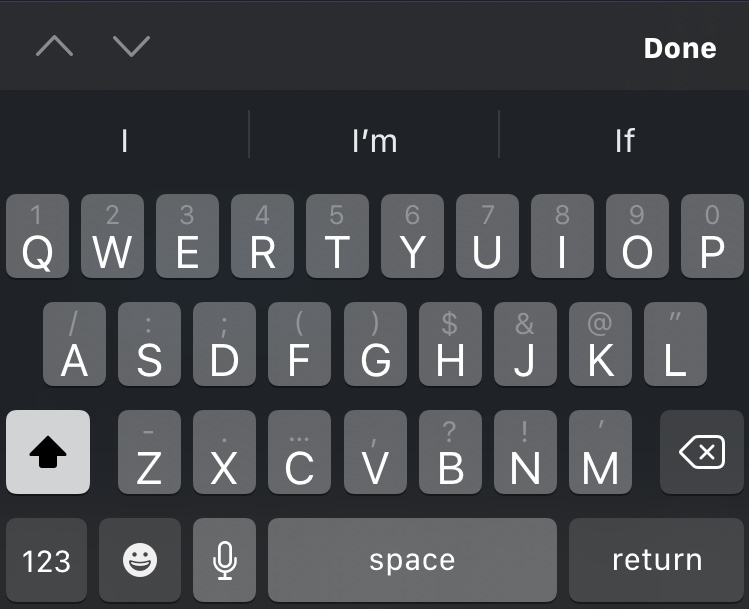
For the most part, Apple’s iPhone sports one of the best software keyboard experiences on the market today, but that certainly doesn’t mean that there isn’t room for improvement.

Those looking to augment their jailbroken iPhone’s typing experience are likely to enjoy a new jailbreak tweak release called Keyboard Plus by iOS developer Ryan Nair. As the tweak’s name implies, Keyboard Plus brings new features and improvements to the native keyboard experience, with the goal of making typing on your iPhone an even nicer experience than it is already.

Personalize your App Switcher experience with Custom SW

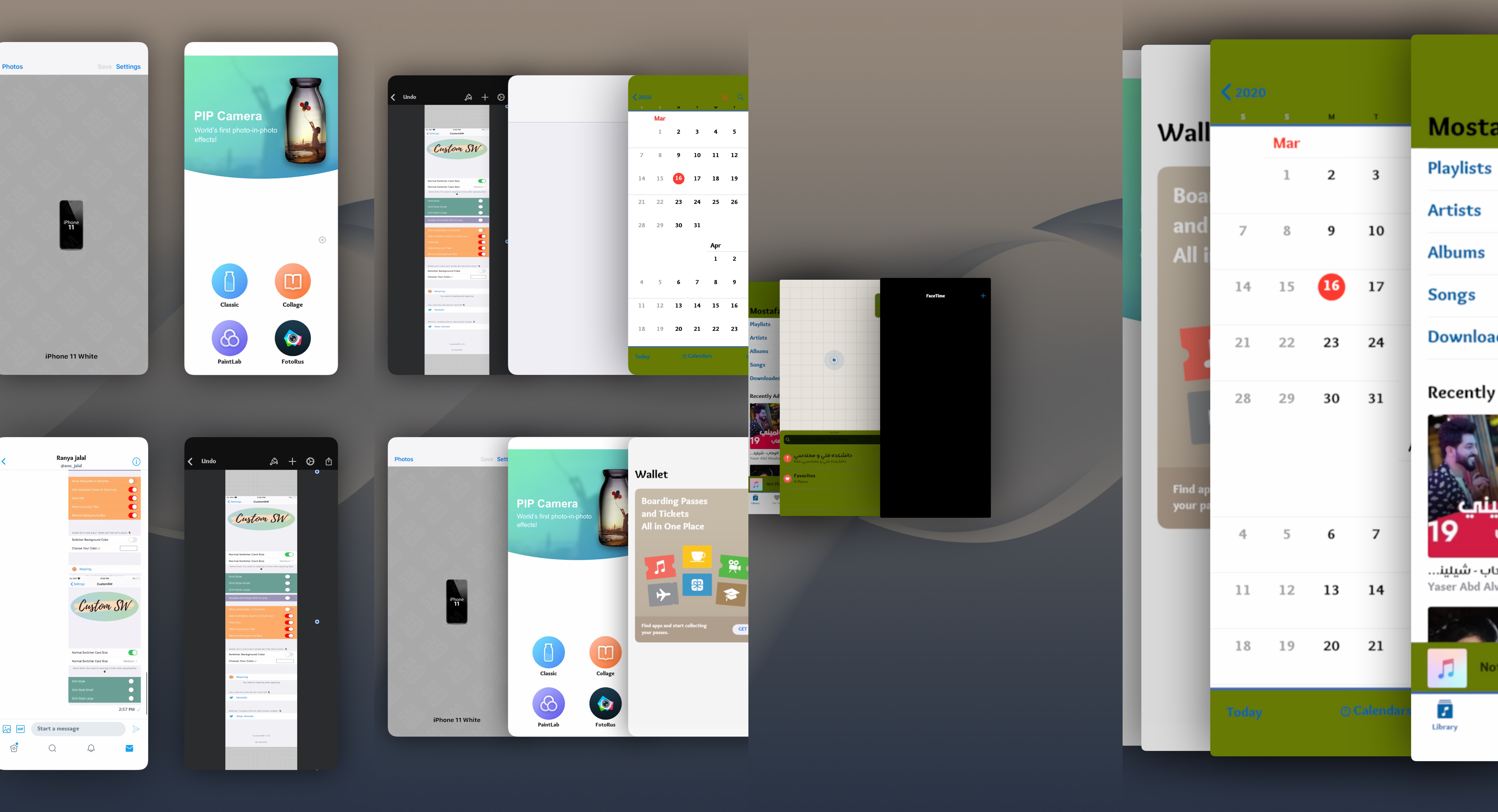
Most people use their iPhone’s App Switcher as a means of quickly returning to a recently-used application, but the current interface certainly leaves a lot to be desired, especially if you like what you see on the iPad.

If you find yourself in this situation a lot, then you might be interested in a newly released jailbreak tweak dubbed Custom SW by iOS developer mustafa89. As shown in the screenshot examples above, Custom SW provides users with a plethora of ways to augment the appearance and usability of the iPhone’s native App Switcher.