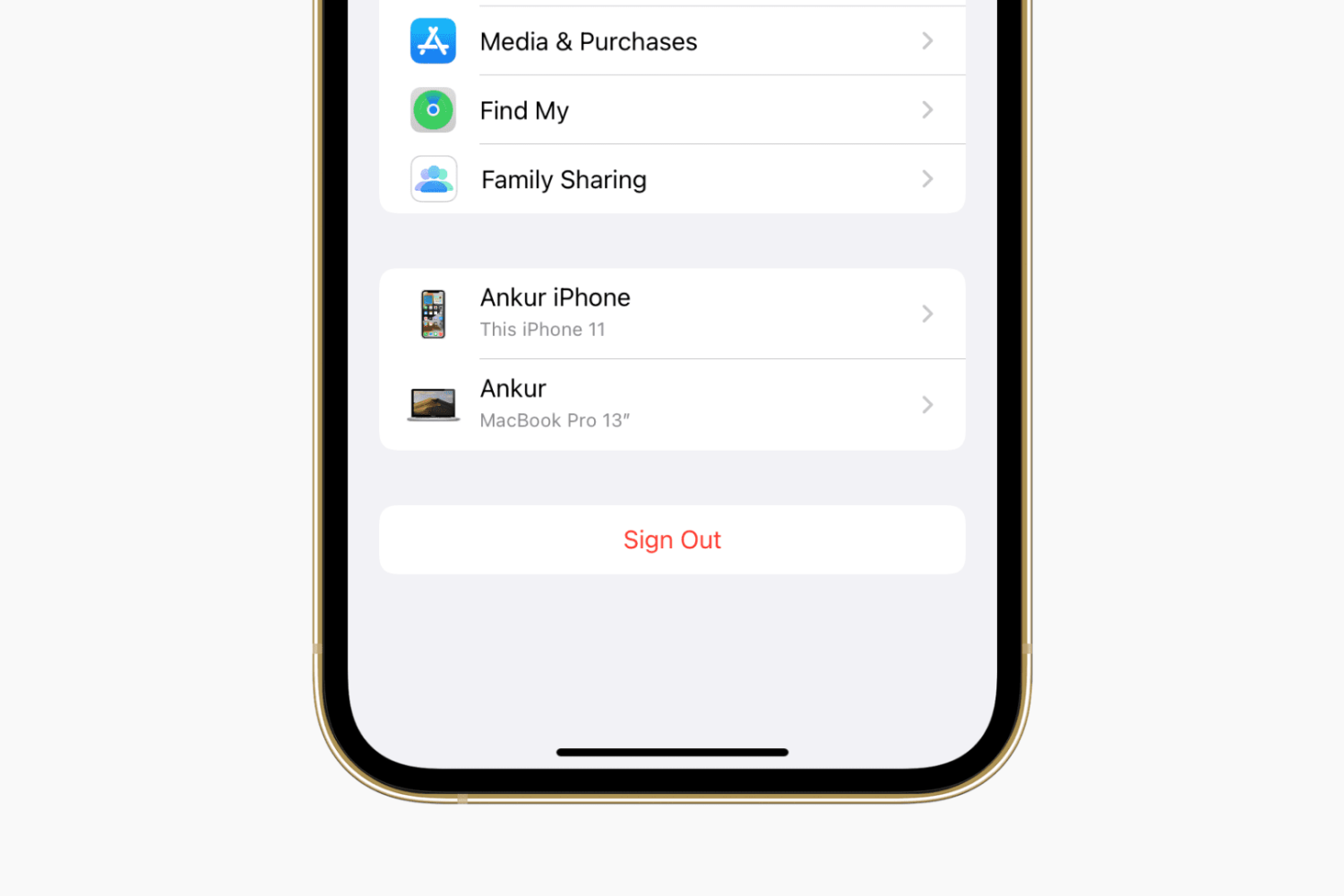
Learn how to create a full iCloud backup of your iPhone or iPad if you’re switching to a new device but don’t have enough iCloud storage space on your Apple Account.
How to create a full temporary iCloud backup of your iPhone
From the latest news to the most comprehensive tutorials, learn how to get the most out of your iPad with our step-by-step guides and expert tips.
Learn how to create a full iCloud backup of your iPhone or iPad if you’re switching to a new device but don’t have enough iCloud storage space on your Apple Account.
It’s absolutely frustrating when your iPhone’s battery dies on you mid-game or while watching the climax of your favorite movie. Having said that, don’t you sometimes wish you had enough of a heads up to run and fetch your charger before that happens?
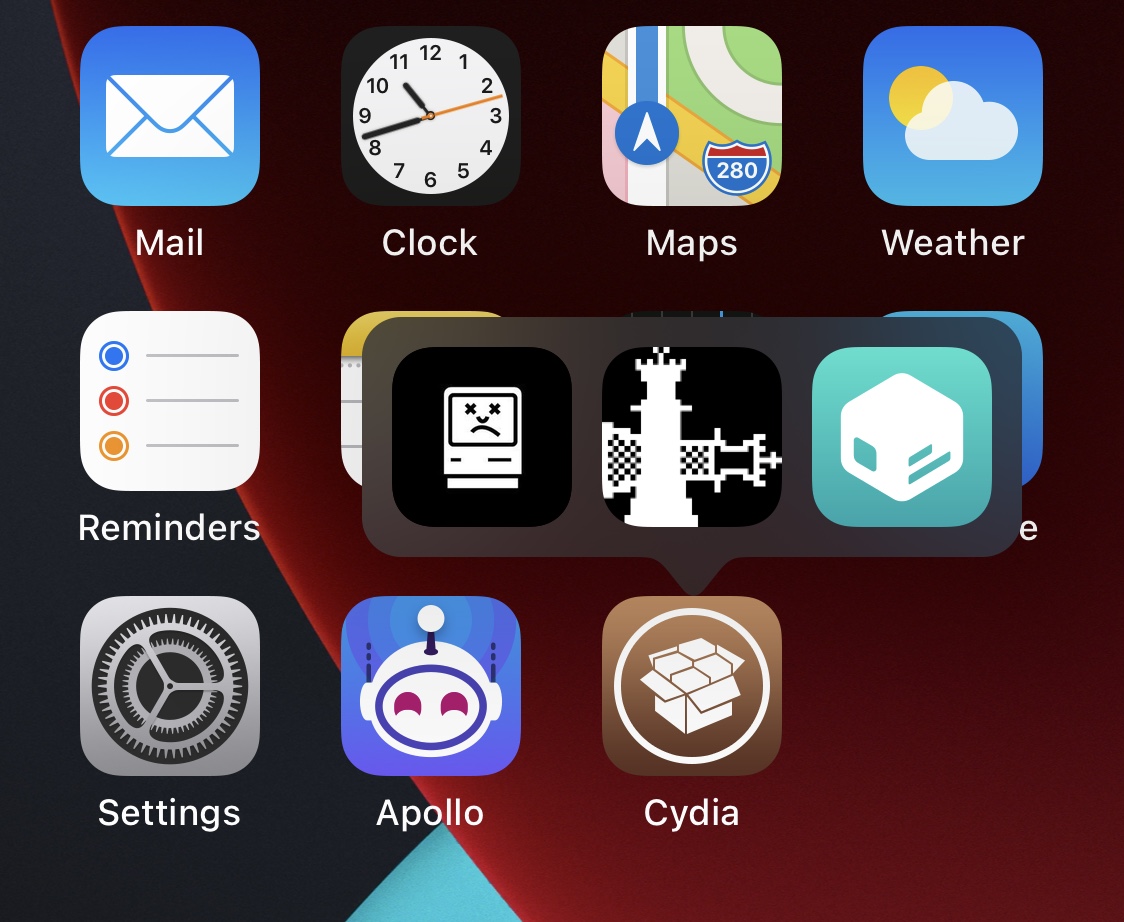
If you jailbroke your iOS or iPadOS 13 device with the Odyssey tool and decided that it’s time to remove your jailbreak, either to revert to a vanilla installation of the operating system or for the purpose of starting over with a fresh jailbreak installation, then the Odyssey app’s built-in Restore RoofFS feature will come in handy.
It was only around two weeks ago that we showed you a jailbreak called dubbed Axe that upgraded the Status Bar’s battery level indicator with a slow-shifting color based on the percentage of your battery.
With all the apps out there that like to pry at your device’s location all the time, it’s no wonder that jailbreakers take their handset’s location service usage very seriously.
The process of deleting apps from your iPhone or iPad’s Home Screen has changed slightly over the years, as the user must now navigate a Haptic Touch menu before entering ‘jiggle’ mode to reveal the app deletion buttons.
In this quick guide, we’ll show you five ways to delete invisible apps from your iPhone or iPad to declutter things and free up local storage.
You might’ve caught wind recently about YouTube changing how the Dislike button works on its platform. In fact, the changes are already live for users.
While I’ve always enjoyed having a background behind my iPhone’s Home Screen Dock, the fact remains that there are a substantial number of jailbreakers that partake in even more extreme forms of minimalism than me.
Learn how to use Google Chrome as a password manager on your iPhone to autofill passwords saved in Chrome across various iOS apps and websites.
Looking for fun and exciting things to do with your jailbroken or soon-to-be jailbroken handset? Don’t worry, because your friends at iDownloadBlog have you covered!
You can find most types of information specific to your iPhone or iPad in the native Settings app, but some tidbits of information are expressly hidden from users because Apple simply thinks it’s better that way.