Are you finding it impossible to restore your iPad from an iCloud backup?
iPad owners currently cannot restore from iCloud backups created on iOS 12.1.2
From the latest news to the most comprehensive tutorials, learn how to get the most out of your iPad with our step-by-step guides and expert tips.
Are you finding it impossible to restore your iPad from an iCloud backup?
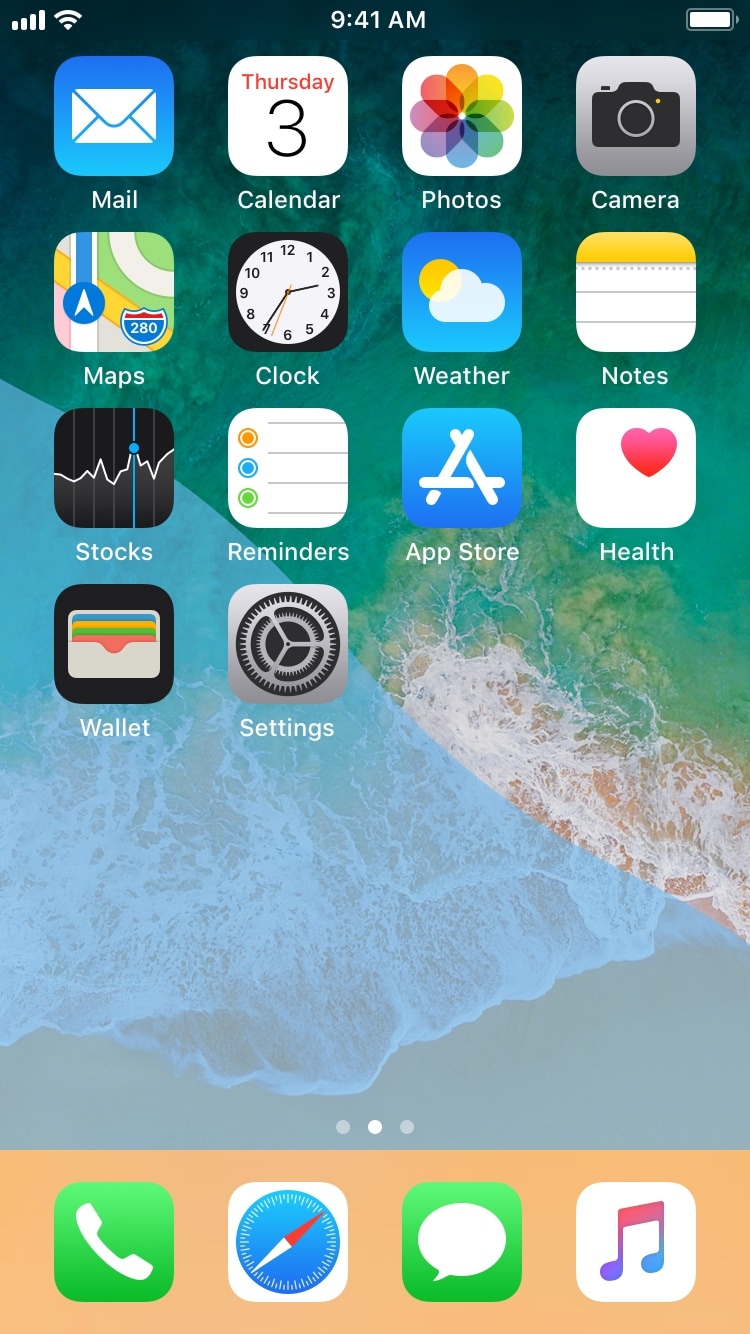
While most jailbreak tweaks are made in response to some sort of problem or inconvenience in iOS, some exist purely for good fun and entertainment. A new free release dubbed Waves by iOS developer Muirey03 is a beautiful example of the latter.
As you might have inferred already from the name and the screenshot example above, Waves brings a fluid-inspired animation to your iPhone or iPad’s Home screen. The fluid depicted in the screenshot is sensitive to motion, which means tilting your device causes the fluid to move just as the laws of physics in the real world would command.
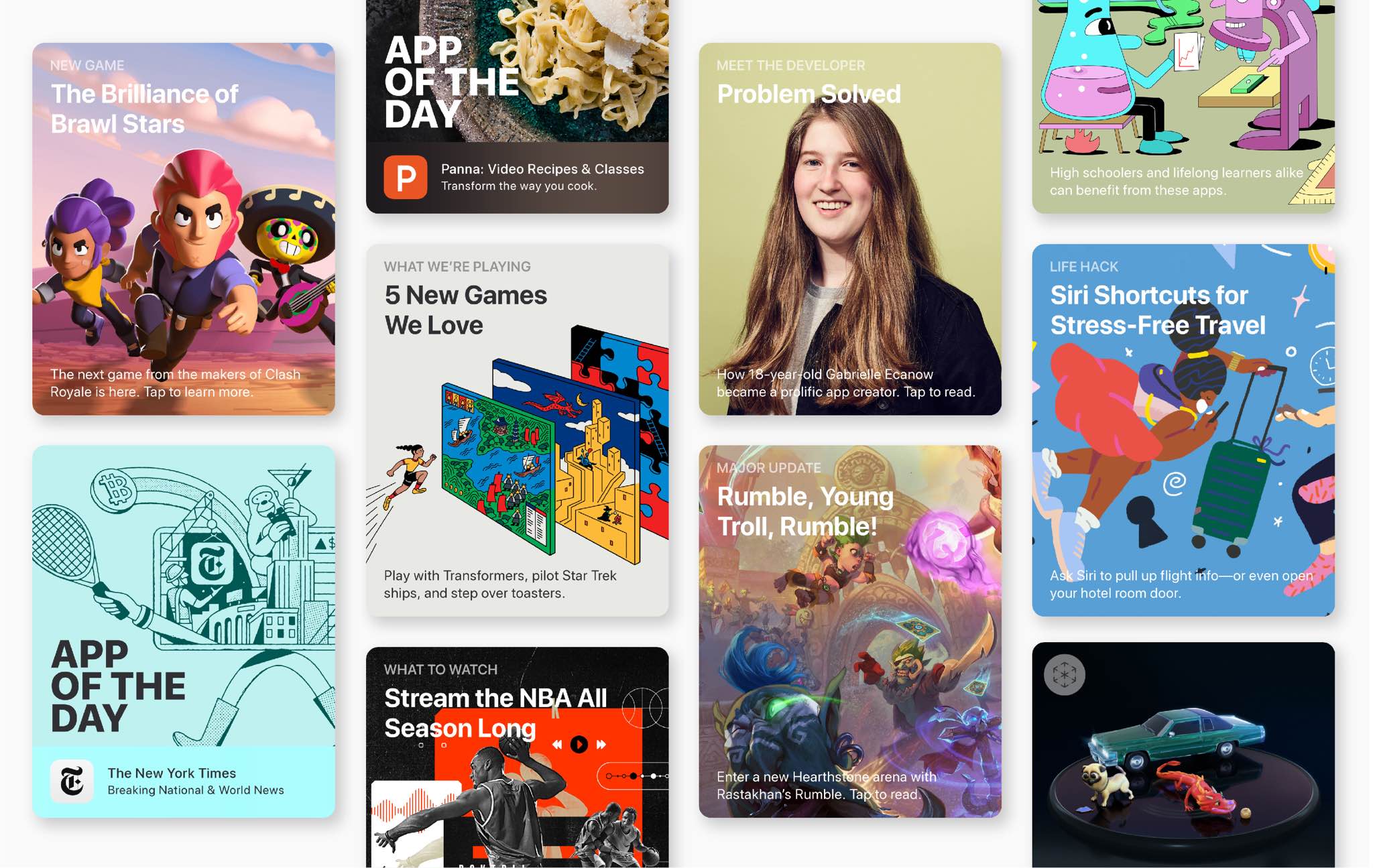
The bad news keeps piling up for Apple, but that's not discouraging the Cupertino technology company from sharing some positive developments today, revealing that its App Store has managed to rake in nearly one-third of a billion dollars—on New Year's Day alone.
If you’ve ever used a semi-tethered jailbreak before, then you should be familiar with Cydia Impactor. Saurik (Jay Freeman) created this multi-platform application to let you side-load apps on your iPhone or iPad, especially of the jailbreak flavor, such as Electra and unc0ver.
Recently, a web-based alternative to Cydia Impactor called AppSigner received some public attention on /r/jailbreak, and as you might come to expect, prominent members of the jailbreak community are speaking up to explain why you should not use it.
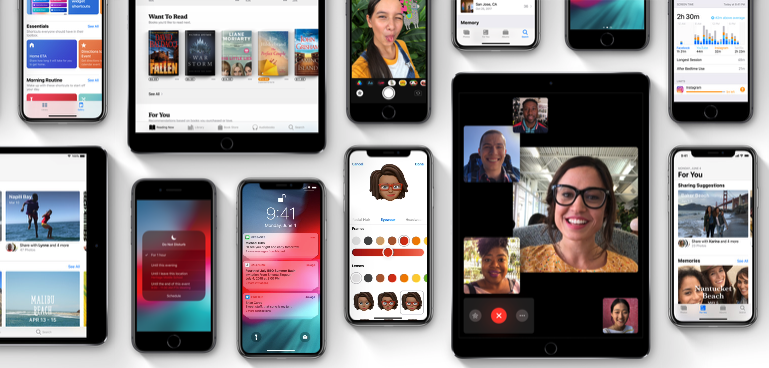
Apple's iOS 12 software now powers three-quarters of all devices.

While most of us are celebrating New Year’s Day the old-fashioned way, others are taking full advantage of the holiday to propagate nefarious activities. As it would seem, a fake iOS 12 jailbreak is being tossed around in the wild.
Hacker and unc0ver lead developer Pwn20wnd hopped on Twitter early Tuesday morning to dismiss any confusion concerning the new of the fake iOS 12 jailbreak:
While you may work and create your spreadsheets in Numbers, there may be a time when you need one of those documents in the Microsoft Excel file format.
You can easily export spreadsheets into different formats for viewing and editing with other applications. Here’s how to convert a Numbers file to Excel on Mac, iPhone, and iPad.
You can hide images from the Camera Roll in iOS’ native Photos app to prevent them from appearing in your image list, but hidden images are quickly discovered by prying eyes when someone holding your iPhone opens the “Hidden” album in the Photos app.
If you wish Apple took better care of your Hidden images, then you might enjoy a new free jailbreak tweak called HiddenAlbumLock by iOS developer smokin1337. Just as the name implies, this tweak locks the Hidden album and requires authentication to unlock it for viewing.
New Year’s Eve was a busy day for hacker and unc0ver lead-developer Pwn20wnd. Shortly after dropping the official public release of unc0ver v2.1.0, Pwn20wnd issued a quick revision for the jailbreak tool comprised of bug fixes.
Pwn20wnd announced the revision Monday evening via Twitter, noting that the contained fixes targeted “weird issues” being experienced by some users:
Moments after we published a story about the unc0ver v2.1.0 pre-release receiving its eleventh revision, hacker Pwn20wnd publicly released unc0ver v.2.1.0, officially bringing it out of its “pre-release” stages.
This is arguably one of the most significant updates to the unc0ver jailbreak tool to date, and Pwn20wnd made the official announcement via Twitter just minutes ago as of this writing:
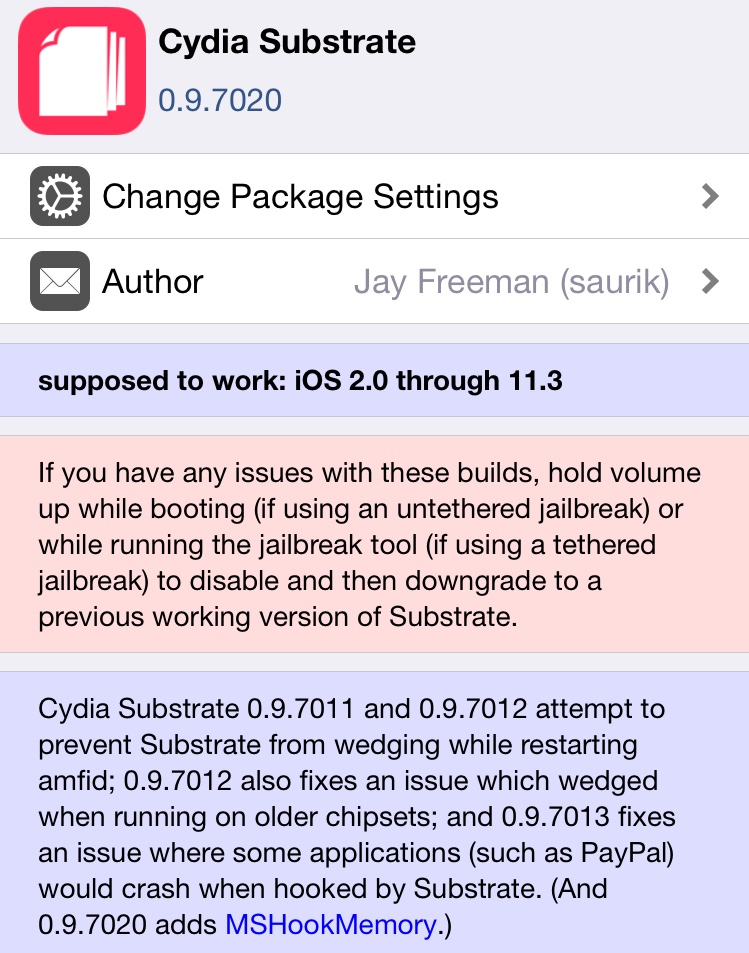
It was just two weeks ago that Saurik (Jay Freeman) released an official update for Cydia Substrate with full support for the unc0ver jailbreak on iOS 11, but as you might have noticed, there’ve been some issues surrounding the release.
Cydia Substrate has received several updates since the initial release, primarily to fix ‘freezing’ and ‘respring looping’ issues that some users experienced after updating, but older handsets like the iPhone 5s and iPhone 6 continued to exhibit unexplained instability.
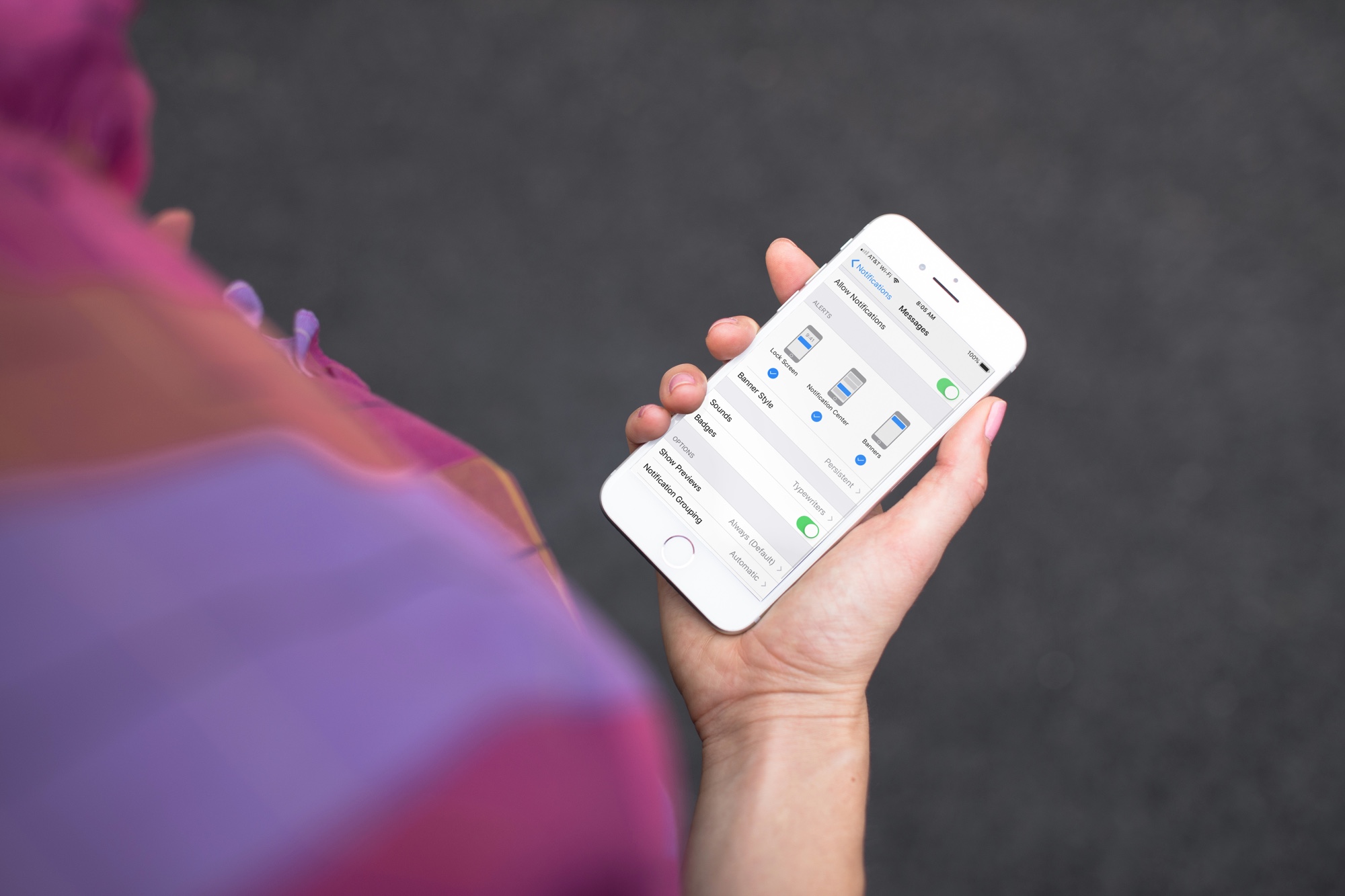
Learn how to get persistent notifications for an app on iPhone or iPad so its alerts don’t disappear automatically from the screen and stay there until you dismiss them.