Check out the top photo printing apps for iPhone and iPad to turn your digital memories into actual printouts to frame or gift to someone else.
The best photo printing apps for iPhone and iPad

Check out the top photo printing apps for iPhone and iPad to turn your digital memories into actual printouts to frame or gift to someone else.
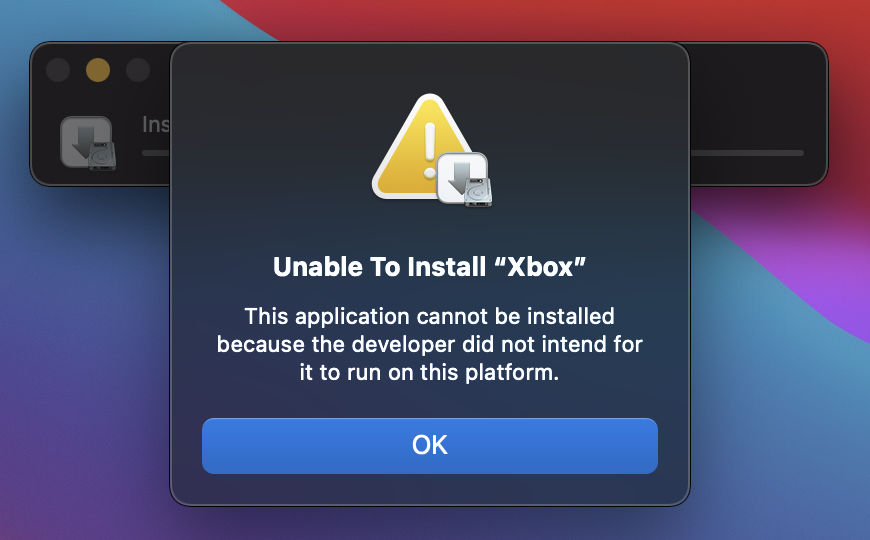
After flipping the server-side switch to start blocking M1 Mac owners from side-loading unsupported iPhone and iPad apps, Apple has now reverted its original decision. As a result, you can once again side-load an unsupported iOS app on a Mac powered by Apple silicon.
Earlier this week, Apple seeded the latest developer (and public) beta of macOS 11.2 Big Sur. It didn't come with any major forward facing new features, but it did appear to take one away. It was just a rumor at the time, but now it appears it's officially official.
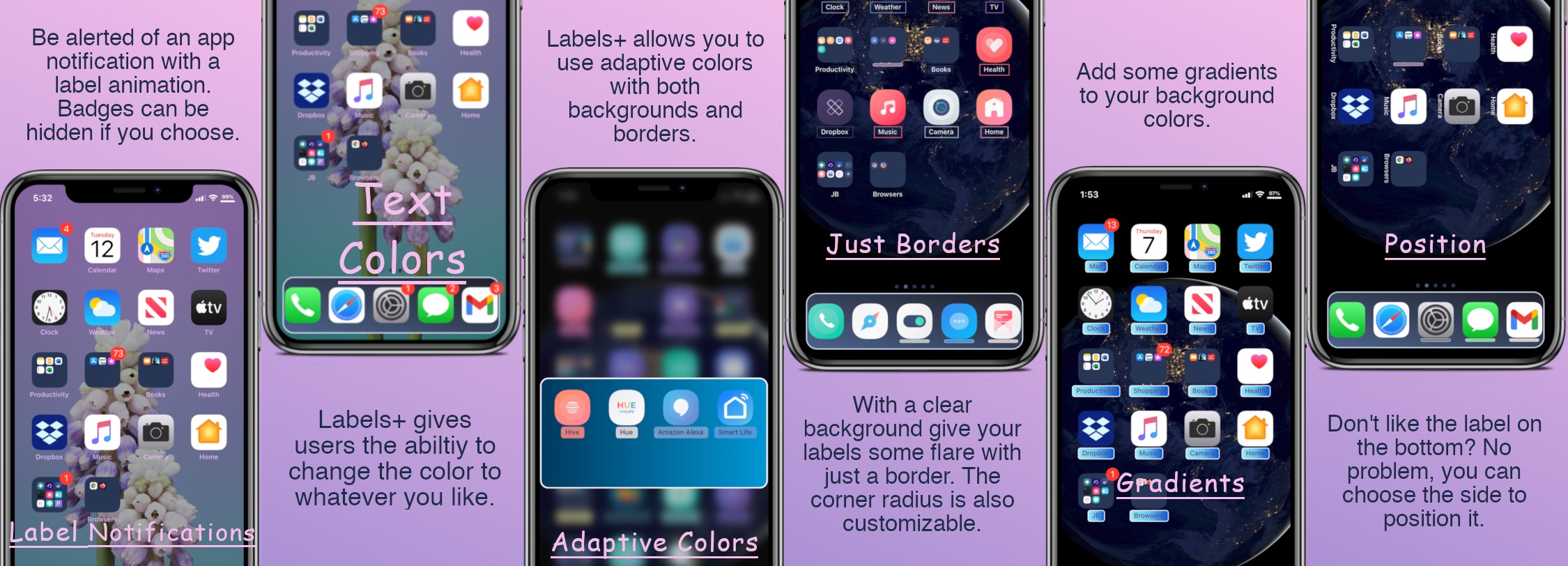
One of the things we just can’t help but notice about the Home Screen is the fact that each individual app icon sports its own label — typically designating the respective app’s name.
Apple doesn’t provide users with much customization when it comes to the Home Screen’s app icon labels. The only arguable exceptions are that the icon labels may switch between black and white depending on the color of the Home Screen’s wallpaper and that users may embolden the app icon labels by enabling bold text system-wide.
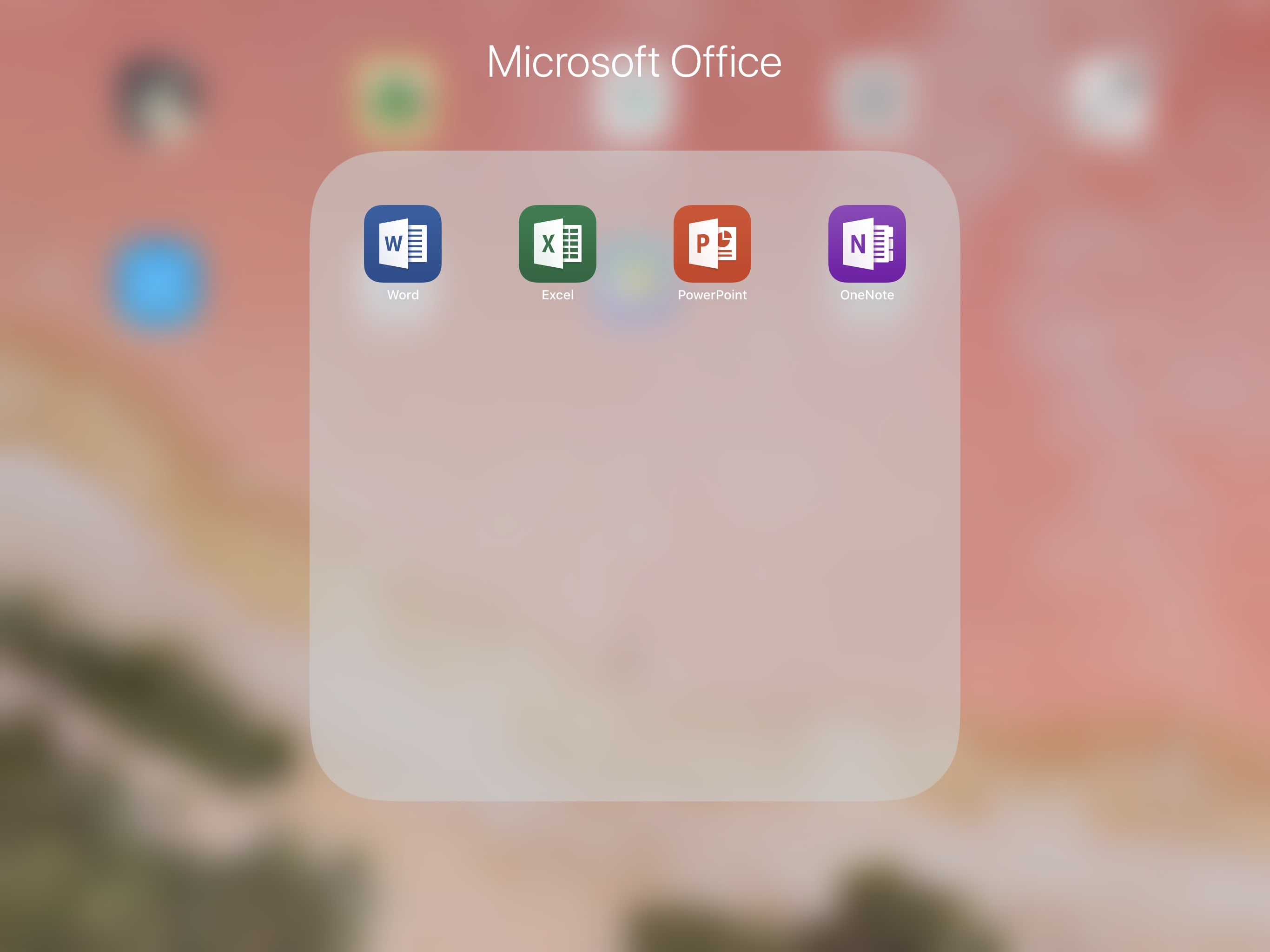
Microsoft has updated its Office for iPhone and iPad productivity suite with a few new nice-to-haves. For instance, you can now take advantage of side-by-side multitasking in Excel. Also, Word now supports richer mouse and trackpad interactions on your Magic Keyboard.
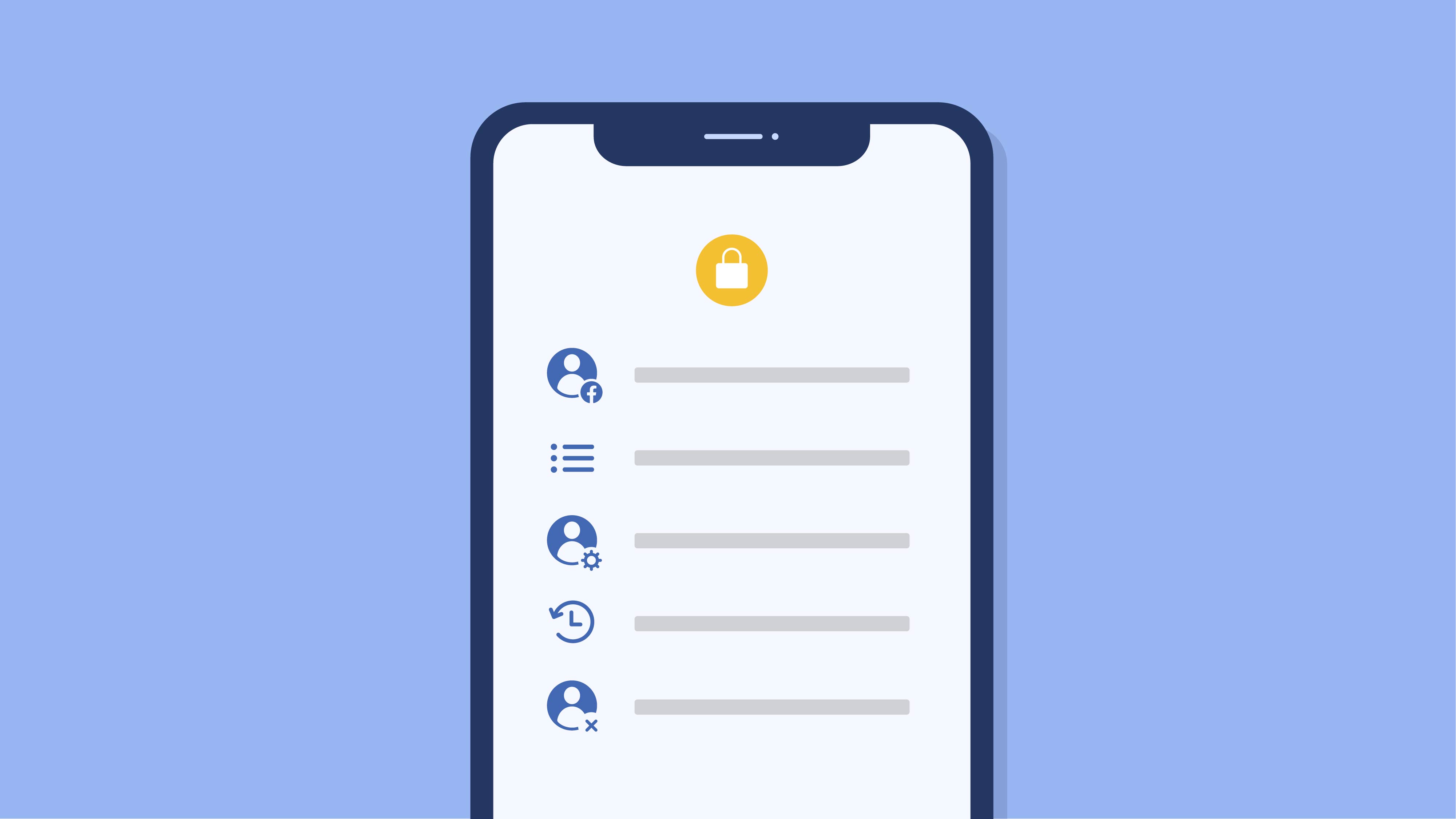
Facebook has given its feature for downloading account data, dubbed “Access Your Information”, a fresh new coat of paint whilst adding several new capabilities, including seeing how the social network has used your information to personalize your experience.
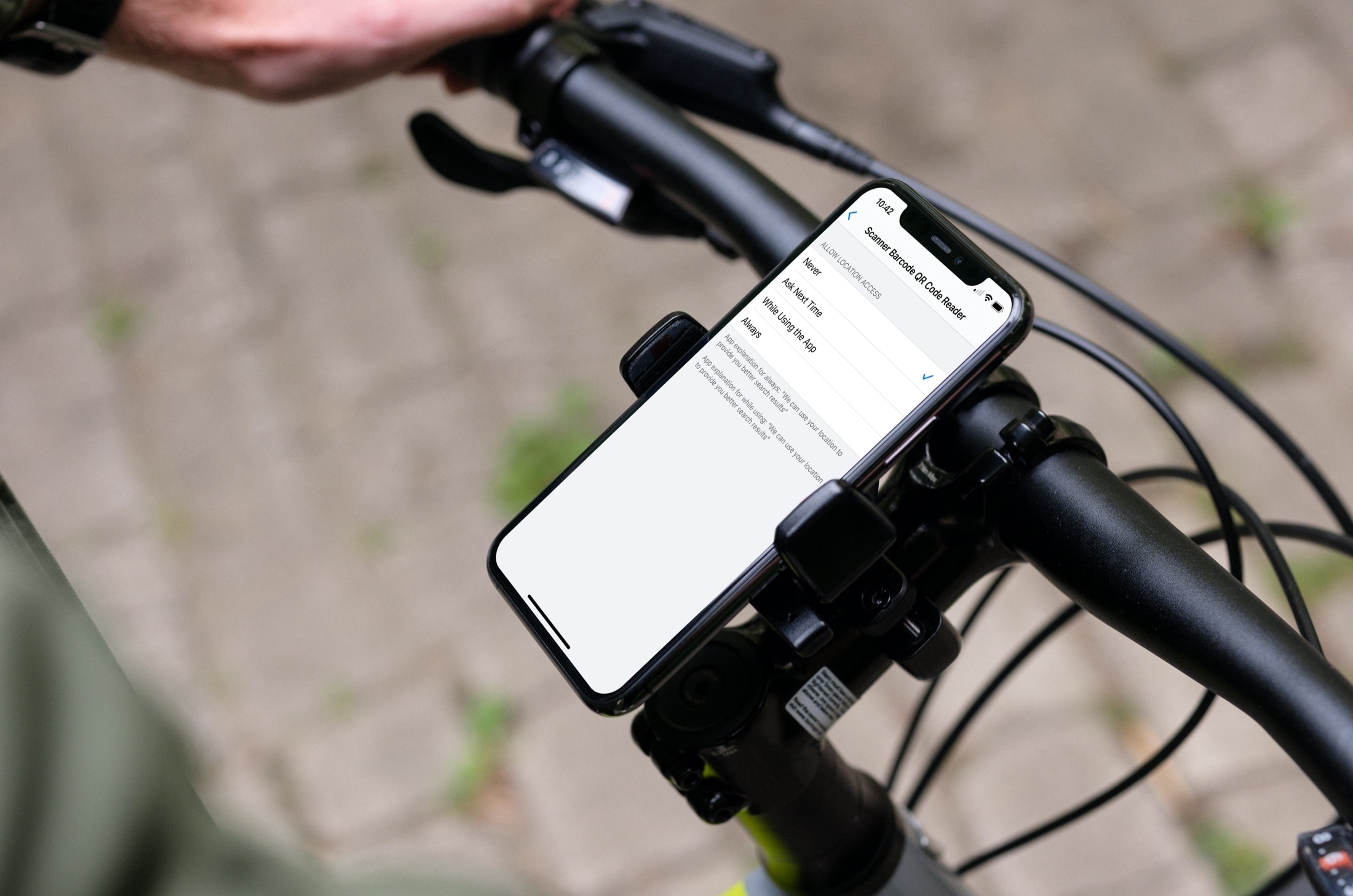
Learn how to stop sharing your location with apps and services, or selectively choose the ones with which you’d like to share by adjusting the Location Services settings on your iPhone or iPad.
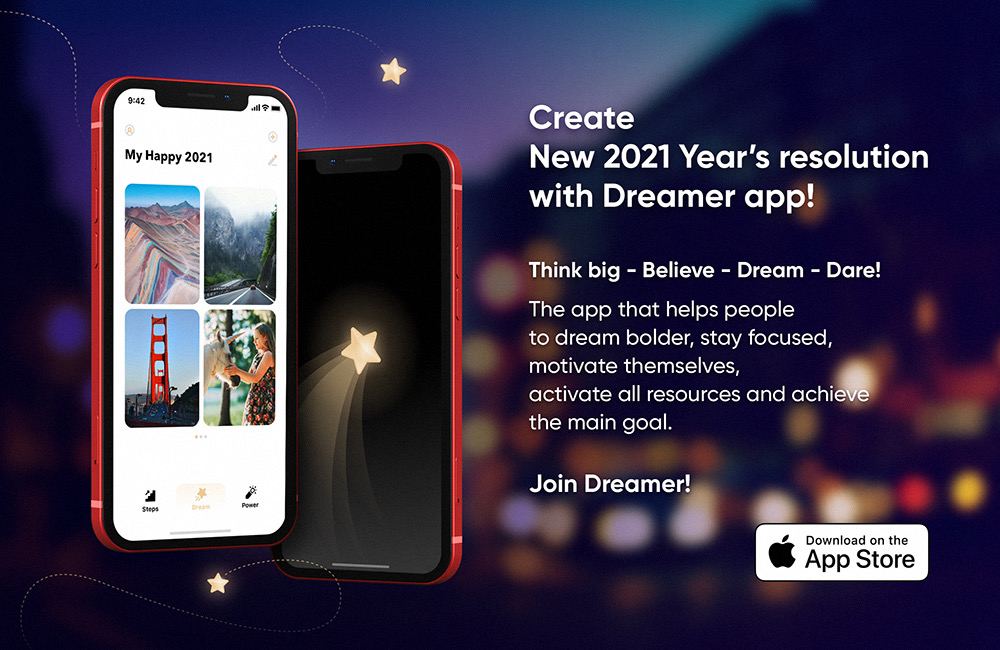
There's no shortage of apps that help you achieve New Year’s resolutions and various big dreams. Enter the Dreamer app that makes it easy to stay positive with daily affirmations and focus on your lifestyle goals and New Year’s resolutions. Use it to create a plan on how to achieve them and start putting it in motion. No more excuses to quit smoking!
Believe it or not, an app that facilitated "secret parties" between users and large New Year's Eve gatherings during the COVID-19 pandemic has managed to sneak past App Store censors. But having caught wind of the software, the iPhone maker has yanked it out of the store.

If you use the Disney+ video-streaming service on your devices, you probably know that it attempts to deliver the highest-quality experience possible as a default setting. To preserve your bandwidth when using Disney+, however, you must limit video quality over cellular and Wi-Fi. Follow along with us as we show you how to manage Disney+ data usage.
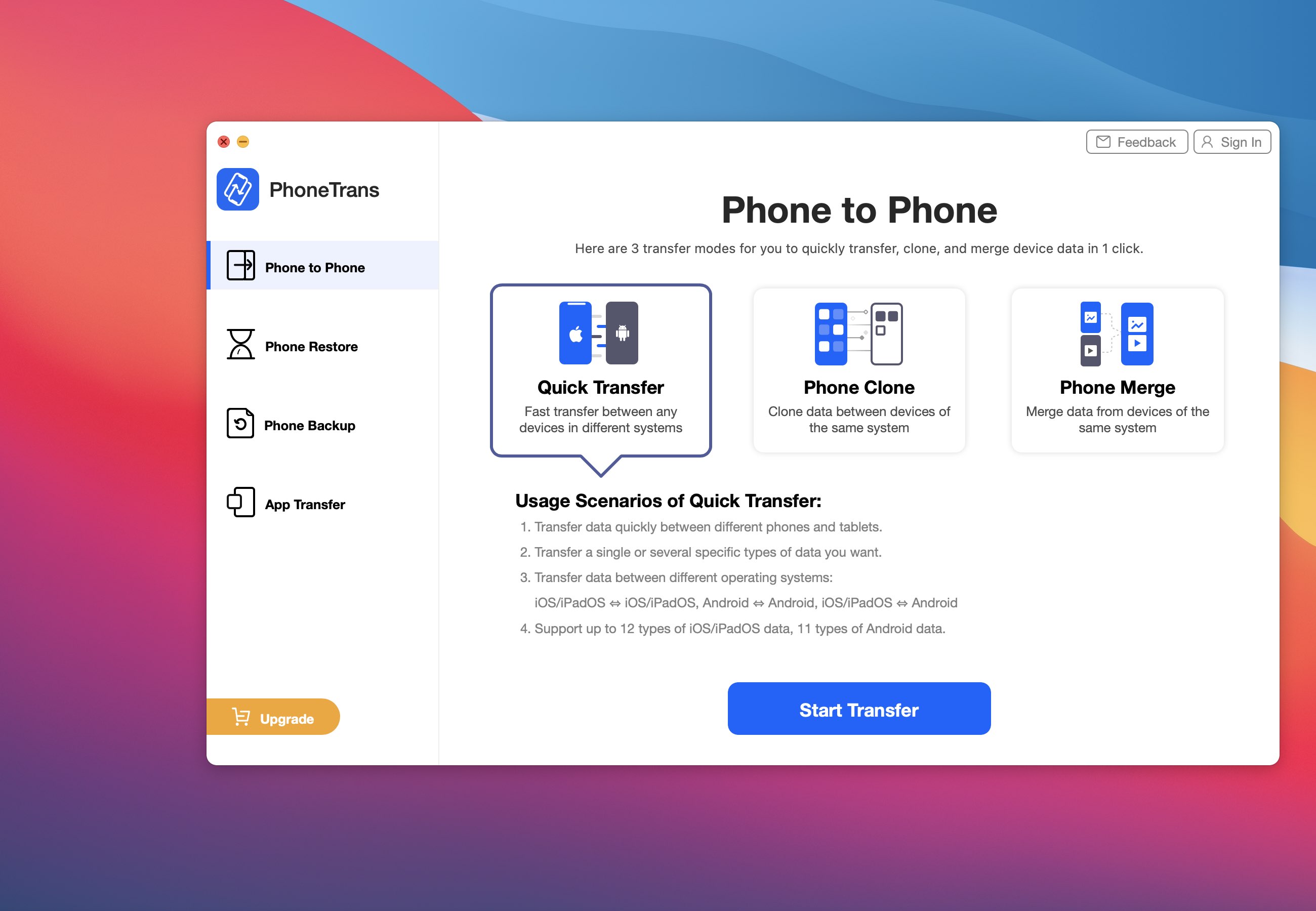
iMobie's PhoneTrans is a new Mac and Windows app for frictionless phone-to-phone data transfer that makes it easy to transfer everything across iOS and Android smartphones and tablets. If you have recently upgraded to a new iPhone, PhoneTrans will let you transfer content from your phone to your new one, including WhatsApp messages, contacts and more.
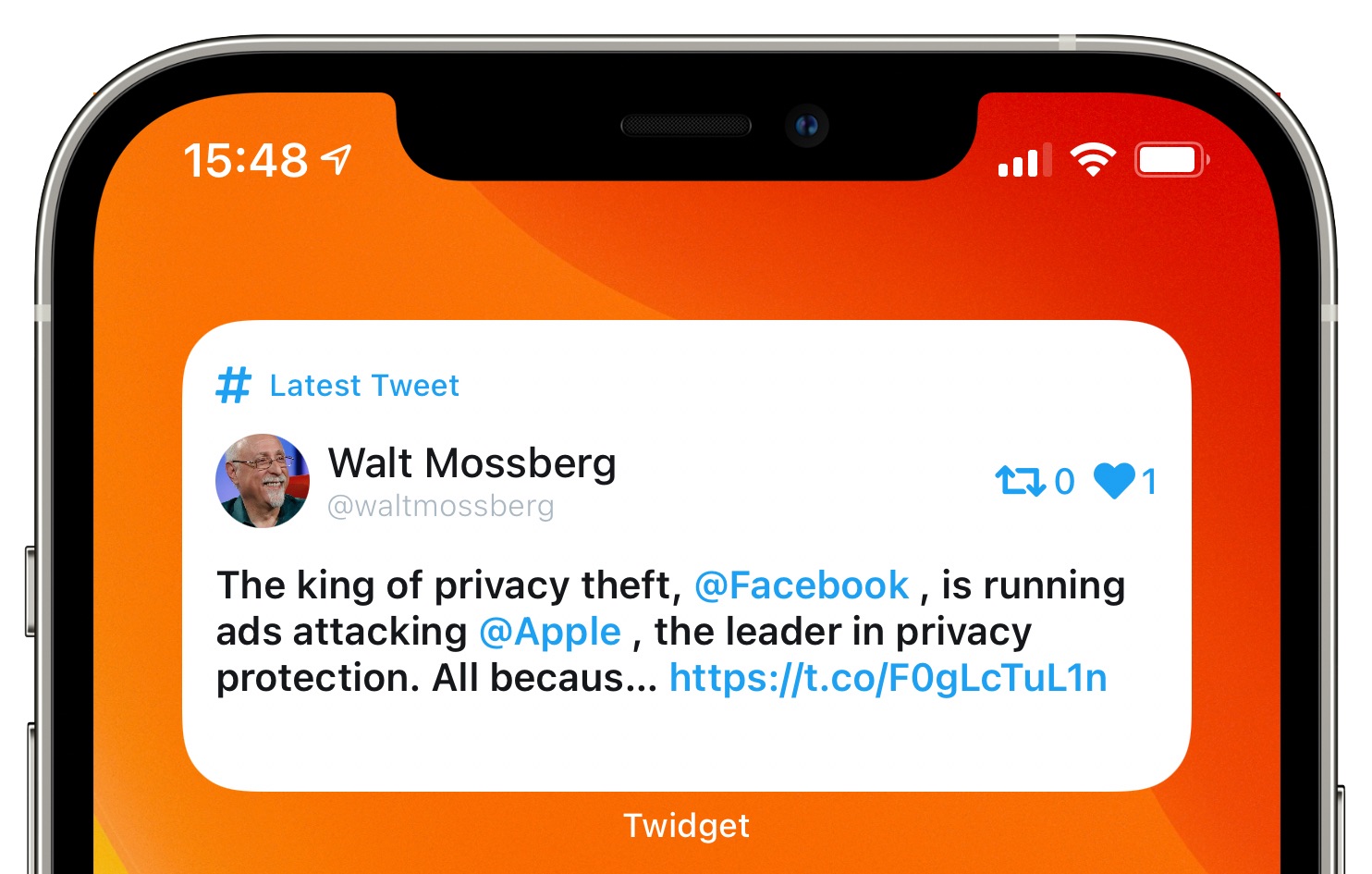
How about something entirely different? Meet Twidget, a cool app by York, England-based developer James Shaw. This free of charge piece of software is basically an iPhone and iPad widget providing an at-a-glance look at your Twitter timeline right on the Home screen.