Login is an absolutely stunning new jailbreak tweak that offers an OS X-inspired login screen meant to replace the basic Lock screen on your iPhone or iPad.
Login is a beautiful OS X-inspired login screen for your jailbroken iPhone or iPad
Login is an absolutely stunning new jailbreak tweak that offers an OS X-inspired login screen meant to replace the basic Lock screen on your iPhone or iPad.
Notum is a new jailbreak tweak that not only enhances the way Notification Center looks, but also adds a new page to it for interacting with your currently-playing music or media.
One of the first things that will stand out after you install this tweak is the new animation you'll see while opening and closing Notification Center on your device.
What's worse than an alarm going off in the morning to wake you up from your comfortable bed? How about being late to work or school because you made it too easy to snooze your wake-up alarm?
With a jailbreak tweak called ArithmeticAlarm9, you can force yourself to have to solve a math problem before you're able to silence your iPhone's alarm.
First announced at this year's Worldwide Developers Conference in June, a pair of forthcoming music discovery features went live on Apple Music this past Friday for iOS 10 beta testers.
Rechristened from “Discovery Mix” to “My New Music Mix” and available through the For You section of the Music app on iOS 10, this new curated playlist suggests tunes based on your previously played music.
As a bonus, you also get another personally curated playlist—“My Favorites Mix”. These two auto-updated playlists should take the pain out of discovering new artists and music from Apple Music's vast content library, as first reported on by AppleInsider.
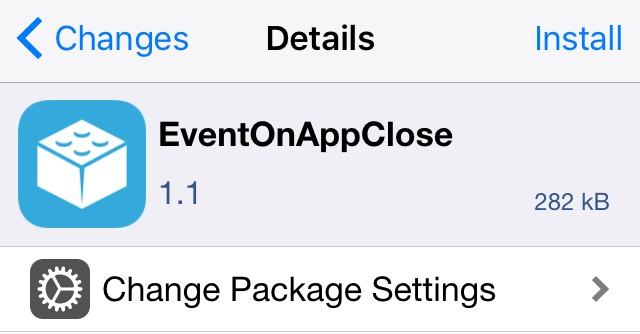
Activator is a powerful extension for jailbroken iOS devices that empowers you to make things happen. While it's already a great extension out of the box, other developers are constantly improving on its functionality with add-on tweaks. One of the latest is EventOnAppClose, and it can really come in handy.
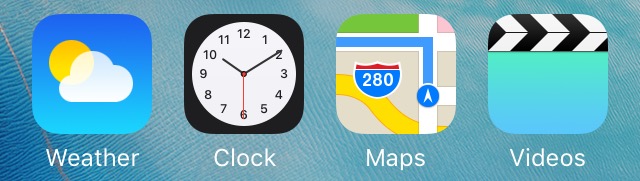
Starting with iOS 7, Apple officially brought animated hour, minute, and second hands to the Clock app's icon that reflect upon the actual time.
Whether or not you like these animations, a new free jailbreak tweak release called LiveIconDisabler now gives you the power to disable them.
Adding a splash of color to the various UI elements throughout iOS 9 has never been as easy as it is with a new jailbreak tweak called AppDye 2.
With this tweak, you can colorize many parts of iOS based off of a single color you choose, or you can color your apps on a per-app basis with individual color schemes. Among some of the things that the tweak can modify the color of are:
Apple's made a rare move of publishing multiple blog posts to whet our appetite for Siri's upcoming third-party integration on iOS 10. We already detailed how Siri will work with popular messaging/payments apps and allow you to search photos inside third-party apps like Pinterest, just by using your voice.
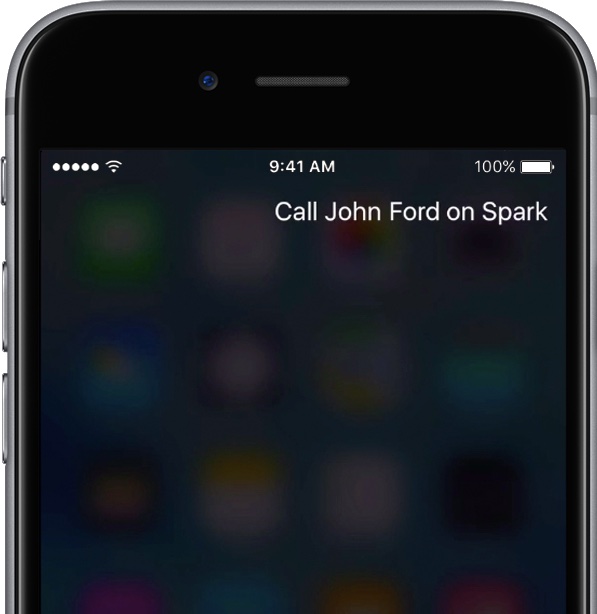
Now, we take a closer look at how Apple's personal digital assistant can interact with VoIP apps like Skype, Vonage and others.
iOS 10 marks the first time Apple has allowed other people's apps to integrate with Siri. The following app categories are permitted to take advantage of the new SiriKit in iOS 10: ride hailing, messaging, photo search, mobile payments, VoIP and workout apps.
The company already detailed Siri integration in popular messaging and payments apps and now a new blog post shows you how Siri can find photos inside apps like Pinterest, Vogue and more.
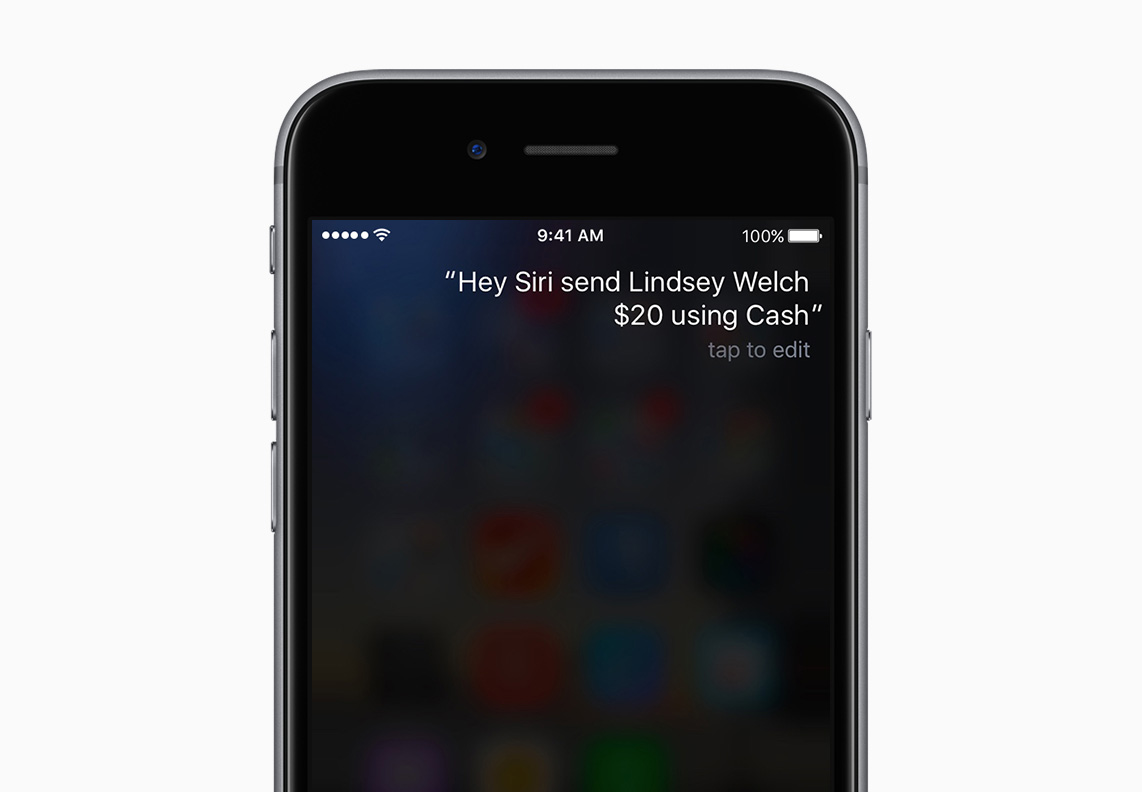
Following first hands-on demonstrations of Siri's app integration that select developers gave to The Wall Street Journal's Nathan Olivarez-Giles last week, Apple on Thursday published an article of its own to share more details regarding Siri integrations for payments, messaging apps and more.
As a quick backgrounder, Siri on iOS 10 will work with your apps thanks to Apple's new SiriKit framework which was designed to help developers integrate Siri functionality into their own apps.
Why deal with an ugly and obtrusive volume HUD on your iOS devices when you don't have to?
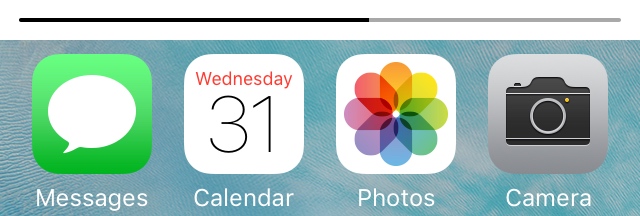
If you have a jailbreak, there are tons of jailbreak tweaks you can use to relocate the volume HUD to the Status Bar. But perhaps one of my favorites as of late is one called StatusbarVolume.