iOS

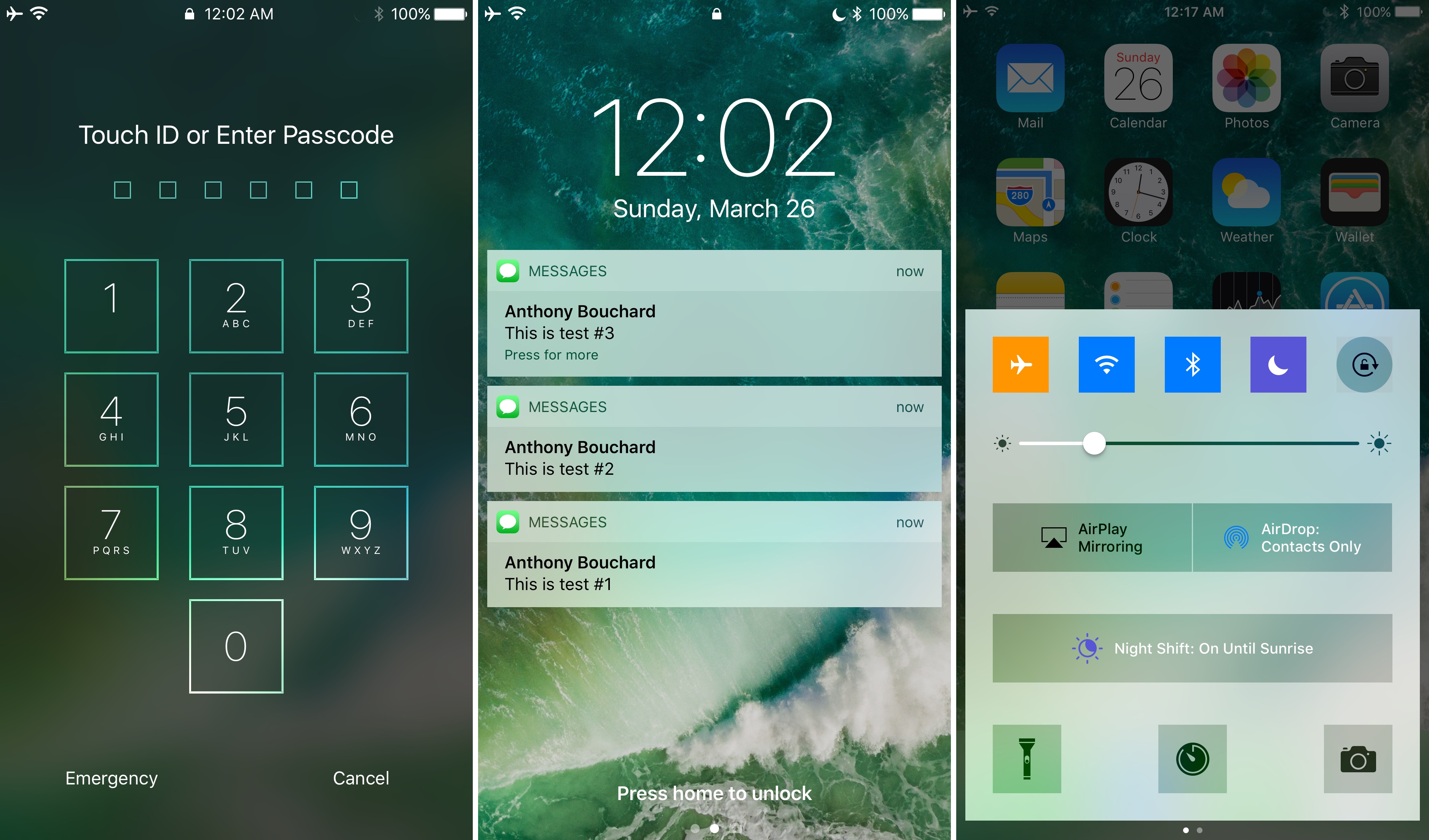
UsageBarX modifies the clunky activity bar on your iPhone or iPad

Whenever you use Personal Hotspot, multitask while in the middle of a phone call, or use Shazam to tag music in the background, your Status Bar multiplies in size and changes color, which depends on the situation.

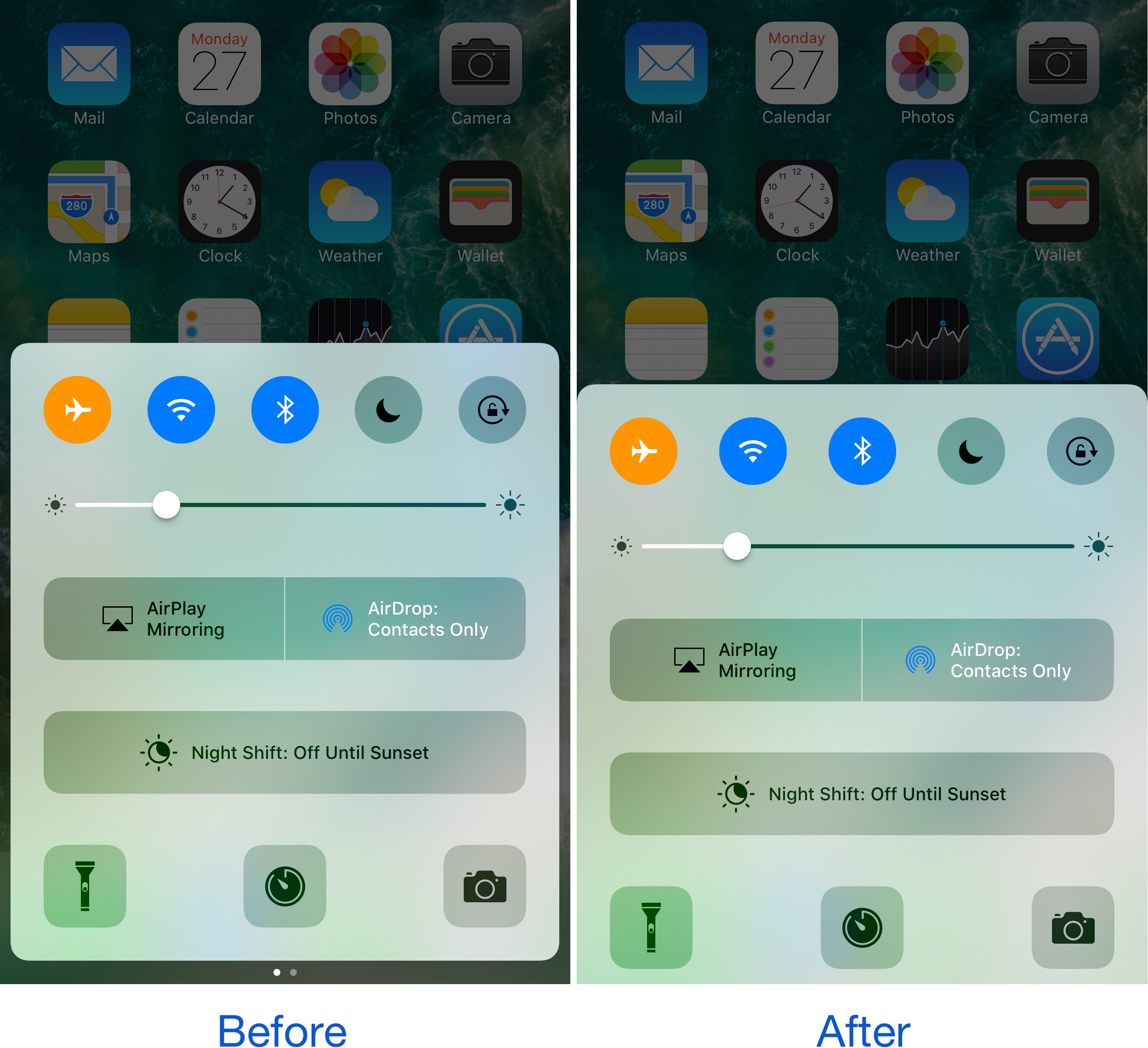
While the intent was to keep you aware that something is happening in the background, it becomes intrusive when the user interface gets squashed down to make room for the double-decker-sized Status Bar. That’s where a new free jailbreak tweak called UsageBarX by iOS developer Justin Petkovic comes into play, as it offers more than one potential solution.

Don’t want internet providers to sell your browsing data? Use a VPN

While the FCC fought hard to keep your internet browsing data safe from third parties, it appears the United States government has other interests in mind. That said, your internet service provider (ISP) may soon begin selling your personal internet browsing data to third parties, putting your privacy at risk of exploitation.

On the other hand, there's still a way you can protect yourself and your data. Using a Virtual Private Network (VPN) will keep your internet browsing data hidden from your ISP, which in turn keeps it from being sold to third parties.

SAP Cloud Platform SDK for iOS now available to developers

Apple said yesterday that a software-development kit (SDK) for SAP Cloud Platform development is now available to iOS developers. Announced in May 2016, the Apple-SAP partnership aims to help reinvent business processes and workflows. The SDK lets developers build native iOS apps in Swift, Apple’s modern programming language, and integrate them with SAP's Cloud Platform.

For the uninitiated, SAP is a German business software maker that writes enterprise software for managing business operations and customer relations.

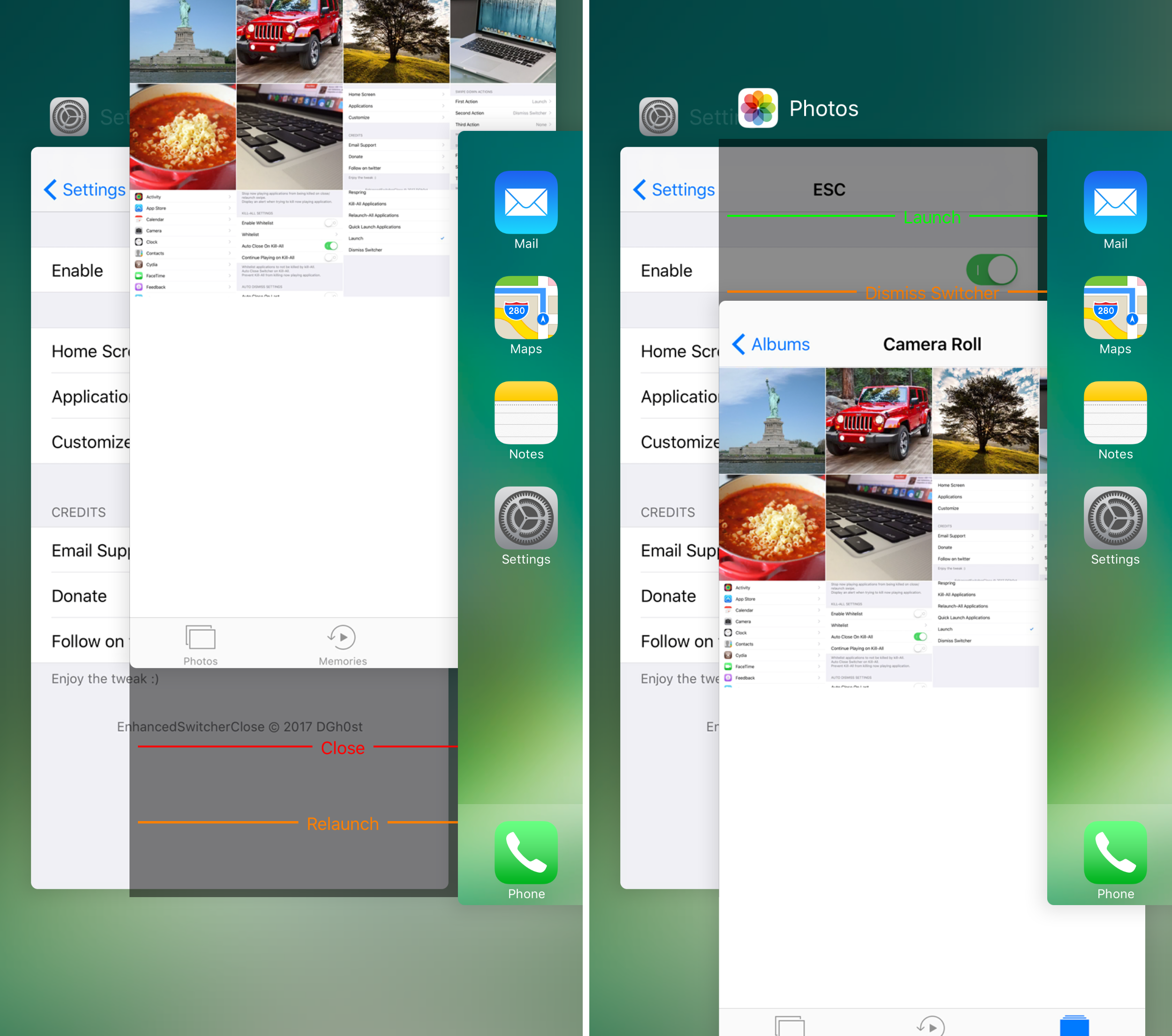
Do more from your App Switcher with EnhancedSwitcherClose

The stock App Switcher looks alright, but it's not as useful as it could be. Apple limits what you can do inside the App Switcher to force-quitting apps, but as jailbreak developers have shown for years, there’s so much untapped potential.

A new free jailbreak tweak called EnhancedSwitcherClose by iOS developer DGh0st provides you with a new way to interact with your App Switcher cards and gives you more options depending on the way you swipe them.


PowerCaller allows one contact to bypass your iPhone’s silent mode

You can put your iPhone into silent mode by using the switch on the side when you don’t want the ringtone to make a bunch of noise. On the other hand, we all have someone special in our lives we still want to hear notifications from, regardless of everyone else.

PowerCaller is a new free jailbreak tweak by iOS developer Joe Merlino that lets you override the mute switch and boost the ringtone volume for one specific contact, and it’s perfect for the aforementioned scenario.

The best jailbreak tweaks for the Messages app

The Yalu iOS 10 jailbreak has been around for a few months now, and since developers have had ample time to launch some amazing tweaks for Apple's latest jailbreakable firmware, it would only make sense to follow up with a series of  themed recaps.

In this piece, we’ll discuss (in our opinion) the best jailbreak tweaks for the Messages app since the iOS 10 jailbreak was conceived.

A closer look at iOS 10.3’s streamlined App Store ratings and reviews capabilities

Following yesterday's OS update bonanza, Apple shared some additional details pertaining to iOS 10.3's new ratings and reviews capabilities that are available to developers.

As previously noted, iOS 10.3 is changing how reviews and feedback are handled within apps.

Rather than inundate users with endless prompts seeking feedback, like before, developers now have a new StoreKit API on iOS 10.3 at their disposal.

First and foremost, the StoreKit APIs allow users to provide ratings and reviews without leaving the app they're in. Developers simply choose when they’d like to prompt the user and identify places in their app where it makes sense to ask for feedback, and the system takes care of the rest.

Here’s everything new in iOS 10.3

Following weeks of extensive testing, Apple today released iOS 10.3 for iPhone, iPad and iPod touch with Find My AirPods and other new features. iOS 10.3 is available as a free over-the-air update for all iOS 10 users, and can be downloaded via iTunes, too.

It brings more than a dozen improvements and new features, such as Find My AirPods, Apple File System, a revamped iCloud section in Settings, a kill-switch for in-app review prompts, a name-and-shame list of legacy apps on your device and much more.

Be sure to watch our video overview of everything new in iOS 10.3, then share your thoughts about your favorite features with fellow readers in the comment section.

Apple releases iOS 10.3 with Find My AirPods and other new features

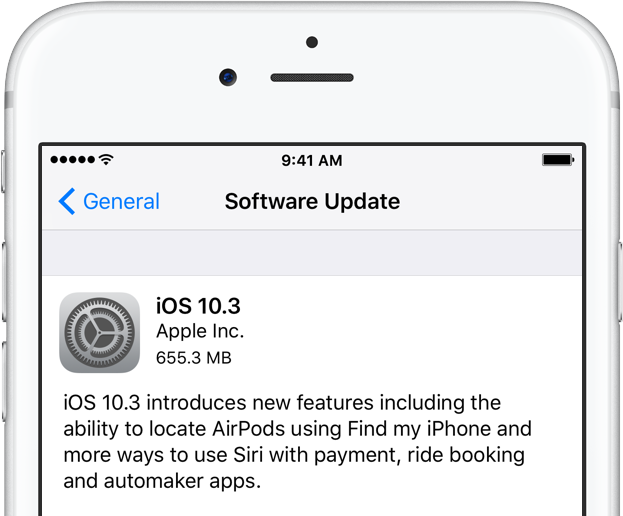
Apple today released for public consumption the third major software update for iPhone, iPad and iPod touch. iOS 10.3 is now available via the Software Update mechanism in Settings and desktop iTunes more than six months since iOS 10 made its debut in September 2016 and more than two months following the current iOS 10.2.1 update.

iOS 10.3 (build 14E277) brings about a number of new features and improvements.